







Machine That Makes Stickers & Sticker Printers

























About Machine That Makes Stickers & Sticker Printers - Walmart.com
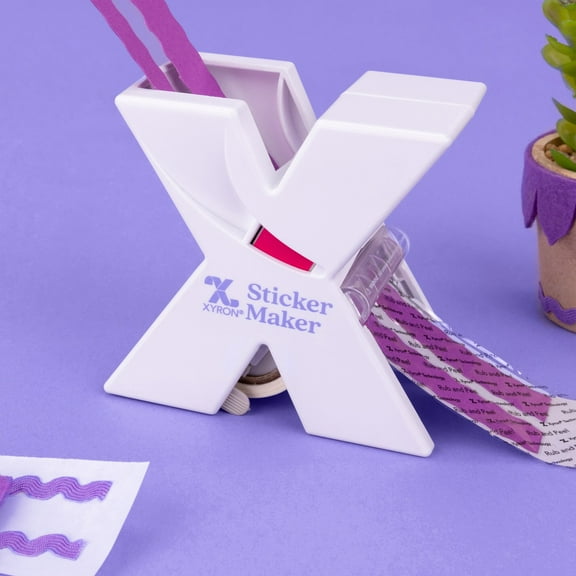
A machine that makes stickers helps you turn drawings, labels, and branded designs into ready-to-use stickers for crafts, school, or packaging. You can compare hand-crank makers, thermal printers, and die-cut machines to match your space, supplies, and project style.
How to choose a machine that makes stickers
You should start with machine type because it changes how you create, print, and finish each sticker. You can choose a manual laminator for simple adhesive projects, a thermal printer for quick labels, or a die-cut machine for shaped designs.
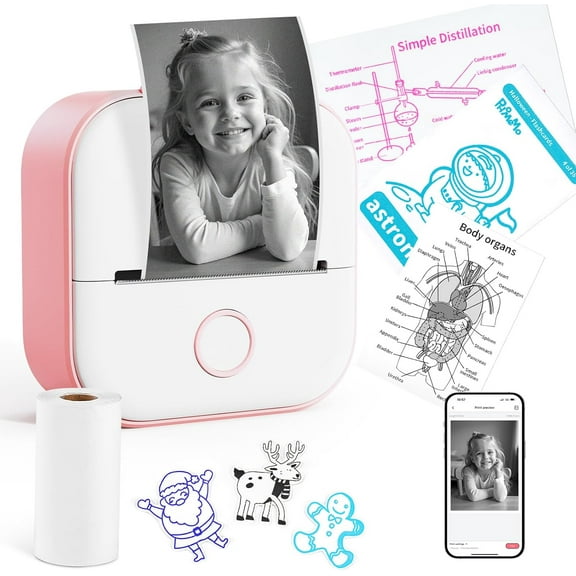
If you want screen-free crafting, you may prefer a hand-crank model that rolls paper through adhesive. If you want app-guided printing, you may prefer an electric option that connects to your phone or computer.
You can narrow your options when you compare the choices that affect everyday use. You should look at machine type, refill access, connectivity, and sticker finish before you decide.
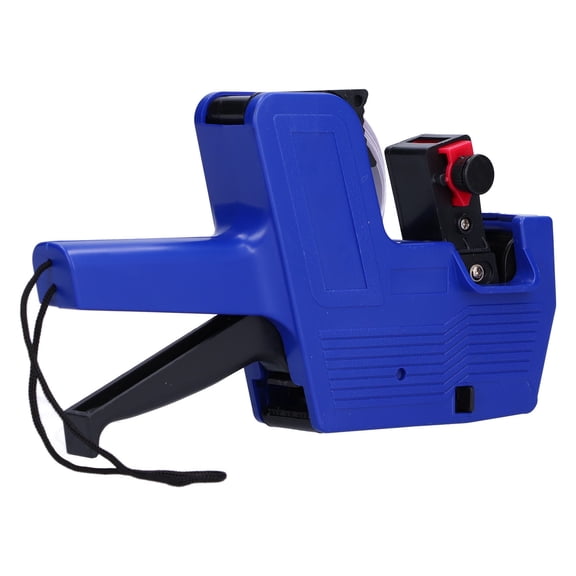
- You can use a manual laminator to add adhesive without ink or complicated setup.
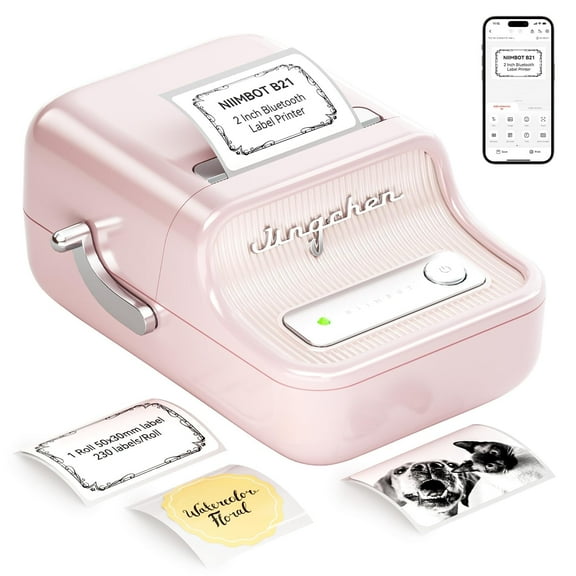
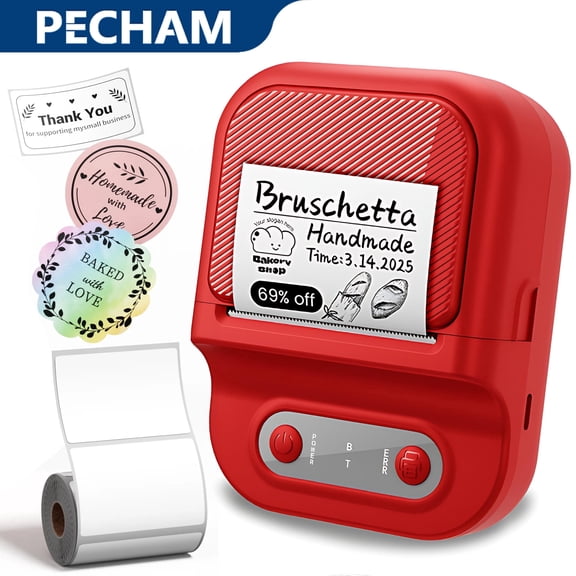
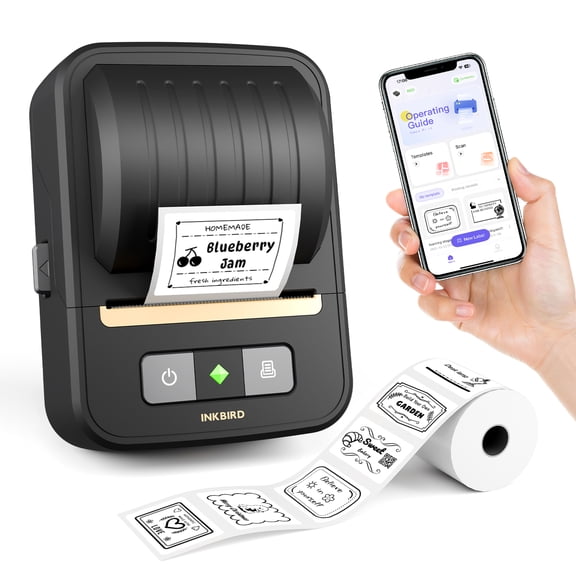
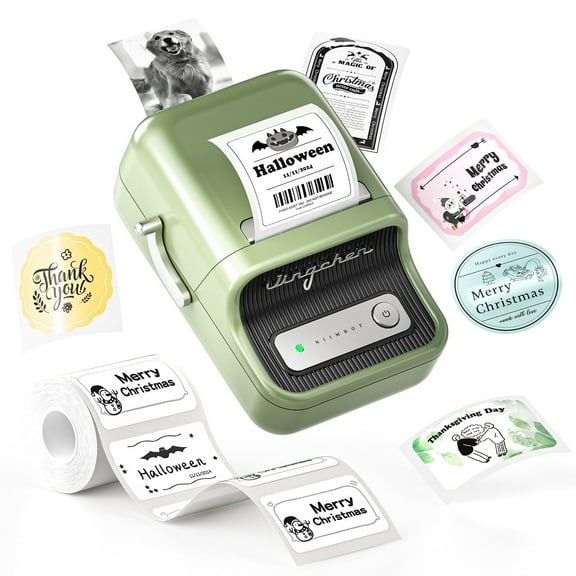
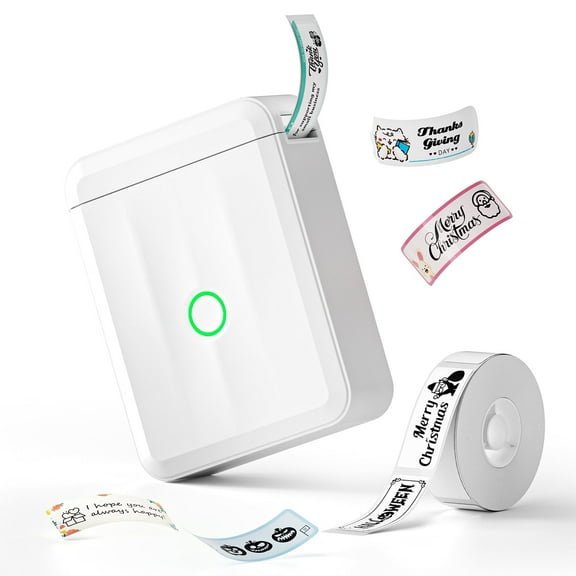
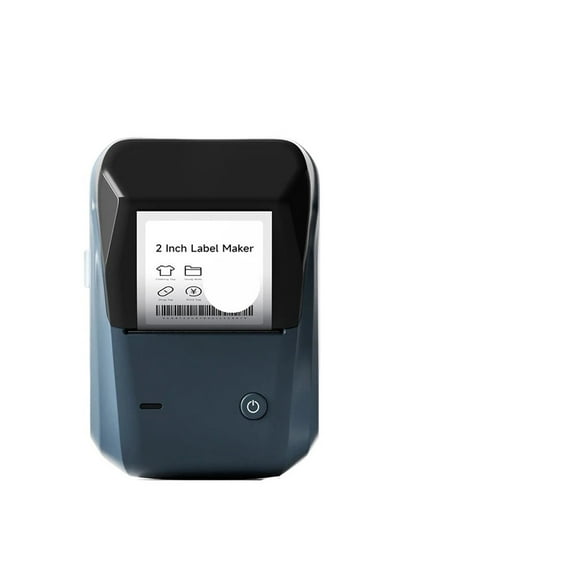
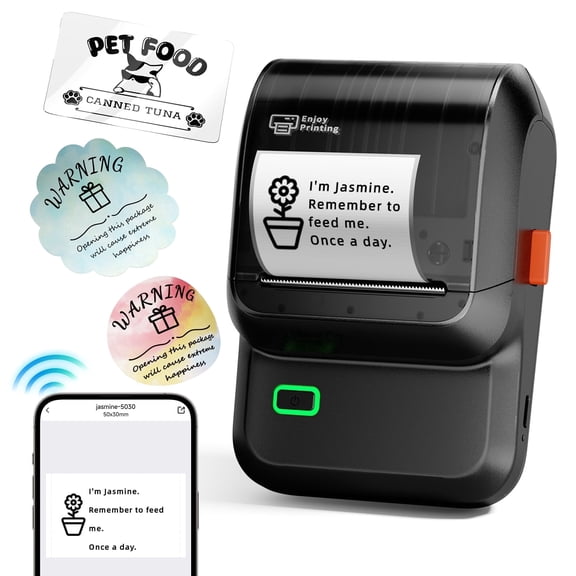
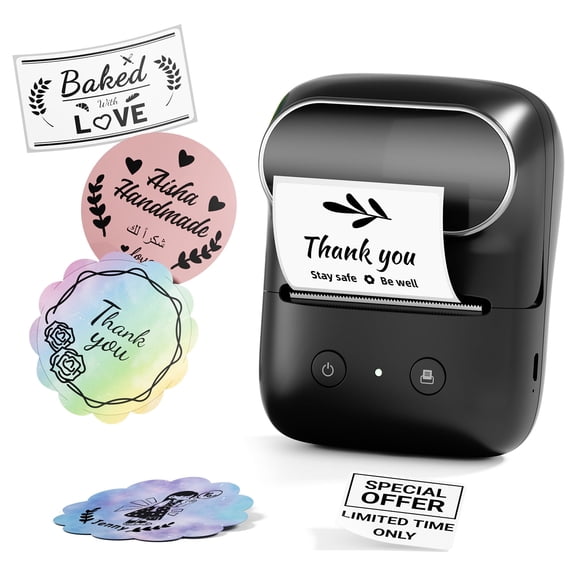
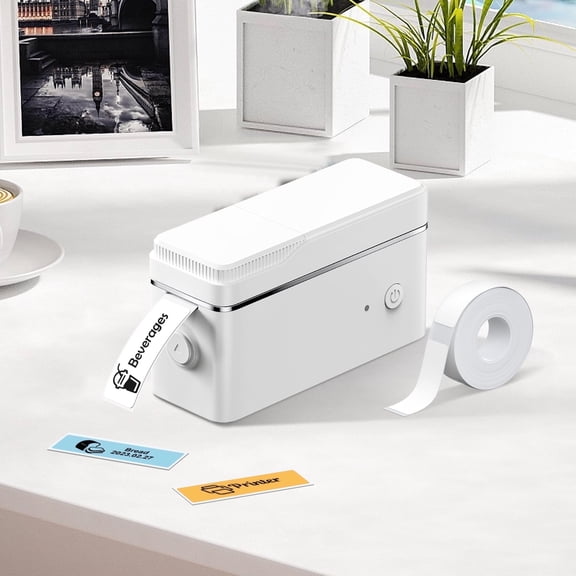
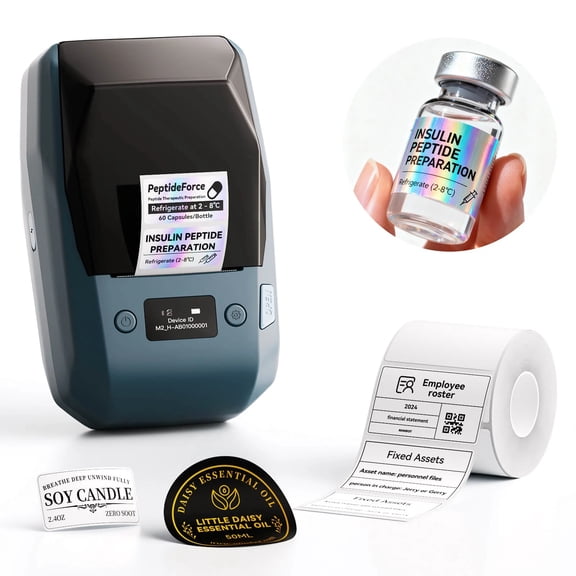
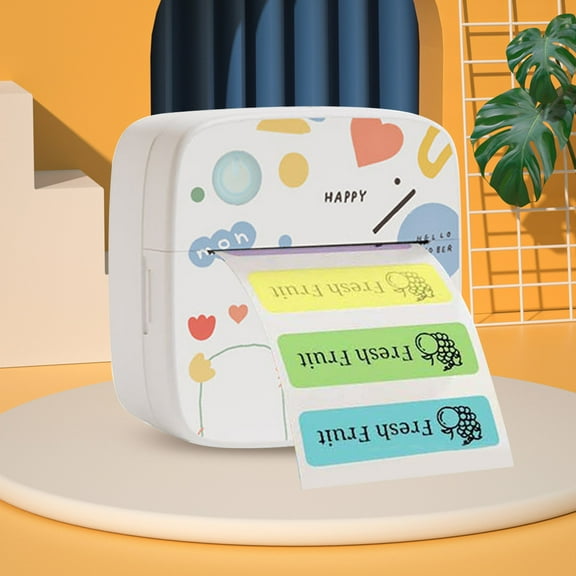
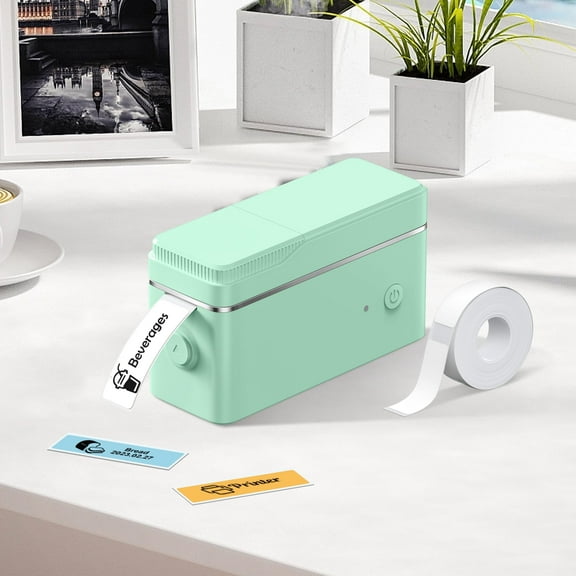
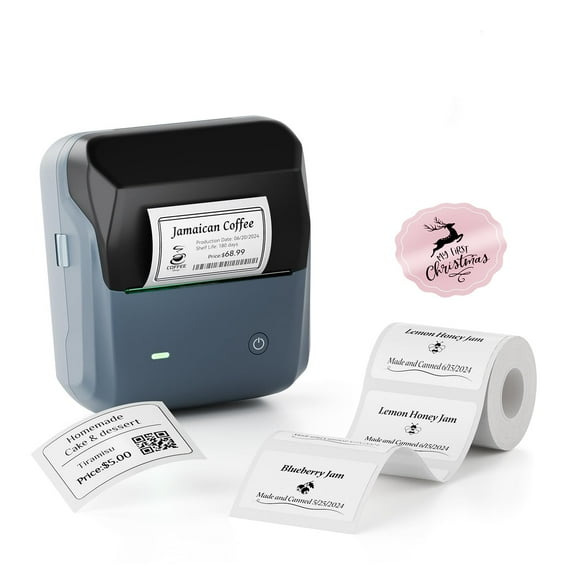
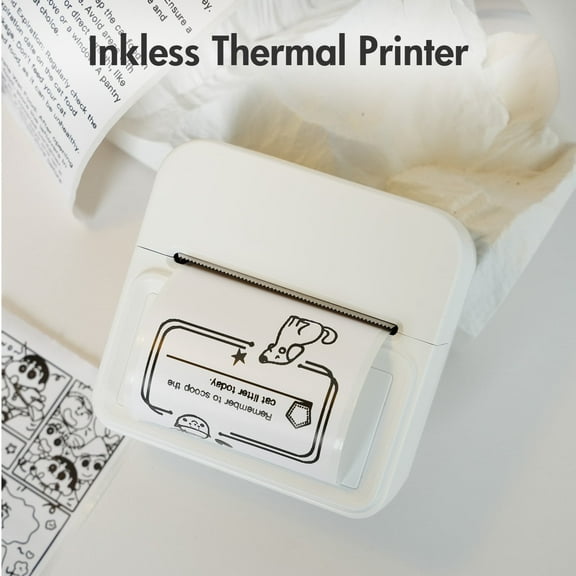
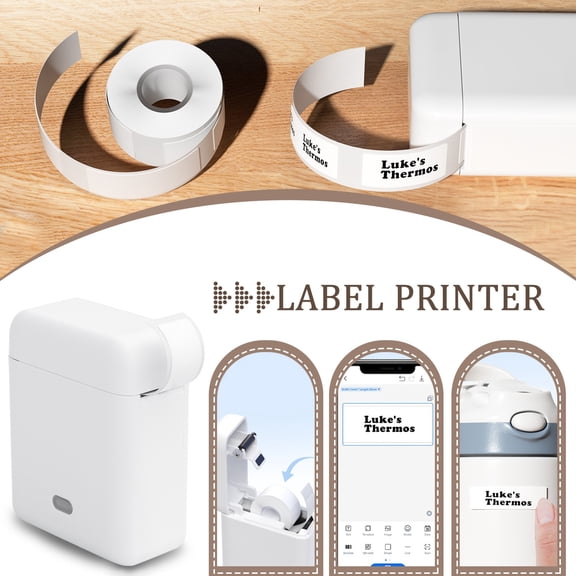
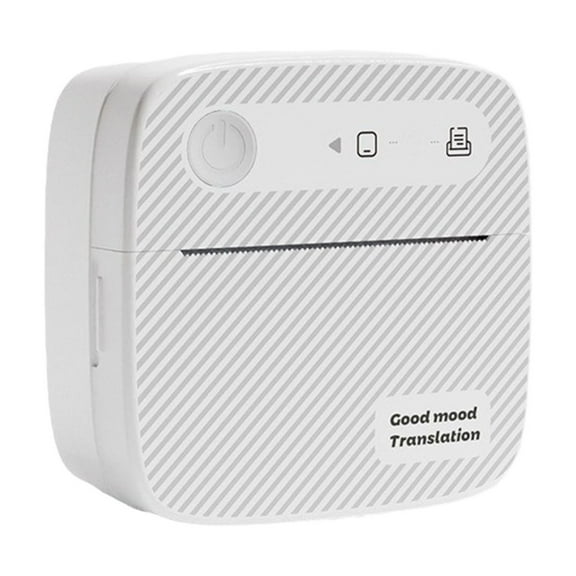
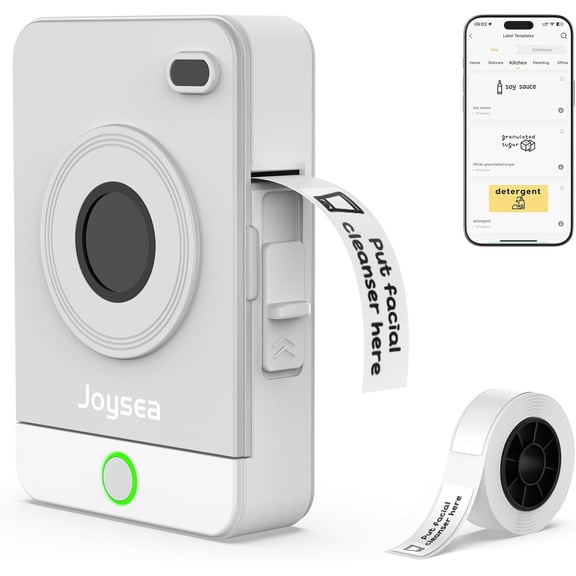
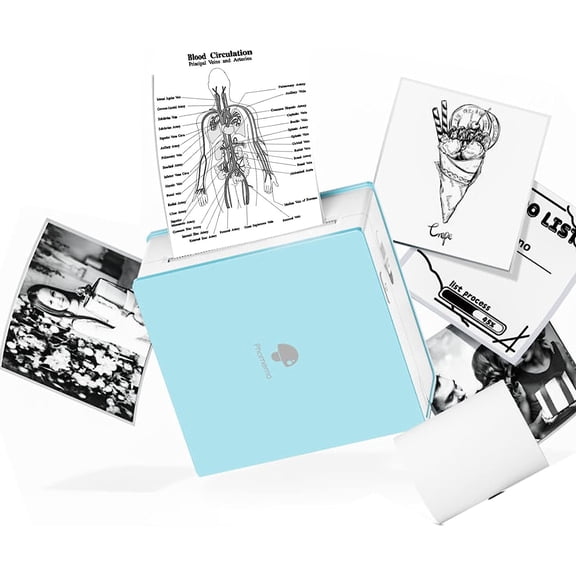
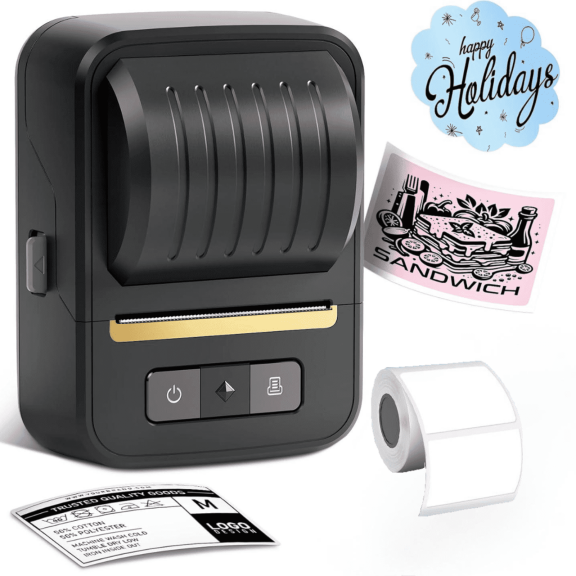
- You can use a thermal printer for name labels, pantry labels, and shipping stickers.
- You can use a die-cut machine when you want custom shapes, layered designs, and printable sticker sheets.
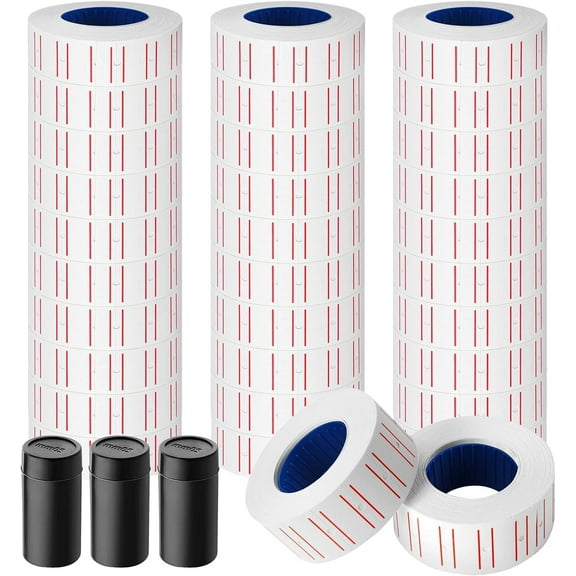
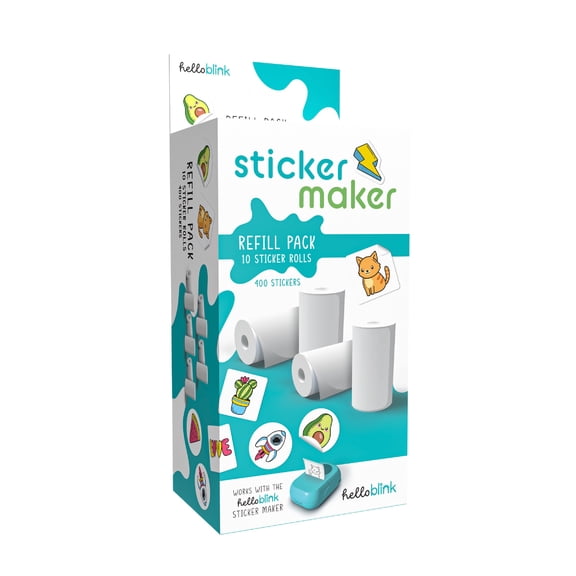
- You can check refill tape, sticker rolls, or compatible paper before you commit to one system.
Choosing machine type and power source
You should compare hand-crank, battery operated, and AC adapter models based on where you plan to work. You can keep a hand-crank machine on a craft table, while a battery model travels easily.
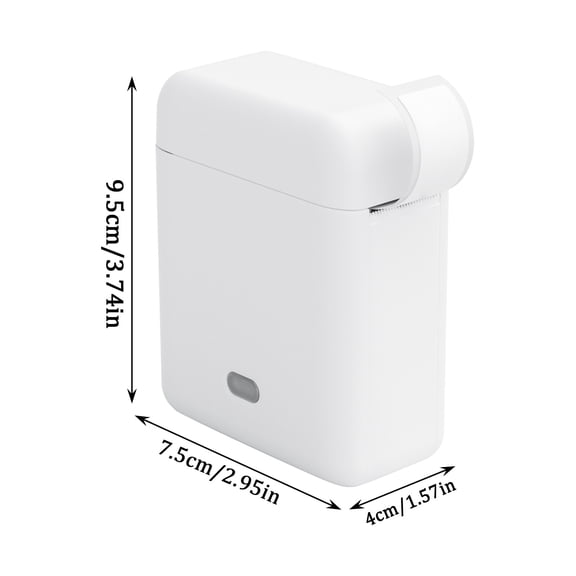
When you want steady output, you may prefer an AC adapter machine that stays ready for longer sessions. When you want portable use, you may prefer a compact unit that fits a tote or desk drawer.
You can create a sticker machine setup at home by matching power style to your routine. If you craft with kids, you may like a manual option, while solo makers may want digital controls.
Checking connectivity for a small business sticker printer
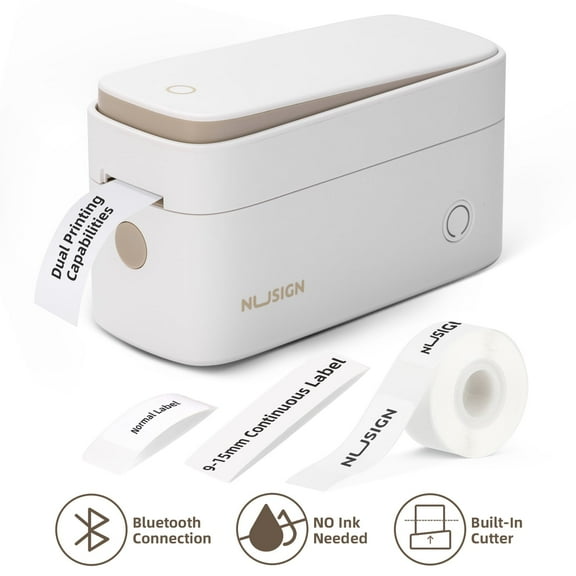
You should compare Bluetooth, USB, wireless, and standalone options before you choose a small business sticker printer. You can keep workflows simple when your phone, tablet, or laptop connects without extra adapters.
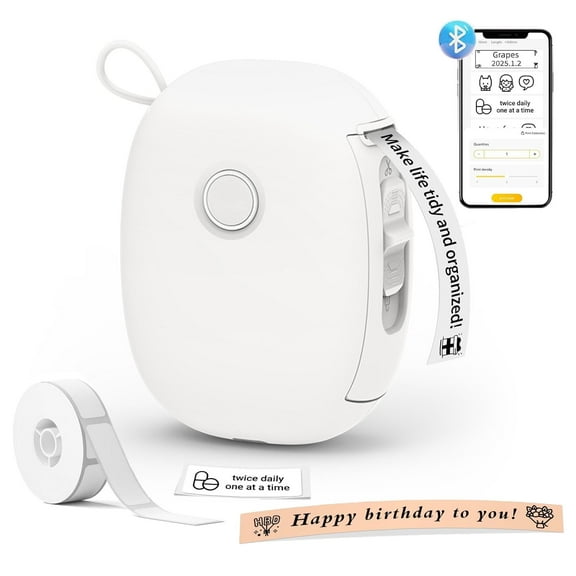
If you use a companion app, you should check iOS and Android compatibility before you buy. If you print from a computer, you should check USB support and whether software works with your operating system.
You can also compare Bluetooth version details when easy pairing matters to your setup. You may want standalone controls if you print basic labels without relying on another device.
For repeat orders, you may prefer a machine to print stickers that stores templates or recent jobs. You can move quickly when barcode labels, logo stickers, or address labels stay easy to reprint.
What to look for in refills and sticker materials
You should check refill tape, sticker rolls, and paper formats before you settle on one machine. You can avoid interruptions when replacement supplies stay easy to find and simple to load.
If you make labels often, you may want common roll sizes that support regular reordering. If you craft occasionally, you may prefer a machine that uses sheets or cartridges with less setup.
You should also compare paper stickers, vinyl styles, and laminated finishes by project type. You can choose paper for indoor crafts, while you may choose more durable materials for bottles, bins, or outdoor use.
When sticker finish matters, you should look for water-resistant or dishwasher-safe labeling options on compatible materials. You can keep names, icons, and pantry labels looking clear through frequent handling.
Using a sticker printer at home for everyday projects
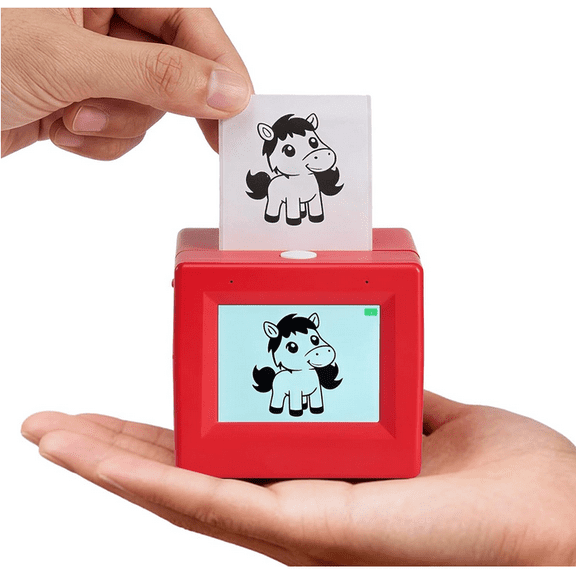
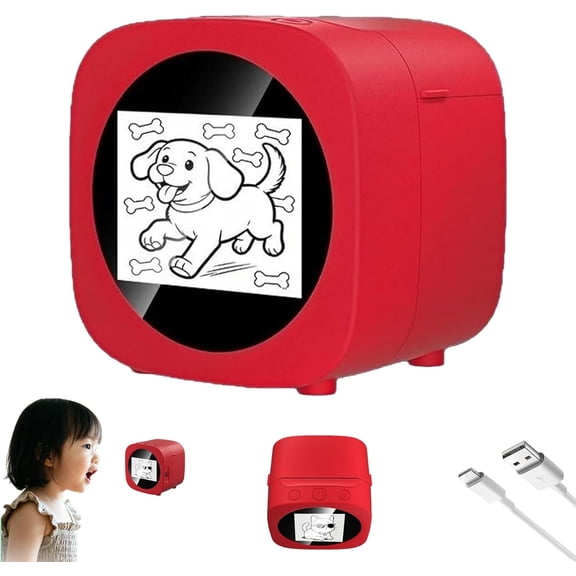
You can use a sticker printer at home for scrapbooking, school projects, chore charts, and gift tags. You may also use one for classroom organization, planner pages, or party favors with names and themes.
If you run a side business, you can print product labels, thank-you stickers, and mailer seals in small batches. You can keep branding consistent when sizes, fonts, and icons stay easy to repeat.
For crafts, you may want a die-cut machine that handles custom shapes and layered artwork. For quick labeling, you may want a thermal printer that creates simple stickers with less prep.
You can also find Spanish-language options when you compare choices often searched as maquina para hacer stickers or maquina de stickers. You still benefit from the same decisions around machine type, power, connectivity, and refill format.
Why these details matter before you choose
You make an informed pick when you match your projects to the right machine style and supply system. You can avoid wasted materials when your device, paper, and workflow fit together from the start.
Whether you label jars, package orders, or finish scrapbook pages, you can achieve clean results with the right sticker-making setup. You can count on clear guidance when you compare machine type, connectivity, power, and refill compatibility first.