


Construction Angle Finders & Measuring Tools | Walmart










About Construction Angle Finders & Measuring Tools | Walmart - Walmart.com
You can use a construction angle finder to lay out trim, check framing cuts, and transfer exact angles with less guesswork. You’ll also find options for digital readouts, manual scales, and adjustable arms that fit both jobsite work and home projects.
When you compare this category, you should focus on how you measure, where you work, and what materials you cut. You’ll get more useful results when your tool matches your workflow, whether you’re building stairs, fitting crown molding, or setting saw angles.
How to choose a construction angle finder
You should start with the job you handle most often. Your work in framing, finish carpentry, or cabinet building can point you toward the right length, format, and readout style.
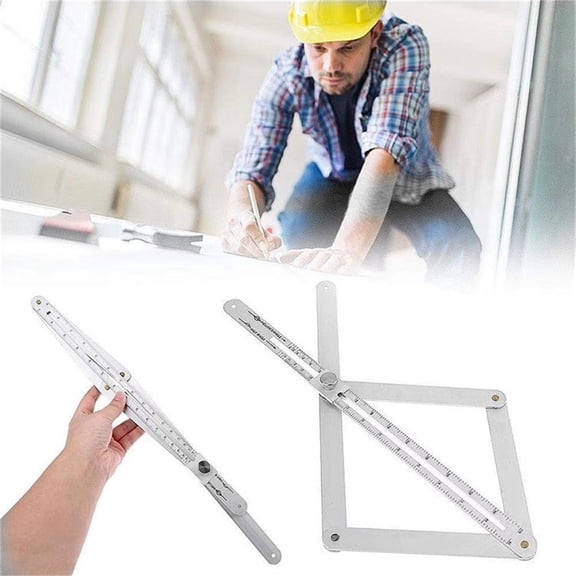
For repeated measurements, you may prefer an adjustable angle finder that opens smoothly and locks in place. Your setup stays easier to transfer from corners, boards, and saw tables when the arm holds its position.
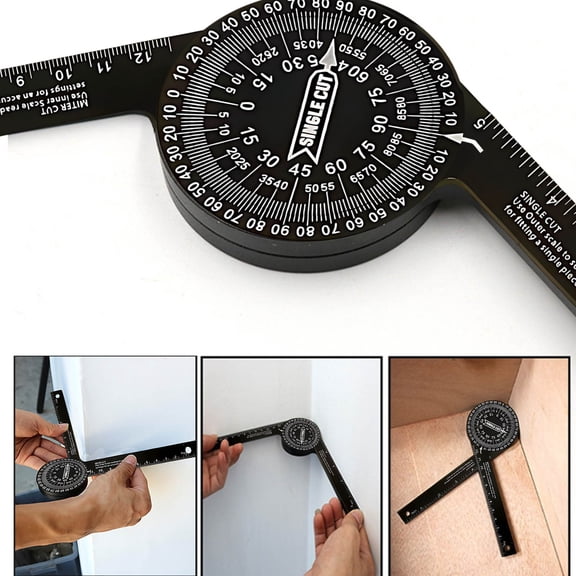
If you move between rough lumber and finished trim, you should compare ruler, protractor, gauge, and meter formats. Your choice affects how easily you can mark a cut line, read a corner, or store the tool in a pouch.
Key benefits for your projects
You can reduce measuring errors when you match the tool to your application and readout preference. Your cuts, joints, and layout lines tend to stay more consistent when you transfer the same angle directly.
In woodworking, you may want cleaner miters for frames, shelves, and molding. In construction, you may need faster checks for rafters, stairs, and wall intersections before you make a cut.
- You can transfer inside and outside angles without sketching complicated layouts.
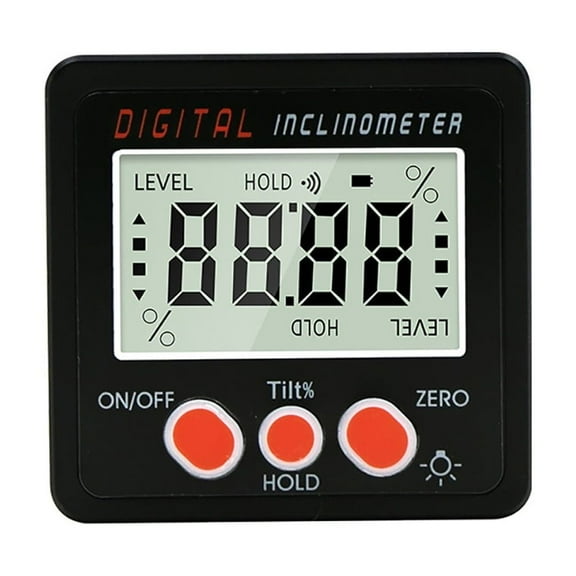
- Your digital readout can speed up repeat measurements on saw setups and trim installs.
- Your manual scale can give you quick checks without depending on batteries.
- You can choose longer bodies for wider stock or compact tools for tighter spaces.
You’ll also notice that an angle finder helps when corners aren’t perfectly square. Your measurements can stay more accurate in older rooms, remodels, and custom builds where walls shift slightly.
For mixed-use workshops, you may want one tool that handles trim, flooring, and basic framing checks. Your setup becomes easier when the same tool supports layout work and machine adjustments.
Comparing technology type and adjustability
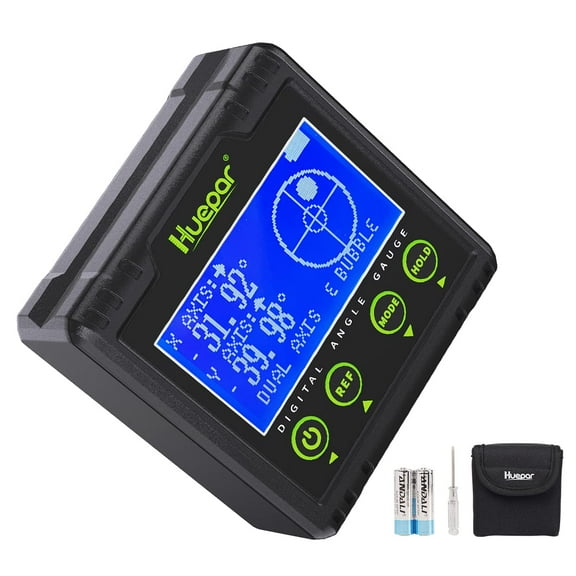
You should compare digital, analog, and manual options based on how you read measurements. Your preference often depends on whether you want an LCD display or a traditional marked scale.
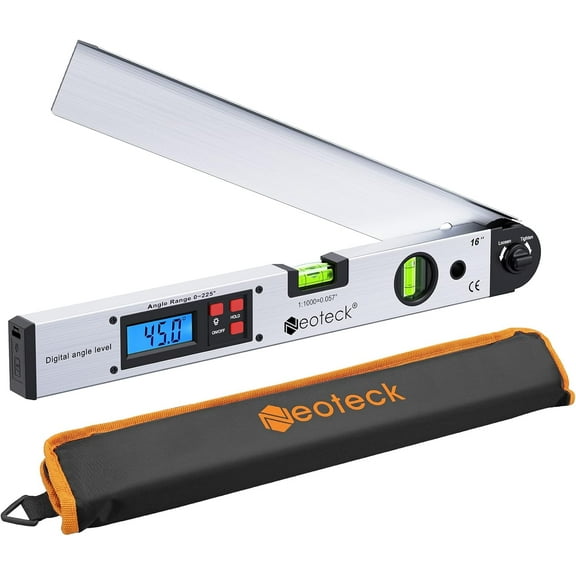
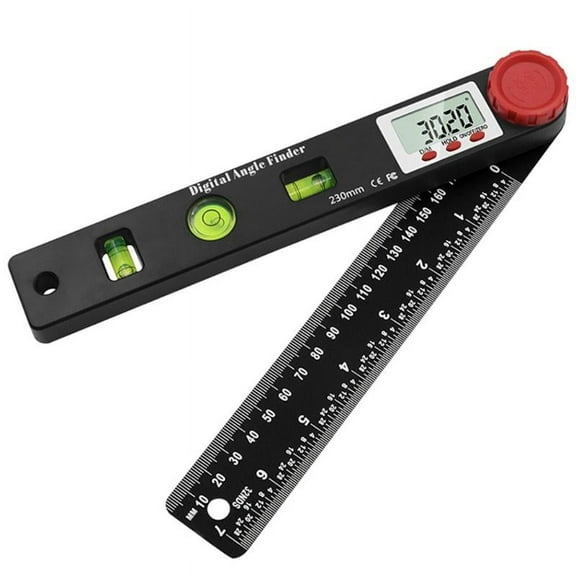
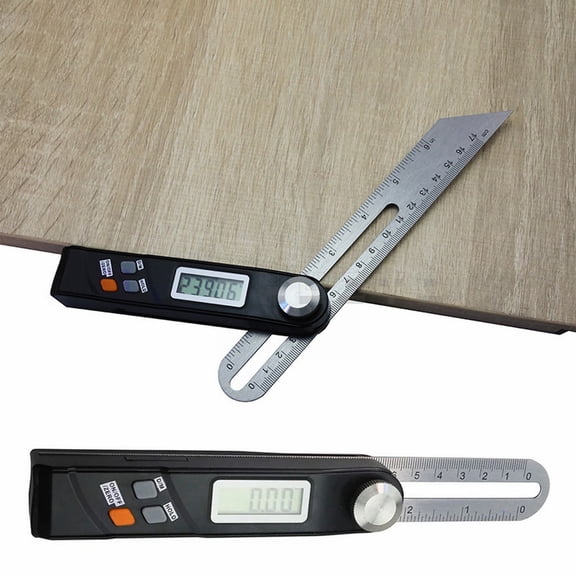
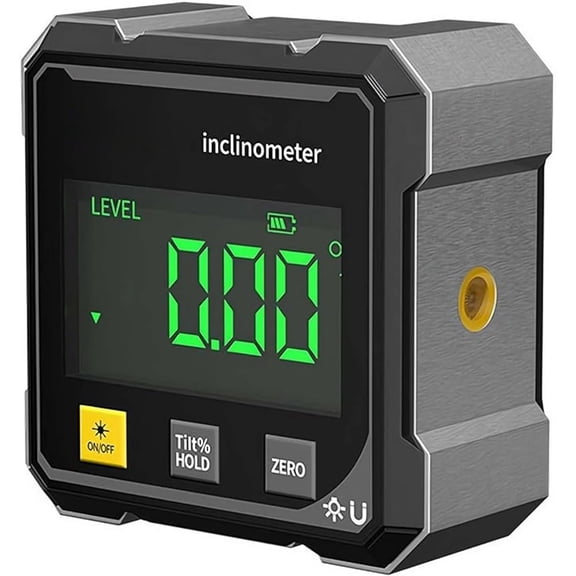
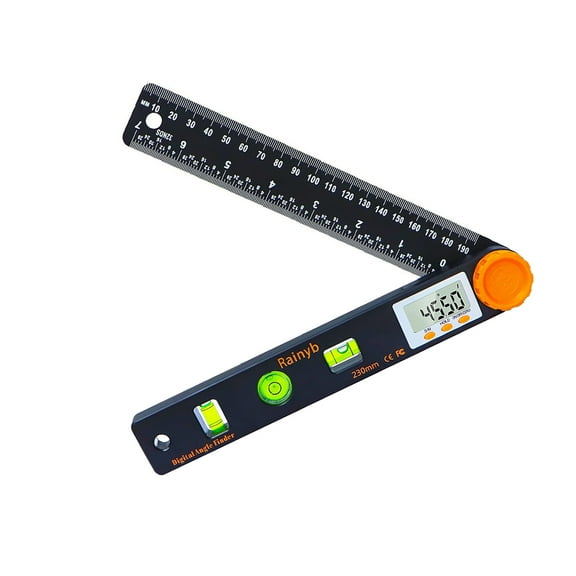
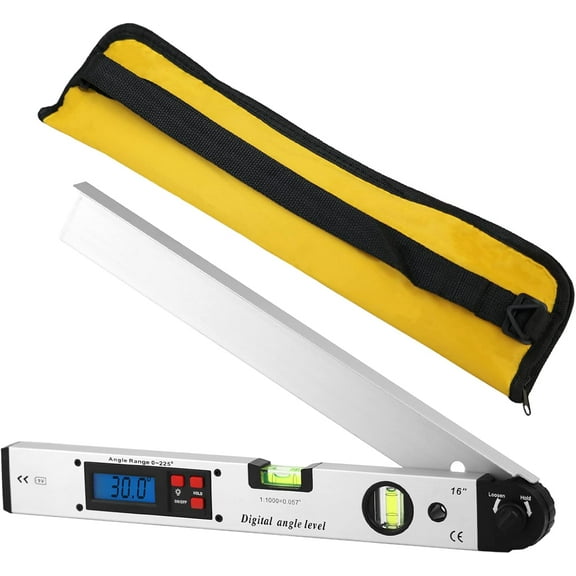
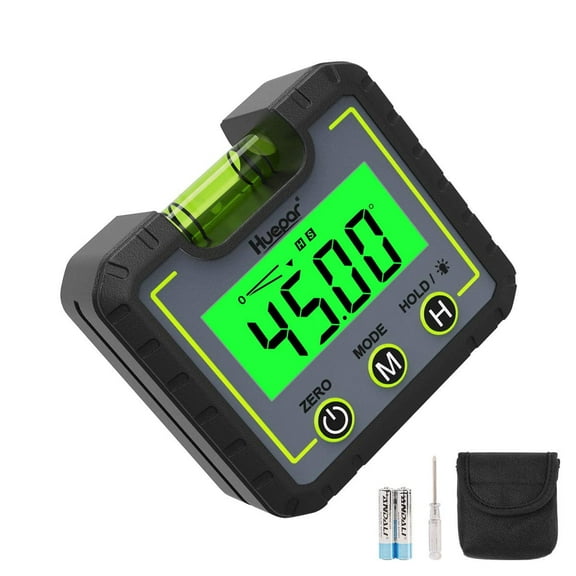
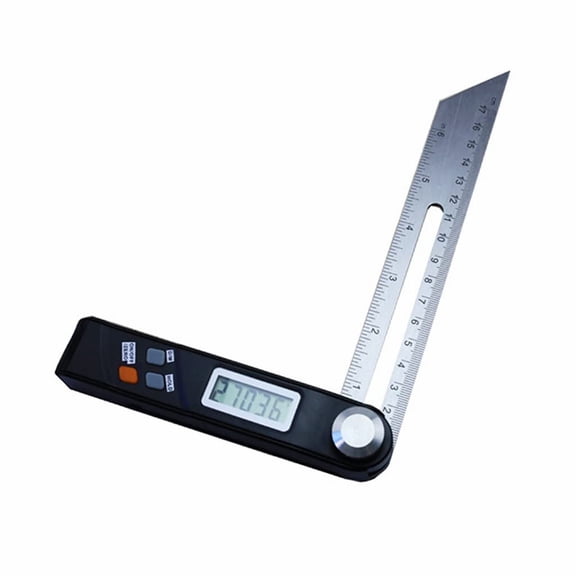
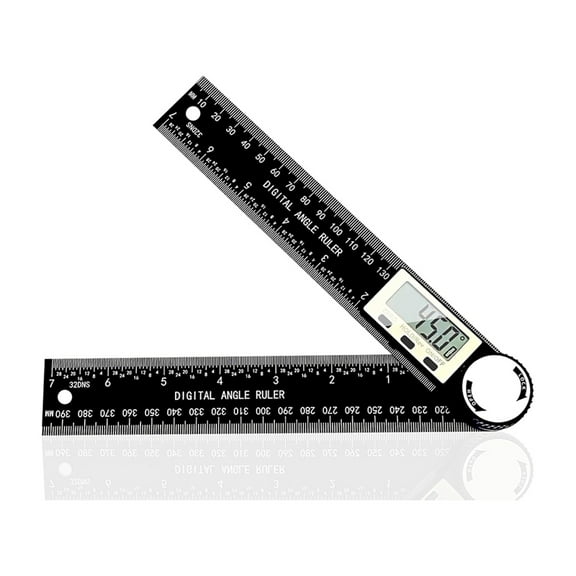
With a digital angle indicator style, you can read numbers quickly in changing light. Your workflow may feel faster when the display shows the exact angle without estimating between scale marks.
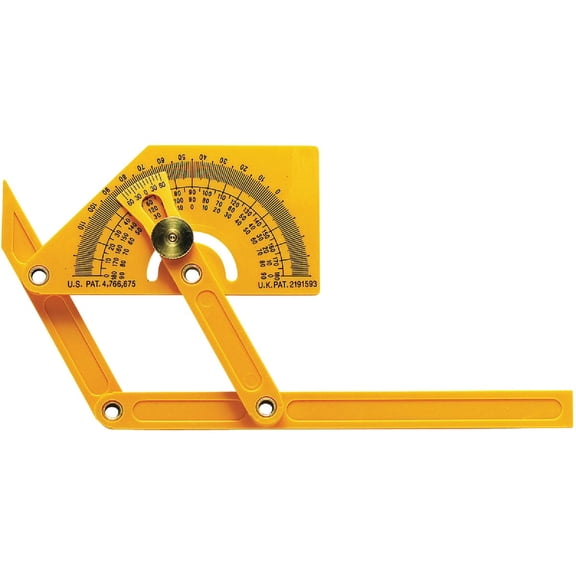
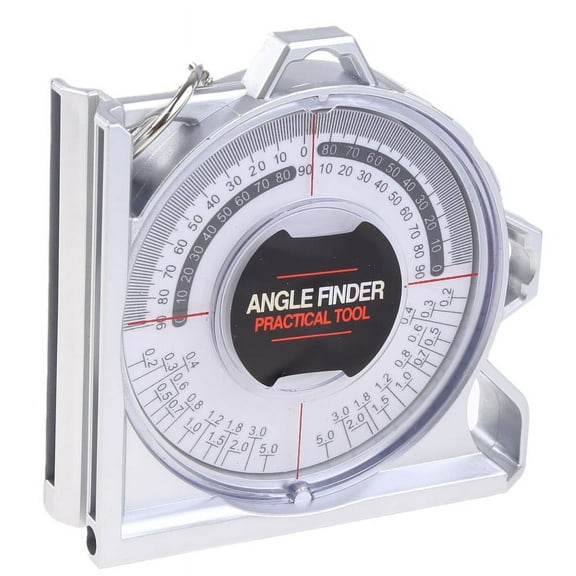
If you choose a manual or analog format, you can work without batteries and keep the tool ready anytime. Your simple measuring routine may suit shop drawers, tool belts, and quick setup tasks.
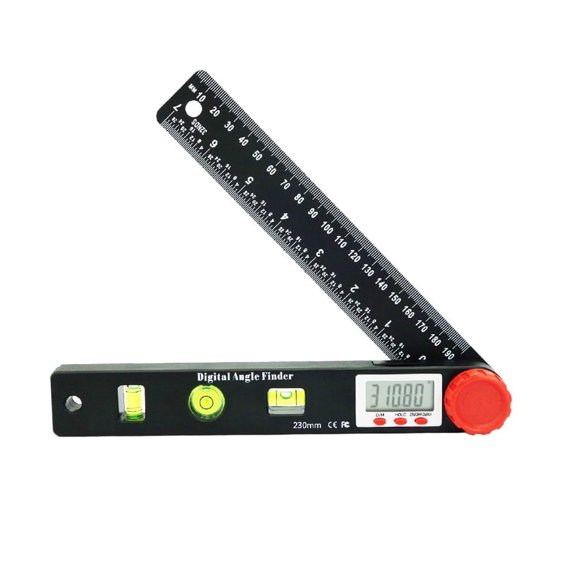
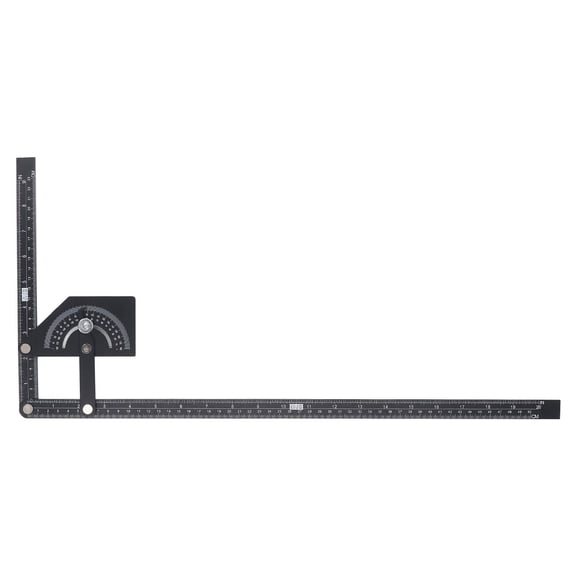
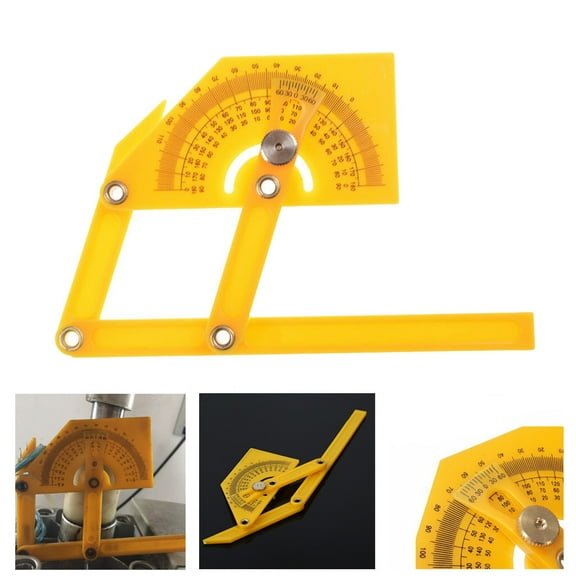
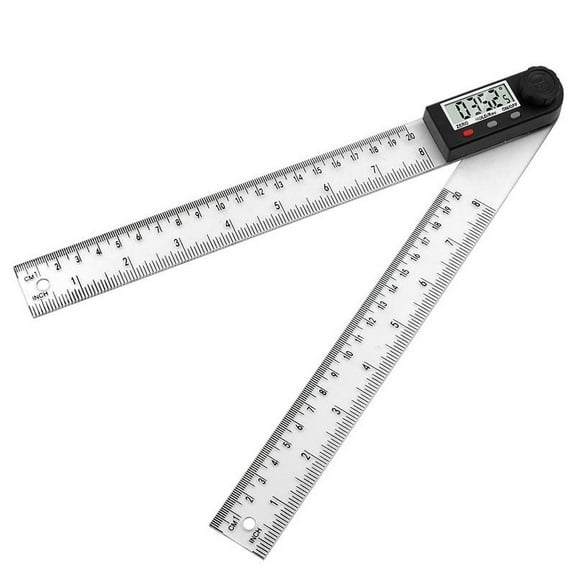
You should also check adjustability before choosing a model for repeated transfer work. Your adjustable angle finder can help when you need to capture a corner, lock the setting, and move it directly to a saw.
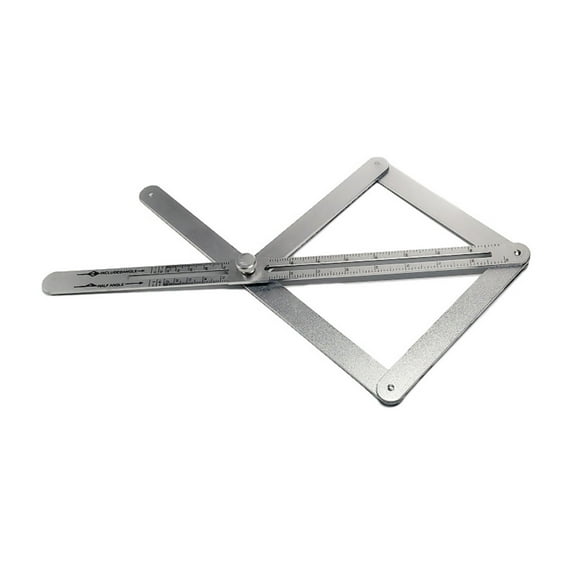
Sliding arms can help you fit around trim, narrow openings, and cabinet edges. Fixed formats can suit tasks where your angle reference stays consistent and your tool use is more specialized.
For decision-critical details, you should compare LCD readability, battery life, and lock strength. Your daily use can feel smoother when the display stays clear and the pivot holds steady.
Choosing by application and form factor
You should pick your application first because woodworking and construction tasks demand different handling. Your woodworking angle finder often needs fine control for trim, casework, and furniture parts.
For general construction, you may want a body that feels sturdy during transport and site changes. Your tool material and length matter more when you measure larger framing members or rough openings.
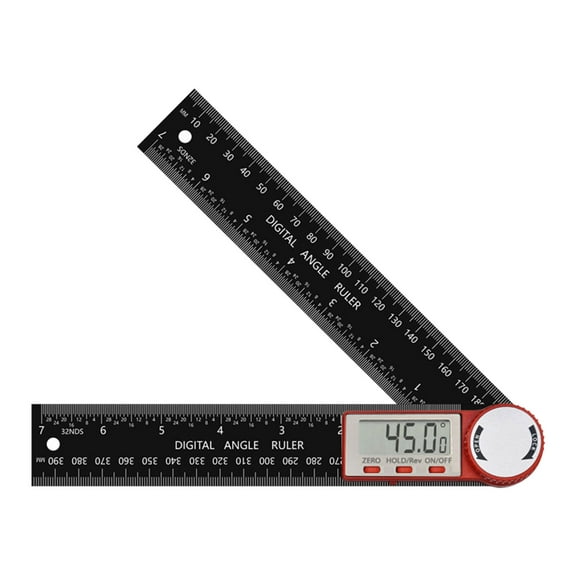
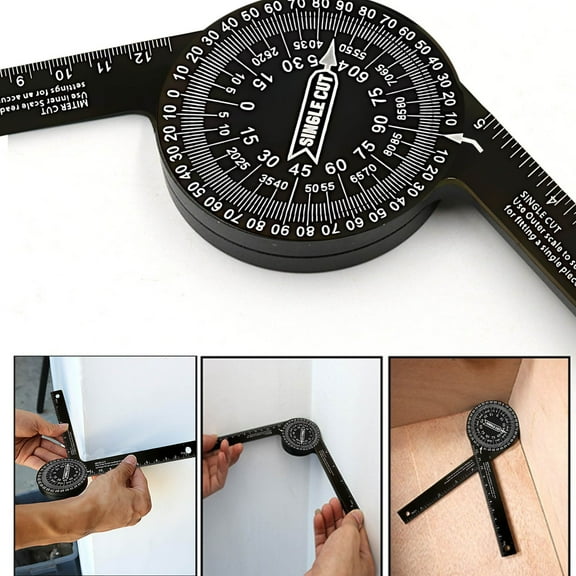
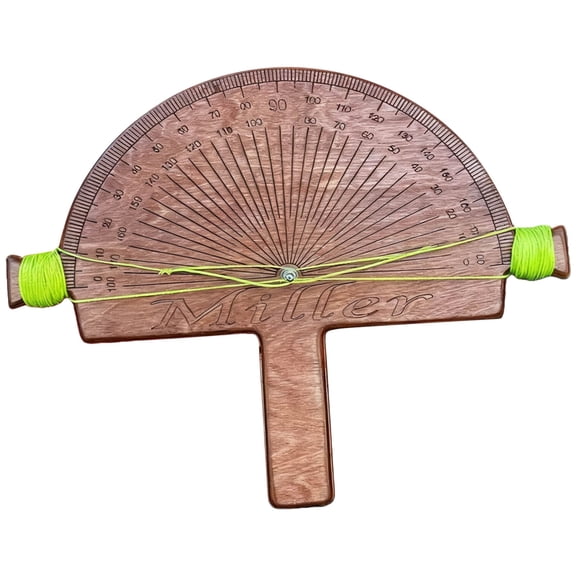
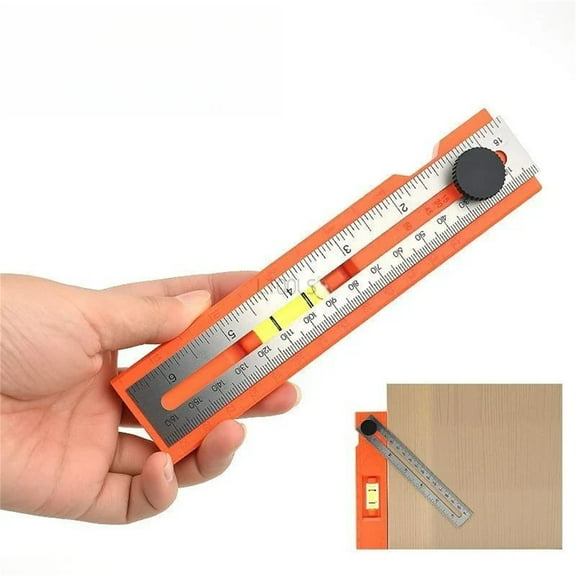
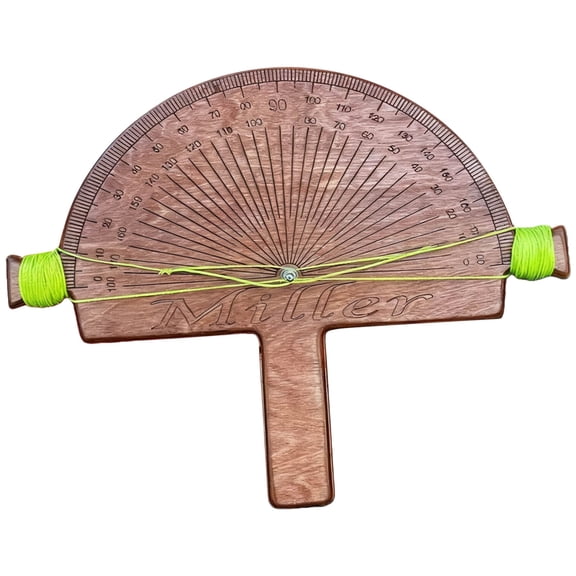
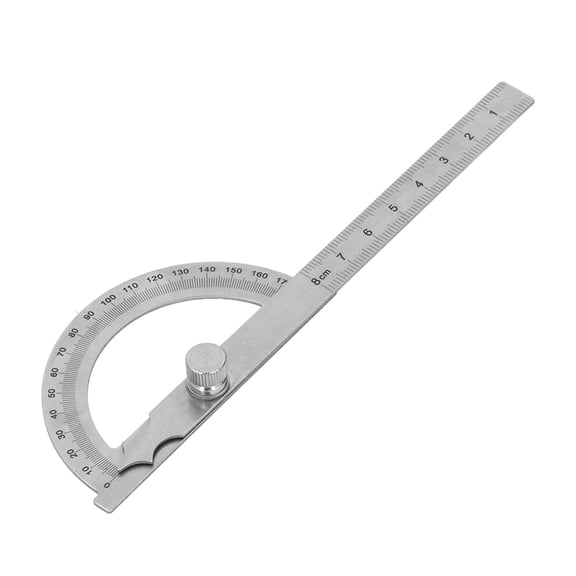
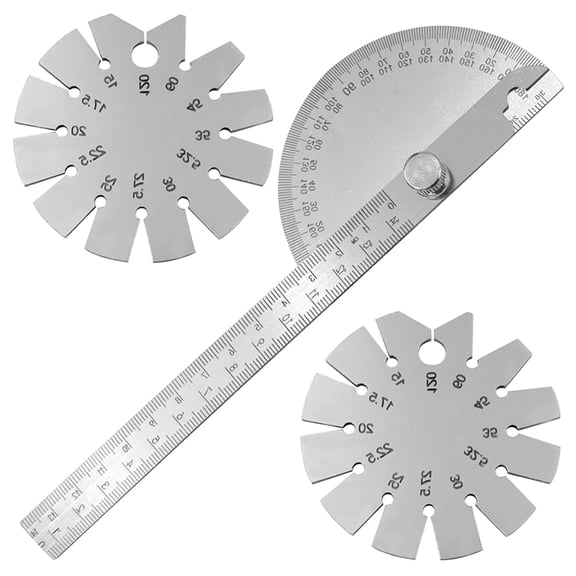
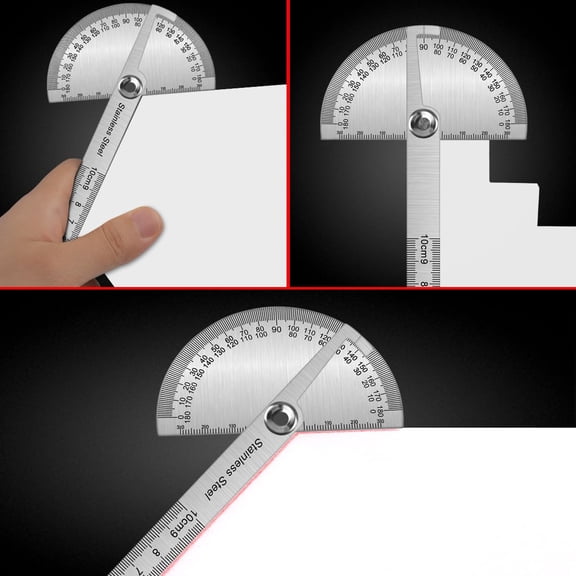
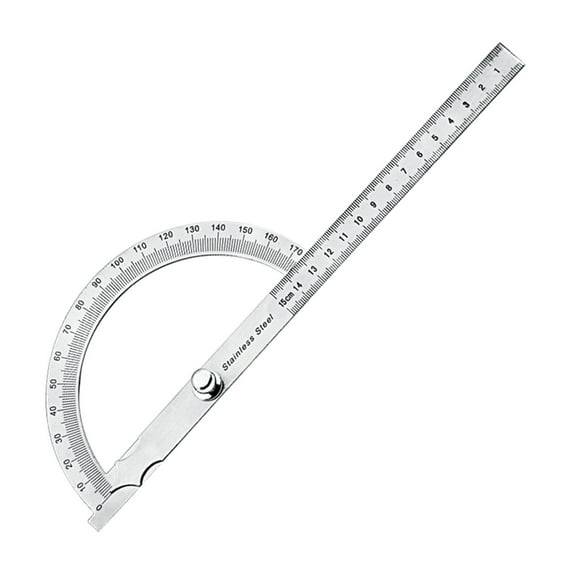
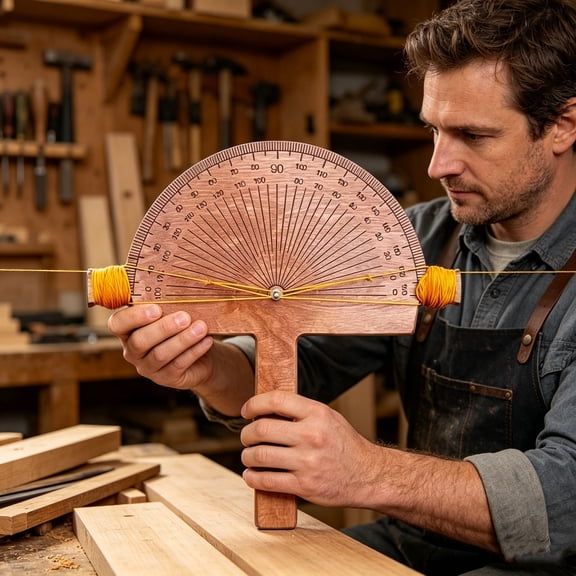
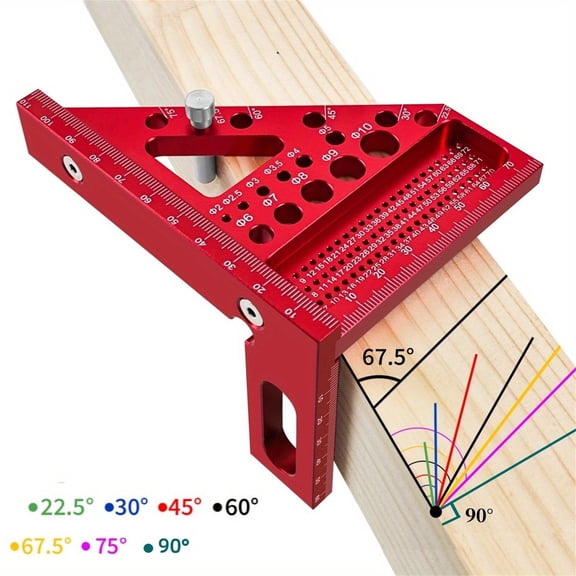
Ruler-style tools can help you mark stock while measuring the angle in one motion. Protractor-style tools can help you read corner geometry more directly when layout accuracy matters.
Gauge and meter formats can support quick checks during setup and installation. Your choice depends on whether you prioritize transfer, display clarity, or compact storage.
You should also measure your common workpieces before choosing tool length. Your shorter tool can fit tight cabinets, while your longer tool can span wider boards and larger corners.
Use cases for woodworking and construction
You can use these tools when you install baseboards, cut crown molding, or fit casing around uneven door frames. Your angle transfer becomes simpler when the corner measurement goes straight from the wall to the saw.
In deck or stair projects, you may need to check repeated angles across several boards. Your layout stays more uniform when you confirm each cut with the same reference tool.
For cabinet and furniture work, you can use a woodworking angle finder to verify joinery setups and machine angles. Your smaller adjustments matter more when you want tight seams and neat edge alignment.
On broader jobsite tasks, you may use a construction angle finder for rafters, framing transitions, and remodel corners. Your readings help when existing walls, ceilings, or floors don’t follow exact right angles.
If you’re comparing pickup and delivery convenience instead of searching angle finder near me, you can still focus on availability and tool type. Your planning gets easier when you know whether you need digital, manual, compact, or long-body options.
You should feel more confident when you match readout style, application, adjustability, and form factor to your actual work. Your final choice can help you mark cleaner cuts, set angles faster, and keep projects moving with less rework.