


Cricut


































About Cricut - Walmart.com
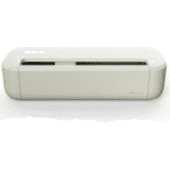
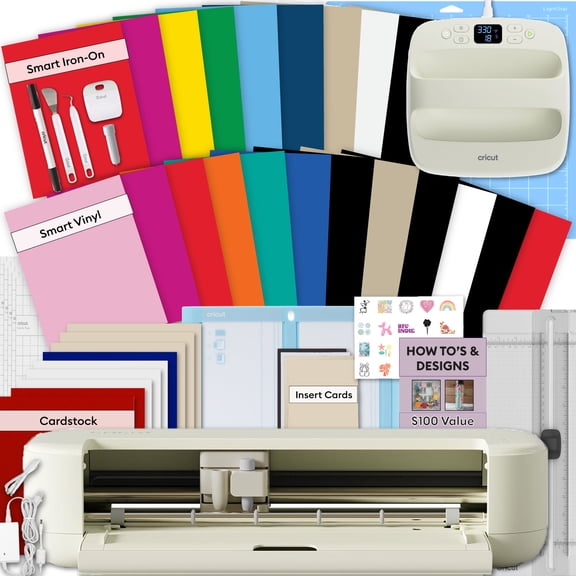
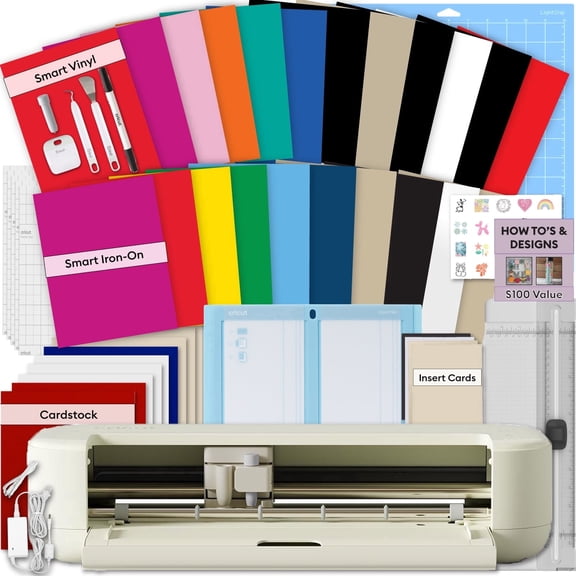
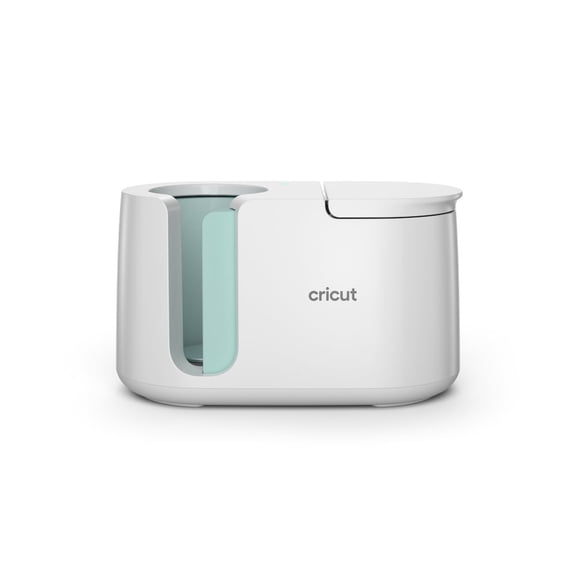
A cricut cutting machine helps you turn paper, vinyl, iron-on, and cardstock into polished DIY projects with clean, repeatable cuts at home.
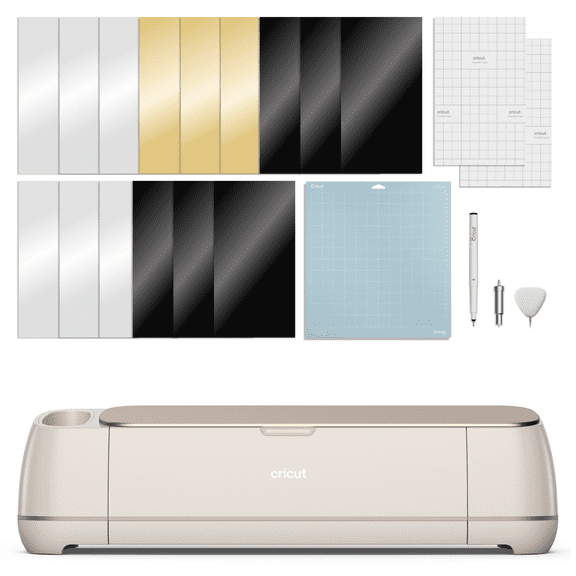
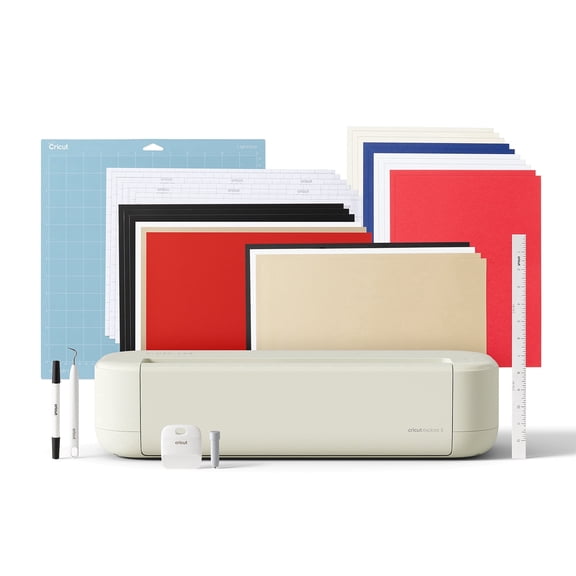
This page brings together machines, mats, blades, pens, and materials in one place. That makes it easier to match your tool to your next craft plan.
Why choose a cricut cutting machine
You can move from idea to finished project with less hand trimming and more consistent results. Detailed lettering, layered decals, and custom labels come out crisp.
For gift making, party prep, and home organization, that consistency matters. It helps your projects look neat across multiple pieces and repeated designs.
- Creates precise cuts for vinyl decals, paper flowers, labels, and iron-on designs.
- Works across beginner crafts and advanced projects with interchangeable tools and accessories.
- Supports batch projects like wedding favors, classroom sets, and coordinated holiday decor.
- Pairs with pens and scoring tools for cards, invitations, and layered paper projects.
Youu'll also find options that fit different workspaces and project sizes. Compact models suit quick labels, while larger machines handle wider materials and more intricate layouts.
Explore cricut maker and other cricut machines
Choosing between Cricut machines starts with project type, material range, and cutting width. Those details shape how smoothly your machine fits into your routine.
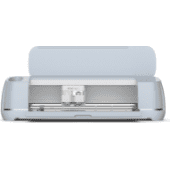
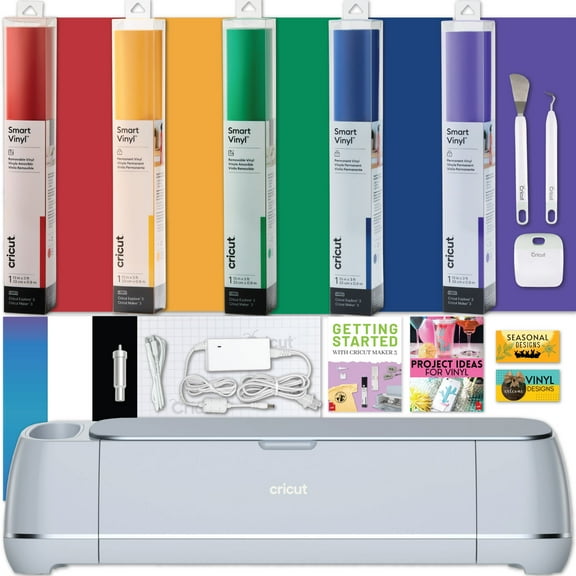
Cricut Maker models are designed for crafters who want expanded material compatibility and tool options. Theyu're a strong fit for fabric pieces, thicker materials, and layered projects.
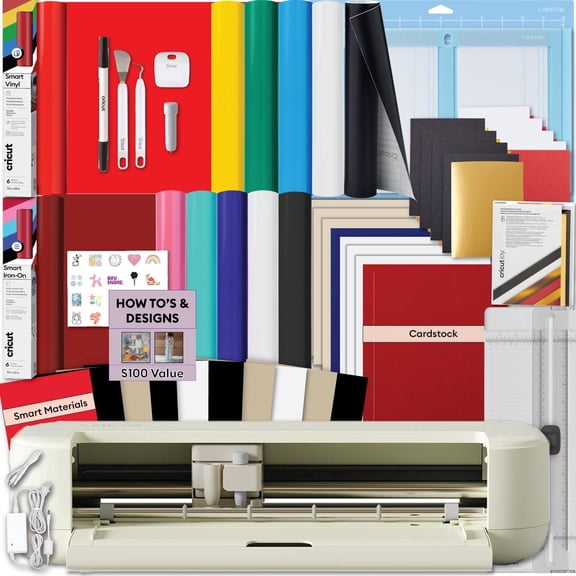
Explore series machines work well for everyday crafting tasks. Think adhesive vinyl decals, iron-on shirt graphics, greeting cards, and classroom labels.
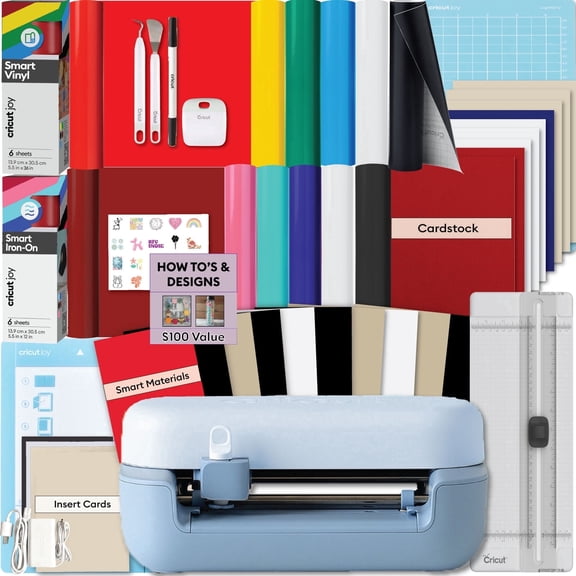
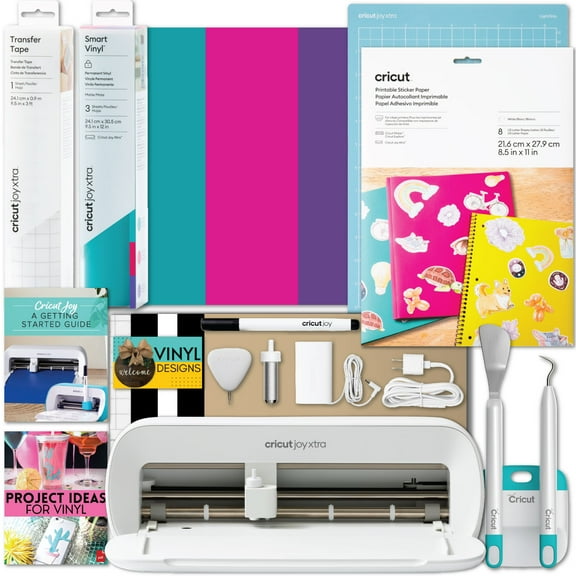
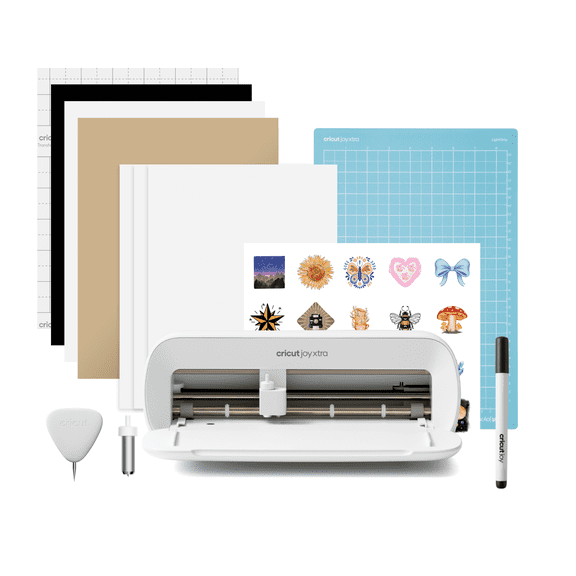
Joy models fit smaller spaces and quick projects. Theyu're useful for pantry labels, gift tags, and simple decals when you want a lighter setup.
Many shoppers also look for a cricut printer, but Cricut systems are cutting machines first. They often pair with printed designs for print-then-cut style projects.
If youu've searched cricket cut, youu're in the right place for the Cricut brand. This collection focuses on the machines, tools, and materials used for personalized crafting.
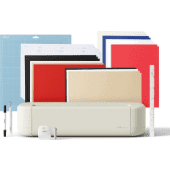
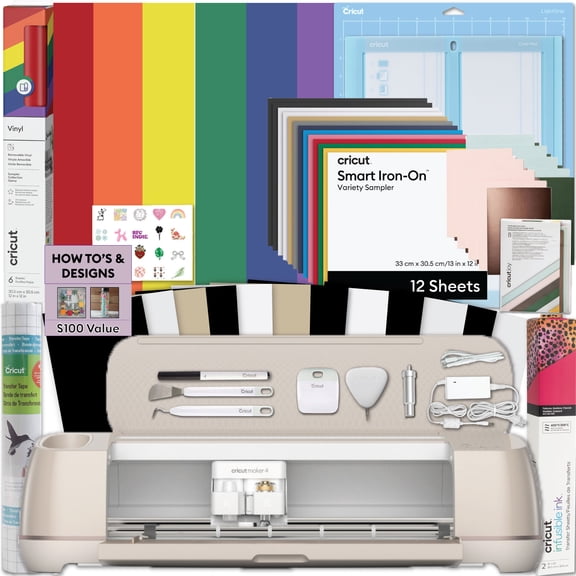
Essential cricut supplies for every project
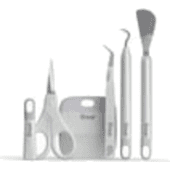
The right cricut supplies can change how your finished project looks and how smoothly it comes together. Materials and accessories matter just as much as the machine.
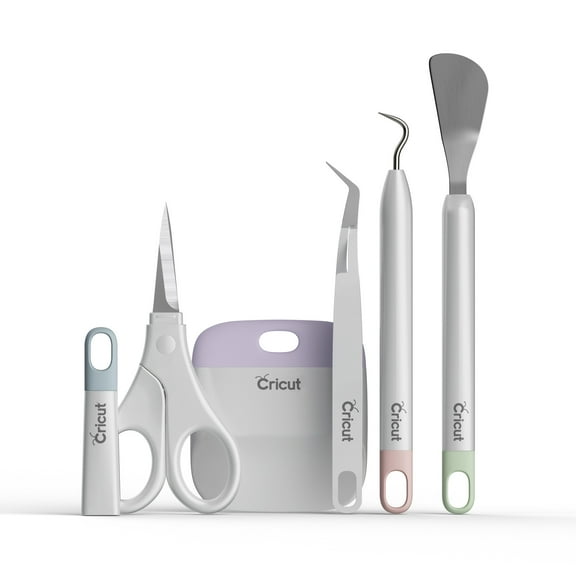
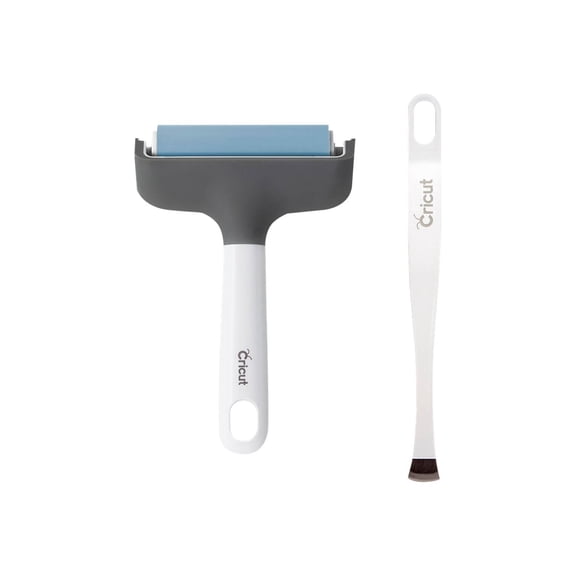
Start with the basics. Mats hold material in place, blades affect cut detail, and transfer tape helps move vinyl designs onto surfaces cleanly.
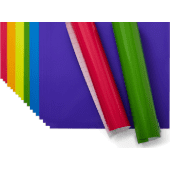
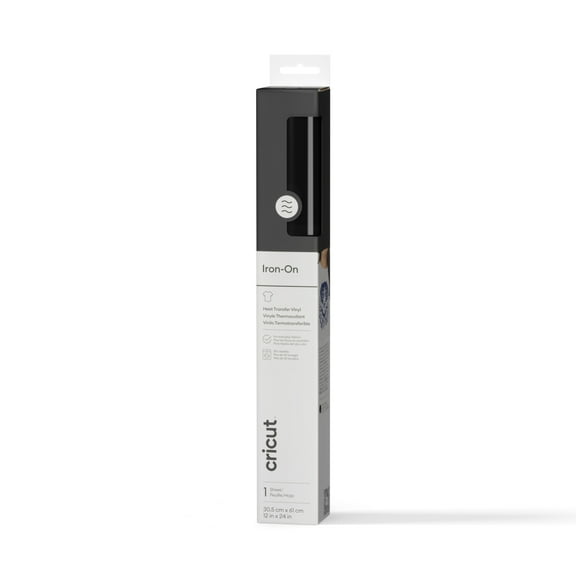
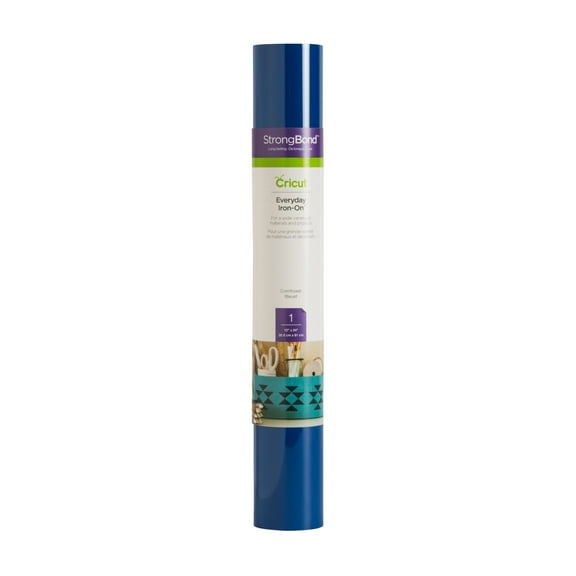
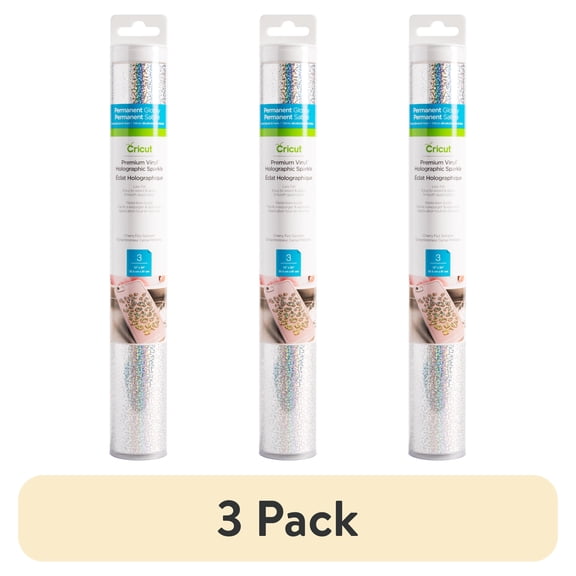
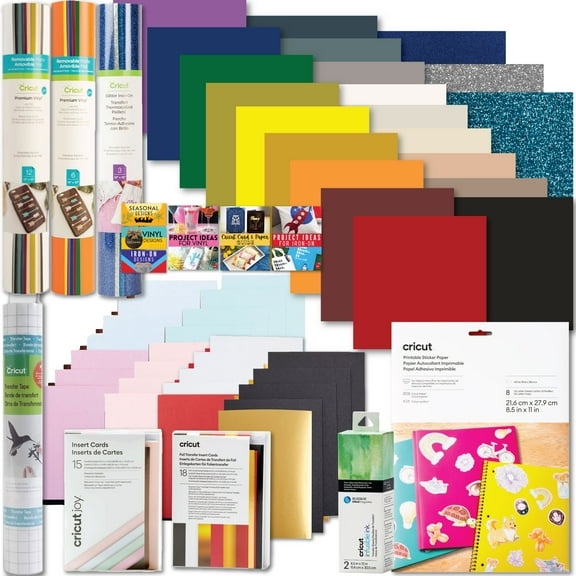
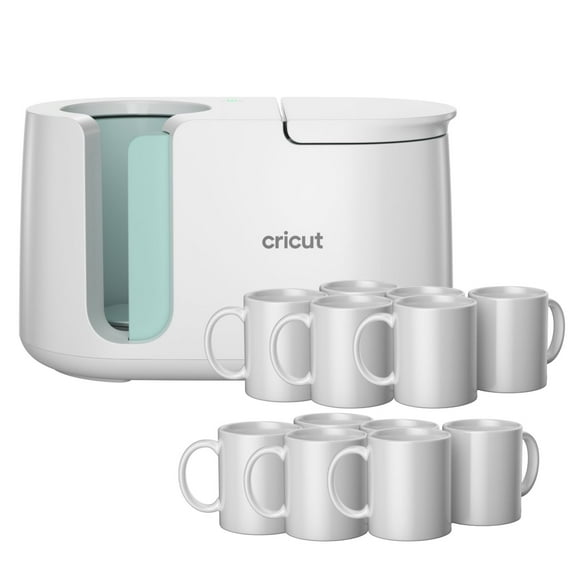
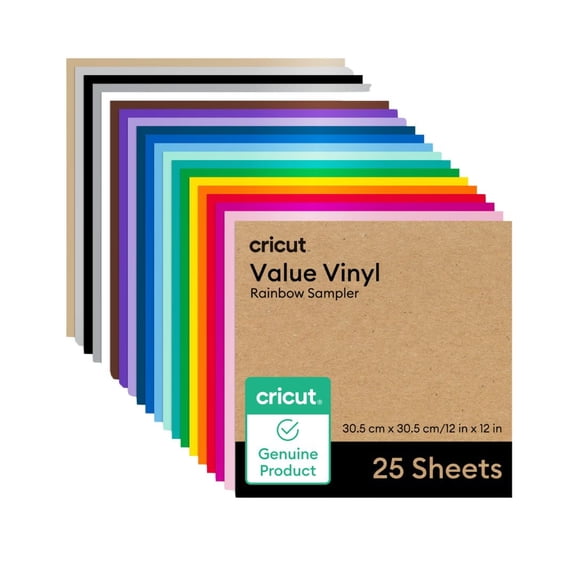
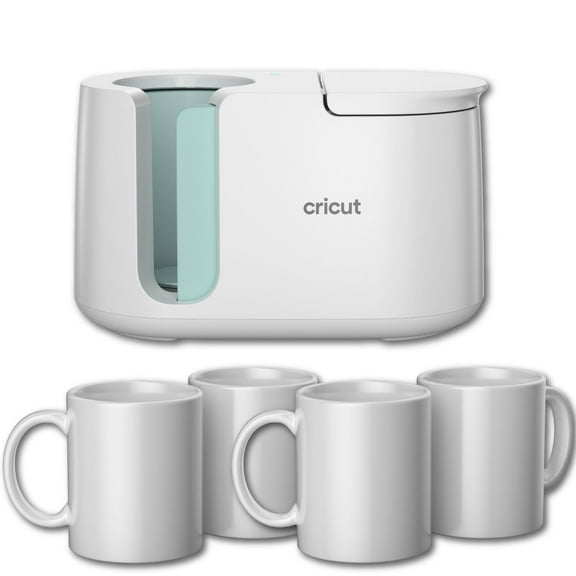
Material choice depends on the project. Adhesive vinyl suits signs, mugs, and labels, while iron-on works for shirts, totes, and fabric accents.
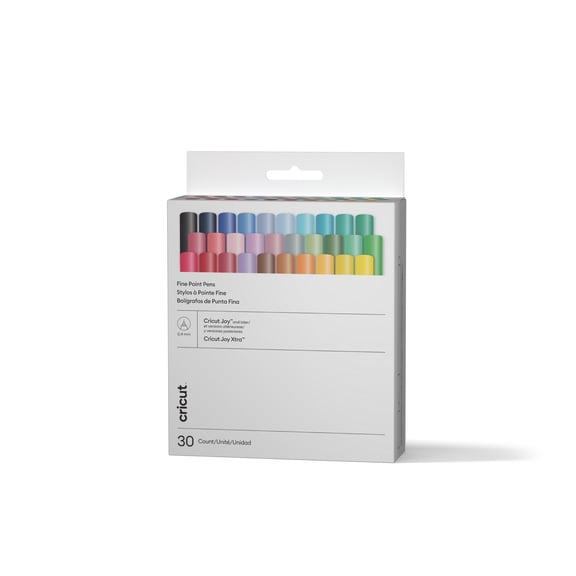
Cardstock is a go-to for invitations, cake toppers, and layered wall art. Pens and markers add drawn lines, labels, and decorative details without switching platforms.
Youu'll also want to check sheet sizes and tool compatibility. That helps you choose supplies that match your machine and the scale of your design.
Cricut cutting machine use cases for real projects
A cricut cutting machine fits everyday organization as well as seasonal crafting. You can create pantry labels, drawer tags, and bin decals that keep spaces easy to read.
For celebrations, itu's useful for banners, cupcake toppers, place cards, and favor tags. Matching designs across a full event feel coordinated without requiring hand cutting.
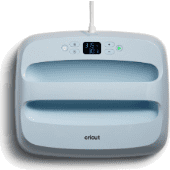
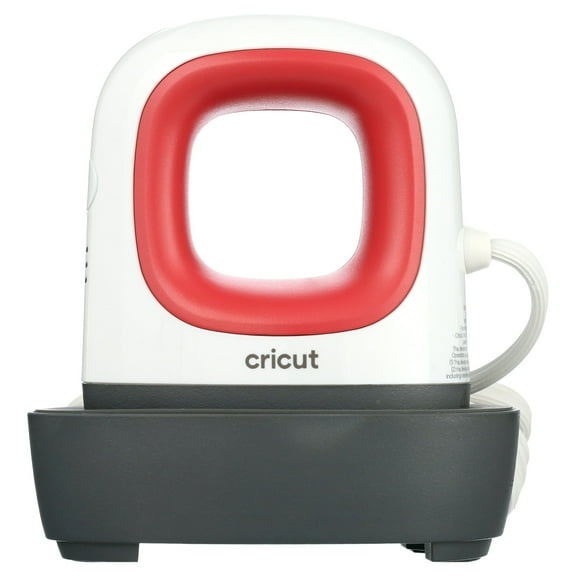
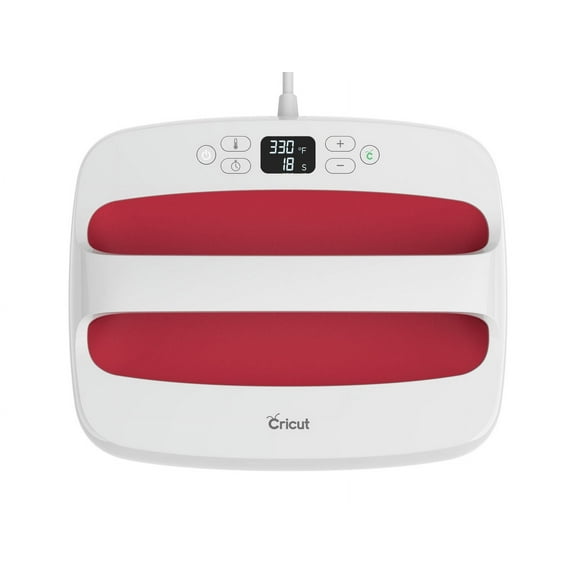
Apparel projects are another common use. Iron-on designs let you personalize shirts, sweatshirts, tote bags, and team gear with names, dates, or simple graphics.
Teachers and families often use Cricut machines for classroom labels, reward charts, and custom folders. Small business makers also use them for packaging labels and branded inserts.
When youu're comparing precio cricut or checking cricut usa availability, product type matters. Pickup and delivery options can help you get materials when project timing is tight.
Software matters too. Design Space supports layout planning, sizing, and repeated cuts, which is helpful when youu're making sets instead of one-off pieces.
How to choose the right Cricut setup
Start with the projects you make most often. Vinyl decals, iron-on transfers, paper crafts, and fabric pieces can point you toward the right machine family.
Next, think about workspace and material size. A compact machine is easier to store, while a larger format supports bigger signs and fuller sheet use.
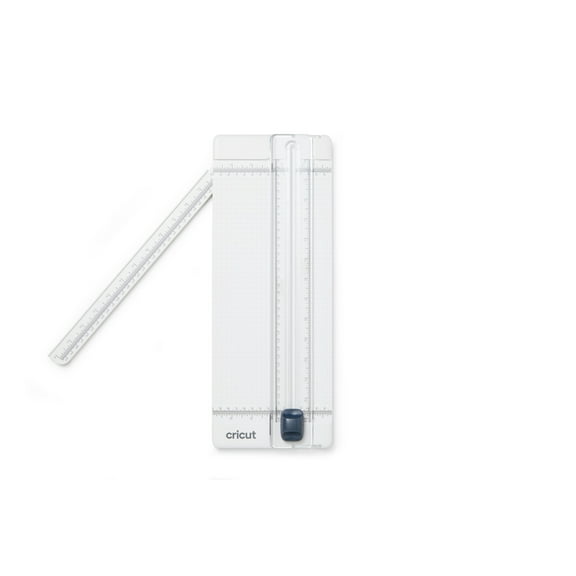
Then round out your setup with mats, blades, and core materials. A well-matched combination helps each cut stay clean and keeps project prep straightforward.
With the right machine and supplies together, you can spend more time creating and less time adjusting tools, replacing mismatched materials, or recutting designs.