

Intercom Systems for Home & Business | Walmart






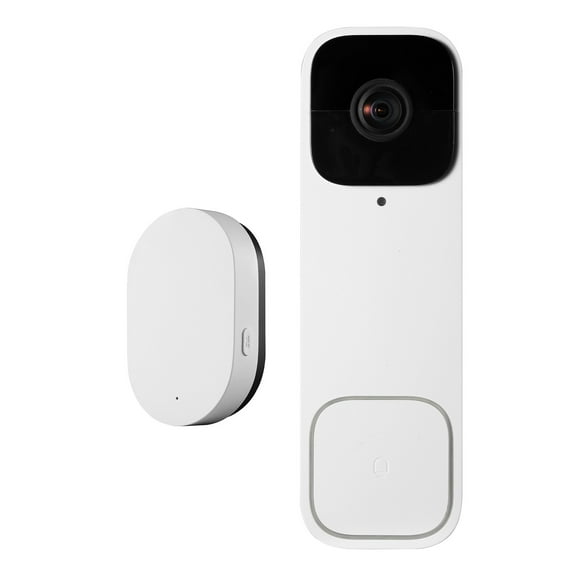

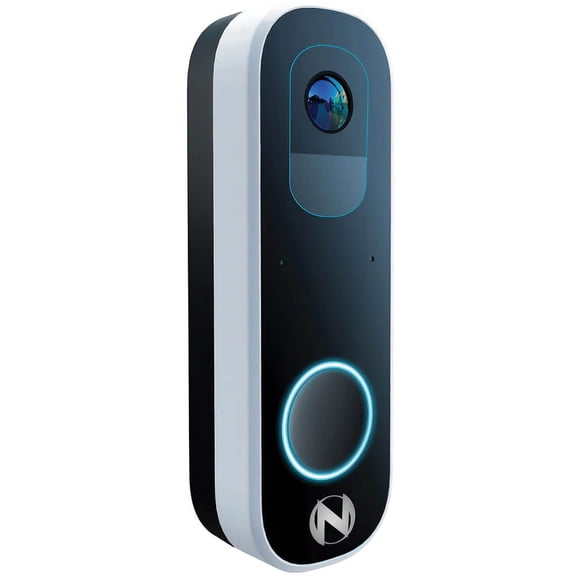
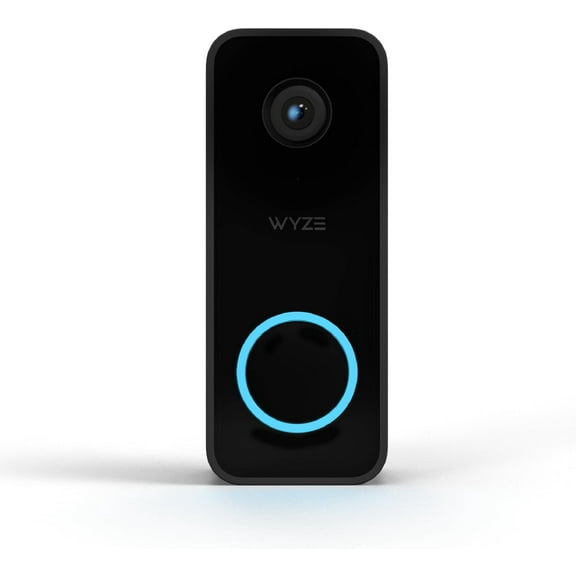

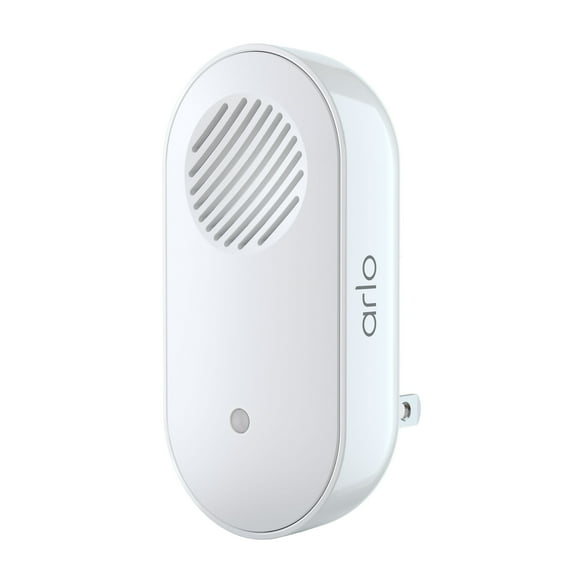











About Intercom Systems for Home & Business | Walmart - Walmart.com
Door intercom options help you manage visitors with clear communication at your entryway. You can compare wireless, wired, and video-ready systems for homes, offices, and gates.
You may want a category guide that explains setup, range, and power choices in plain language. You can use these details to match your layout, signal needs, and communication style.
How to choose a door intercom
When you choose a door intercom, you should start with your entry layout and installation plan. You’ll want a system that matches your walls, power access, and daily traffic.
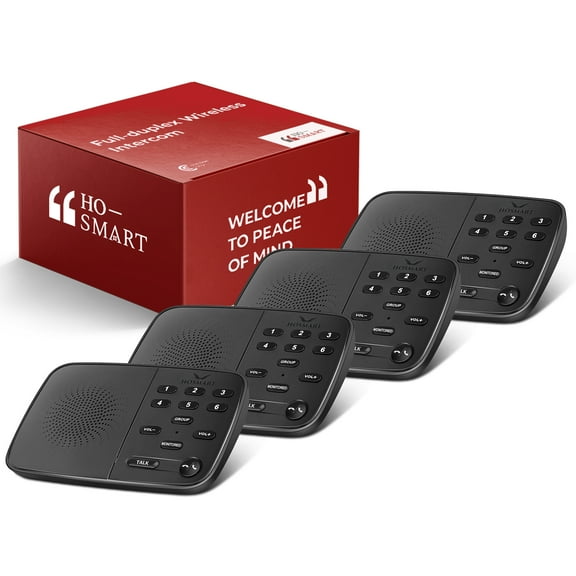
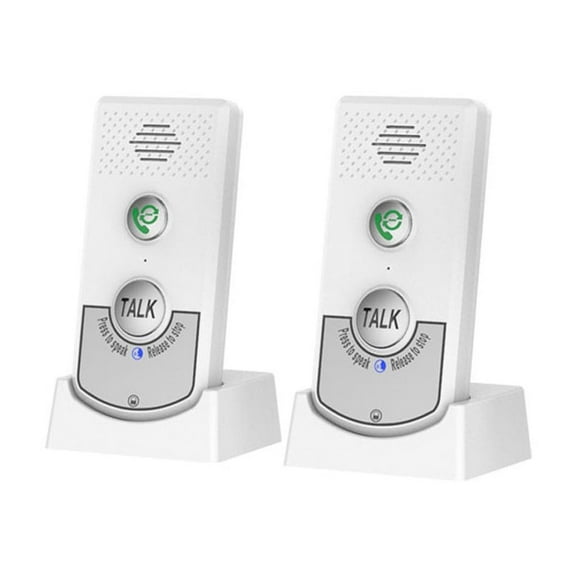
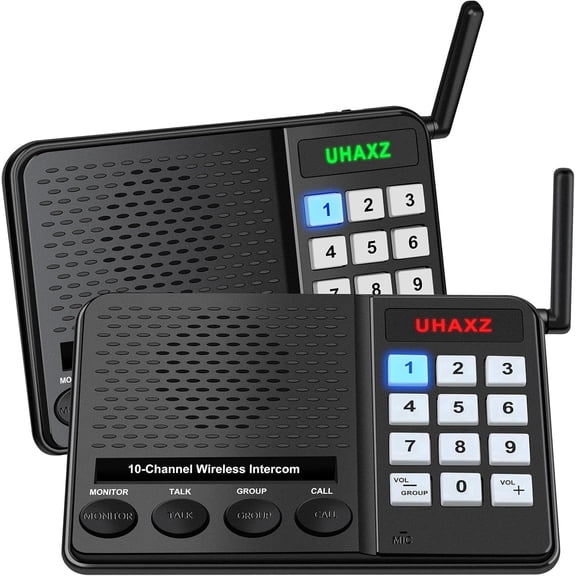
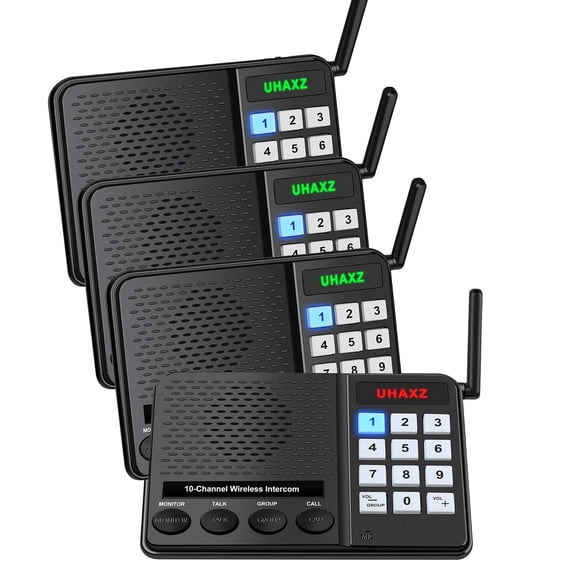
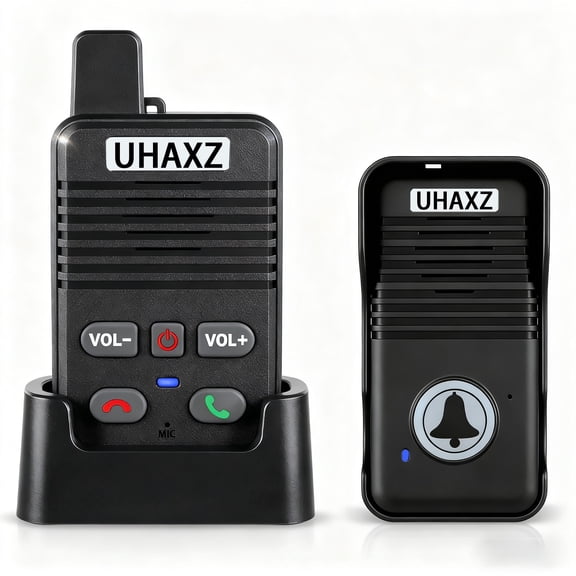
Wireless door intercoms work well when you want simplified setup and flexible placement. You can move indoor units as needed, and you won’t need to route as much cabling.
Wired options make sense when you want a fixed setup across one permanent location. You can connect stations directly, which may suit remodels or new construction plans.
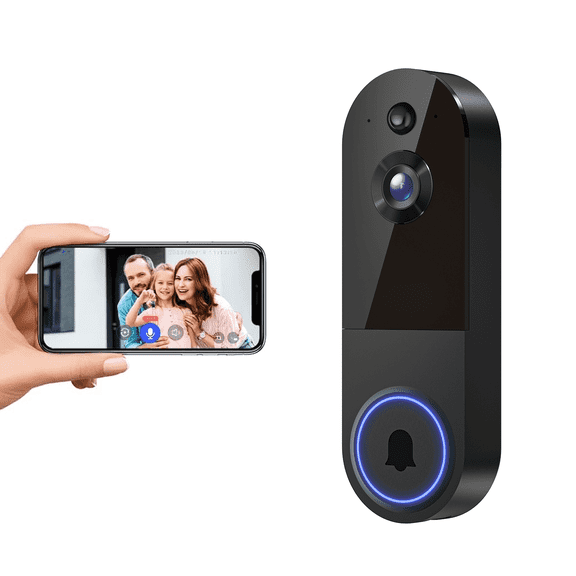
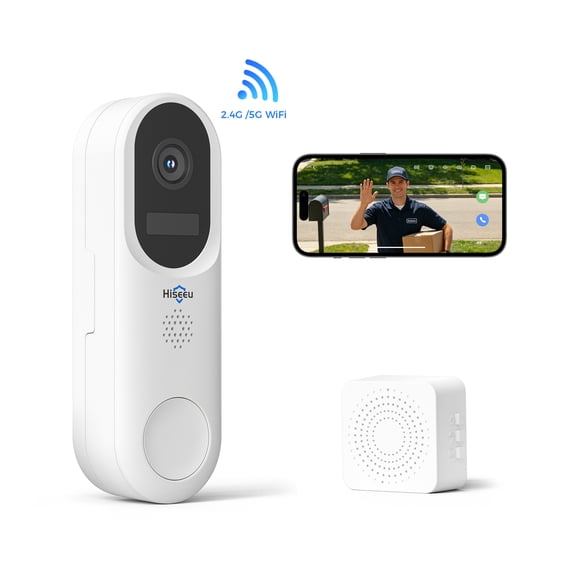
Wi-Fi enabled models fit connected spaces where you want app access and smart home coordination. You can check whether your network reaches the door, gate, or lobby area.
Choosing the benefits that matter
You’ll notice that the right system can reduce back-and-forth trips to the door. You can answer from another room and keep conversations clear at busy entry points.
Range can shape your experience more than style or finish. You can stay connected from a front door, detached garage, or driveway gate when coverage matches your property.
Communication type also changes how you use your setup each day. You can choose audio only for direct voice contact, or you can add video for visual confirmation.
- You can pick wireless units for straightforward setup and flexible room placement.
- You can choose wired systems for permanent installation in a fixed layout.
- You can select Wi-Fi enabled models for app access and connected home use.
- You should match installation style to your space, power access, and comfort level.
Comparing connectivity, range, and power
You should compare connectivity by thinking about signal path, wall materials, and the distance between stations. You’ll often get straightforward DIY setup from plug-in wireless models.
Hardwired systems usually require more planning because you’ll route cables through walls or along trim. You can choose them when you want a dedicated connection at a fixed entry point.
Wi-Fi enabled systems depend on router coverage, so you should measure weak spots before choosing. You’ll want reliable signal strength if your door sits far from your main network.
You should treat range as a key decision, especially if your entry sits beyond a front hall. You can compare short, medium, and long-range coverage before narrowing your options.
Short-range units often fit condos, apartments, and compact offices with fewer barriers. You’ll usually need less obstacle penetration when walls are lighter and stations stay closer together.
Medium-range systems can suit larger homes, detached garages, and wider front approaches. You should look for strong obstacle penetration when doors, brick, or multiple rooms sit between stations.
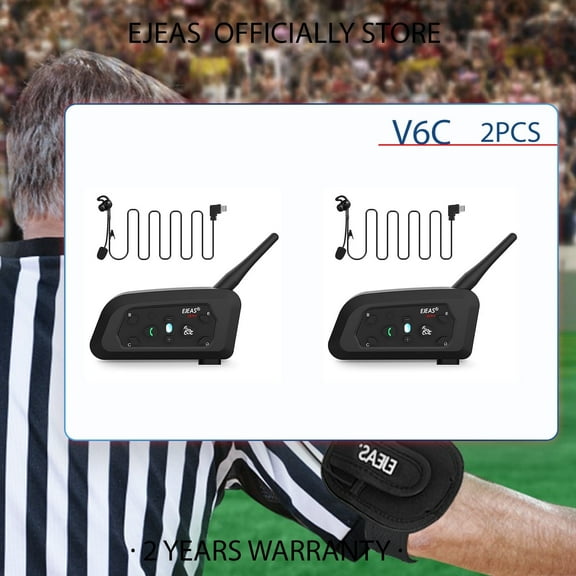
Long-range entryway intercoms help when you need communication from a gate or distant building. You can check frequency bands and stated range because terrain and walls affect performance.
Battery operated units give you placement flexibility where outlets or wiring are limited. You should check battery expectations if you expect frequent visitor use through the day.
Plug-in systems work well when you want continuous indoor power without battery swaps. You can place them near standard outlets and keep setup fairly straightforward.
Hardwired power gives you a constant connection for permanent installations and busy entries. You should consider it when you’re already planning electrical work or structured security upgrades.
Choosing audio only, two-way audio, or video
You should compare communication type by thinking about how much confirmation you want before answering. You can keep things simple with audio only, or you can add a camera view.
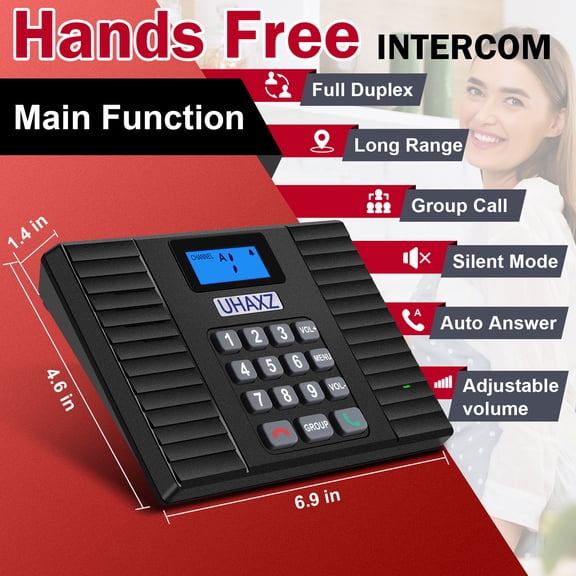
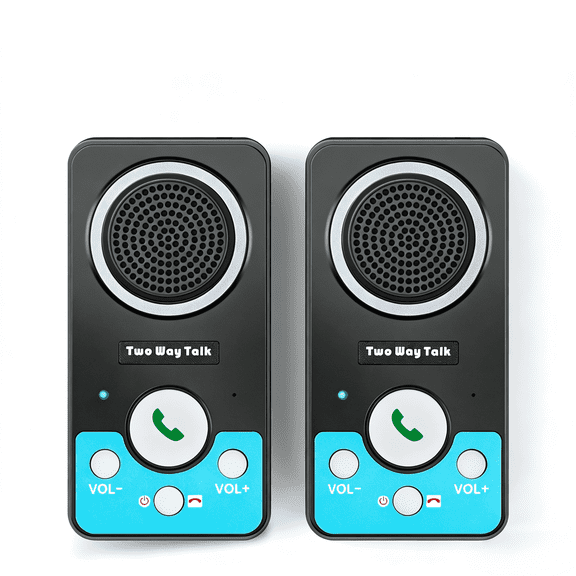
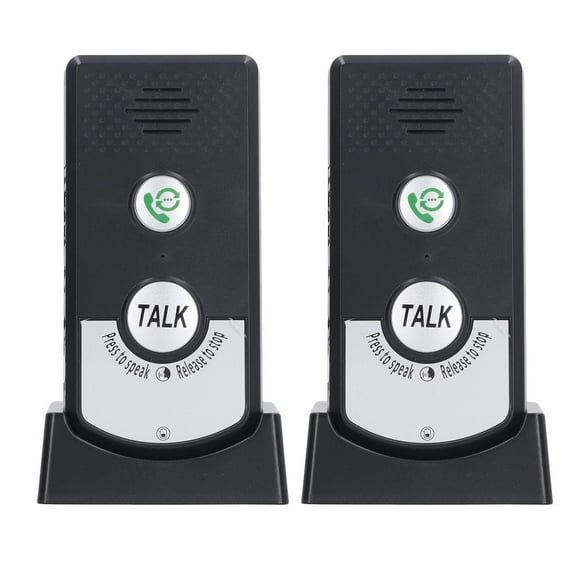
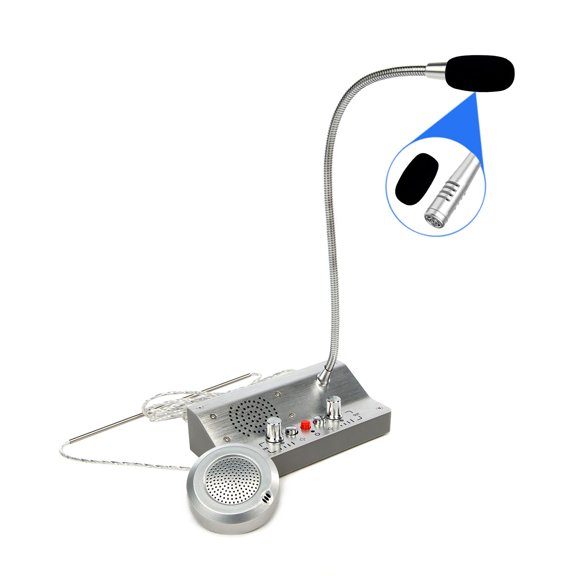
Audio only systems fit spaces where you mainly need clear voice contact at the door. You’ll often appreciate straightforward controls and a familiar walkie-talkie style experience.
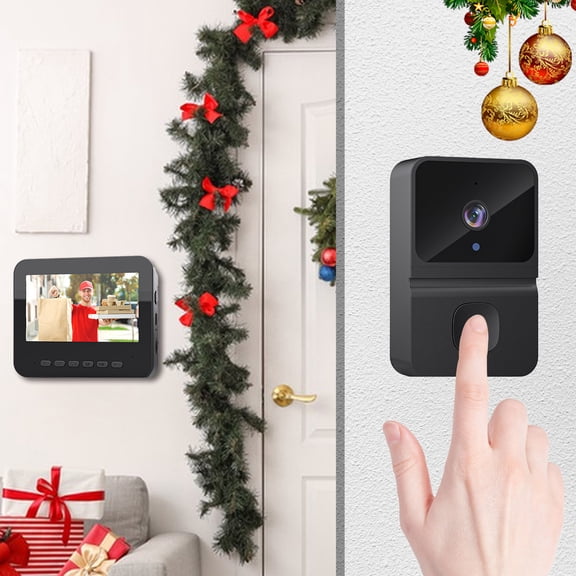
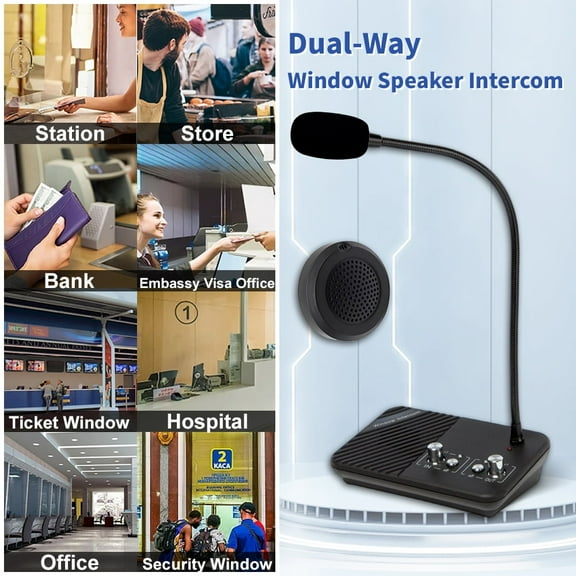
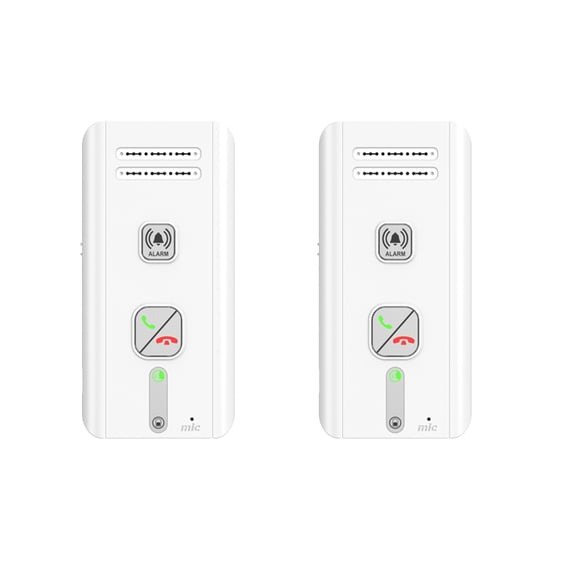
Two-way audio lets you speak and listen in real time across indoor and outdoor stations. You can use it to coordinate deliveries, guests, or staff without opening the entry first.
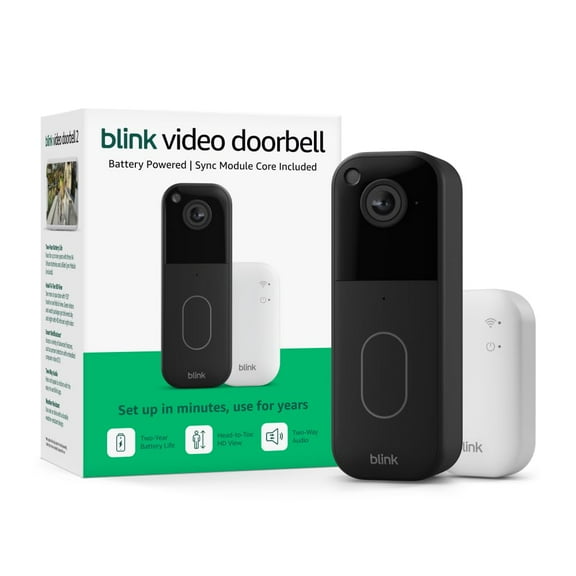
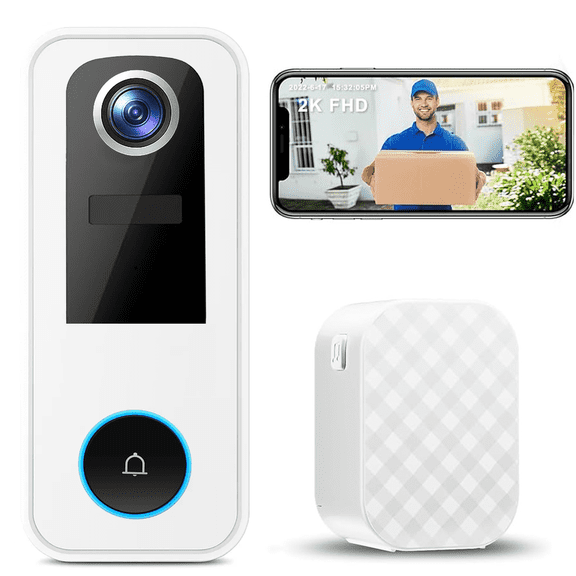
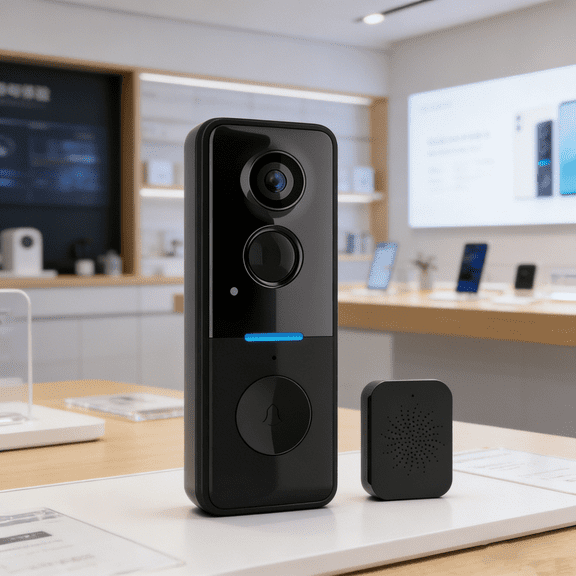
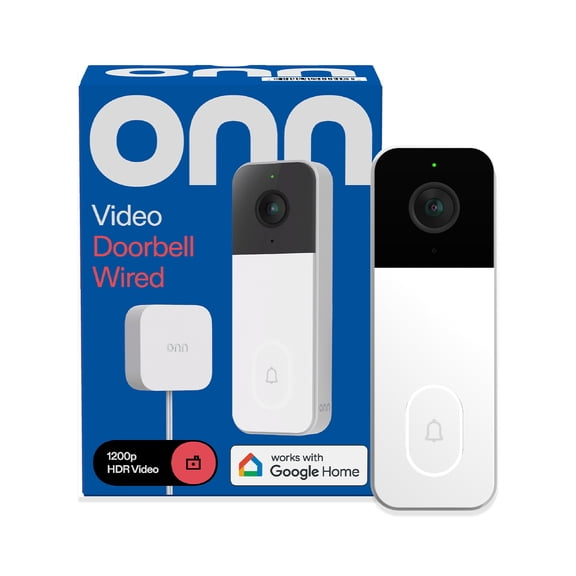
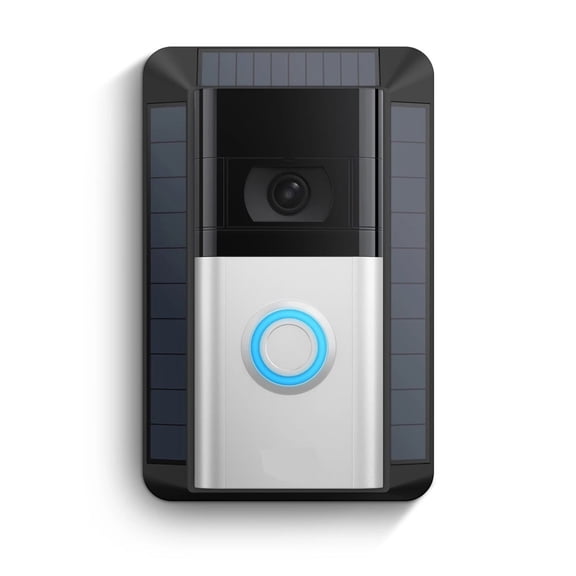
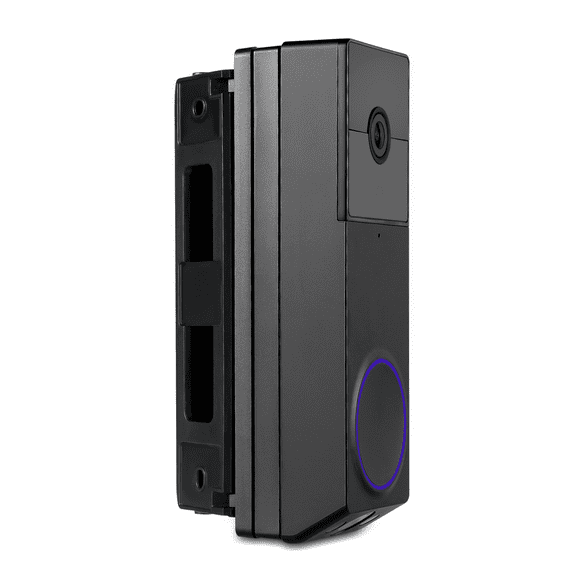
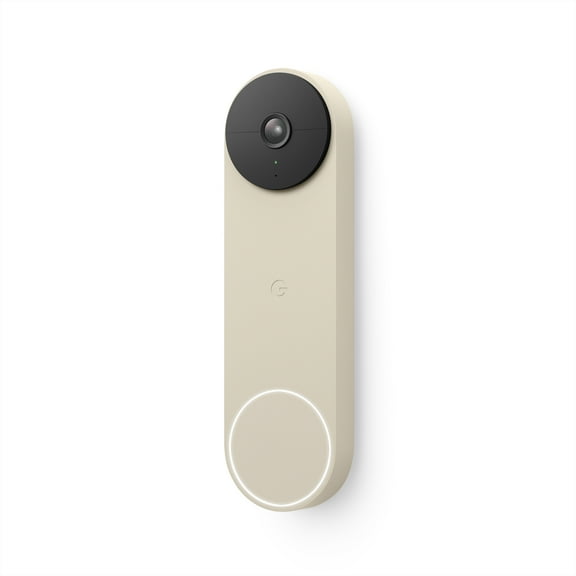
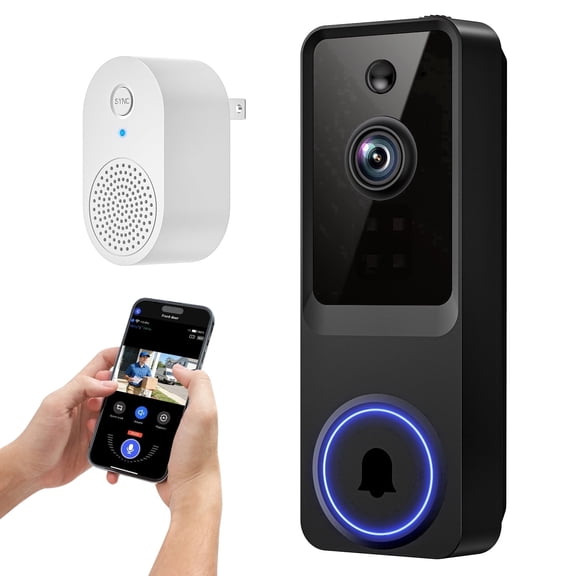
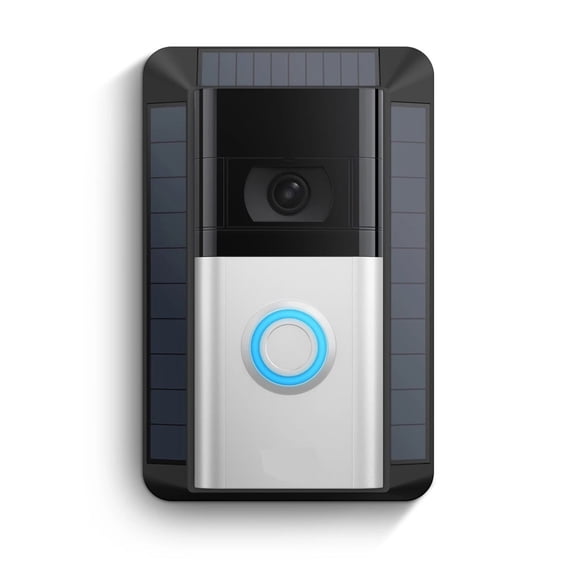
Audio and video systems add visual confirmation, which helps you identify visitors before responding. You should check screen size, viewing angle, and camera placement for a clear picture.
Matching home intercom systems to your space
You should match home intercom systems to the way people arrive at your property each day. You can choose different combinations for front doors, side entrances, offices, and vehicle gates.
For a house with one main entrance, you may want a wireless unit with two-way audio. You’ll get direct communication without planning a complex installation path.
For a larger property, you may prefer long-range coverage with hardwired or plug-in indoor stations. You can maintain communication from a driveway gate to the main living area.
For office and business use, you may want audio and video support with reliable power. You’ll make visitor screening efficient at reception desks, interior doors, or secured entrances.
For gate and entryway setups, you should look closely at range, weather placement, and mounting location. You can compare whether a system supports the distance and obstacles on your property.
If you’re balancing convenience and visibility, you may lean toward Wi-Fi enabled video options. You’ll have a practical setup for modern entry monitoring and everyday communication.
You’ll feel more confident when your system matches your layout, range needs, and communication style. You can narrow your choice quickly by comparing connectivity, power, and video needs first.