

Where to Buy LiftMaster Garage Door Openers & Remotes












About Where to Buy LiftMaster Garage Door Openers & Remotes - Walmart.com
LiftMaster garage door opener remotes help you replace a lost controller with less guesswork. You can narrow your choice by learn button color, button count, and carrying style.
If you need daily access from your car, your pocket, or your entry point, you get focused options here. You can compare Security+ generations, keychain styles, and MyQ-related choices in one place.
How to choose LiftMaster garage door opener remotes
You should start with compatibility, because your remote must match your opener’s radio system. You can often confirm that match by checking your motor unit’s learn button color.
If your opener shows yellow, purple, green, or red-orange, you can use that detail to narrow the right technology. You may also compare Security+ 2.0, Security+ 315 MHz, Security+ 390 MHz, and Billion Code options.
You’ll usually want Security+ 2.0 when your opener uses a yellow learn button. You may need Security+ 315 MHz or Security+ 390 MHz when your opener uses older purple, green, or red-orange systems.
Because compatibility drives setup success, you should verify the opener family before comparing style details. You can then focus on how many doors you control and where you reach for the remote frequently.
What you gain from the right LiftMaster garage door remote
You get quicker entry when your remote matches your opener on the first try. You also avoid sorting through remotes that use the wrong frequency or code system.
- You can match your remote to your opener by learn button color and supported technology.
- You can pick one-button, two-button, three-button, or four-button layouts for your doors and gates.
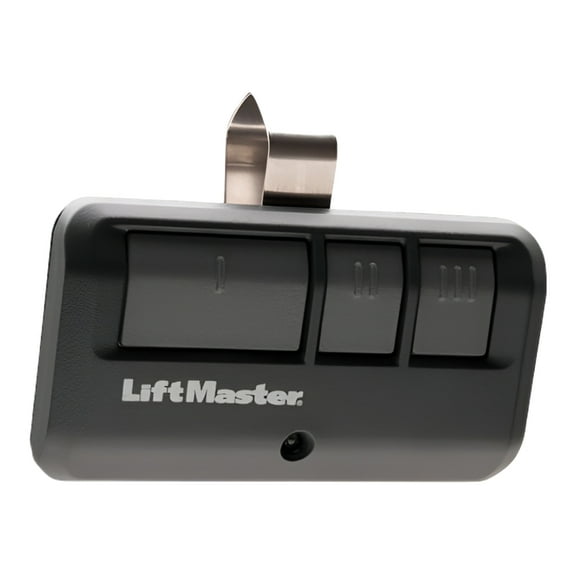
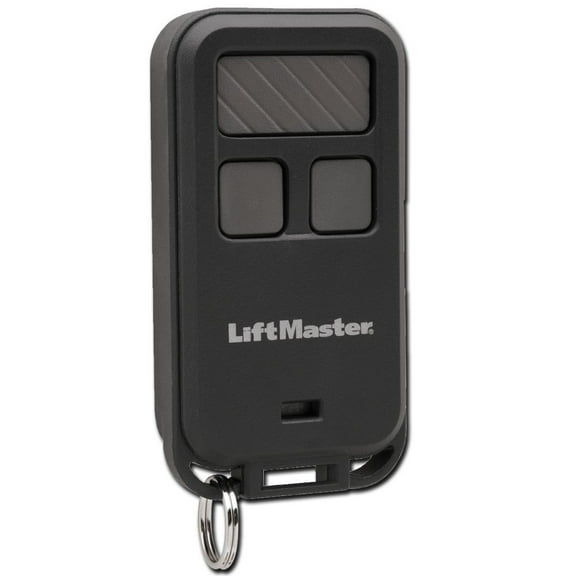
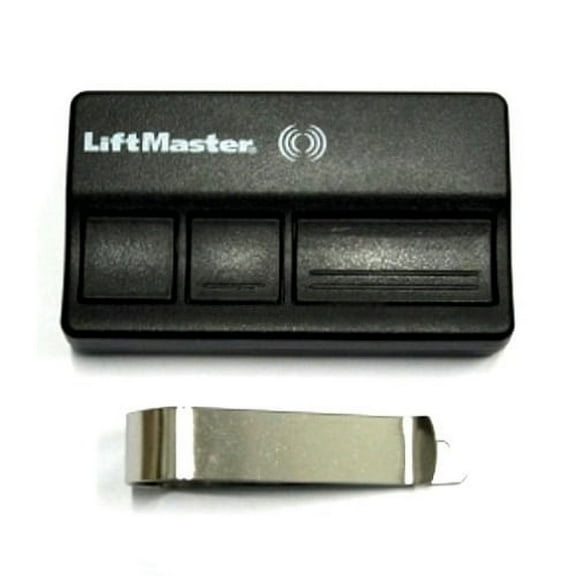
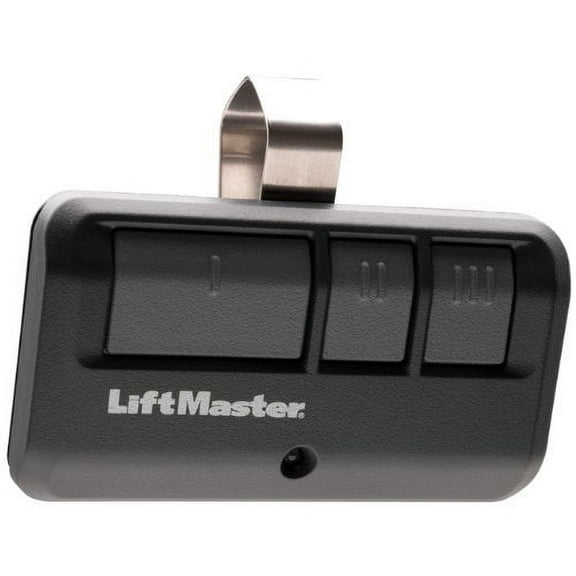
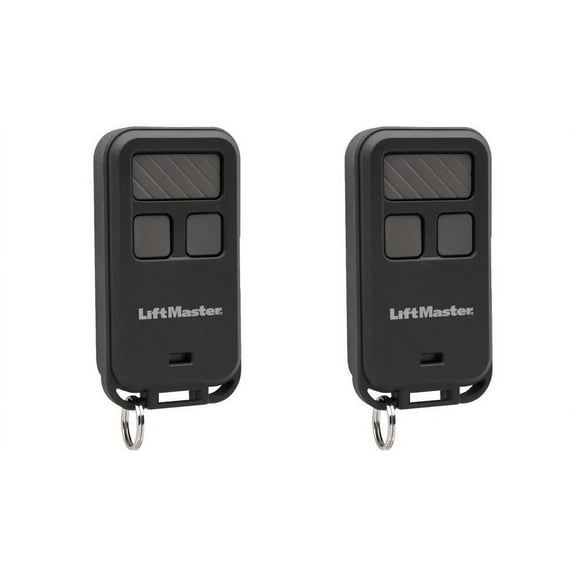
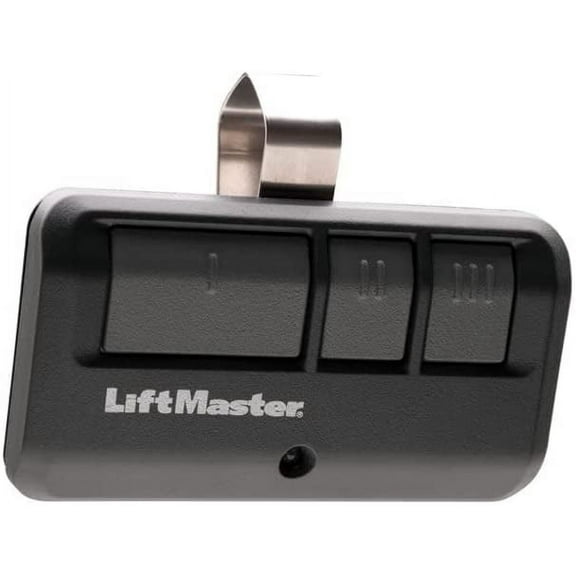
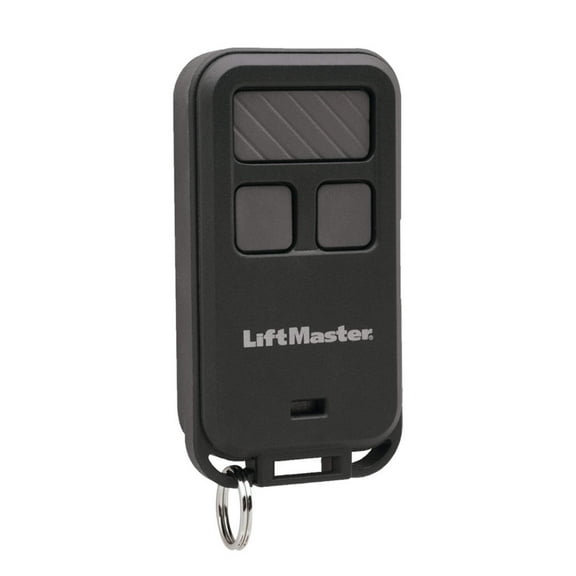
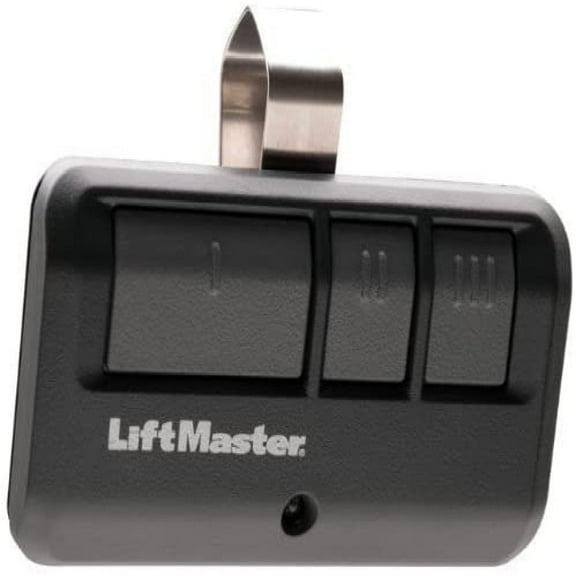
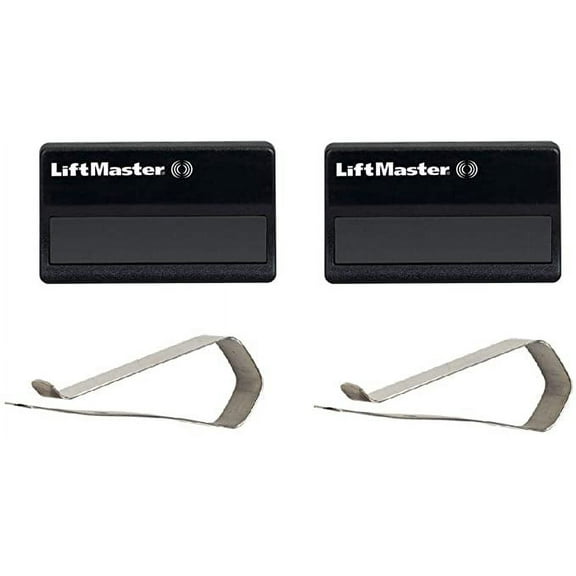
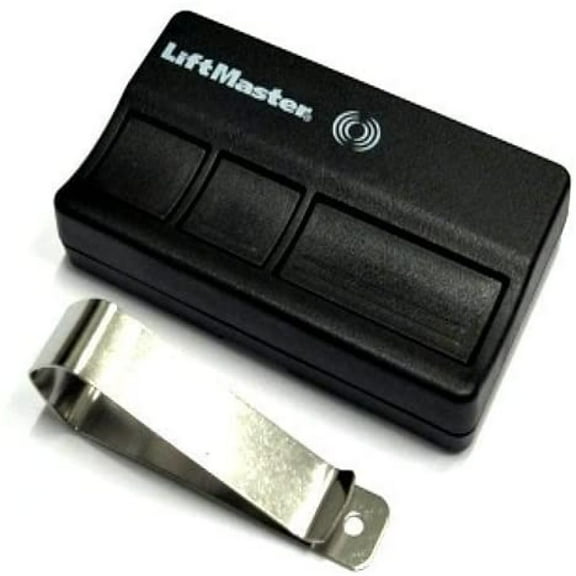
- You can choose a visor clip garage door remote for your vehicle or a keychain garage door opener remote for carrying.
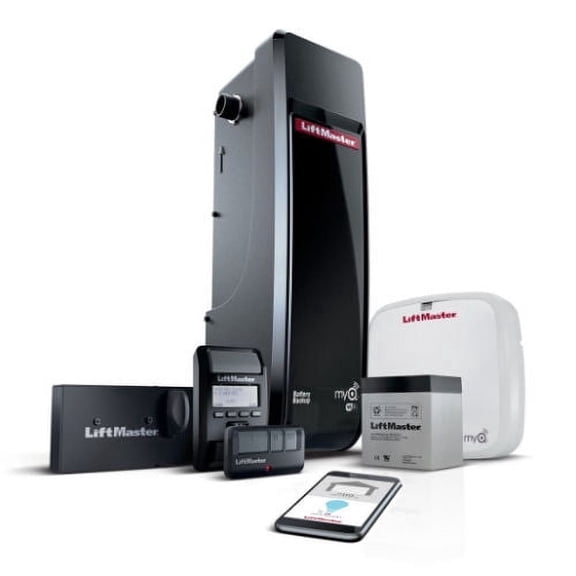
- You can compare standard controls with MyQ-related options when your setup includes connected features.
You’ll notice button count affects convenience more than many shoppers expect. If you control several entry points, your three-button or four-button remote can reduce clutter on your visor.
Your form factor also changes how you use the remote every day. A visor clip keeps it visible in your car, while a compact keychain style stays with your keys.
Understanding compatibility, buttons, and form factors
You should treat compatibility and technology as your first filter. A universal garage door remote may support multiple systems, but you still need to confirm LiftMaster support and learn button alignment.
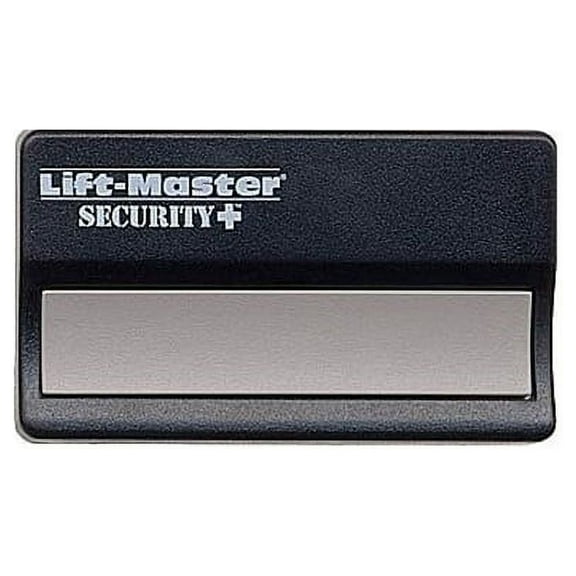
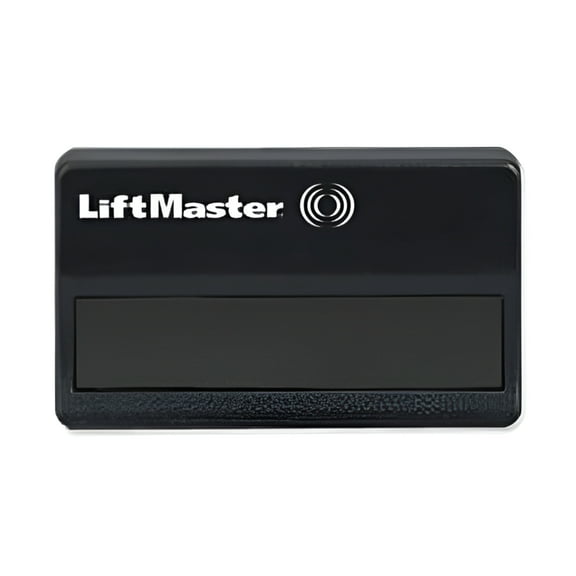
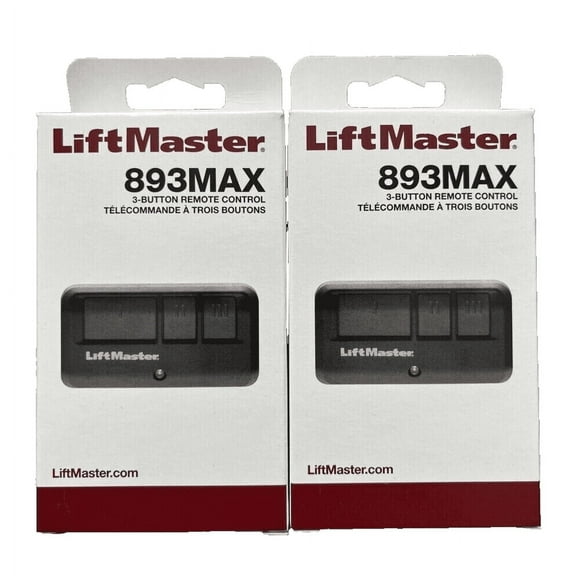
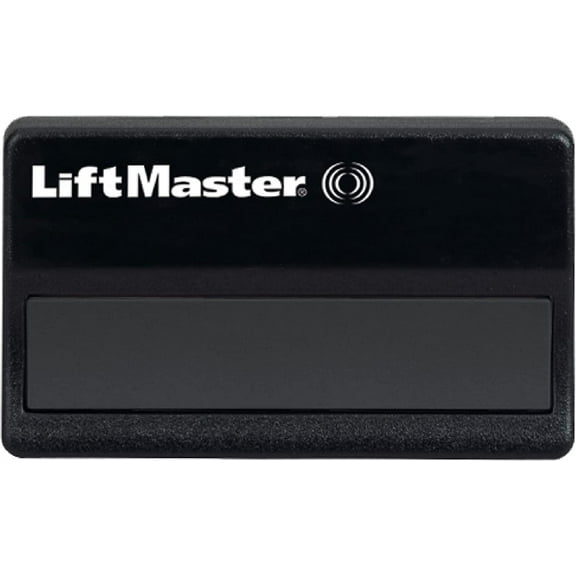
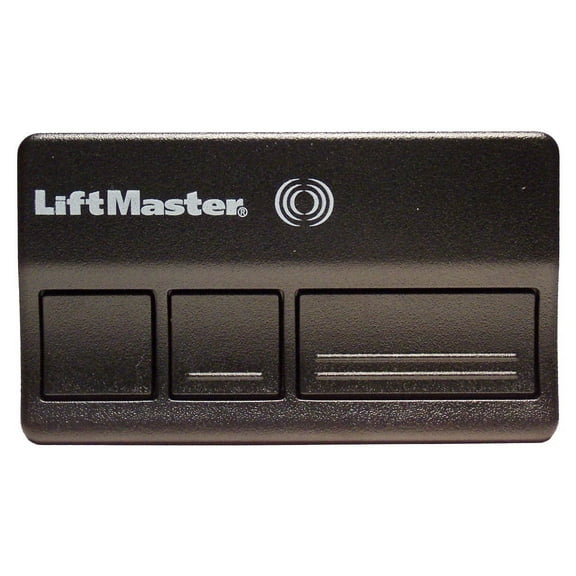
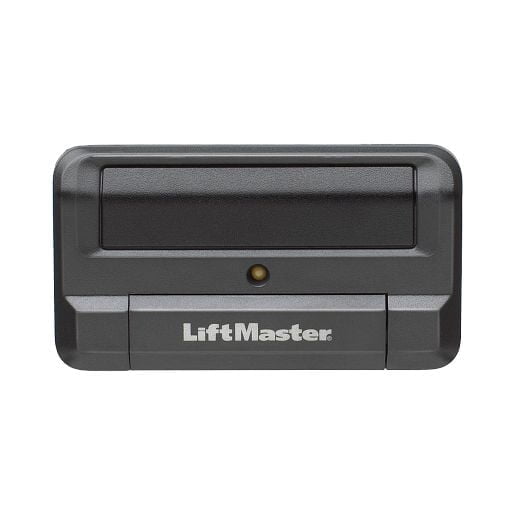
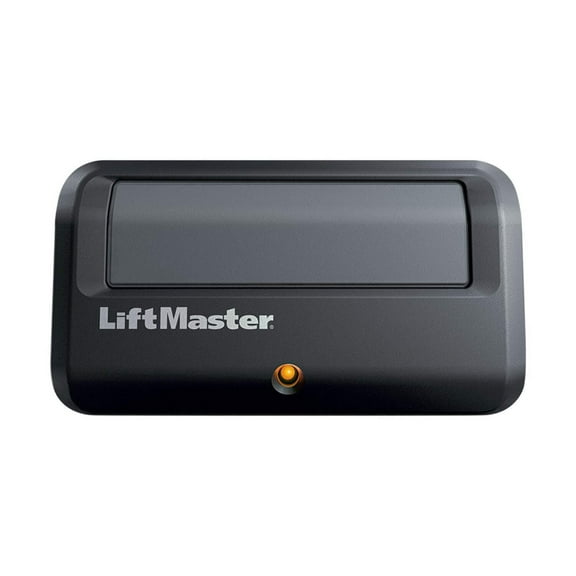
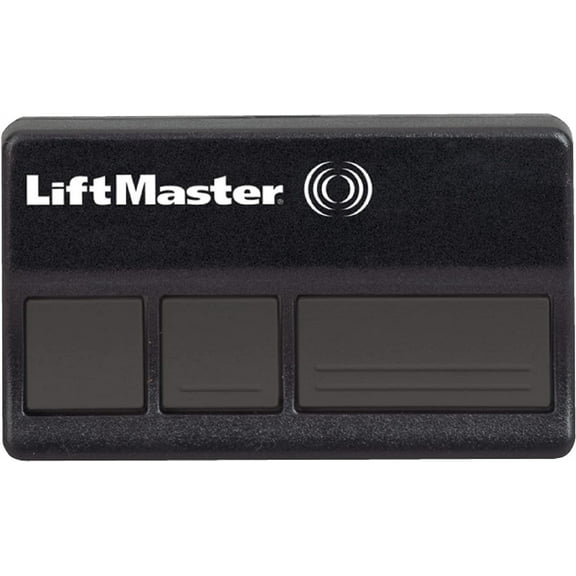
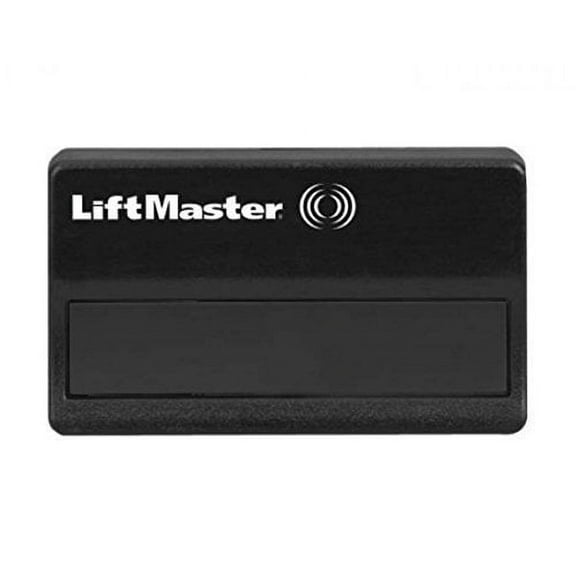
When you compare button configurations, you’re really deciding how many devices you want one remote to handle. A one-button remote suits a single door, while a 3 button garage door remote can cover multiple doors.
You may prefer a two-button or four-button layout if your setup includes another garage bay or a gate. You’ll want clear labeling and easy spacing when you press buttons in low light.
Your form factor choice depends on where you keep the remote during daily use. A visor clip garage door remote works well for commuters, while a keychain garage door opener remote fits portable use.
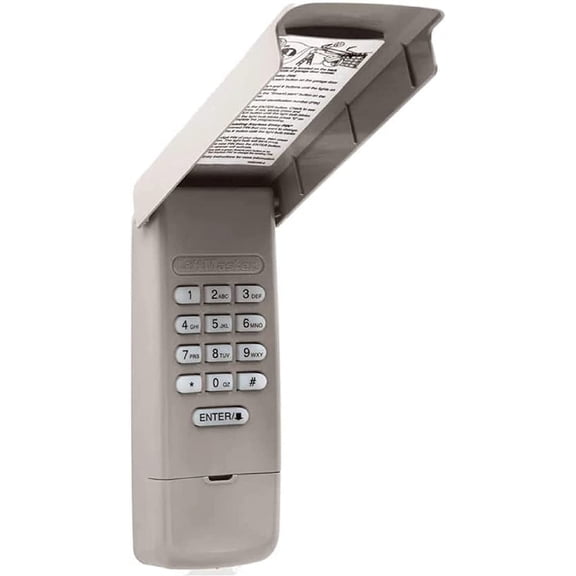
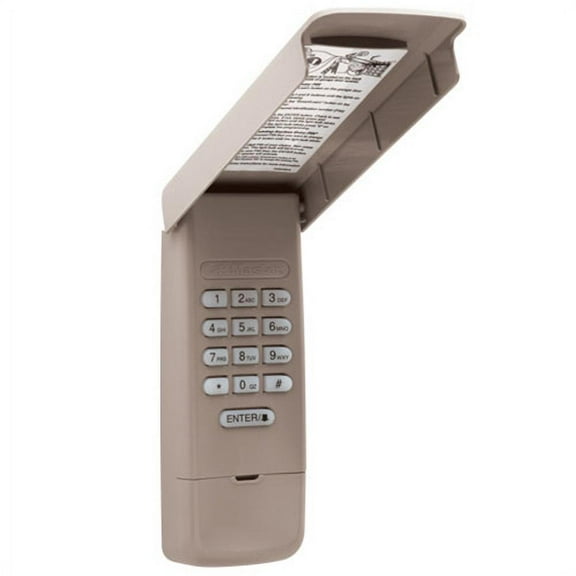
If you want keypad access at the entry, you can also compare wireless keypad options within this broader category path. You’ll get a different access style that mounts outside instead of riding in your car.
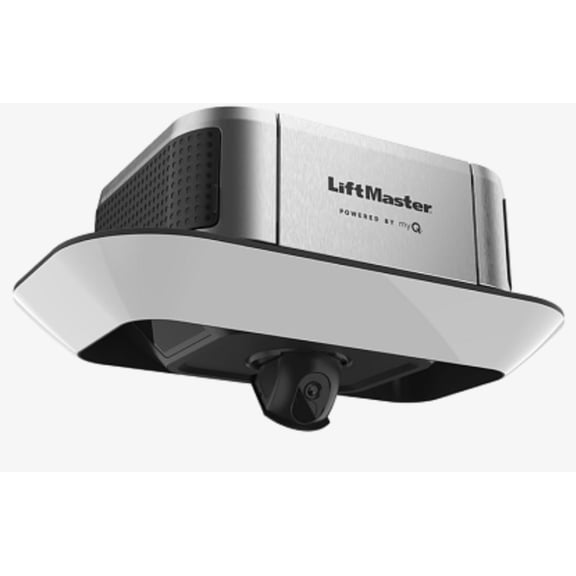
You may also compare MyQ-enabled and standard choices based on your opener ecosystem. If your opener supports connected functions, your myq garage door remote search may point you toward related compatibility details.
Choosing by real-life use and programming needs
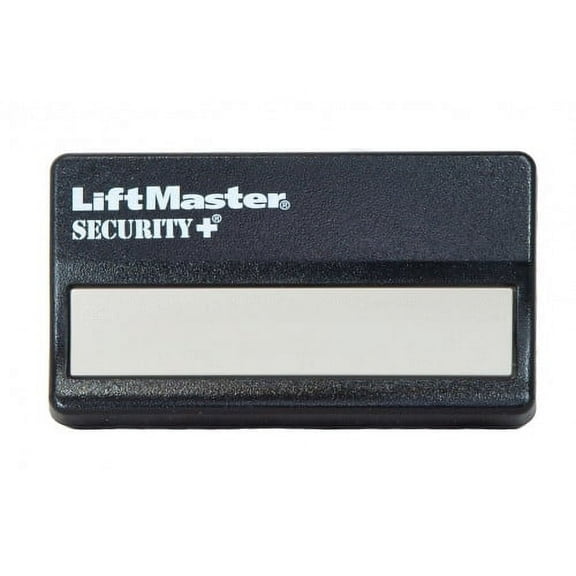
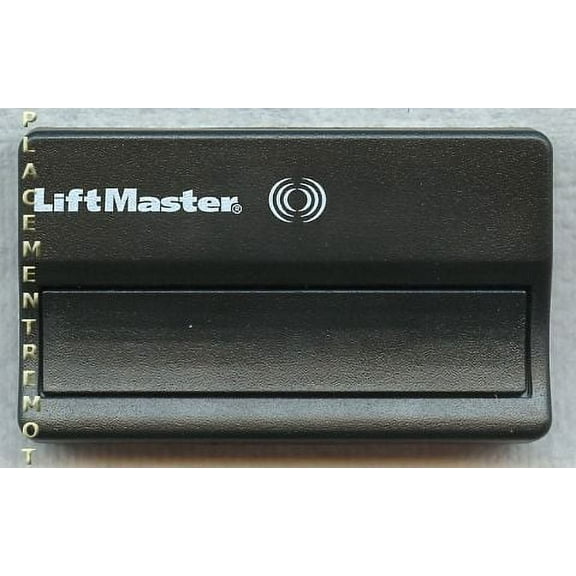
If you replace a lost remote for one garage door, you’ll usually want a one-button model with direct compatibility. You can keep setup simple by matching the learn button color before programming.
When your household uses two or three doors, you’ll likely want extra buttons for easier access. You can assign each button to a separate opener and keep one controller in your vehicle.
If you carry your remote beyond the car, a keychain style can make more sense than a visor model. You can clip it to your keys and keep access with you during walks or deliveries.
For shared vehicles, you may prefer a visor-mounted remote that stays in place and stays easy to spot. You can press it without digging through a console or bag.
You should also consider how comfortable you are with setup steps. Many shoppers can sync a remote through the opener’s learn button process, while some systems may require more careful model matching.
If you’re replacing an older controller, you’ll want to compare rolling code generations before you begin programming. That step can help you avoid choosing a remote that looks right but won’t pair.
You can feel more confident when you use learn button color, technology generation, and button count as your guide. That approach helps you land on a remote that fits your opener, your routine, and your access points.