

Network Testers in Network and Cable Testers


![Network Cable Tester,Poe Wire Checker Stp Cable Continuity Tester Poe Wire Utp Stp Cable With Network Cable Tester Rj45/rj11/r]12/cat5/cat6/cat7 Utp Wire Utp Wire Tool Checker Receiver Utp](https://i5.walmartimages.com/seo/Network-Cable-Tester-Poe-Wire-Checker-Stp-Cable-Continuity-Tester-Poe-Wire-Utp-Stp-Cable-Network-Cable-Tester-Rj45-rj11-r-12-cat5-cat6-cat7-Utp-Wire_25af6261-4555-46ea-b072-0abec6c23c45.82d4aeb5716db8ff6079dc841bc54732.jpeg?odnHeight=576&odnWidth=576&odnBg=FFFFFF)















About Network Testers in Network and Cable Testers - Walmart.com
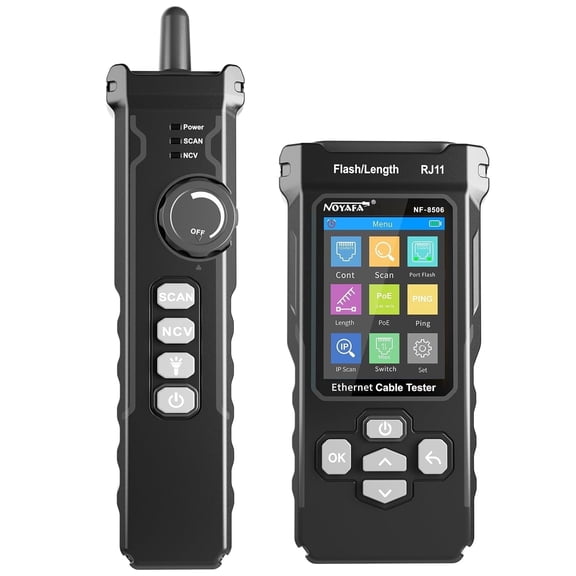
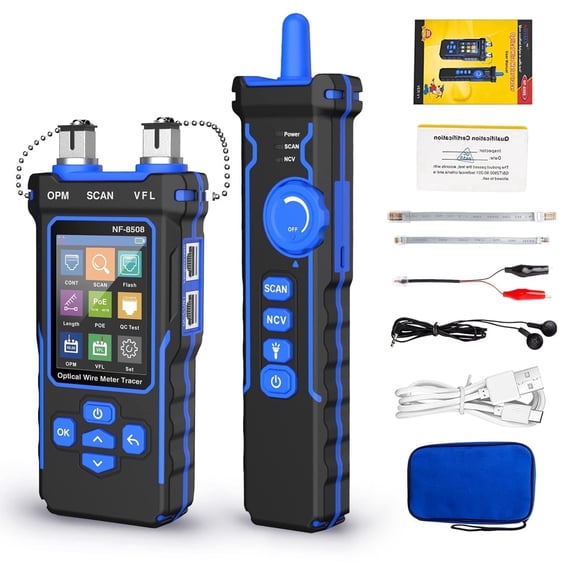
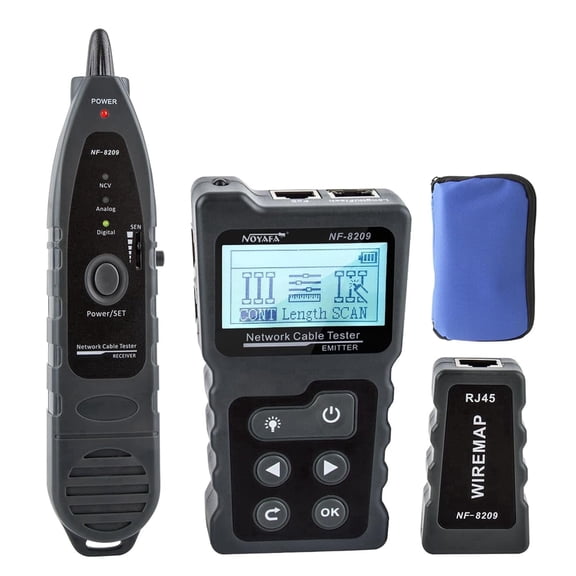
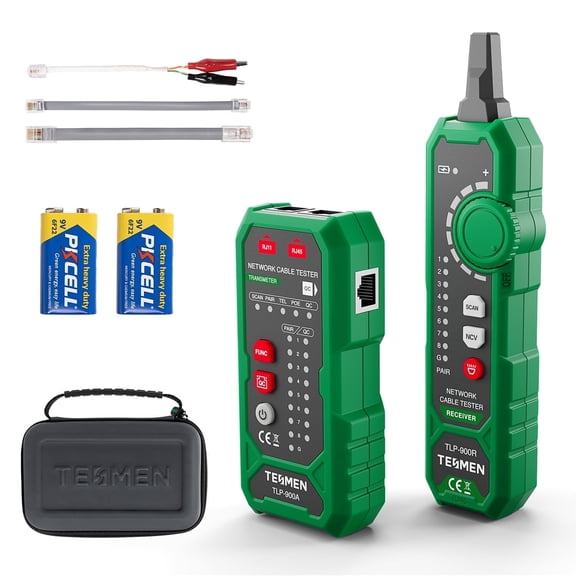
You can use network testers to check cable runs, confirm pin layouts, and spot wiring issues before your setup slows down. You’ll find this category especially useful when you’re working with RJ45 connections, patch panels, or new Ethernet drops.
When you compare tools here, you should focus on tester type, cable compatibility, display style, and power source. You’ll make a clearer choice when you match those details to your network size, workspace, and testing routine.
How to choose network testers
You should start with the test function you actually need. You may only need continuity checks, or you may want wire mapping, cable length details, and crosstalk readouts.
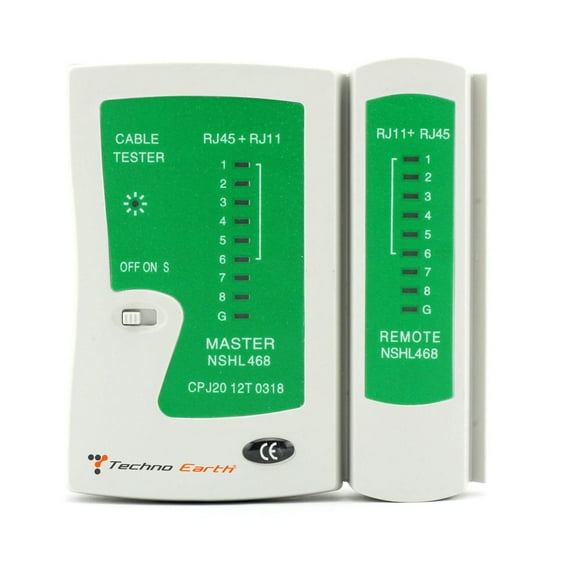
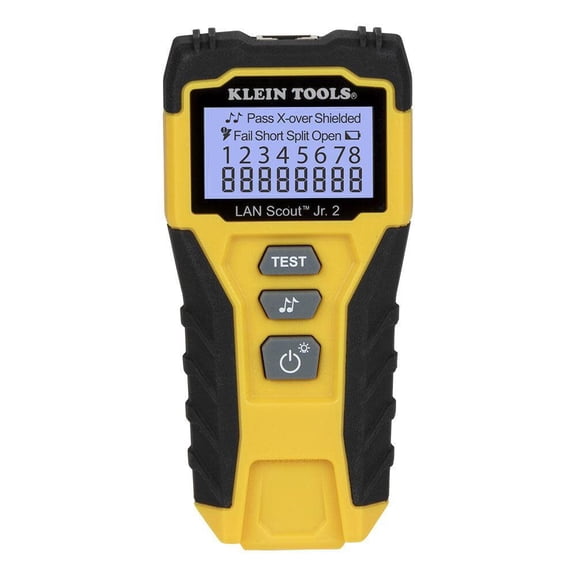
A continuity tester helps you confirm that each wire path connects from one end to the other. A wire mapper helps you see whether your pairs are crossed, reversed, split, or pinned incorrectly.
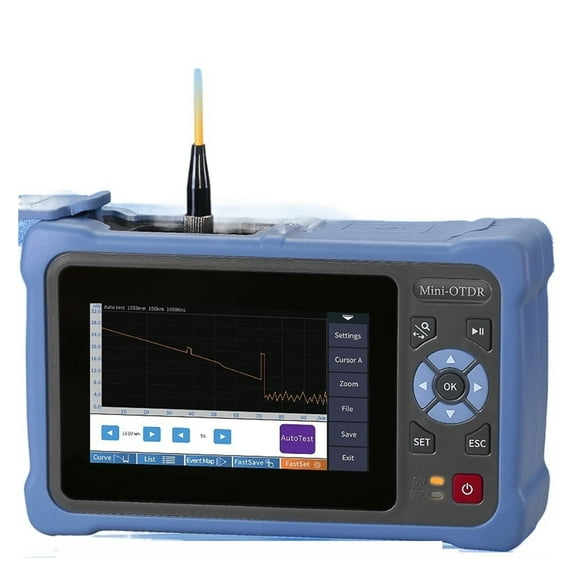
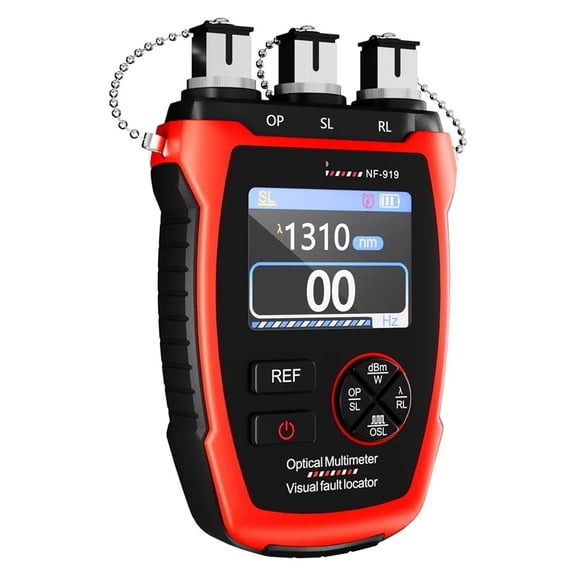
If you manage larger installs, you may prefer a cable analyzer for deeper diagnostics. You can use that style when you need more detail than a simple pass or fail result.
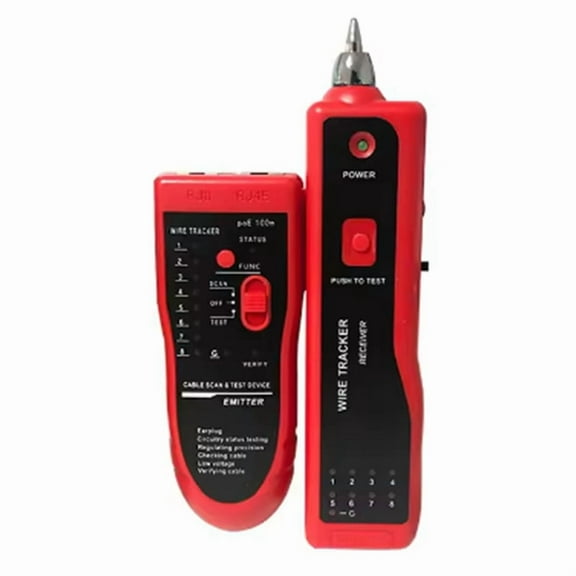
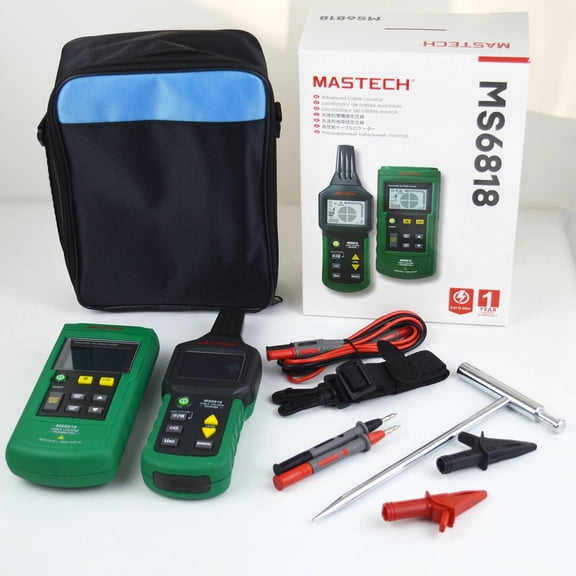
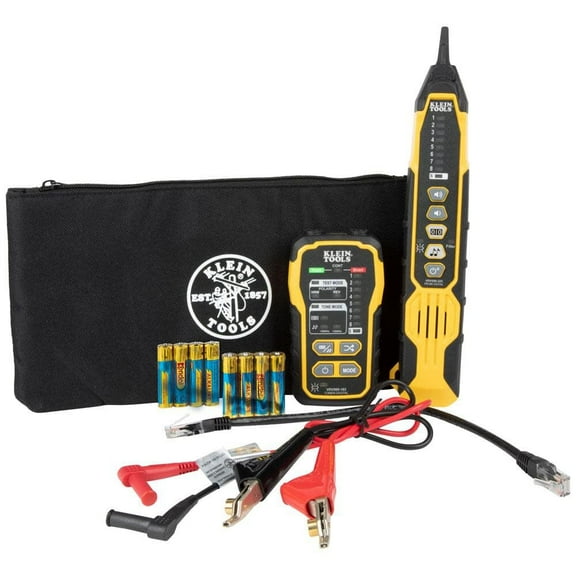
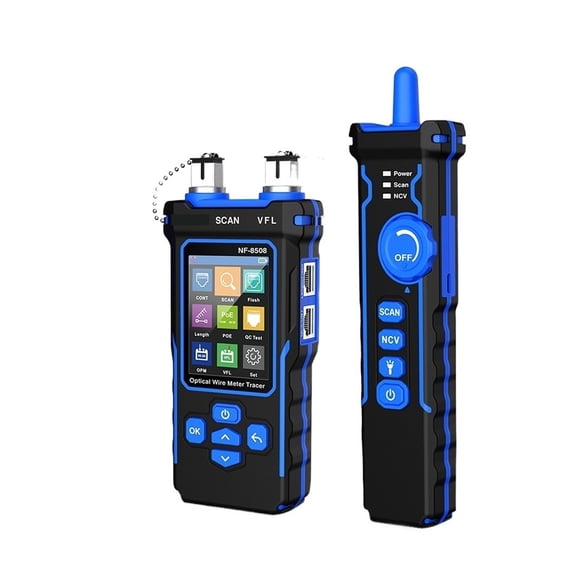
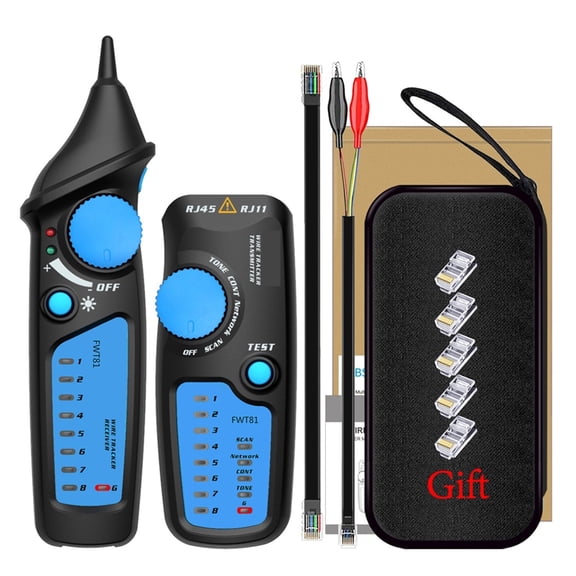
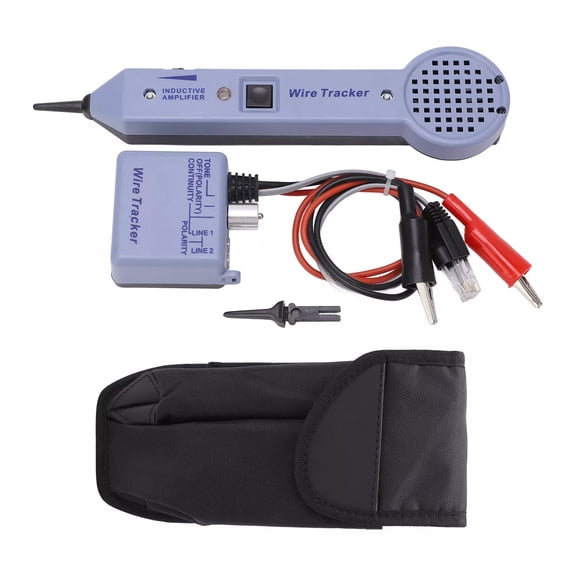
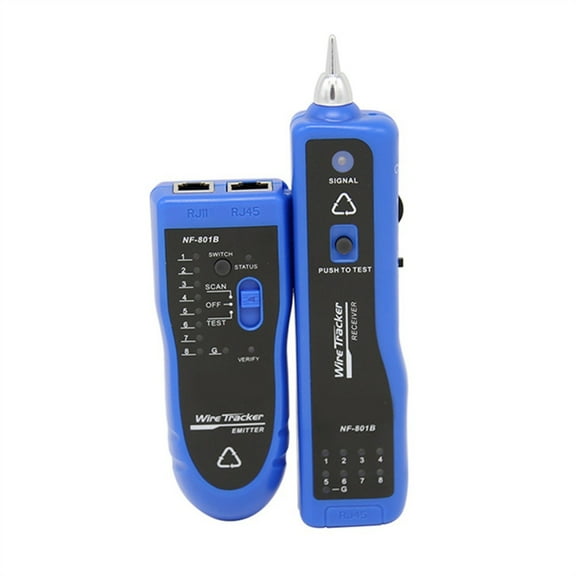
You may also want a tone generator when you trace hidden or bundled lines. You can pair that option with a network wire tracker to identify the correct cable in crowded spaces.
- You can verify cable continuity before you terminate a wall jack.
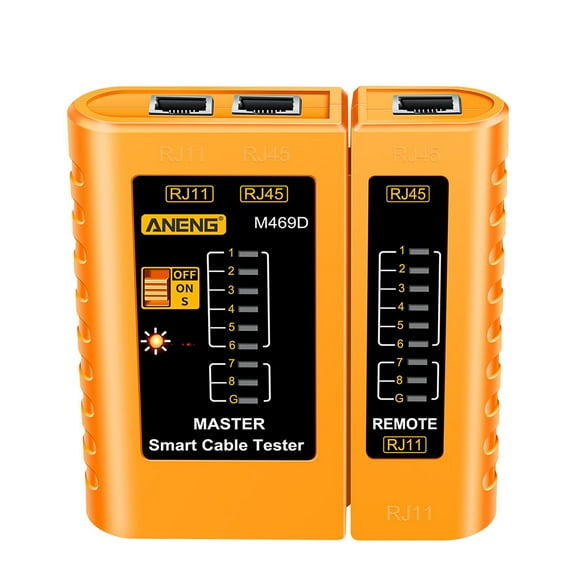
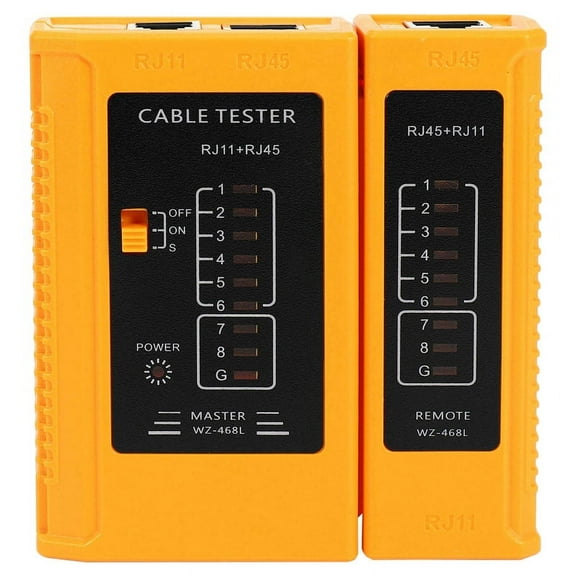
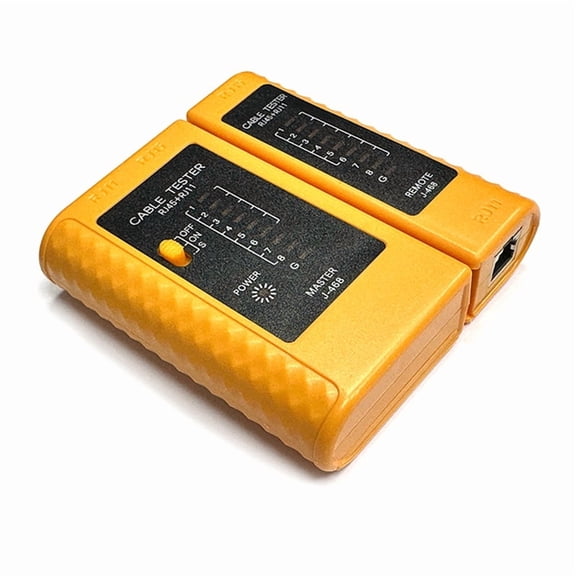
- You can confirm correct wire order on RJ45 and RJ11 connectors.
- You can trace bundled runs with a tone function and tracker.
- You can check whether a tester fits quick field work or detailed diagnostics.
Choosing the right ethernet cable tester
You should check cable compatibility before you choose an ethernet cable tester. You’ll want support for the connector types and cable categories already used in your home, office, or install bag.
If you work mostly with Ethernet, you may look for RJ45 support first. If your projects include phone lines, you may also want RJ11 compatibility for added flexibility.
You can narrow options further by checking Cat5e and Cat6 support. You’ll appreciate that guidance when you’re testing modern data runs and verifying new structured cabling.
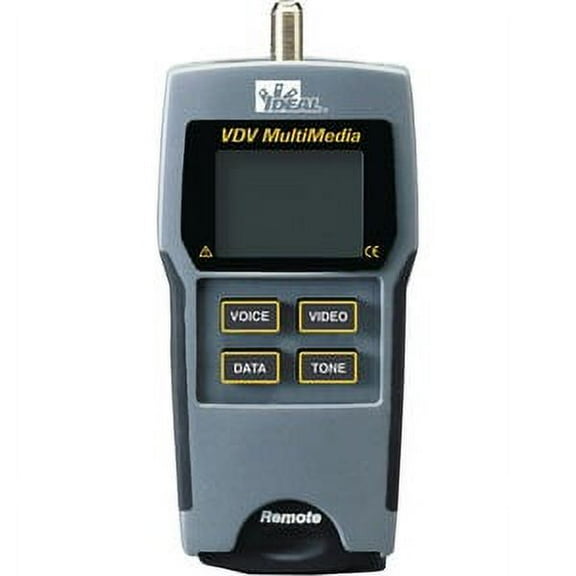
Some setups also call for coaxial support, especially when you’re checking mixed signal environments. You can avoid guesswork when one tester covers several cable formats you handle regularly.
If you’re comparing a network cable tester to a basic wire checker, you should note how much detail the results provide. You’ll usually get faster troubleshooting when the tool clearly shows which pair failed.
What to look for in an rj45 tester display
You should consider where you’ll read the results before you pick an rj45 tester. You may test cables under desks, inside racks, or in dim network closets where readability matters.
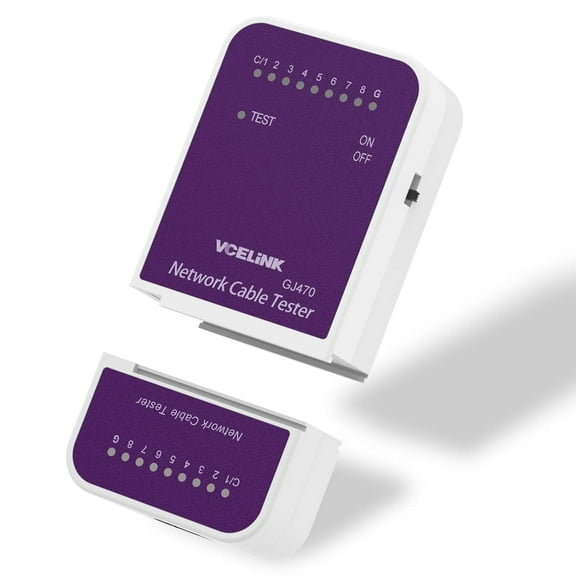
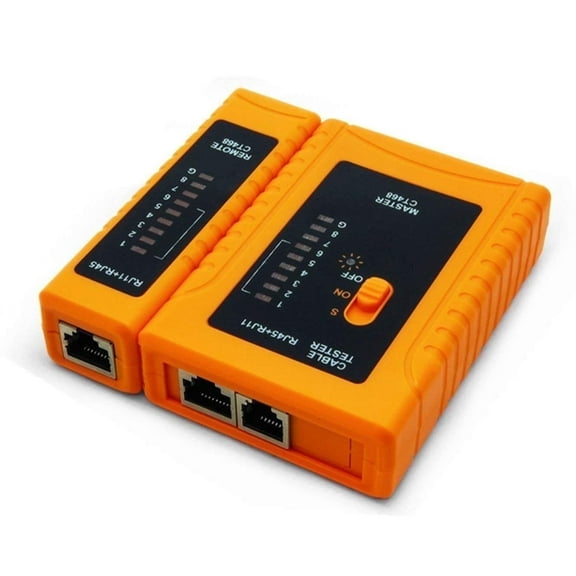
An LED indicator layout works well when you want simple status lights and quick pass checks. You can read those lights fast during repetitive jobs or basic installation verification.
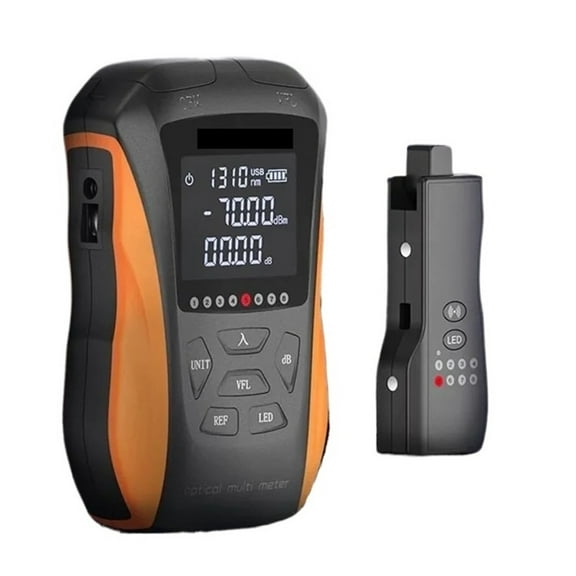
An LCD screen gives you more room for labels, wire order, and measured information. You may prefer that format when you want fewer guesses during longer troubleshooting sessions.
A digital backlit display can help you read results in darker spaces with less strain. You’ll notice that advantage when you move between server rooms, utility areas, and tight wall cabinets.
You should also compare button layout and menu simplicity. You can work faster when your tester shows clear symbols and keeps common functions easy to reach.
Matching a lan tester to your work style
You should think about how often you’ll carry your lan tester between jobs. You may want a compact shape if you climb ladders, move through ceilings, or keep tools in a small pouch.
A 9V battery model can make quick swaps simple during field work. A rechargeable Li-ion option may suit you if you test often and prefer fewer loose batteries.
If you like straightforward charging, you may prefer USB charging. You can top up that style from common cables, power banks, or vehicle adapters during a busy workday.
Durability also matters when you’re moving through active job sites. You should look for housings and controls that feel secure in your hands and hold up to repeated transport.
If you need a cat6 tester for fresh runs in offices or home upgrades, you should favor clear readouts and reliable compatibility. You’ll finish terminations with more confidence when your tool matches your cable category.
Use cases for network testers and cable diagnostics
You can use network testers when you install wall jacks, patch panels, switches, or routers. You’ll quickly confirm whether you wired each run correctly before you connect devices.
If you set up your internet hardware but a room stays offline, you can test the cable path first. You may find a reversed pair, open line, or miswired termination faster that way.
When you label and organize office cabling, you can use a tone generator to trace hidden lines. You’ll spend less time sorting through unlabeled bundles behind desks or inside closets.
If you maintain mixed voice and data wiring, you should check for RJ11 and RJ45 support together. You can carry one tool instead of switching between separate testers for each connector style.
You may also use these tools during remodels, smart home updates, or camera wiring projects. You’ll get cleaner installations when you verify each line before final device placement.
With the right network testers, you can move from setup to troubleshooting with clearer answers and fewer repeated steps. You’ll choose more confidently when you compare tester type, cable support, display style, and power options together.