

Power Meters & Electricity Usage Monitors - Walmart











About Power Meters & Electricity Usage Monitors - Walmart - Walmart.com
You can compare a power meter with confidence when you understand voltage fit, installation style, and the readings you need. You can also see clear differences between plug-in appliance models and panel-mounted monitors for heavier electrical systems.
If you’re measuring one refrigerator or one workshop circuit, your choice looks very different from a server room setup. You can get clear results when your meter matches your outlets, phase type, and display preferences.
How to choose a power meter by voltage and phase
You should start with voltage compatibility because it affects where your meter can connect and what equipment you can monitor. You can compare 110V options for standard outlets, 220V models for larger equipment, and 3-phase power monitoring devices for commercial systems.
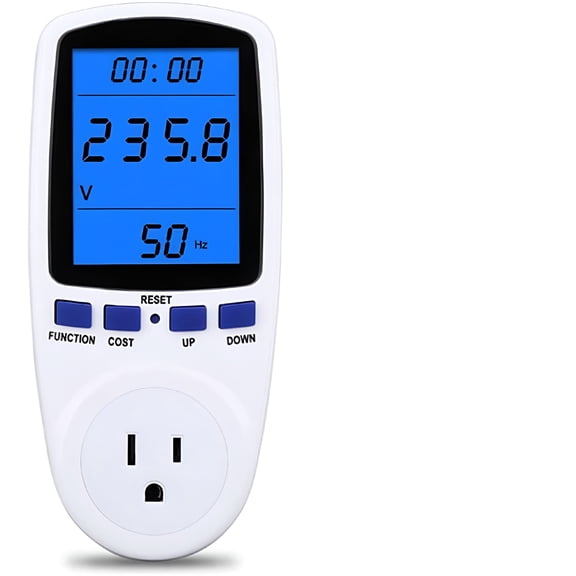
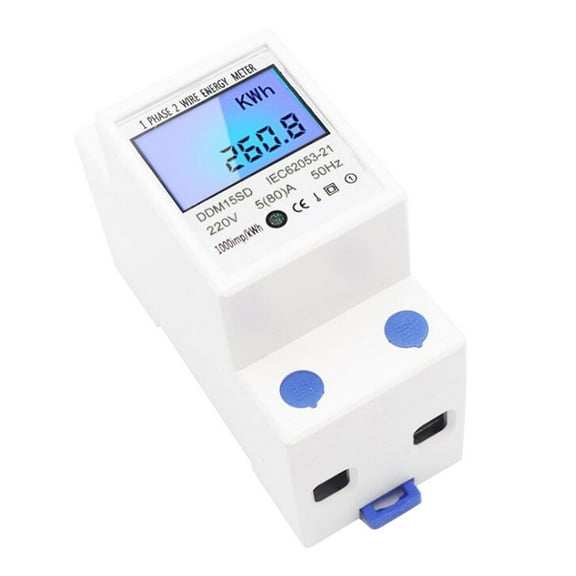
When you need a 220v power meter, you should check whether your equipment uses higher-voltage circuits for dryers, compressors, or shop tools. You should check phase details too, because single-phase and 3-phase systems don’t use the same monitoring setup.
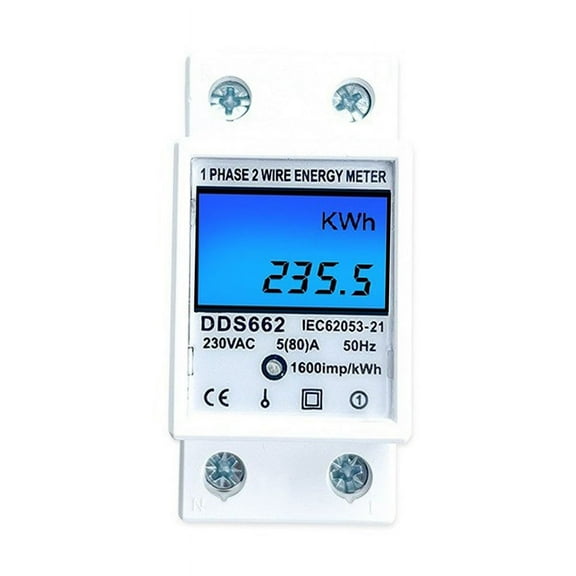
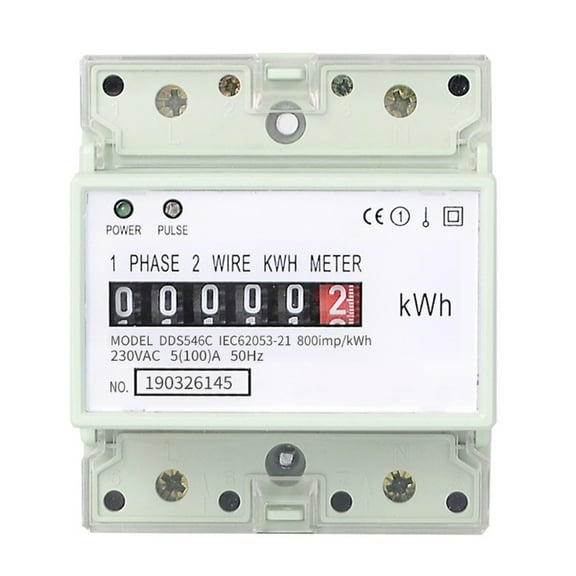
For industrial panels, you should measure the service type before choosing hardwired or DIN-rail formats. You can avoid mismatched equipment when you compare line voltage, wiring method, and the number of conductors.
Choosing application type and installation style
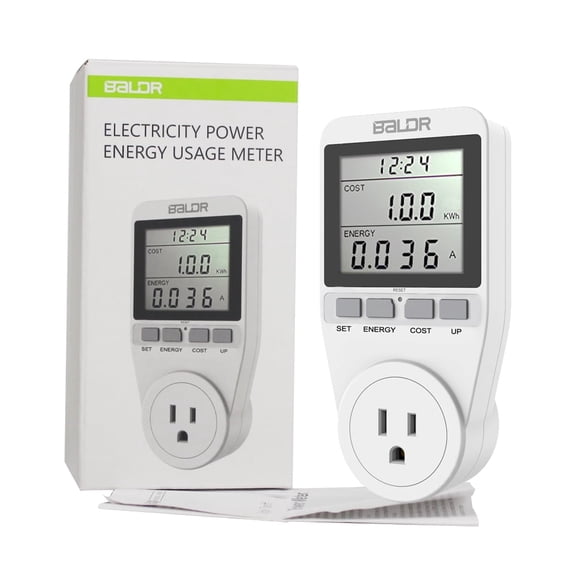
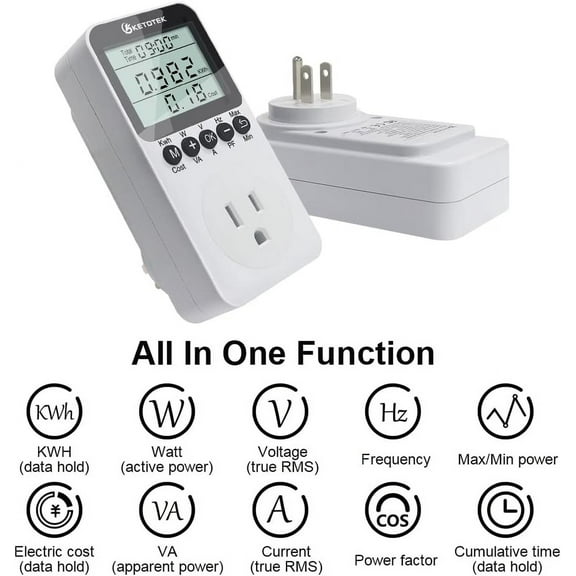
You can narrow your options quickly by deciding where you’ll use the meter. You may prefer an appliance power meter for kitchen devices, dehumidifiers, gaming setups, or portable heaters that plug into standard outlets.
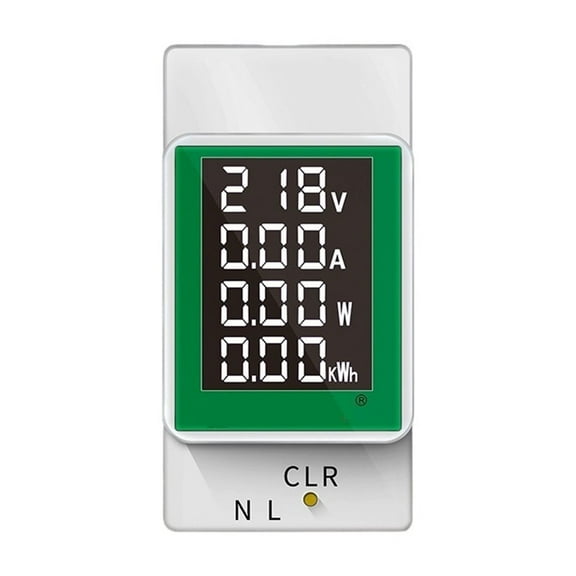
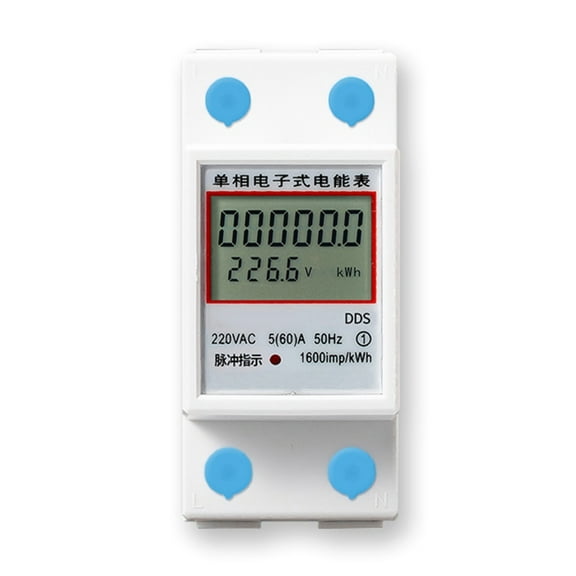
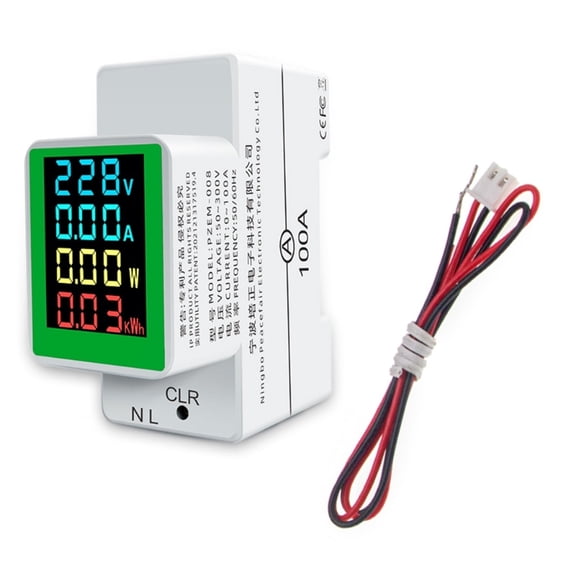
If you’re monitoring a breaker panel, you should look for a form factor built for fixed installation. You can compare panel-mounted units, rail-mounted designs, and other monitors made for ongoing circuit tracking.
- You can use plug-in meters to check wattage and kWh on individual household appliances.
- You can use panel monitors to watch branch circuits, larger machines, or shared electrical loads.
- You can use server room meters to track steady usage patterns across racks, PDUs, or dedicated lines.
- You can choose a portable format when you want to test several devices in different rooms.
You should also think about how often you’ll move the meter. You may appreciate a compact plug-in design for spot checks, while a fixed monitor helps you follow ongoing usage over time.
Comparing measurement metrics and power meter kwh cost data
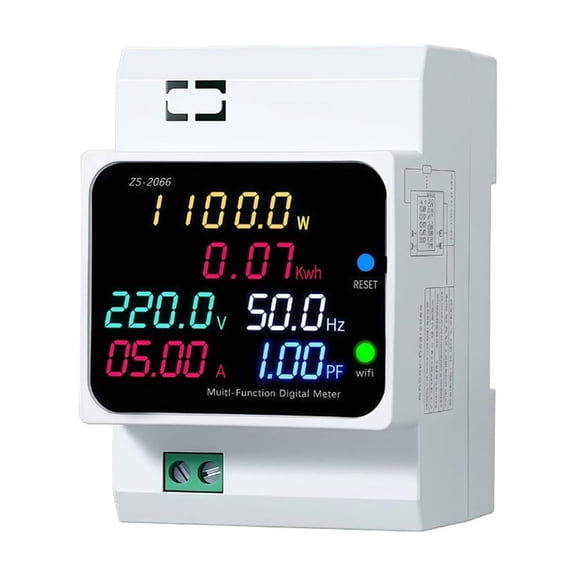
You can make an informed choice when you know which numbers matter for your project. You can compare wattage for live demand, voltage for supply checks, amperage for current draw, and kWh for longer-term usage.
If you’re tracking power meter kwh cost questions, you should focus on meters that show accumulated energy use over time. You can estimate operating cost more easily when your display shows kilowatt-hours instead of only instant wattage.
For appliance testing, you may only need wattage, voltage, and total kWh after a full day or week. For commercial equipment, you may need broader monitoring that helps you review changing loads across multiple lines.
Understanding display types and current usage meter options
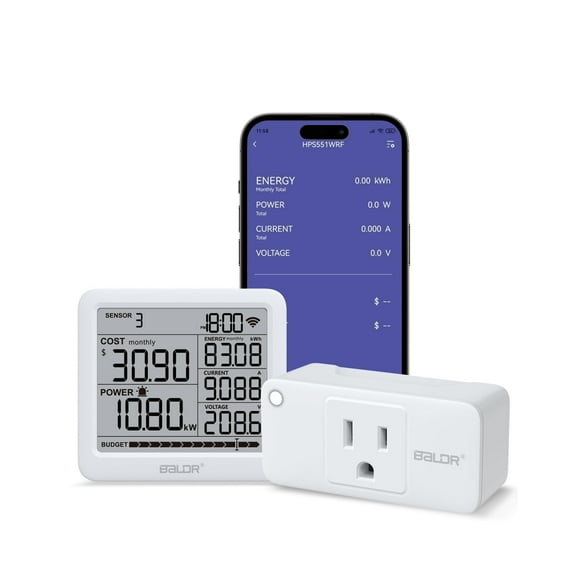
You should compare display type based on how you prefer to read and store data. You may like an LCD digital screen for quick checks, a smart WiFi model for remote tracking, or an analog format for simple visual reference.
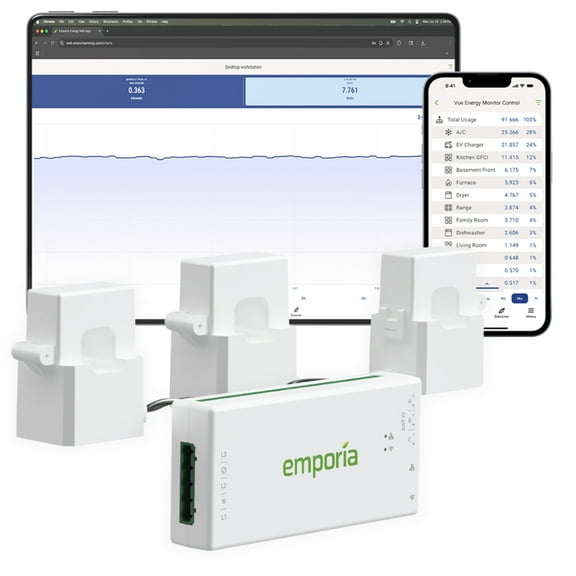
If you want a current usage meter for daily habits, you may prefer a screen that shows readings clearly at a glance. You can also look for memory, historical views, or app access when you want to review trends later.
WiFi-connected models can help you follow patterns without standing next to the outlet or panel. Basic displays can still work well when you only need fast readings during setup, testing, or routine checks.
Matching power consumption meters to real use cases
You can use power consumption meters in very different ways depending on the equipment you’re checking. You might test a freezer that cycles all day, compare office devices, or review how a workshop tool draws power under load.
For household use, you may want a plug-in meter that moves easily from one appliance to another. You can monitor a microwave, air purifier, or entertainment center and compare which devices use more electricity during normal routines.
For a 220v power meter setup, you may need readings from larger equipment that uses dedicated circuits. You should check connector style and installation requirements before choosing a meter for those higher-voltage applications.
In commercial spaces, you might need 3-phase power monitoring devices for panels, machinery, or infrastructure equipment. You can benefit from models that fit structured installations and present readings in a way your team can review consistently.
If you’re comparing power meter price, you should weigh the type of readings, logging depth, and mounting style you actually need. You can make a direct choice when you focus on compatibility and the measurement detail your setup requires.
You can shop this category with confidence when you understand voltage, form factor, and display differences before you choose. You can end up with readings that match your equipment, your workflow, and your monitoring goals.