

Pro Audio in Musical Instruments


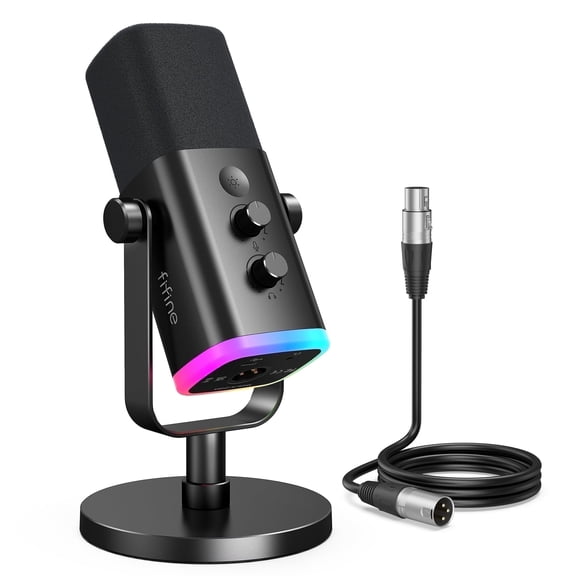
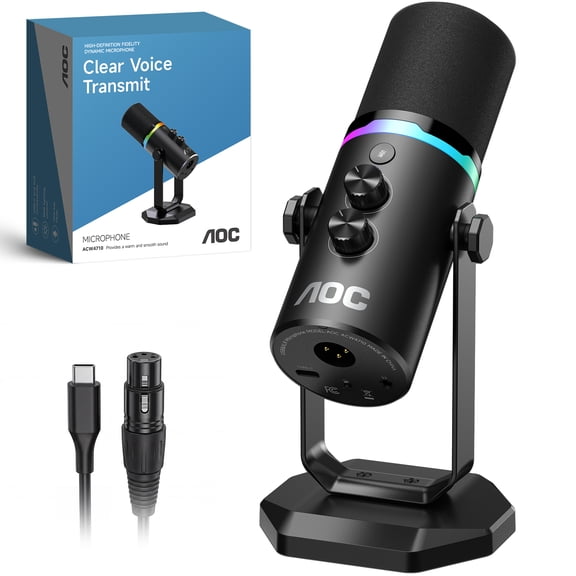
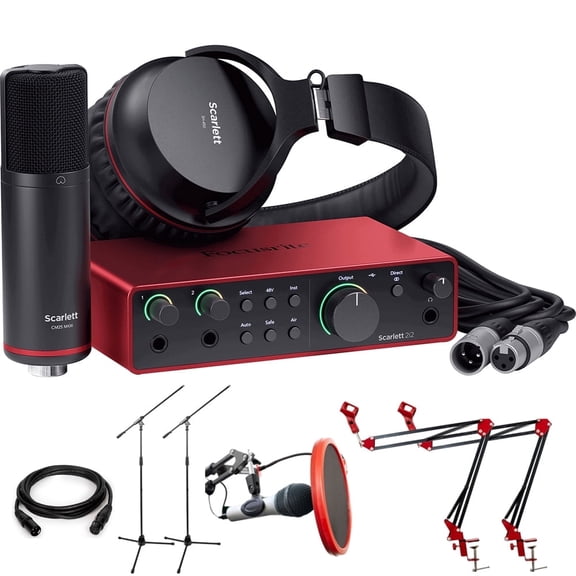
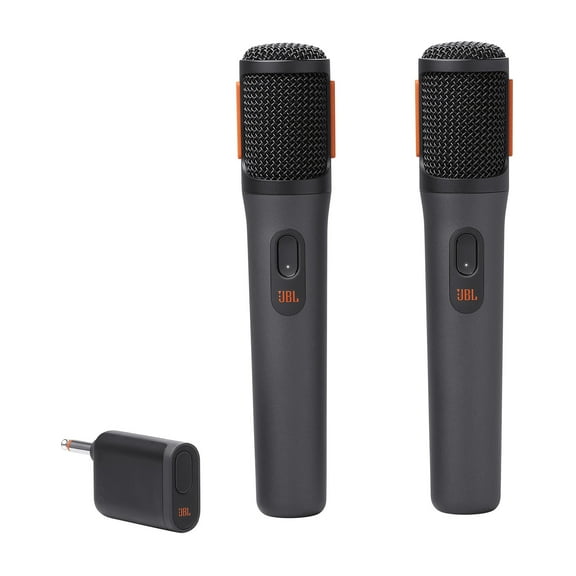
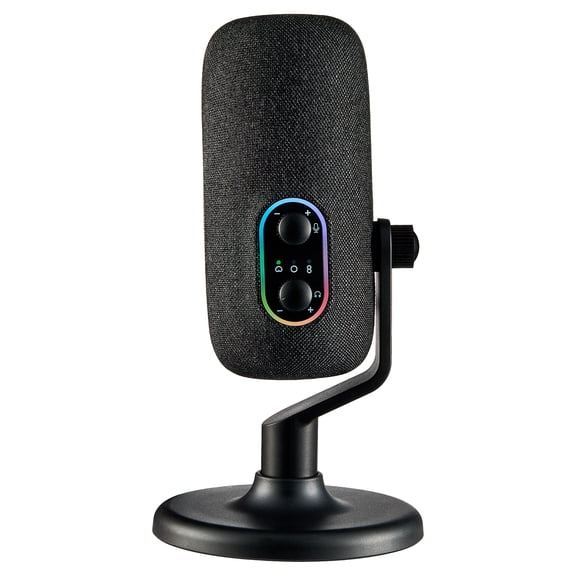

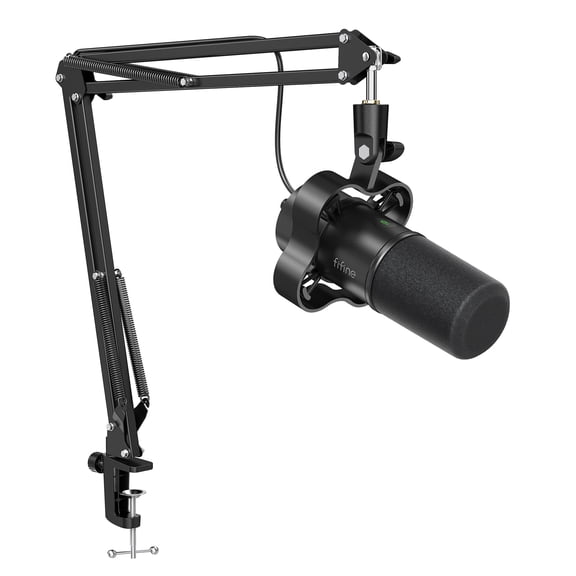
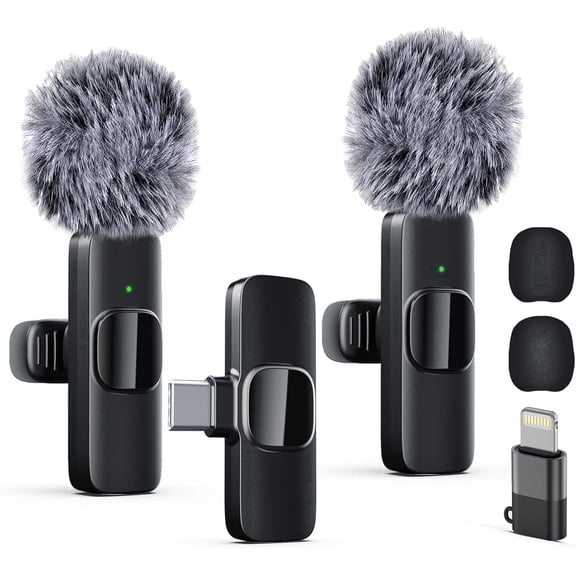

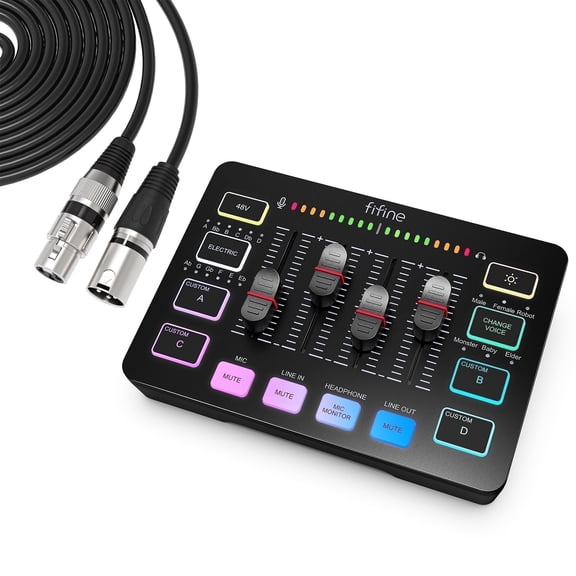




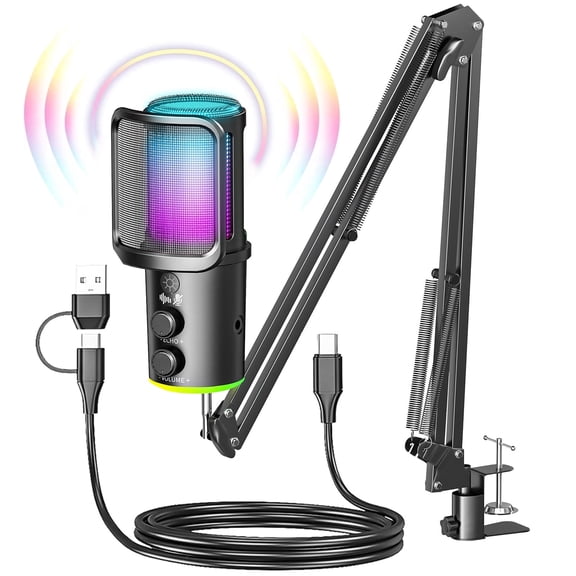

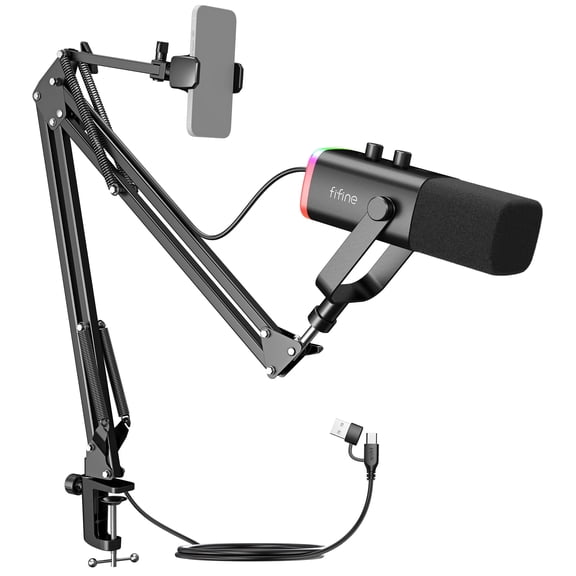
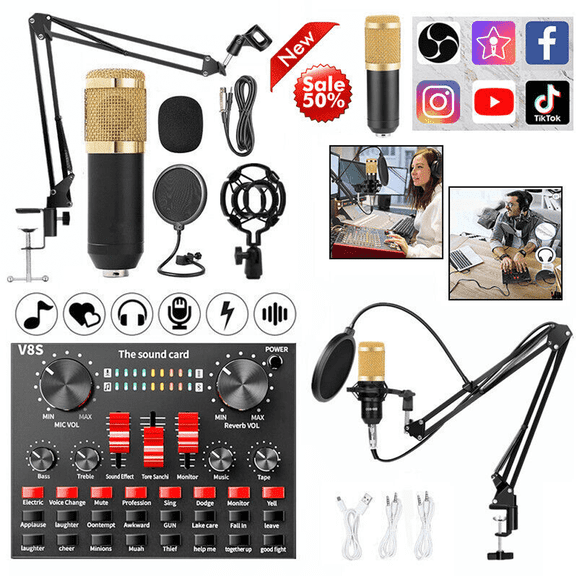


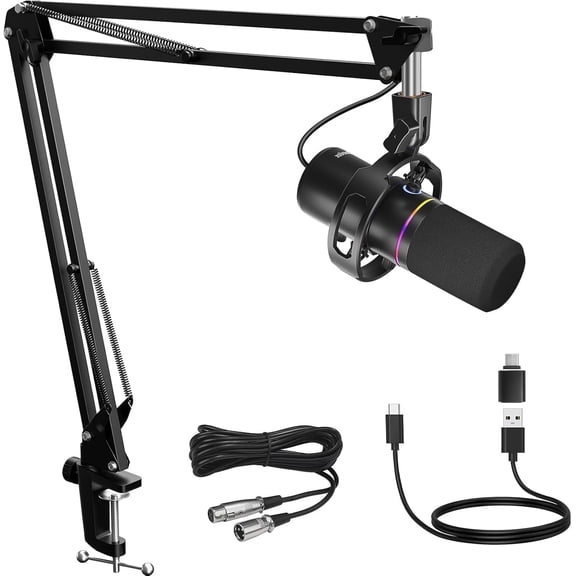
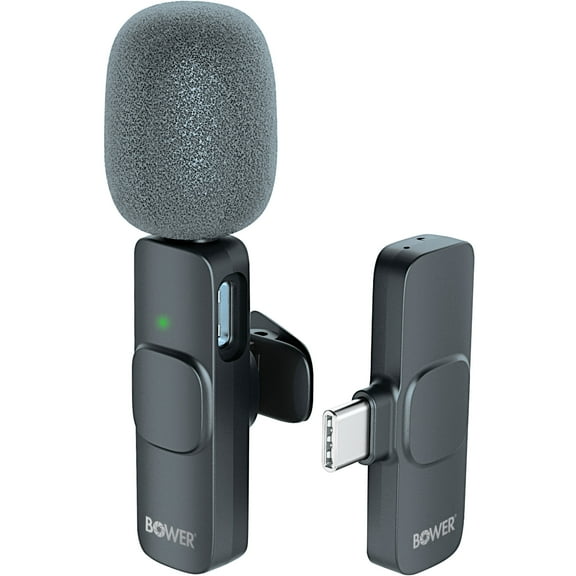
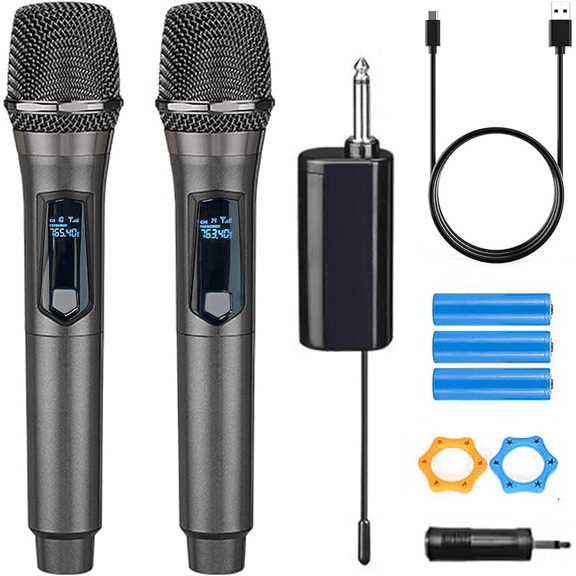
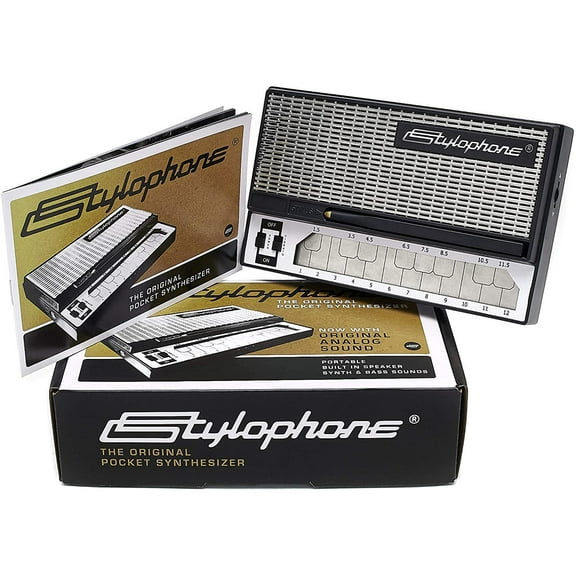
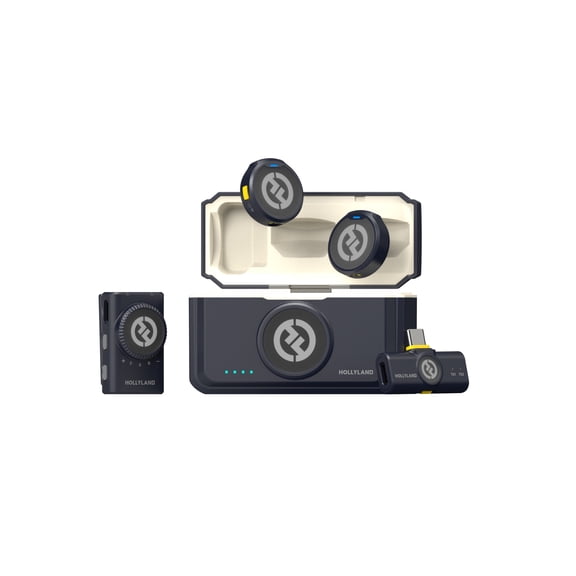
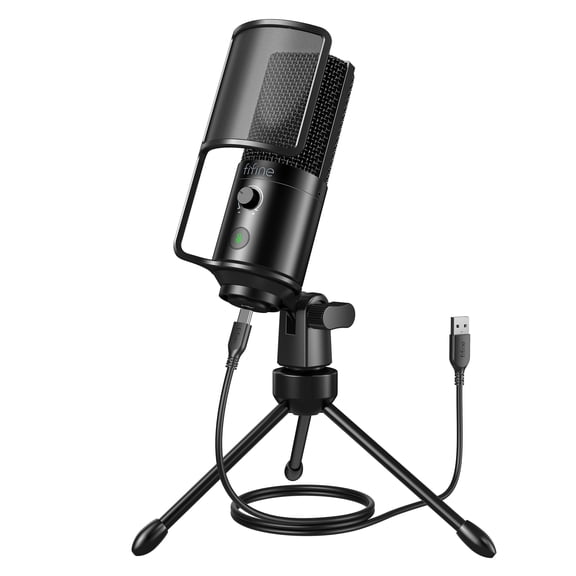


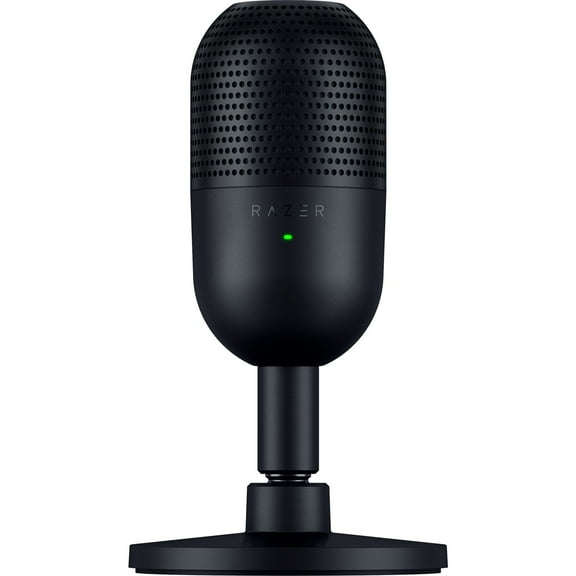


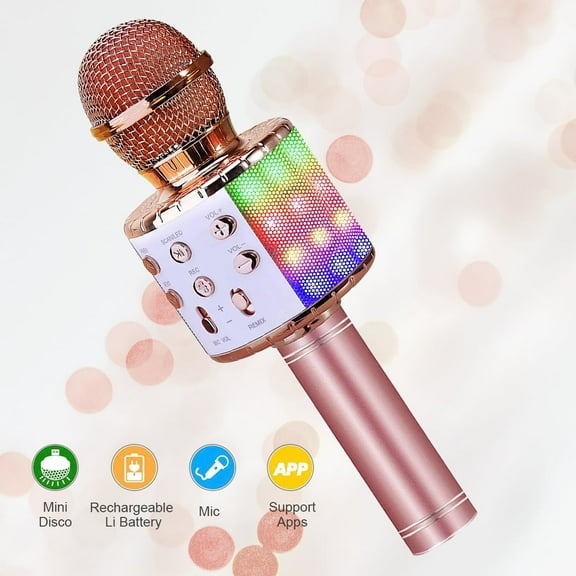


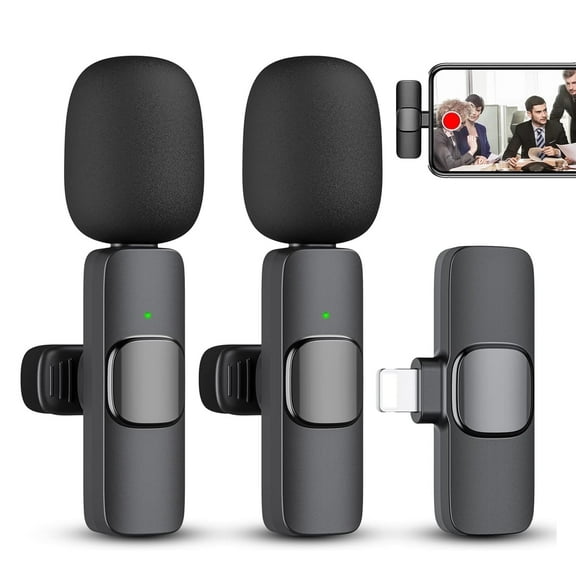


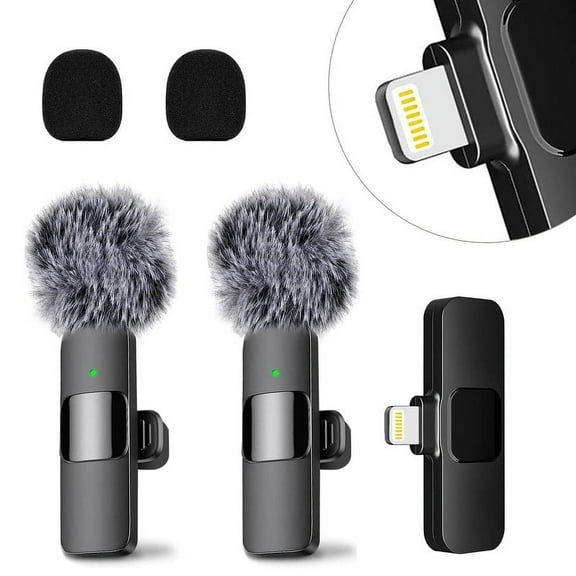


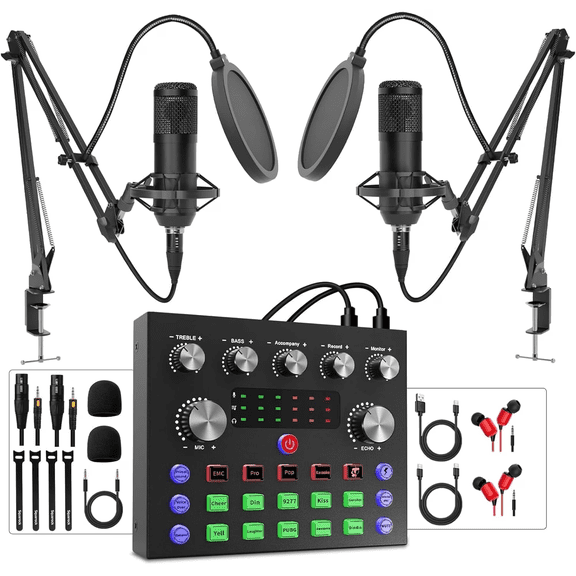


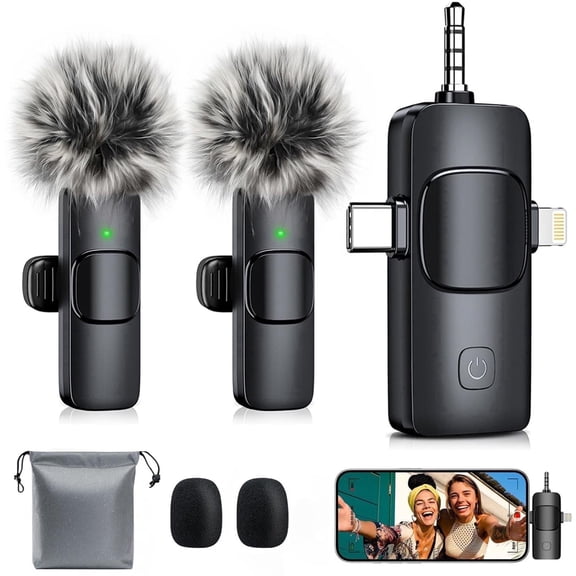


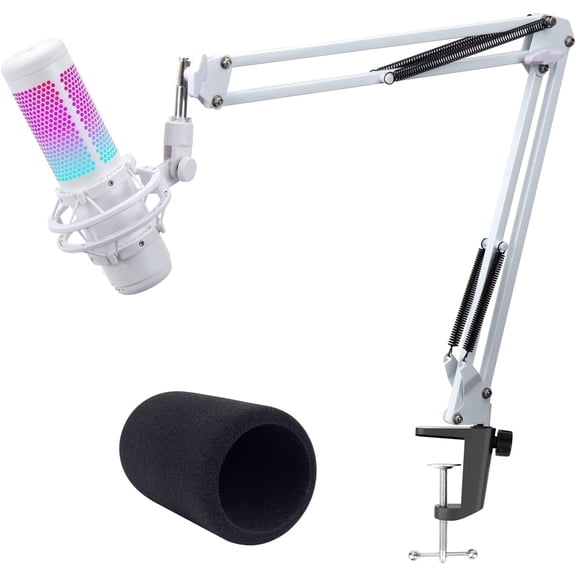


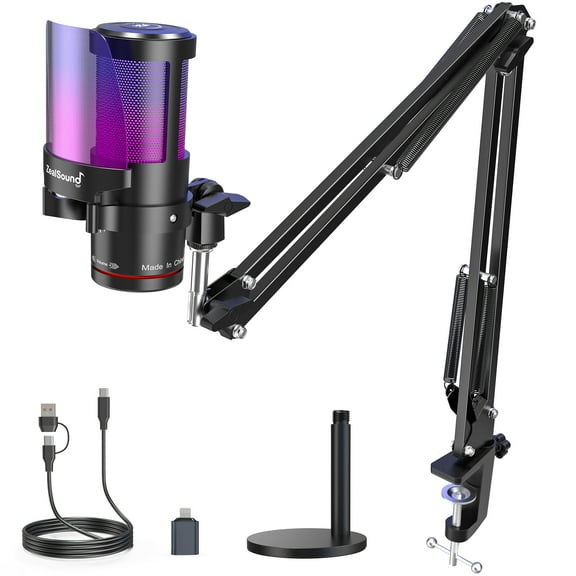


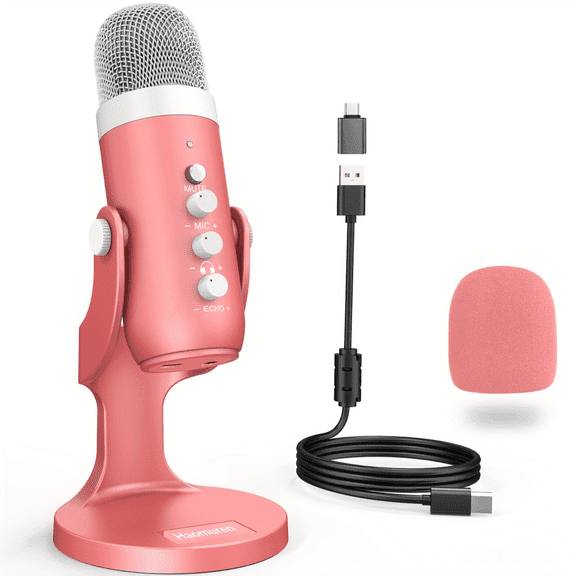


About Pro Audio in Musical Instruments - Walmart.com
Pro audio helps you build a clearer, more reliable signal chain for recording, streaming, rehearsing, and live events. You can compare mixers, microphones, audio interfaces, studio monitors, and PA speakers in one place.
If you're moving beyond entry setups, you need pro audio equipment that matches your room, workflow, and connection needs. You can use this guide to compare category options before you choose professional audio gear.
How to choose pro audio equipment by application
Your first decision is where and how you'll use your setup. You should compare home studio, live sound, podcasting, and stage performance needs before you focus on specs.
For a home studio, you may want audio interfaces, microphones, and studio monitors that fit a desk or treated room. You can focus on clean routing, direct monitoring, and compact footprints.
For live sound, you may need mixers and PA speakers that support fast setup and clear coverage. You can look for sturdy cabinets, practical controls, and connection options that simplify stage changes.
If you create podcasts, you may prefer USB microphones or interfaces that support quick connection to your computer. You can keep your setup streamlined while still using studio sound equipment concepts.
When you perform on stage, you should check portability, cabinet shape, and access to key inputs. You can move gear faster when handles, layout, and powered options match your routine.
- You can tailor your setup to recording, streaming, rehearsing, or performing.
- You can reduce cable confusion by matching gear to your actual workflow.
- You can build a signal path that fits your room size and output needs.
- You can choose components that travel well for repeated setup and teardown.
What to look for in professional audio gear
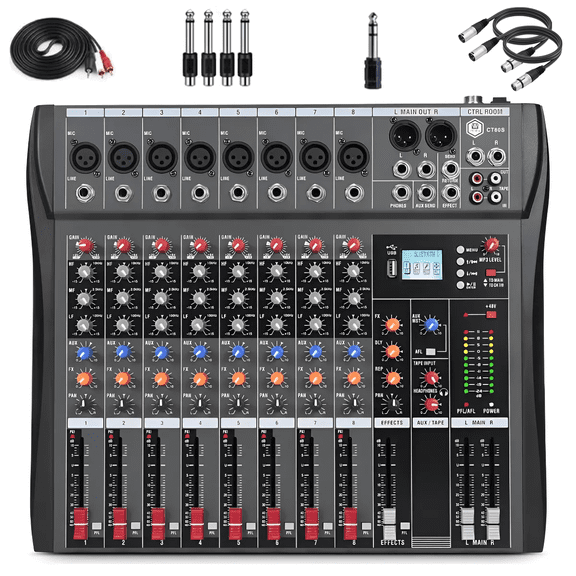
You should compare equipment type before anything else, because each category handles a different job. You can think of mixers as control centers, while microphones capture sound at the source.
Your audio interface connects instruments or microphones to your computer for recording and playback. You can use studio monitors for detailed listening, while PA speakers help project sound into a room.
If you need flexible routing, you should look at mixer channel count and output options. You can manage microphones, instruments, and playback sources more easily with the right layout.
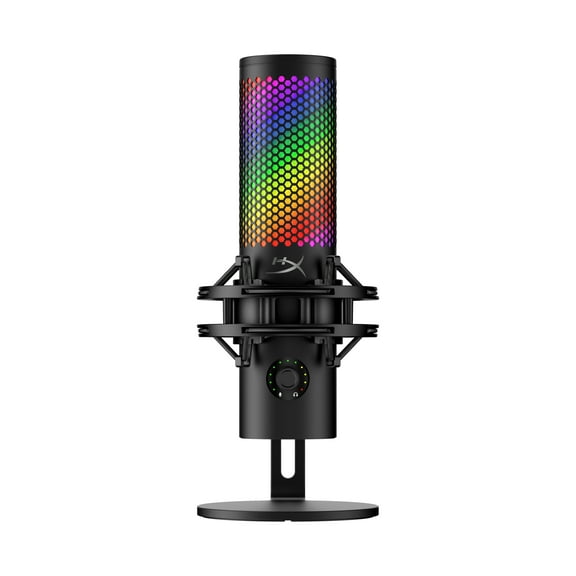
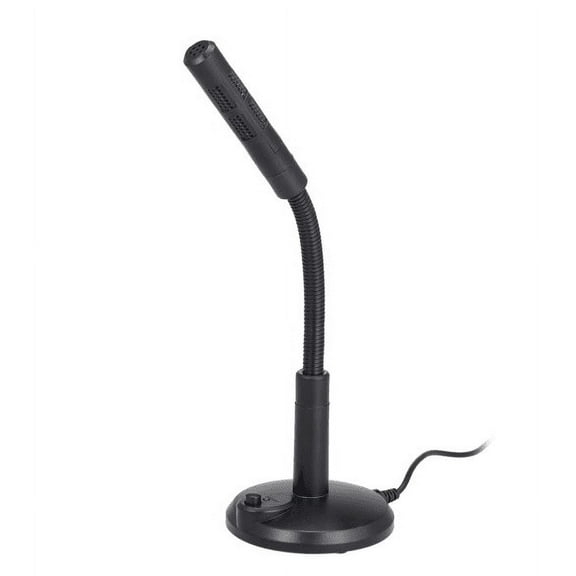
When you compare microphones, you should consider your voice, instrument, and recording space. You can narrow your options by checking connection type and whether your setup supports your preferred format.
For monitors and speakers, you should measure your room and audience size before choosing. You can avoid mismatched sound systems when your speaker format fits your actual use case.
Choosing connectivity for studio sound equipment
Your connections shape how easily your gear works together. You should compare XLR, USB, TRS or TS, and Bluetooth based on your sources and output devices.
XLR connections are common when you want dependable links between microphones, mixers, and speakers. You can recognize them by their locking fit, which helps keep cables seated during sessions.
USB connections matter when you want direct computer hookup for recording, streaming, or podcasting. You can simplify your desk setup when your microphone or interface connects without extra adapters.
TRS and TS connections often appear on instruments, line outputs, and monitor links. You should check whether your gear expects balanced or unbalanced runs before you connect everything.
Bluetooth can add convenience when you want wireless playback in select setups. You can still compare wired inputs first, because many professional audio gear workflows depend on direct cable connections.
If you use multiple components, you should map your inputs and outputs before you choose. You can avoid extra converters when your mixer, interface, monitors, and speakers already share the right formats.
Comparing active and passive pro audio sound systems
Your power type affects setup speed, cabling, and system planning. You should compare active or powered models with passive options before you buy speakers or larger rigs.
With active or powered gear, you get built-in amplification inside the speaker cabinet. You can set up faster because you don't need a separate power amp for that component.
With passive gear, you use an external amplifier to power the speaker. You can gain system flexibility when you want to match components for a larger or more customized rig.
You should also check impedance and power handling when you compare passive pieces. You can keep your system planning straightforward when your amp and speaker requirements line up clearly.
For smaller rooms, rehearsals, or mobile events, you may prefer powered speakers for simpler transport. For installed systems or expandable rigs, you may prefer passive formats with separate amplification.
How to match pro audio to real-world setups
If you're building a home studio, you can start with an audio interface, microphone, and studio monitors. You should look for USB or XLR compatibility that fits your computer and recording routine.
For podcasting, you may want a compact microphone setup and simple monitoring path. You can keep your workspace cleaner when your cables, stands, and inputs suit your desk layout.
When you handle live sound, you can pair a mixer with PA speakers that fit your venue size. You should consider powered options when you want fewer separate components to move.
If you perform regularly, you may focus on rugged housings, manageable weight, and easy-grab controls. You can speed up load-in when your professional sound equipment supports repeated transport.
For hybrid creators, you may need gear that works for recording during the week and small events later. You can compare professional audio gear by connection flexibility, output control, and portability first.
When you choose pro audio carefully, you get a setup that fits your space, sources, and workflow. You can move from first recording to live reinforcement with fewer compatibility surprises.