



Find auto parts that fit
Let’s search for parts that fit your vehicle.Steering Wheel Control Adapters & Interfaces - Walmart
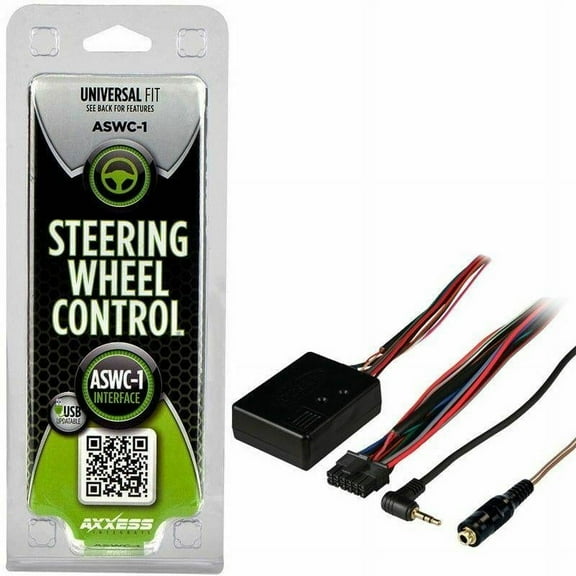


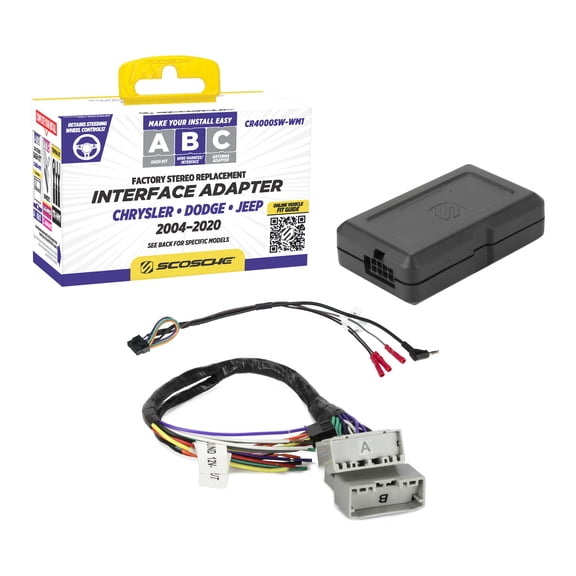


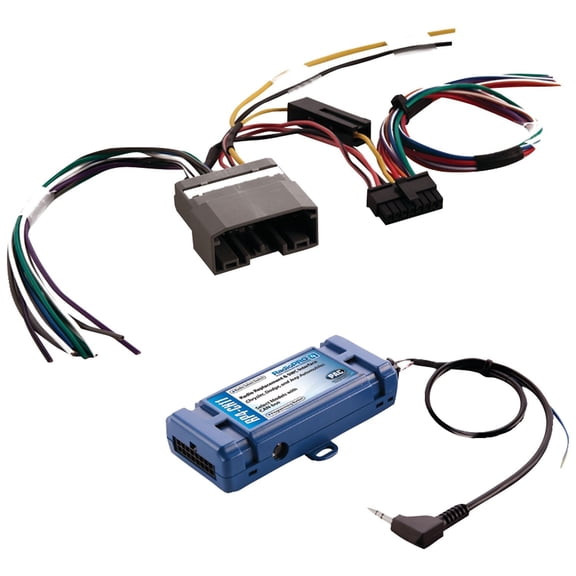
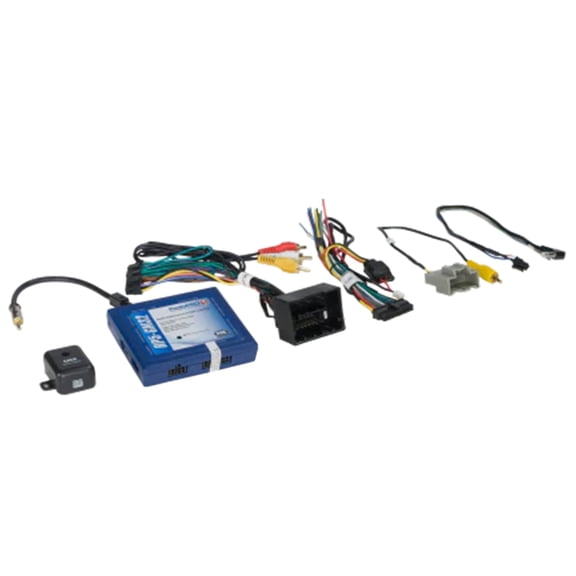

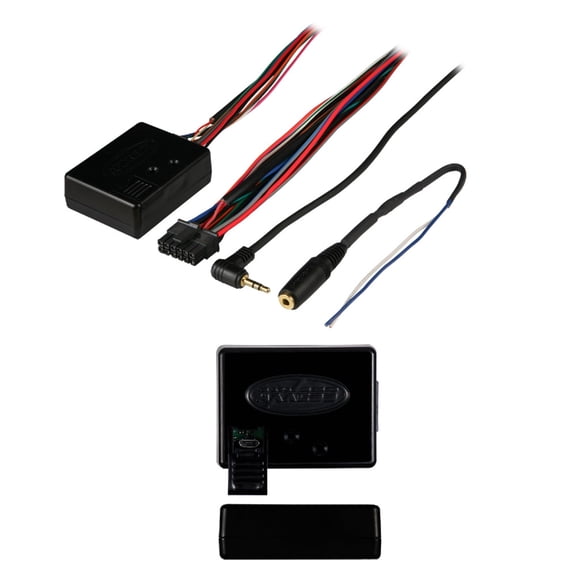
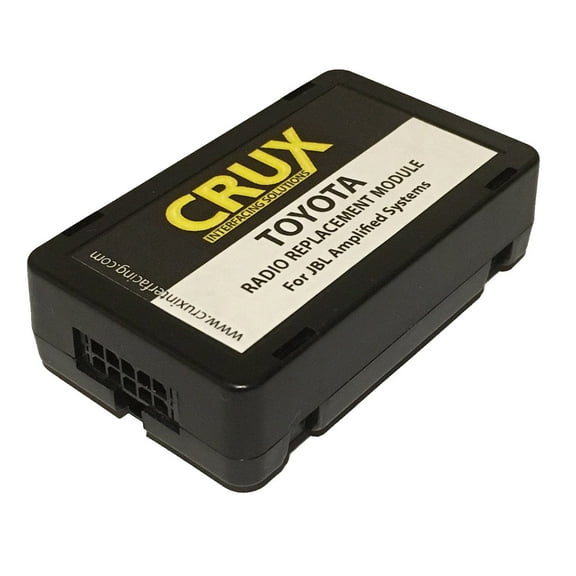

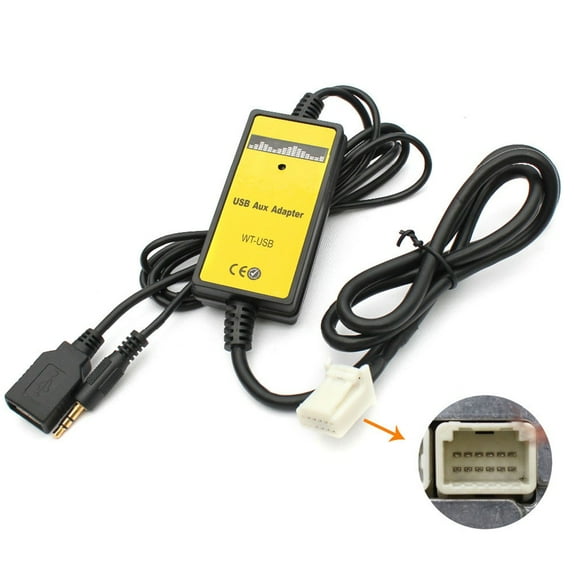
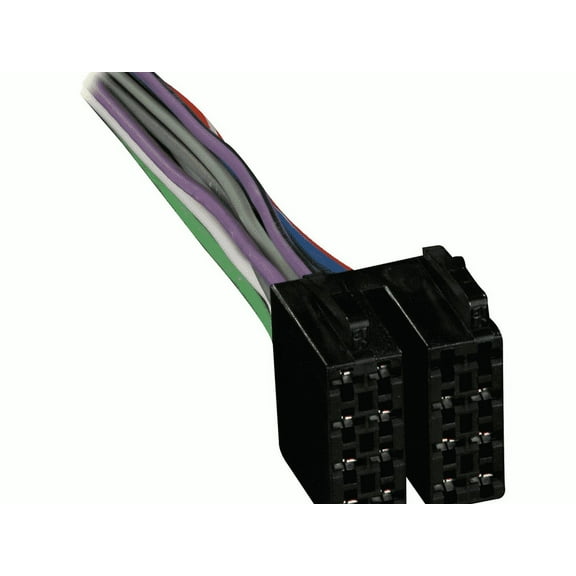

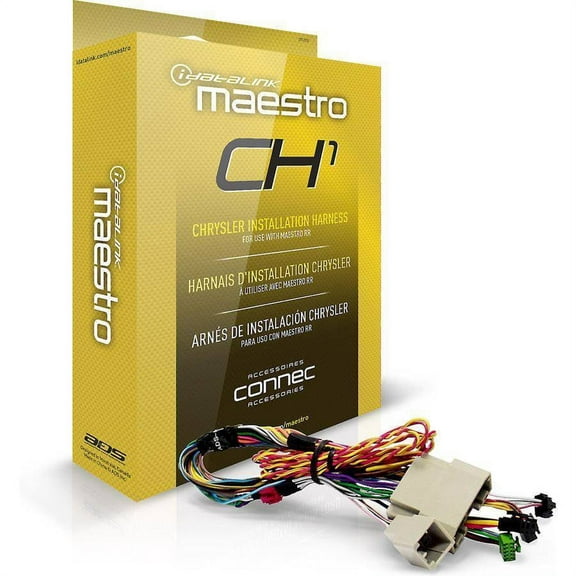

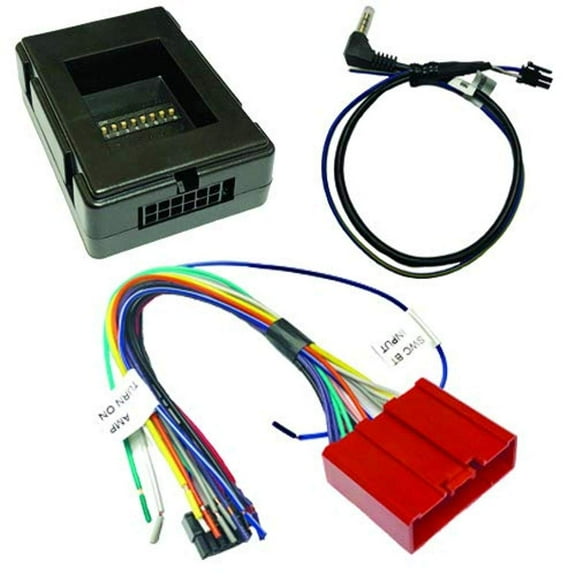
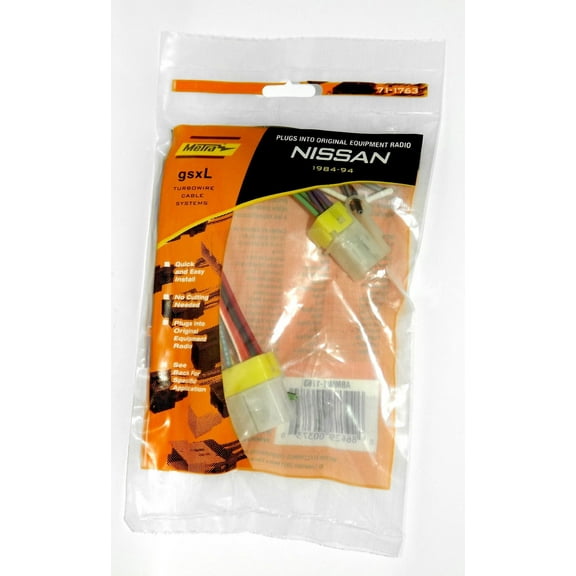

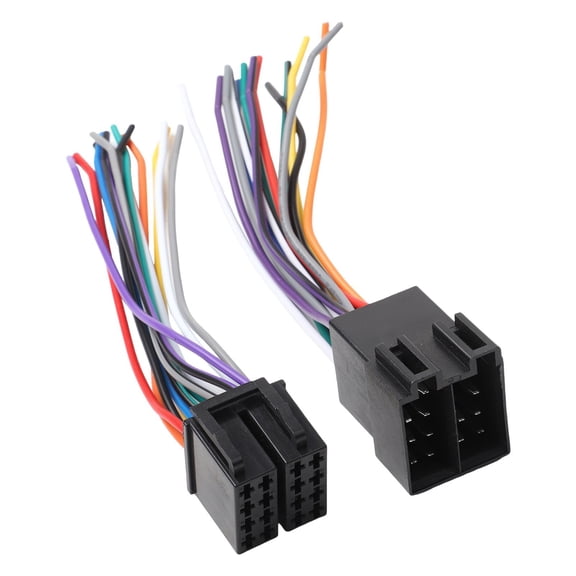
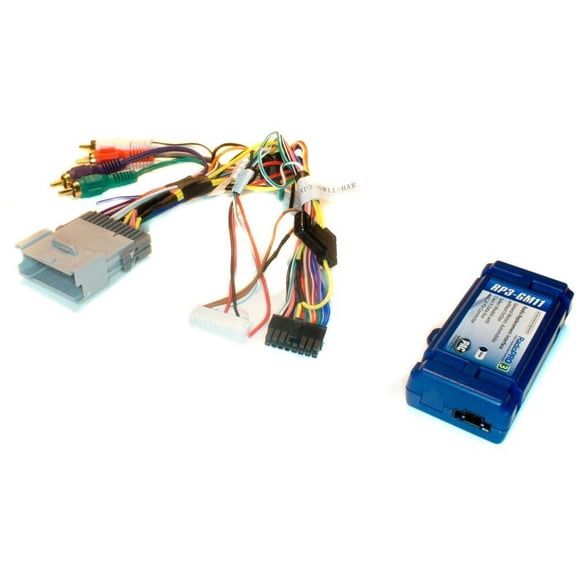

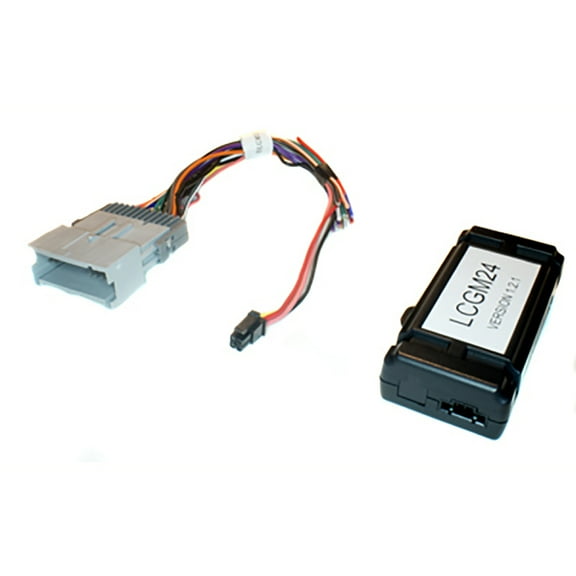
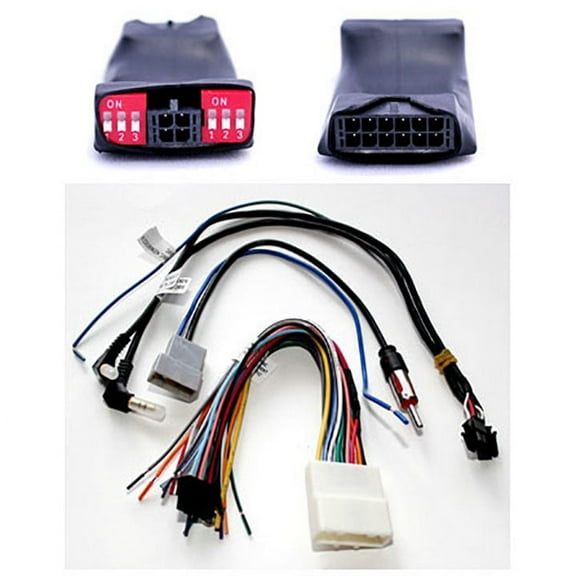
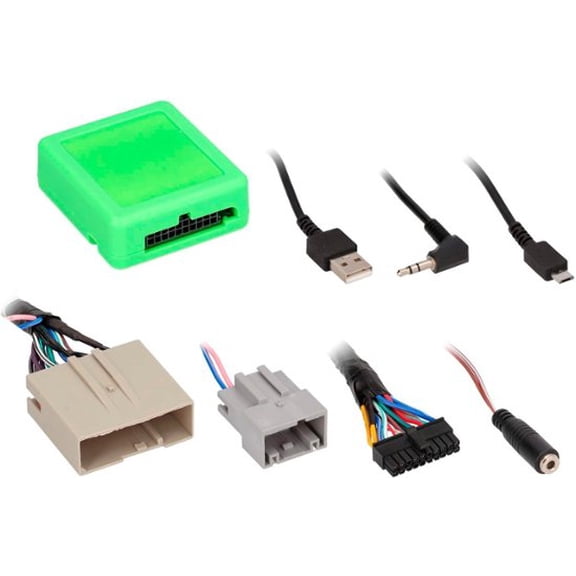
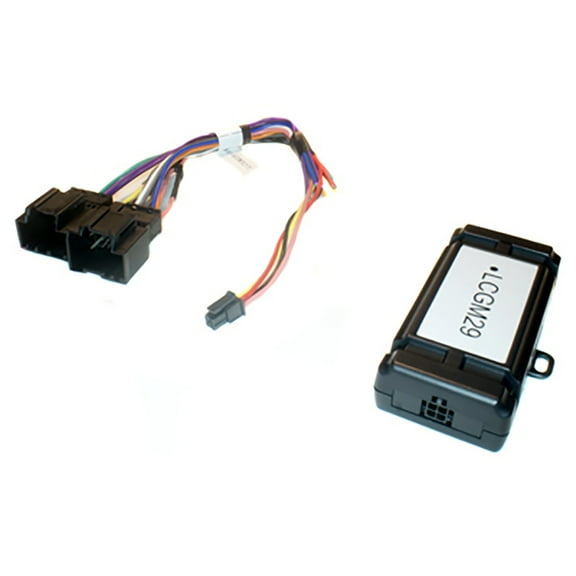

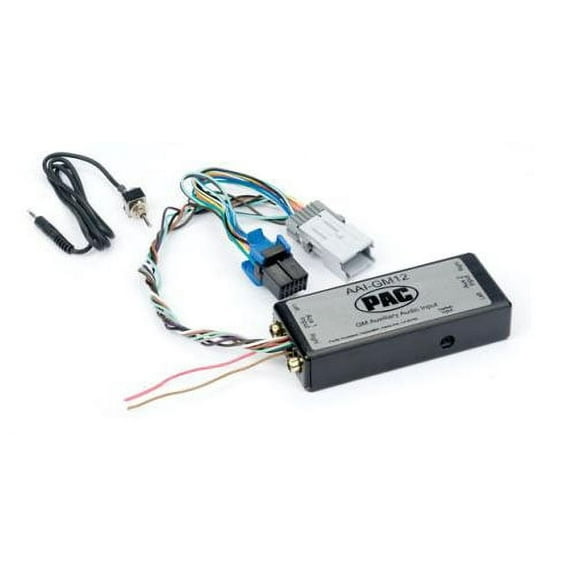
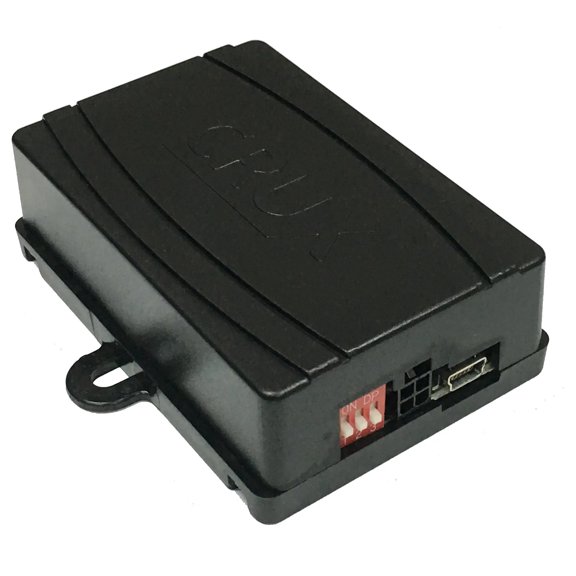


About Steering Wheel Control Adapters & Interfaces - Walmart - Walmart.com
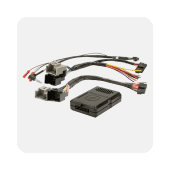
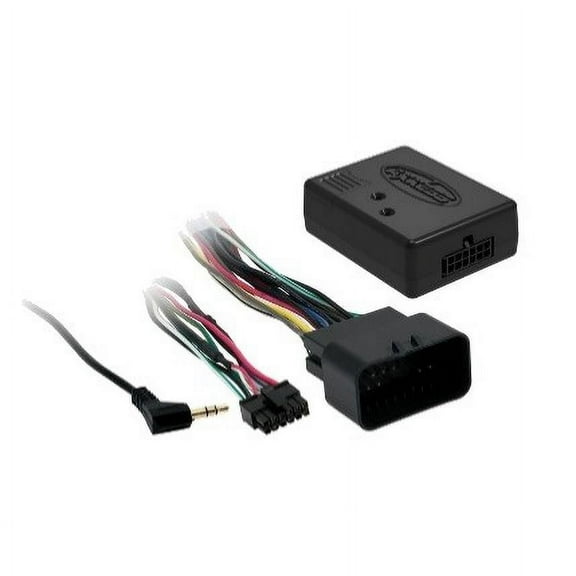
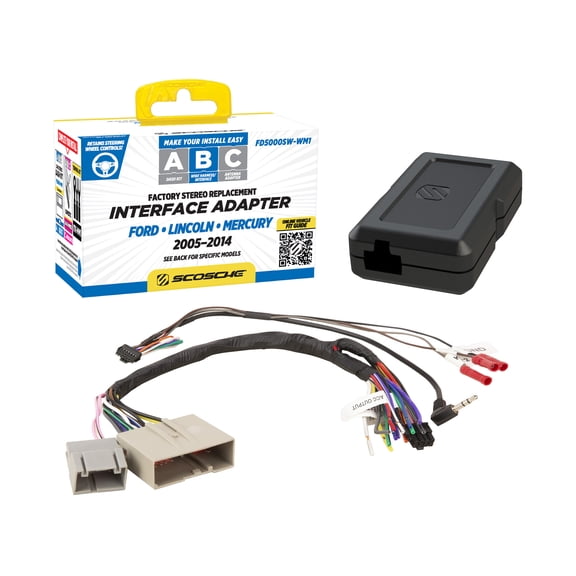
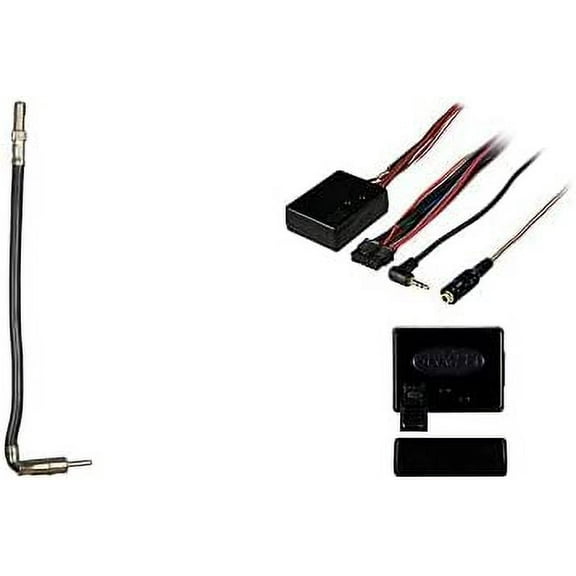
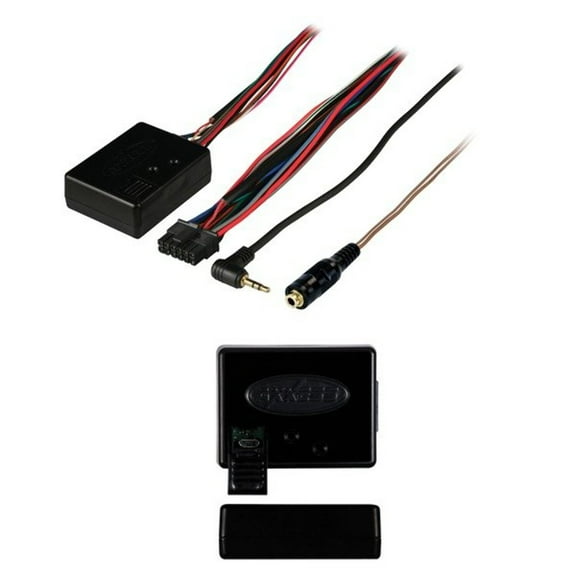
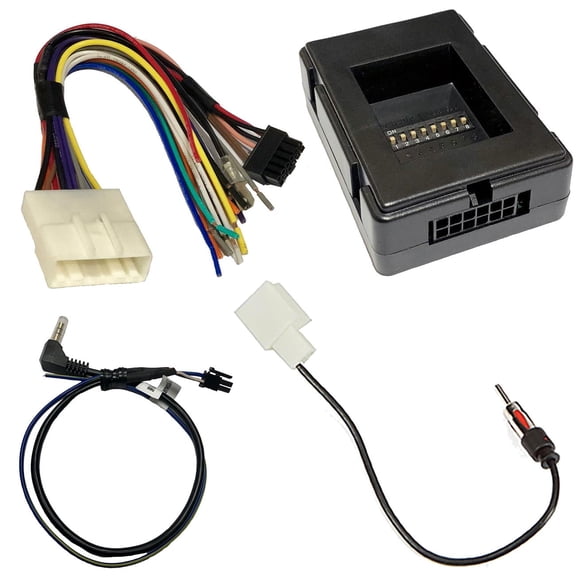
You can keep factory button control with a steering wheel control adapter that matches your vehicle, radio brand, and connection type. You’ll find options for analog and CAN-bus systems, so your volume, track, phone, and voice buttons can stay useful after a radio upgrade.
If you’re replacing a factory stereo, you may want your dash to feel familiar from the first drive. You can use this category guide to compare interface types, wiring formats, and programming steps before you choose.
How to choose a steering wheel control adapter
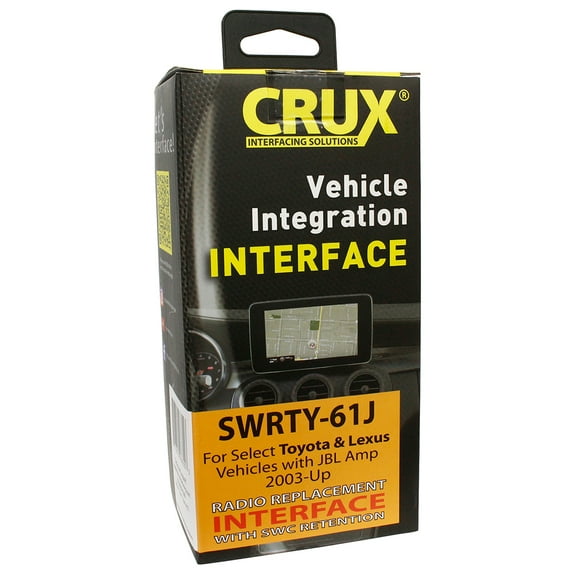
You should start with vehicle compatibility, because your adapter must speak the same language as your factory system. You’ll usually compare universal, vehicle-specific, and select-fit options for Ford, GM, or Toyota platforms.
If you drive multiple model years within one brand, you should still check the exact fit notes. You may find different harness pin counts, data signals, or connector styles across trims.
You should also confirm radio brand compatibility before you install anything behind the dash. You’ll often see support for Pioneer, Kenwood, Alpine, Sony, and JVC receivers.
- You can retain common buttons like volume up, volume down, track skip, and source selection.
- You may also keep phone answer, hang up, and voice command buttons with the right interface setup.
- You can simplify installation when you match the adapter to your radio input style and vehicle harness.
- You’ll get a cleaner upgrade path when you compare universal and vehicle-specific kits before purchase.
You should think about retained functions as part of your buying decision, not as an afterthought. You’ll want to verify whether your preferred adapter supports phone keys, voice prompts, or media controls.
Choosing vehicle and radio compatibility
You need to match the adapter to both your vehicle and your aftermarket receiver. You can think of it as a translator that connects factory steering buttons to your new head unit.
If your vehicle uses an analog system, you’ll typically connect simple resistance-based button signals. If your vehicle uses CAN-bus or data-bus communication, you’ll need an interface designed for digital vehicle messages.
You should compare analog and CAN-bus listings carefully, because they are not interchangeable in many installs. You’ll usually see CAN-bus support called out for newer vehicles with networked electronics.
You can also narrow choices by radio input style, which matters during final hookup. You’ll often choose a wire harness lead, a 3.5mm jack connection, or a wireless IR format.
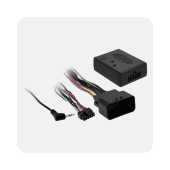
If your radio accepts a 3.5mm input, you should look for adapters that plug into that port directly. If your radio uses bare-wire steering inputs, you’ll want a matching wire harness connection.
You may also see a steering wheel control interface or steering wheel control module listed in product titles. You can treat those terms as closely related options, but you should still verify your exact vehicle and radio pairing.
Understanding interface type and programming
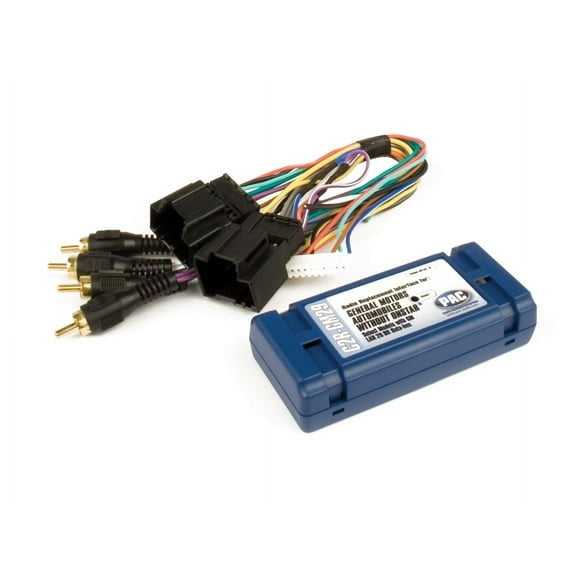
You should check whether your install needs an analog, CAN-bus, or data-bus interface module. You’ll make a smoother choice when you match the interface type to the factory communication method.
When you compare programming styles, you may see pre-programmed and manual mapping options. You’ll usually spend less setup time with pre-programmed units that recognize common button layouts.
If you prefer custom button behavior, you may want manual mapping support. You can assign functions in a way that fits how you use media, calls, and voice controls.
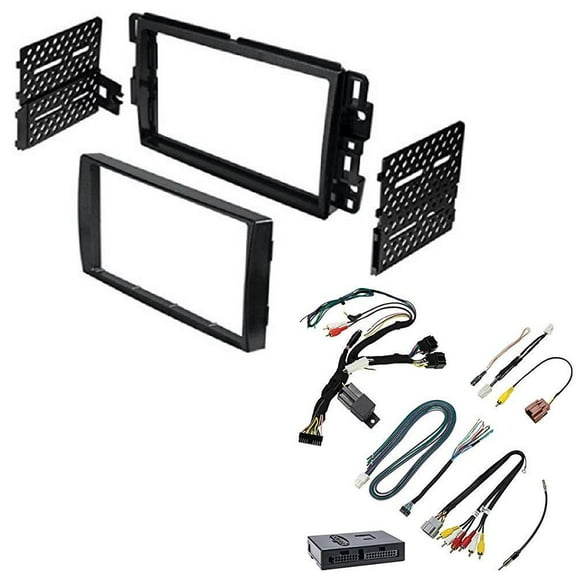
You should also review harness details before installation day. You’ll avoid guesswork when you check connector shape, pin count, and any included radio patch lead.
A universal steering wheel control adapter can help when you’re shopping across many vehicle applications. You should still confirm fit notes, because universal steering wheel controls often require specific harness pairings.
If you’re replacing an older receiver, you may need a steering wheel radio control adapter with updated brand support. You can compare current compatibility lists for Pioneer, Sony, JVC, Kenwood, and Alpine inputs.
Matching connection types to your installation
You should choose connection type based on your receiver input and how much wiring you want to manage. You’ll commonly see wire harness, 3.5mm jack, and wireless IR options in this category.
A wire harness setup can suit installs where your radio uses dedicated steering input wires. You’ll often like this route when your dash build already includes custom wiring work.
A 3.5mm jack connection can simplify many aftermarket radio upgrades. You can plug into the steering input port directly when your receiver supports that format.
Wireless IR options can help in select setups where direct control inputs differ from standard wired formats. You should confirm receiver compatibility first, since IR support varies by radio design.
You may also want a vehicle-specific adapter when you want fewer compatibility questions during planning. You can use a universal model when you need broad fit coverage and clear programming flexibility.
Use cases for universal and vehicle-specific interfaces
If you’re adding a touchscreen receiver to a daily driver, you’ll likely want to retain volume and track buttons. You can keep those controls close at hand with the right steering wheel control adapter.
When you’re upgrading a truck with a CAN-bus factory system, you should focus on data-bus compatibility first. You’ll usually need a module that reads vehicle messages and sends commands your radio understands.
If you’re installing a basic single-DIN radio in an older car, you may only need analog button support. You can often pair a simpler steering wheel control interface with a compatible harness.
When your family vehicle relies on hands-free calling, you should check phone and voice button retention. You’ll appreciate that support during daily commutes, carpools, and long highway drives.
If you switch between brands while comparing receivers, you should prioritize adapters with broad radio compatibility. You can narrow options faster when you filter for Pioneer, Kenwood, Alpine, Sony, or JVC support.
You may also want a steering wheel control module for custom audio projects that combine new receivers and factory-style convenience. You’ll keep the cabin feeling familiar while modernizing media access and call controls.
With the right fit, you can keep factory steering button access while upgrading your radio with fewer compromises. You’ll get a cleaner install plan when you match vehicle type, radio brand, interface style, and connection method from the start.