

Virtual try

New feature alert!
Hair color virtual try onTry-on and shop by type
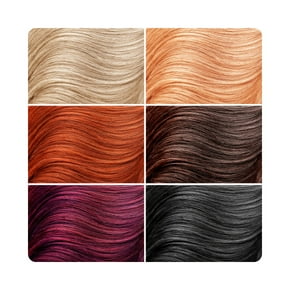

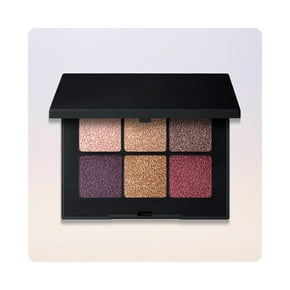
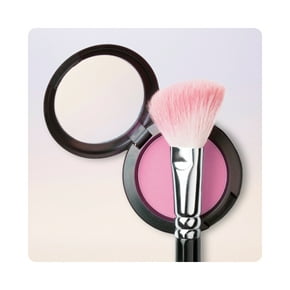
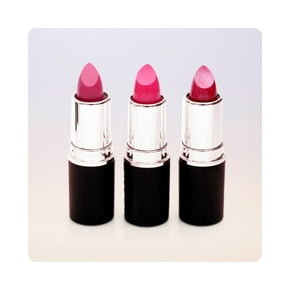
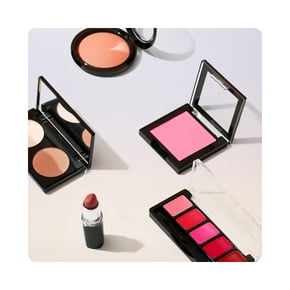
Try-on more
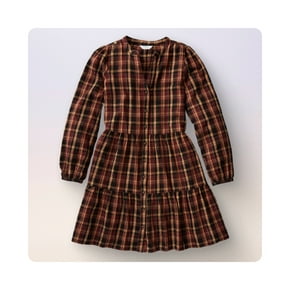

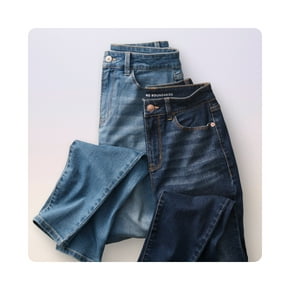
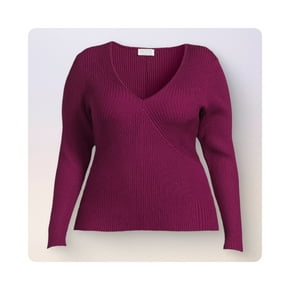
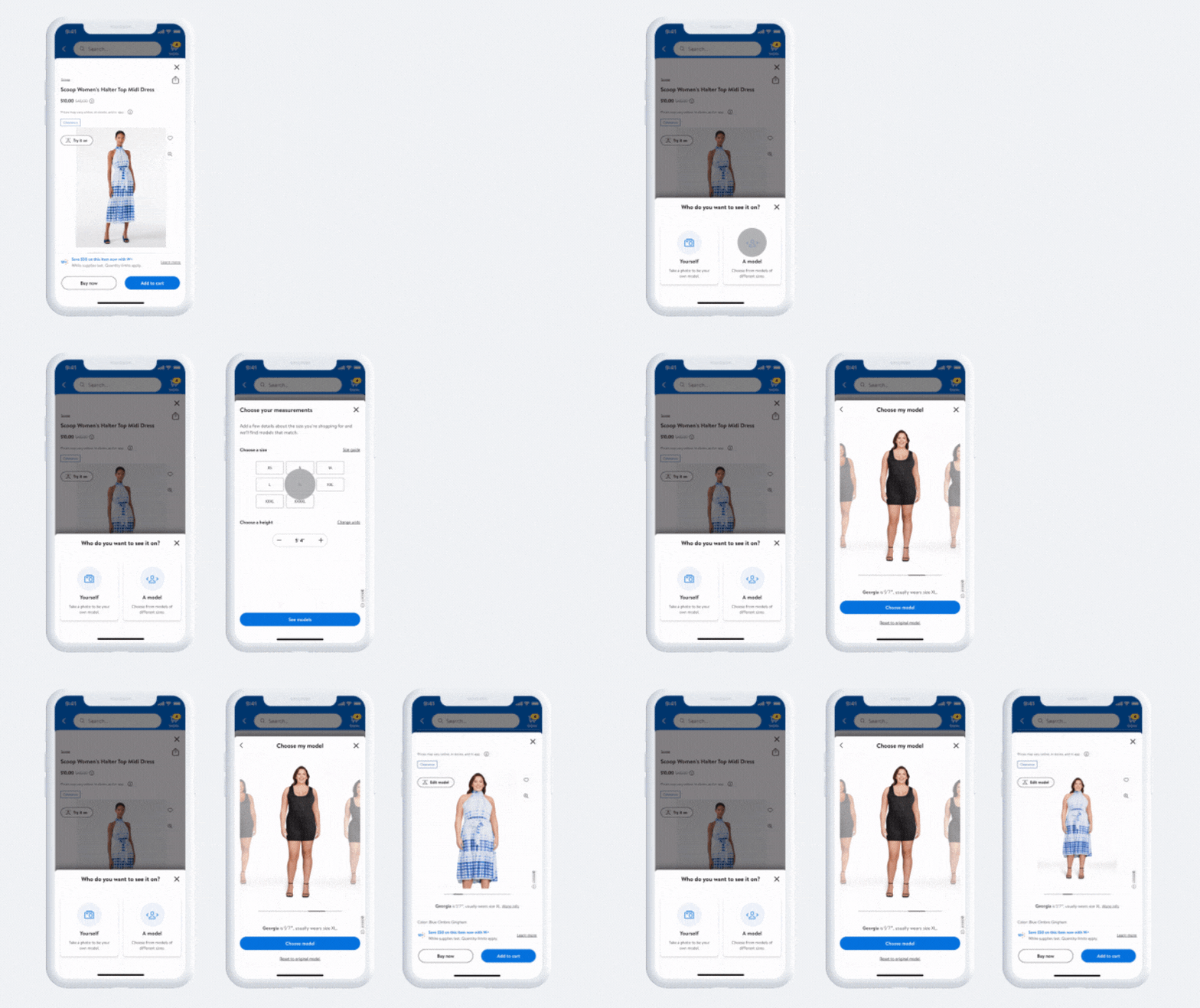
Pick a style, then be the model or choose one.
Top brands to try







Want to know more?
FAQ
About Virtual try-on - Walmart.com
Your try on room experience at Walmart helps you see how clothes look before you choose a size. You can compare fit, style, and coverage across everyday apparel categories with less guesswork.
When you use a virtual try-on tool, you get visual help that standard product photos can't provide. You can check how an item appears on a body shape, then move forward with more clarity.
How to use the try on room
You can start with the virtual try on feature on supported apparel pages and follow the on-screen steps. You may choose a model, use live video try-on, or upload a photo when those options appear.
As you try on styles digitally, you can compare how tops, jeans, sportswear, and shapewear look in context. You can also pair your view with size guides and fit details for a more informed choice.
Because this page supports a portal experience, you can move from inspiration to item-level evaluation quickly. You get a practical way to preview silhouette, length, and overall look before checkout.
Choosing apparel categories and virtual try-ons
You should first consider which apparel category you want to evaluate in the try on room. You may see support across women's clothing, men's clothing, sportswear, and shapewear on eligible items.
If you're checking active looks, you can use virtual try-on for online clothes to compare leggings, tops, or layers. If you're considering shapewear, you can focus on smooth lines, coverage, and outfit compatibility.
For everyday outfits, you can compare denim rise, top length, and sleeve shape with less uncertainty. For sportswear, you can judge whether a piece suits training, layering, or casual wear.
- You can preview how supported clothing types look before choosing a size.
- You can compare category-specific details like compression appearance, hem length, and layering potential.
- You can use visual context with size guides, fit quizzes, and recommendations.
- You can narrow options quickly when several colors or cuts look similar on a hanger.
What to look for in a virtual try on feature
You should compare the technology type because each virtual try on feature supports a different shopping style. You may prefer AR virtual try-on, live video try-on, photo upload, or model selection.
When you use AR calibration, you can get a more grounded view of scale and garment placement. When you use model body measurements, you can compare proportions against a reference that feels closer to your needs.
You should also check device compatibility before you begin. You may find some experiences work smoothly in the mobile app, while desktop browsers support other options.
If you shop on your phone, you can use quick camera-based steps and move through looks efficiently. If you shop on a larger screen, you can review outfit details with more room for side-by-side comparisons.
You can also pair the try-on or try on experience with size recommendations and fit quizzes. That combination gives you visual context plus measurement-based guidance for closer decision support.
Understanding fit help, sizing tools, and privacy
You should look for sizing help that explains what a visual preview can and can't show. You can use size guides, fit quizzes, fitting room cues, and size recommendations together for clearer decisions.
When you compare measurements, you can check inseam, rise, chest, or waist details before you finalize a choice. When you review fit notes, you can judge whether a style looks relaxed, close, or structured.
You may also want clear privacy information before using photo upload tools. You can look for privacy policy details, image handling information, and data encryption language where available.
That matters because you want confidence in how the tool handles your uploaded images during a try-on session. You can make a more comfortable choice when you read privacy details in plain language.
If you're asking which retailers provide virtual fitting or styling tools online, you likely want both convenience and clarity. You can find that combination here through interactive styling, visual fit support, and apparel-focused guidance.
Using virtual try-on for online clothes and sportswear
You can use virtual try-ons when you're building work outfits, weekend looks, or gym-ready layers. You can also test how sportswear pieces combine before you commit to a full outfit.
If you're comparing women's clothing and men's clothing, you can focus on cut, drape, and outfit balance. If you're reviewing shapewear under dresses or fitted separates, you can judge line appearance more easily.
You may be asking which websites offer virtual try-ons for sportswear because fabric shape matters in motion-inspired looks. You can use this experience to compare support pieces, fitted tops, and layered training outfits.
When you want a try on room that fits online shopping habits, you need speed and useful detail. You get a practical way to visualize eligible apparel, compare fit tools, and choose with more confidence.