

Xbox Consoles, Games & Accessories | Walmart








![XBOX $50 eGift Card [Digital]](https://i5.walmartimages.com/seo/Xbox-50-eGift-Card-Digital_7a731824-fc50-4771-ab48-4902255ca9da.b41b0a5b1f6202664d9b46e7d874de79.jpeg?odnHeight=576&odnWidth=576&odnBg=FFFFFF)















About Xbox Consoles, Games & Accessories | Walmart - Walmart.com
You can compare Xbox consoles, games, and accessories easily when you know which model, drive type, and audio setup fit your play style. You also get clearer guidance on digital downloads, physical discs, storage expansion, and headset compatibility across the category.
Choosing the right Xbox console
You should start with console model, because Series X, Series S, and Xbox One fit different screens, libraries, and setup preferences. You can notice important differences in resolution targets, storage approach, and physical disc support.
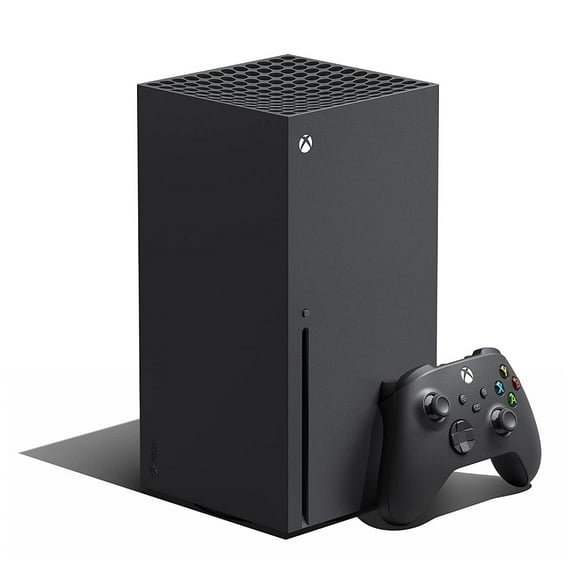
When your setup centers on 4K gaming and physical media, you can consider Series X. You get a physical disc drive, so your game discs and movie discs fit your console choice.
During your search, you may also see interest in an Xbox Series X slim option. You should compare current Series X listings by storage, bundle contents, and included accessories instead of relying on that phrase alone.
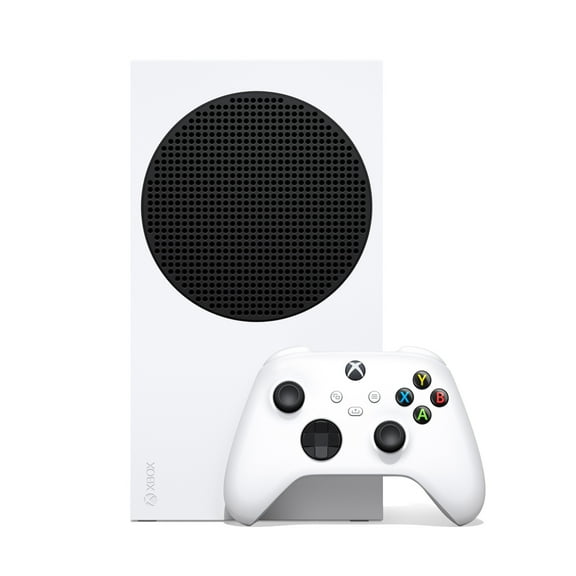
For a smaller console and an all-digital library, you can consider Series S. You get 1440p-focused performance and digital downloads without a physical disc slot.
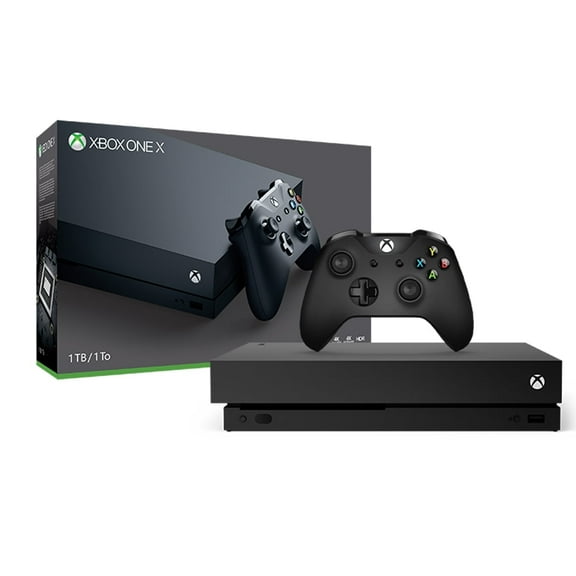
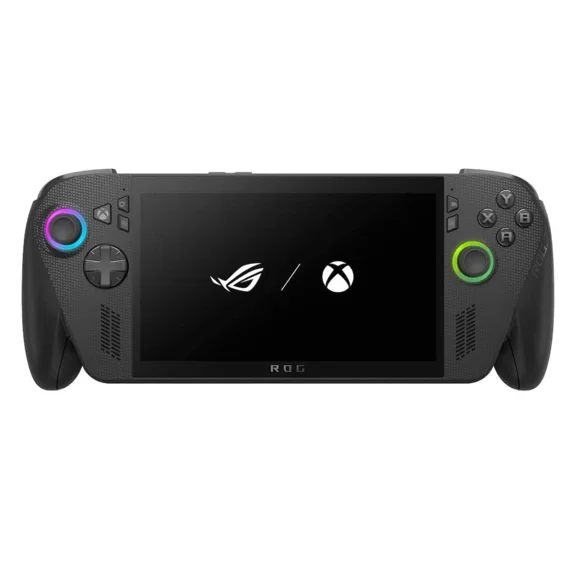
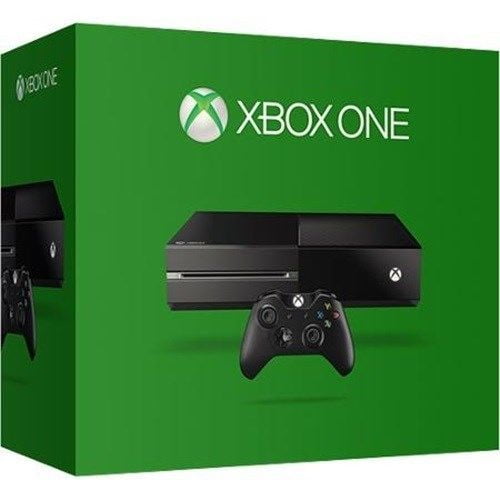
If your setup already includes earlier accessories, you may compare Xbox One with care. You should check game compatibility, performance expectations, and controller support before you choose an older generation.
Understanding Xbox Series S disc questions
You may search for Xbox Series S with disc drive, Xbox Series S disk, or Xbox Series S disc edition. You should know Series S is digital-only, so your search won't match a model with a built-in disc drive.
When your library includes physical discs, you can look at Series X instead. You avoid confusion when your game format matches your console before checkout.
Drive type deserves early attention because your buying habits affect daily use. You may prefer downloads for instant access, or you may want a disc drive for boxed games.
- You can choose Series X when your setup includes game discs or movie discs.
- You can choose Series S when your setup centers on downloads and a compact console.
- You can review Xbox One models carefully when your setup depends on earlier accessories.
Comparing storage, downloads, and Game Pass
You should think about storage early because modern games can use substantial space. A larger library means your console may need expansion planning from the start.
When you rotate only a few titles, you may rely on internal SSD storage for quick loading. You can keep frequently played games ready without managing installs as often.
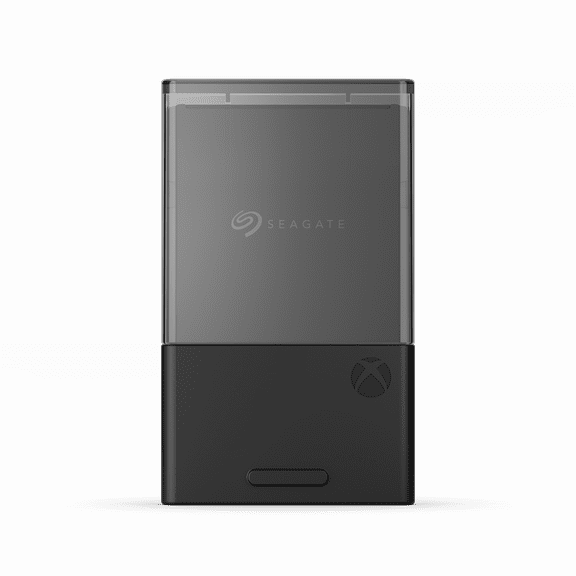
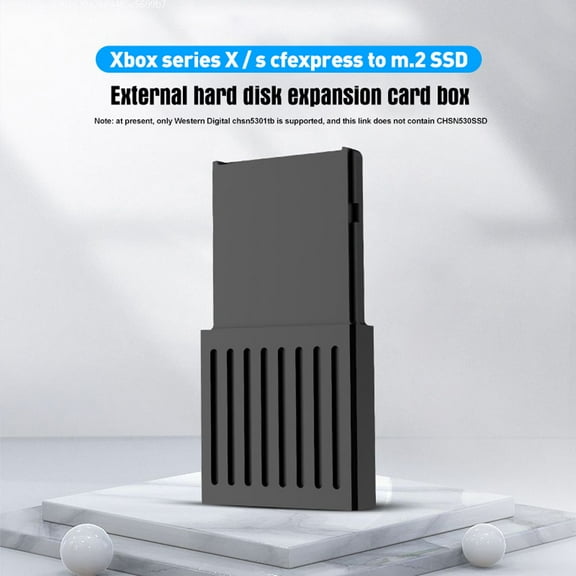
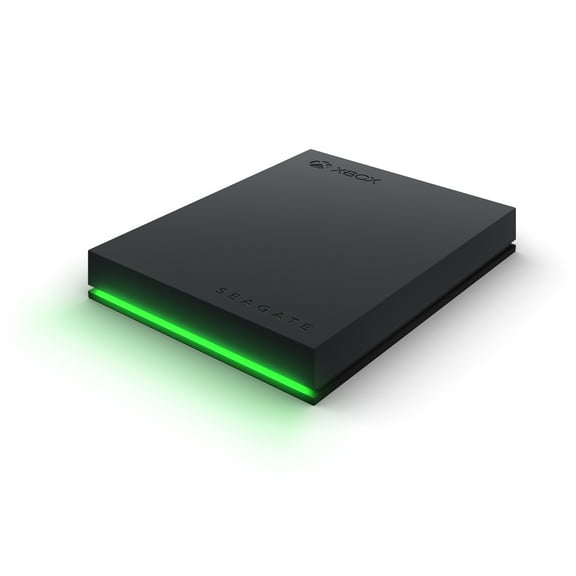
If your library includes many large games, you should compare expansion cards and compatible storage options. You get a smoother setup when your storage choice matches your console model.
Game Pass can also shape your storage needs because you may install and switch between many titles. You should compare subscription habits with available capacity before you pick a console configuration.
Choosing Xbox accessories and headset connections
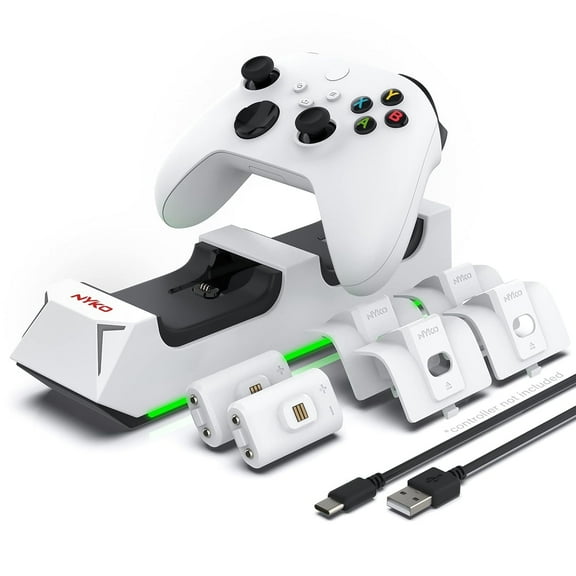
You can get more from your setup when your accessories match your console and how you play. You should compare controllers, storage expansion, and audio gear as separate buying decisions.
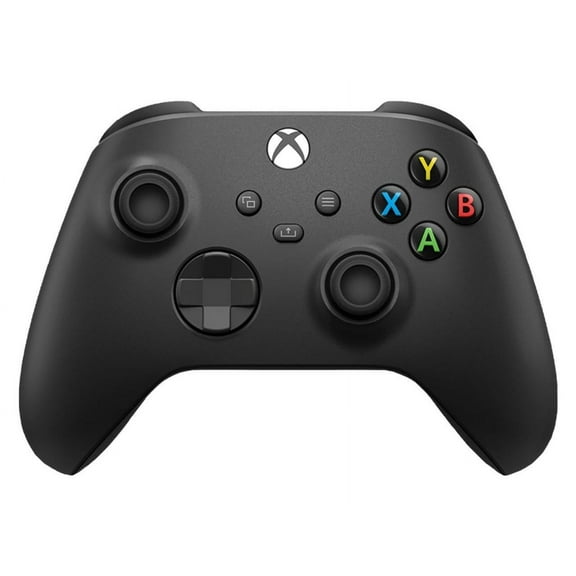
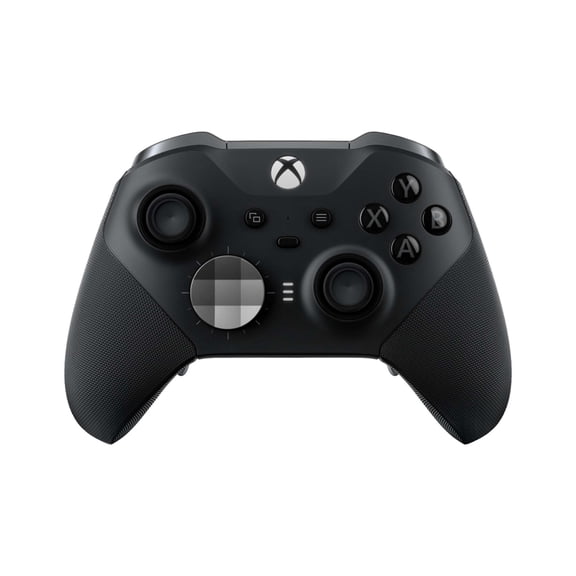
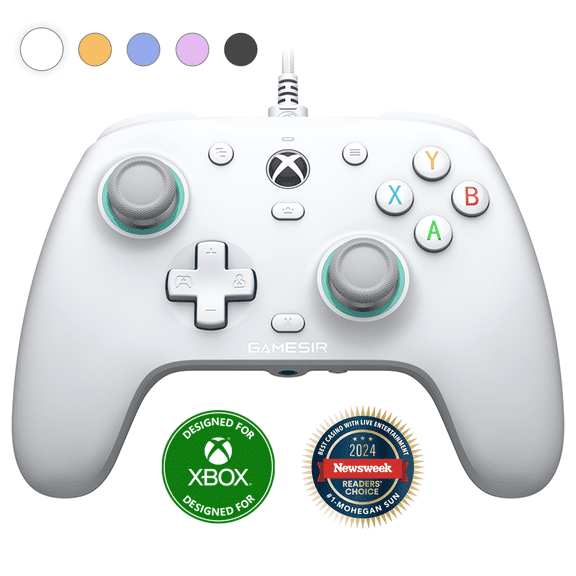
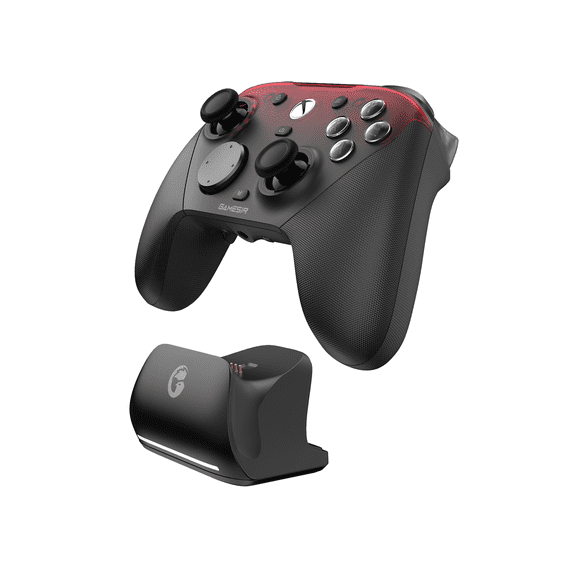
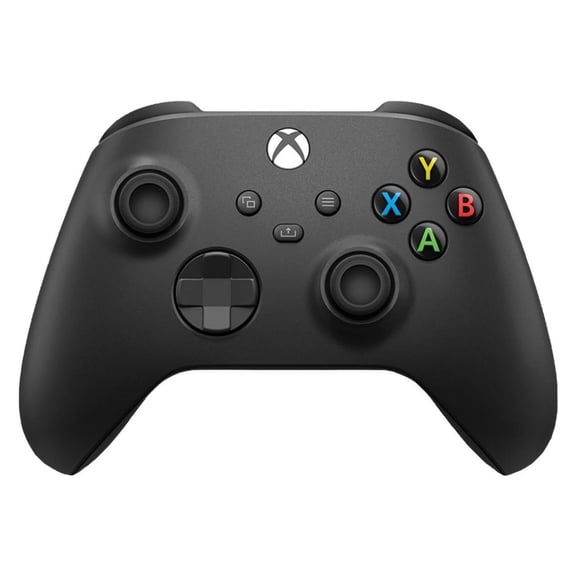
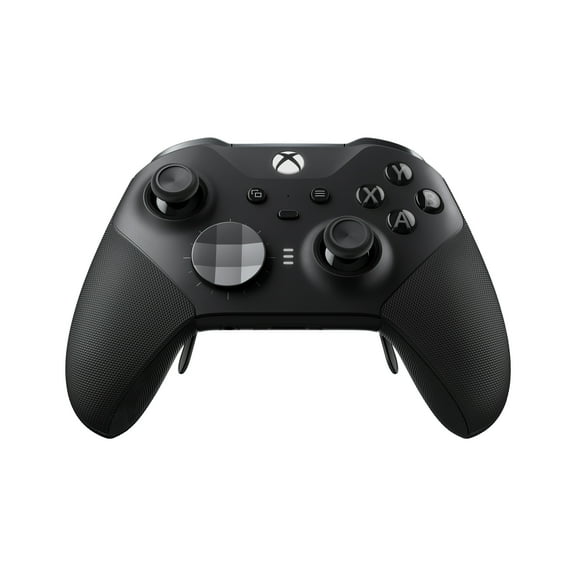
For local multiplayer, you may want an extra controller that matches your console family. You avoid setup issues when your controller supports the right generation and connection method.
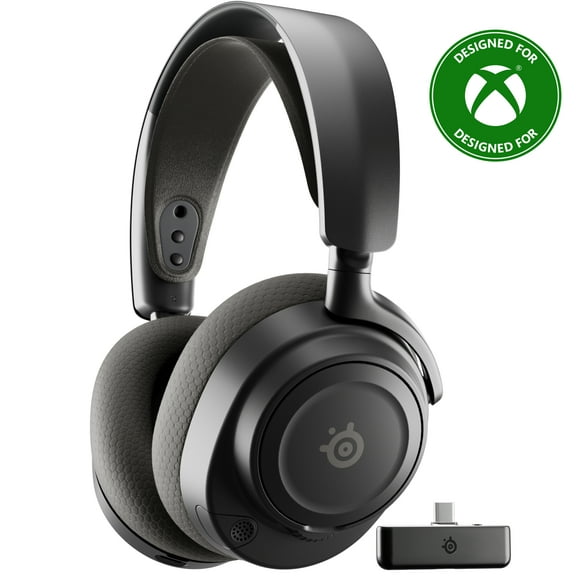
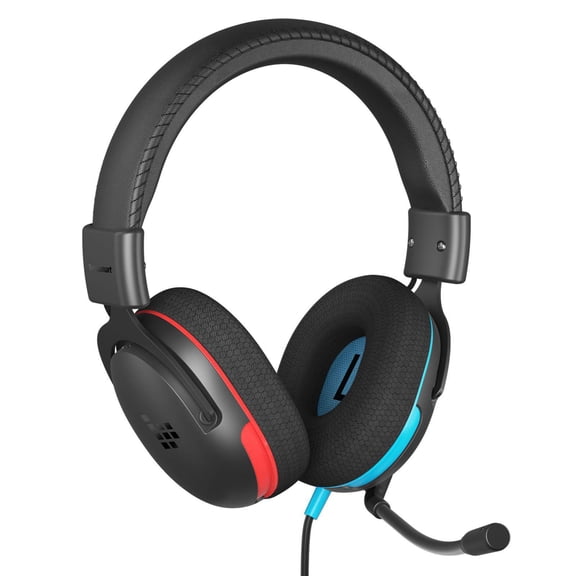
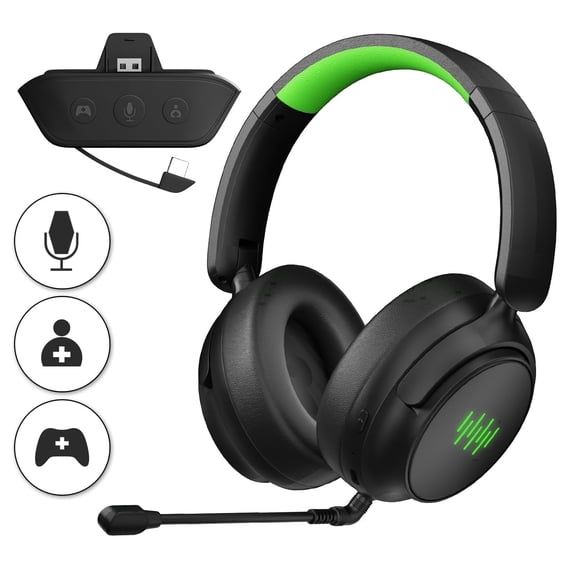
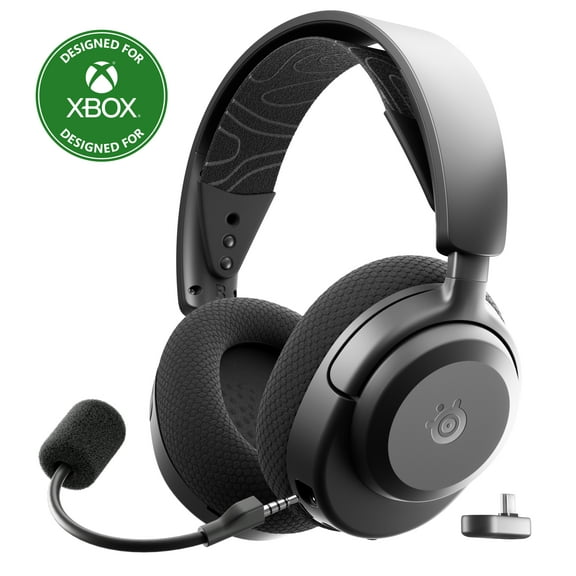
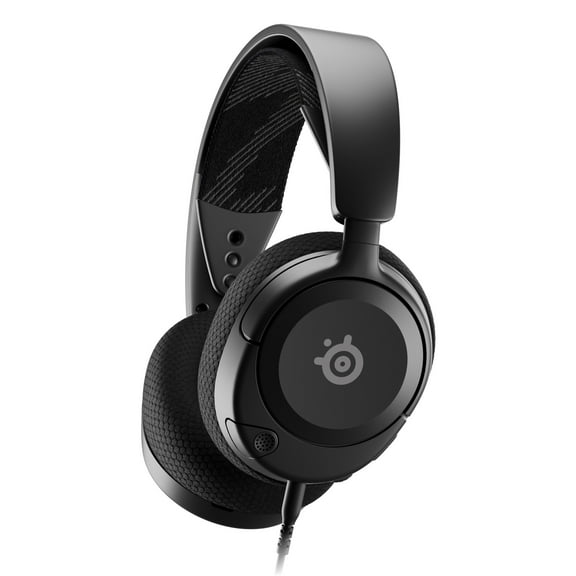
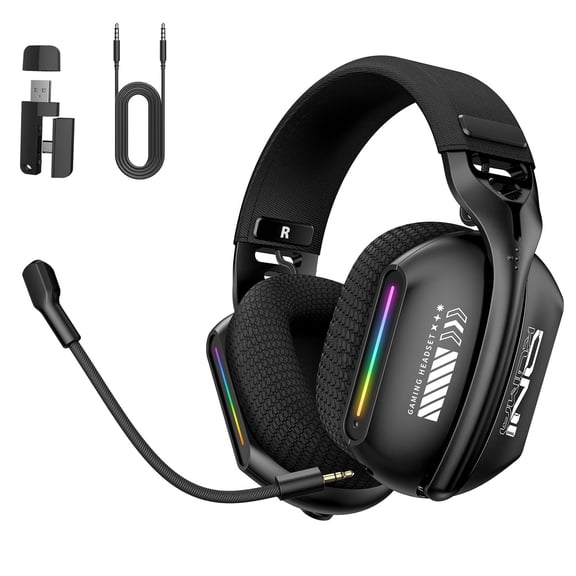
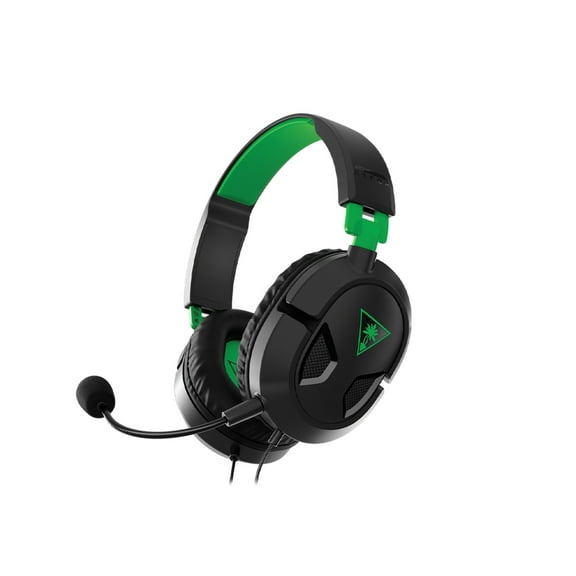
As you compare headsets, you should check whether wired, wireless, or Bluetooth fits your routine. You also need to confirm whether your headset uses Xbox Wireless protocol or a 3.5mm connection.
If you search for over the ear headphones with microphone or over ear headphones with mic, you should focus on chat support and connection type. You get simpler setup when your headset matches your controller or console inputs.
You may also compare gaming audio lines such as JBL Quantum when your focus is comfort and voice chat. You should still verify Xbox compatibility before you make your final selection.
Matching Xbox choices to how you play
You should match your console and accessories to your screen, library, and play routine. You make an informed choice when you connect specs to real use instead of guessing.
If you play on a 4K TV and keep a shelf of discs, you can choose Series X. You get the resolution target and physical media support that fit your entertainment setup.
When your space is smaller or your library is fully digital, you may lean toward Series S. You get a compact console that suits downloads and streamlined rooms.
If you play online with friends each week, you should prioritize headset compatibility and controller comfort. You may want clear microphone support, stable wireless performance, or a simple wired connection.
When you like trying many titles, you should compare Game Pass access with your storage plan. You get a smoother experience when your console capacity fits your download habits.
You can build a reliable Xbox setup when you compare console model, drive type, accessories, and audio connectivity together. You end with a console and accessory mix that fits your screen, library, and daily play.