


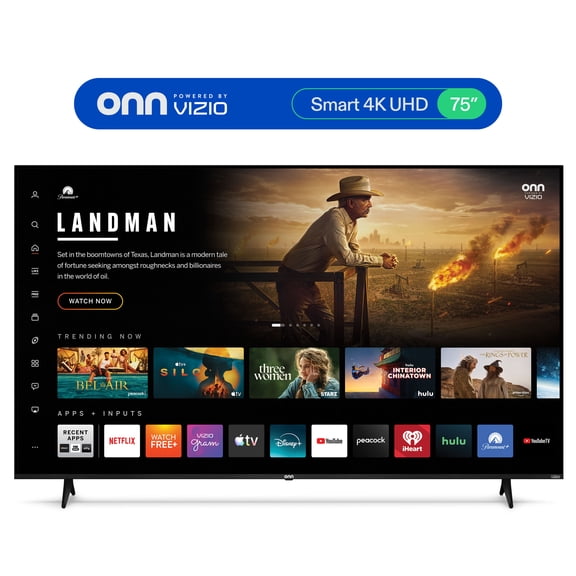
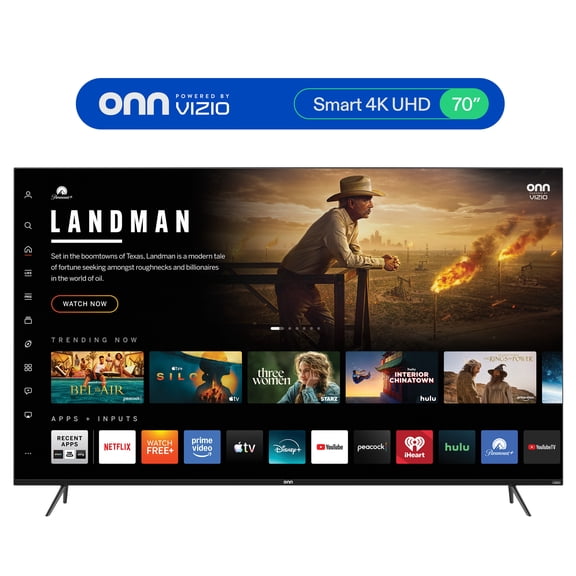
Onn Powered by VIZIO




About
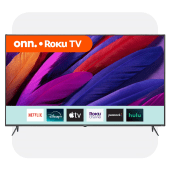
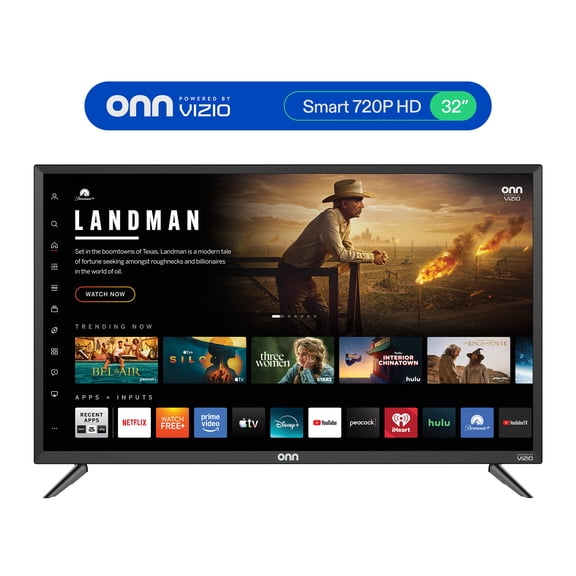
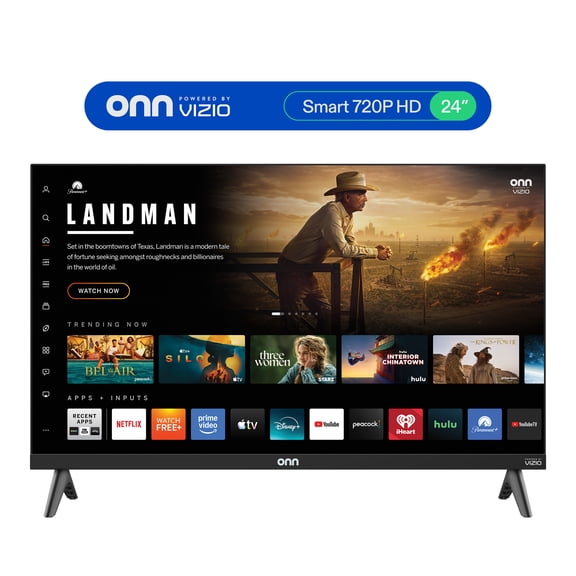
If you're comparing an Onn. Vizio TV, you can narrow your choice by resolution, screen size, and smart platform fit. This lineup pairs Onn. hardware with a Vizio-powered interface, so you can stream, switch inputs, and set up devices with familiar navigation.
Because this page covers branded variants, you should compare the key attributes that shape everyday use in your room. You'll make a clearer decision when you match picture detail, placement space, and connection needs before you choose.
What is Onn. powered by Vizio?
When you shop Onn. powered by Vizio, you're choosing TVs that combine Onn. displays with a Vizio-based smart experience. You get app access, input controls, and home screen navigation designed for streaming, live TV sources, and connected gear.
If you've searched what is Onn. powered by Vizio, the answer depends on how you watch each day. You can move between apps, settings, and HDMI inputs without learning a complicated menu layout.
How to choose the right Onn. Vizio TV resolution
Your resolution choice changes how sharp shows, movies, and games look from your seating distance. If you stream newer content often, you may prefer 4K UHD for finer detail on larger screens.
For simpler viewing setups, you can compare 1080p Full HD and 720p HD with your room size. You'll want picture clarity that fits your screen dimensions and the content you watch most.
- You can choose 4K UHD when you want sharper detail for a larger living room screen.
- You may prefer 1080p Full HD when you want clear everyday viewing in a mid-size space.
- You can select 720p HD when your bedroom, dorm, or office calls for a smaller setup.
- You'll get a cleaner match when your streaming box, cable box, or console aligns with your TV's supported resolution.
Choosing the right screen size
Your room layout should guide whether you choose a 43 inch, 50 inch, 55 inch, or 65 inch model. You'll usually want a larger screen when your sofa sits farther from the wall or media stand.
In a bedroom or office, you may find a 43 inch or 50 inch screen easier to place. For a family room, you can consider 55 inch or 65 inch options for a wider view.
Before you decide, measure your stand, wall space, and seating position with care. You'll avoid awkward placement when your TV size matches the room before mounting or setup.
Comparing smart platform options
Your smart platform affects how quickly you find apps, return to shows, and switch between devices. When you compare Onn. by Vizio options, you should focus on menu clarity, app access, and remote navigation.
If a model uses Vizio SmartCast or Smart TV OS, you should check whether the layout fits your routine. You'll want clear settings, familiar app placement, and simple sign-in steps for shared household use.
You may also compare casting support, voice features, and how easily inputs stay within reach. A straightforward platform helps you keep streaming, gaming, and live sources organized on one screen.
What display technology means for your picture
When you compare LED and LCD terms, you're deciding how the screen handles brightness and color presentation. You'll often see these terms together because LED lighting commonly supports an LCD panel design.
Your viewing space should influence that choice more than technical wording alone. If your room gets strong daylight, you may want a screen that stays clear during daytime viewing.
The content you watch also matters when you compare display technology. You'll notice movies, sports, and animation can look different based on brightness, contrast, and screen size.
Key features to check before you choose
If you want an Onn. powered by Vizio TV for current devices, check picture and port details closely. You'll want to confirm support for 4K UHD, HDR10, HDMI 2.1, and other specs you actually use.
For audio setups, look for HDMI ARC, eARC, or optical audio connections before you decide. You'll have an easier time pairing a soundbar when your TV includes the output your setup needs.
If you game on a console, compare HDMI input count and port placement with your gear. You'll appreciate easier switching when your console, streaming box, and cable source can stay connected together.
Using Onn. Vizio TV options for real rooms
If your main goal is easy streaming, you may want a model with a simple app layout. You'll spend less time searching menus when your home screen keeps entertainment choices visible.
For movie nights, you can pair a larger screen with 4K UHD and compatible HDR content. That combination gives you clearer detail across the room during shared viewing.
If you mainly watch news, sitcoms, or background TV, a smaller screen may fit your space well. You'll keep your setup practical while still getting connected viewing options for everyday use.
For gaming spaces, compare HDMI 2.1 support, available ports, and soundbar compatibility before you choose. You'll get a cleaner setup when your console, speakers, and TV connections line up from the start.
If you're building a fuller entertainment area, consider the accessories your setup may need. You can pair your TV with HDMI cables, a wall mount, or a compatible soundbar for a more complete room.
How to narrow down your final choice
When you compare an Onn. Vizio TV, start with room size and then move to resolution and smart features. You'll reach a more confident choice when your screen size, app use, and device connections fit together.
Once you've checked ports, display technology, and platform style, your decision becomes much simpler. You'll end up with a TV that fits your space, your devices, and your everyday viewing habits.