

Lenovo Tablet Prices & Models
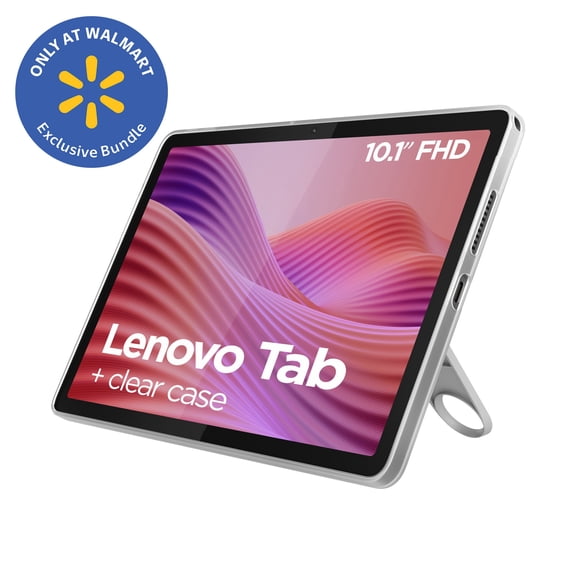


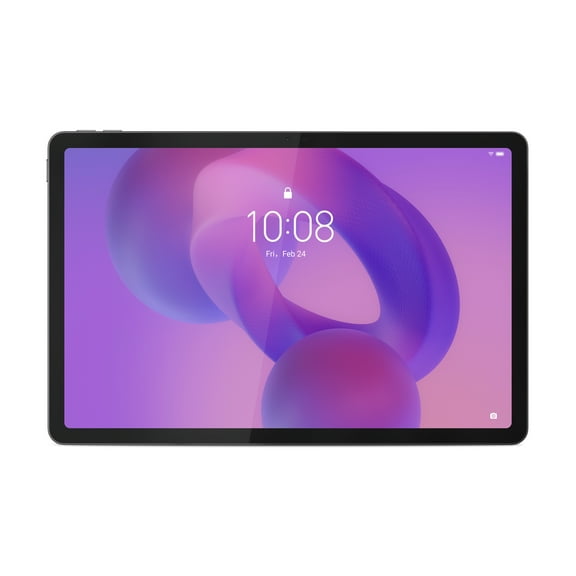


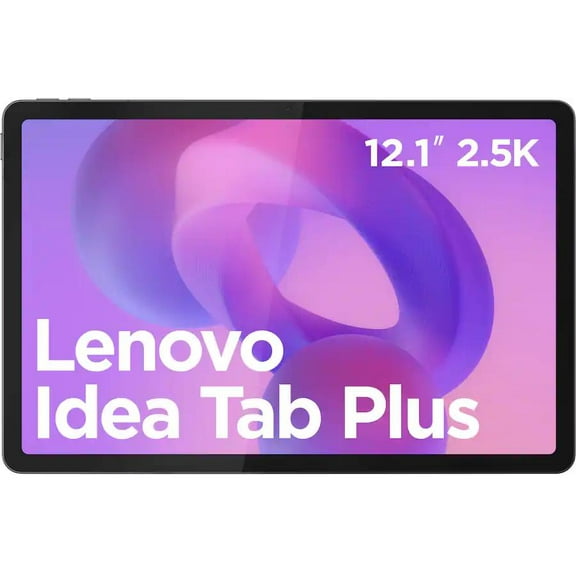
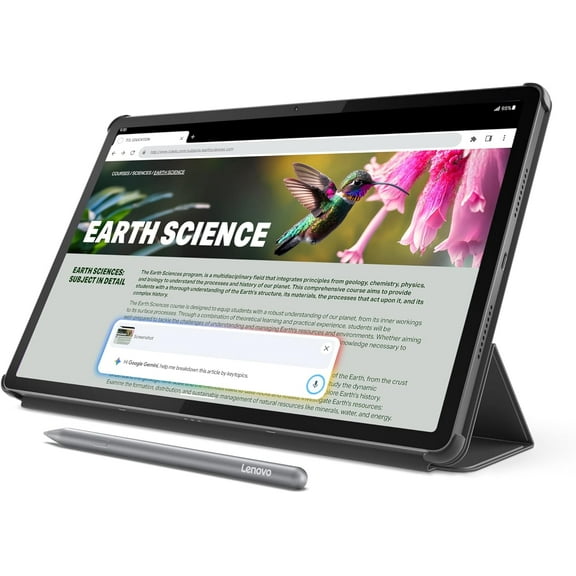

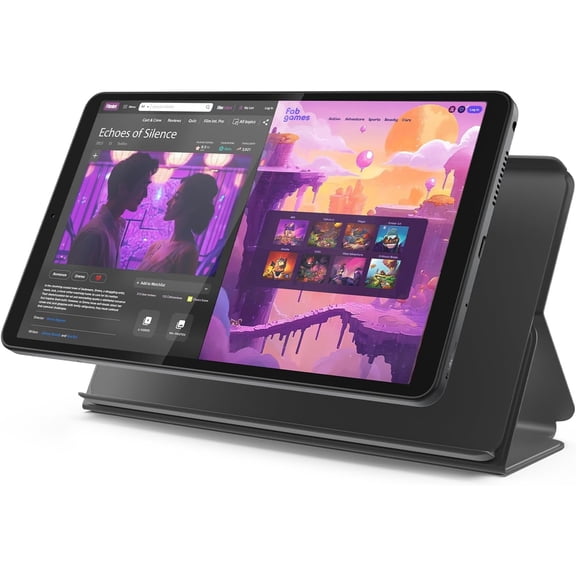














About Lenovo Tablet Prices & Models - Walmart.com
When you compare lenovo tablet price options, you can narrow your choice by form factor, screen type, and operating system. You can also match Lenovo series like Tab M, Tab P, Yoga, and Ideapad to how you stream, read, sketch, or work.
If you want a category with flexible sizes and hybrid designs, you’ll find Lenovo tablets cover casual use and daily productivity. You can compare Android and Windows models, touch displays, and keyboard-ready designs in one place.
Compare lenovo tablet price by form factor
You should start with form factor because it shapes how you’ll use your device every day. You may prefer a classic tablet, a 2-in-1, or a laptop-tablet hybrid with a more work-ready setup.
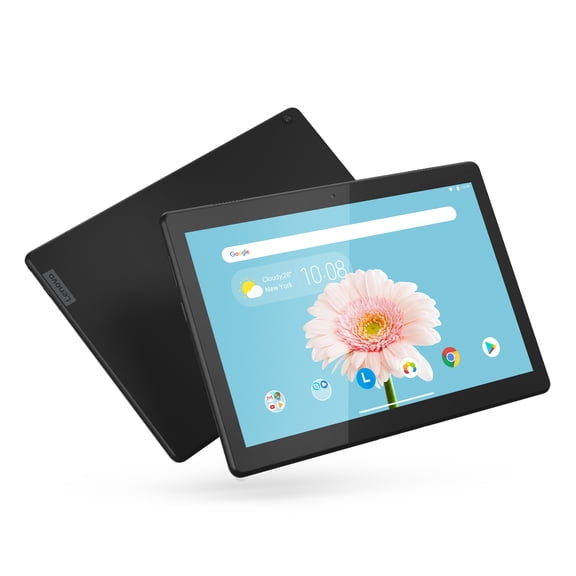
A standard tablet keeps your bag lighter and your setup simpler for reading, streaming, and casual browsing. A 2-in-1 gives you touch control with the option to type, prop up the screen, or switch modes.
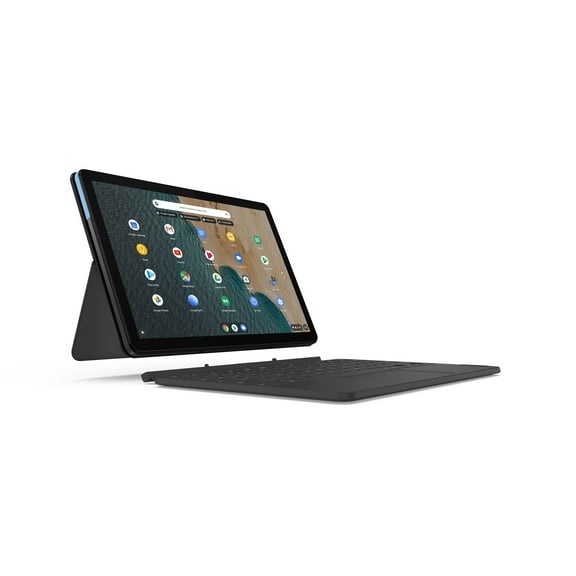
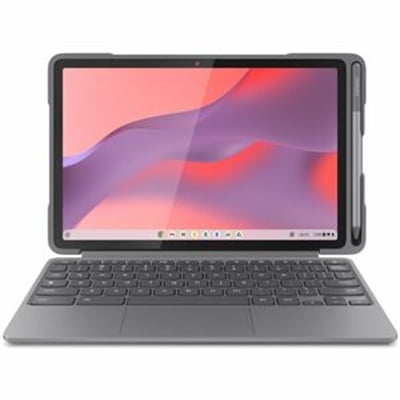
If you’re comparing a lenovo laptop tablet style, look for how the keyboard connects and how the stand positions the screen. You’ll notice those details matter when you type emails, take notes, or join video calls.
- You can choose a tablet when you want easy handheld use for reading and streaming.
- You can choose a 2-in-1 when you want touch input and keyboard support in one device.
- You can choose a laptop-tablet hybrid when you want a familiar work layout with flexible viewing angles.
- You can compare detachables and folio styles based on how often you’ll type away from a desk.
Choosing screen type and display details
You should compare screen type next because display quality affects movies, reading comfort, and everyday clarity. You may see touch screen, IPS, and OLED options across different Lenovo families.
If you want a lenovo touch screen tablet, check how responsive the panel feels for tapping, swiping, and note-taking. You’ll also want a size that fits your hands, bag, and usual viewing distance.
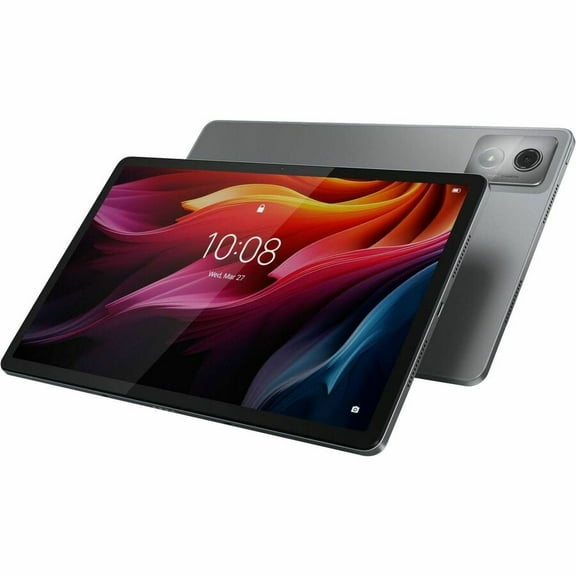
IPS screens usually give you consistent color and a clear picture from wider angles. OLED screens can look more vivid, which helps when you watch shows or want deeper contrast on screen.
You should also compare resolution and screen size together, not as separate specs. A larger display can help split-screen tasks, while a smaller display can feel easier for travel and couch use.
How to choose Android or Windows
You should pick your operating system based on the apps, files, and tasks you already use. Android models often fit entertainment and everyday browsing, while Windows models often fit desktop-style productivity.
If you stream, read, browse, and use mobile apps, you may prefer Android for a familiar tablet experience. If you manage documents and desktop programs, you may prefer Windows for broader software compatibility.
You should check the OS version and app support before you decide on long-term use. You’ll want that detail if your school, workplace, or favorite apps depend on specific software requirements.
Storage and expansion also matter when you compare operating systems and daily habits. You may want built-in storage for downloads, or you may look for expandable storage for photos, videos, and offline content.
Key differences in lenovo laptop tablet features
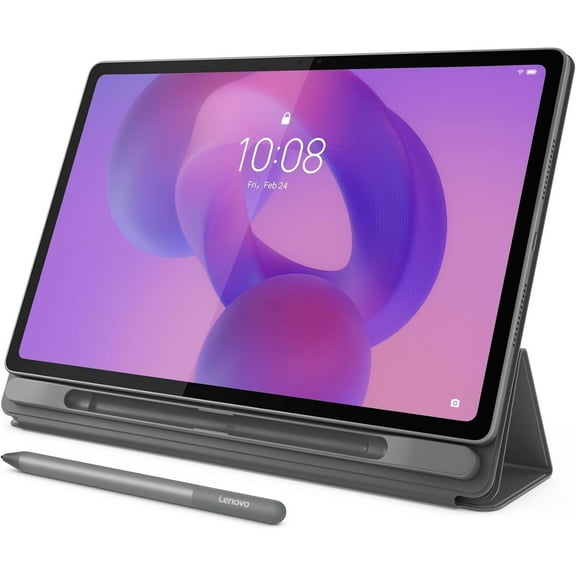
You should compare keyboard support and stylus readiness if you plan to create, type, or annotate. Some models support active pen protocols, and that matters when you want more precise writing input.
You’ll also want to check whether a keyboard uses a pin connection or a wireless setup. That choice affects how quickly you can switch from tablet mode to a more laptop-like workspace.
If you’re considering a lenovo laptop/tablet setup, pay attention to hinge style, kickstand design, and port selection. You’ll feel those differences when you charge accessories, present slides, or work on a narrow table.
Battery life deserves a close look because it changes how often you reach for a charger. You should compare battery expectations with screen size, brightness, and work habits instead of looking at one number alone.
Matching Lenovo series to how you use it
You can use Lenovo series names as a shortcut when you compare everyday needs. Tab M models often suit lighter entertainment, Tab P models often fit richer media viewing, and Yoga designs often emphasize flexible positioning.
If you want a household device for videos, reading, and simple apps, you may start with Tab M. If you want a sharper display and a more elevated media setup, you may lean toward Tab P.
You may look at Yoga when you want distinctive stands or mode switching for counters, desks, and bedside use. You can consider Ideapad-linked options when you want a stronger crossover between tablet convenience and laptop habits.
For commuting, you may want a smaller touch model with simple charging and easy handling. For classes or remote work, you may want a keyboard-ready device with Windows support, precise touch input, and room for documents.
When you use these decision points, you can compare lenovo tablet price options with more clarity and less guesswork. You’ll end up with a Lenovo tablet that fits your apps, screen preferences, and everyday routine.