































Electronics Shop: Find TVs, Laptops & Tech | Walmart

Headphones by Brand
- Apple Airpods
- Beats by Dr. Dre
- Sony Headphones
- JLab Headphones
- onn. Headphones
- JBL Headphones
- Skullcandy Headphones
- JVC Headphones
- Samsung Headphones
- Senheiser Headphones
- Soundcore by Anker Headphones
- LG Headphones
- Panasonic Headphones
- Jabra Headphones
- Shokz Headphones
- Bose Headphones
- Sonos Headphones
Shop by category
Flash Deals!
Up to 65% off your favorite tech.

Oura Ring 5 is here
The world’s smallest smart ring
Shop nowGear for going viral























obrewuHPHillside PlanterallytechgroupAsuwishTechcircleSamsungGBSELLMountFTVAUBEAMTOSonySylvoxAppleCanonLenovoZomeiAnkereameLLAOLLAOUnbrandedHOMOUNTLGMonopriceTCLUltimeaZYHARUKOOWNTECHRazerBeats by Dr. DreMount ProVIZIOK&F ConceptRokuYEYIANonnDellGenericJBLKolor ExpertMicrosoftOM SYSTEMOtterBoxRadioShackAUTERCOCEORPERGCZRAPOBRIXUEGOGOatzestexoyoeifASUSFIRZEROGAGAALGARENASGENOBRANDNeewerNintendoUSX MOUNTUbisoftZjdatmyangjhBelkinEleganiFANRUINAFPDFujifilmHtovilaLogitechMountLivingPowerAShienySktrjpolfisTOPVISIONTUDIATitanZRZLMVPoupeigarAllytechDeco GearHisenseLeeQinerswMSIMagcubicSDSSaneenSelfieShowSpeckSupllueerTHQ NordicVankyoWIFKLSIIPGYouthyaoiBUYPOWERAnkerBOIFUNBoost MobileCocoBearCorsairDarkBeaconElectronic ArtsFirestikGoogleGoxpaierHoengagerJLabLOTYSKLMonsterPROSIXPanasonicProCommSEGASonic BoomSonosTake TwoTechMagnetThundeRobotTronsmartTzumiUandlovesVipinkVonikoWestinghouseWzmzjyXLURCXNBbeyerdynamiciOttie1MOREAbacusActivisionAnkedoArooickTBandai NamcoBeboncoolCEBORYCOWINCacagooCyloralDigital NcDirectvDoomsdayFunlabGeekriaGoveeIt's Just SmartJEBTBFZEJWQFBCLarsen ProductsLeyiNUTROMONikonPCTEL MaxradPikBeyQzgyooolRCARDYMONKEYRetroFamSoulacaTOMSHOOThridccfooVEAT00LWONNIEXUDUOYSGFHGJWZOELNICZulpunurnovzzovaz2KAIOEANNECOSKARTSEAAUOSHIAcerAdhiperAioneusAntennas DirectAorlymArzopaAsobilorBaosityBenfeiBluetoothBoseBrainBoostersCB DistributingCcdesClever ContraptionsColcoloColorichContixoCricket WirelessDNXNIAIFYDOUBLE DDreamControllersDteckDuomigoELEPHASETEPEHIEdifierElowen
Tech savings & more
Uses external data. Price when purchased online

















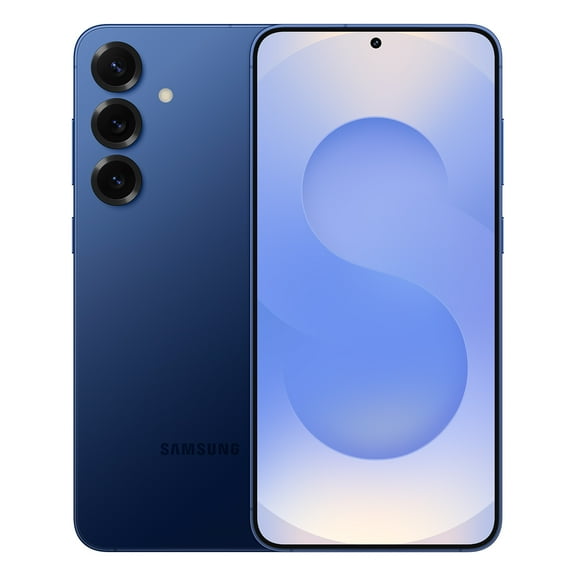
![Straight Talk Samsung Galaxy A16, 128GB, 5G, Black - Prepaid Smartphone [Locked to Straight Talk]](https://i5.walmartimages.com/seo/Straight-Talk-Samsung-Galaxy-A16-128GB-5G-Black-Prepaid-Smartphone-Locked-to-Straight-Talk_deb6f7f5-ecee-42e8-8451-fddb62e6e74b.75362e4fe842b2216c0c78e2c2590029.jpeg?odnHeight=580&odnWidth=580&odnBg=FFFFFF)






















FAQ
About Electronics Shop: Find TVs, Laptops & Tech | Walmart - Walmart.com
You can compare electronics in one place when your setup includes TVs, laptops, audio gear, smart home devices, and wearables. With this electronics guide, you can match compatibility, condition, and availability to your routine.
How to choose electronics by product category
Start with the category that fits your daily use, because your room, desk, and travel habits shape the right choice. For movie nights, you may lean toward TVs, while your workday may point you toward laptops.
Across audio, smart home, and wearables, your decision often depends on where your device stays and how often you move it. In smaller spaces, your setup may favor wireless speakers, compact hubs, or lighter wrist-based tech.
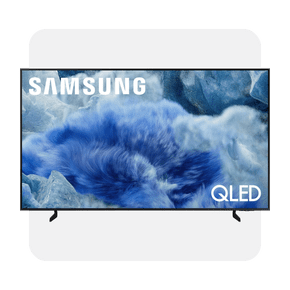
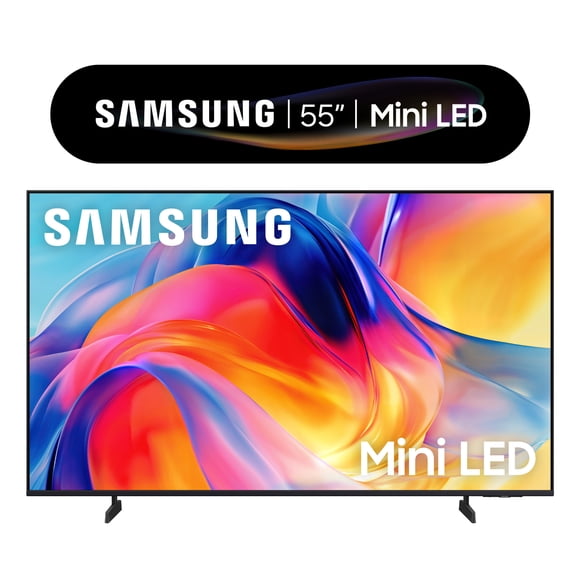
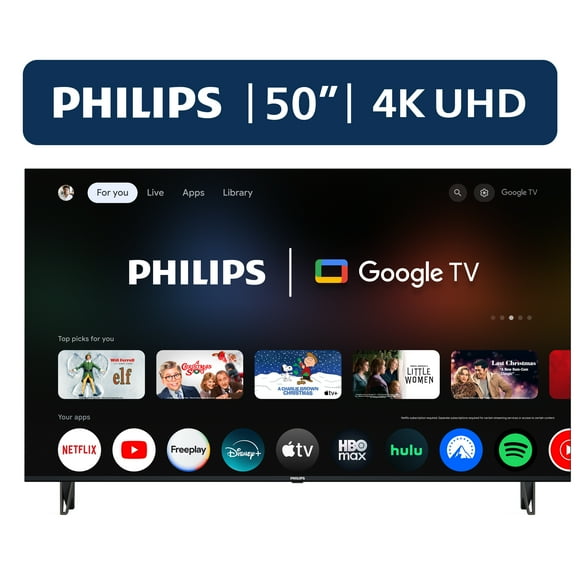
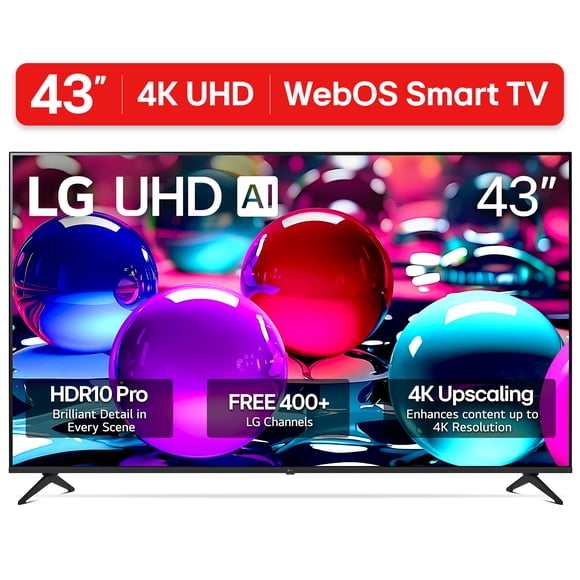
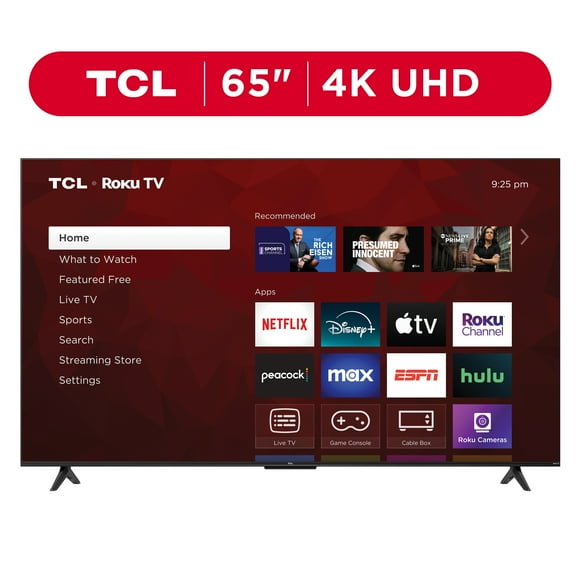
- You can pick TVs by screen size, HDMI 2.1 support, and streaming setup.
- You can compare laptops by operating system, battery life, and ports like USB-C.
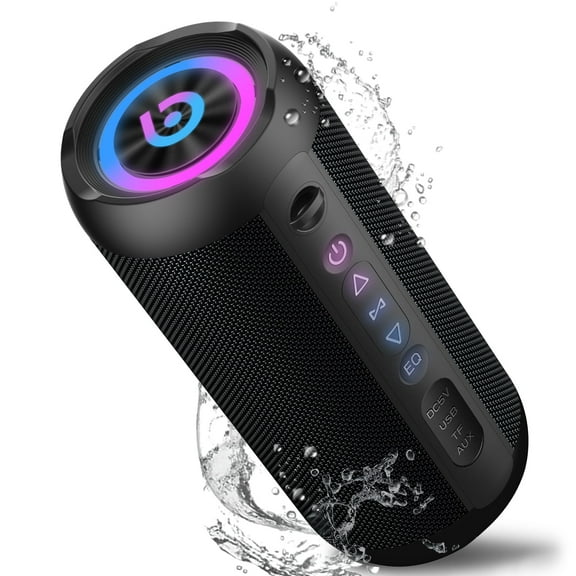
- You can sort audio gear by Bluetooth pairing, wireless range, and listening style.
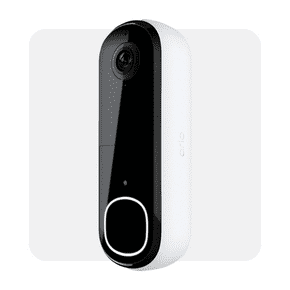
- You can review smart home devices by Wi-Fi compatibility, app control, and ecosystem fit.
- You can choose wearables by comfort, battery life, and notification support.
Because each category serves a different purpose, your first filter should stay practical instead of flashy. That approach helps your electronics fit your habits from the start.
Choosing condition, connectivity, and electronics features
Condition matters early, especially when your shortlist includes new, restored, and refurbished items. Before you decide, compare appearance notes, included accessories, and warranty details that match your expectations.
With new items, you can typically expect current packaging and accessories that align with the listed model. With restored or refurbished options, you should check grading details, charger type, and cable information.
When Walmart Restored electronics fit your budget goals, you can review tested devices with clear condition notes. Storage capacity, battery status, and included components can shape how smoothly your setup comes together.
Connectivity should match the devices you already use every day, not just the product page headline. If your console, soundbar, or monitor needs specific ports, your electronics should support that connection plan.
For TVs and monitors, HDMI 2.1 can matter when your gaming setup needs higher bandwidth and smoother visuals. For laptops, USB-C, HDMI, and headphone ports help your desk or travel setup stay simple.
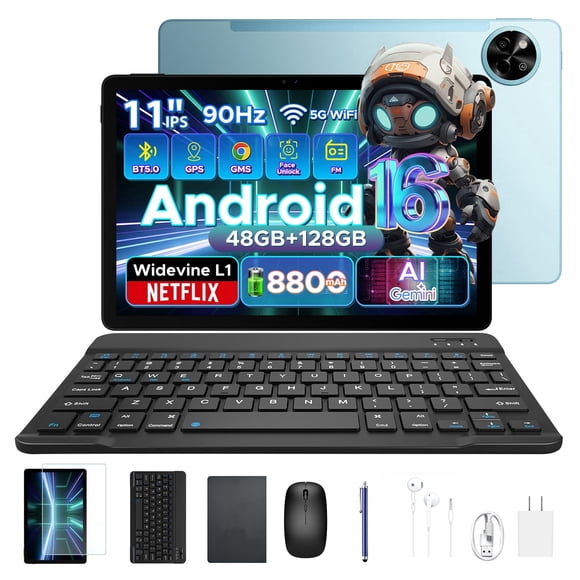
Battery and power details deserve close attention because your routine changes what matters most. If you move between class, work, and travel, battery life hours, mAh ratings, and charging wattage become useful filters.
On a desk, your electronics may depend more on ports, display size, and wired accessories than battery capacity. Away from outlets, your portable devices may need longer runtime and easier charging options.
Matching electronics to your use case
Your main use case should guide your shortlist, because gaming, office work, and casual entertainment call for different specifications. Once you define that purpose, your comparison process becomes faster and more accurate.
For gaming, your TV may need low input lag, refresh support, and HDMI 2.1 for console compatibility. Your laptop may also need enough memory, storage, and cooling for longer sessions.
During office work or school, your priorities often shift toward keyboard comfort, webcam quality, and portable battery life. A lighter design and USB-C charging can make your commute and desk setup easier.
For casual entertainment, your focus may stay on screen size, simple streaming access, and easy everyday controls. You can pair that device with soundbars, Bluetooth speakers, or wireless headphones for a cleaner space.
In connected homes, your smart tech should fit the ecosystem you already use across rooms. Before you choose, check app support, voice assistant compatibility, and Wi-Fi requirements for your network.
With wearables, your comfort and charging habits matter as much as your notification preferences. A band style that fits your day and battery life that fits your routine can narrow the field quickly.
Using an electronic store near me search with online options
When your search starts with electronic store near me, you may want pickup, delivery, or store availability without guesswork. On Walmart.com, you can compare those options before your plans take shape.
If your goal feels closer to an electronic shop near me experience, store filters can help you check local availability quickly. From home, you can also use Walmart.com as your online electronics destination while comparing categories side by side.
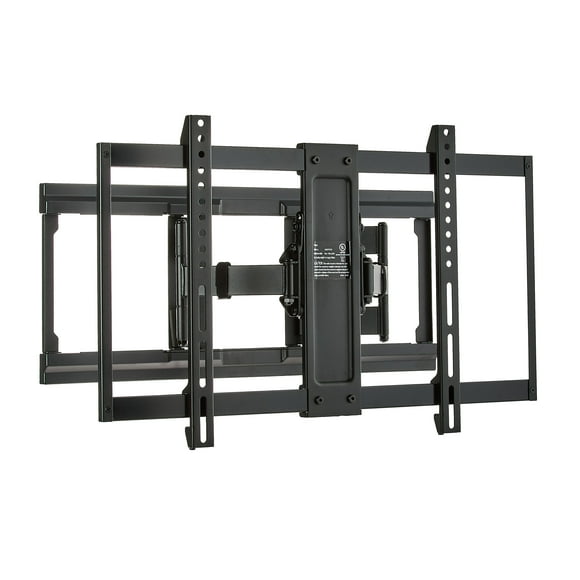
Along with your main device, your setup may need HDMI cables, chargers, cases, mounts, keyboards, or routers. Those add-ons matter when your ports, power needs, and room layout have to work together.
By comparing electronics through compatibility, condition, battery details, and availability, your choices become easier to narrow. That category-first approach helps your tech fit your room, your routine, and your connected devices.