




Networking Equipment & Home Internet Routers | Walmart
















About Networking Equipment & Home Internet Routers | Walmart
Networking equipment helps you build fast, steady internet in home settings. You can compare routers, modems, mesh systems, switches, and range extenders by coverage, compatibility, and setup needs.
If you're moving, upgrading, or replacing older gear, you need choices that match your provider and floor plan. You can use this guide to compare Wi-Fi standards, bands, and device types without guesswork.
How to choose networking equipment
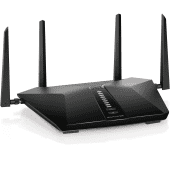
You should start with device type, because each option solves a different connection need. Your router shares Wi-Fi, your modem connects to your provider, and your mesh system spreads coverage across multiple rooms.
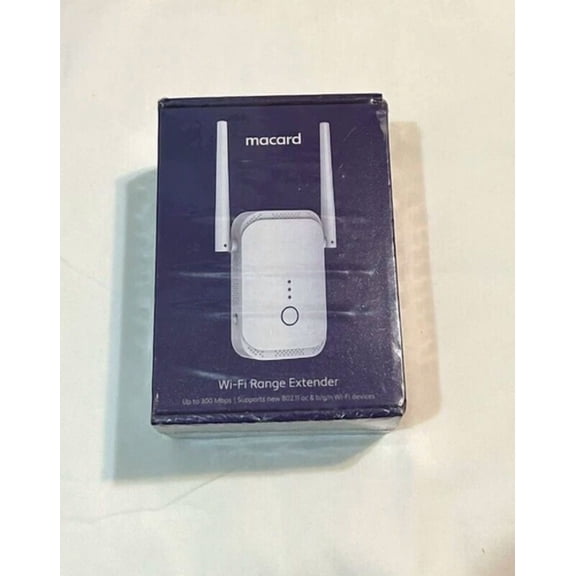
If you need wired ports for desktops, consoles, or smart hubs, you may add a switch. When your signal fades in distant rooms, your range extender can help push coverage farther.
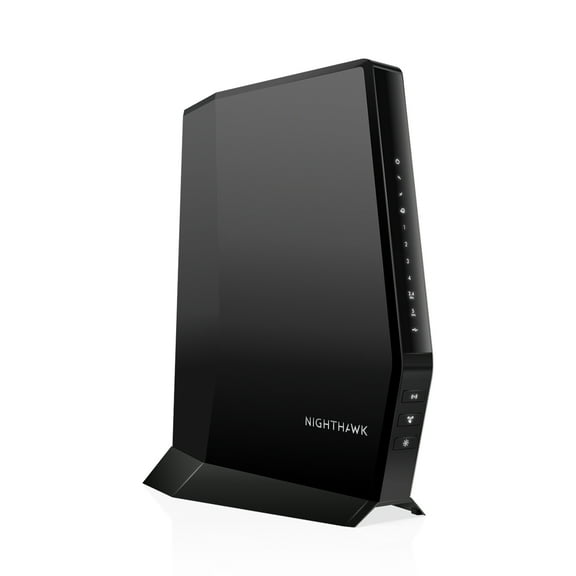
You should also check whether you need a separate modem or a two-in-one gateway. If your provider requires cable service, you may look for DOCSIS 3.1 support for fast compatible cable connections.
Choosing the right straight talk router and device type
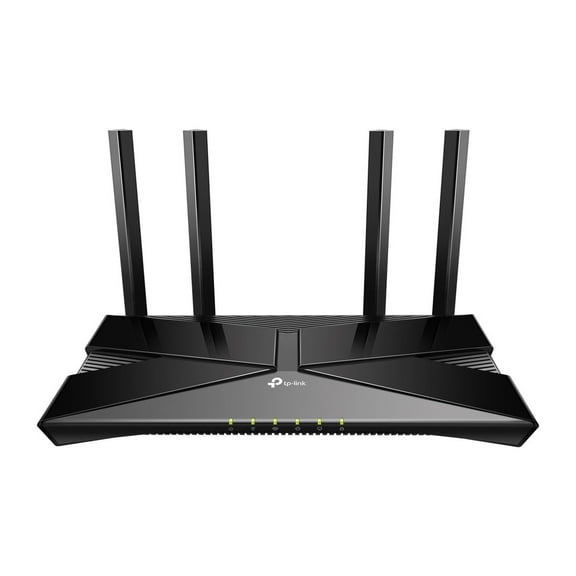
If you're shopping for a straight talk router or another home internet router, you should confirm service compatibility first. Your setup may work with a standalone router, or you may need a gateway that combines modem and Wi-Fi functions.
For apartments or simple layouts, you may prefer one router with easy app setup. For larger homes, you may compare mesh systems that use multiple nodes to reduce dead zones.
If you already have a modem from your provider, you can focus on router features and coverage. If you're starting new home internet service, you may need both pieces before you connect.
What to look for in Wi-Fi standards and bands
You should compare Wi-Fi standards by how many devices your network needs to handle. Wi-Fi 5 works for everyday browsing, while Wi-Fi 6 helps you manage more connected devices at once.
If your household streams, games, and joins video calls together, you may notice Wi-Fi 6 feels consistent. Wi-Fi 6E adds access to the 6 GHz band, which can help reduce congestion in busy homes.
You should also compare single-band, dual-band, and tri-band options before you decide. Dual-band gives you 2.4 GHz and 5 GHz connections, while tri-band adds an extra lane for heavier traffic.
- You can choose Wi-Fi 5 for browsing, email, and lighter streaming.
- You may prefer Wi-Fi 6 when your home has many phones, TVs, and smart devices.
- You can consider Wi-Fi 6E if your newer devices support the 6 GHz band.
- You should look at dual-band or tri-band models when your household uses many devices together.
Matching coverage area to your internet in home setup
You should measure your space before you choose a wifi router for home use. Small home coverage often fits spaces up to 1500 square feet, while medium and large homes need broader reach.
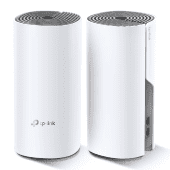
If your walls are thick or your layout has multiple floors, you may need more than a single router. Your mesh system can place nodes around the home so your signal reaches bedrooms, offices, and back corners.
For medium homes between 1500 and 3000 square feet, you can often start with a stronger router. For spaces above 3000 square feet, you may lean toward mesh networking equipment for more even coverage.
Features that make setup and management simpler
You may want networking equipment that keeps setup clear from the start. Your app-based controls can help you name your network, connect devices, and update settings in a few steps.
If your household includes kids, guests, or smart devices, you may want separate access controls. Your parental controls, guest network options, and device management tools make everyday use easier to organize.
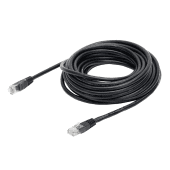
You should also check port count and connection type before you buy. If you use game consoles, streaming boxes, or desktop PCs, your extra Ethernet ports can support steady wired connections.
How different networking equipment fits real home needs
If you're outfitting a small apartment, you may choose a compact router with dual-band Wi-Fi. Your setup can stay simple while still supporting streaming, browsing, and connected speakers.
For a family home with many rooms, you may choose a mesh system with wider coverage. Your nodes can spread signal through upstairs bedrooms, home offices, and living spaces.
If you're comparing internet home providers or planning cable and internet bundles, you should verify modem compatibility early. Your approved modem list can help you avoid setup delays when service starts.
When you work from home and stream after hours, you may want Wi-Fi 6 and several Ethernet ports. Your network can support laptops, TVs, consoles, and smart home devices with fewer slowdowns.
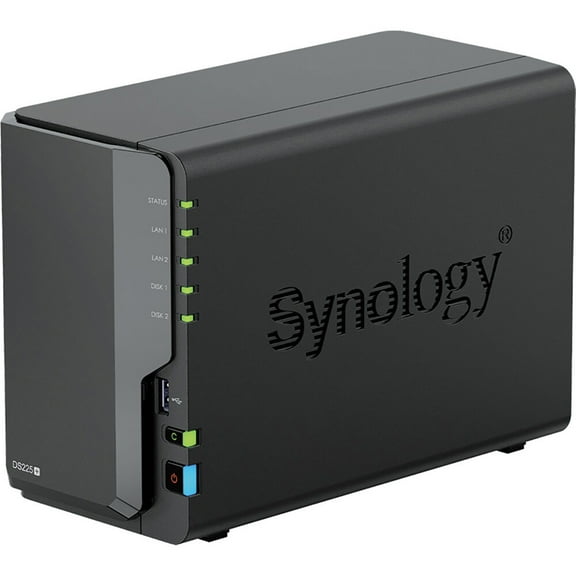
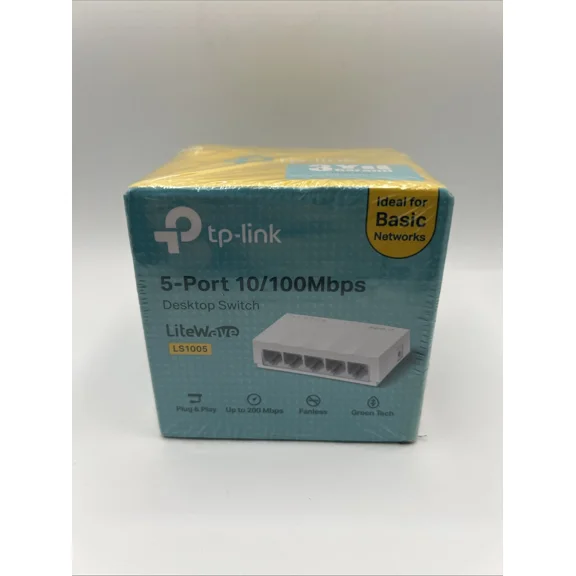
If you run several wired devices in one room, you can add a switch without replacing your router. Your switch helps expand available ports for printers, PCs, storage devices, or media gear.
When you're setting up new home internet service, you should compare provider requirements with your floor plan. Your final choice works well when coverage, modem support, and device count all line up.
You can narrow networking equipment quickly when you compare device type, Wi-Fi standard, coverage area, and bands together. Your home internet router or mesh setup can feel easier to choose when those details match your space.
With the right combination, you can keep streaming, gaming, and everyday browsing consistent across your rooms. Your network works hard for you when your gear fits your provider, layout, and device load.