








iPad & Tablets in Electronics






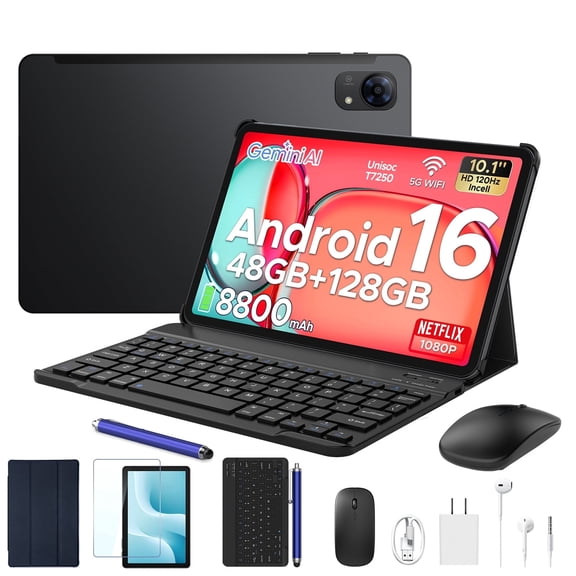

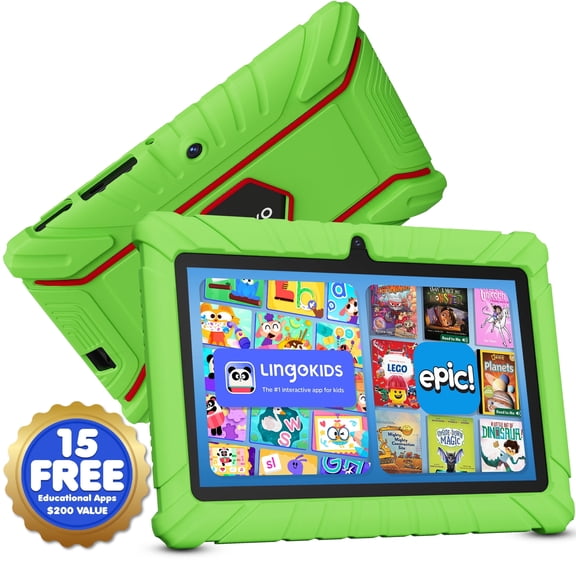

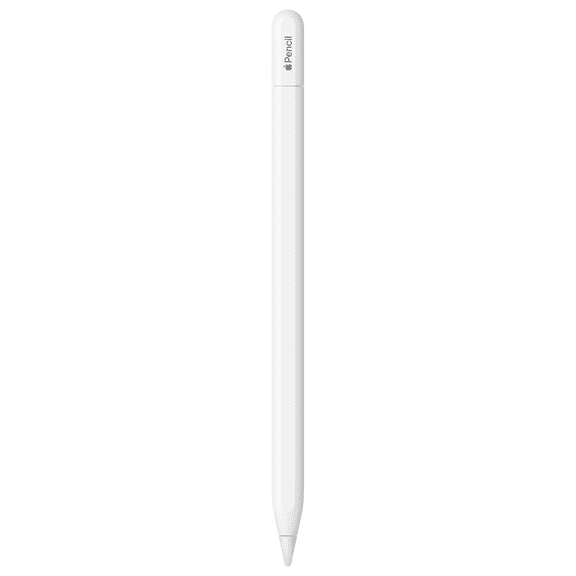


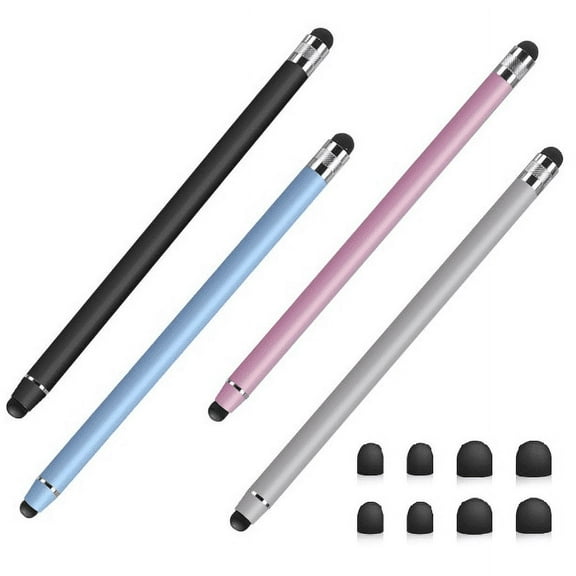



























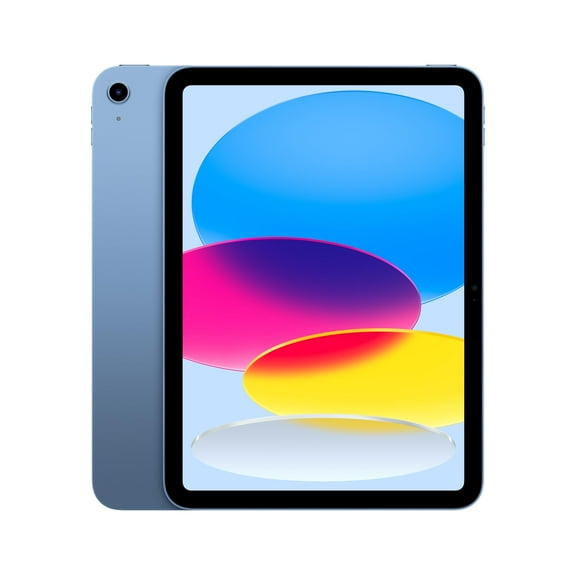

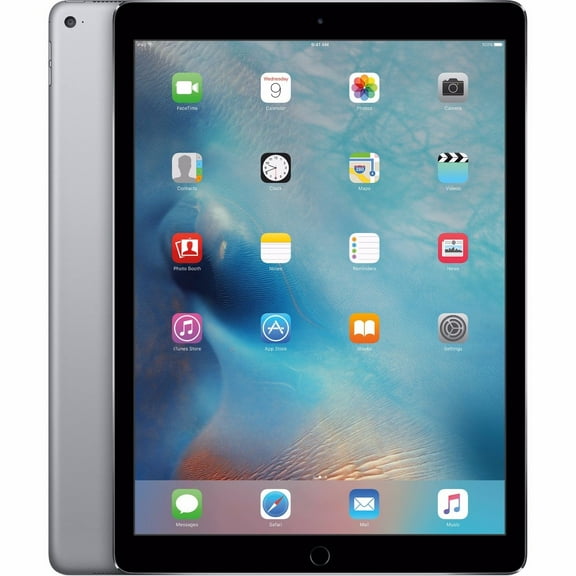


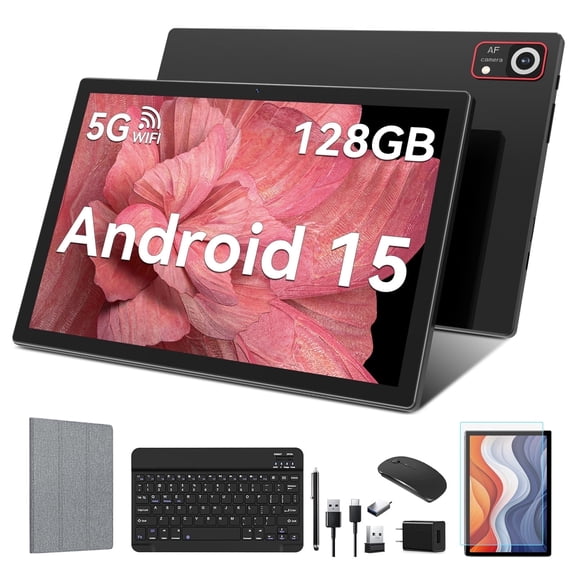


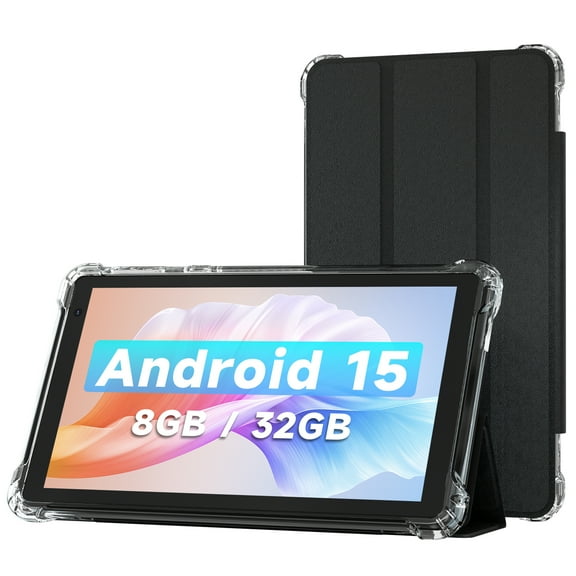





About iPad & Tablets in Electronics - Walmart.com
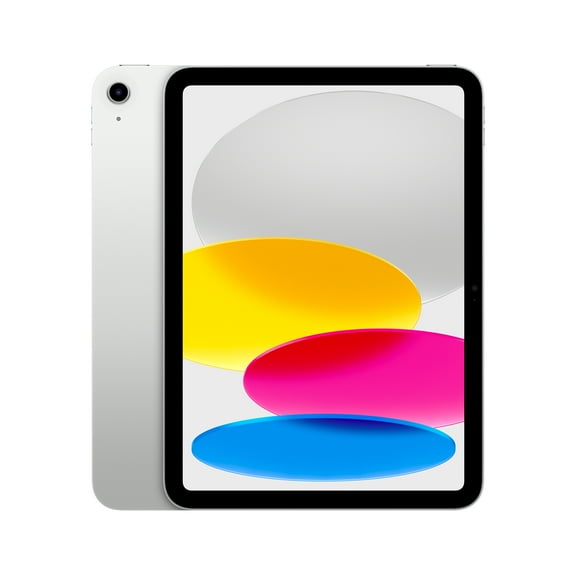
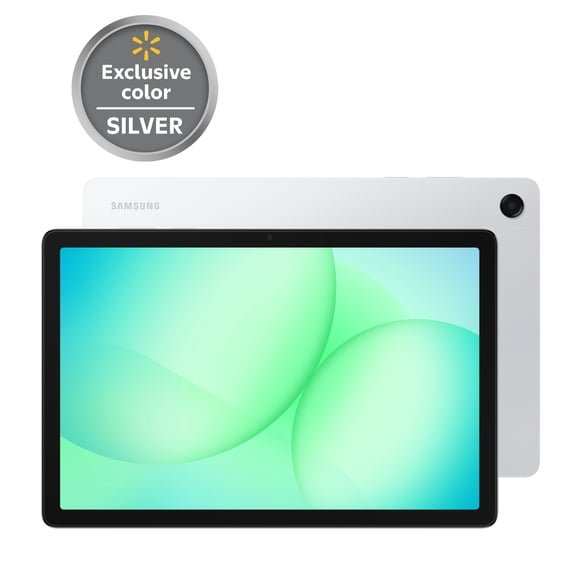
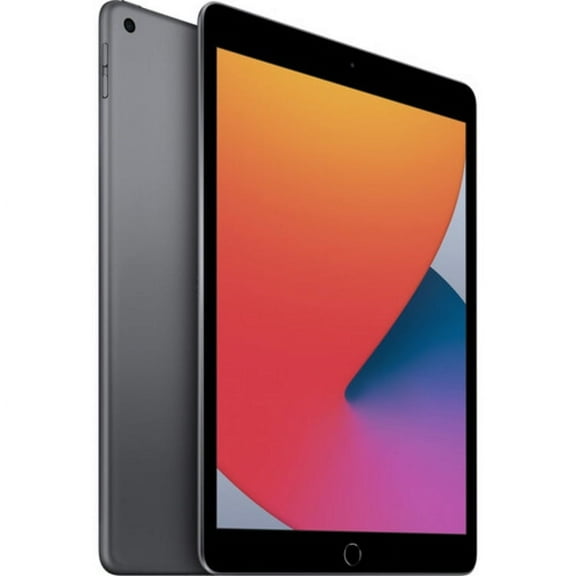
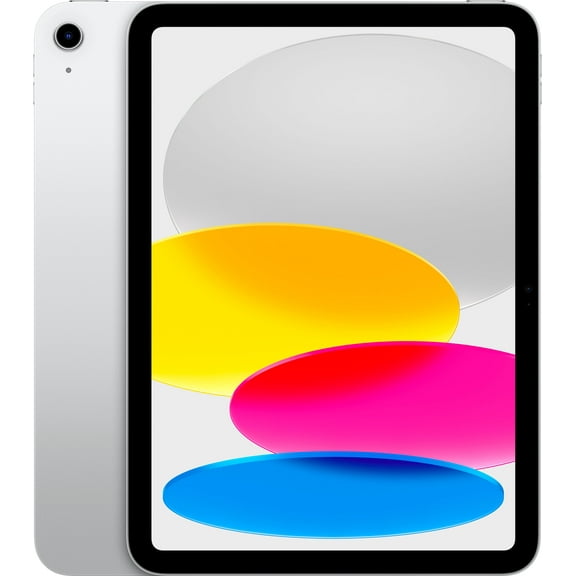
iPad options at Walmart make it easier to compare Apple tablets for school, work, streaming, and everyday tasks in one place. You can explore screen sizes, storage capacities, and accessory support without narrowing too quickly to one model family.
Why shoppers choose iPad
Apple tablets stand out for simple setup, responsive touch controls, and broad app support across learning, creativity, and entertainment. That makes this category useful when you want one device for notes, video calls, games, and reading.
Different models fit different routines. Some shoppers want a light tablet for commuting. Others need more room for multitasking, drawing, or keyboard use.
- Enjoy a portable screen for streaming, reading, and web browsing.
- Handle schoolwork, email, and video calls on a device that travels easily.
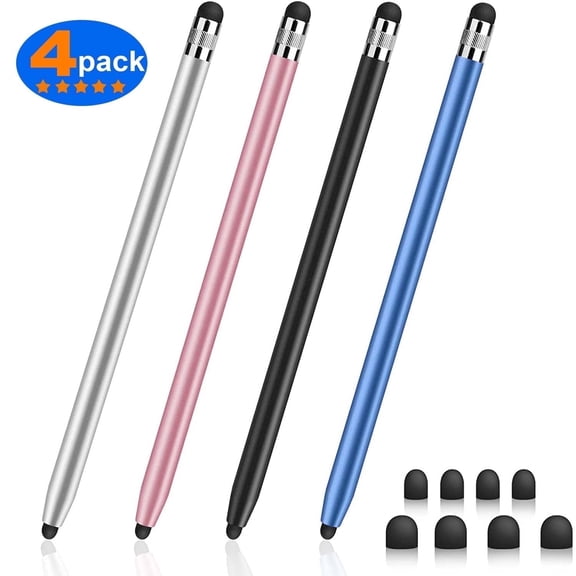
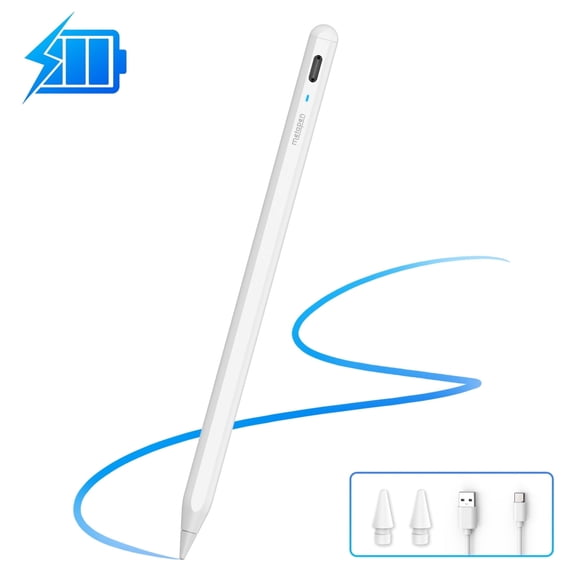
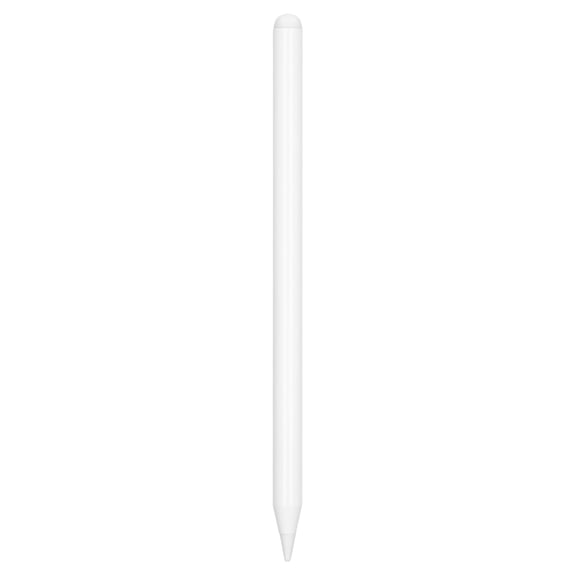
- Pair select models with keyboards and stylus accessories for typing or sketching.
- Choose storage and display sizes that match everyday use or larger projects.
This page also helps you compare across the Apple lineup without jumping between separate model pages too early. You can see broad differences first, then narrow by generation, capacity, or finish.
iPad features that matter
Screen size is often the first decision point. Smaller displays pack easily into a tote or backpack. Larger displays give you more room for split-screen tasks and media viewing.
Storage matters if you keep photos, downloaded shows, classroom files, or design apps on the device. Shoppers who mostly stream and use cloud storage may prefer a lighter storage setup.
Connectivity is another key filter. Wi-Fi models work well at home, school, or the office. Wi-Fi plus cellular options add flexibility when youu're away from a regular connection.
Many shoppers also look for an iPad with pen compatibility. That feature matters for handwriting, sketching, markup, and note organization. Keyboard support can also shape your choice if you plan to type often.
Camera placement, speaker layout, charging port style, and biometric sign-in can influence daily convenience. These details matter when you use your tablet for class sessions, meetings, or content capture.
An iPad tablet can also differ by chip generation and display technology. Those specs affect app responsiveness, multitasking feel, and how smooth the device feels during everyday use.
How an iPad tablet fits your routine
Students often want a tablet that moves easily from class to home. It can handle note-taking, assignment review, digital textbooks, and group chats in one compact format.
For work, many shoppers use Apple iPad devices for email, presentations, inventory tasks, and video meetings. A compatible keyboard case can make mobile typing more comfortable.
At home, these tablets fit casual entertainment without taking over your space. You can stream shows on the couch, read recipes in the kitchen, or keep a travel-friendly screen for flights.
Creative users often start by looking for an iPad with pen support. That setup works well for sketching concepts, marking documents, and building visual ideas during the day.
Families may want shared devices for homework apps, streaming, and light games. Frequent travelers may focus on compact size, battery-friendly use patterns, and simple charging accessories.
If youu're trying to buy iPad products with fewer guesswork moments, comparing use cases first can help. Think about where youu'll use it, how youu'll type, and whether accessories matter.
Compare Apple iPad choices with confidence
Model families can vary in screen size, weight, accessory support, and overall feel. This browse page keeps the comparison centered on practical differences instead of pushing one lineup too heavily.
That matters because a commuter, student, and remote worker may all need different things from the same category. A lighter tablet may suit daily carry, while a larger option may suit multitasking.
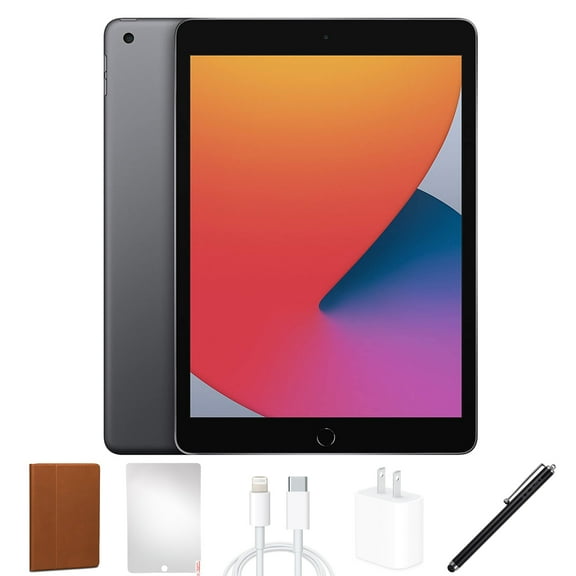
You can also build out your setup with accessories like stylus options, keyboard cases, and other iPad essentials. Pairing the right tablet with the right add-ons creates a setup that feels ready from day one.
Walmart makes it easier to compare iPad picks across everyday uses, model families, and accessory compatibility. You can choose a tablet that fits your routine smoothly.