







All Laptop Computers in Laptops



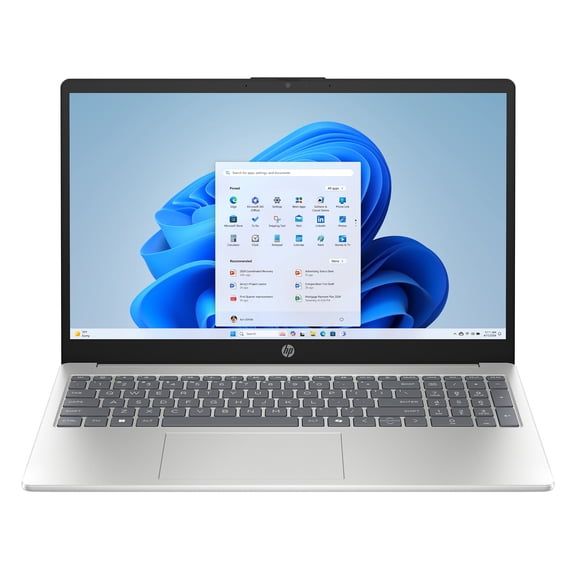


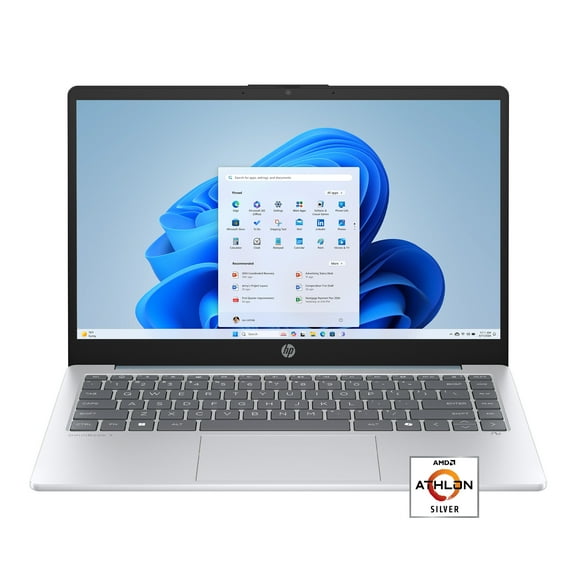


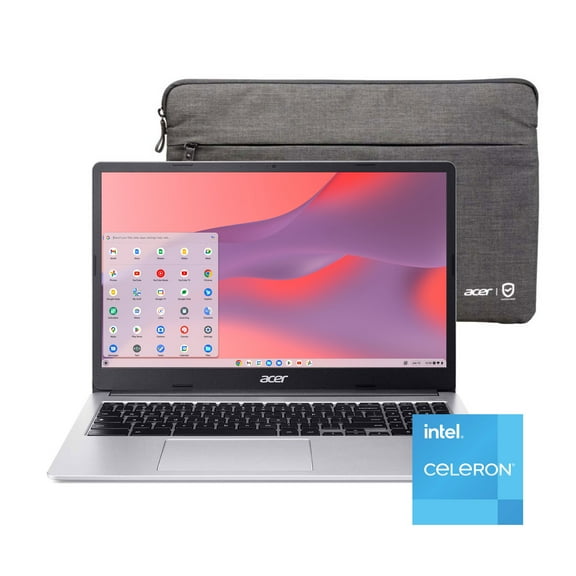
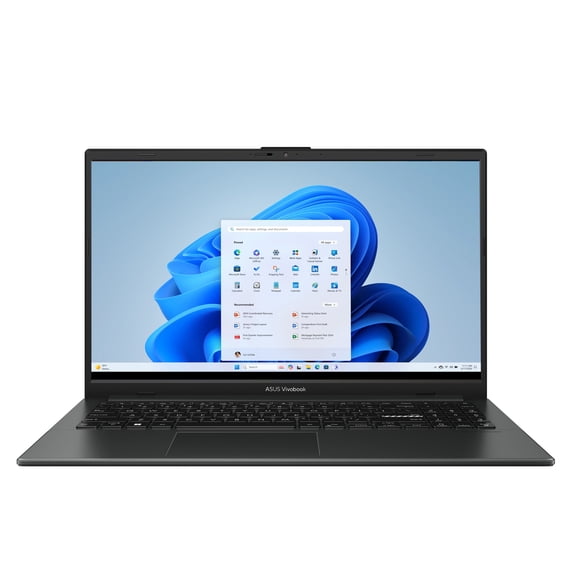











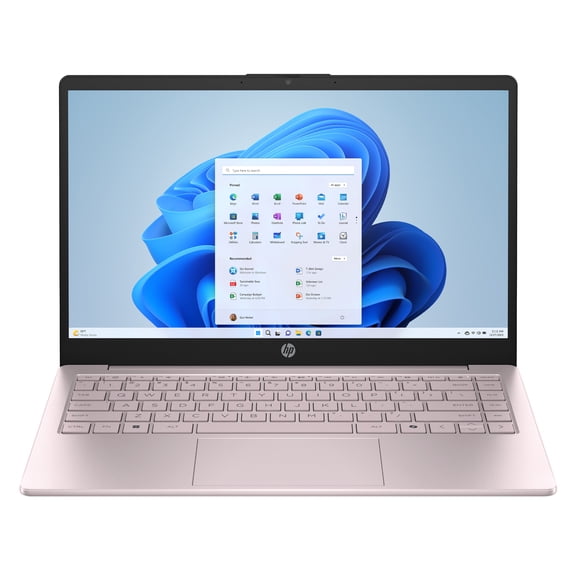
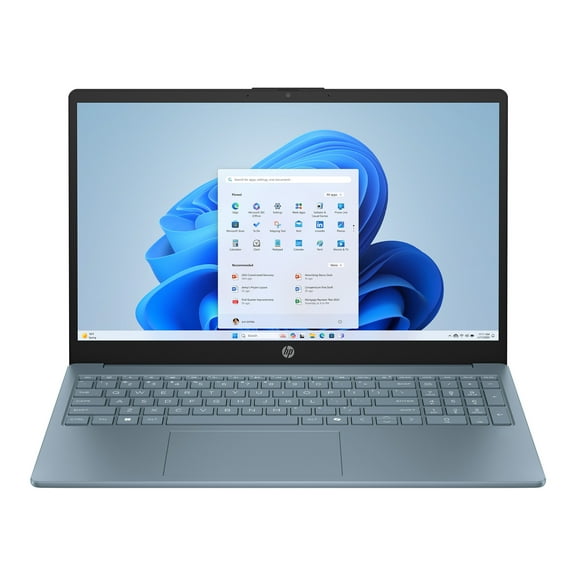


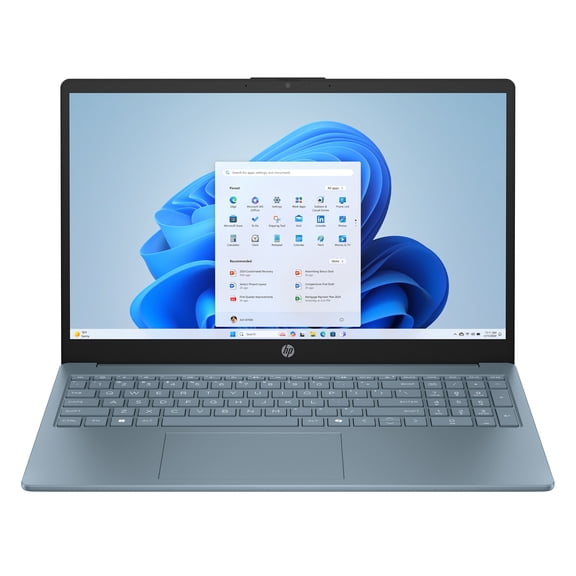
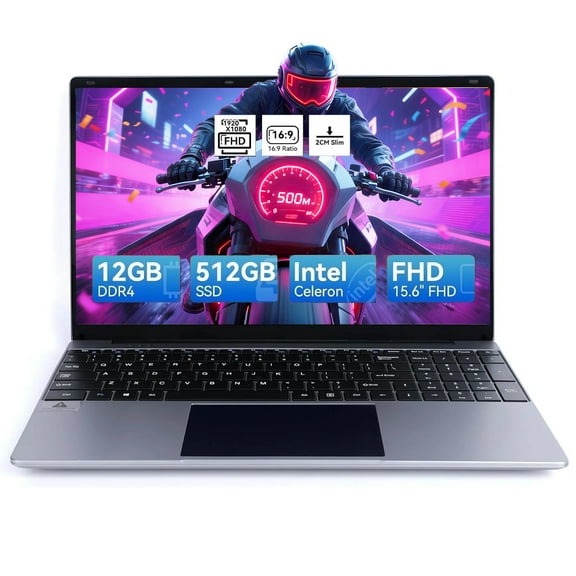
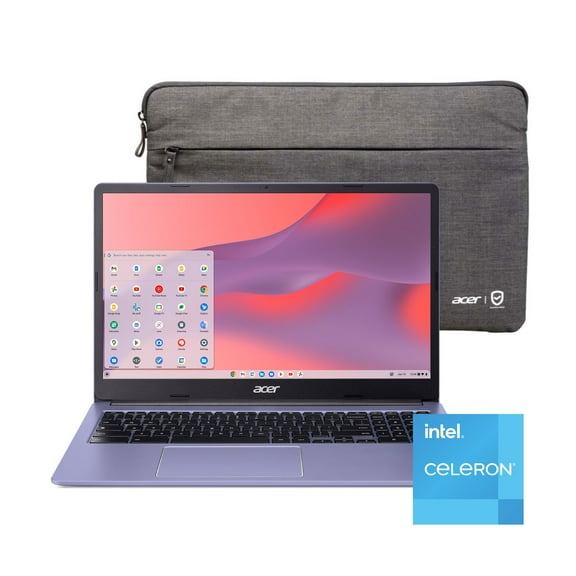










About All Laptop Computers in Laptops - Walmart.com
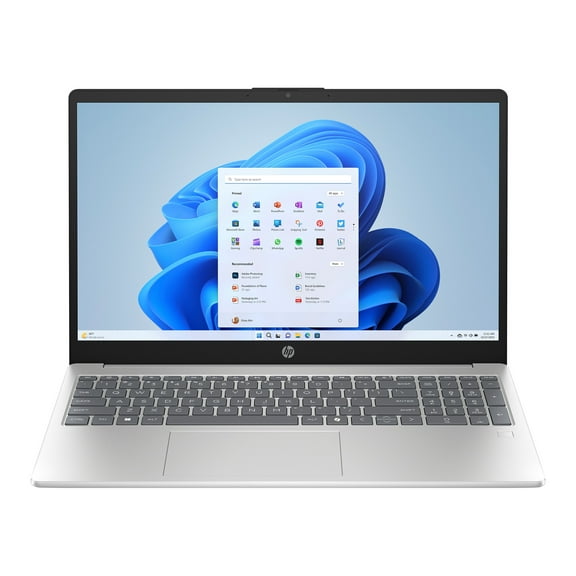
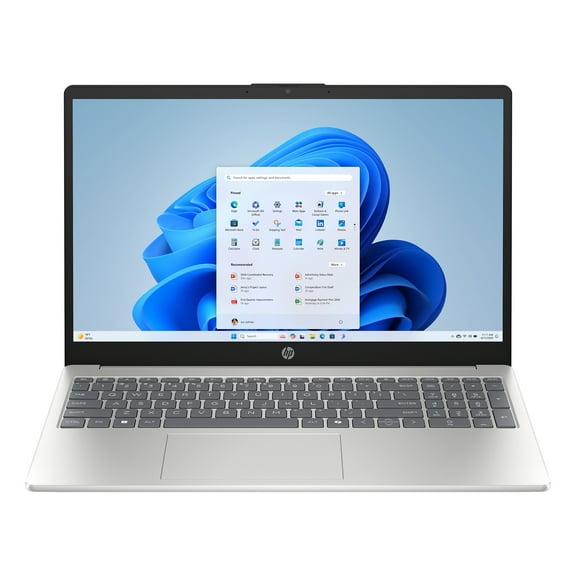
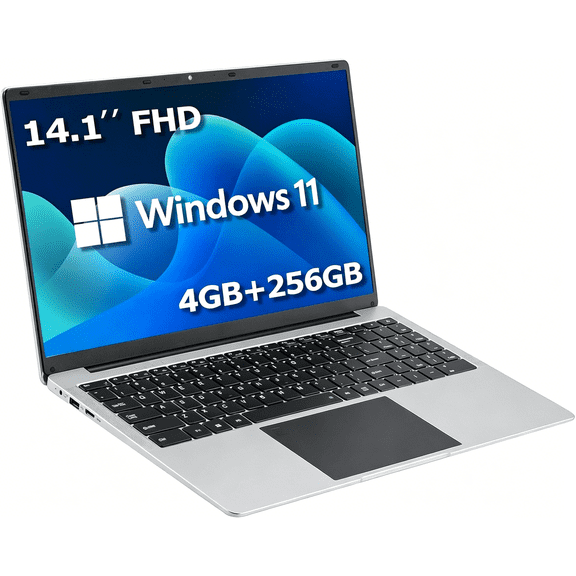
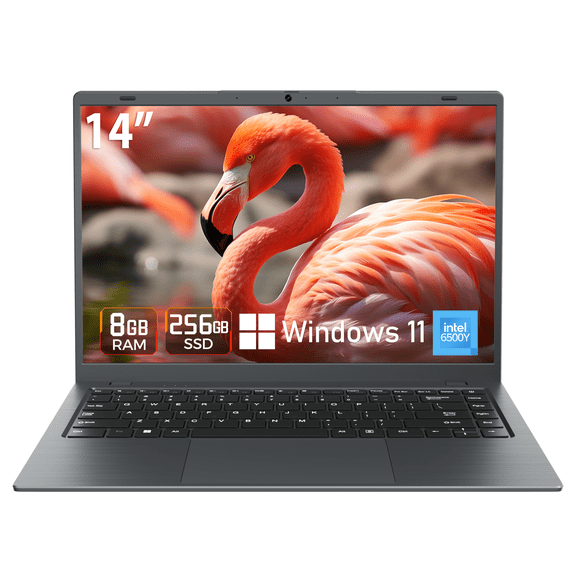
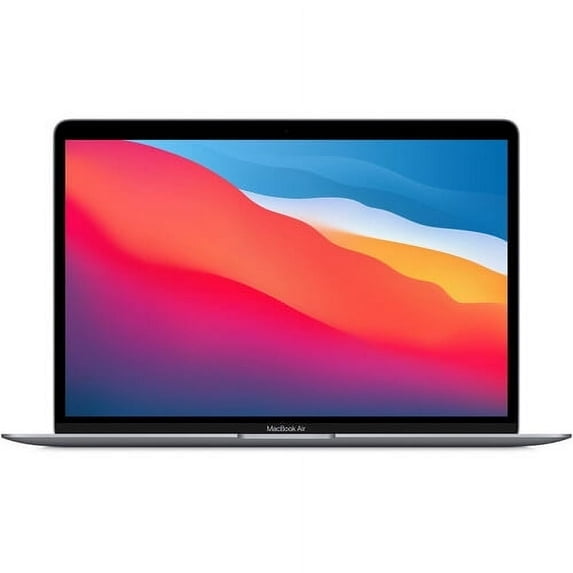
Laptop computers at Walmart make it easier to study, work, and stream without second-guessing your setup. You can compare screen sizes, battery life, and storage side by side. Pick up options like Chromebooks, Windows laptops, and MacBooks in one place.
This category is built for real decisions, not spec overload. Filter by processor, memory, and display fast. Then narrow to school-ready picks, travel-friendly sizes, or everyday home laptops.
Why laptop computers fit busy schedules
A laptop should move with you and keep up with long days. The right fit means fewer charger hunts and fewer slowdowns. You’ll notice the difference during lectures, commutes, and late-night study sessions.
Many shoppers want laptops for college students that feel light in a backpack. Others need a basic laptop for email, banking, and video calls. Walmart’s assortment helps you match performance to your routine.
Stay productive anywhere with portable sizes and strong battery options for campus days.
Keep coursework organized with enough storage for files, photos, and class downloads.
Join classes and meetings with built-in webcams, mics, and clear audio support.
Switch between tabs and apps smoothly when you choose the right memory and processor.
Protect your bag space with slim designs and durable builds made for daily carry.
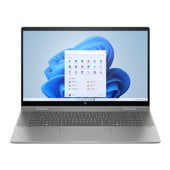
If you’re balancing school and work, a two-in-one can replace a notebook and a tablet. Touch screens also help with reading, annotating, and quick navigation. That flexibility can simplify how you pack and study.
Features to compare before you choose
Start with what you’ll do every day, then match the specs. A basic laptop usually focuses on simple tasks and lighter apps. More demanding workflows need stronger processors and more memory.
For laptops for college, aim for smooth multitasking and reliable wireless connections. Look for at least eight gigabytes of RAM for heavier browsing and docs. Consider 16 gigabytes if you run coding tools or design apps.
Storage affects speed and space for files. Solid state drives help laptops start quickly and open apps faster. If you store lots of videos, look for more drive capacity.
Screen size changes how portable your device feels. Thirteen to fourteen inches travels easily and fits desk space. Fifteen to sixteen inches gives more room for spreadsheets and split screens.
Battery life matters when outlets are scarce. Check manufacturer battery estimates, then read reviews for real use. Weight and charger size can matter as much as battery numbers.
Ports help you avoid extra adapters in class. USB-C can handle charging and displays on many models. HDMI can simplify connecting to projectors and external monitors.
Laptops for college students and everyday home use
College life can mean research tabs, note-taking, and group chats at once. Laptops for college students often need dependable Wi-Fi and comfortable keyboards. A backlit keyboard can help in dim lecture halls.
For general home use, a basic laptop handles browsing, homework, and streaming. That’s ideal for families sharing a device for school portals and emails. You can also focus on lighter weight and quieter fans.
Remote learning and hybrid work often depend on video quality. Look for a 1080p webcam option if you take frequent calls. Headphone jacks or Bluetooth support can also improve call comfort.
Creative projects require different priorities. Photo editing benefits from more RAM and better displays. If you use a stylus, check for touchscreen support and hinge design.
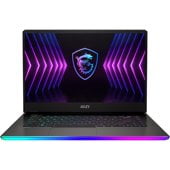
Gaming and graphics-heavy tasks need dedicated graphics on many titles. That’s a different class than an inexpensive laptop for documents. If you want both, prioritize the apps you’ll run most.
Choosing among types of laptops
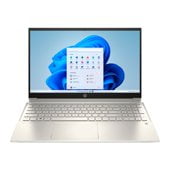
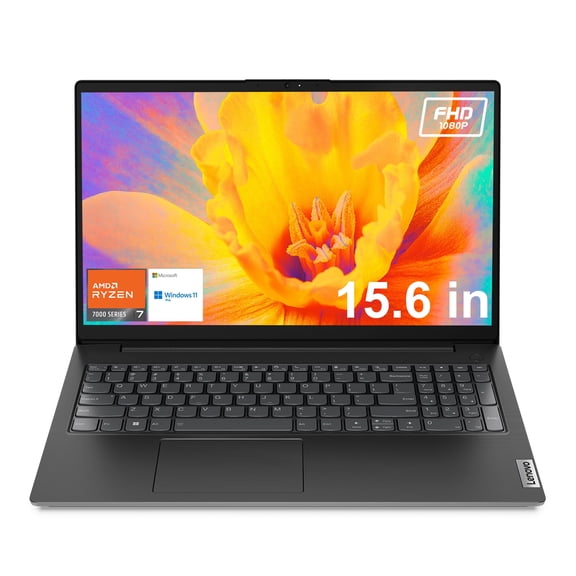
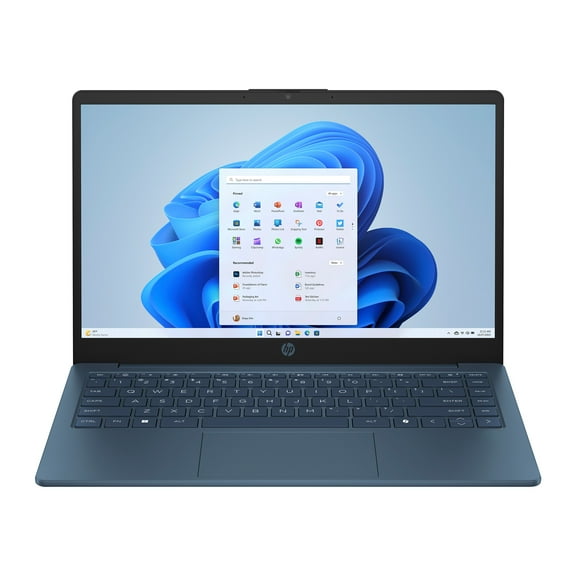
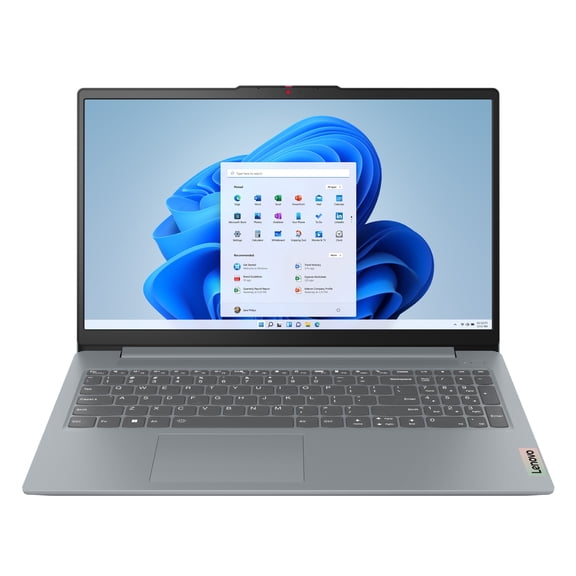
Knowing the main types of laptops helps you pick faster. Traditional clamshell laptops balance portability and performance. They’re a common fit for school, office tasks, and home use.
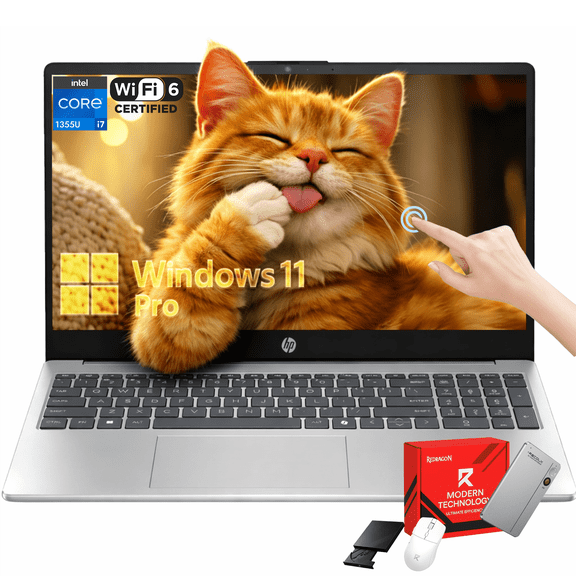
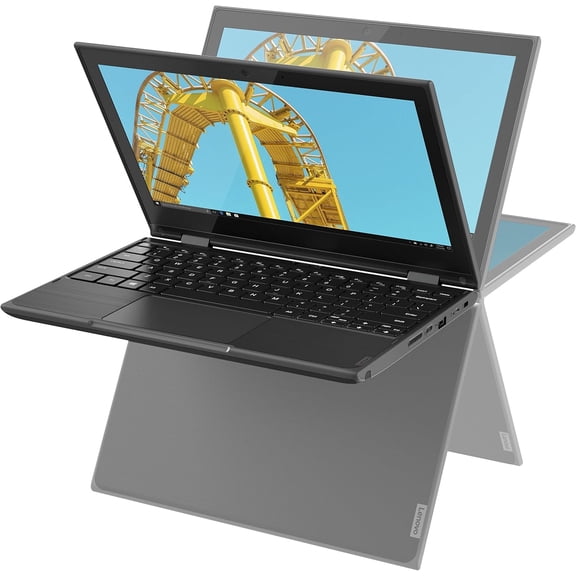
Two-in-one laptops fold or detach for tablet-style use. They’re helpful for handwriting notes and reading on the couch. Many models support touch gestures for quicker navigation.
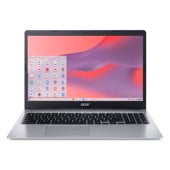
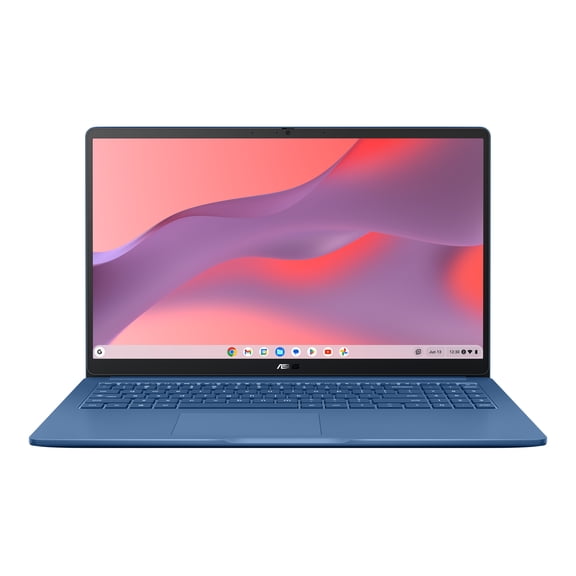
Chromebooks focus on web-based work and Google apps. They’re popular for coursework, shared devices, and simple routines. Check storage and offline support if you travel often.
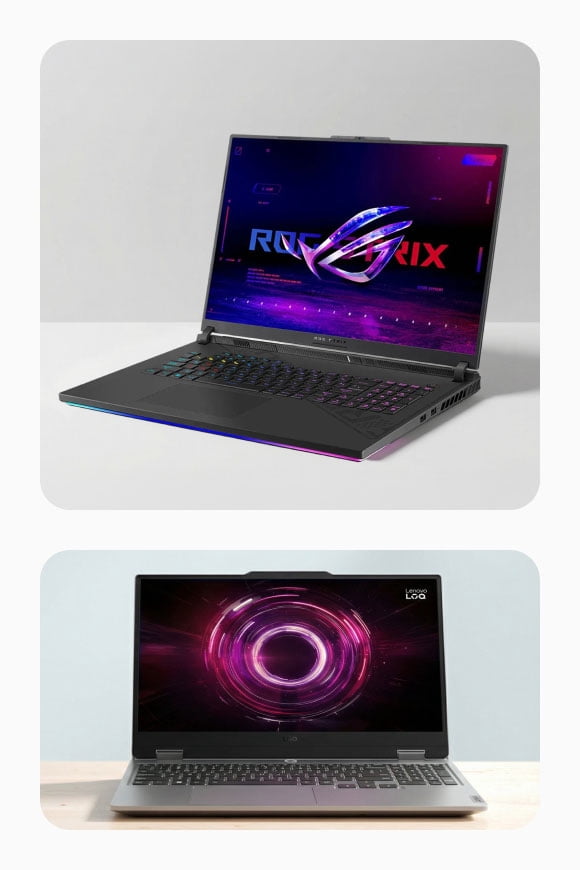
Gaming laptops focus on stronger cooling and graphics performance. They often weigh more and use larger power adapters. Look closely at refresh rate and GPU details for your games.
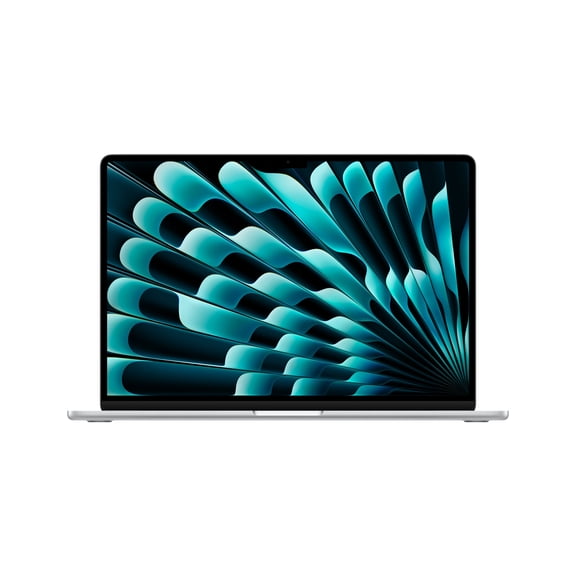
MacBooks run macOS and integrate with iPhone and iPad workflows. They’re common for creative apps and campus productivity. Check port needs if you use many accessories.
Finding an inexpensive laptop without missing essentials
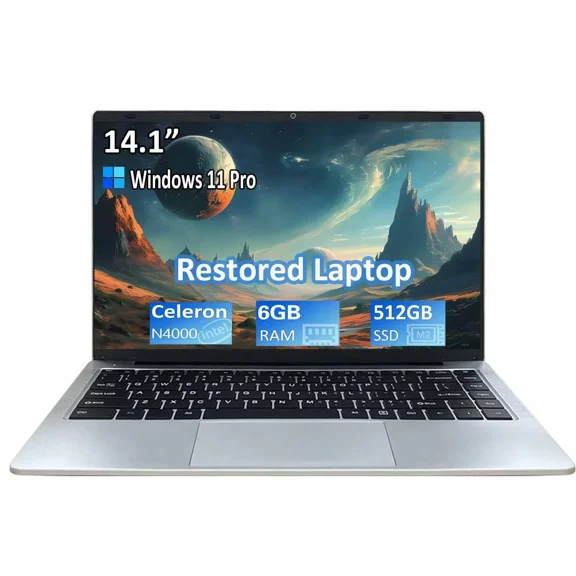
If you’re shopping for an inexpensive laptop, focus on the essentials first. Prioritize RAM, storage type, and keyboard comfort. Those factors shape daily use more than minor extras.
Look for solid state storage when you want a snappier feel. Confirm the screen resolution for reading and long writing sessions. Also check Wi-Fi versions for steady connections on busy networks.
Battery and weight still matter at lower price points. A lighter build can make a big difference between classes. A dependable battery can reduce how often you pack your charger.
Confidence checklist for your next laptop
Laptop computers should match how you actually study, work, and relax. Use your top three tasks to guide the processor, memory, and screen choice. That approach helps you land on a setup that stays responsive all semester.