

Remote Controls for TVs & Streaming Devices | Walmart


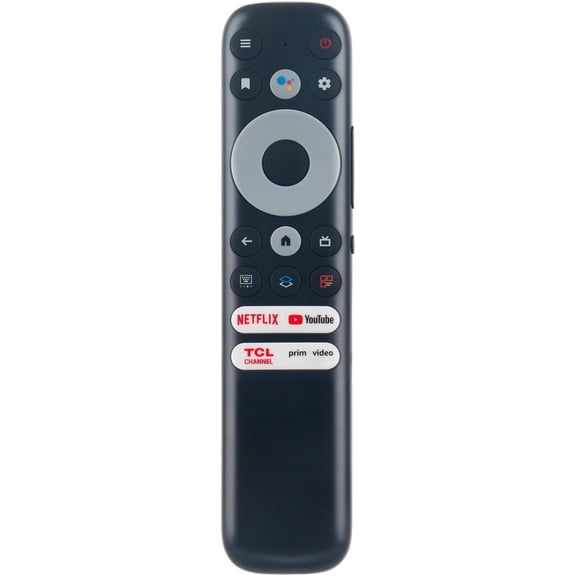
![Replacement for TCL-Android-TV-Remote,New Upgraded RC802V FNR1 Fit for TCL Android 4K Smart TV [NO Voice Function]](https://i5.walmartimages.com/seo/Replacement-for-TCL-Android-TV-Remote-New-Upgraded-RC802V-FNR1-Fit-for-TCL-Android-4K-Smart-TV-NO-Voice-Function_abaabcf8-443d-42ef-877d-0722bfa8da9f.8f2d760a36feb1db25d9ad7c05d56c46.jpeg?odnHeight=576&odnWidth=576&odnBg=FFFFFF)

















About Remote Controls for TVs & Streaming Devices | Walmart - Walmart.com
TCL universal remotes help you replace a missing controller and simplify TV setup across Roku TV, Android TV, Google TV, and other TCL models. You can compare compatibility, pairing method, and button layout before you choose a remote that fits your screen and viewing habits.
How to choose TCL universal remotes
You’ll want to start with your TV platform because Roku TV and Android-based models can use different setup paths. You can avoid return hassles when you check OS compatibility before you compare other features.
Your next decision is connectivity because infrared, Bluetooth, radio frequency, and Wi-Fi remotes work in different ways. You’ll usually point IR remotes at the TV, while Bluetooth options can support pairing without direct aiming.
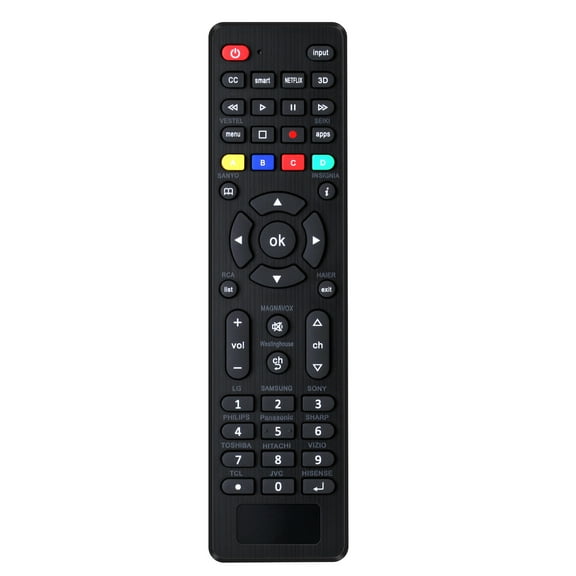
You should also compare how many devices your remote can control during movie night. Your setup may need a one-device model, or you may prefer one remote for a TV, soundbar, streaming box, and disc player.
- You can narrow choices by matching your TCL TV platform first.
- You can compare IR, Bluetooth, RF, and Wi-Fi based on your room setup.
- You can pick one-device, two-device, four-device, or eight-device support.
- You can look for backlit buttons, voice control, hotkeys, and sleep timer access.
You’ll also want a power option that matches how you use your remote each week. Your choices may include AAA batteries, AA batteries, or a rechargeable design for regular daily use.
Choosing a universal remote for TCL TV
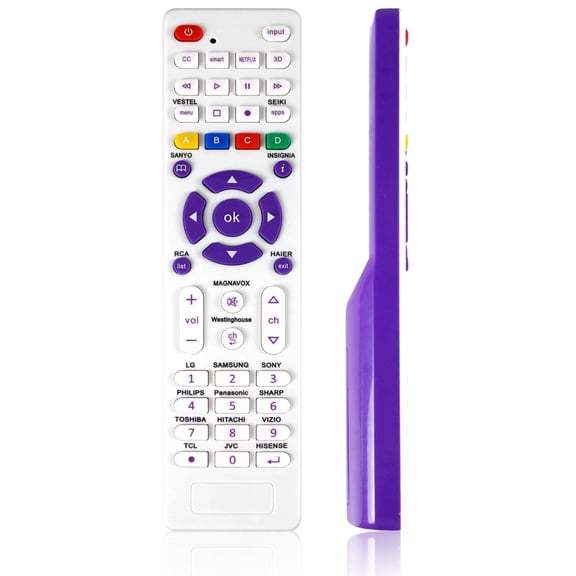
You can get a smoother setup when you match the remote to your TCL model and your connected devices. Your soundbar, cable box, or Blu-ray player may work from the same controller when you choose broader device support.
Look for auto-code search if you want a simpler start with less manual entry. You can also use universal remote codes for TCL TV when your model supports manual programming and you want direct setup steps.
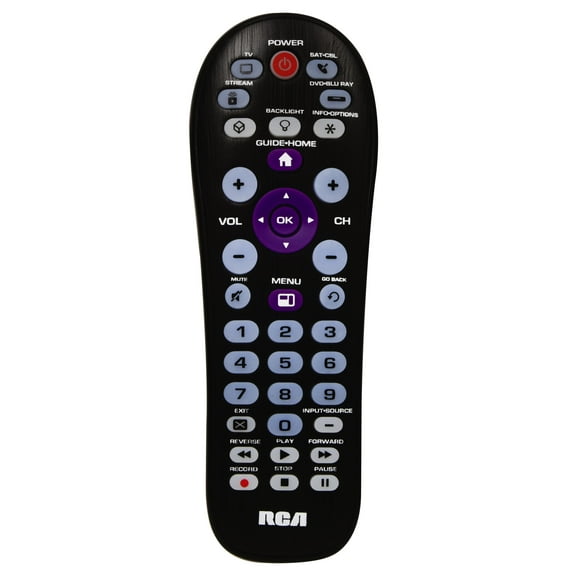
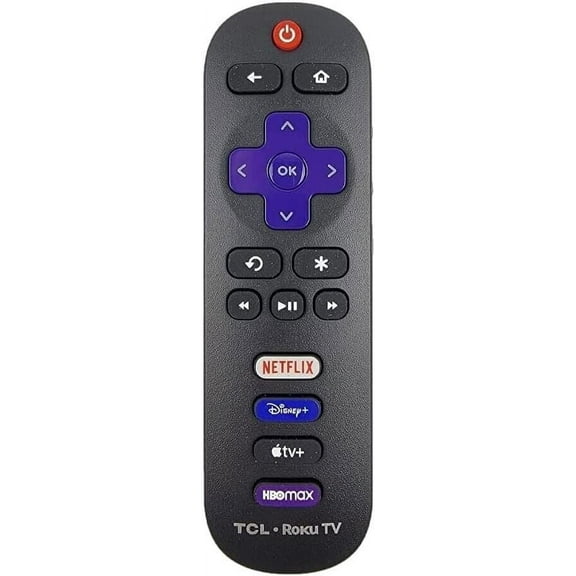
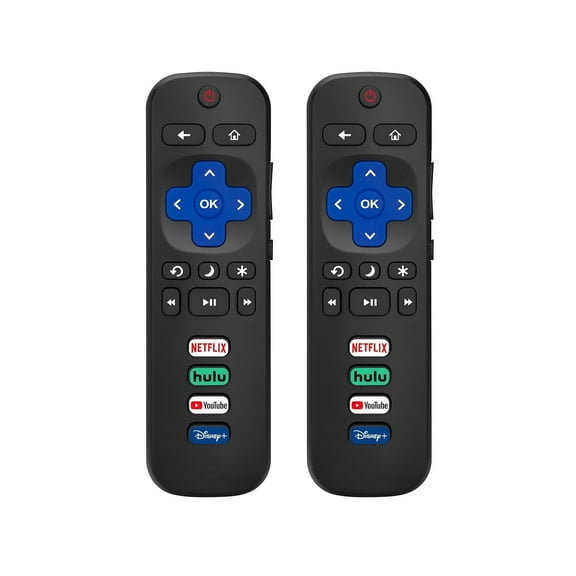
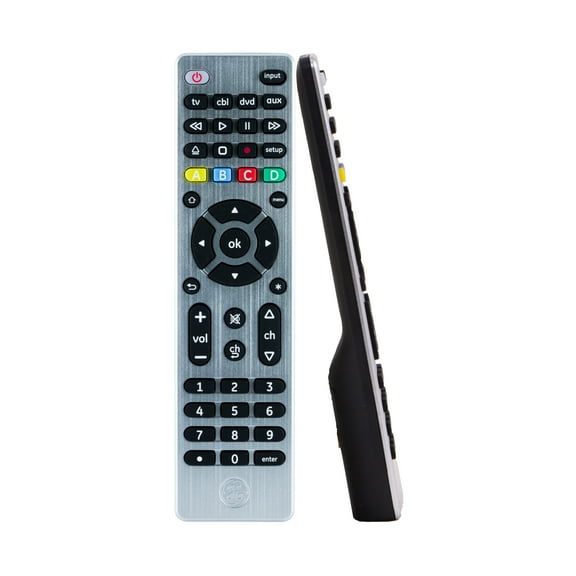
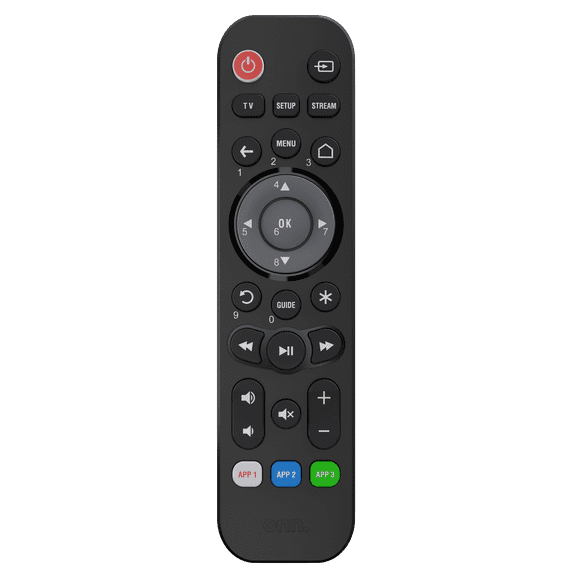
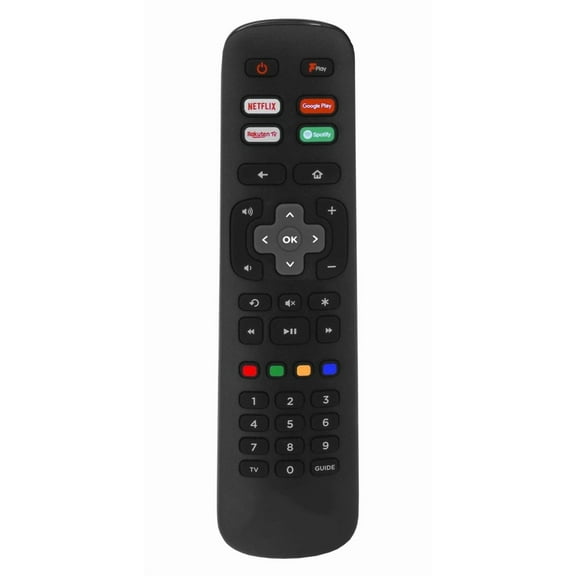
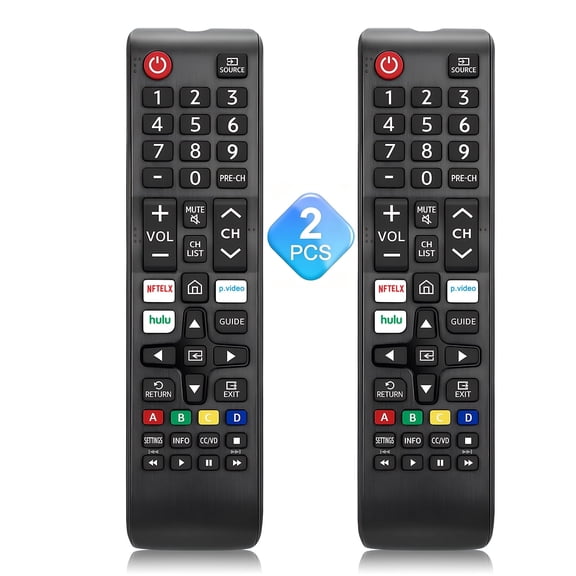
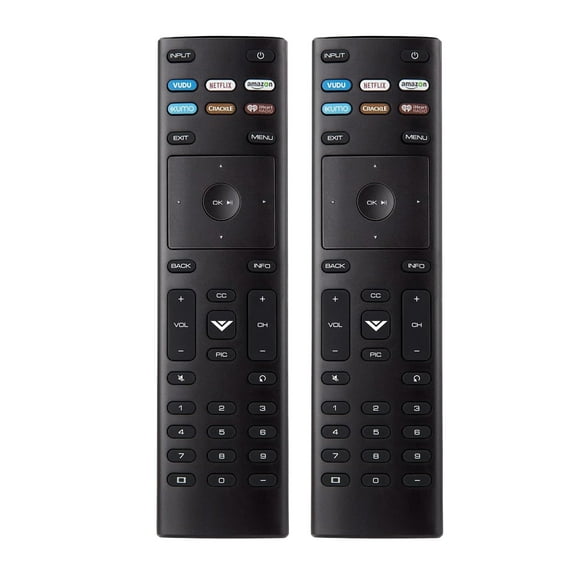
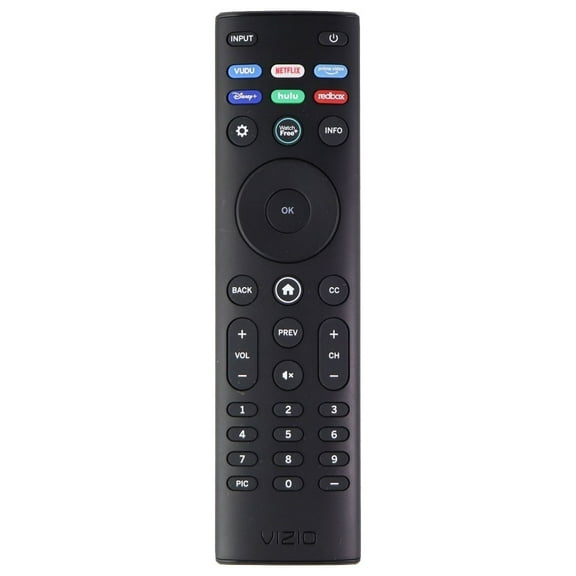
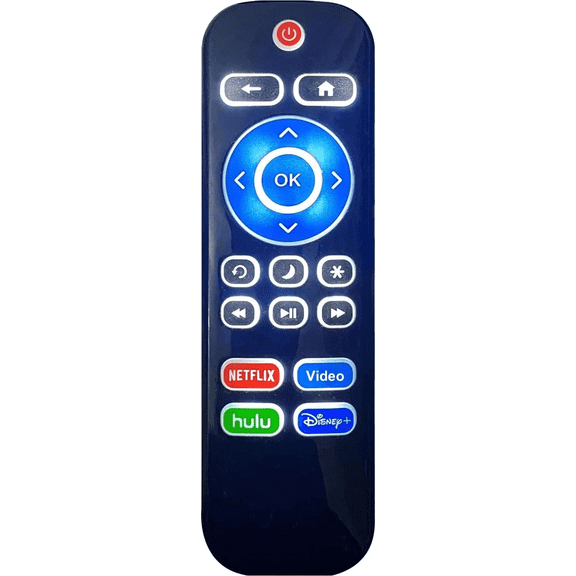
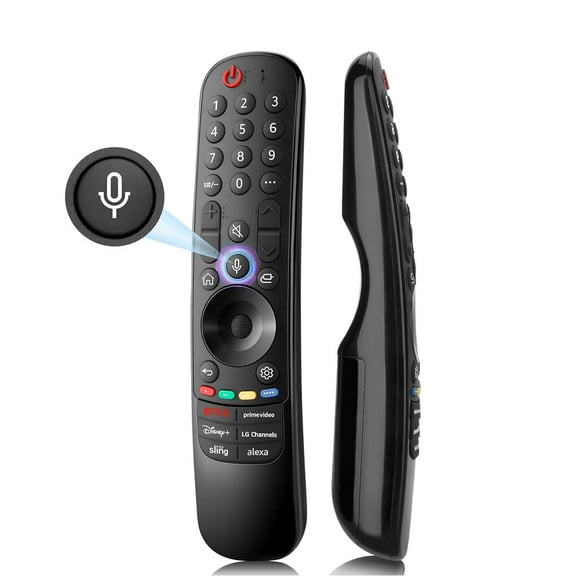
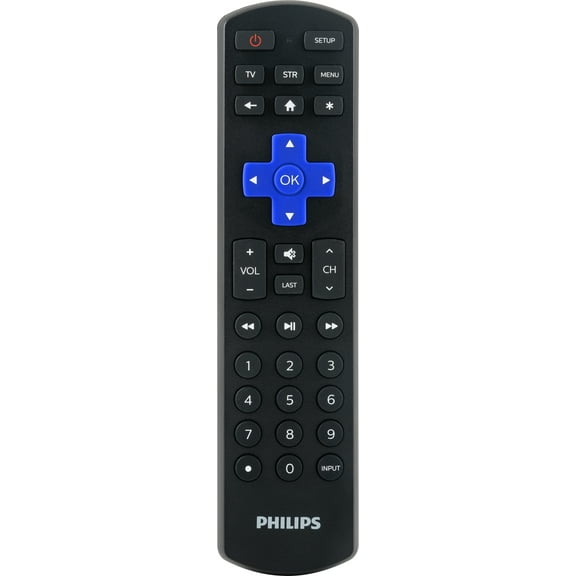
Your button layout matters more than you may expect during everyday use. You’ll notice larger keys, grouped controls, and dedicated app buttons can make your routine faster and easier to follow.
Backlit buttons can help you see volume, input, and playback keys in a dim room. You may also want programmable hotkeys, so your favorite app or input opens with fewer steps.
What to look for in a TCL smart TV remote replacement
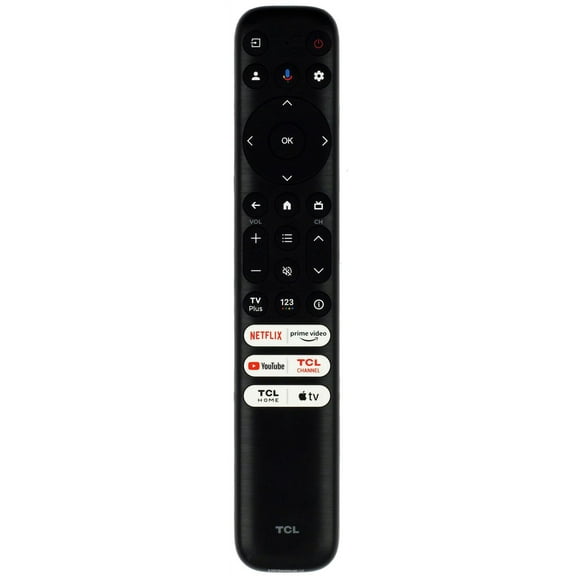
You should check whether your replacement remote is compatible with Roku TV, Android TV, Google TV, or all TCL models. Your pairing experience can change by platform, especially when using Bluetooth or voice features.
If you want a TCL smart TV remote replacement for a bedroom or family room, consider how you actually watch. You may prefer voice control for quick searching, or you may want simple number keys and input buttons.
Your connectivity choice affects how you use the remote from different seating positions. You’ll generally aim an IR TCL TV remote control at the screen, while RF and Bluetooth designs can offer more flexible positioning.
Rechargeable remotes can fit high-use spaces where your controller stays active every day. If you want easy battery swaps, you can choose AAA or AA styles based on what you already keep at home.
Comparing setup steps and device support
You can keep setup simple when you compare auto-programming with manual code entry before you buy. Your household may want quick pairing, especially if you replace remotes often or switch TVs between rooms.
Manual setup can still work well when you have the code list and a compatible model. You can use universal remote codes for TCL TV to connect basic functions, inputs, and power controls with clear steps.
Your device support limit should match the rest of your entertainment area. You might only need TV control, or you may want one remote that handles a soundbar, receiver, and streaming player.
Four-device and eight-device options can make a busy media setup feel more organized. You’ll spend less time juggling controllers when your remote can switch between sources from one keypad.
Matching features to everyday viewing
You can focus on practical features that match how you watch sports, movies, and streaming apps. Your routine may call for backlit buttons, a sleep timer, or hotkeys that jump straight to favorite services.
Voice control can be useful when you search for titles without typing letter by letter. You may also appreciate dedicated volume and input buttons when you switch between a console and a streaming device.
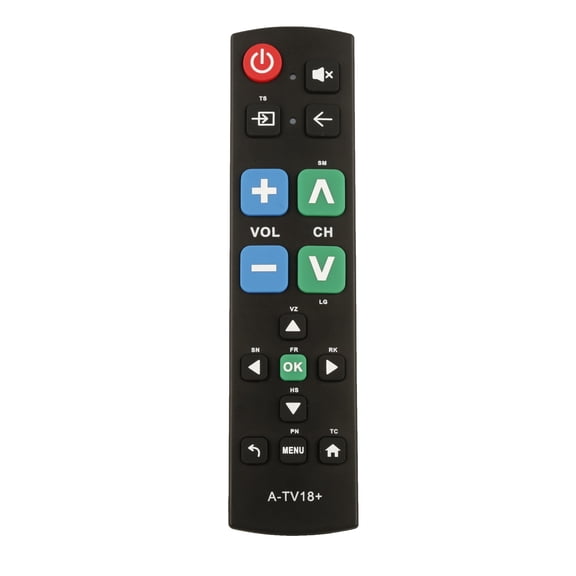
If you share your remote with kids, guests, or older family members, simpler layouts can feel easier to use. Your home theater may benefit from larger buttons and clear labels that reduce guesswork.
TCL universal remotes help you narrow compatibility, connectivity, and control options around your actual setup. You can make daily viewing smoother with a remote that fits your TCL TV, paired devices, and preferred shortcuts.