

Apple MacBook in Laptops
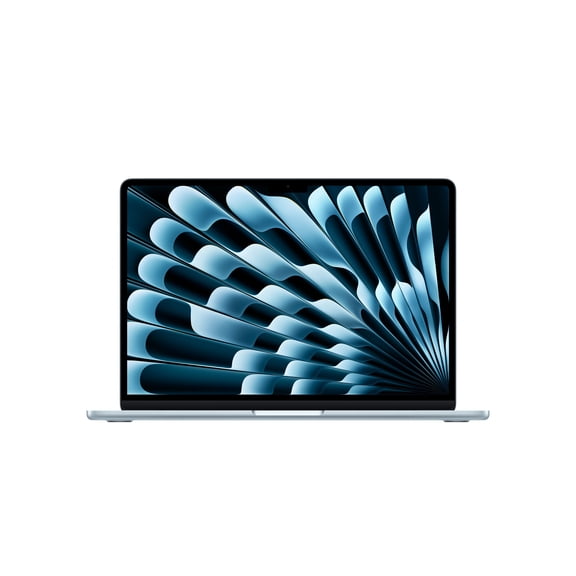


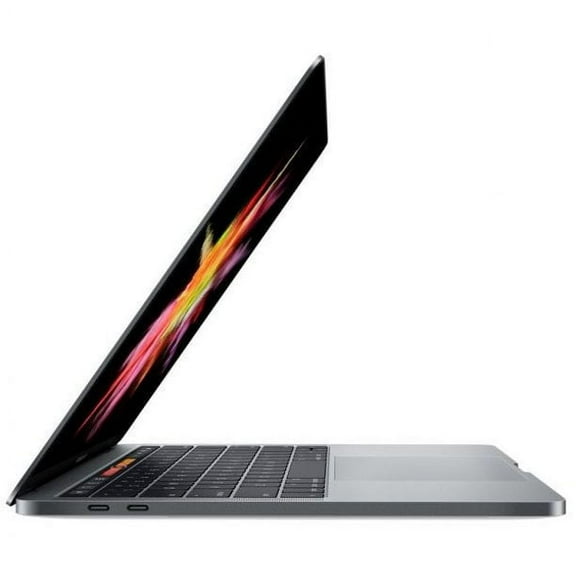

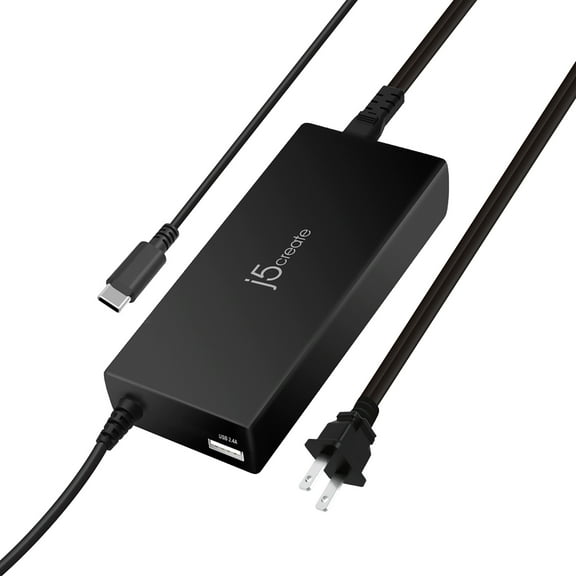

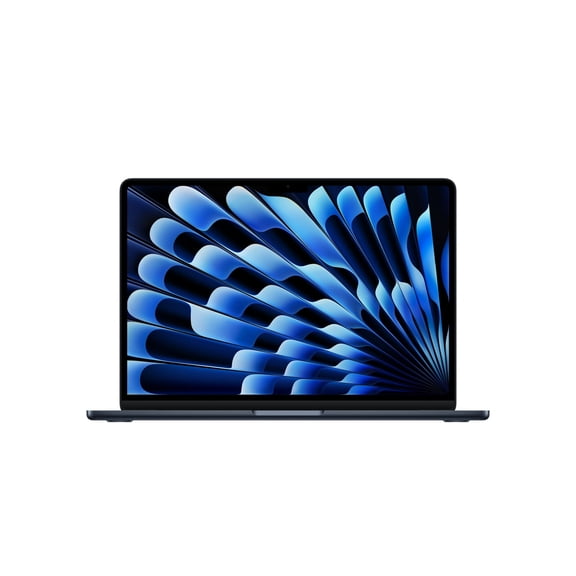







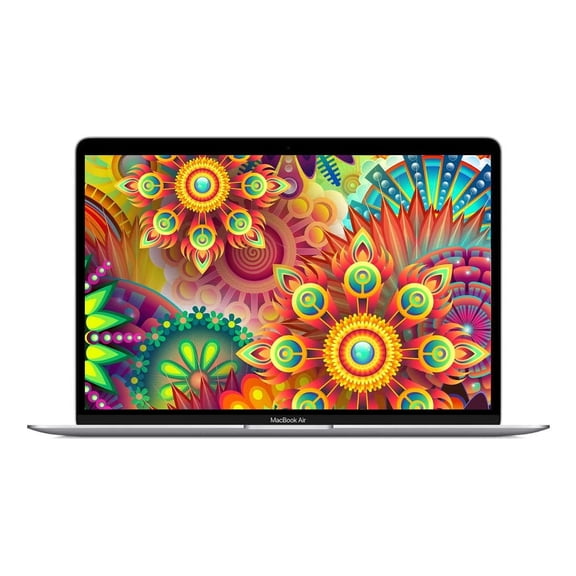
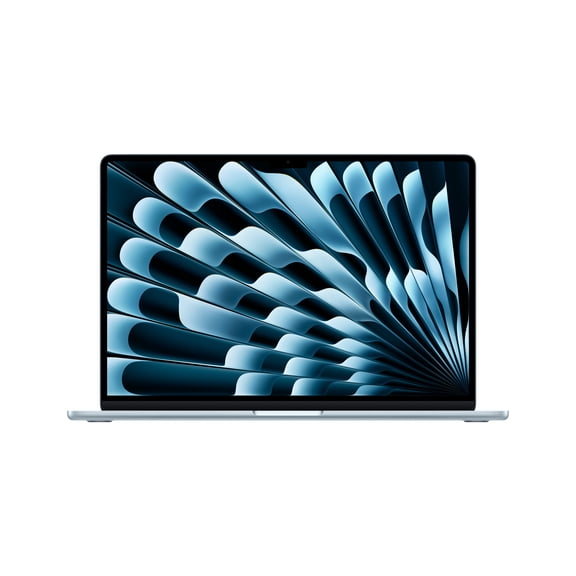








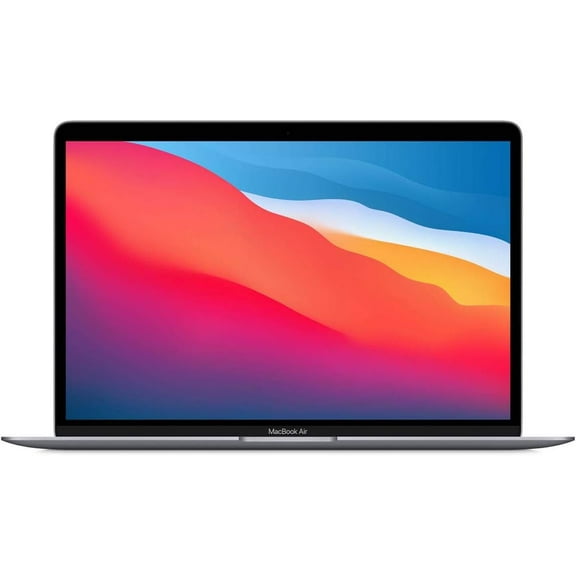
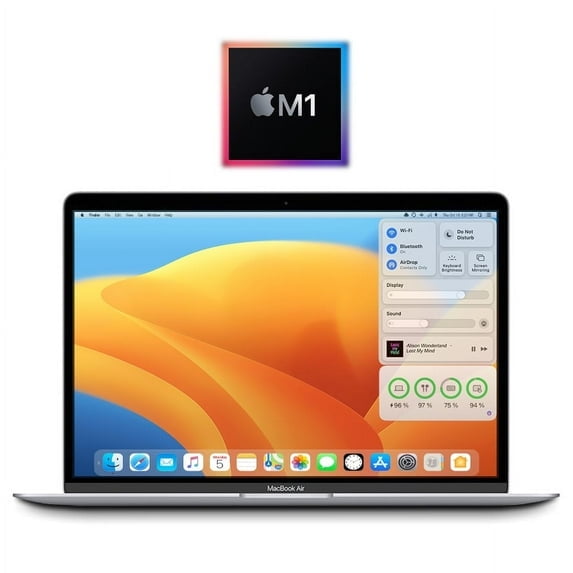








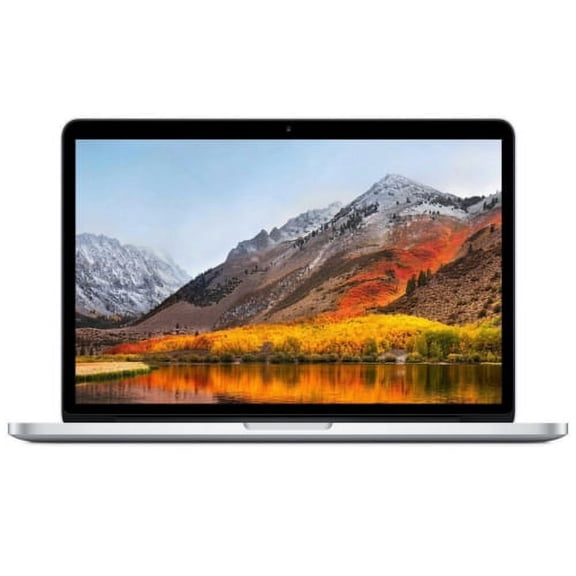
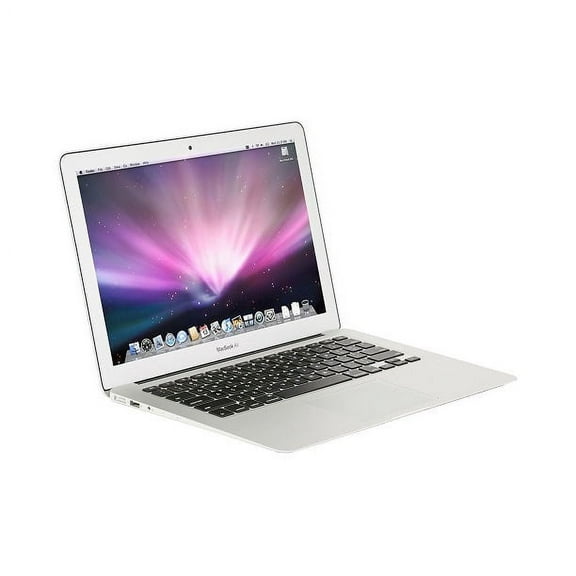


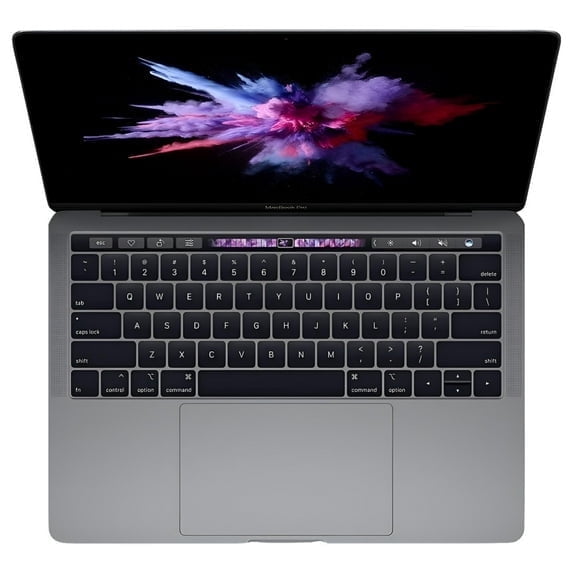





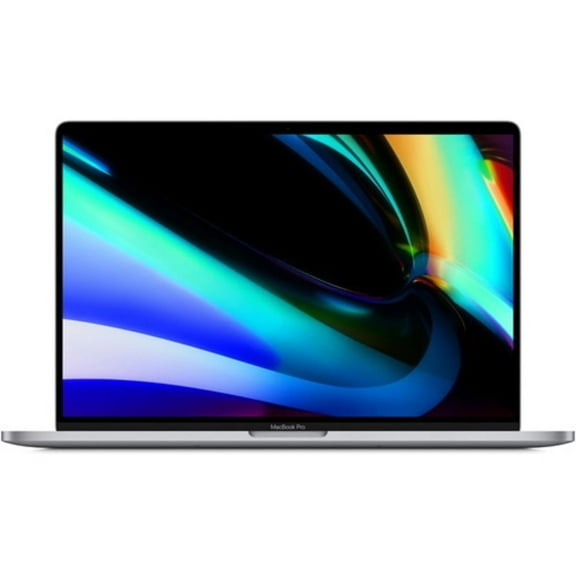


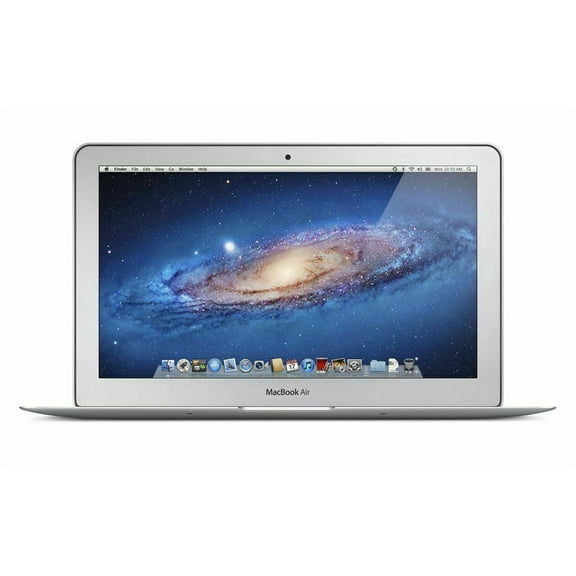


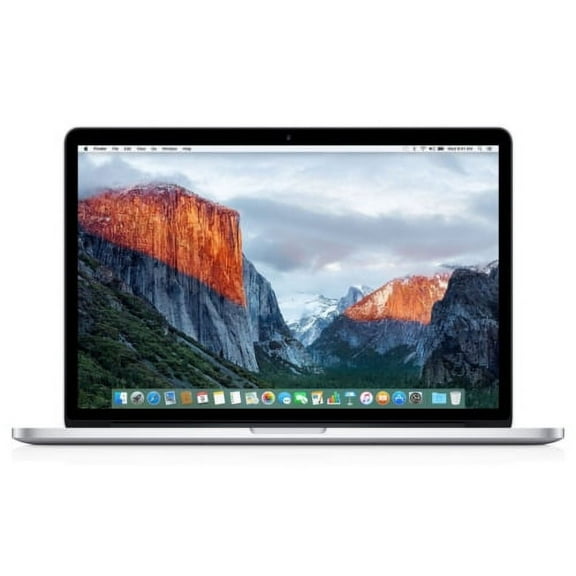


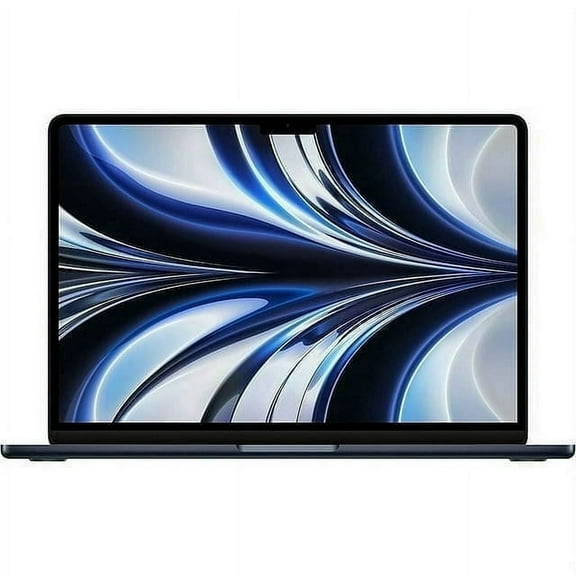
About Apple MacBook in Laptops - Walmart.com
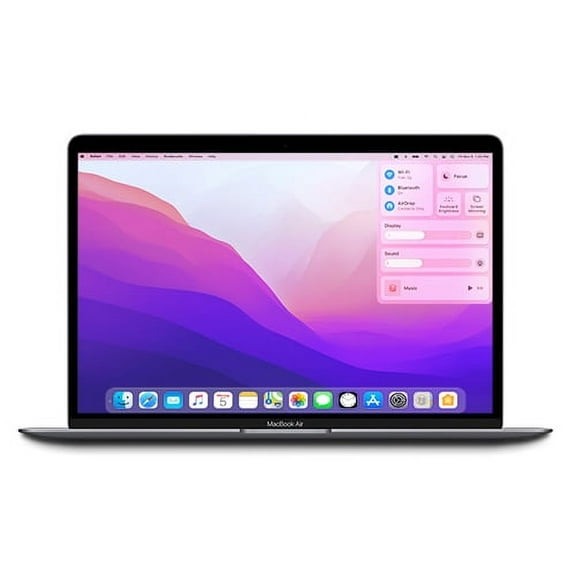
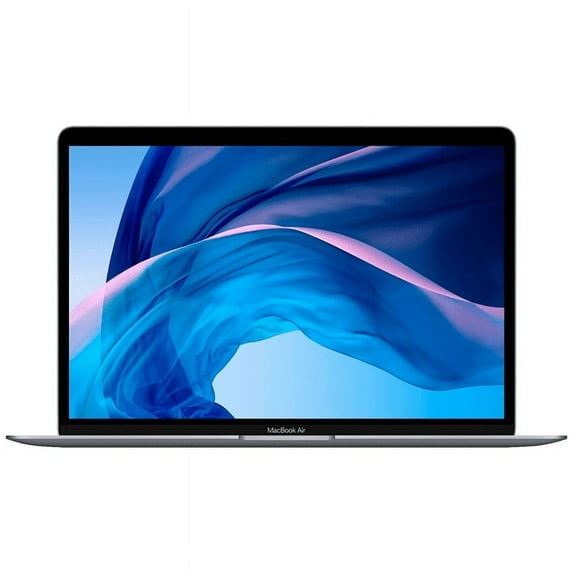
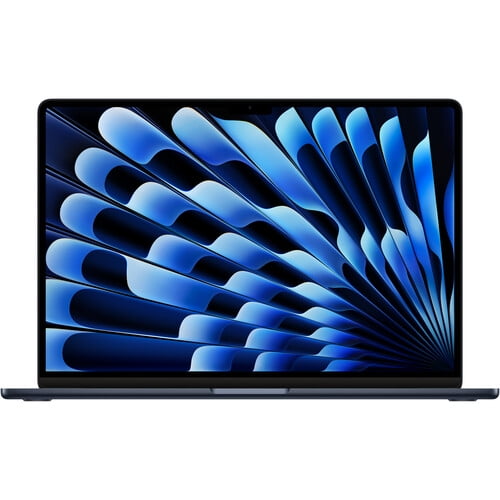
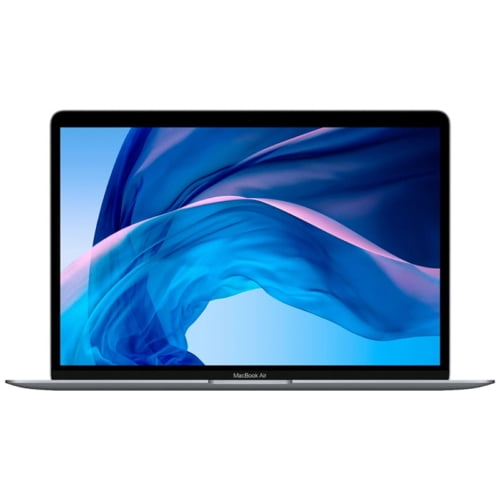
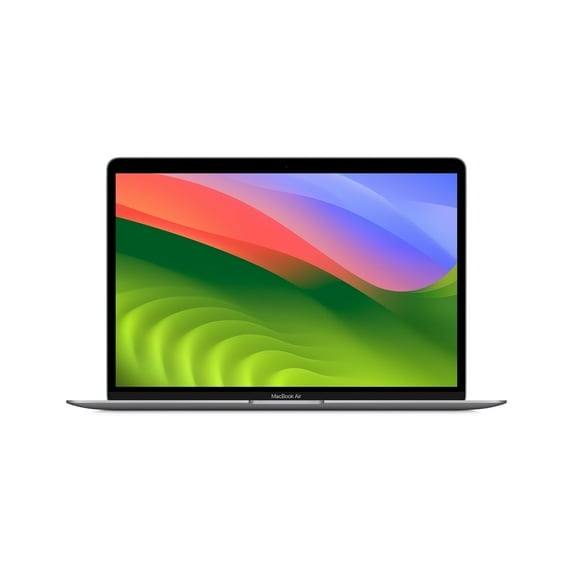
MacBook Air options help you match Apple laptop performance to your workload, commute, and setup. You can compare chip generations, screen sizes, memory, and condition in one place.
If you want a light computer for class, travel, or home use, you can narrow your choice quickly. You’ll also see where a restored model or extra memory makes practical sense.
Choosing the right MacBook Air for your workload
When you compare a macbook air, you should start with chip type because it shapes speed and everyday responsiveness. You can choose MacBook Air M1, MacBook Air M2, MacBook Air M3, or select Intel models.
If you handle email, documents, streaming, and web tabs, you may find M1 fits your routine well. If you edit photos, multitask heavily, or want newer design changes, you may prefer M2 or M3.
You should also check CPU cores, GPU cores, and unified memory bandwidth when you compare Apple Silicon models. Those specs affect how smoothly your apps run and how quickly your laptop handles creative tasks.
- You can pick M1 for reliable everyday computing and familiar Apple Silicon performance.
- You can choose M2 if you want updated processing, efficient multitasking, and support for newer configurations.
- You can consider M3 when you want stronger graphics handling and added headroom for highly demanding school or work projects.
- You can compare Intel models if you want an older MacBook Air laptop for basic tasks and legacy preferences.
Comparing apple macbook air screen sizes and portability
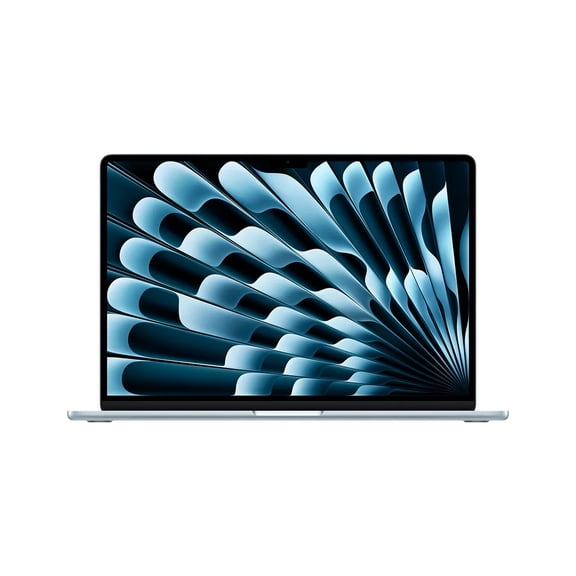
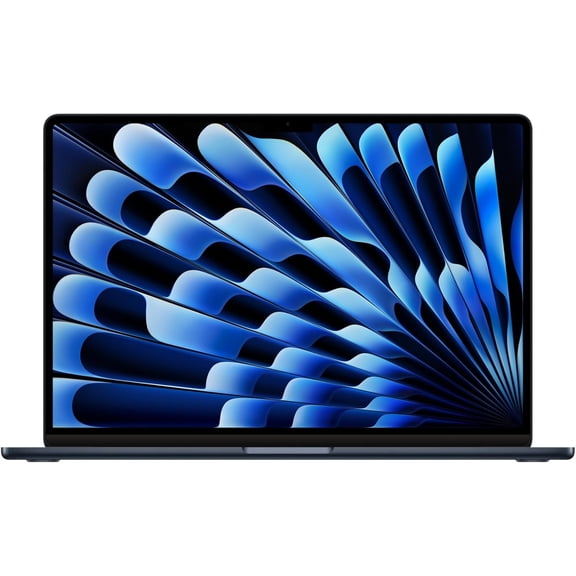
Screen size changes how your laptop fits your bag, desk, and daily routine. You can compare a macbook air 13 inch model with a macbook air 15 inch model based on portability.
If you move between classes, coffee shops, and flights, you may prefer a 13-inch size. You’ll get a compact footprint that slips into tighter spaces and feels easier to carry.
If you split windows, review spreadsheets, or stream on a larger display, you may prefer 15-inch. You’ll have more viewing room for side-by-side apps and longer writing sessions.
You should measure your backpack sleeve and desk space before you choose a screen size. You’ll avoid a mismatch between your laptop footprint and your daily carry setup.
How to choose memory and storage on a macbook air laptop
Memory and storage deserve close attention because you can’t treat them like small afterthoughts. You should choose enough capacity now, since SSD storage and memory aren’t meant for simple upgrades later.
If you browse, write, stream, and manage schoolwork, you may start with macbook air 8gb ram options. If you run many apps together, you may want 16GB or 24GB memory.
You should compare unified memory with your usual workload, not just your current habits. You’ll notice extra memory helps when you edit media, keep many tabs open, or use creative software.
Storage capacity also matters because your files, apps, and photos add up quickly over time. You should check SSD size carefully if you keep local projects, videos, or large design files.
New versus restored macbook air models
Condition is another key choice, especially if you want specific specs within your target range. You can compare new models with a restored macbook air based on coverage, appearance, and configuration availability.
If you choose restored, you should read the condition details and included accessories before you decide. You’ll want to confirm what comes in the box and what cosmetic wear you may see.
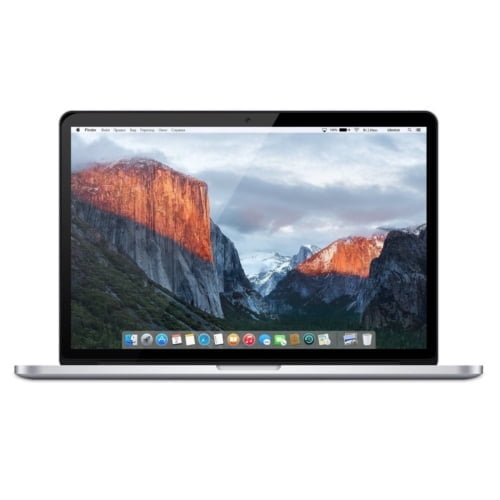
You may also like restored options when you want older chip generations or harder-to-find memory combinations. You can often locate configurations that fit light work, school use, or backup computer needs.
When you compare new and restored models, you should also review warranty information and return details. You’ll feel more confident when your coverage matches how often you use your laptop.
Matching MacBook Air choices to real-life use
If you’re shopping for macbook air back to school, you may want a light system with dependable battery life and easy portability. You can pair a 13-inch model with M1 or M2 for note-taking and campus travel.
If you work from home, you may want more screen room and stronger multitasking support. You can look at a 15-inch model with 16GB memory for documents, meetings, and browser-heavy workflows.
If you create presentations, edit photos, or manage layered projects, you should compare M2 and M3 closely. You’ll appreciate the extra performance headroom when your assignments become more demanding.
If you want a secondary computer for travel or family use, you may consider restored configurations first. You can get the familiar macOS experience in a thin design that stays easy to carry.
With the right chip, size, memory, and condition, you can choose a MacBook Air that fits how you actually work. You’ll end up with a laptop that feels right in your bag, on your desk, and through your daily tasks.