

Audio Equipment & Home Audio Electronics | Walmart









































About Audio Equipment & Home Audio Electronics | Walmart - Walmart.com
You can compare audio equipment by setup style, connectivity, and room size before you choose. You may find options for home theater, portable listening, professional setups, and personal audio in one category.
When you choose the right format, your movies sound fuller and your music feels detailed. You can also match your speakers, receivers, and soundbars to the devices you already use.
How to choose audio equipment for your space
You should start with where and how you'll listen most often. Your living room may need home audio systems, while your desk or patio may need portable sound equipment.
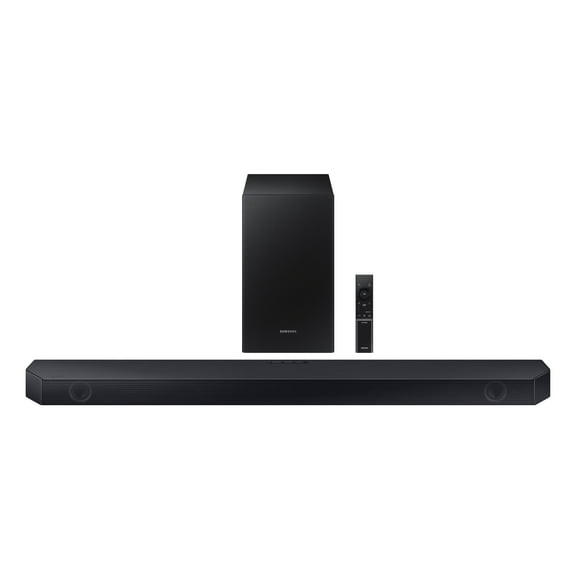
For larger rooms, you may want separate speakers and a receiver for wider sound coverage. For simpler setups, you may prefer a soundbar that connects neatly under your TV.
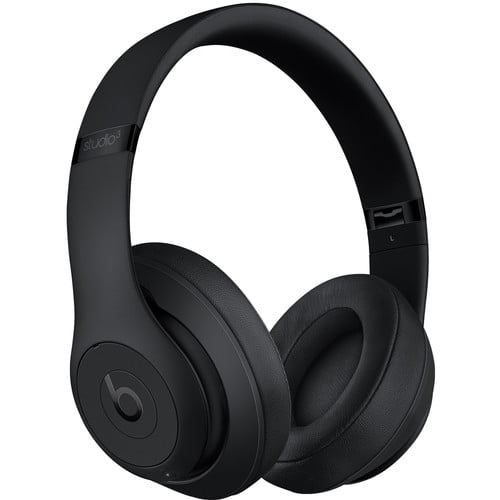
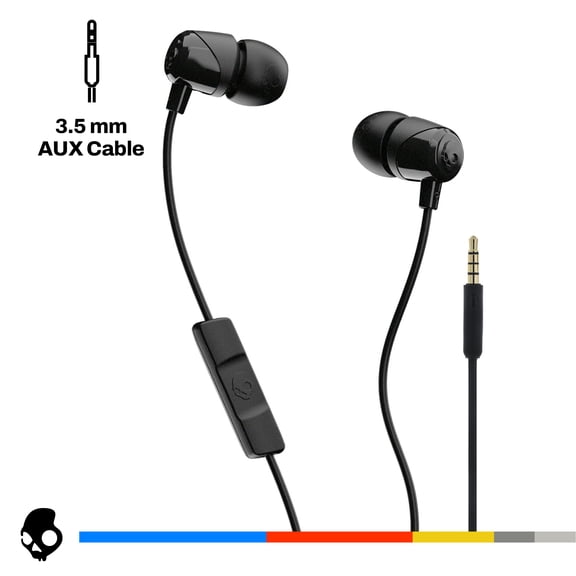
You can also compare personal audio for focused listening and professional gear for recording or events. Your choice depends on volume needs, connection types, and how much equipment you want to manage.
What benefits matter in home audio systems
You get clearer dialogue, stronger bass, and wider stereo separation when your system matches your room. You may notice these differences during movies, sports, gaming, and playlist listening.
Another key benefit is flexibility across devices you already own. You can connect TVs, streaming boxes, phones, tablets, and gaming consoles with the right inputs.
You may also want controls that fit your routine. Your setup can include wireless streaming, compact speaker placement, or rechargeable power for easier movement.
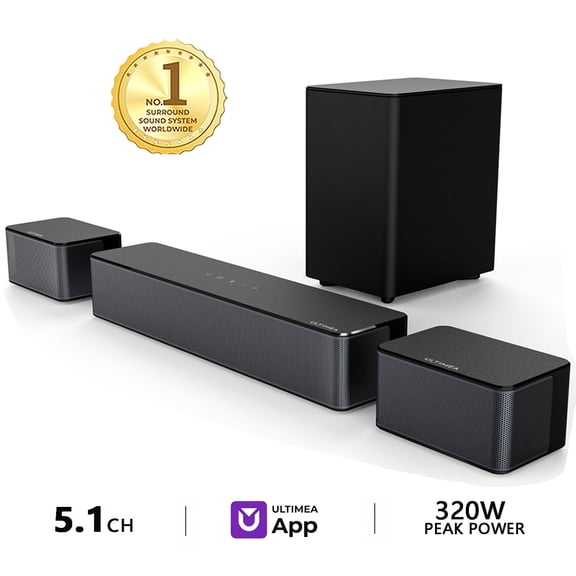
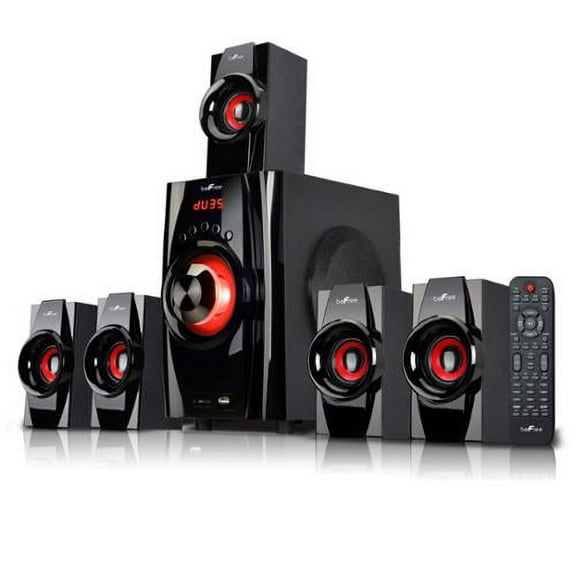
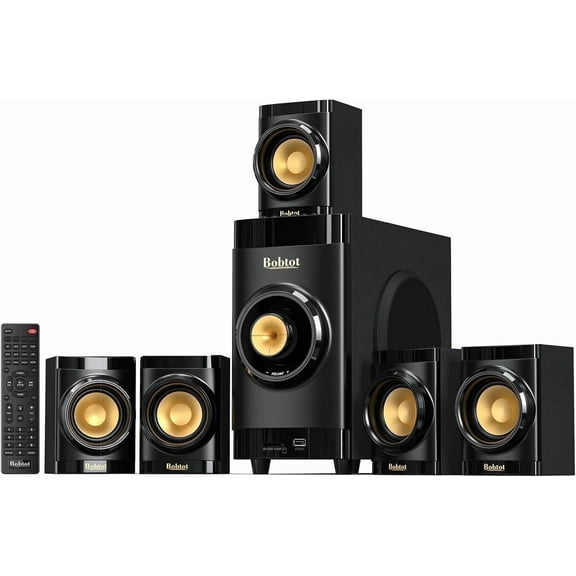
- You can create a theater-style setup with receivers, speakers, and subwoofers.
- You can stream music wirelessly through Bluetooth or Wi-Fi from compatible devices.
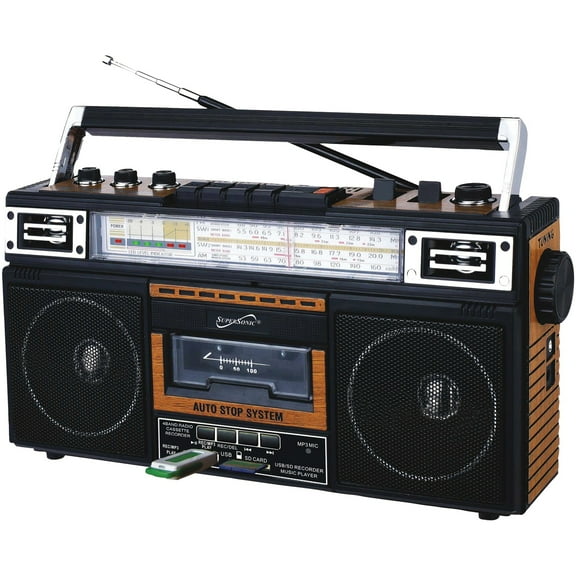
- You can choose portable audio gear for patios, dorms, offices, and travel.
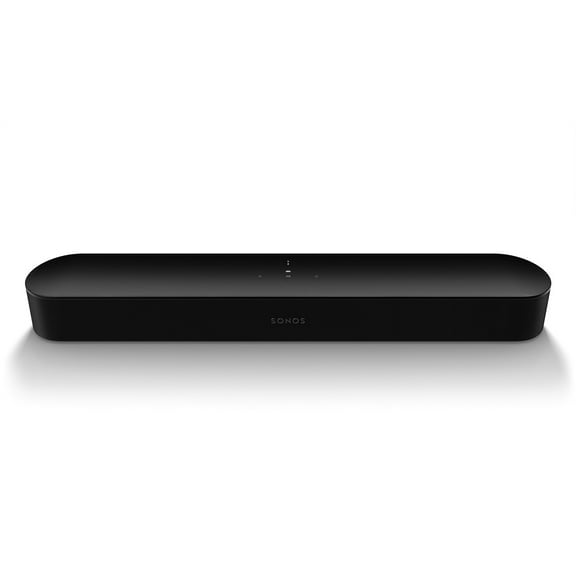
- You can build around soundbars when your space calls for a simpler layout.
If you share your space, you may appreciate personal listening options that keep sound close to you. You can keep your entertainment setup flexible without redesigning your whole room.
Choosing connectivity and sound equipment features
You should compare Bluetooth, Wi-Fi, wired, and optical connections before you choose. Your preferred connection affects convenience, signal stability, and how you control playback.
With Bluetooth, you can pair phones and tablets quickly for everyday listening. You should check codec support because your codecs can affect audio detail and wireless latency.
With Wi-Fi, you can often get steadier whole-home streaming across compatible devices. You may prefer Wi-Fi when your setup stays in one place and you want broader bandwidth.
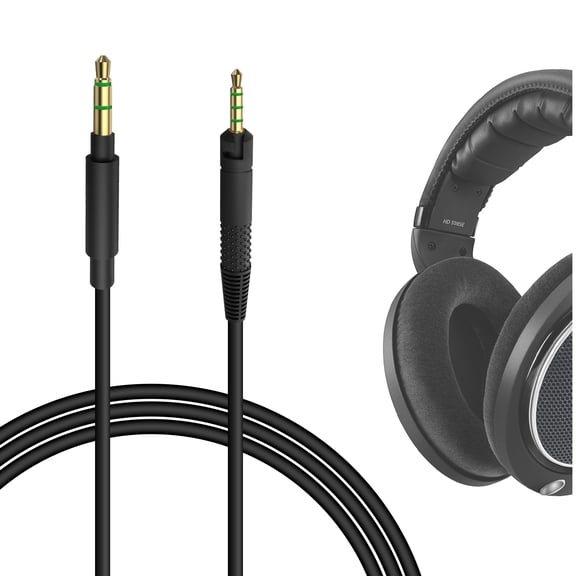
Wired connections can make sense when you want direct, simple links between components. You can use optical inputs for many TVs, or HDMI ARC when you want easier TV audio control.
You should also compare component types like speakers, receivers, amplifiers, and soundbars. Your receiver or amplifier needs enough RMS wattage for your speakers and their impedance rating.
When you review power output, you can sort options into under 100W, 100W to 500W, and 500W plus. Your listening distance and room size help determine how much output feels right.
You may not need extreme wattage in a bedroom or office. You may want higher power audio gear in larger rooms where sound needs to travel farther.
You should also think about bass performance before you finalize a system. Your room size and your speakers' frequency response can show whether a separate subwoofer makes sense.
Matching audio electronics to real listening needs
You can build a home theater setup when your priority is immersive movie nights. Your combination might include a receiver, wired speakers, HDMI ARC support, and a subwoofer for deeper bass.
If you want a cleaner living room layout, you may choose a soundbar with optical or HDMI ARC input. You can reduce cable clutter while keeping TV dialogue easier to follow.
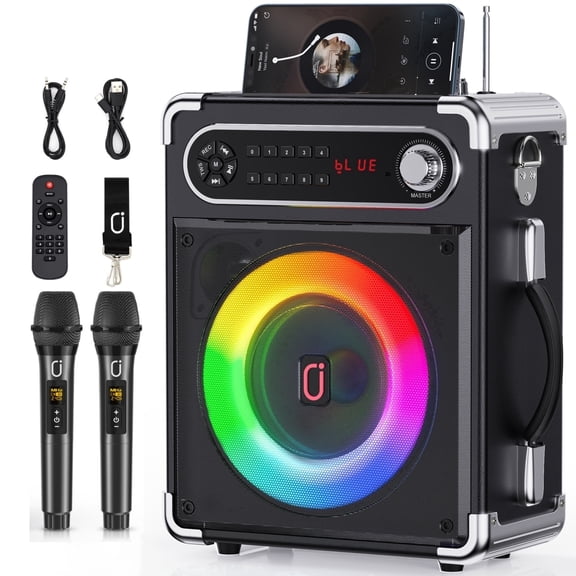
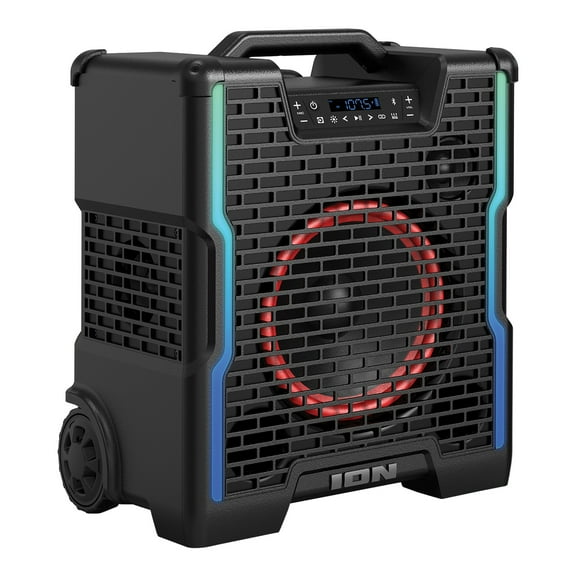
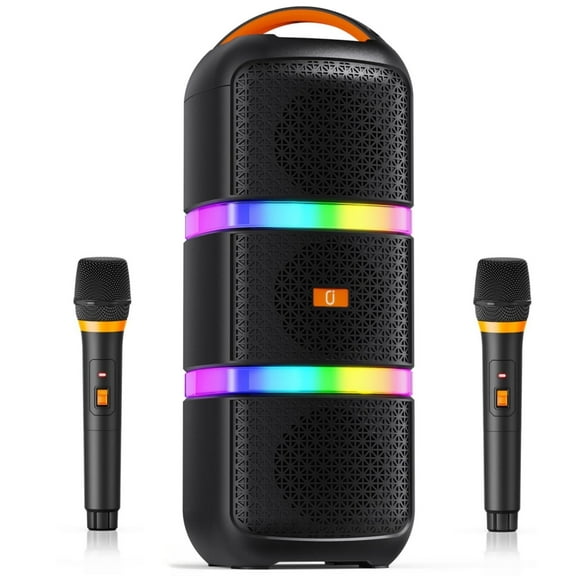
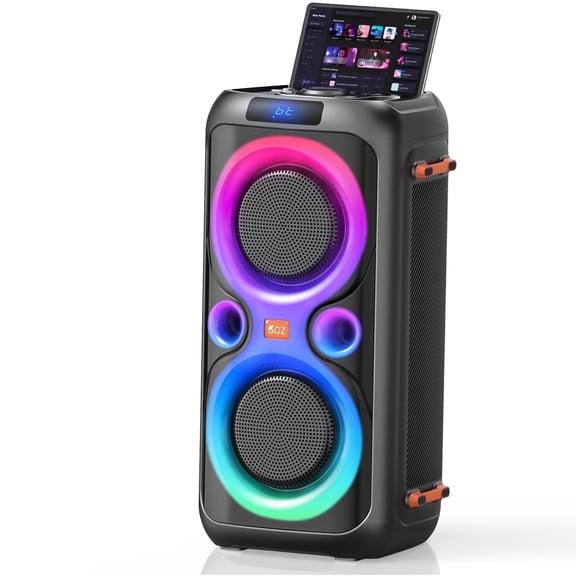
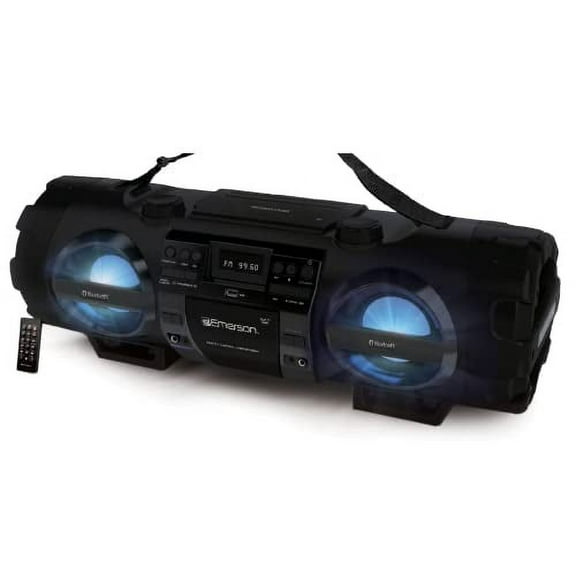
For patios, tailgates, or flexible rooms, you may prefer outdoor audio equipment with rechargeable or battery powered designs. You can move your system easily without planning around outlets.
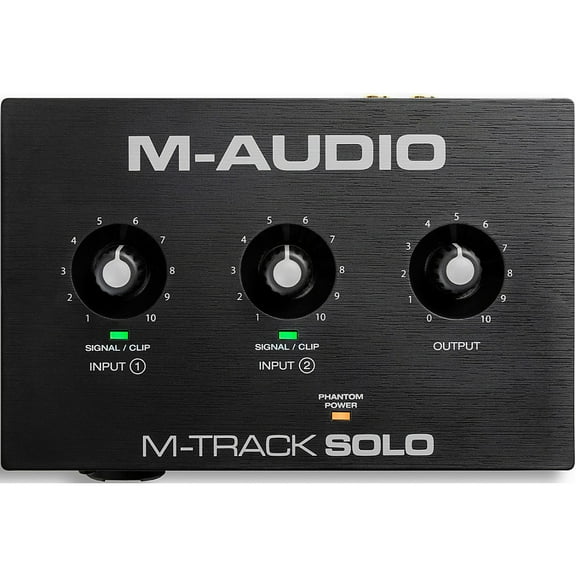
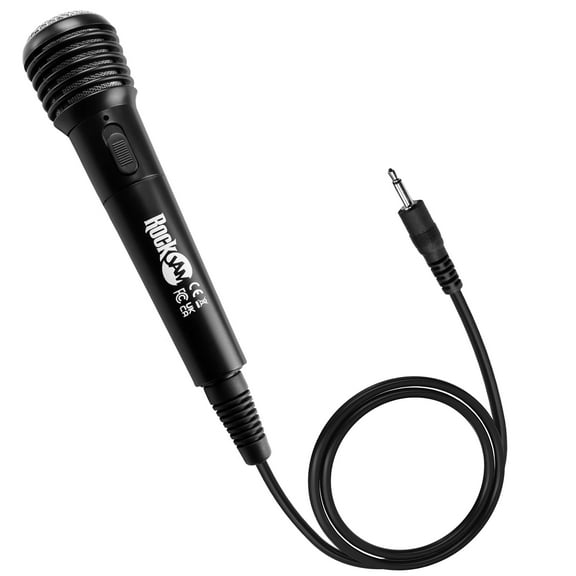
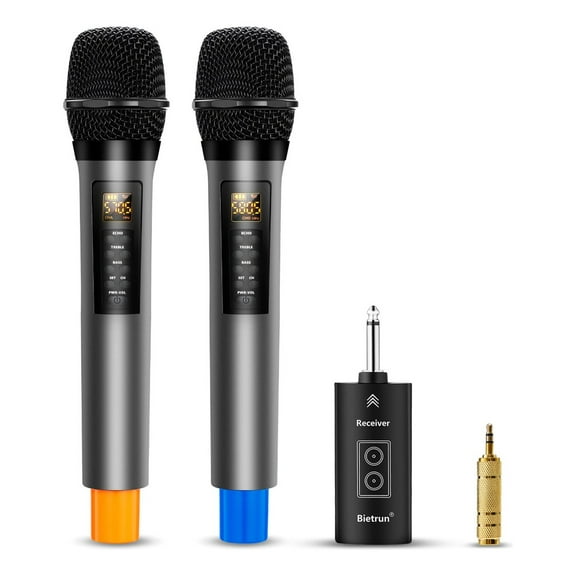
If you work on recordings, events, or presentations, you may compare professional audio gear with higher output and more connection options. Your setup may need amplifiers, wired microphones, or mixing-friendly inputs.
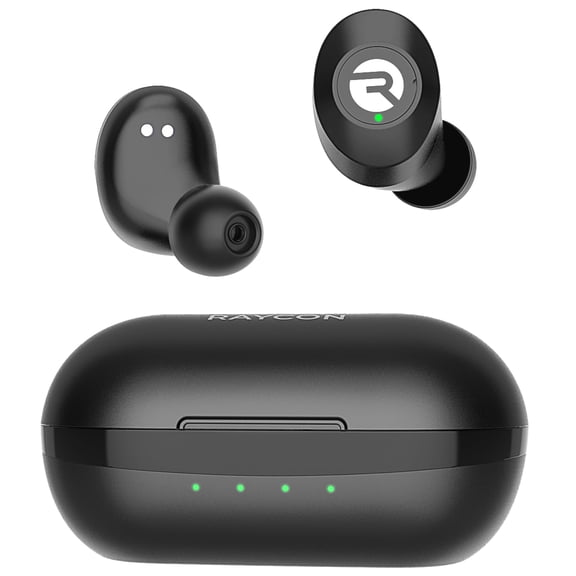
At a desk or in a dorm, you may choose personal or compact speakers with Bluetooth convenience. You can stream quickly from your phone while keeping your footprint small.
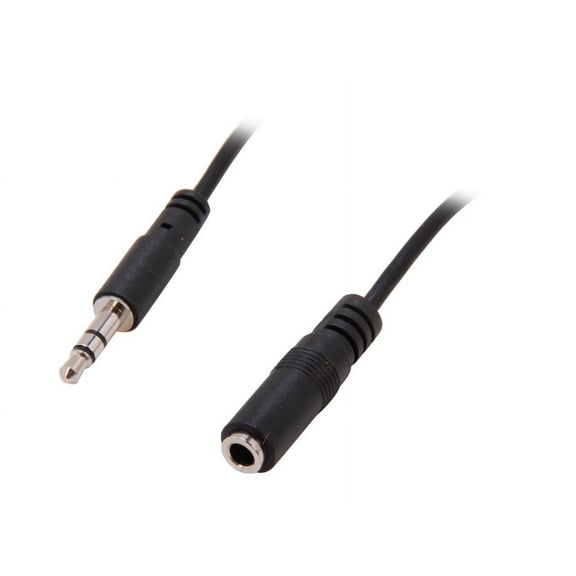
You should check compatibility before you commit to any sound systems. Your TV, console, laptop, or turntable may require specific ports, adapters, or wireless support.
When you compare power sources, you can choose AC outlet models for fixed setups. You may prefer rechargeable or battery powered units when your listening location changes often.
You can use these decision points to narrow the category quickly. Your ideal setup becomes easier to spot when you compare audio type, connectivity, component type, power output, and power source.
What to look for before you finalize
You should measure your room, check your ports, and list the devices you want to connect. Your notes make it easier to compare audio equipment without guessing.
Once you match format, wattage, and inputs, your system may feel easier to set up and enjoy. You can end up with sound that fits your space, your devices, and your routine.