

Avery Labels & Printable Label Sheets












About Avery Labels & Printable Label Sheets - Walmart.com
Avery labels help you print cleaner addresses, shipping panels, file tabs, and custom packaging with sheet layouts that match common printers. You can compare size, adhesive, and template number quickly, so your labels line up well and stay where you place them.
If you ship orders, organize files, or prep event materials, you need options that fit your printer and your task. You can also order online for delivery or pickup, which supports convenience when you need Avery stickers quickly.
How to choose Avery labels for your task
You should start with label type because each format supports a different job around your office, classroom, or mail station. You can choose mailing and shipping styles for cartons, address formats for envelopes, file folder labels for tabs, or product and branding labels for packaging.
When you match the label type to your project first, you reduce reprints and get a cleaner finished look. You also make template selection easier because your sheet layout usually follows the task you need to complete.
You can narrow your options faster by checking these decision points before you print. You’ll get a smoother setup when your sheet, printer, and adhesive all align.
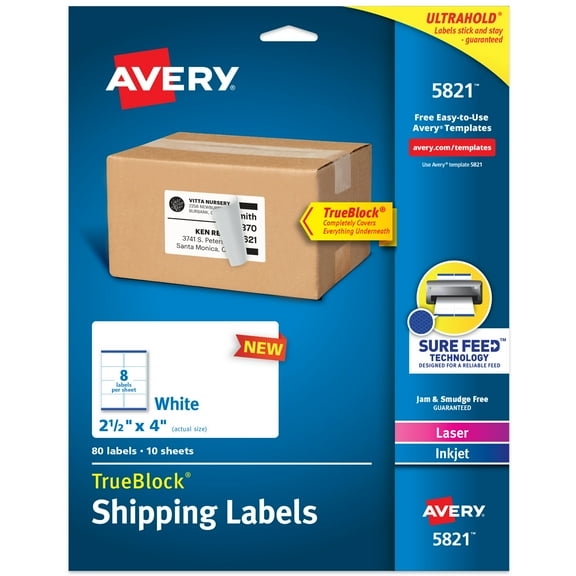
- You can use mailing and shipping labels for boxes, pouches, and outgoing envelopes.
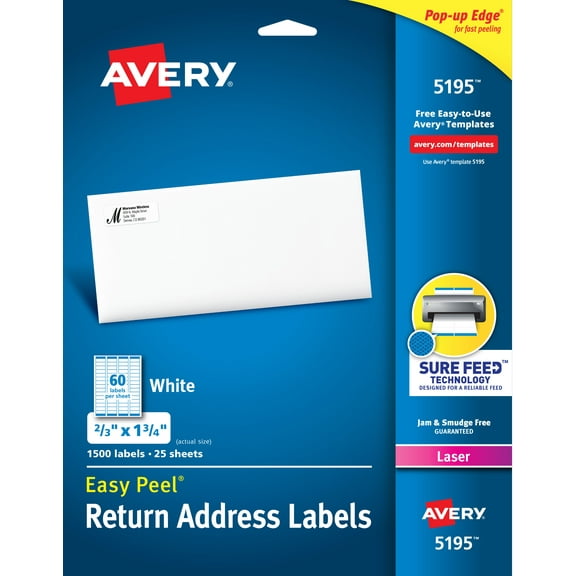
- You can choose address labels when you want a neat return or recipient line.
- You can pick file folder labels when you need readable tabs in drawers or cabinets.
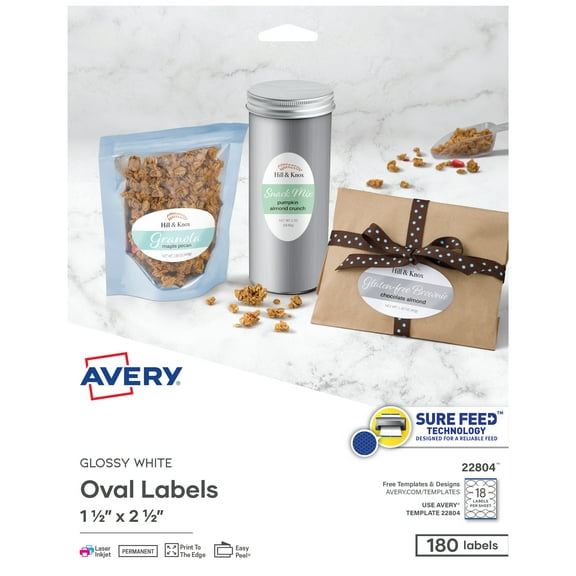
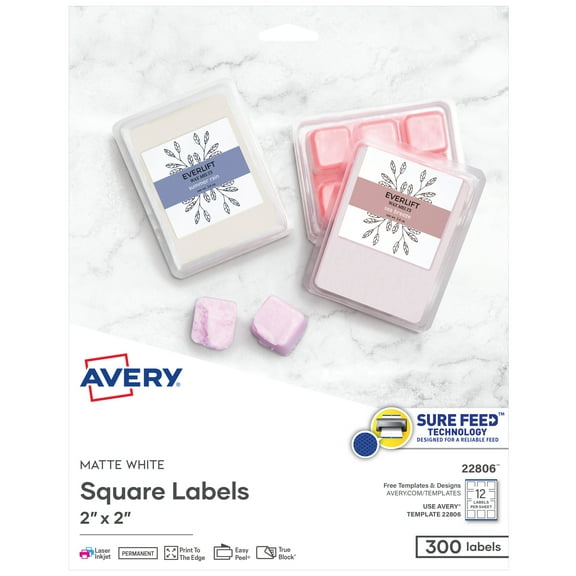
- You can select product and branding labels for jars, bags, boxes, and handmade goods.
- You can compare permanent, removable, and repositionable adhesives based on how long you need labels to stay in place.
Choosing Avery label sheets by size and printer compatibility
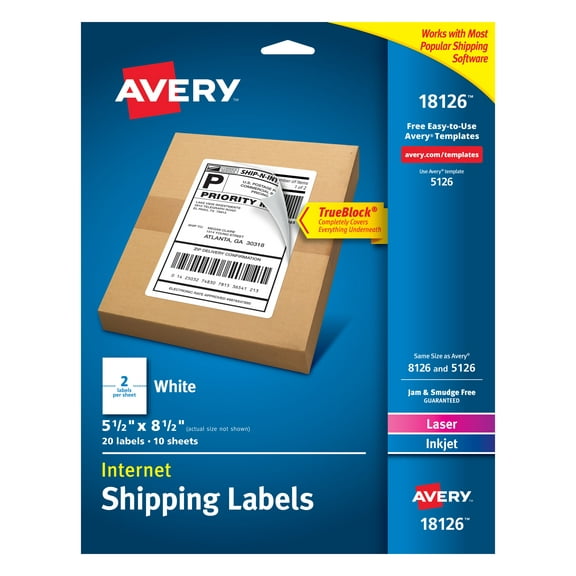
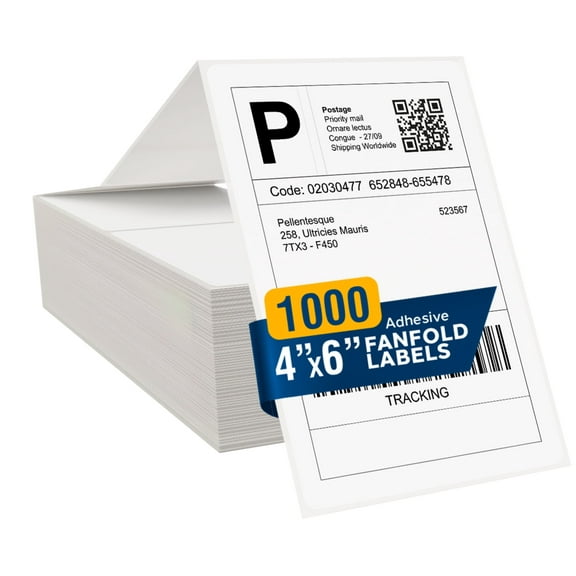
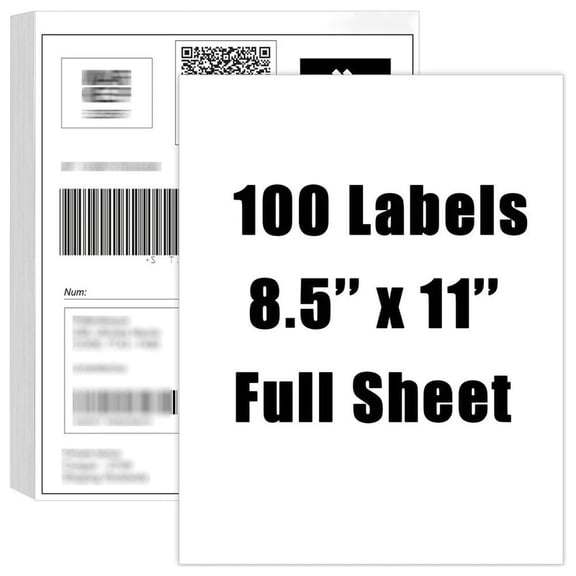
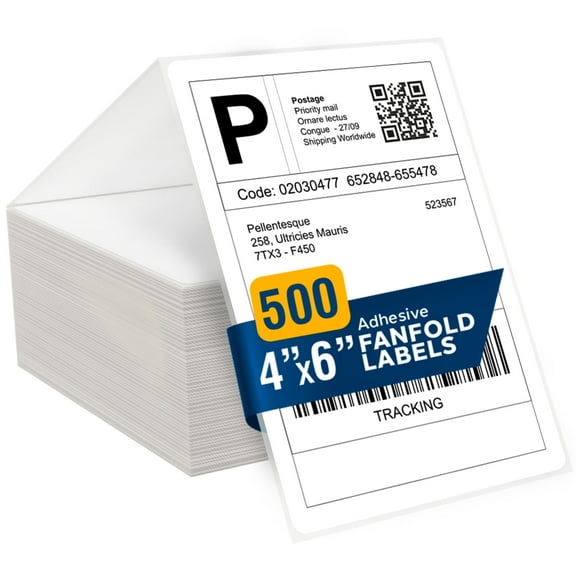
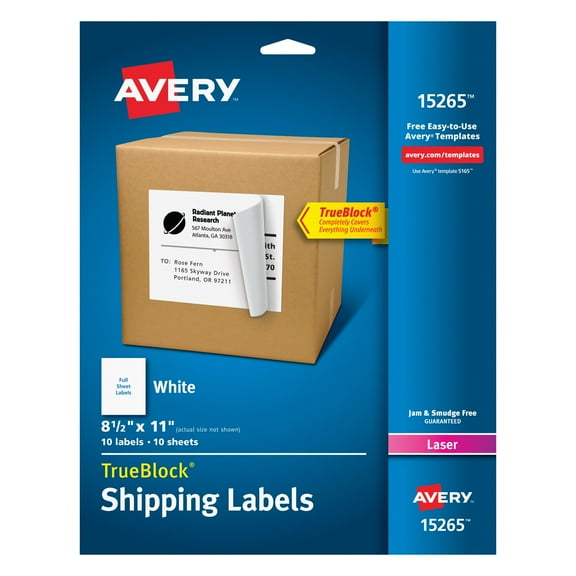
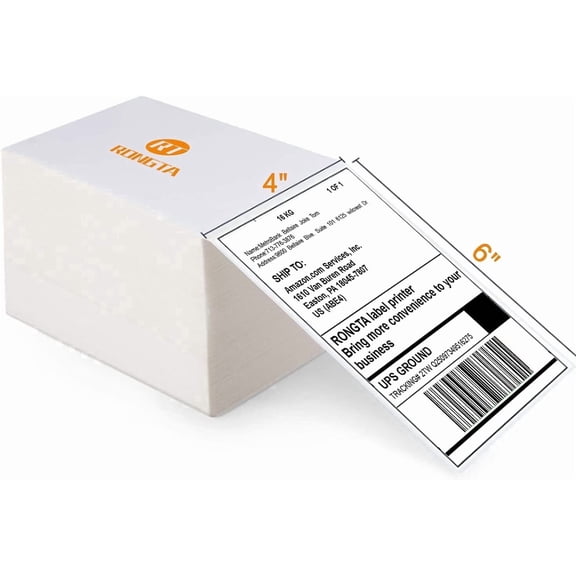
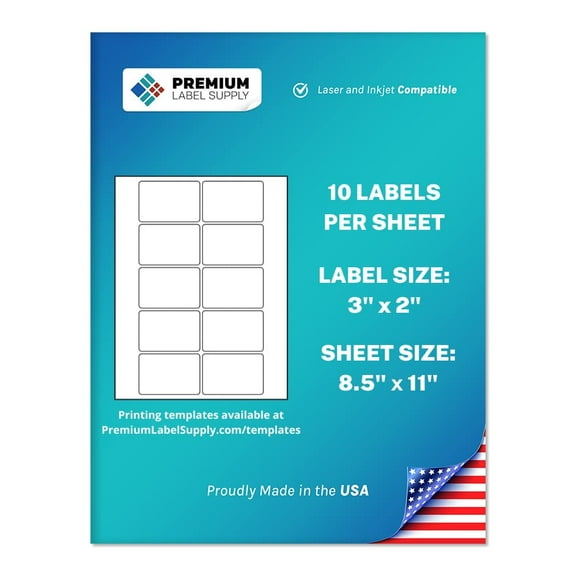
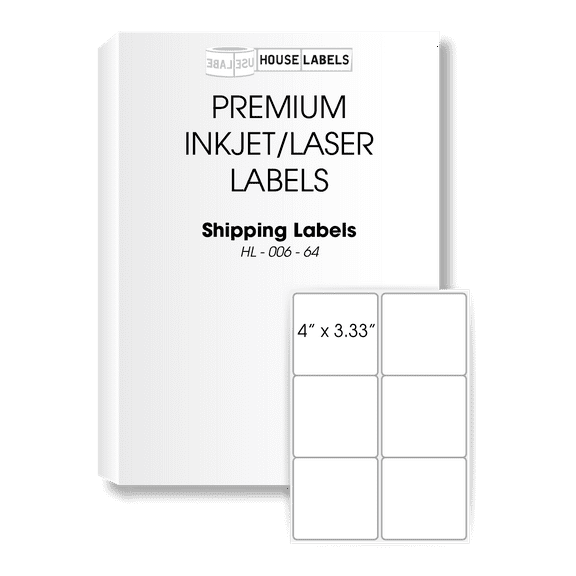
You should compare sheet size next because layout affects printer feed and the amount of information you can place on each label. You can find Avery label sheets in Full Sheet, 4x6, 4x3, and letter size formats for different workflows.
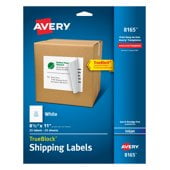
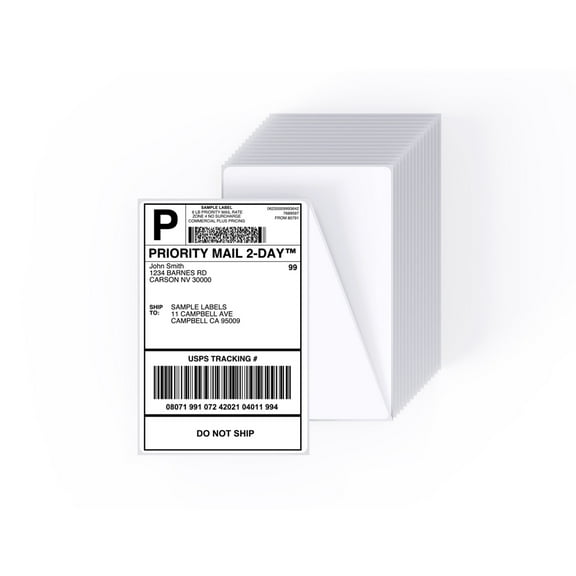
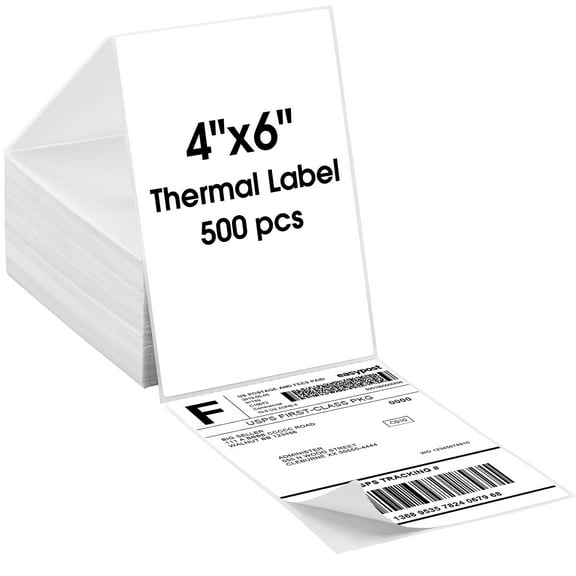
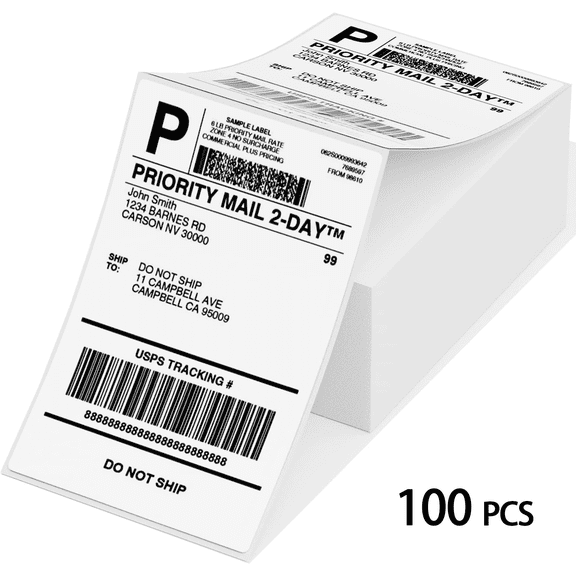
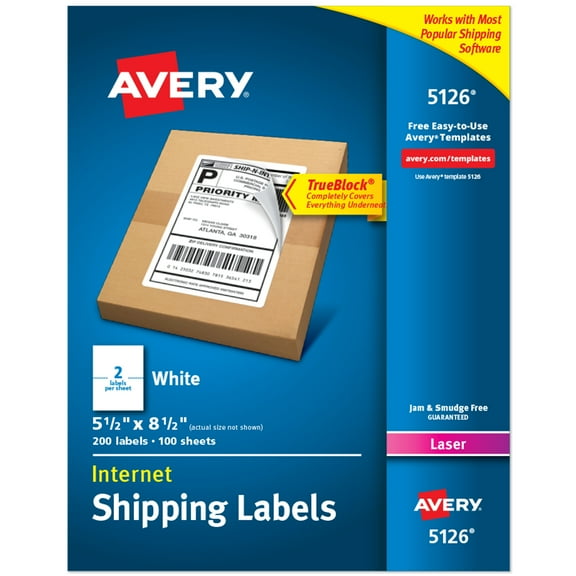
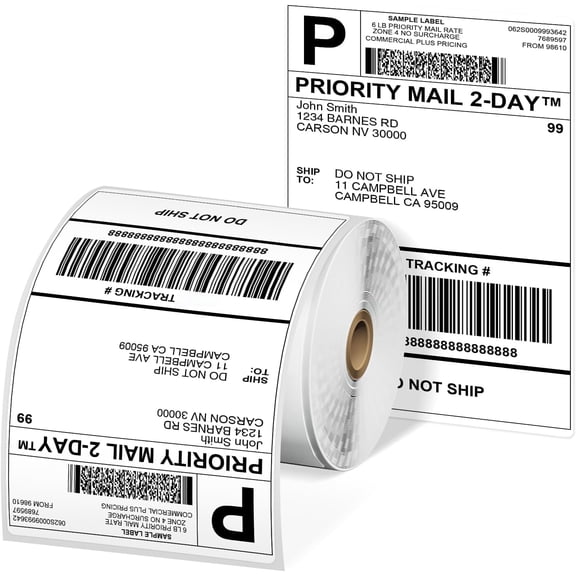
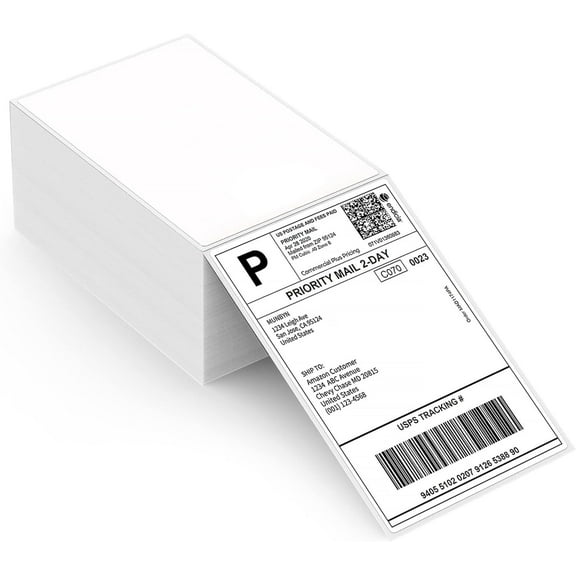
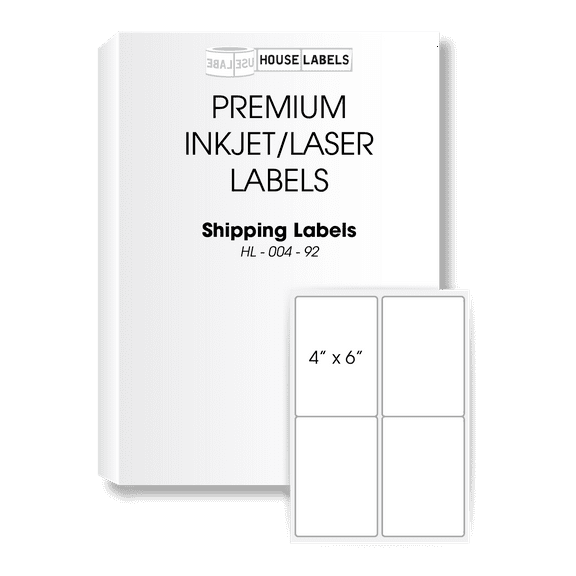
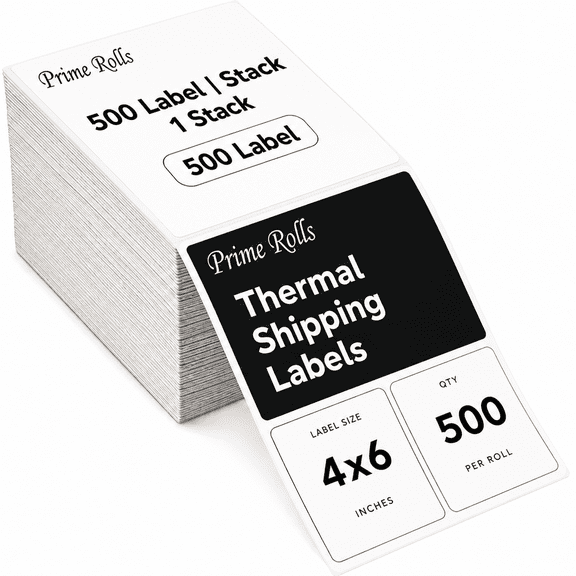
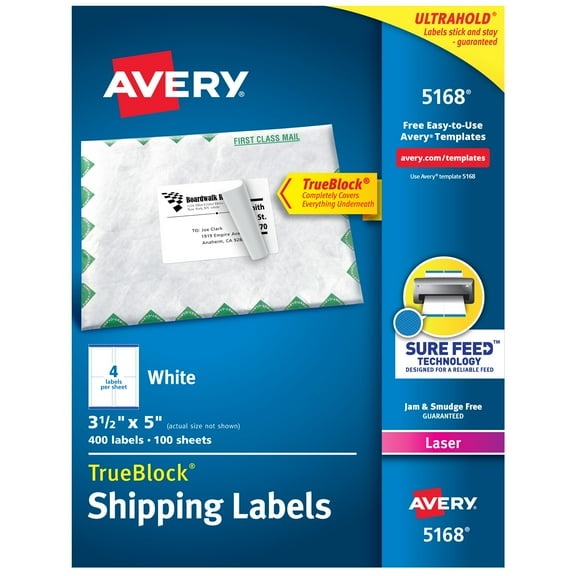
If you want room for logos, ingredient lines, or custom shapes, Avery full sheet labels give you a large printable surface. If you need parcel labeling, Avery 4x6 labels give you a familiar shipping format that works well for barcodes and bold addresses.
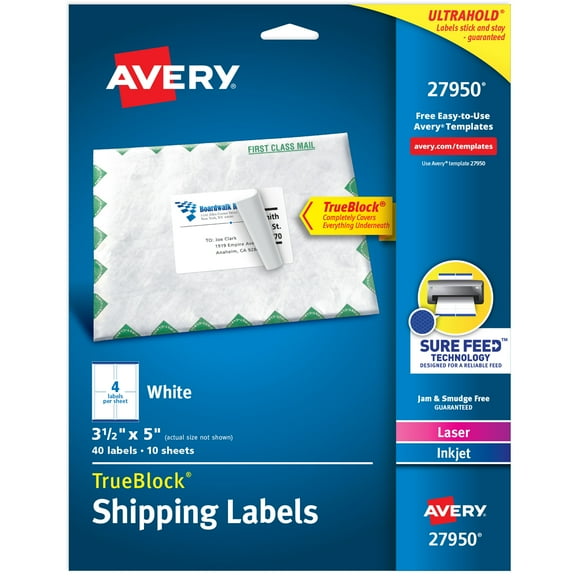
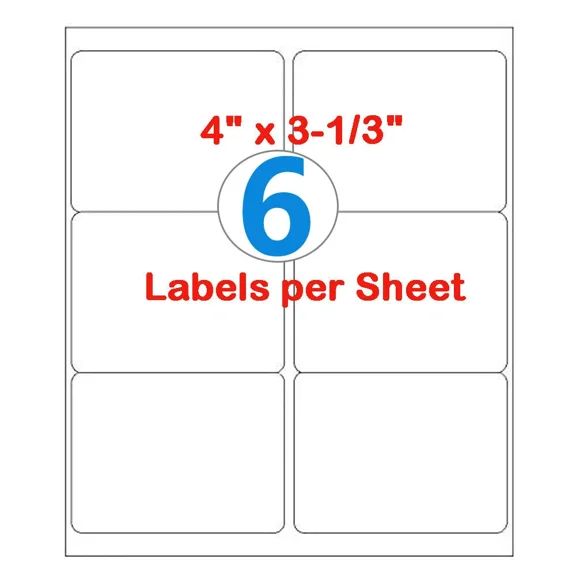
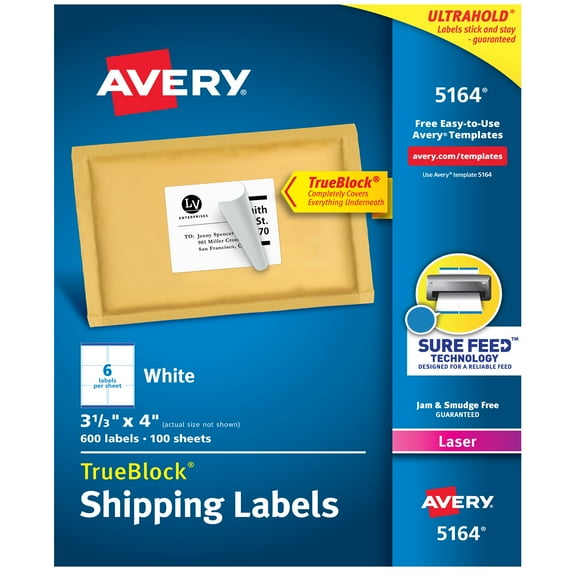
You may also prefer 4x3 labels when you need a compact shipping or inventory format with clear scanning space. You can use letter size sheets when you want multiple labels on one page for addresses, folders, or classroom projects.
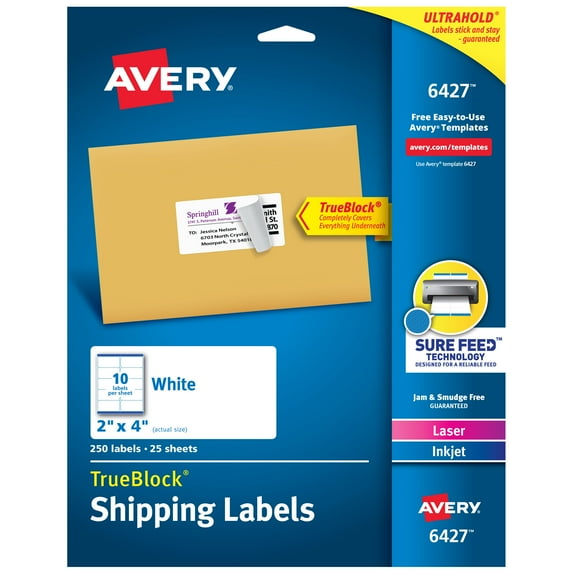
Printer compatibility matters because toner fusion and ink absorption affect clarity, alignment, and drying behavior. You should check whether your labels work with inkjet, laser, or thermal equipment before you start a larger print run.
If you print with inkjet, you’ll want sheets that handle ink evenly for crisp text and graphics. If you print with laser, you should look for labels built to handle heat and smooth sheet feeding.
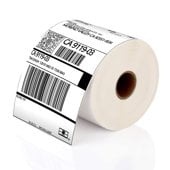
If you use thermal equipment, you should confirm the format matches your printer’s feed style and label requirement. You’ll avoid wasted sheets when your Avery printable labels match your machine from the start.
Matching Avery printable labels to templates and adhesive types
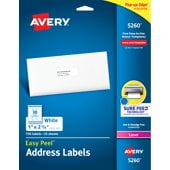
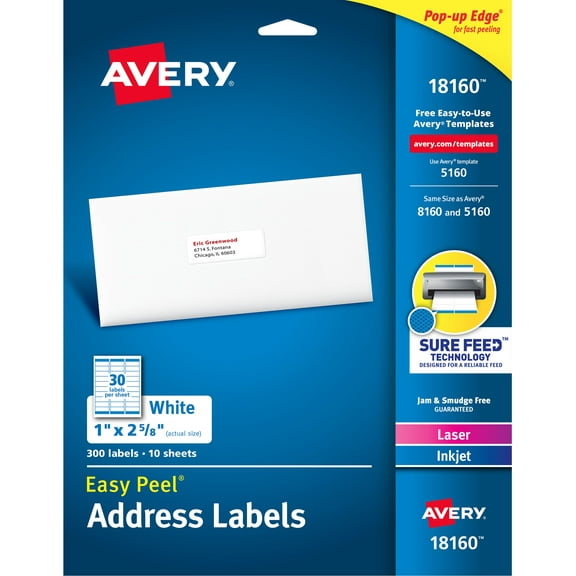
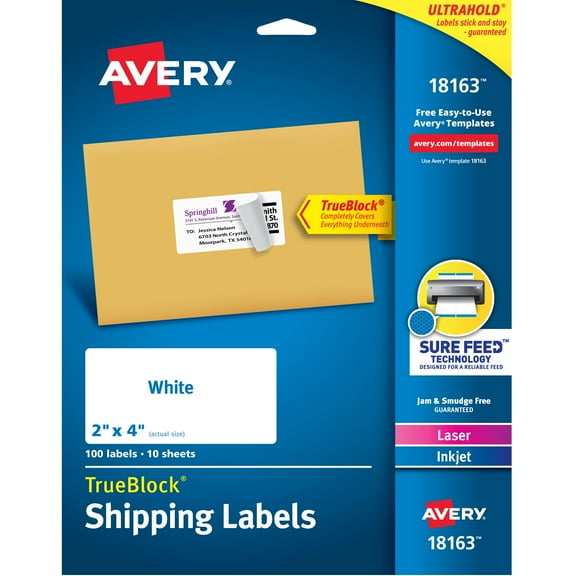
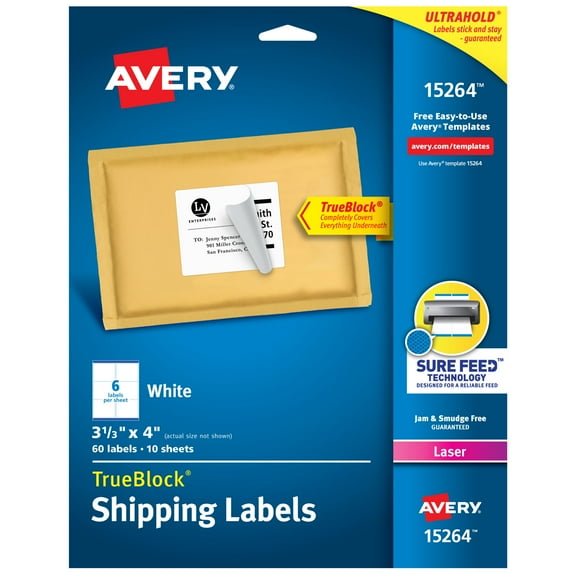
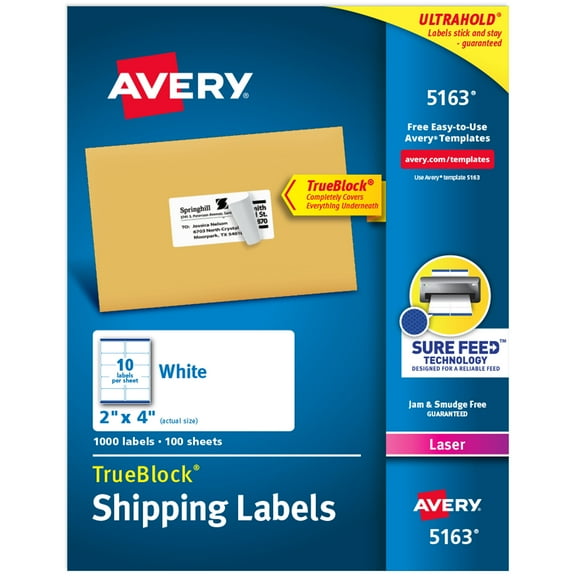
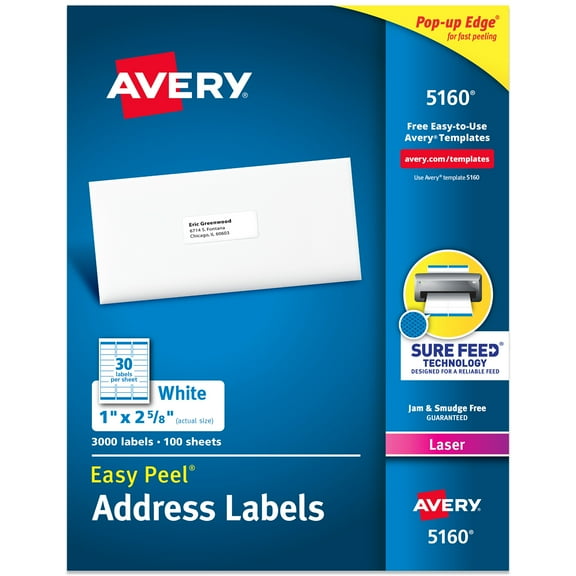
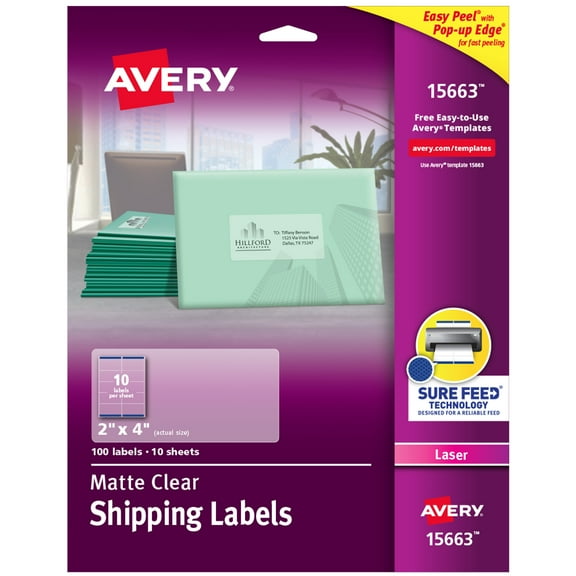
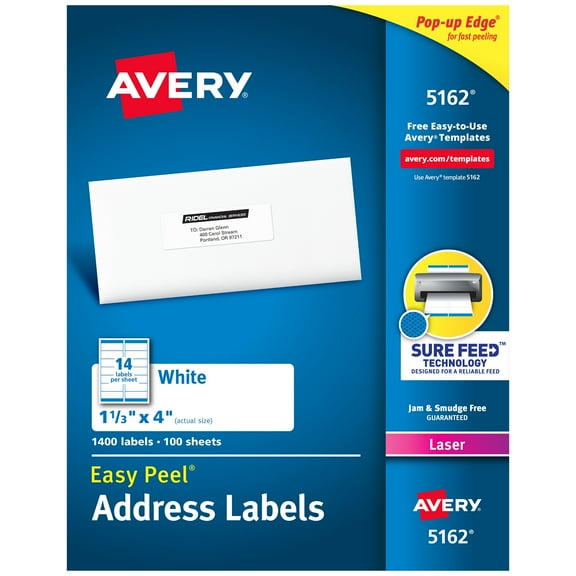
You should check template numbers before you print because alignment depends on matching the exact layout in your software or online template. You can compare common numbers like 5160, 8160, and Avery labels 18160 when you need standard address or shipping setups.
If your project calls for a known template, you’ll save time by choosing the matching sheet instead of adjusting margins by trial and error. You also get more predictable spacing for logos, addresses, and barcode placement.
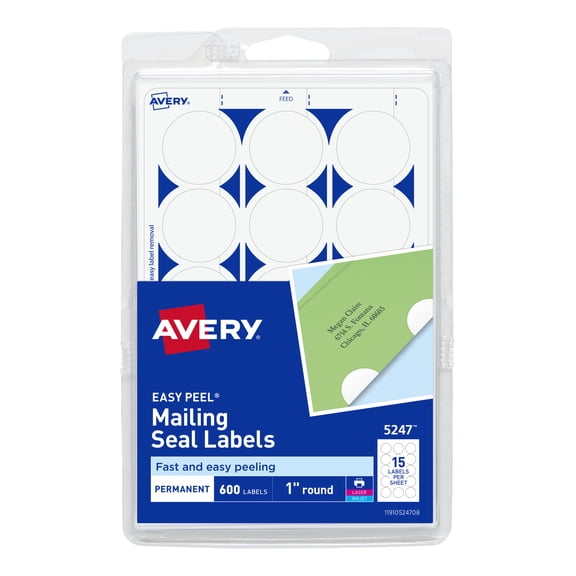
Adhesive type is another key decision because different surfaces and timelines call for different hold. You can choose permanent adhesive for shipping cartons, removable adhesive for temporary bins, or repositionable adhesive when you want flexibility during setup.
For outgoing packages, you’ll usually want a firm stick that stays put through handling and sorting. For home organization, you may prefer a label that lifts cleanly when your storage plan changes.
If you label product packaging, you should think about both presentation and surface texture before printing a full batch. You’ll get a neater result when your adhesive matches paperboard, glass, plastic, or metal surfaces.
Using Avery labels for shipping, organizing, and branding
You can use Avery printable labels across daily tasks that need clear text, repeatable layouts, and dependable placement. You might print return addresses for invitations, create shelf markers for a classroom, or label inventory bins in a workroom.
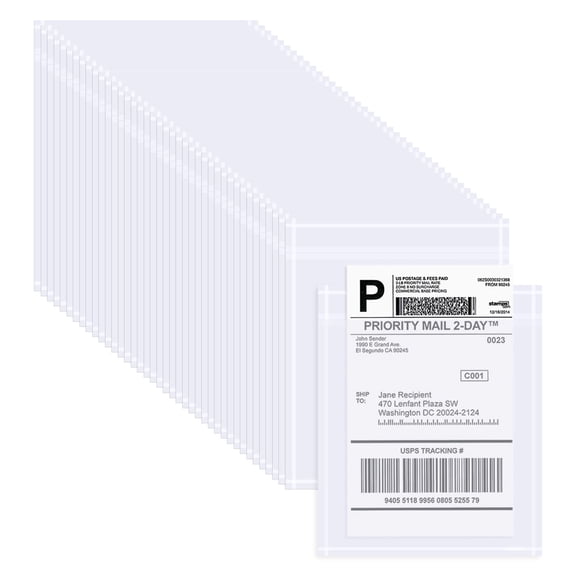
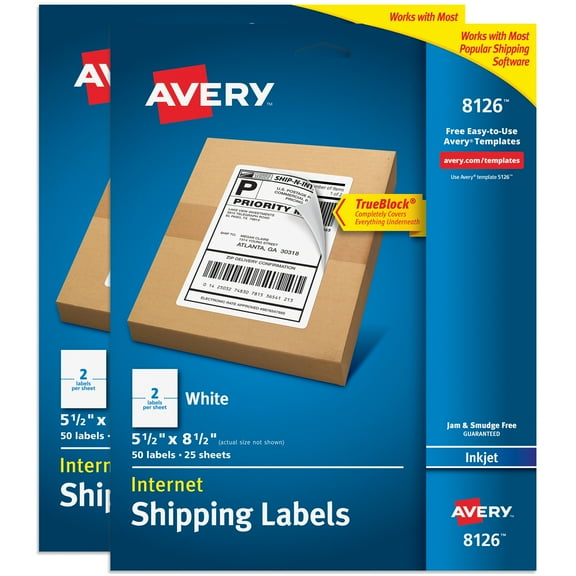
For shipping, you can pair 4x6 or 4x3 formats with bold recipient details and tracking barcodes. You’ll appreciate the larger print area when you need readable carrier information on cartons and mailers.
For office organization, you can choose address or file folder styles that fit cabinets, archive boxes, and binder systems. You can also use letter size sheets when you need many small labels from one print session.
If you run a small business, you can use Full Sheet formats for custom product labels with logos, ingredient lists, instructions, or batch details. You’ll have more design freedom when you start with a larger sheet and trim to your preferred shape.
When you need quick replenishment, you can order online for delivery or pickup and keep projects moving without changing your setup. You’ll stay consistent when you reorder the same size, adhesive, and template combination.
You can shop with more confidence when you compare label type, sheet size, printer compatibility, adhesive, and template number together. You’ll get cleaner printing, easier application, and labels that fit your workflow from the first sheet.