

Blank Checks in Money Handling



























About Blank Checks in Money Handling - Walmart.com
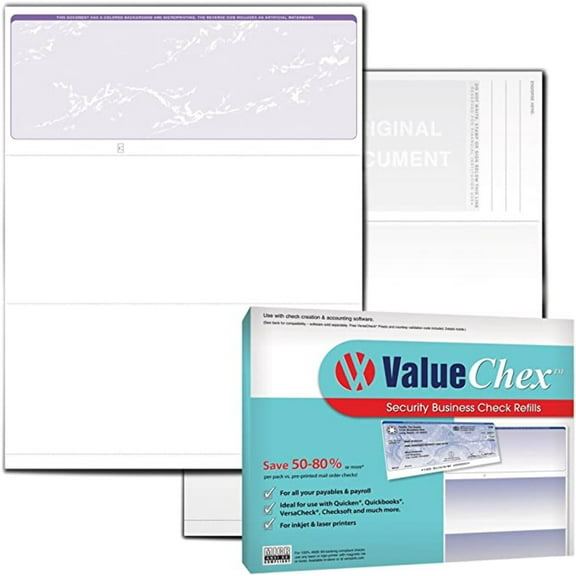
Blank checks help you print business payments with clean formatting and consistent records. You can compare software compatibility, paper formats, and security details before you choose blank check paper.
If you manage payroll, pay vendors, or print checks in-house, you need supplies that match your workflow. You can narrow printable blank checks by layout, printer type, and security level.
How to choose blank checks for your setup
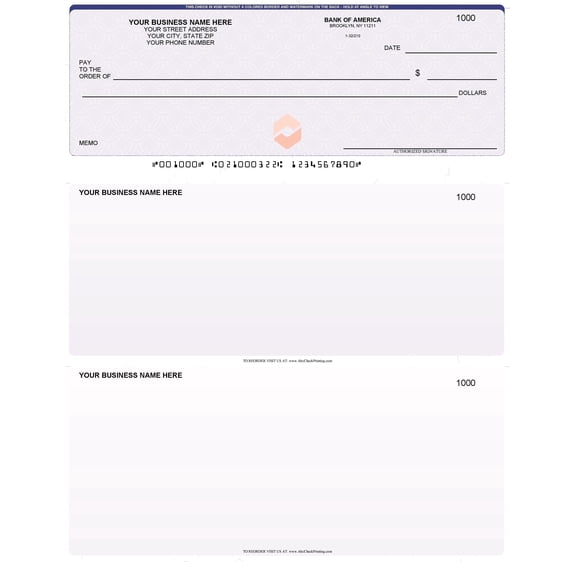
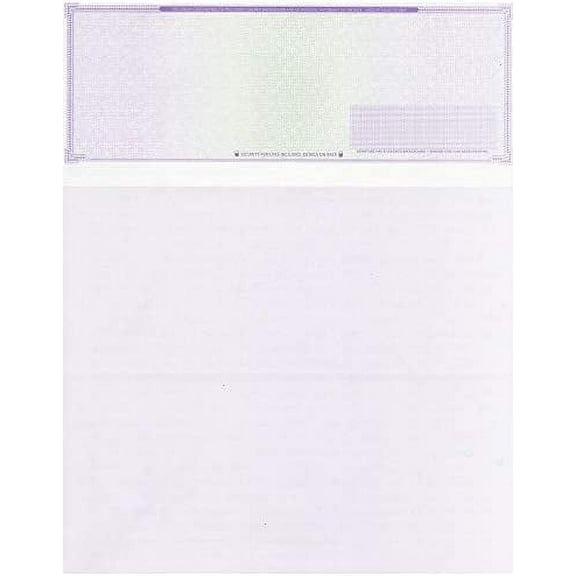
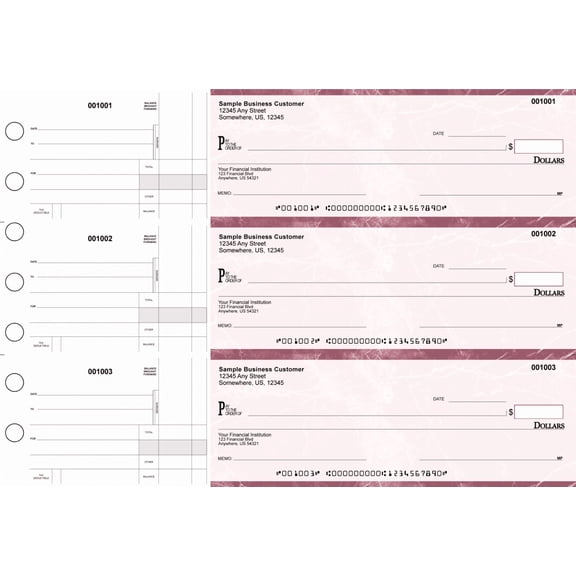
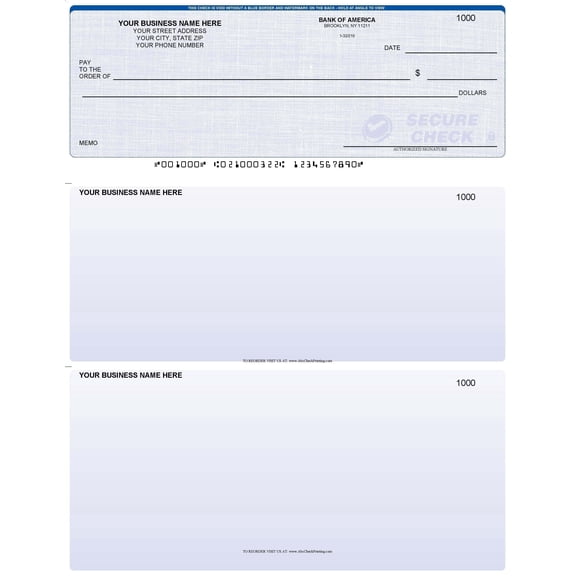
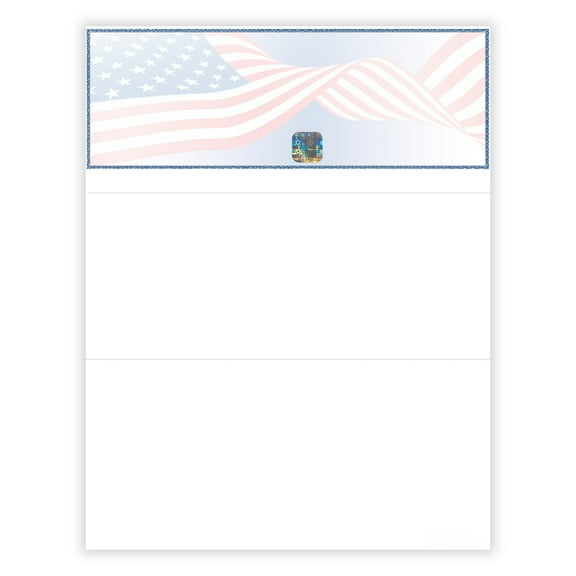
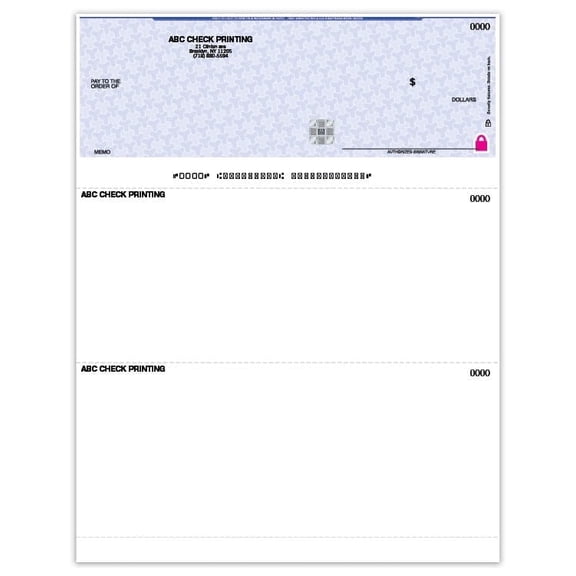
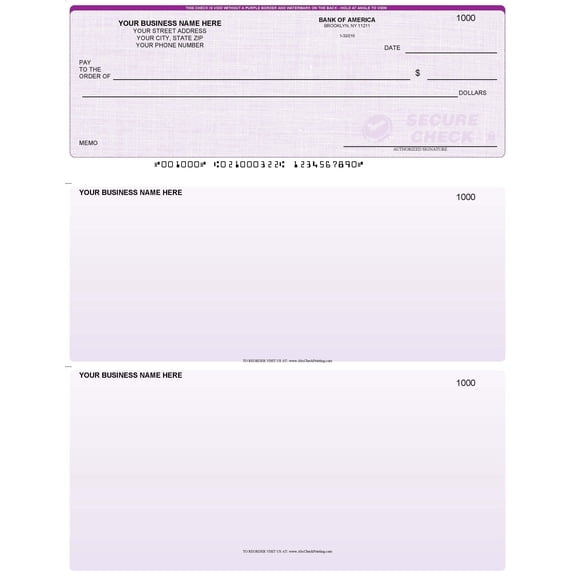
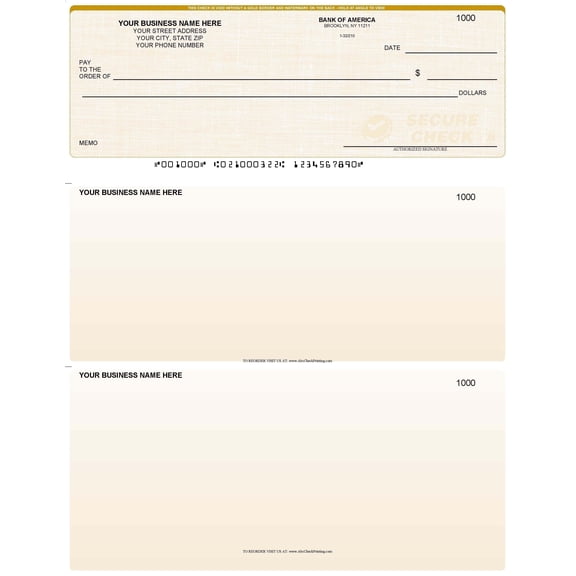
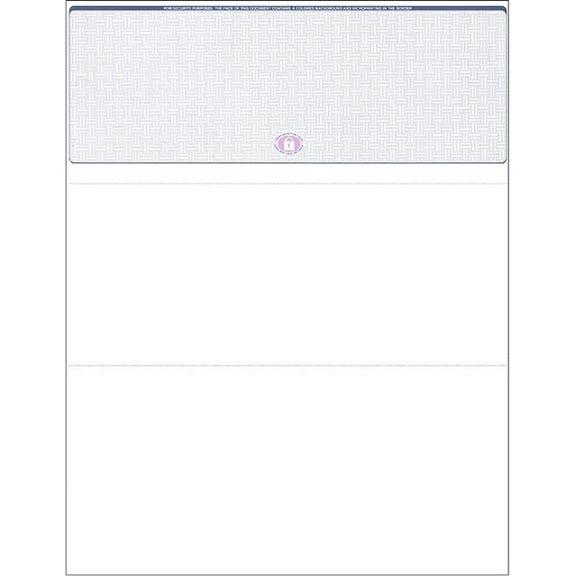
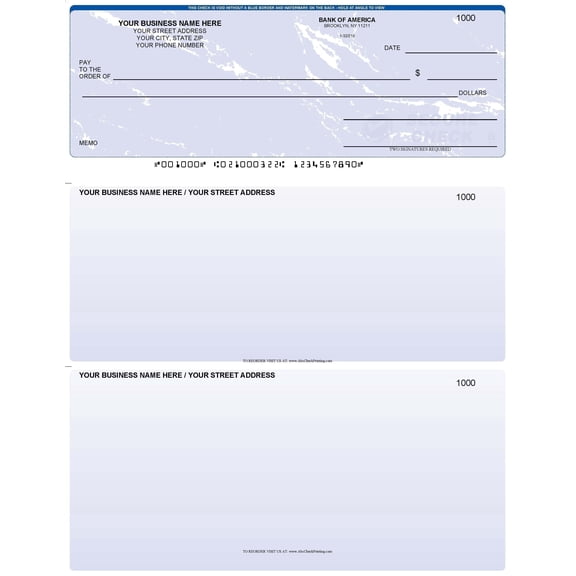
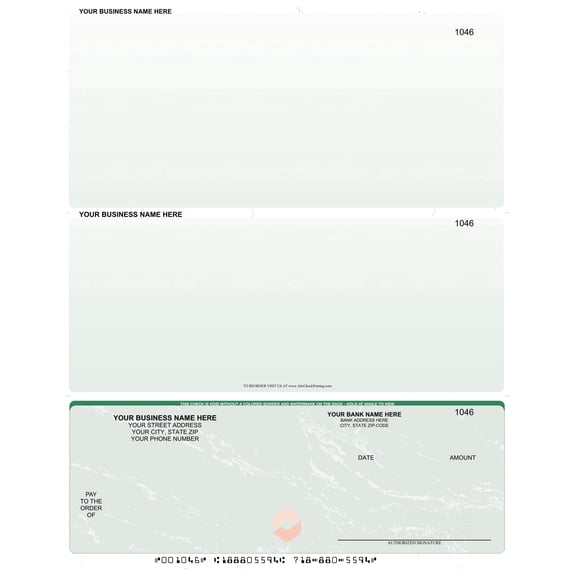
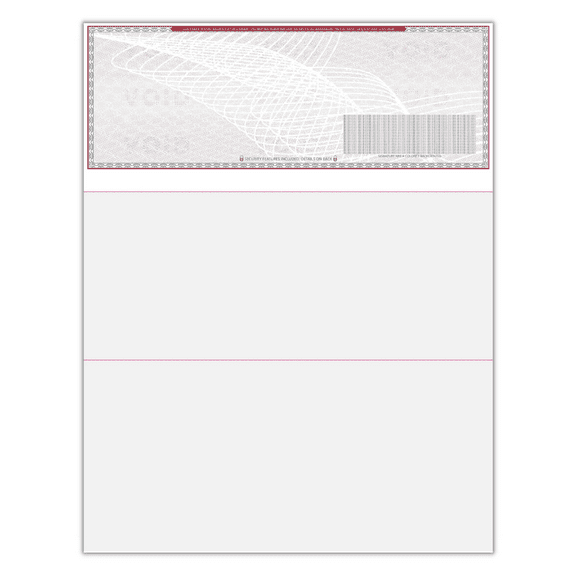
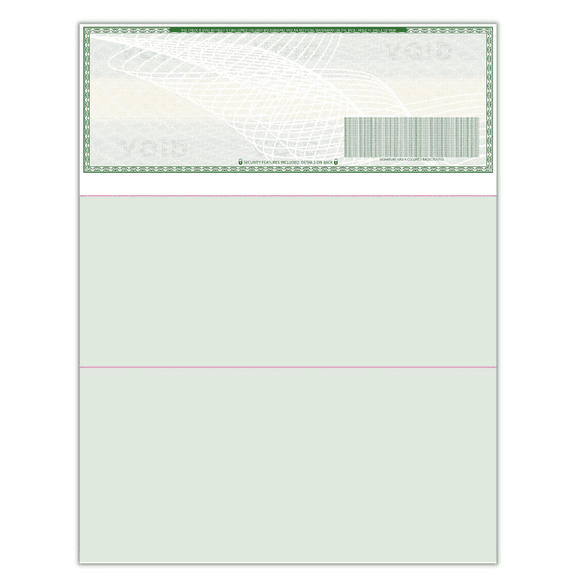
You should start with the check type that fits your daily tasks. You can choose standard formats, three-on-a-page layouts, or voucher checks for attached payment details.
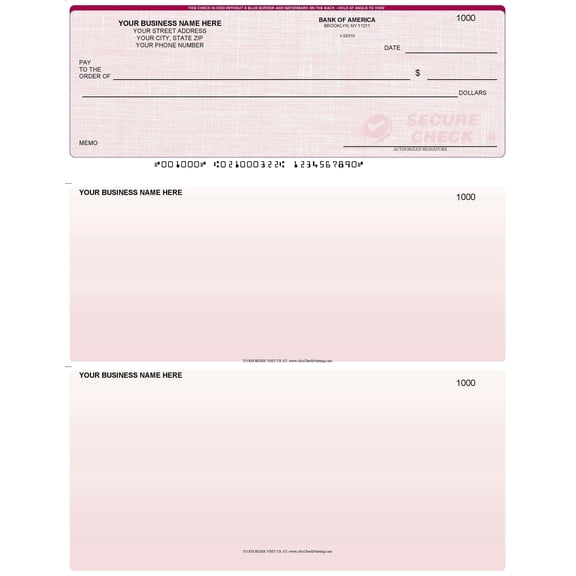
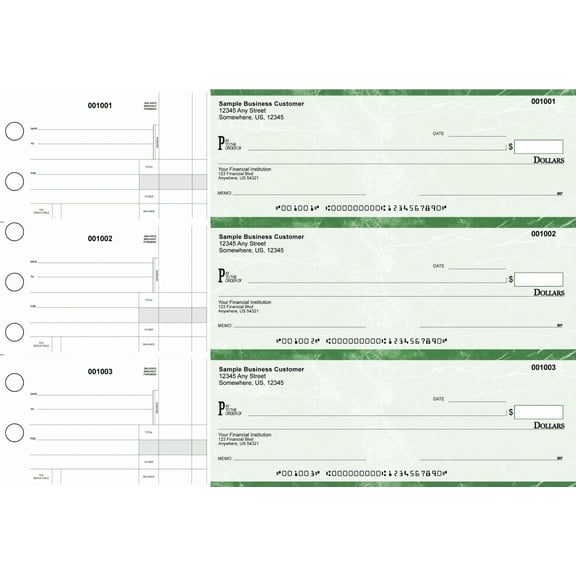
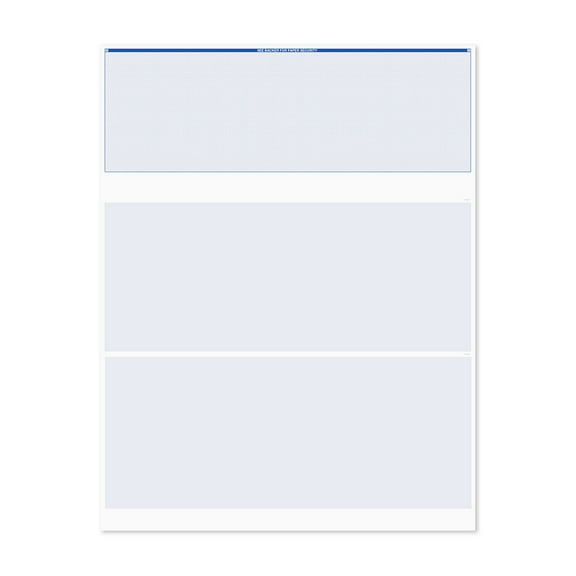
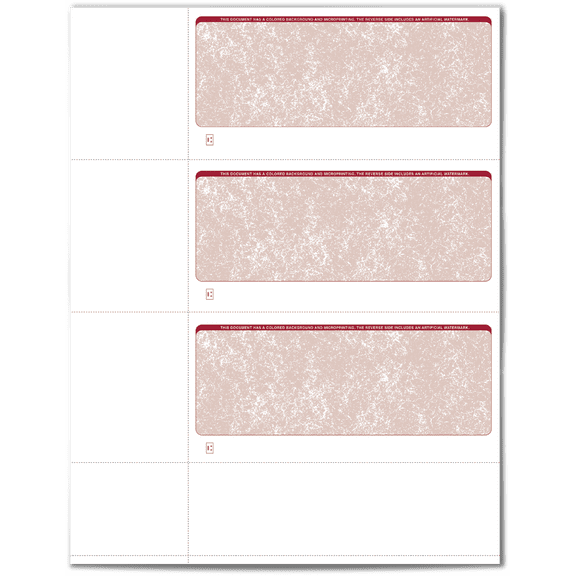
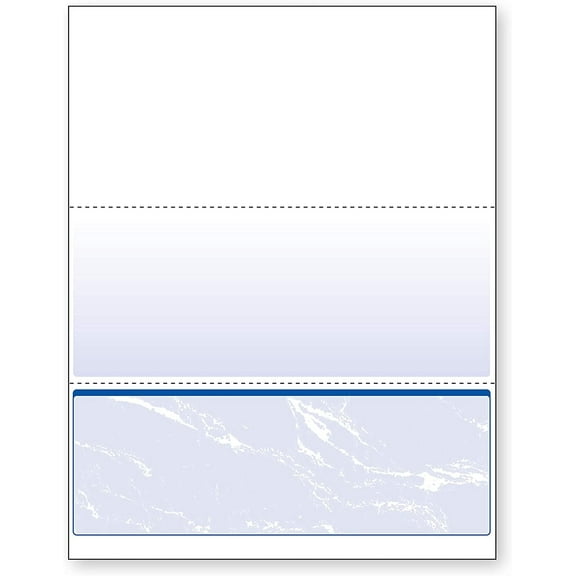
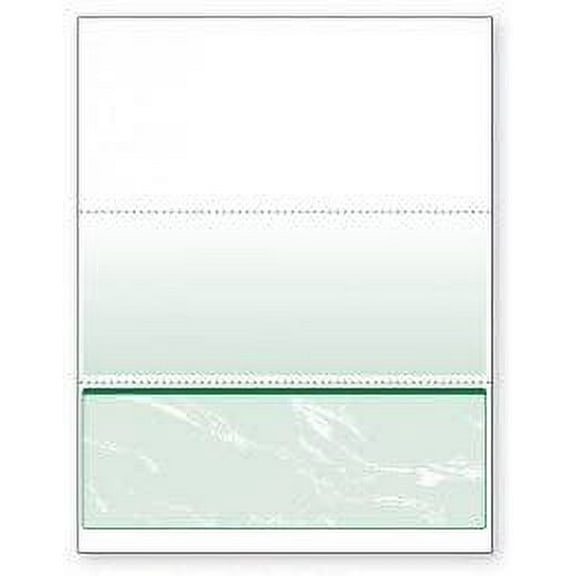
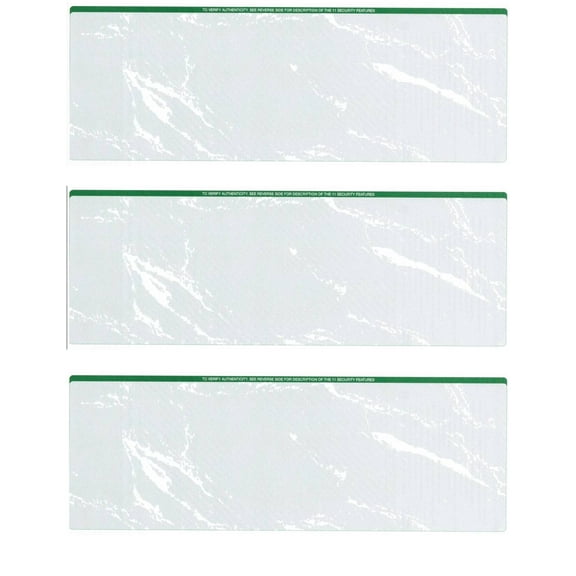
When you print several checks at once, you may prefer three-on-a-page forms for batch processing. If you track stubs for payroll or invoices, you may want top, middle, or bottom voucher styles.
You can also compare paper size before you print. Letter size works for many office printers, while legal size or personal size may fit specific filing or mailing needs.
- You can use standard checks for routine accounts payable tasks.
- You can choose three-on-a-page formats when you print higher volumes.
- You can use voucher checks when your records need attached stubs.
- You can compare letter, legal, and personal formats for your printer and filing system.
Choosing the right blank check paper
You should check your printer type before you order blank check paper. Laser and inkjet setups handle paper weight and feed paths differently, so your print quality can vary.
If you use a laser printer, you may want paper designed for crisp text and steady feeding. If you use an inkjet printer, you may look for sheets that support clean drying.
You can also compare printable blank checks by thickness and finish. A smoother sheet can help your text stay sharp, while a consistent weight can support reliable stacking.
For office filing, you may prefer letter size because it fits common trays and folders. For specialized forms, you may need legal size or personal size to match your process.
Comparing blank computer checks and software compatibility
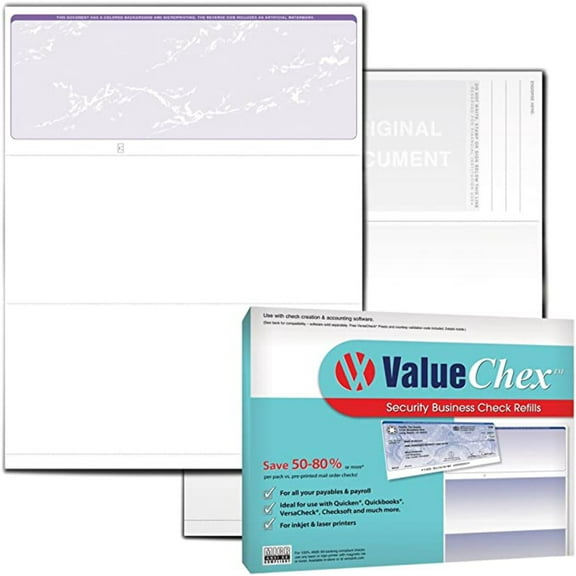
You should confirm that blank computer checks match your accounting software before you print. QuickBooks compatible, Quicken compatible, and Peachtree compatible formats can help your fields line up correctly.
When you review software compatibility, you should check placement for payee lines, amounts, and stubs. You can avoid extra adjustments when your template matches your program layout.
You may also notice MICR alignment listed in product details. That term means you should compare print positioning carefully, because your banking line needs consistent placement.
If you print payroll, invoices, or recurring vendor payments, you need forms that support repeatable formatting. You can keep your process smoother when your software and paper work together.
Understanding high security blank checks
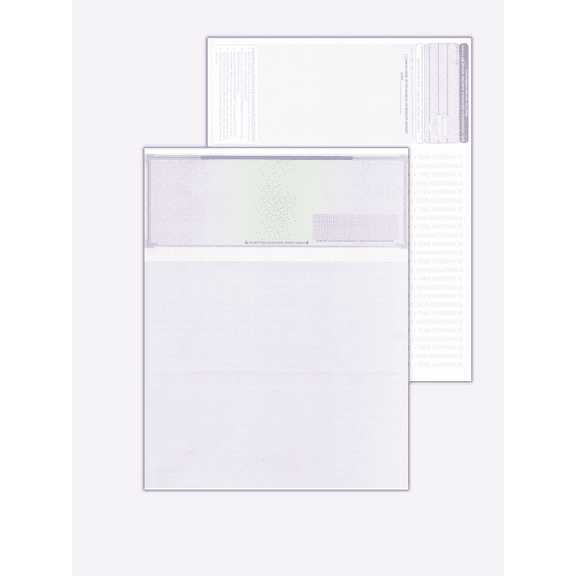
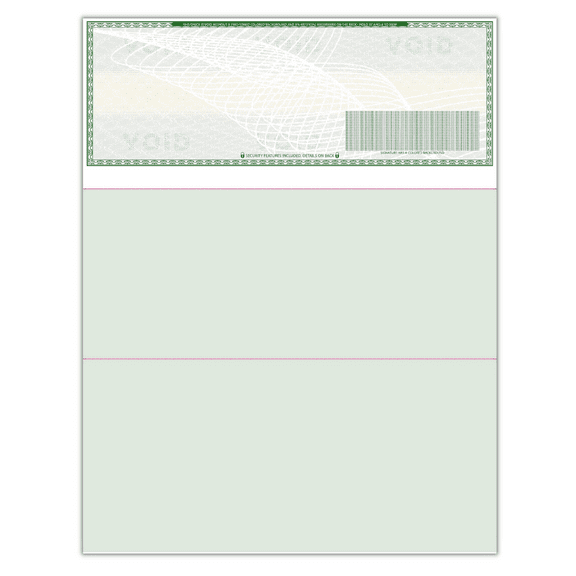
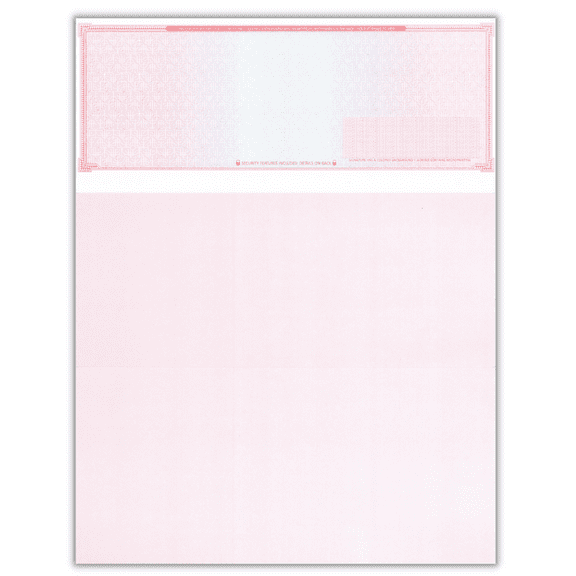
You may want high security blank checks when your business handles frequent payments or mailed checks. You can compare layers like watermark, microprint, security screen, and chemical protection.
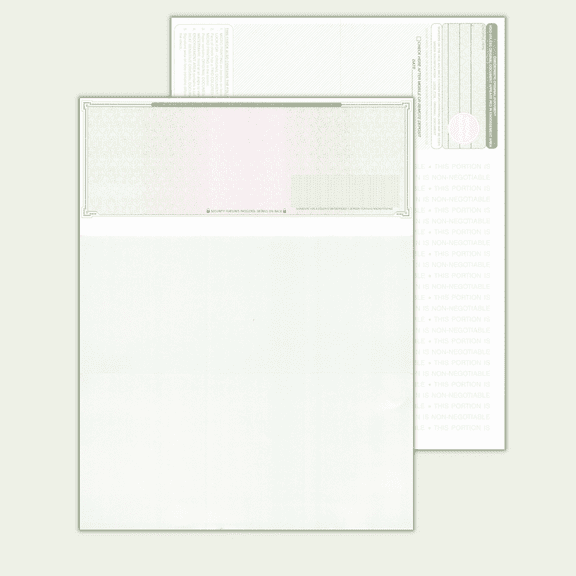
A watermark gives you a visible paper marker that supports document verification. Microprint uses very small text details that are harder to reproduce clearly on copied pages.
You can also look for a security screen on the back of the sheet. That feature helps copied documents show visible background changes, which supports easier review.
Chemical protection adds another checkpoint for handling printed payments. You can use it when you want paper designed to show visible changes after certain alteration attempts.
- You can choose watermark details for visible paper identification.
- You can look for microprint when you want fine printed security elements.
- You can compare security screen features for copied-document visibility.
- You can select chemical protection when you want extra paper-level safeguards.
Matching blank checks to real business tasks
If you run payroll, you may prefer voucher formats that keep payment details attached to each check. You can pair that layout with QuickBooks compatible forms for more consistent printing.
If you handle accounts payable in batches, you may choose three-on-a-page sheets for faster runs. You can combine that format with laser-ready paper for steady office output.
When you mail payments, you may want high security blank checks with watermark and microprint details. You can add those features when document review matters to your process.
If you print occasional checks from a small office, you may want standard layouts with simple software matching. You can focus on printer compatibility and paper size without adding extra complexity.
You can also plan around filing habits and recordkeeping needs. If your team keeps physical copies, you may prefer formats that align neatly with folders, stubs, and payment logs.
With the right blank checks, you can support cleaner printing, steadier alignment, and more organized records. You can choose formats, compatibility, and security details that fit how your business pays.