

PC Cleaner & Computer Cleaning Kits | Walmart


























![Vinyl Styl LP Vinyl Record Deep Cleaning System With Pad and Cleaning Fluid [VINYL ACCESSORIES]](https://i5.walmartimages.com/seo/Vinyl-Styl-LP-Vinyl-Record-Electronic-Cleaning-Kit-with-Cleaning-Pad-1-25-Oz-Cleaning-Fluid_75c90814-f0a9-446e-b2bc-39661e303d59.004b7ac92dc64ab14b0f36eb4a6381c0.jpeg?odnHeight=576&odnWidth=576&odnBg=FFFFFF)



About PC Cleaner & Computer Cleaning Kits | Walmart - Walmart.com
You can keep screens, keys, and vents cleaner with the right pc cleaner tools for delicate electronics. You’ll find this category focused on coated displays, tight keyboard gaps, and dust-prone computer components.
When you compare options, you’ll notice each format supports a different cleaning routine. You’ll usually want one method for fingerprints on glass and another for dry dust inside ports.
How to choose a computer cleaning kit
You can start with product type, because each format changes how you clean. You’ll usually compare cleaning kits, sprays, wipes, and compressed air by surface and cleanup task.
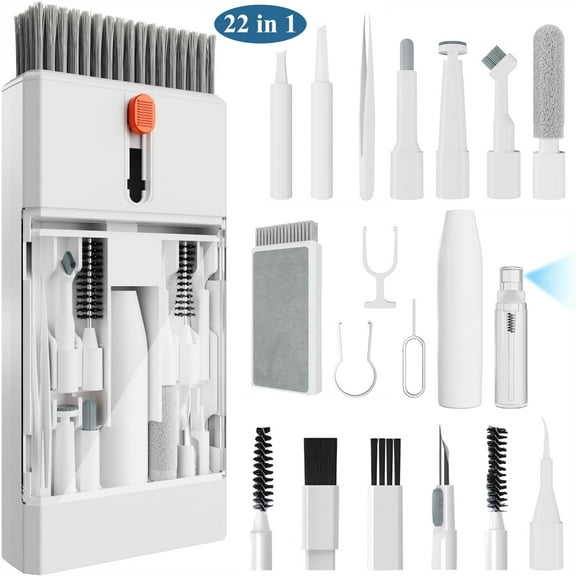
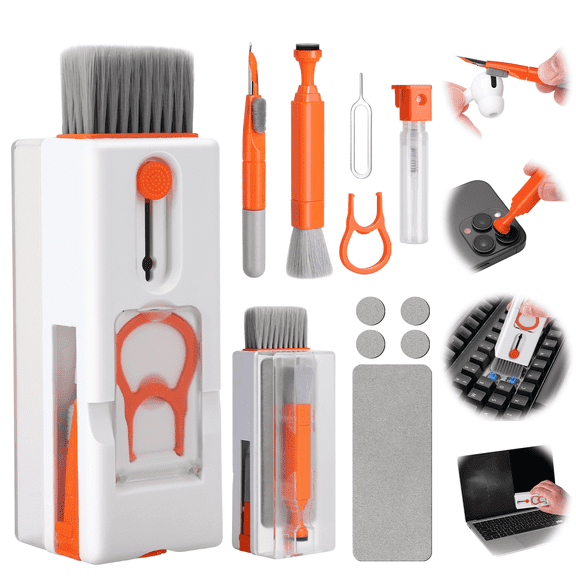
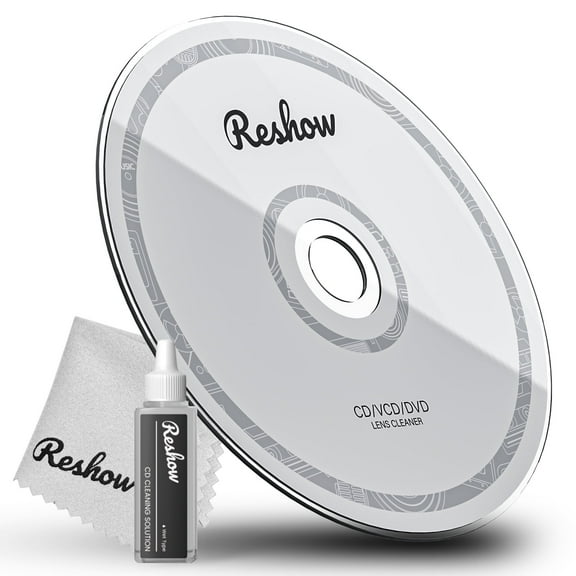
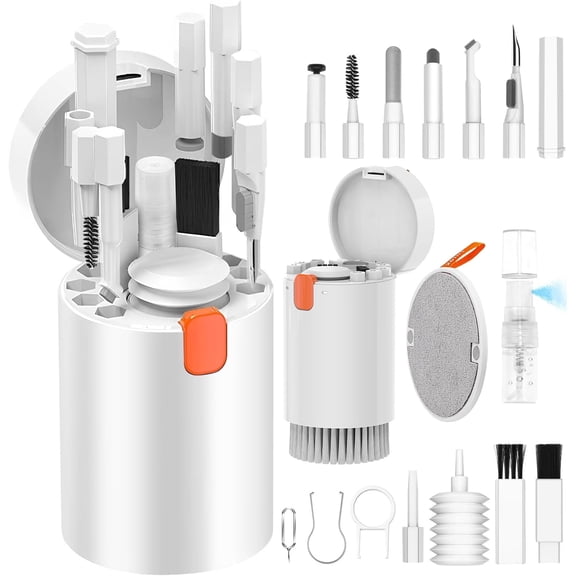
If you want one set for regular upkeep, you may prefer a computer cleaning kit with cloths, brushes, and spray. If you clean small spaces often, you may prefer a pc cleaner kit with compact tools.
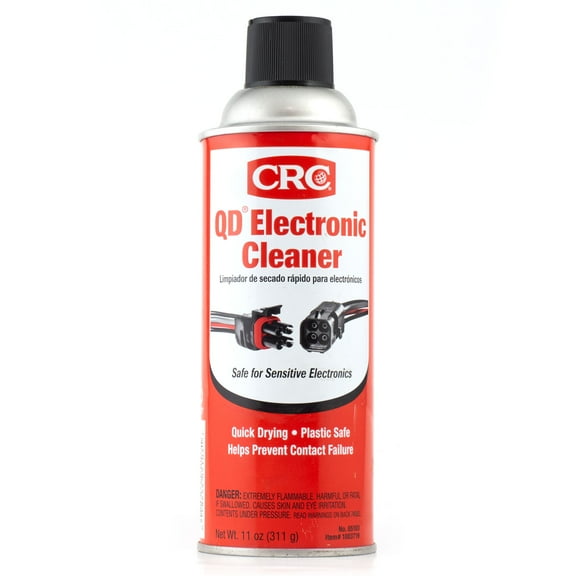
- You can use sprays when you want controlled cleaning on screens, bezels, and trackpads.
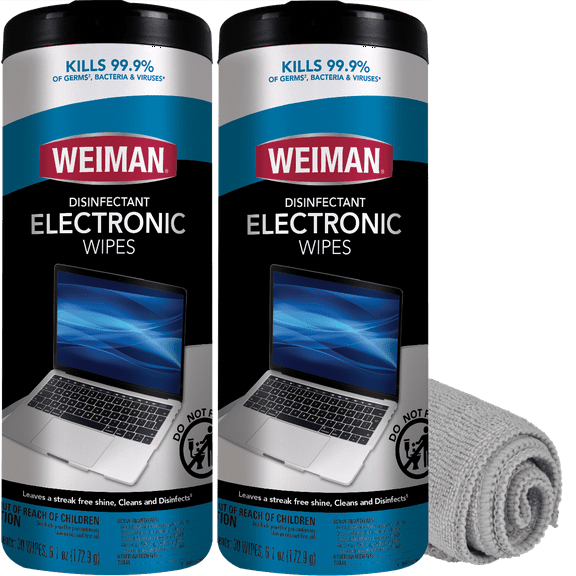
- You can use wipes when you want quick touchups for travel, school, or office setups.
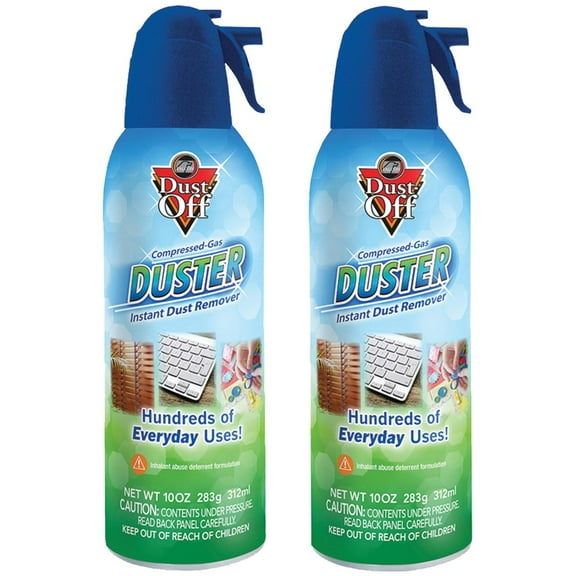
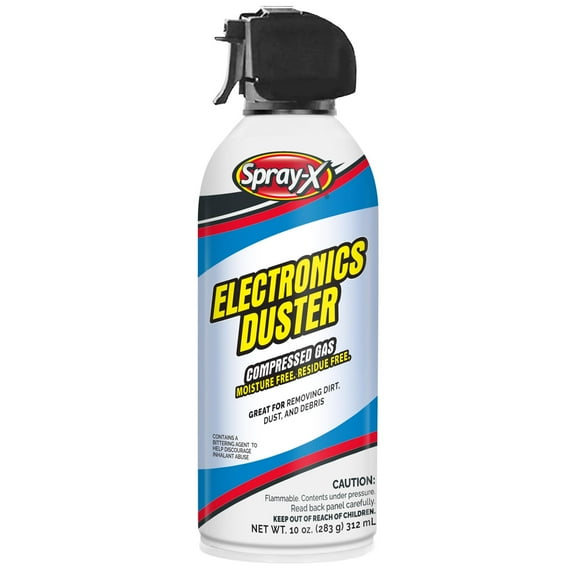
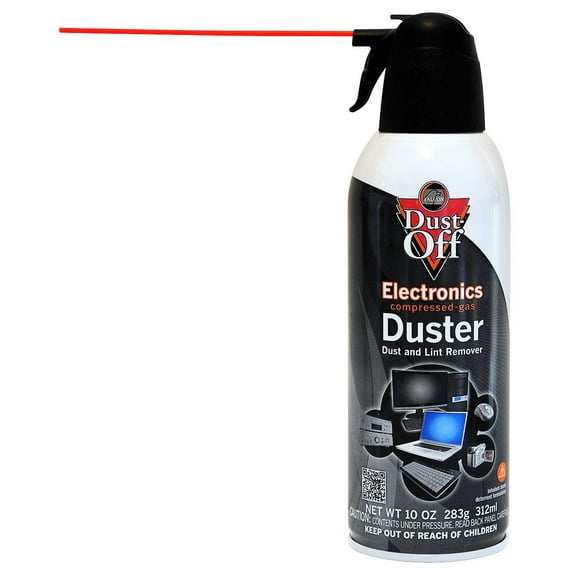
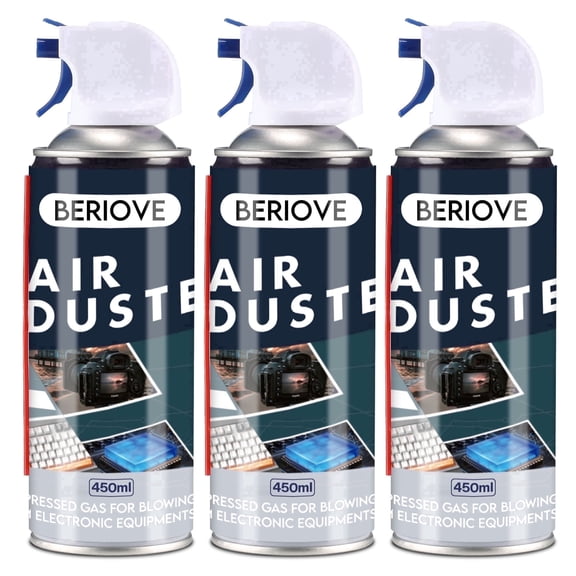
- You can use compressed air when you want to move dry dust from ports, keyboards, and fan openings.
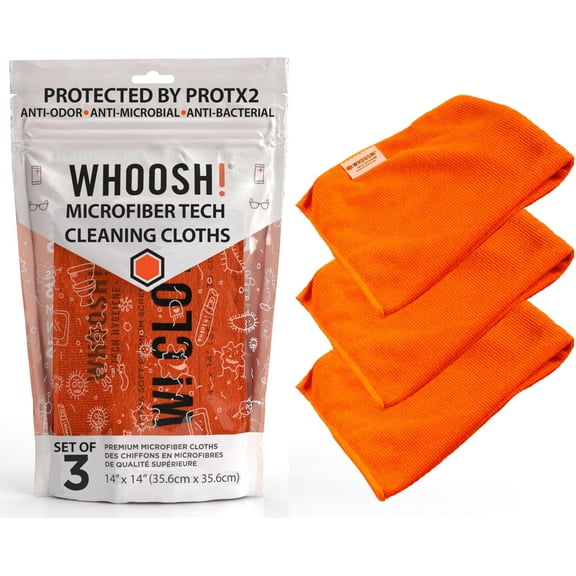
- You can use brushes and microfiber cloths when you want reusable tools for regular care.
You’ll get more flexibility from kits that pair wet and dry tools together. You can handle fingerprints, crumbs, lint, and vent dust without switching between separate supplies.
Choosing computer cleaning products for screens and keyboards
You should match the cleaner to the surface, especially when you clean laptop screen glass or coated displays. You’ll want gentle formulas and soft materials, because rough paper products can leave streaks or lint.
For display care, you can look for alcohol-free or ammonia-free options when you compare computer cleaning products. You’ll often see these terms because coated screens need a more careful cleaning approach.
If you’re deciding what to use to clean macbook screen areas, you should check the formulation first. You’ll want a soft microfiber cloth and a screen-focused spray instead of a harsh household cleaner.
For keyboards, you can combine dry air and a brush before using any moisture. You’ll remove loose debris from key gaps first, which helps you keep residue from spreading across the surface.
What to look for in a pc cleaner kit for CPU and internal parts
You should use a different method when you’re cleaning inside a desktop tower or around components. You’ll usually want dry tools, anti-static options, and controlled airflow for fans, heat sinks, and tight corners.
When you compare a cpu cleaning kit, you can look for tools labeled anti-static, non-conductive, or ESD-safe. You’ll get clearer guidance for sensitive parts where static control matters during routine maintenance.
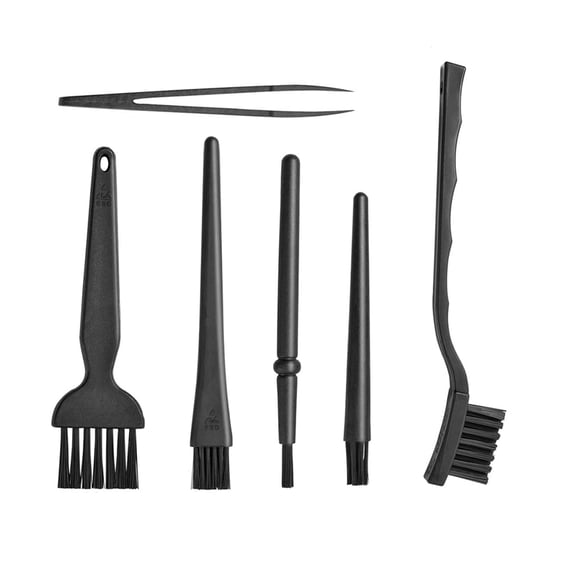
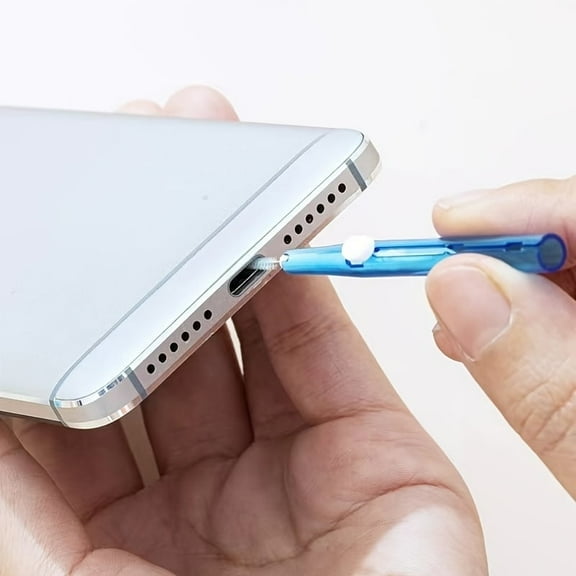
You can use compressed air to lift dust from fan blades, vents, and component edges without direct contact. You can use a small brush when you need more control around ports, grills, and narrow spaces.
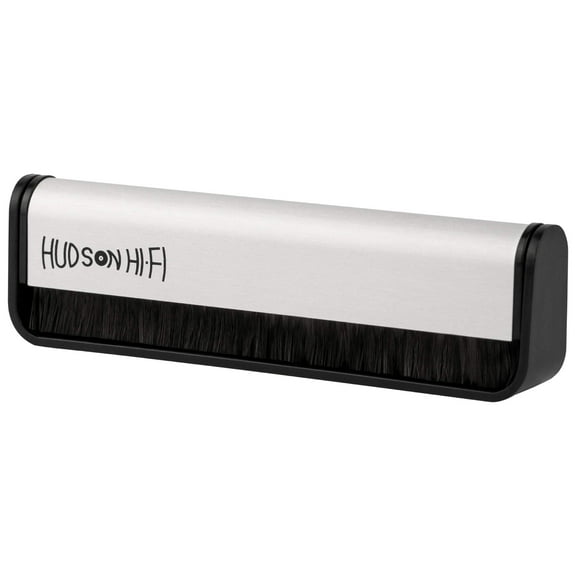
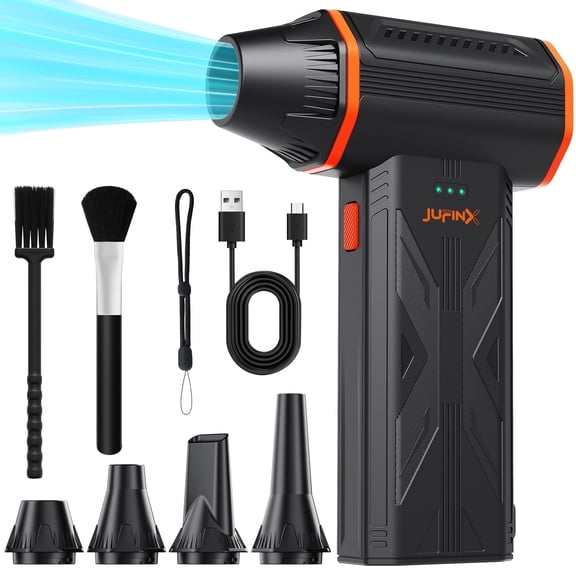
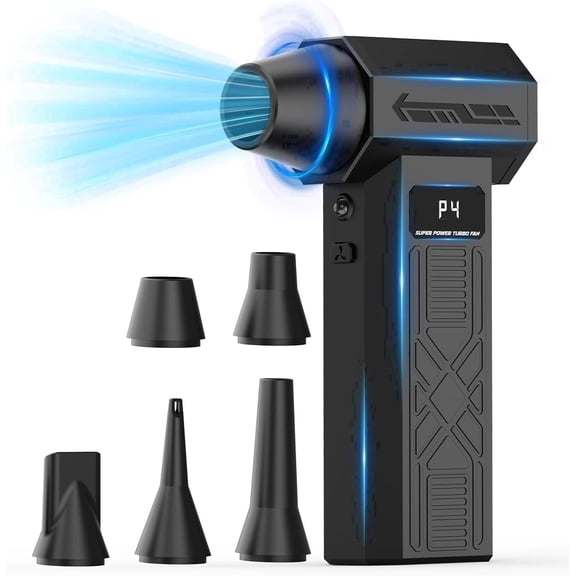
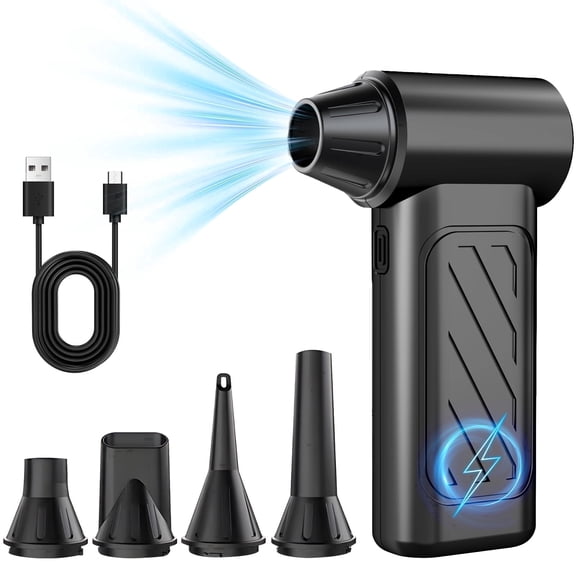
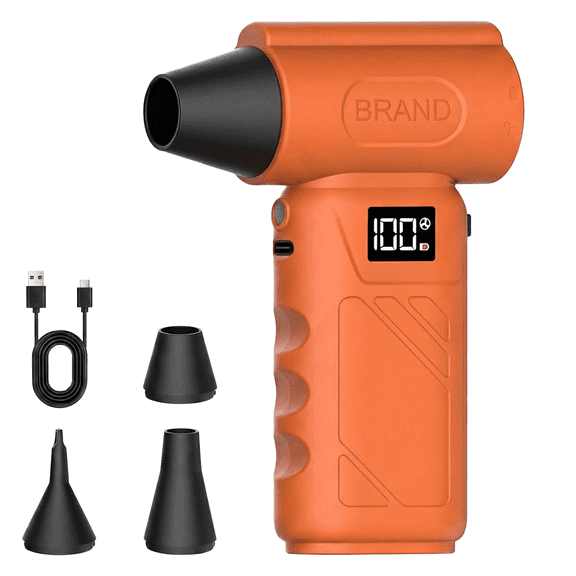
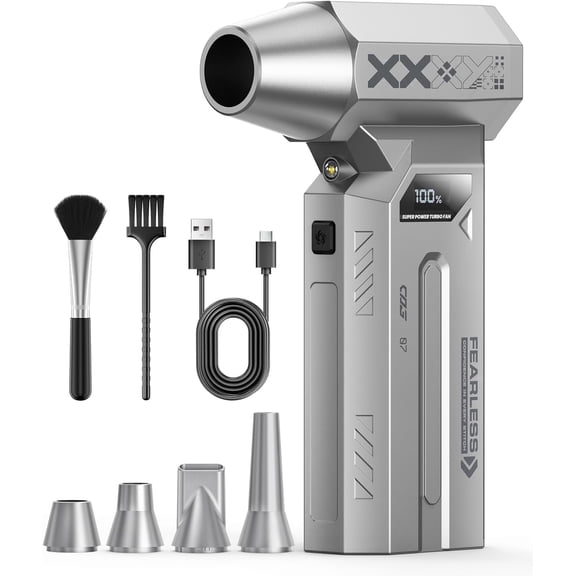
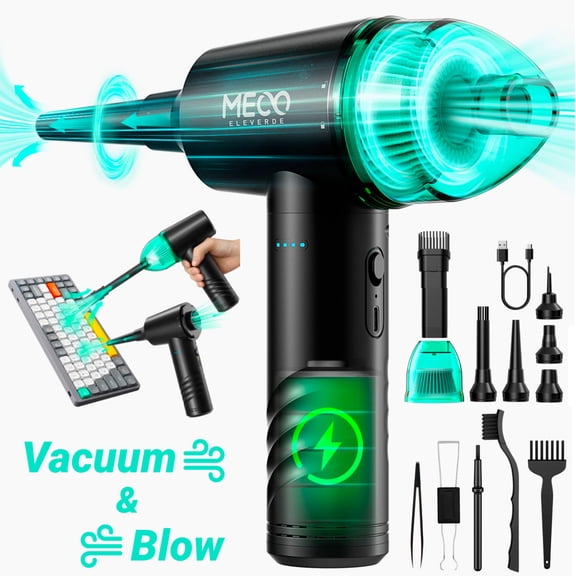
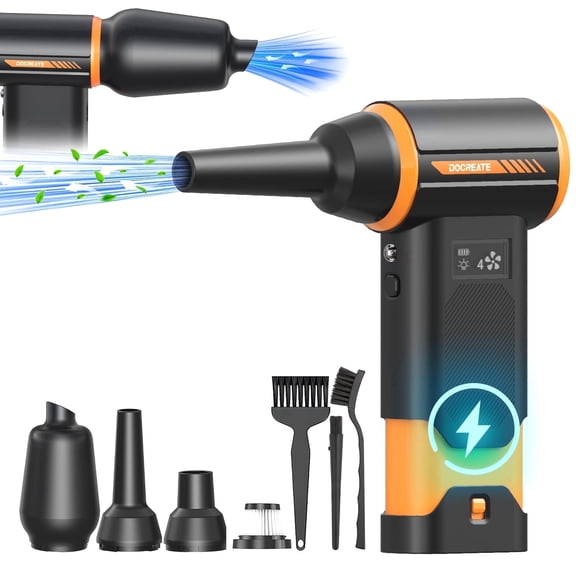
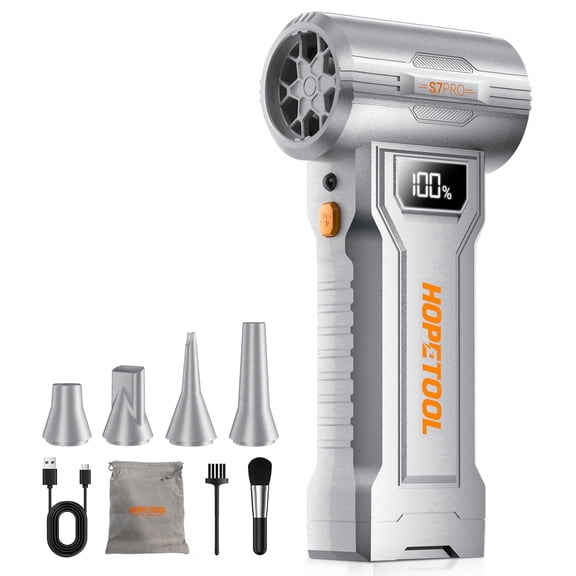
If you’re cleaning a gaming setup or work station, you may want a kit with an air blower and detail brush. You’ll reach around motherboard edges, cooling fins, and case openings with more precision.
Comparing formulations and included tools
You can narrow choices faster when you compare formulation and included tools together. You should check whether a spray is alcohol-free, ammonia-free, or anti-static before you match it to your device.
You may choose alcohol-free and ammonia-free formulas for screens, touch displays, and glossy finishes. You’ll reduce guesswork when you’re cleaning tablets, laptops, and monitors with visible smudges.
Anti-static options are useful when you’re focused on internal electronics and dust-prone areas. You’ll want that added control when you maintain desktops, vent channels, and accessory hubs.
You should also compare reusable tools, because they change how often you replace supplies. Washable microfiber cloths, durable brushes, and refill-friendly bottles can support regular upkeep across multiple devices.
A larger cloth helps you clean broad monitor panels with fewer passes. A slim brush or air blower helps you target key wells, charging ports, and hinge areas with less effort.
Matching a computer cleaning kit to your setup
You can choose a simple kit for one laptop, or you can choose a broader set for a full desk. You’ll want different tool combinations for home offices, classrooms, gaming stations, and shared family devices.
If you carry a notebook every day, you may want wipes, a foldable cloth, and a small spray bottle. You can keep your screen, keyboard, and trackpad ready for quick touchups between meetings.
If you use a desktop with several accessories, you may prefer compressed air, brushes, and anti-static tools. You’ll cover towers, monitors, keyboards, mice, and speaker grills with one routine.
For creators and students, you may want a computer cleaning kit that handles fingerprints and dust without bulky gear. You can keep a clean laptop screen, clear webcam area, and tidier keys in a backpack or drawer.
If you maintain multiple devices at home, you can look for reusable cloths and refillable supplies. You’ll spend less time hunting for separate tools when each cleaning step already has a purpose.
You can compare product type, application, formulation, and included tools with more clarity on this page. You’ll end up with a pc cleaner option that fits your devices and supports cleaner-looking screens and components.