



Golf Tech in Golf Equipment








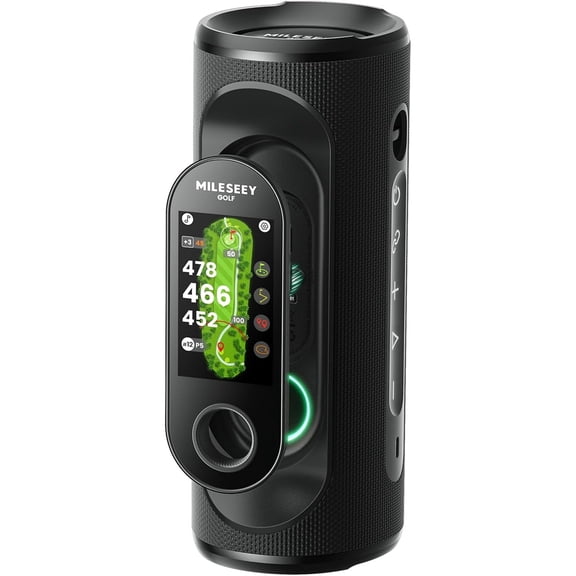
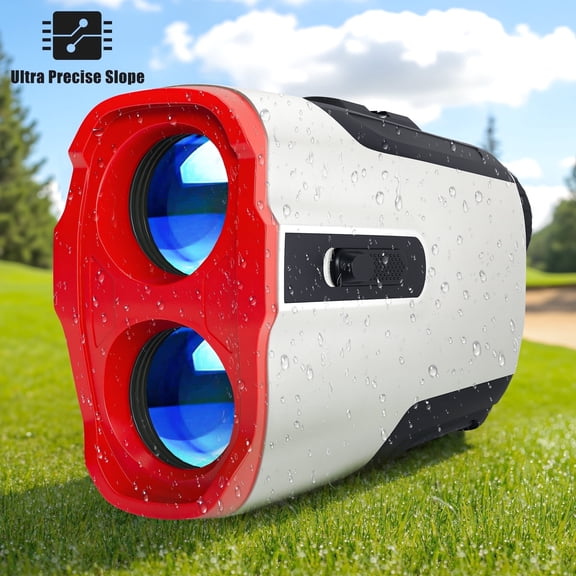
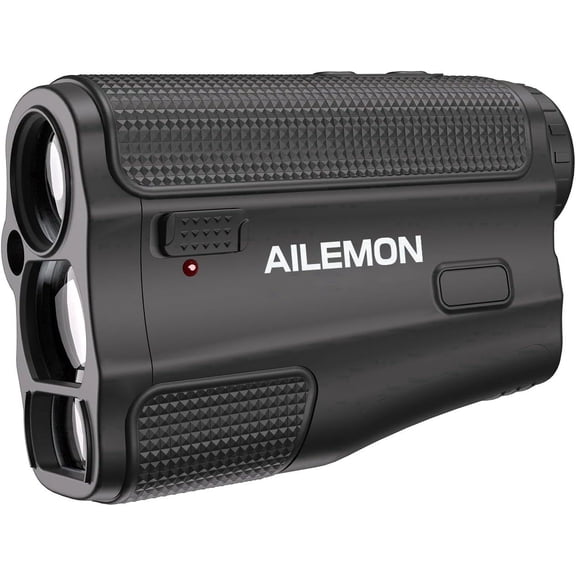
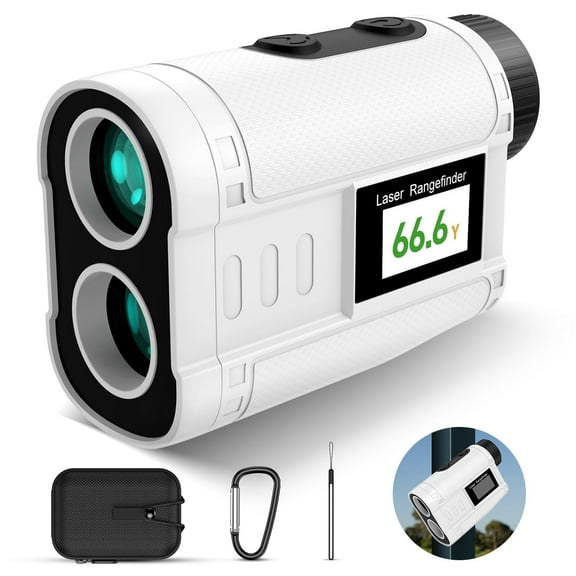










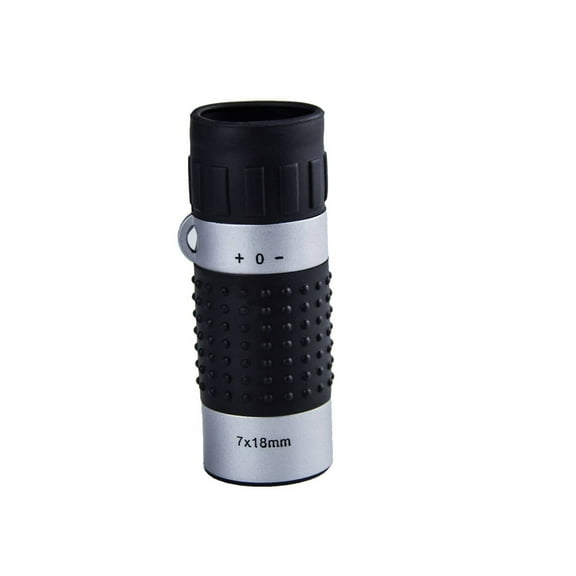

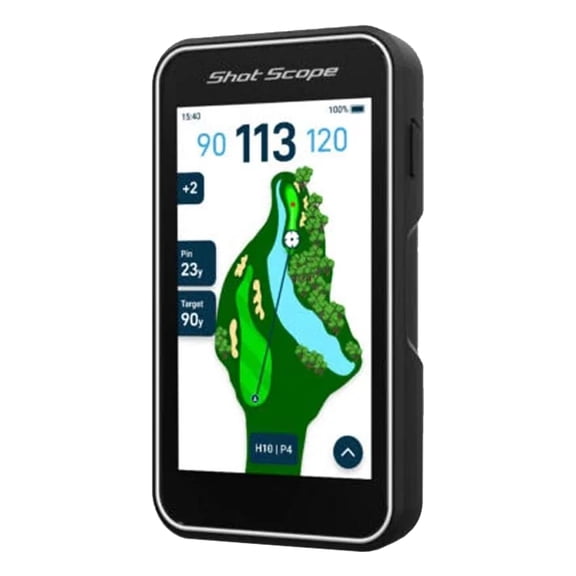
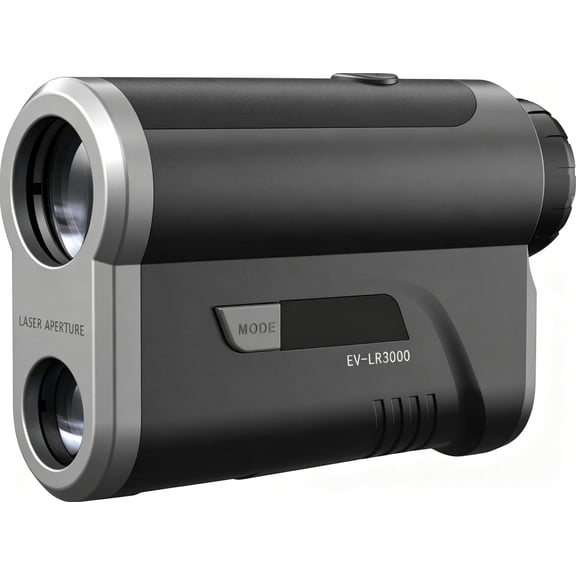
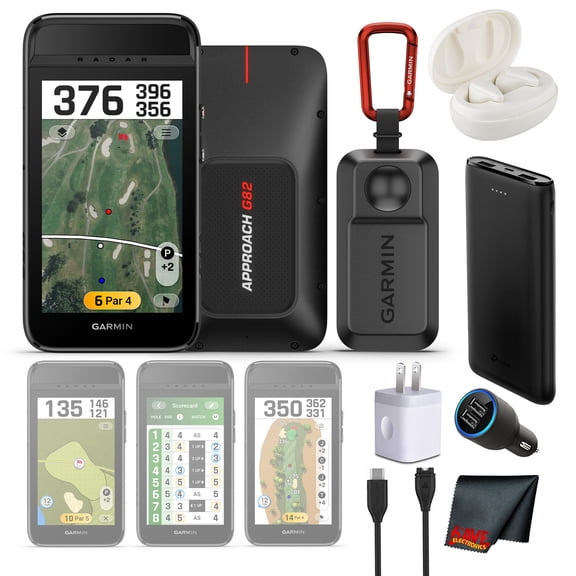
About Golf Tech in Golf Equipment - Walmart.com
You can compare golf tech by how you measure distance, track shots, and manage your round. You’ll also find golf electronics that fit walking rounds, cart play, practice sessions, and tournament-focused decisions.
If you’re replacing guesswork with clearer yardages, this category gives you focused tools for line-of-sight distance, mapped holes, and swing data. You can use that guidance to choose clubs with more confidence and plan each shot with less uncertainty.
How to choose golf tech by device type
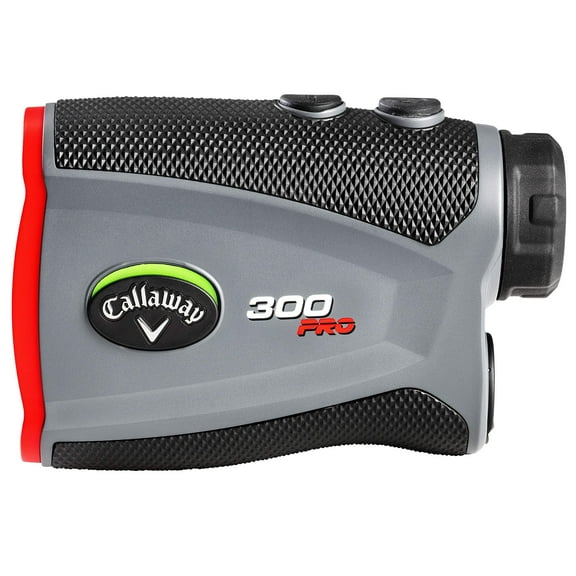
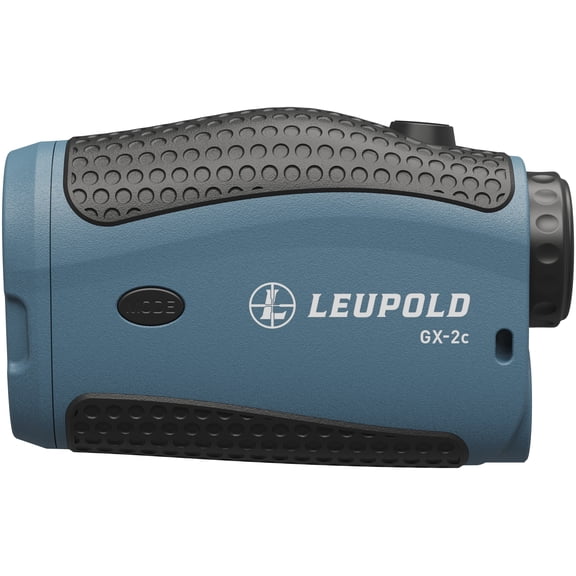
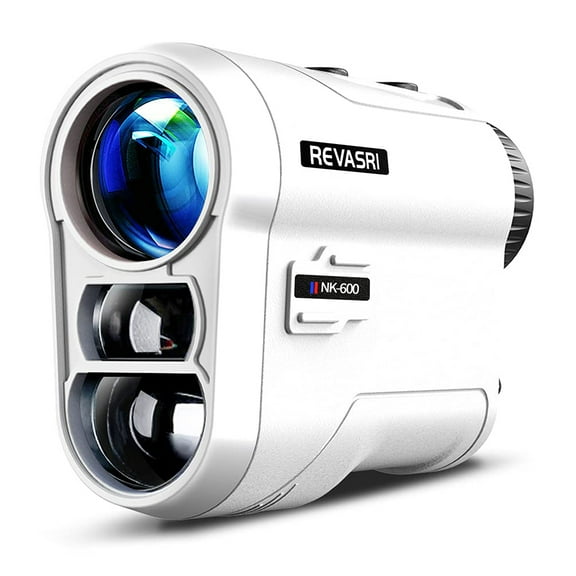
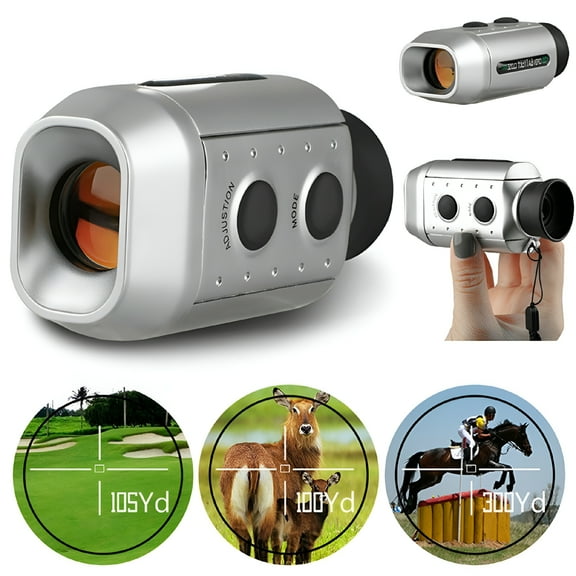
You should start with device type, because each format supports a different playing style. You may prefer a rangefinder for exact flag distance, or your round may suit a GPS watch better.
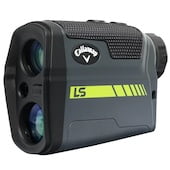
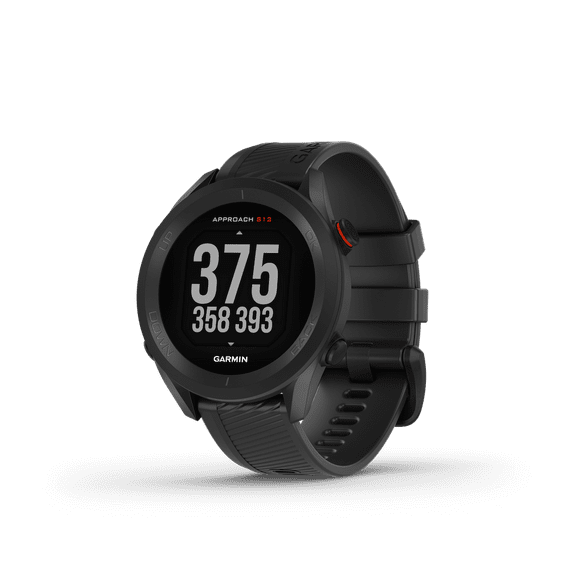
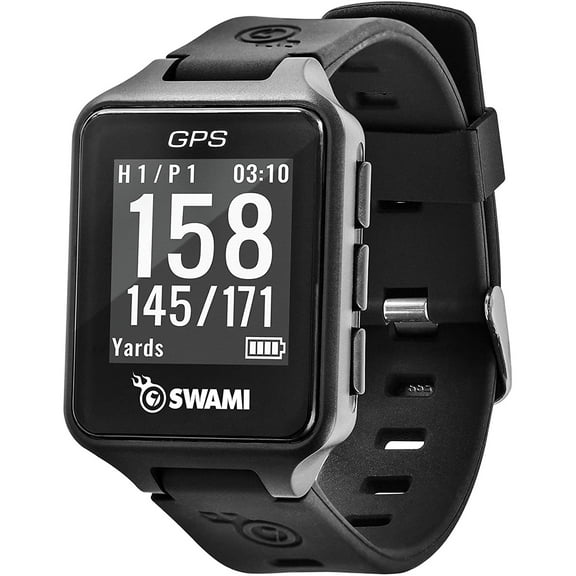
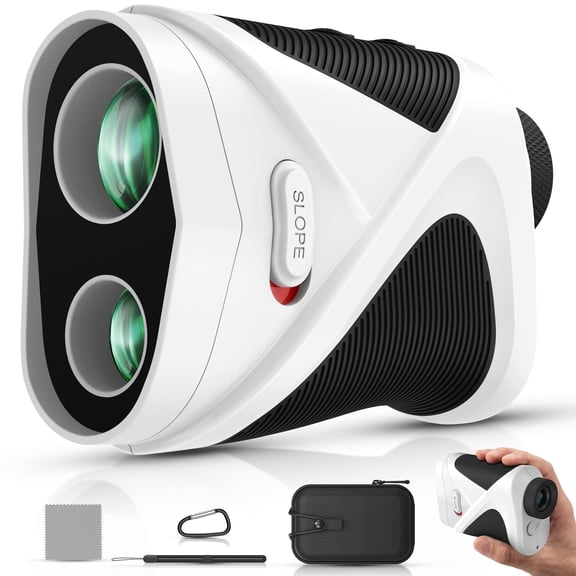
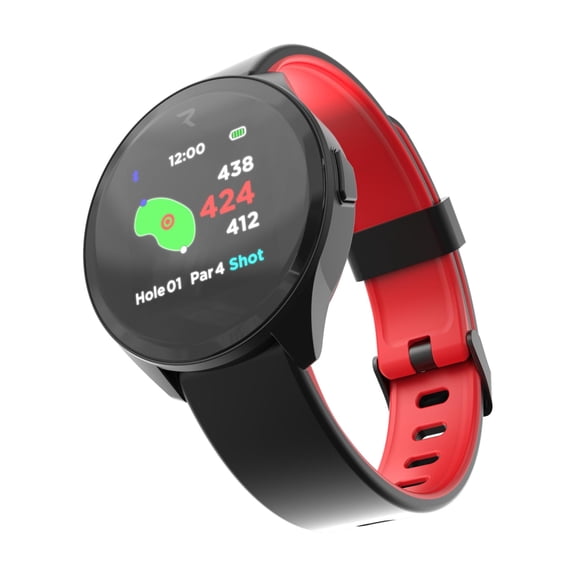
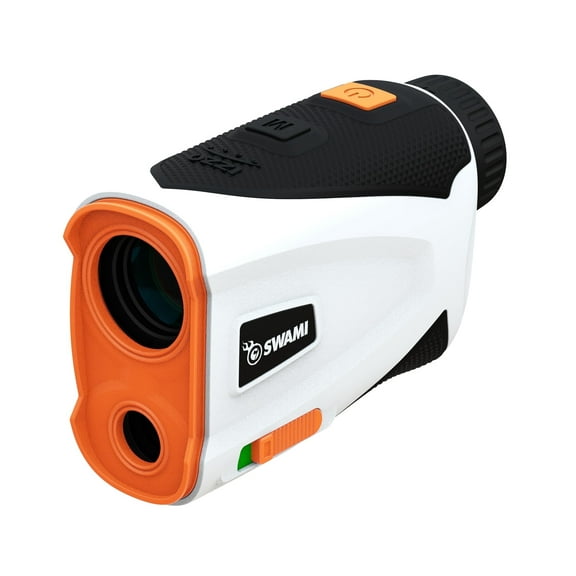
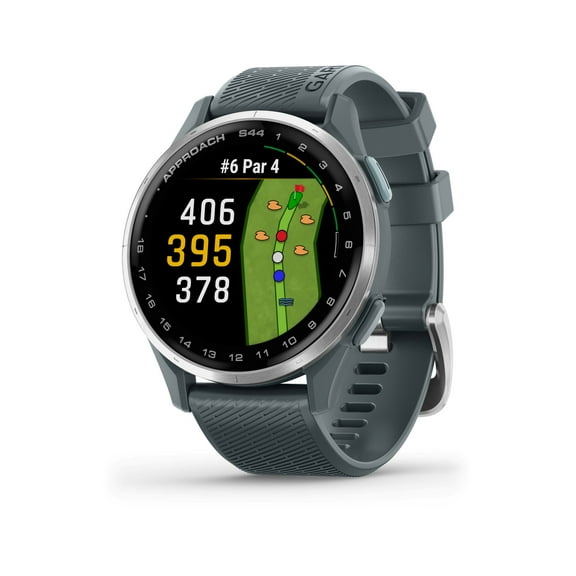
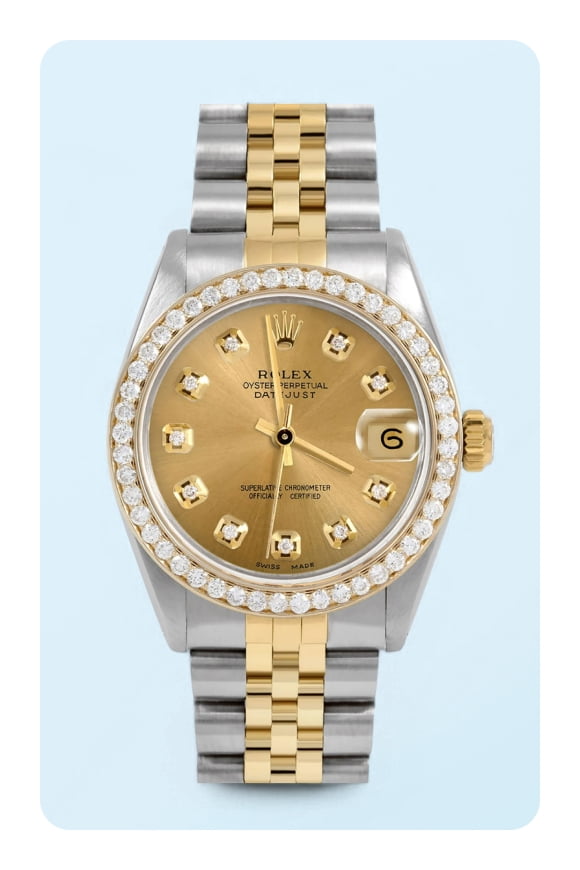
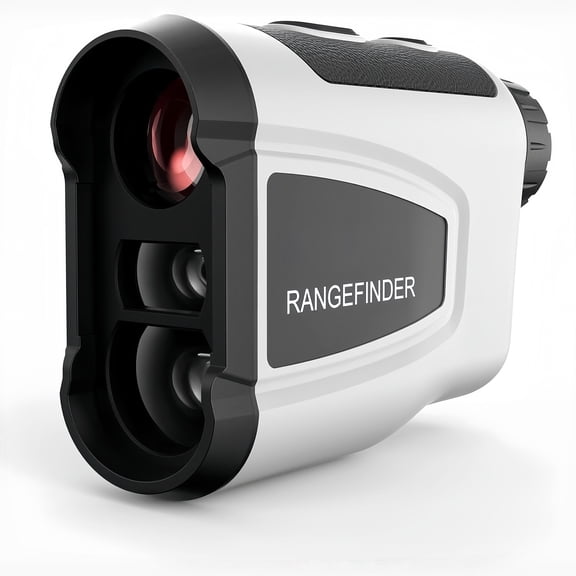
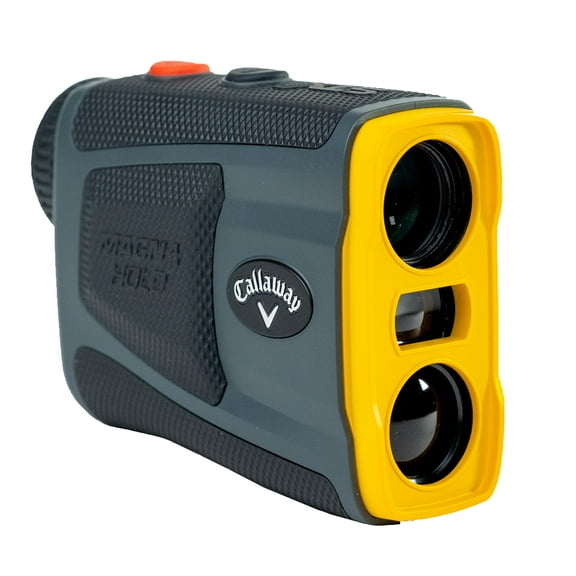
When you compare a rangefinder with a GPS watch, you’re really choosing between direct targeting and quick convenience. You can lock onto the pin with a laser unit, while your wrist can show front, center, and back distances fast.
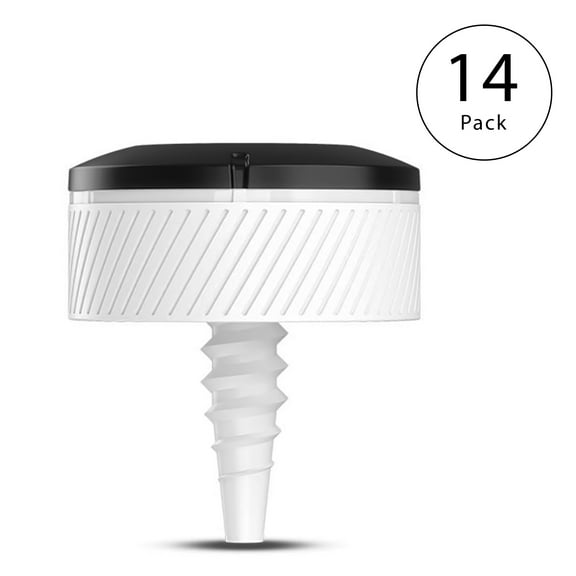
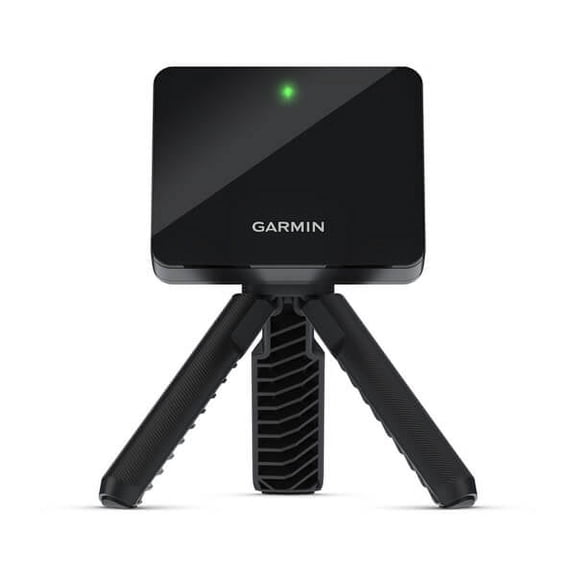
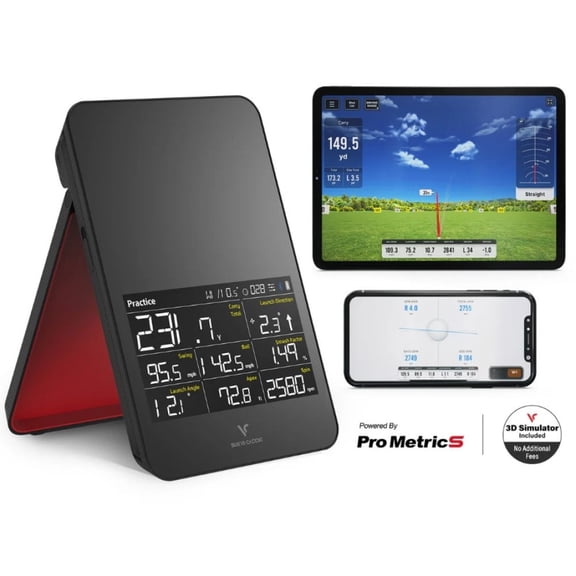
You may also consider a launch monitor if you want practice data beyond on-course yardages. You can use ball speed, carry distance, and club readings to understand what happens during each swing.
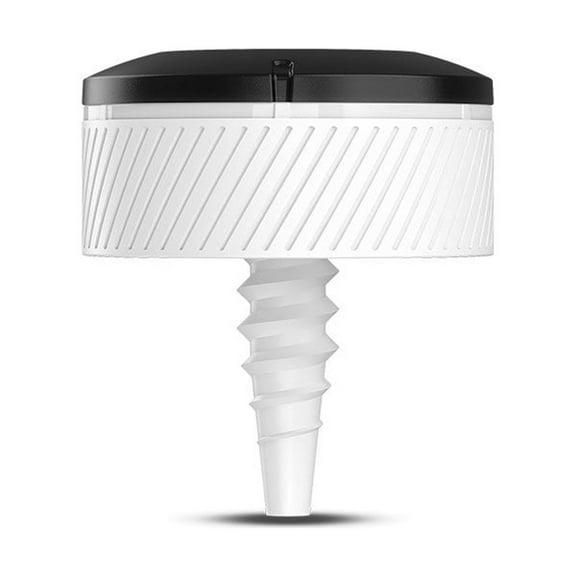
If you want swing feedback in a smaller format, you may prefer a swing analyzer. You can review tempo, path, or face-related data during range sessions without carrying larger training equipment.
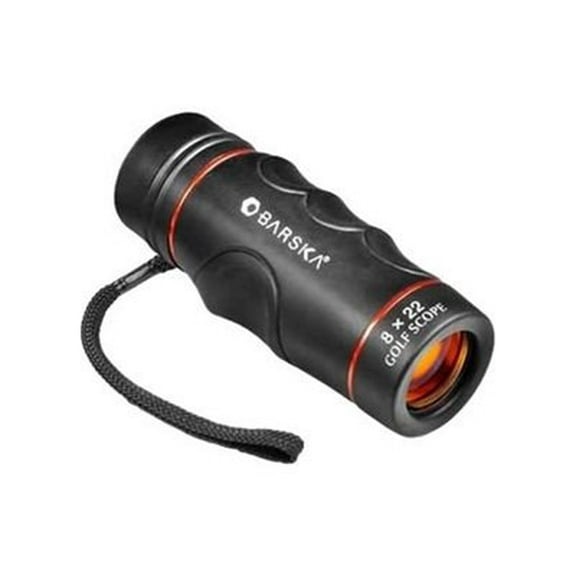
- You can use rangefinders for line-of-sight yardages to flags, hazards, and trees.
- You can use GPS watches for quick course mapping and hands-free distance checks.
- You can use launch monitors for practice metrics like carry distance and ball speed.
- You can use swing analyzers when your focus is motion feedback during training.
Choosing golf electronics by measurement technology
You should compare measurement technology next, because it changes how your device gathers information. You’ll usually see laser, GPS, radar, or photometric systems across this category.
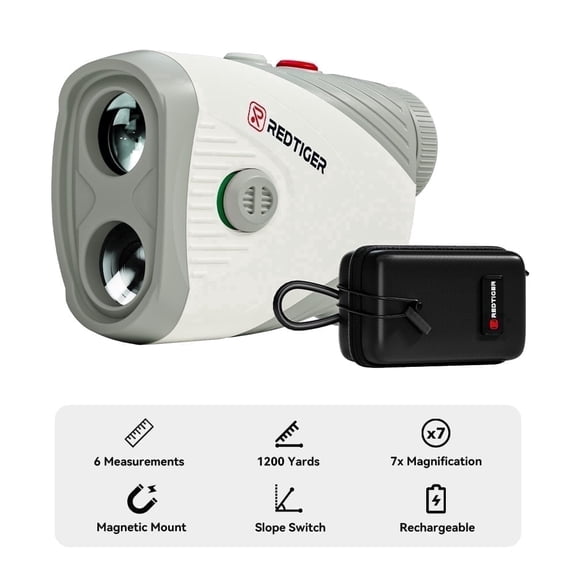
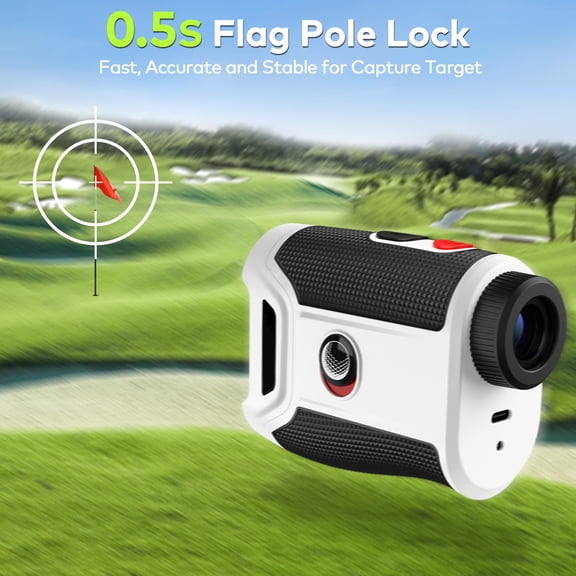
If you choose laser measurement, you’re selecting direct distance to a visible target. You can aim at the flagstick, confirm yardage, and make club choices based on that exact sight line.
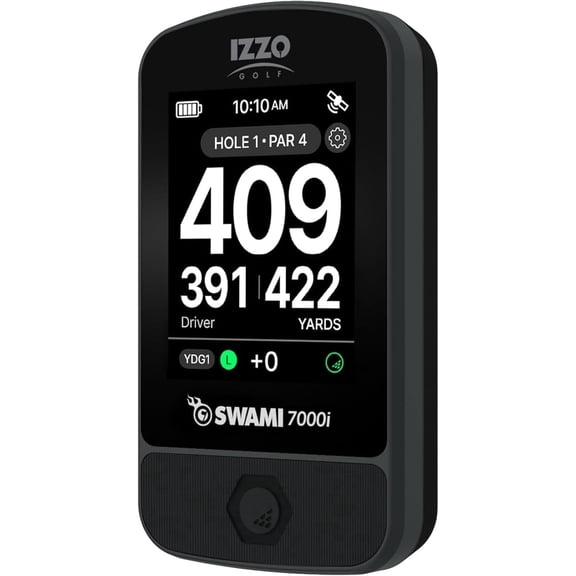
When you choose GPS, you’re using mapped course data instead of target locking. You can glance at hole layouts, distances to the green, and hazard locations during a steady walking pace.
If you compare radar with photometric launch monitors, you’re choosing between two ways to capture swing and ball information. You can use radar for tracking movement through space, while photometric units analyze high-speed image data.
You should also check whether slope adjustment is included, especially if you play changing elevation. You can use slope-adjusted distance for practice rounds, but tournament play may follow USGA Rule 4.3.
When tournament rules matter, you should look for a mode that turns slope adjustment off. You can then switch to conforming play more easily during events that follow local rules.
What to look for in display type and controls
You should review display type, because screen style affects readability during bright rounds. You may prefer an LCD viewfinder, a color touchscreen, a monochrome screen, or a HUD layout.
If you want simple visuals and direct aiming, you may like an LCD rangefinder display. You can read yardages in the eyepiece without pulling attention away from your target.
When you want map detail, you may lean toward a color touchscreen. You can zoom holes, review hazards, and move through menus with familiar phone-like gestures.
If you want longer battery life and a straightforward interface, you may prefer a monochrome screen. You can check key distances quickly without extra visual clutter.
You may also see HUD-style displays that place information in your field of view. You can keep data visible while maintaining a more natural glance pattern during setup.
Checking power source, battery life, and subscriptions
You should compare power source before you decide, because charging habits affect convenience on the course. You’ll commonly see rechargeable battery, CR2 battery, or solar powered options.
If you choose a rechargeable battery, you can plug in after practice and start your next round prepared. You should check expected play time, because some golfers need coverage for multiple rounds.
When you choose a CR2 battery rangefinder, you can swap power quickly without waiting to recharge. You may like that setup if your bag already carries extra batteries.
If you prefer fewer charging stops, you may compare solar powered watches with standard charging designs. You can keep your device ready through everyday wear and frequent rounds.
You should also check whether course maps require a monthly subscription. You can avoid surprises by confirming if your device includes maps, updates, or advanced features without ongoing fees.
Using golf technology for rounds and practice
You can use golf technology differently depending on where you play and what you want to improve. You may need fast yardages on unfamiliar courses, or your practice may focus on gapping every club.
If you play several courses each month, you may want GPS mapping that shows hole shape and hazard placement. You can make quicker choices from the tee when you know carry distances and layup numbers.
When you often aim at tucked pins, you may prefer a laser rangefinder for direct target measurement. You can separate flag distance from background trees and choose a more precise approach number.
If your goal is better distance control, you may use a launch monitor during range sessions. You can compare carry gaps between clubs and build a more reliable yardage chart.
When your swing changes from session to session, you may benefit from analyzer feedback. You can study repeatable motion patterns and connect practice drills to measurable results.
You may also want one device for casual rounds and another for structured training. You can wear a GPS watch during play, then use a launch monitor when your focus shifts to swing data.
You’ll get more from this category when you match the device to your routine, rules, and preferred feedback style. You can narrow your choice faster and step onto the course with clearer distance information.