





Micro SD Cards in Memory Cards















About Micro SD Cards in Memory Cards - Walmart.com
sd cards help you expand storage for cameras, gaming systems, phones, and dash cams without changing how you use your device. You can compare formats, speed classes, and capacities here, so your next card fits your gear and keeps up with your files.
How to choose sd cards by format and compatibility
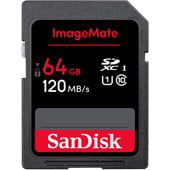
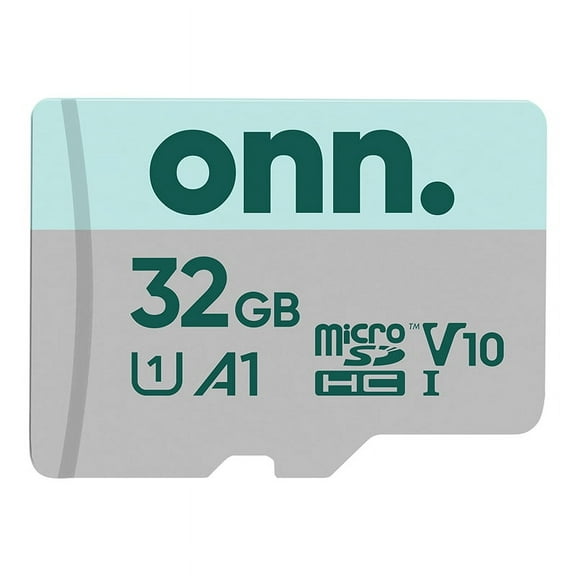
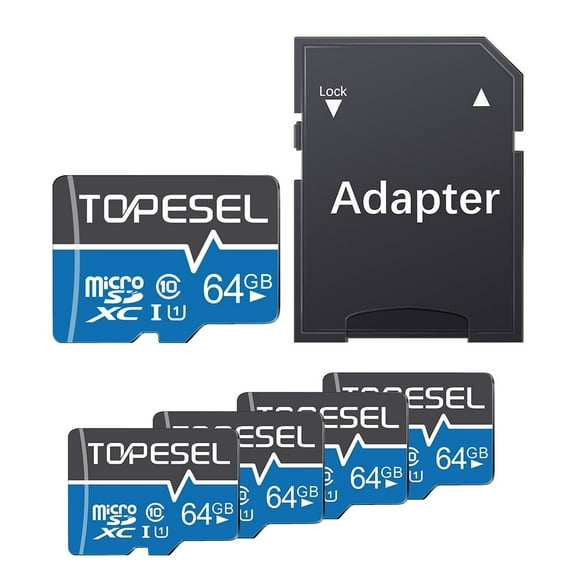
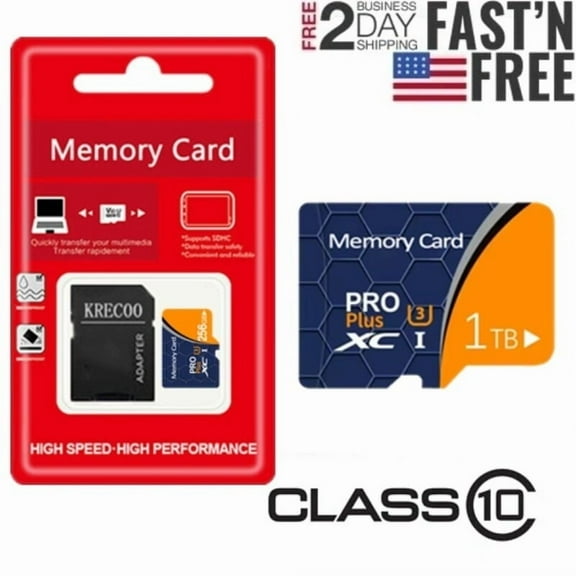
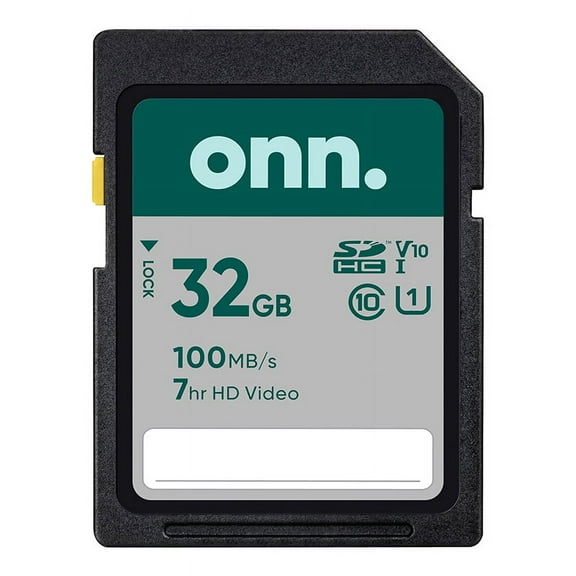
You should start with format type, because your device usually accepts either full-size SD or MicroSD. You can also compare SDHC and SDXC memory cards, which signal different storage ranges and compatibility limits.
If you use a DSLR camera, you may need a full-size card that slides directly into the camera slot. If you use an Android phone, handheld gaming system, or action camera, you may need micro sd cards instead.
You should also check your device's maximum supported capacity before you choose a larger card. Your manual or settings screen can tell you whether your device supports 64GB, 128GB, 256GB, 512GB, or 1TB.
- You can use SD cards in many cameras, camcorders, and laptops with full-size card readers.
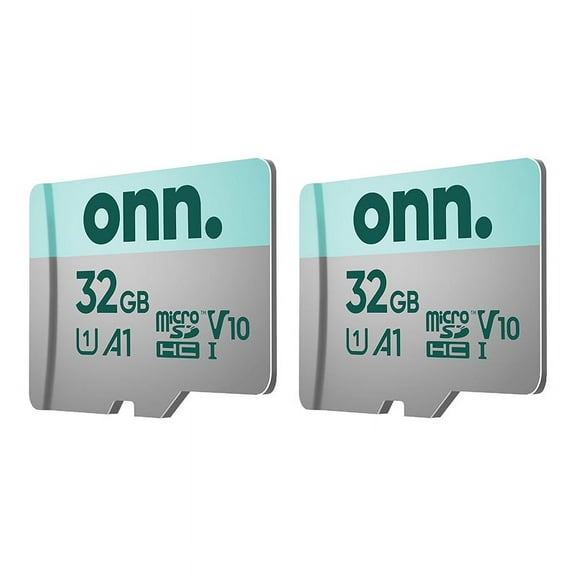
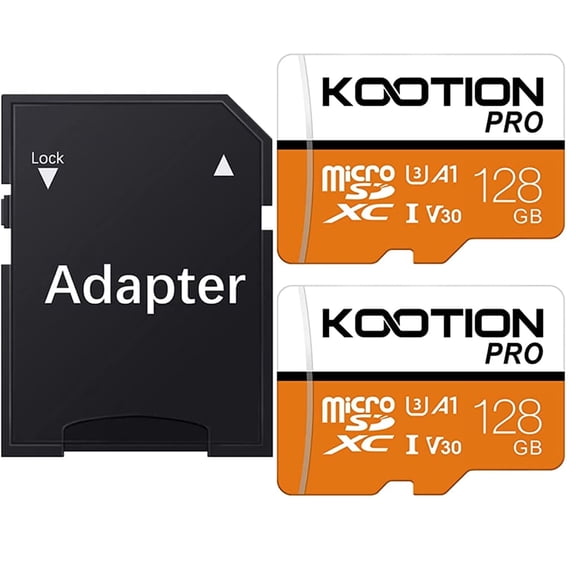
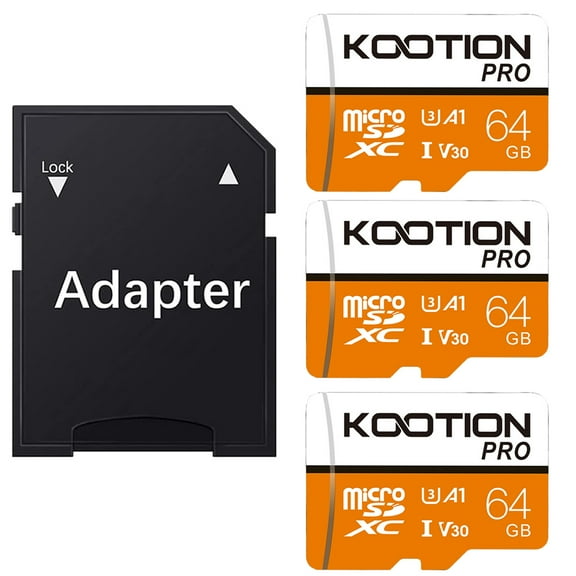
- You can use micro sd cards in phones, tablets, portable game systems, and compact cameras.
- You can choose SDHC when your device supports smaller capacities and older format standards.
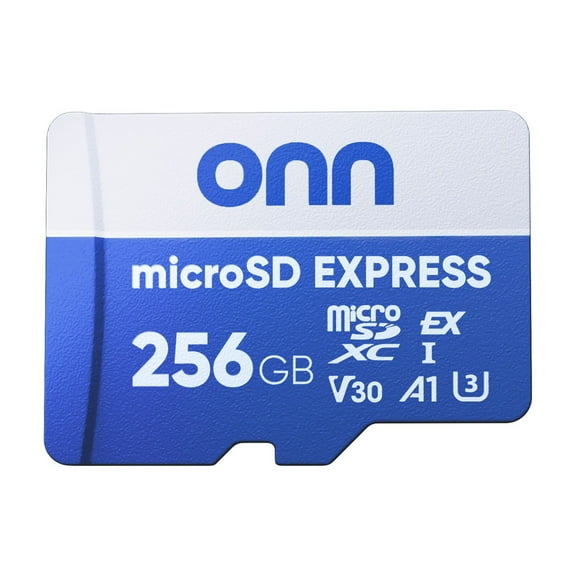
- You can choose sdxc memory cards when your device supports higher capacities and larger media libraries.
When you shop for a nintendo switch micro sd card, you should confirm MicroSD format first. You should then compare capacity and speed, so your downloads, screenshots, and game updates fit comfortably.
Choosing memory cards by speed class
You should compare speed class if you record video, capture bursts of photos, or move large files often. Your card's speed rating affects how smoothly your device writes data during active use.
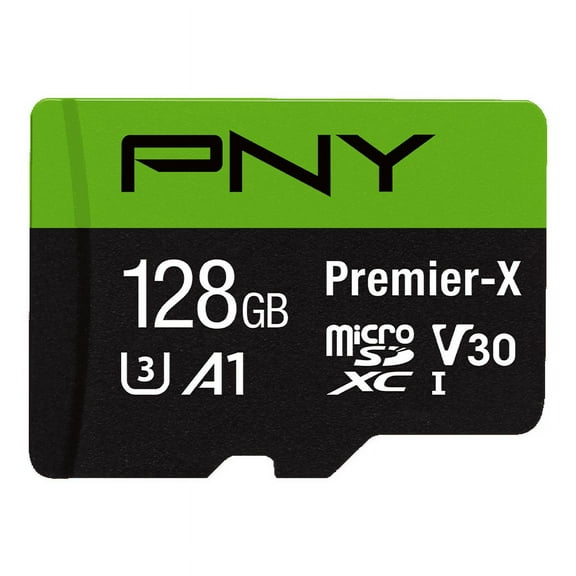
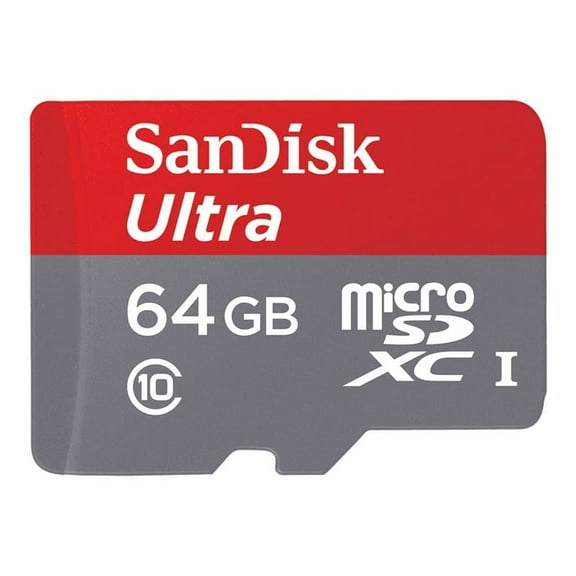
Class 10 works for everyday photos, music files, and standard video on many devices. UHS-I supports faster transfers for general use, while UHS-II supports even quicker performance on compatible hardware.
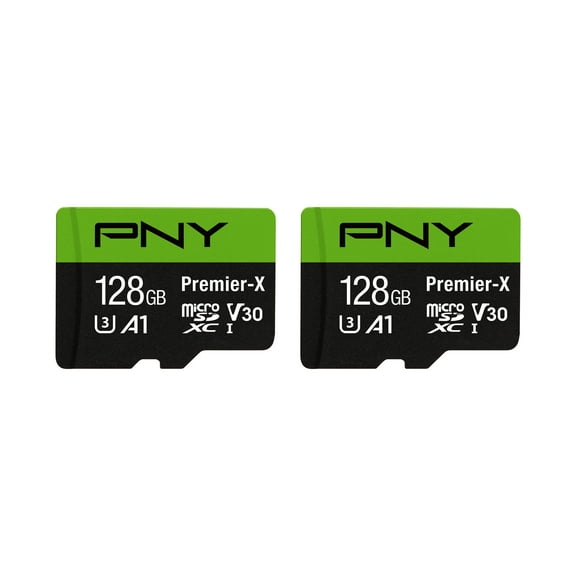
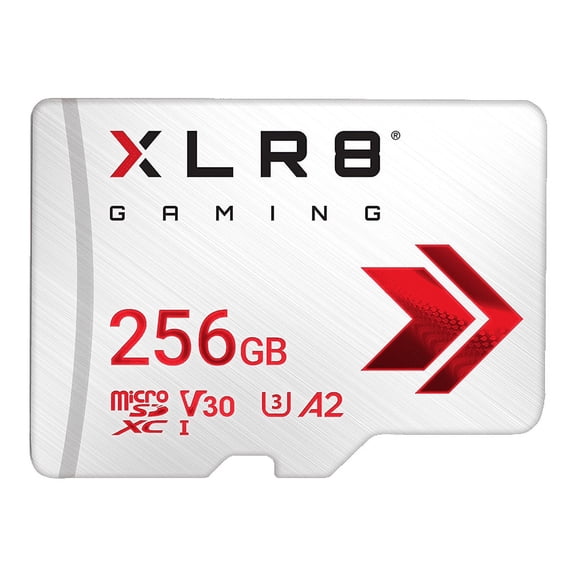
You can also look for video speed classes like V30, V60, and V90 when your camera records higher-resolution footage. Higher ratings usually help your camera keep writing video without interruption during demanding shoots.
If you shoot occasional family photos, you may only need Class 10 or UHS-I. If you record 4K video on a DSLR, action camera, or drone, you should consider V30 or higher.
You should match your card speed to your device, because extra speed only helps when your hardware supports it. A compatible reader also helps you move files faster to your computer.
Comparing storage capacities for your files
You should choose capacity based on how many photos, songs, games, or video clips you keep on one card. Larger capacities give you more room before you need to transfer or delete files.
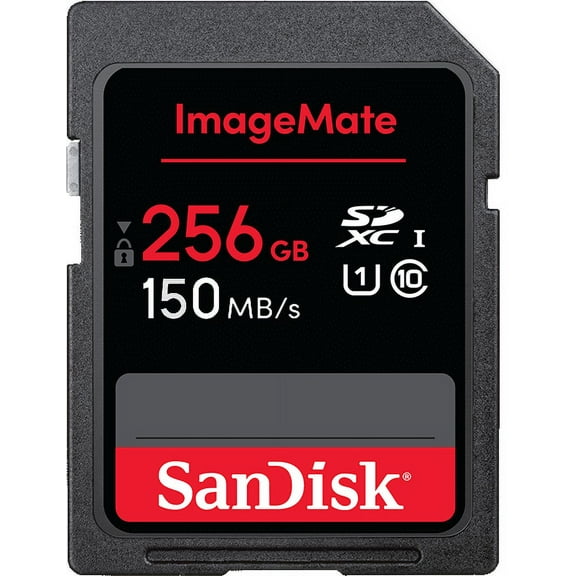
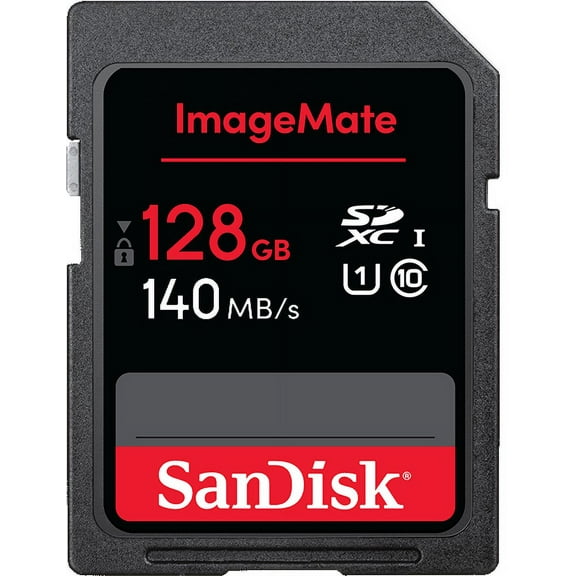
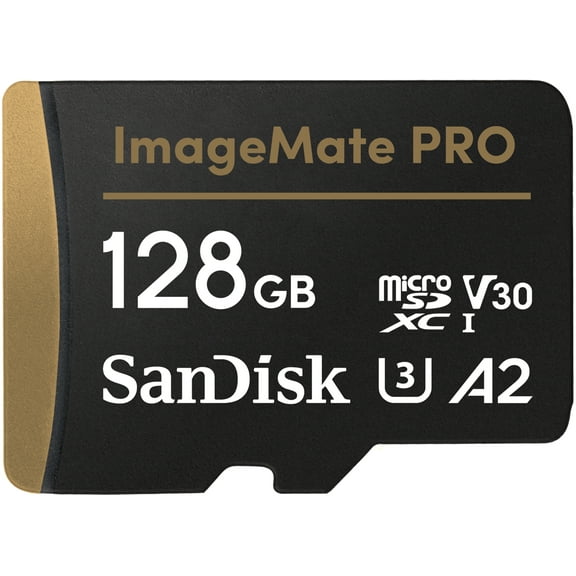
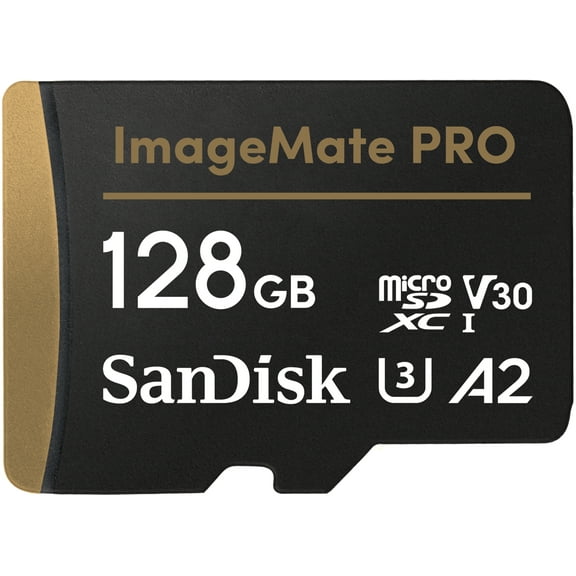
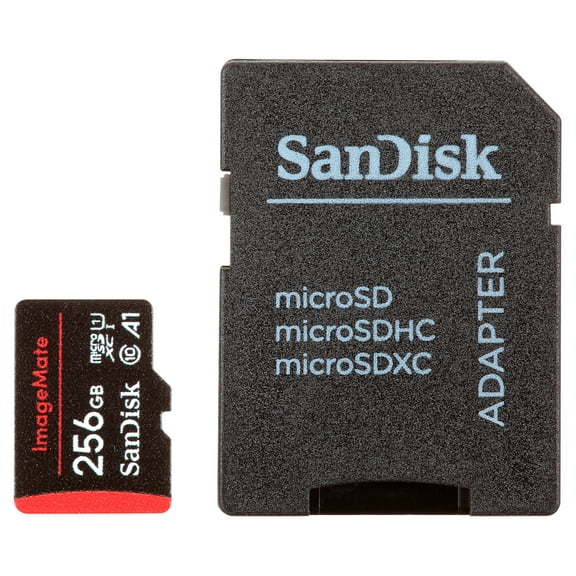
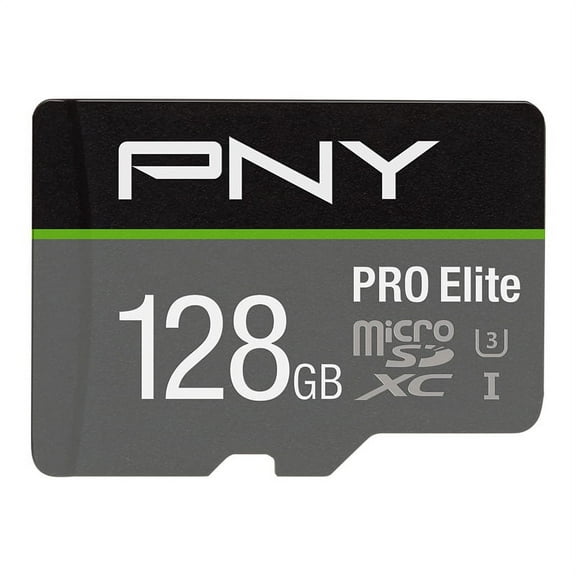
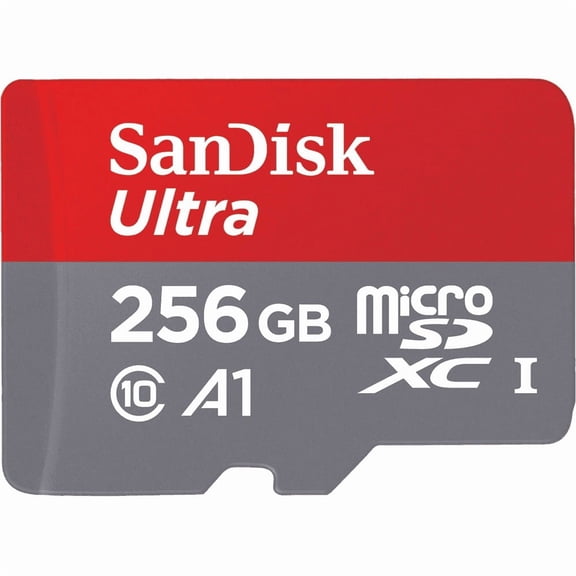
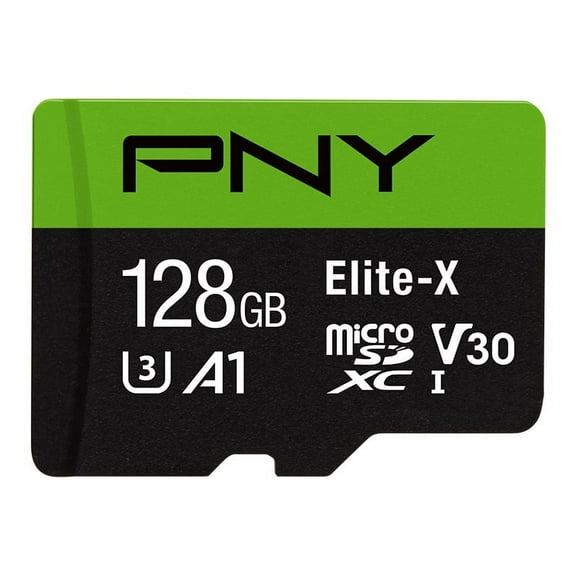
A 128gb sd card can suit everyday use, short video projects, and a moderate photo library. A 256gb sd card gives you more breathing room for larger apps, longer trips, and repeated recording sessions.
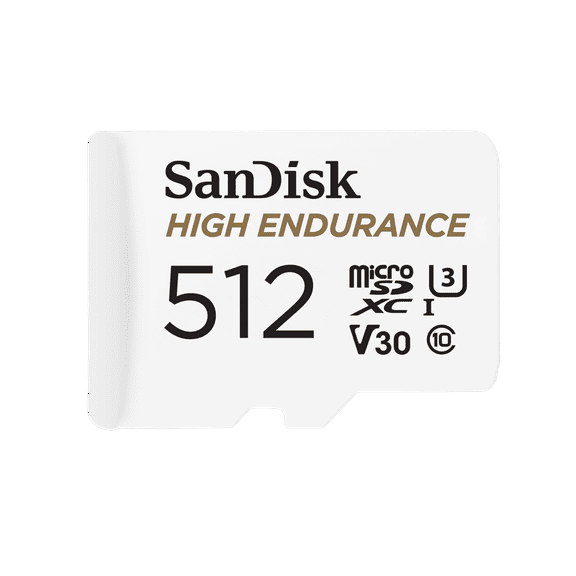
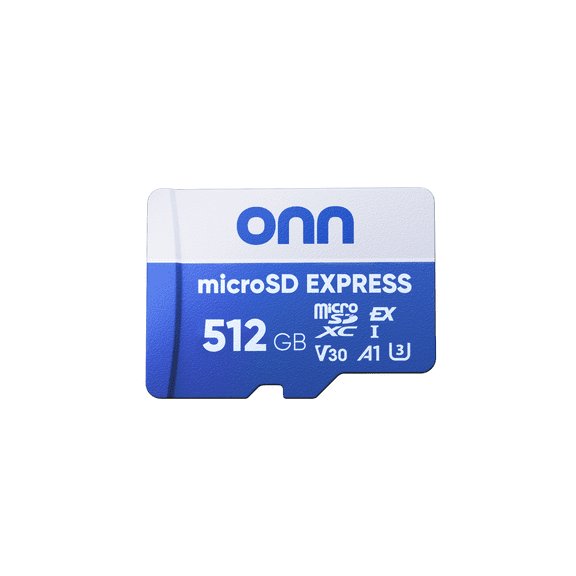
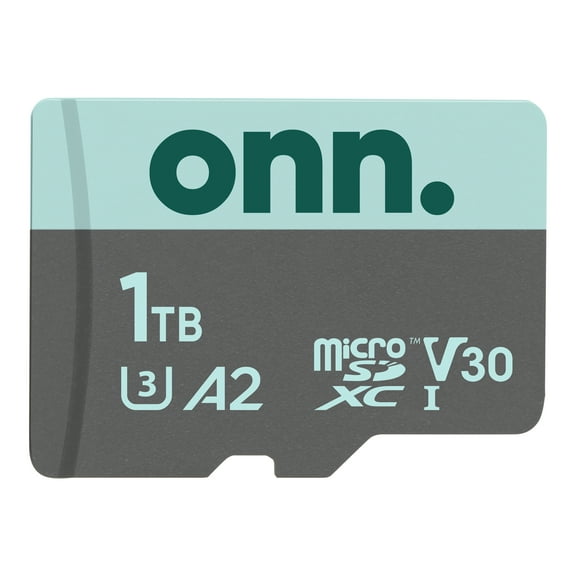
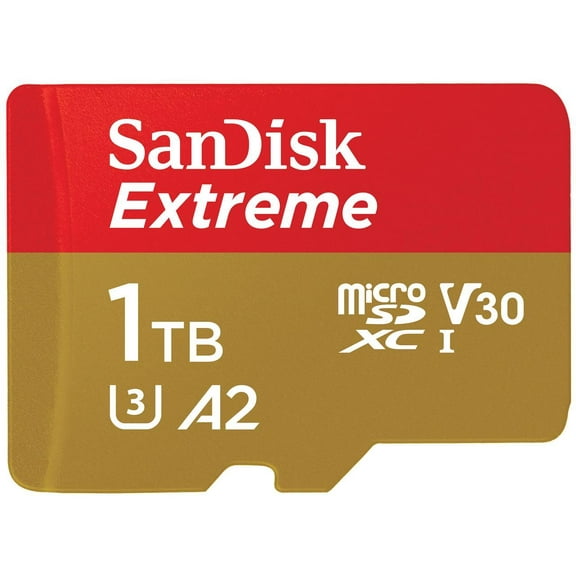
If you capture long video clips or keep large game downloads, a 512gb sd card may make more sense. You can also consider 1TB when your device supports it and your file sizes grow quickly.
You may find smaller capacities easier to organize by project, trip, or device. You may prefer larger capacities when you want fewer swaps during travel, events, or long recording days.
For practical planning, you can think in content types instead of exact file counts. More photos and songs fit easily on 128GB, while longer 4K video sessions usually push you toward 256GB or 512GB.
Matching sd cards to cameras, gaming, and dash cams
You should match your card to how you actually use your device each day. Your camera, console, phone, or dash cam may need a different mix of format, speed, and capacity.
For DSLR cameras, you should check whether your model uses full-size SD and whether it benefits from UHS-I or UHS-II. Faster cards can help when you shoot bursts, RAW images, or high-resolution video.
For a nintendo switch micro sd card, you should look for MicroSD format and enough capacity for digital games and updates. UHS-I is a common fit when you want solid download and load support.
For dash cams, you should focus on cards built for repeated recording and overwriting. You should also check for durability details like waterproof, shockproof, and temperature-proof designs when your setup travels daily.
If you use an Android phone or Steam Deck, you should confirm supported capacities before you choose a larger card. You should then compare transfer speed if you move media, downloads, or game files often.
You can narrow your choice faster when you compare four points in order. You should check format first, device limit second, speed class third, and capacity last for a smoother purchase.
What to look for before you choose memory cards
You should read the label for format, capacity, and speed symbols before you decide. Your device works more smoothly when those details match its slot and recording needs.
You can also compare durability features if your card goes into action cameras, trail setups, or vehicle recorders. Your routine may call for cards designed for heat, cold, moisture, and everyday movement.
With the right combination, you can store more, transfer files with less waiting, and keep your favorite devices ready for everyday use. Your choice feels simpler when you match format, speed, and capacity from the start.