

Cable Modems & Modem Router Combos
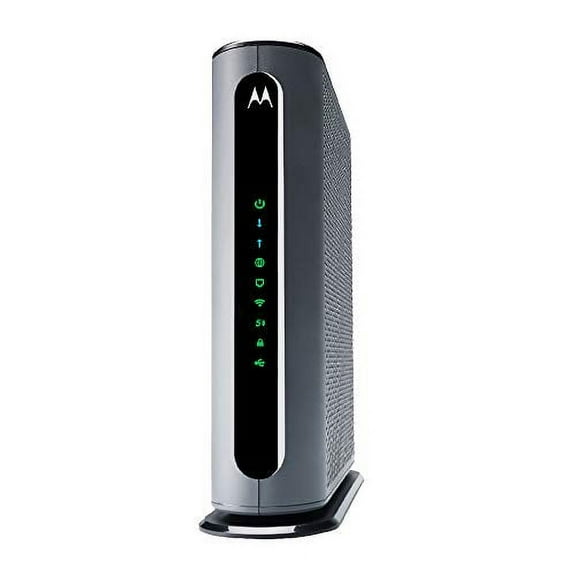

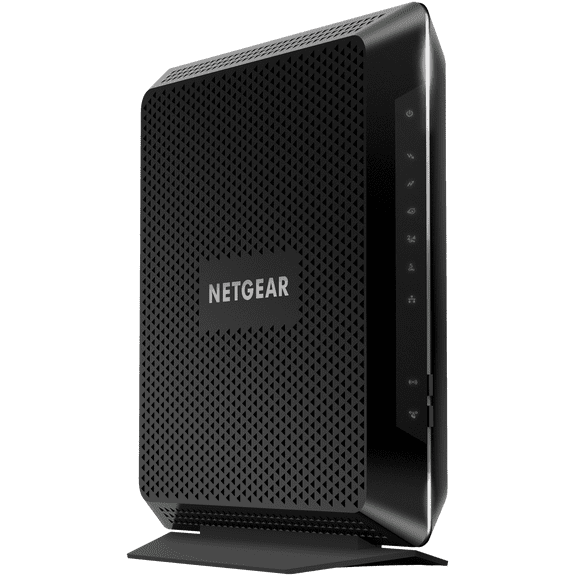

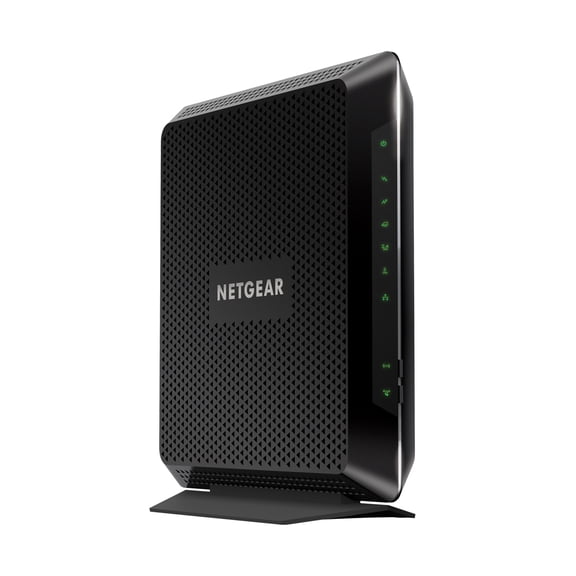
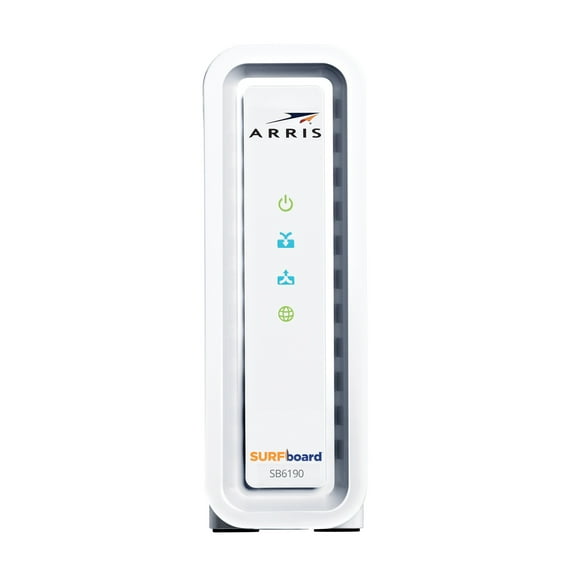




![ARRIS (SB6190-RB) - Cable Modem DOCSIS 3.0 32x8 Gigabit Modem [Check with your provider for compatibility]1 Gbps Port 800 Mbps Max Speed 2 Year Warranty](https://i5.walmartimages.com/seo/ARRIS-SB6190-RB-Cable-Modem-DOCSIS-3-0-32x8-Gigabit-Modem-Check-provider-compatibility-1-Gbps-Port-800-Mbps-Max-Speed-2-Year-Warranty_658c424b-a7af-454d-94c6-c24392752fe1.a90d7995c8176cb549dbd07e566174ed.jpeg?odnHeight=576&odnWidth=576&odnBg=FFFFFF)


![Cable Modem - DOCSIS 3.0 32x8 Gigabit Modem, [Check with your provider for compatibility]1 Gbps Port, 800 Mbps Max Speed, 2 Year Warranty](https://i5.walmartimages.com/seo/Cable-Modem-DOCSIS-3-0-32x8-Gigabit-Modem-Check-with-your-provider-for-compatibility-1-Gbps-Port-800-Mbps-Max-Speed-2-Year-Warranty_658c424b-a7af-454d-94c6-c24392752fe1.a90d7995c8176cb549dbd07e566174ed.jpeg?odnHeight=576&odnWidth=576&odnBg=FFFFFF)

About Cable Modems & Modem Router Combos - Walmart.com
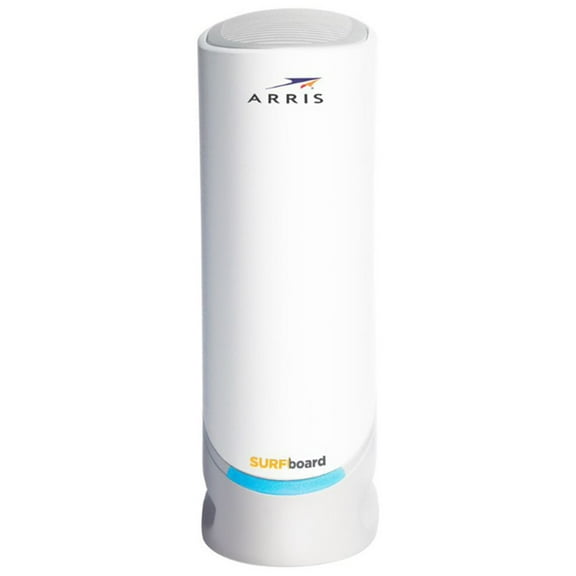
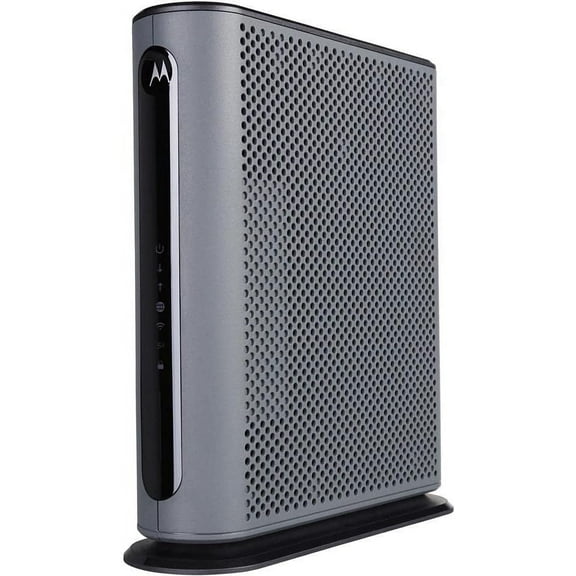
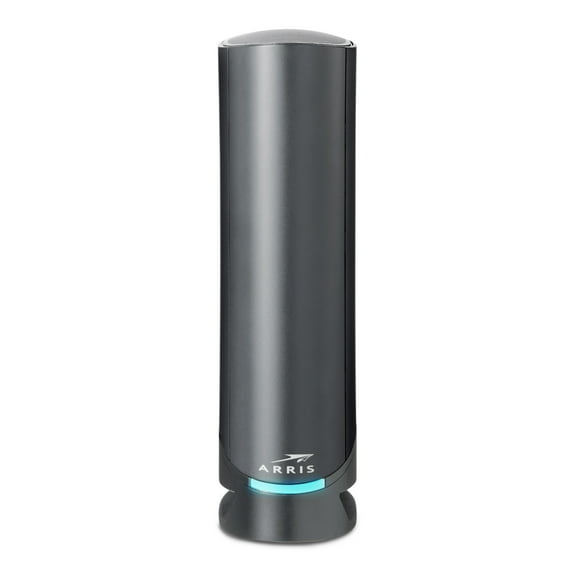
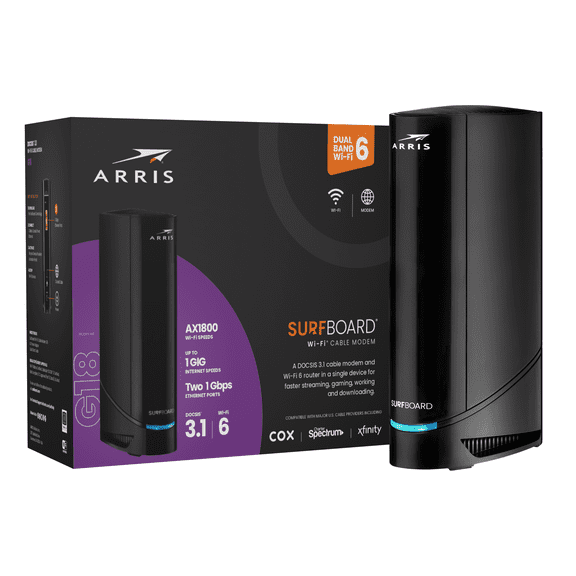
Modems help you build a faster, more reliable home network when you choose the right type for your internet service. You can compare cable modems, DSL options, fiber models, and modem router combo choices in one place.
If you're replacing rental equipment, you should start with provider compatibility and your current speed tier. You'll also want to compare DOCSIS standards, Ethernet ports, and whether you prefer one device or two.
How to choose modems by type
You should match modem type to the connection your provider uses in your home. You can't use a cable modem on DSL service, and your fiber setup may require a fiber modem or gateway.
When you compare device types, you should think about setup, space, and your existing network gear. If you already own a router, you may prefer a standalone modem for a simpler upgrade path.
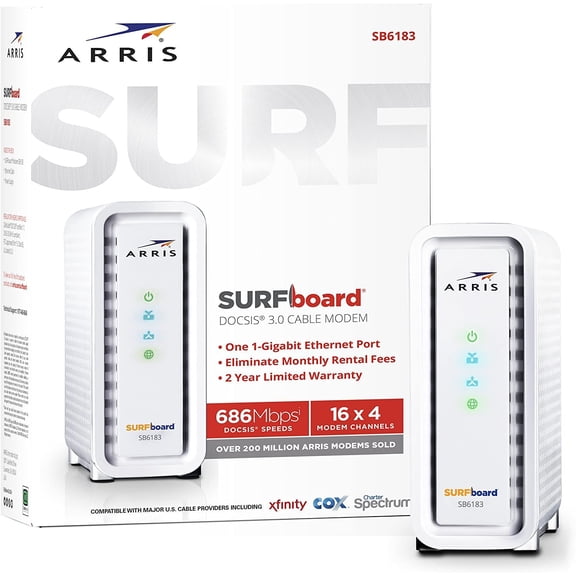
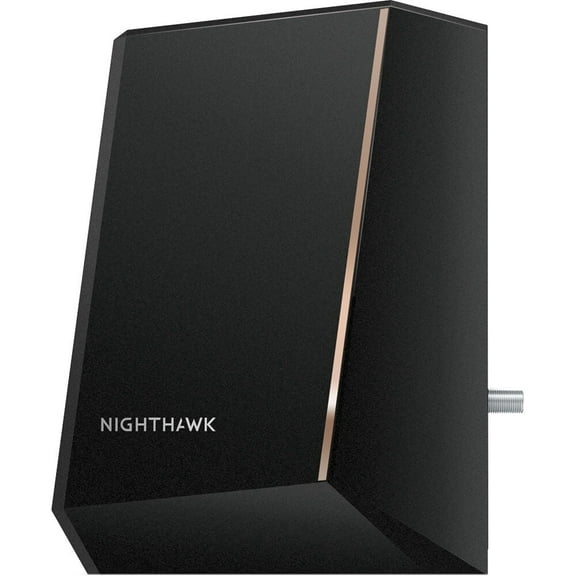
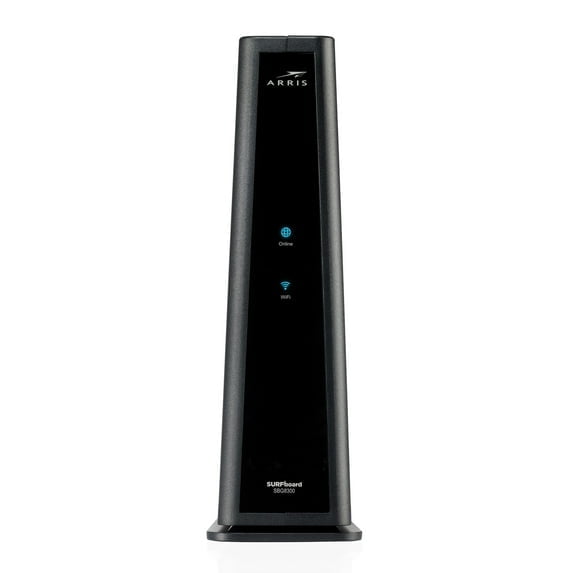
- You can choose a cable modem for many cable internet plans from major providers.
- You can choose a DSL modem when your service runs through phone-line infrastructure.
- You can choose a fiber modem or gateway when your service uses fiber-based equipment.
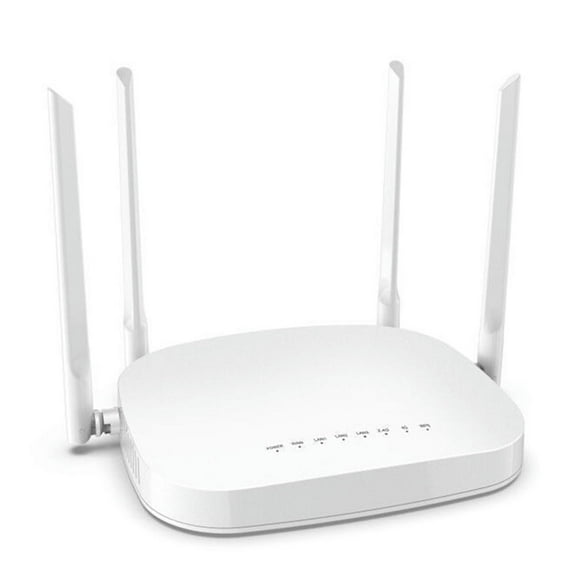
- You can choose a modem router combo when you want one box for internet access and WiFi.
If you want fewer cables on a desk or shelf, you may lean toward an all-in-one unit. If you want separate upgrades later, you may prefer a modem and router setup.
Choosing cable modems and DOCSIS standards
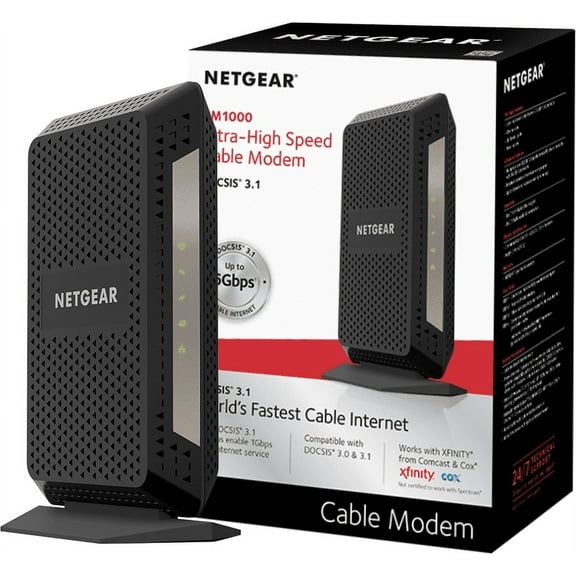
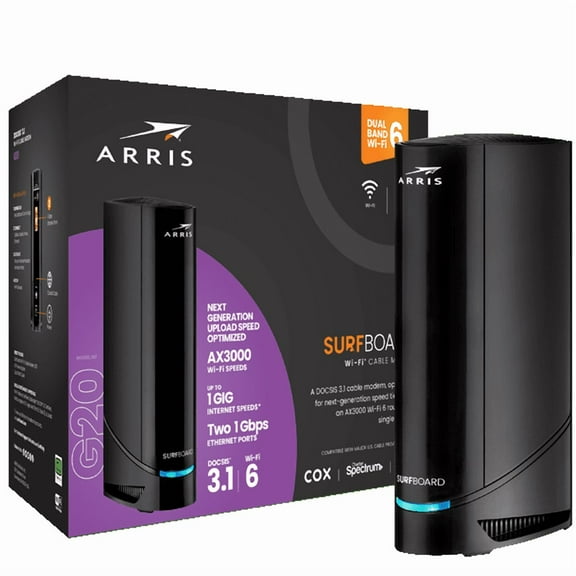
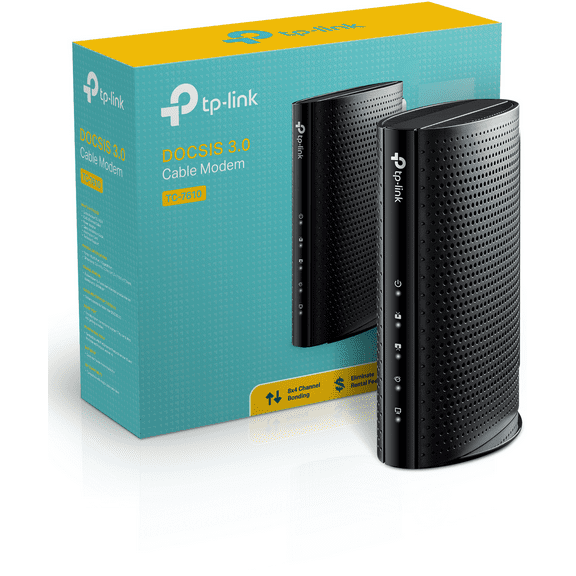
You should check DOCSIS before you choose cable modems for your plan. DOCSIS 3.0 can fit many lower speed tiers, while DOCSIS 3.1 supports newer high speed modems.
If you stream, game, and connect many devices, you may want DOCSIS 3.1 for extra headroom. If your provider supports newer plans, you should also watch for DOCSIS 4.0 readiness.
When you compare standards, you should pair the technical term with your actual internet package. A modem with higher capacity helps you use your subscribed speed without creating a bottleneck.
You should also review Ethernet ports when you use wired devices like desktops, consoles, or mesh nodes. Gigabit Ethernet fits many homes, while 2.5G ports can support multi-gigabit service.
Checking internet modems for ISP compatibility
You should confirm approved provider lists before you choose internet modems for your home. Compatibility matters because your provider may require specific models, standards, or activation support.
If you use Xfinity, Spectrum, Cox, or CenturyLink, you should look for clear compatibility details. You can often narrow choices faster when you match your provider first and features second.
When you replace a rental gateway, you should check whether your service needs voice support or a separate router. You should also confirm whether your provider supports customer-owned equipment on your plan tier.
Compatible modems can make setup smoother because you start with hardware your provider recognizes. You should still verify current approval details, since provider lists can change over time.
Comparing wifi modems and modem router combo options
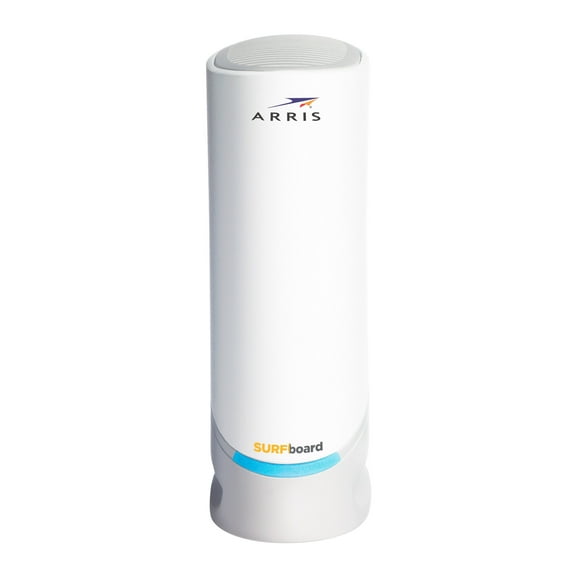
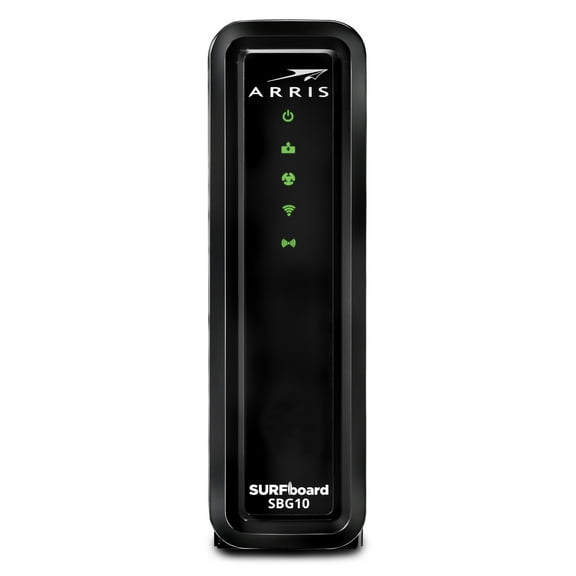
You may prefer wifi modems or a modem router combo when you want one device to handle internet and wireless coverage. That approach can simplify placement, cables, and basic setup.
If you want more control over coverage, you may choose separate devices instead. You can then upgrade your router later without replacing the modem connected to your provider.
You should compare WiFi support, Ethernet port count, and placement needs when you choose an all-in-one unit. A combo can work well in smaller homes, apartments, or single-room setups.
If you use a larger home or mesh system, you may prefer a standalone modem. That choice can fit better when your router handles advanced settings, stronger coverage, or more wired connections.
Matching speed tiers and wired connections
You should match your modem's maximum speed capacity to the internet plan you pay for each month. Under 500 Mbps models can fit lighter browsing, while one Gbps models fit heavier streaming and gaming.
If your plan reaches multi-gigabit levels, you should look for hardware rated for 2.5 Gbps or higher. You should also check for a 2.5G Ethernet port, so your wired connection can use that capacity.
When you work from home, you may want extra wired stability for a desktop or docking station. If you game on a console, you may also prefer available Ethernet ports for direct connections.
You should compare your current plan, device count, and provider requirements before you choose. That approach helps you find modems that fit your service, your space, and your everyday setup.
With the right modem type, DOCSIS standard, and compatibility details, you can avoid guesswork during setup. You can finish with hardware that matches your provider, supports your speed tier, and keeps your network running smoothly.