

Network Switches & Ethernet Switches













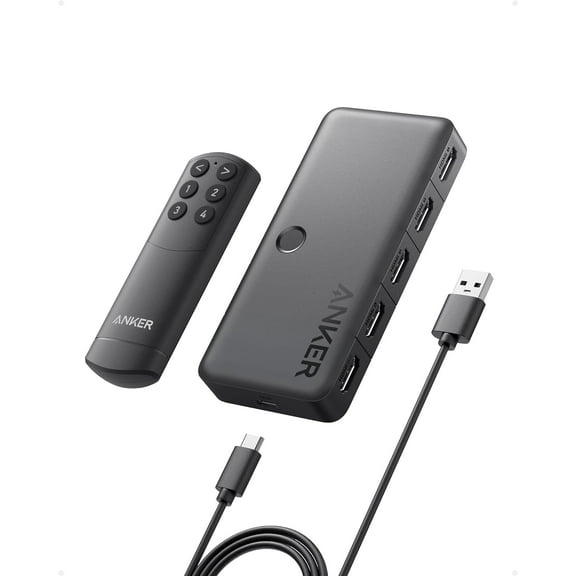

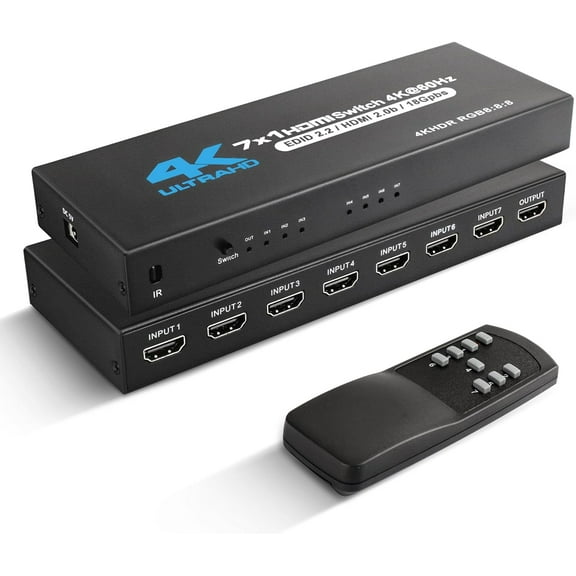


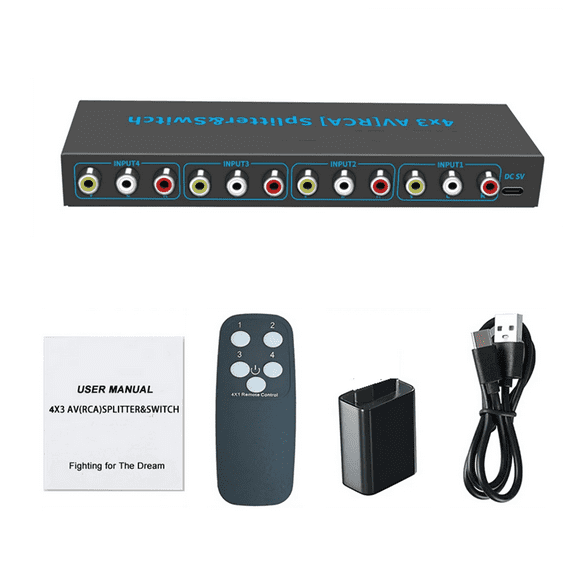
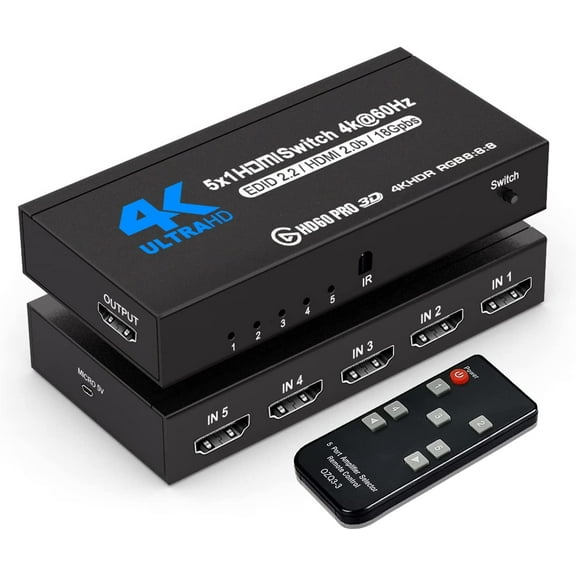








About Network Switches & Ethernet Switches - Walmart.com
You can compare network switches more easily when you focus on port count, speed, management type, and PoE support. Your choice can shape how smoothly your home office, storefront, or shared workspace stays connected.
If you're replacing a crowded router setup, network switches give you more wired connections without changing your internet plan. You can also find options that match simple plug-and-play needs or more advanced network control.
How to choose network switches for your setup
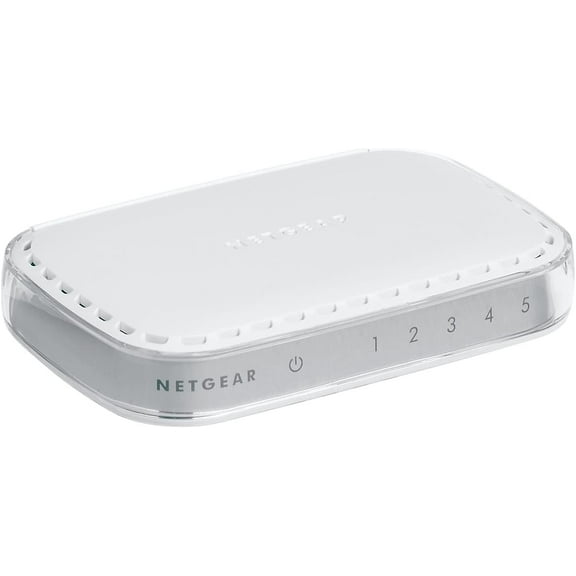
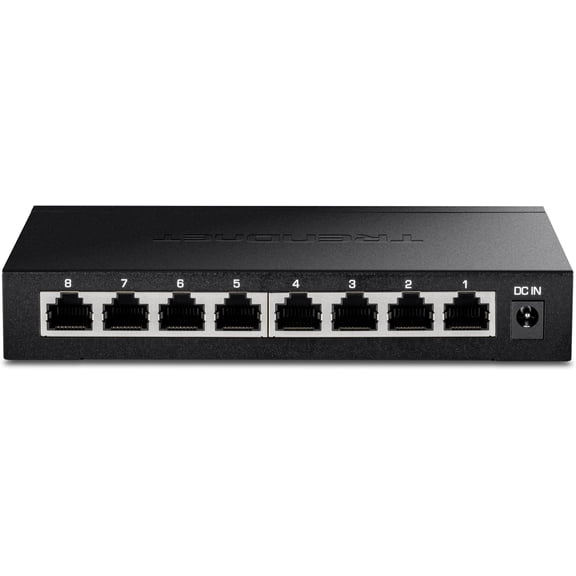
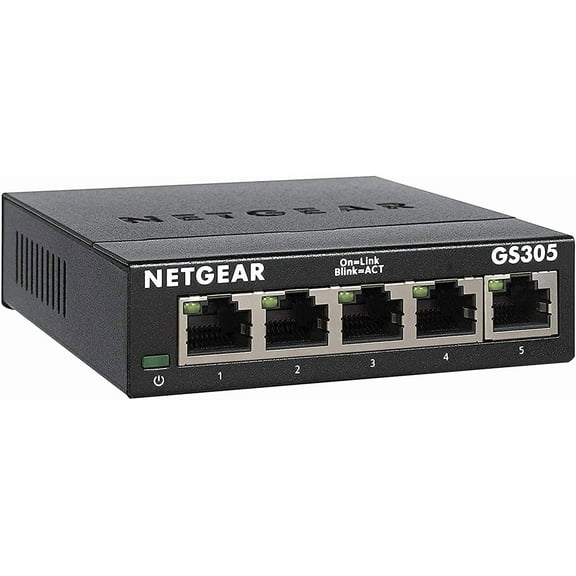
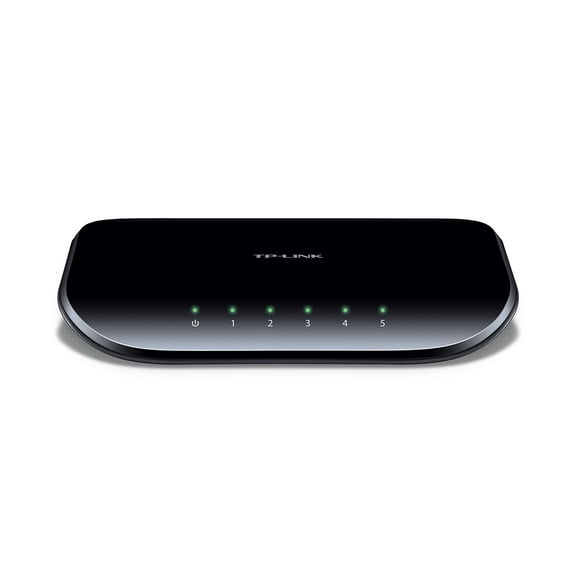
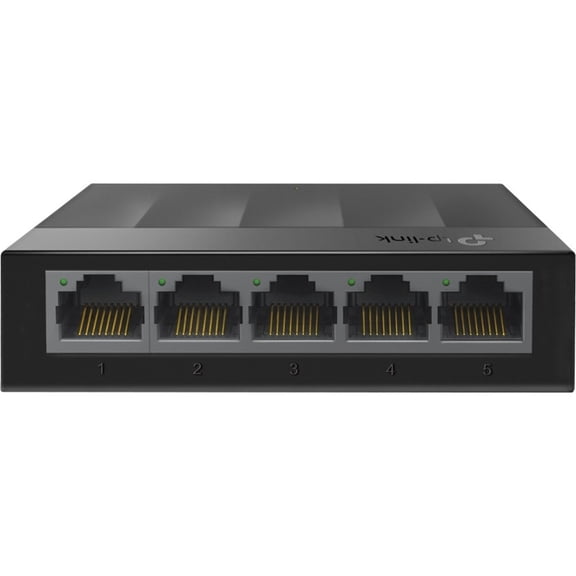
You should start with the number of devices you need to connect each day. You can choose five-port or eight-port models for small desks, printers, consoles, and streaming boxes.
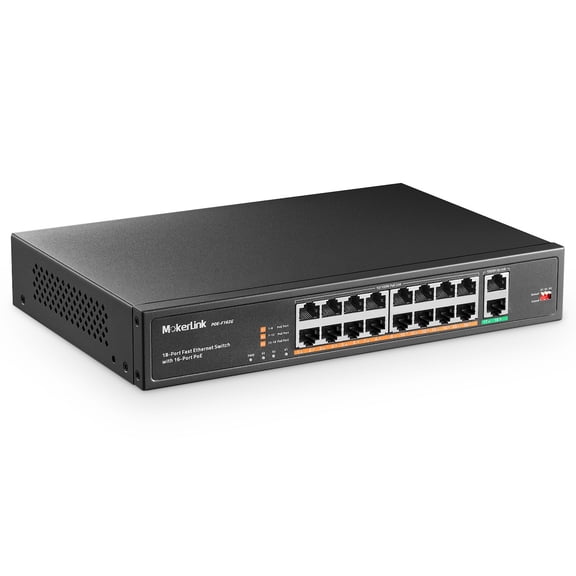
If you're wiring several workstations, cameras, or shared devices, you may need 16-port or 24-port options. You should consider 48-port models when your rack, office floor, or business network keeps expanding.
Your port count affects cable planning, future device additions, and how clean your setup feels. You can avoid stacking extra hardware when your switch has enough ethernet ports from the start.
- You can connect more wired devices with fewer connection bottlenecks.
- You can keep desktops, printers, access points, and media devices on stable wired links.
- You can choose a size that fits a desk, cabinet, or network rack.
- You can leave open ports for future devices and easier expansion.
You should also think about where your switch will sit before you choose a size. Your desk setup may suit compact models, while your equipment closet may need a rack-ready format.
Choosing managed network switches or unmanaged switches
You should compare management type before you choose a switch for home or business use. You may prefer unmanaged switches when you want quick setup and straightforward everyday connectivity.
If you want more control, managed network switches can help you organize traffic across your network. You can use settings like VLAN support, monitoring, and port controls for more customized performance.
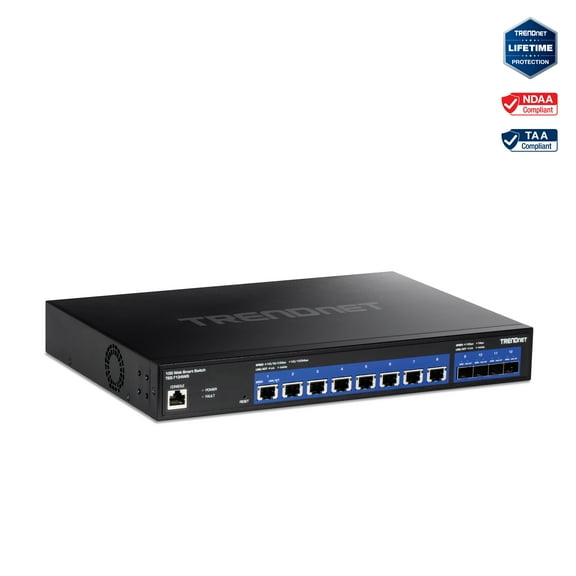
You may also see smart managed options that sit between basic and fully managed models. You get more oversight than unmanaged switches, while setup stays simpler than advanced enterprise gear.
When you compare these types, you should match them to your comfort level and network goals. You can avoid extra complexity, or you can choose room for future configuration needs.
Comparing gigabit ethernet switches and speed options
You should check speed next because it affects file transfers, shared devices, and local network responsiveness. You may see gigabit ethernet switches as a practical fit for modern homes and offices.
If you move large files, stream high-resolution content, or share storage, gigabit speeds can feel responsive. You may still consider Fast Ethernet for lighter tasks and older equipment compatibility.
You may also find 10G options when your setup handles demanding creative work or busy multiuser traffic. You should compare your router, cabling, and connected devices so your switch speed matches your network.
When you read speed specs, you should think about your local network, not only your internet plan. You can improve device-to-device transfers even when your internet service stays the same.
Understanding poe switches and power needs
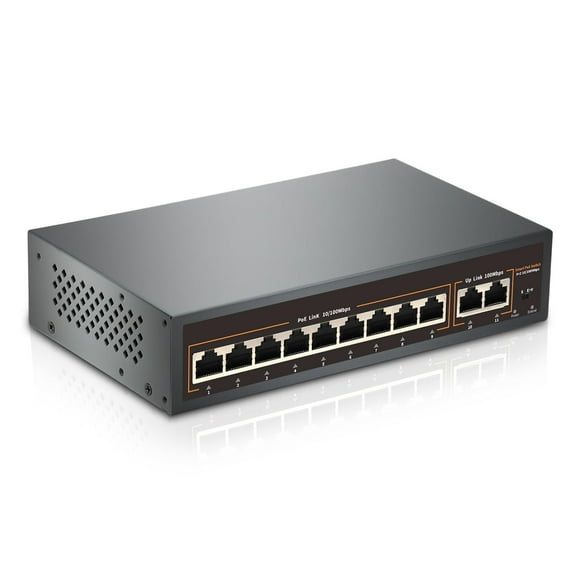
You should look at power needs before you choose among poe switches and non-PoE models. You can power compatible devices through the network cable, which helps reduce extra power adapters.
If you're connecting access points, IP cameras, or VoIP phones, PoE can simplify your installation. You can get a cleaner setup when both data and power travel through one cable.
You may also see PoE+ when your devices need higher power delivery than standard PoE. You should check whether your equipment supports PoE, PoE+, or needs a non-PoE connection.
For simpler desktop connections, non-PoE switches may fit what you need without added power features. You can focus on port count and speed when your devices already use separate power sources.
Matching network switches to real-world use cases
You might choose a five-port or eight-port switch for a gaming room, home office, or media setup. You can add wired connections for consoles, computers, smart TVs, and network storage.
If you're supporting a small business, you may prefer 16-port or 24-port models with gigabit speeds. You can connect registers, office PCs, printers, and wireless access points with a more organized layout.
For surveillance or ceiling-mounted access points, you should consider poe switches with enough powered ports. You can make installation simpler when your cameras or access points don't need separate nearby outlets.
If your team needs traffic control or segmented device groups, managed network switches may suit your environment. You can separate guest traffic, office devices, and shared equipment with more intentional network planning.
You should also think about related gear when you build a wired network that performs consistently. You can pair your switch with ethernet cables, routers, and network cards that match your speed goals.
With the right mix of ports, speed, management, and PoE, you can build a network that fits your space. You can keep your devices connected with less clutter and more predictable everyday performance.
Popular in Network Switches & Ethernet Switches - Walmart.com
- Network Switches Gaming
- Network Hub Or Switch
- Gigabit Ethernet Usb Device Server
- Avocent Access Points, Hubs & Switches
- Network Hub Switch
- Wireless Kvm
- Network Switch Port
- Cablewholesale Access Points, Hubs & Switches
- Gigabit Hub
- Poe Splitter Usb
- Digi Access Points, Hubs & Switches
- Edimax Computer Access Points, Hubs & Switches