









PC Gaming Components & Gaming PC Parts | Walmart



















About PC Gaming Components & Gaming PC Parts | Walmart - Walmart.com
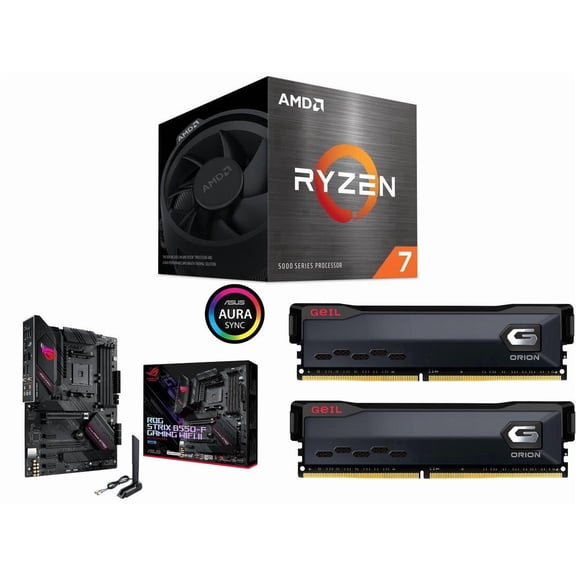
With pc gaming components, you can build a rig that matches your games, your space, and your upgrade plans. You can compare core parts like graphics cards, processors, motherboards, power supplies, and pc cases in one place.
If you're replacing one part or planning a full setup, you need choices that work together. You can use this guide to compare compatibility, performance tiers, cooling styles, and fit before you build.
How to choose pc gaming components
When you compare pc gaming components, you should start with the parts that shape your whole build. You should check your processor socket, motherboard support, graphics card size, and power supply capacity first.
Your component type decides how your system performs and how your case comes together. You can focus on graphics cards for visual detail, processors for game logic, and motherboards for expansion paths.
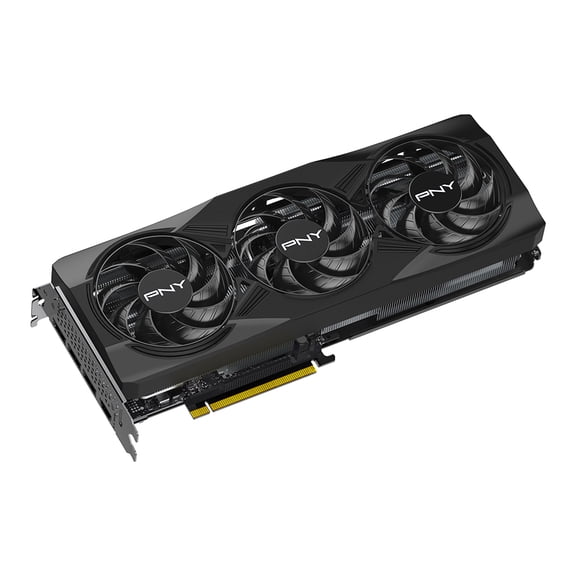
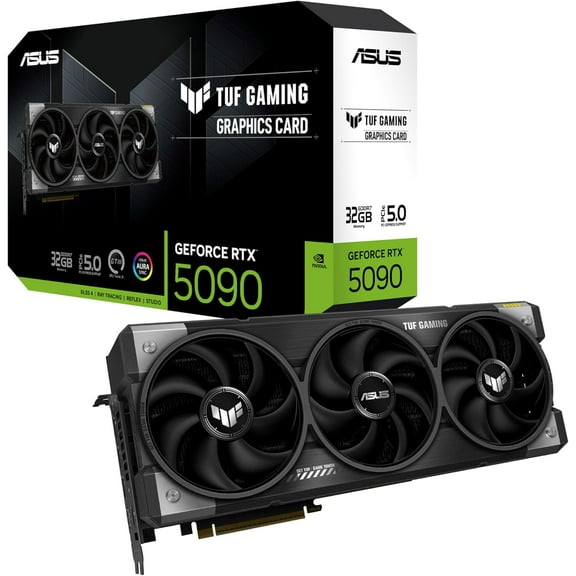
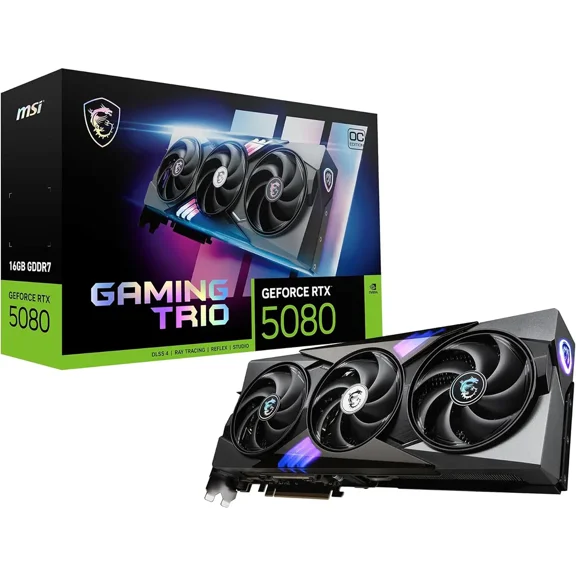
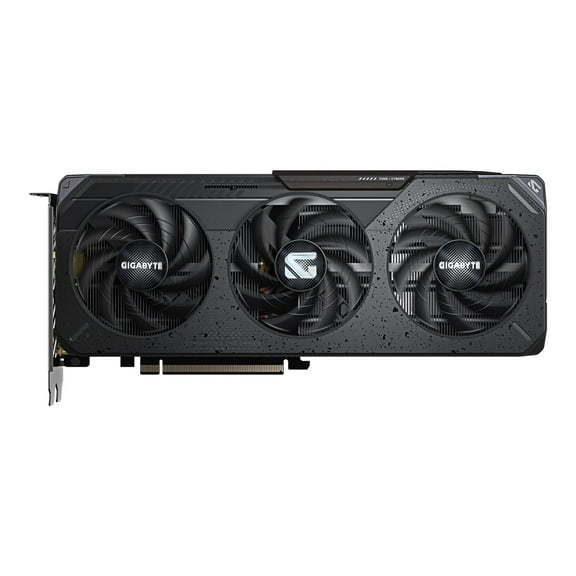
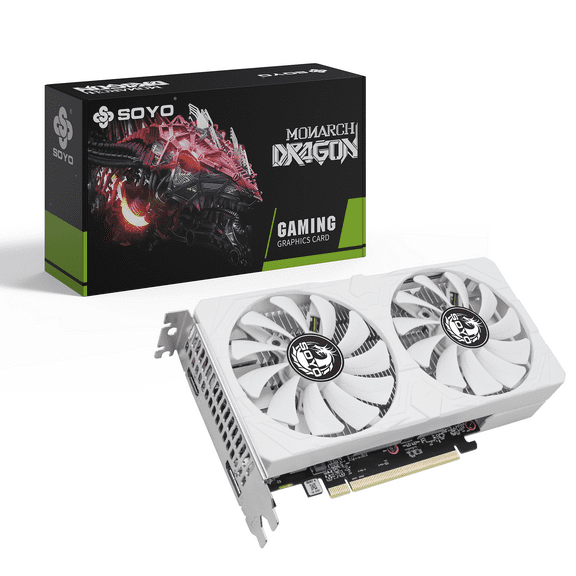
- You can choose graphics cards based on your target resolution, refresh rate, and connector needs.
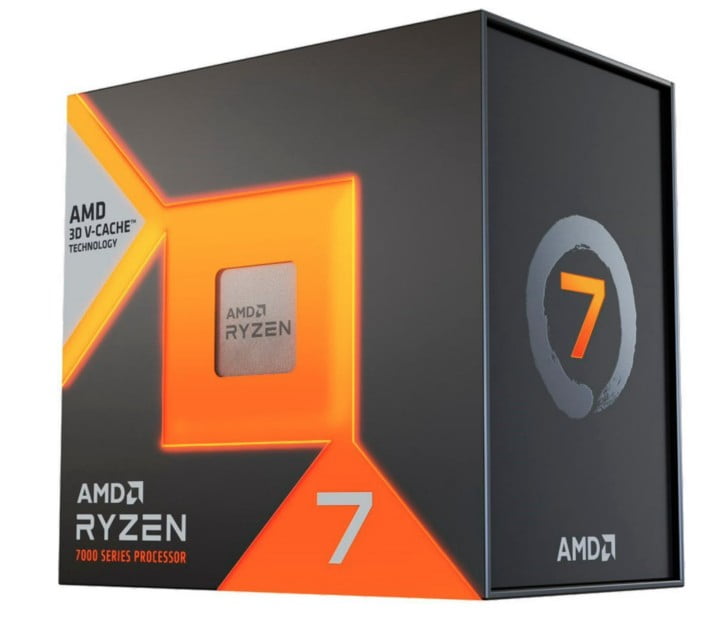
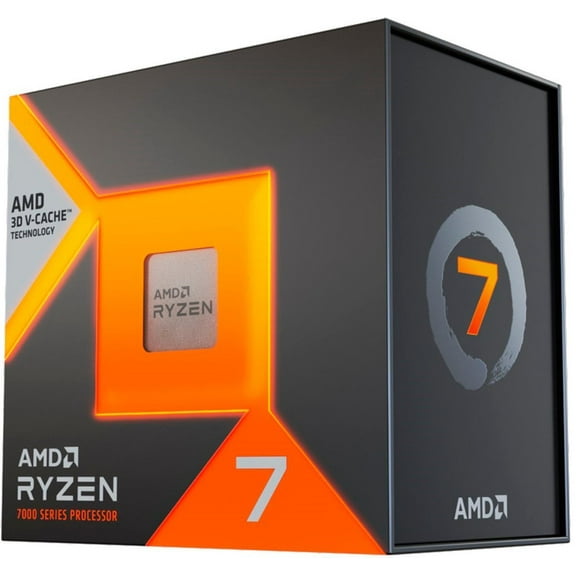
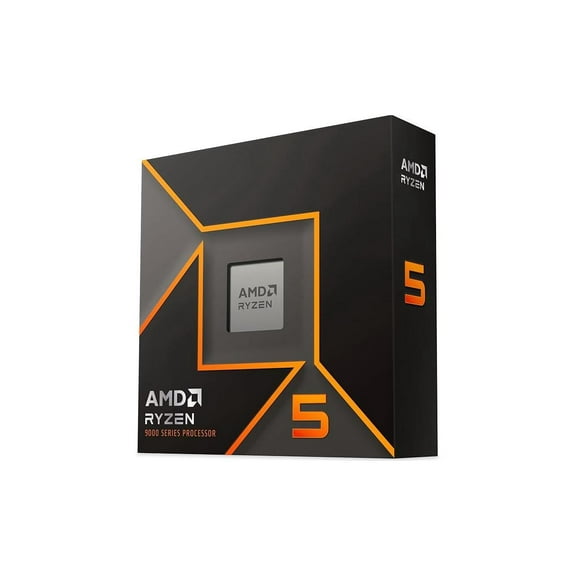
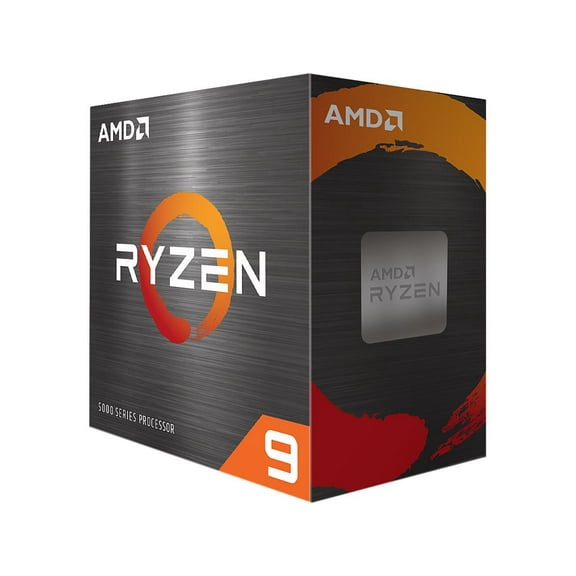
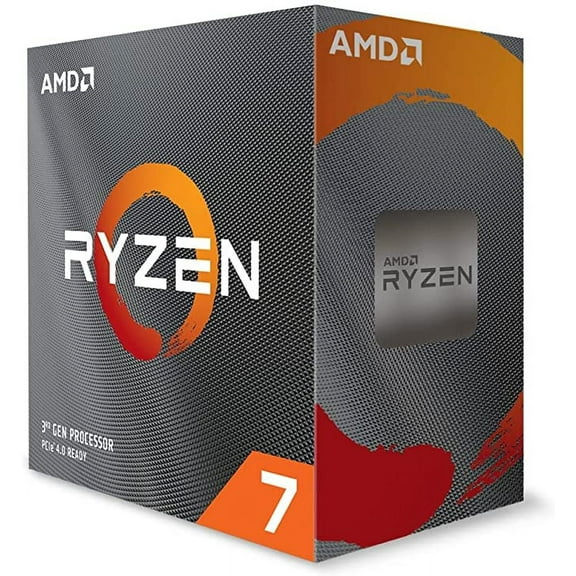
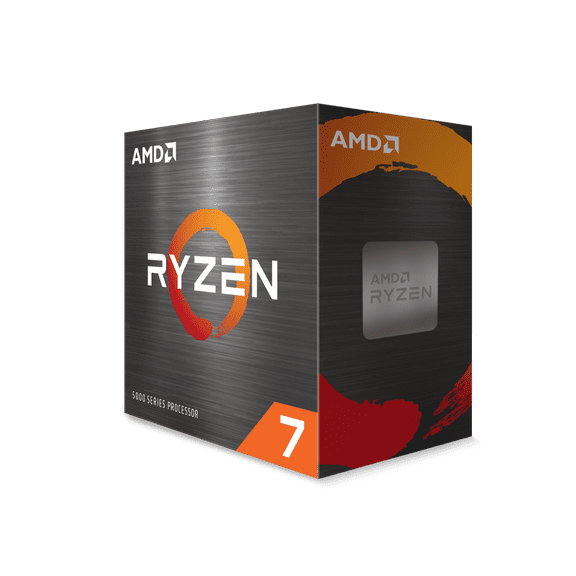
- You can compare processors by core counts, platform support, and your preferred game library.
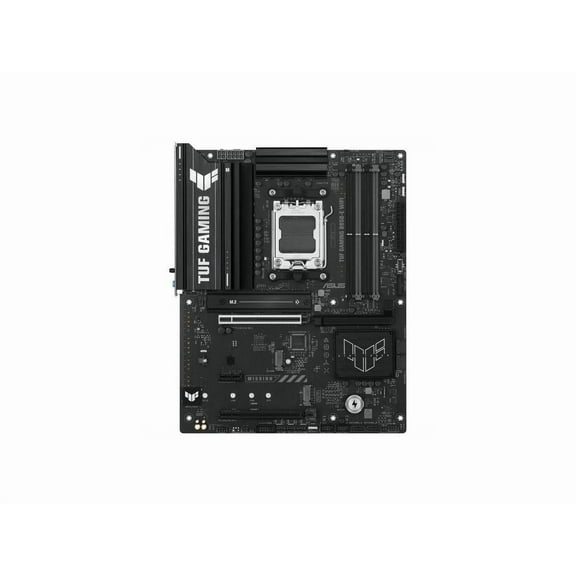
- You can match motherboards to socket type, RAM generation, storage slots, and case form factor.
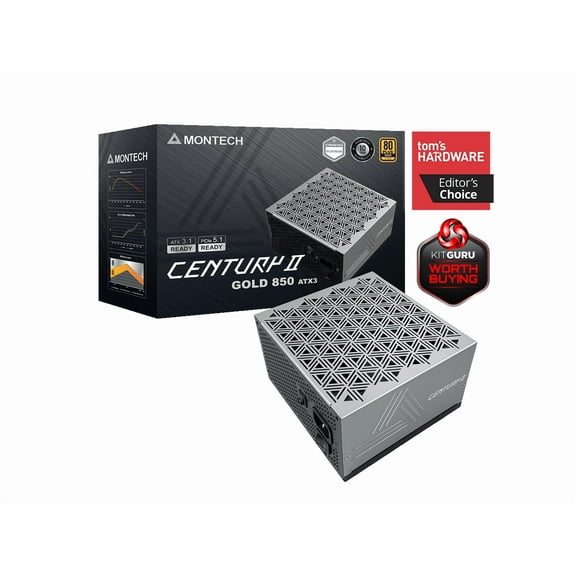
- You can check power supplies for wattage headroom, cable design, and connector support.
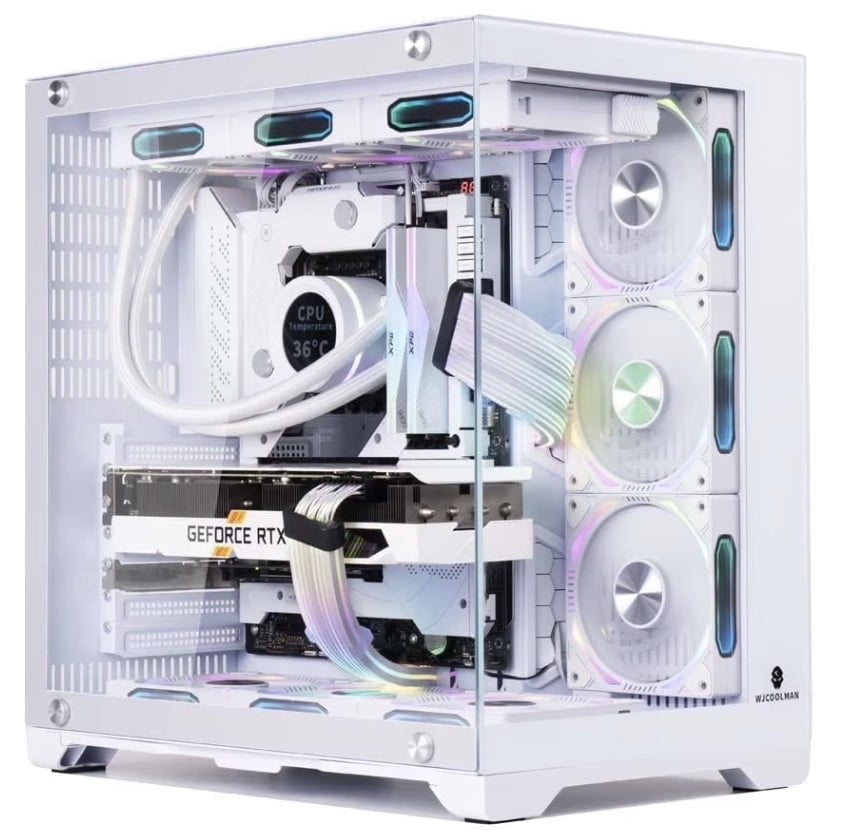
- You can select pc cases by airflow layout, radiator room, and clearance for longer cards.
If you want easier upgrades later, you should leave room in your power budget and case layout. You can avoid rebuild headaches when your motherboard, cooler, and graphics card share the same standards.
Choosing gaming pc parts by compatibility
Compatibility matters because your gaming pc parts must connect cleanly before they can perform well. You should compare Intel LGA 1700 and AMD AM5 platforms before you choose a motherboard.
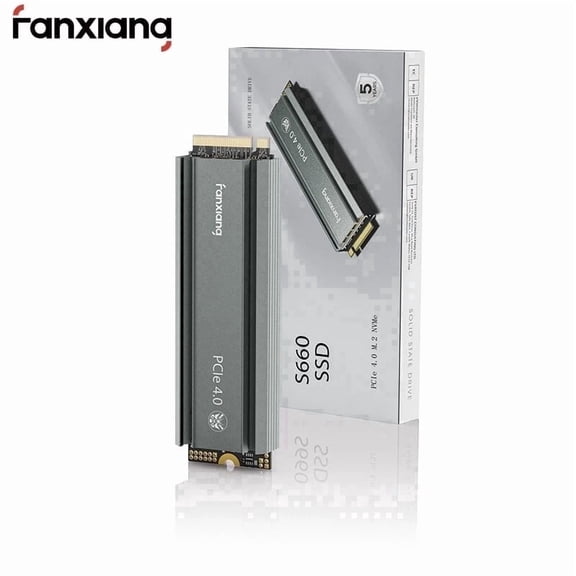
Your motherboard also determines whether you can use DDR5 memory and PCIe 4.0 expansion. You should check those standards early, because they affect storage speed, graphics card bandwidth, and future upgrades.
When you review power supplies, you should estimate total system power draw and leave extra capacity. You can look at wattage, connector count, and efficiency ratings to support stable performance.
Your case dimensions deserve the same attention as your internal parts list. You should measure motherboard size, GPU length, and cooler height so your pc build components fit without guesswork.
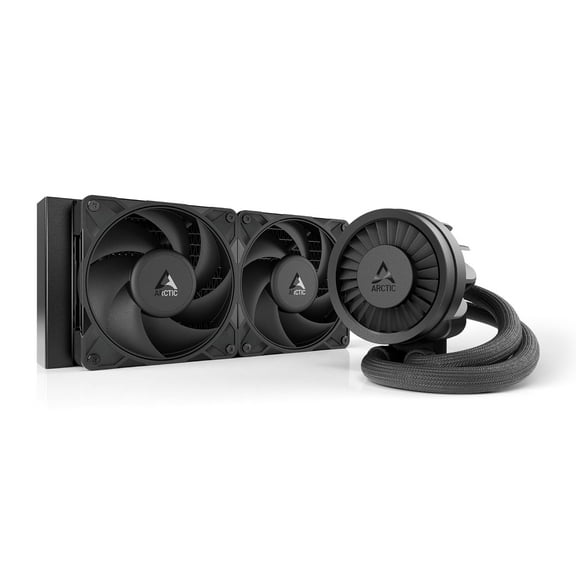
If you plan to use air cooling, you should confirm tower cooler clearance and fan placement. If you prefer liquid cooling, you should check radiator support at the front, top, or side.
Understanding computer components for gaming performance tiers
You can narrow computer components for gaming by deciding how you want your games to look and feel. You should compare entry-level, mid-range, high-end, and enthusiast parts against your monitor resolution.
If you play esports titles, you may want gaming cpus and gaming graphics cards that support high frame rates. If you play larger single-player worlds, you may focus on visual settings and texture capacity.
Your entry-level build can target everyday play with simpler settings and a modest power requirement. Your mid-range build can balance stronger visuals, smoother motion, and broader upgrade flexibility.
If you want high-end or enthusiast hardware, you should expect larger coolers, higher wattage needs, and more demanding case clearance. You can also plan for stronger airflow when you pair powerful processors with larger graphics cards.
Cooling style changes your day-to-day build experience as much as raw speed. You can choose fan cooling for straightforward installation, air cooling for familiar maintenance, or liquid cooling for tighter heat control.
Matching pc build components to your setup
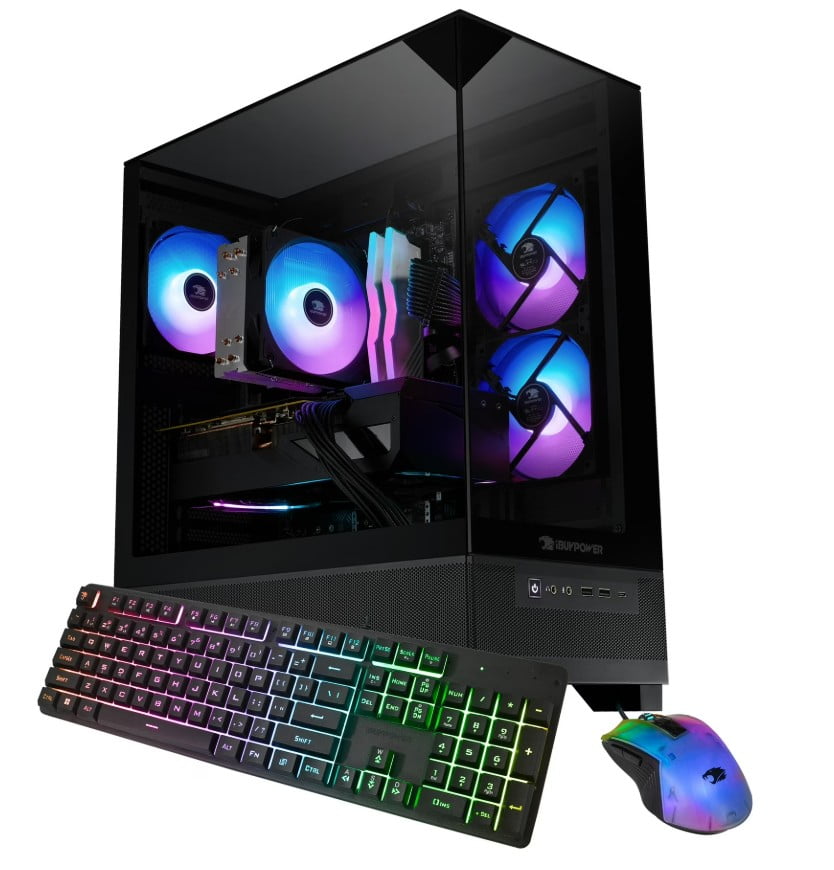
You can match pc build components to your room, desk, and gaming habits by thinking about real use cases. You should compare compact cases for smaller spaces and larger towers for expansion room.
If you're upgrading an older system, you may only need a new graphics card, power supply, or processor platform. You should verify socket support, connector needs, and available clearance before you replace anything.
Your first custom build may benefit from a clear path through the major decisions. You can start with a processor platform, choose a compatible motherboard, add memory support, then size your case and power supply.
If you stream, multitask, or edit clips between matches, you may want extra cores and stronger cooling. You should also check motherboard ports, storage slots, and expansion room for capture cards or fast drives.
For family setups or shared gaming spaces, you may prefer balanced parts that fit several game types. You can choose hardware that supports smooth play now and leaves room for later upgrades.
When you compare gaming pc parts on Walmart.com, you can make a more confident choice by measuring compatibility before performance claims. You can finish with parts that fit together, power on cleanly, and support the games you actually play.