

PC Headsets in Microphones & Headsets





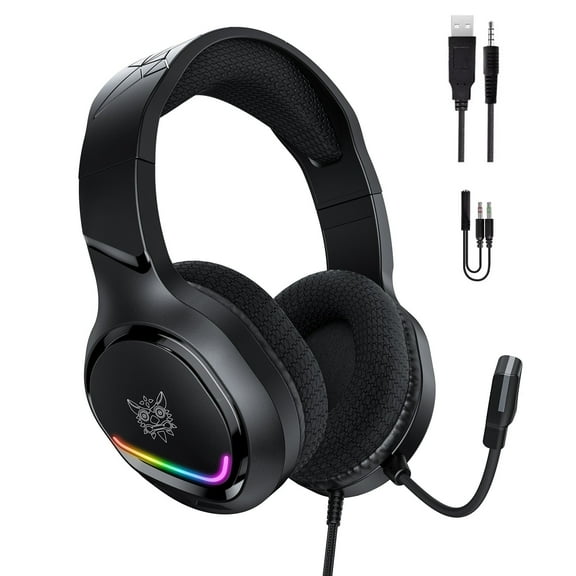
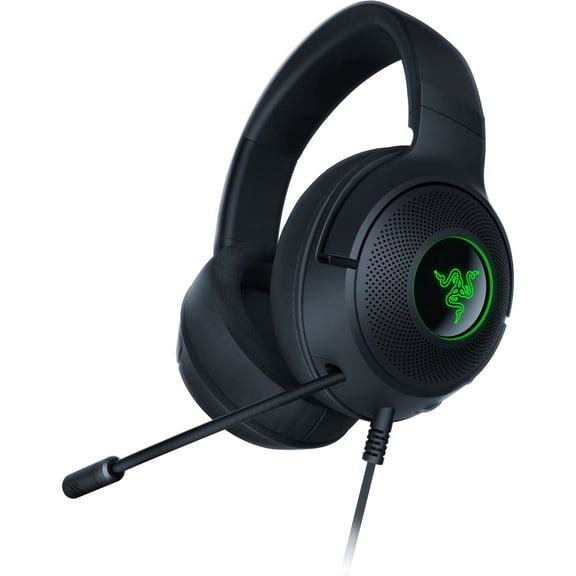
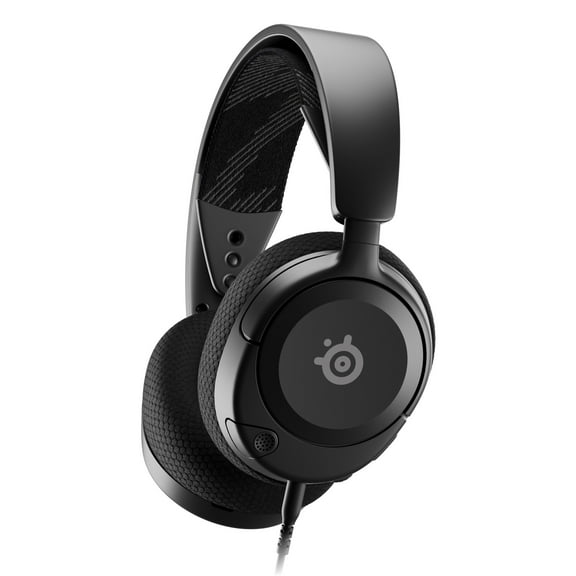
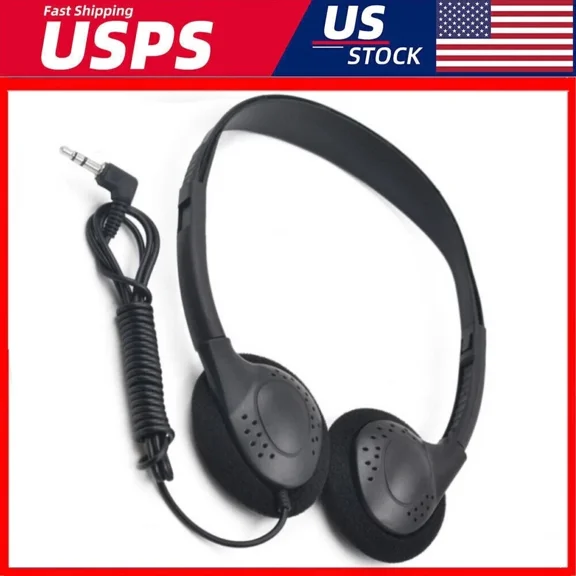
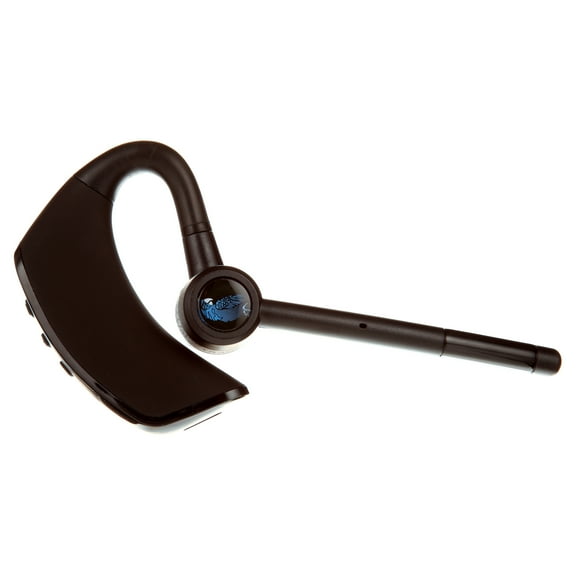
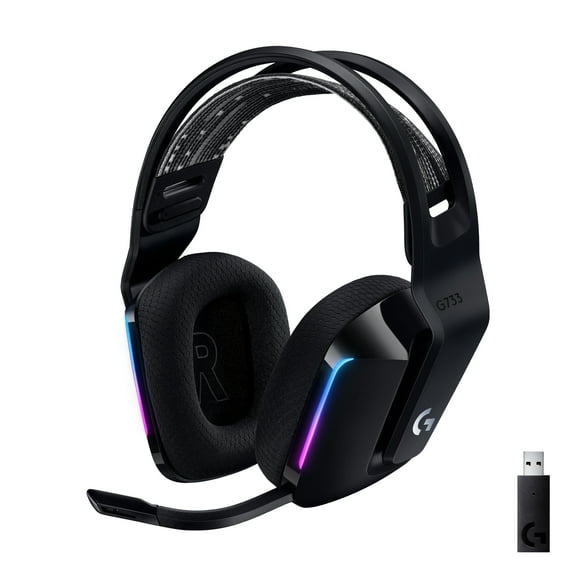
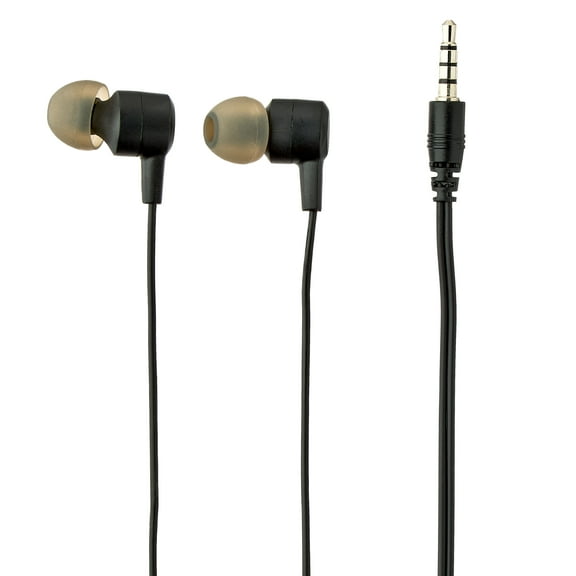


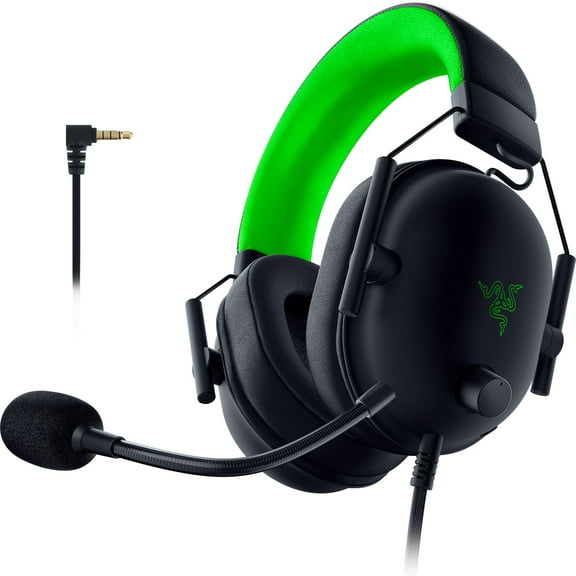



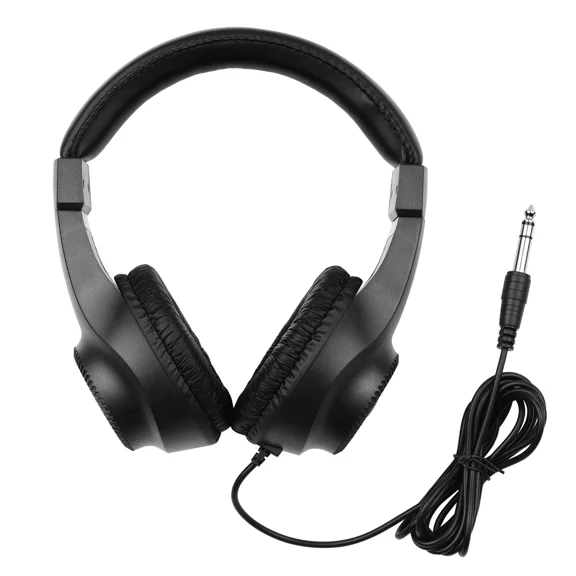
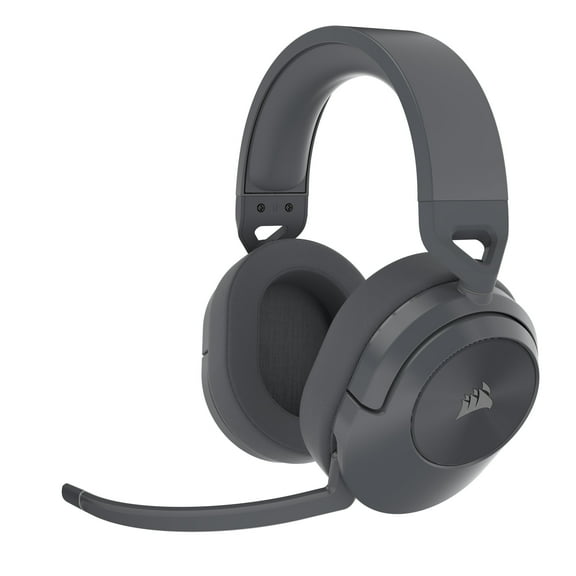
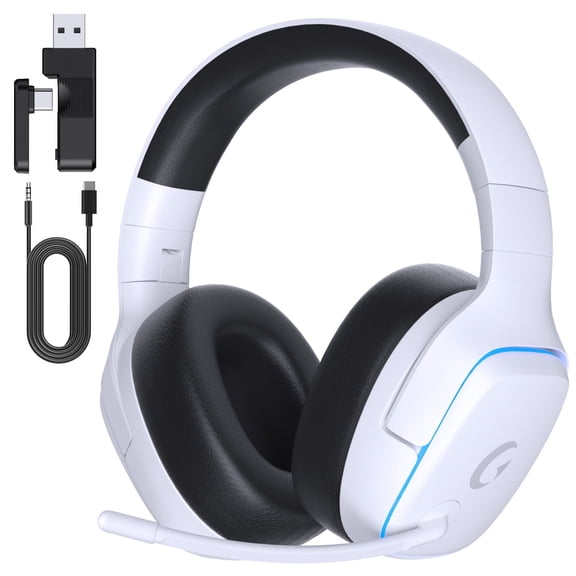


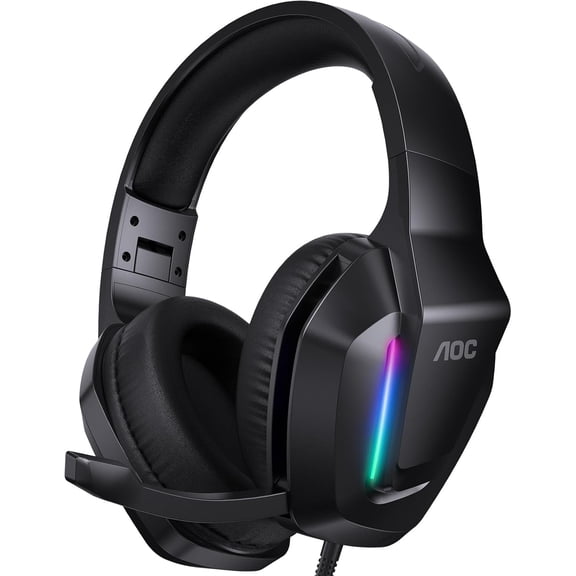


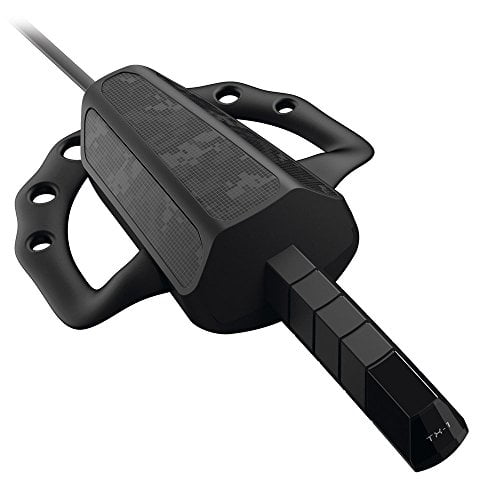
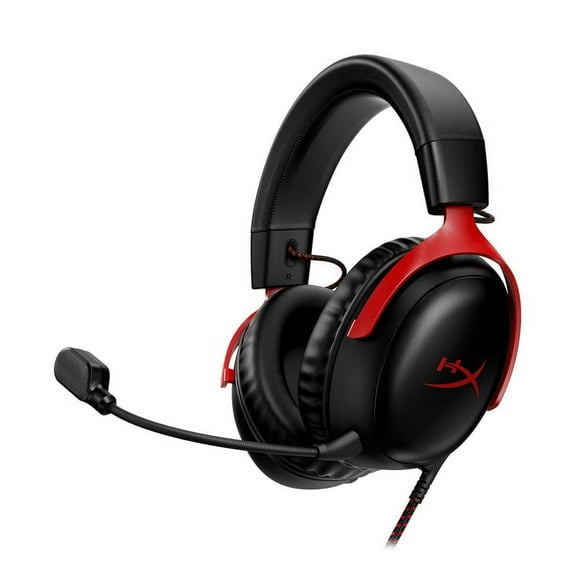


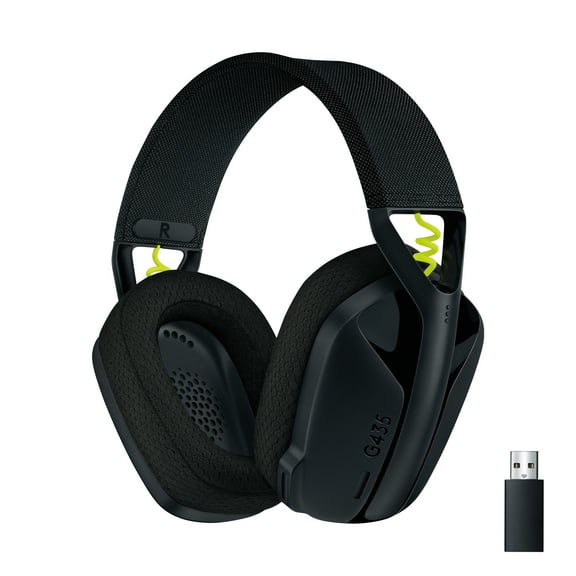


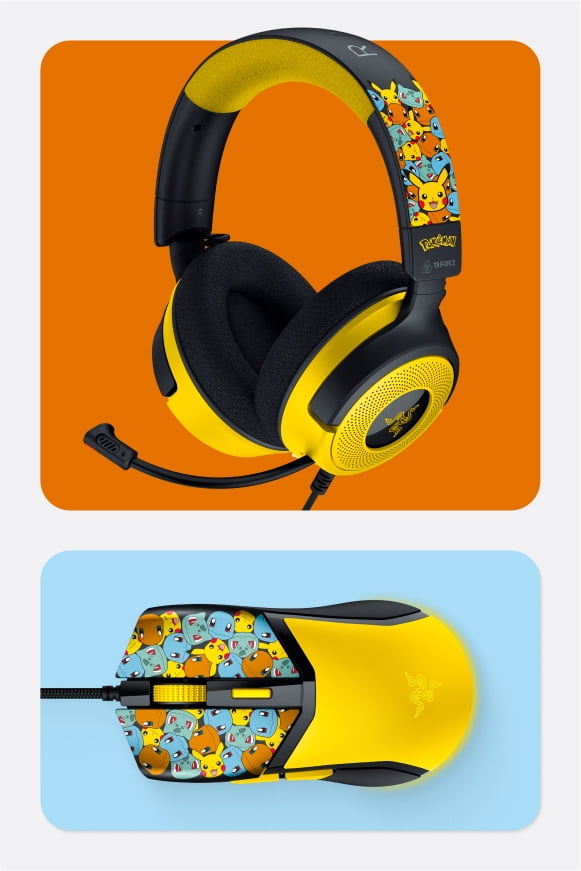
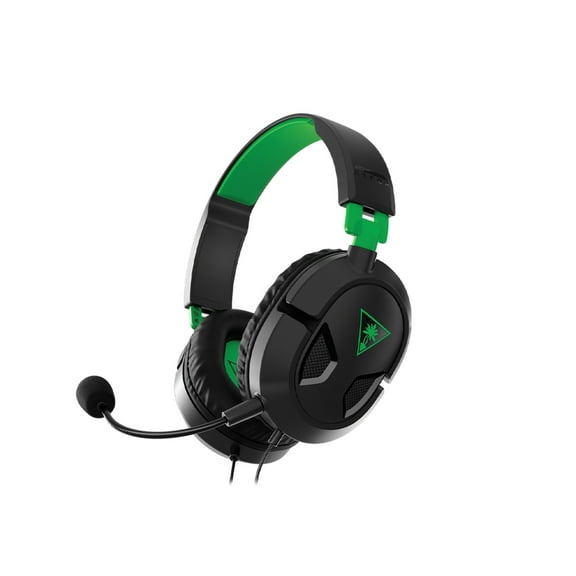


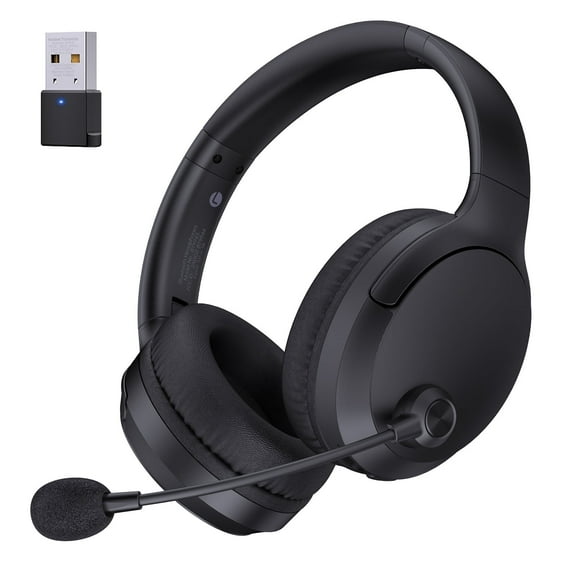
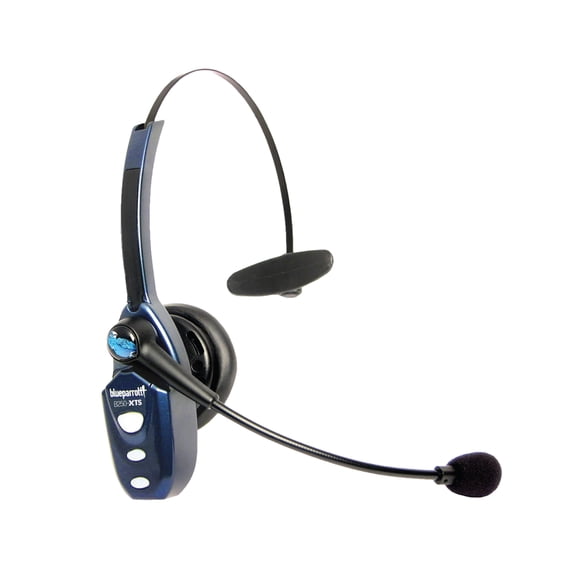
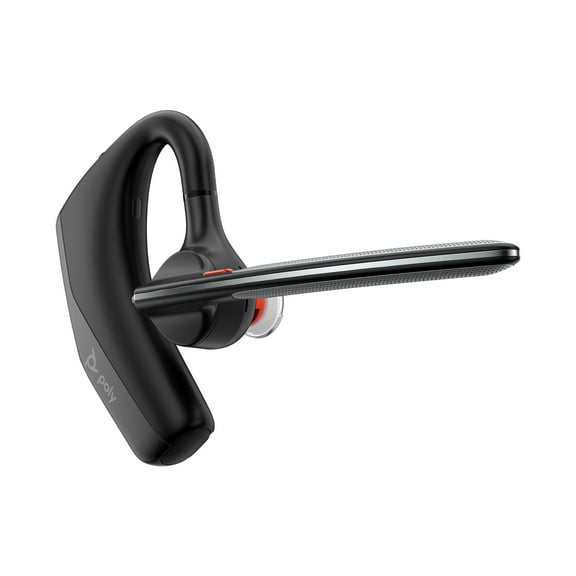


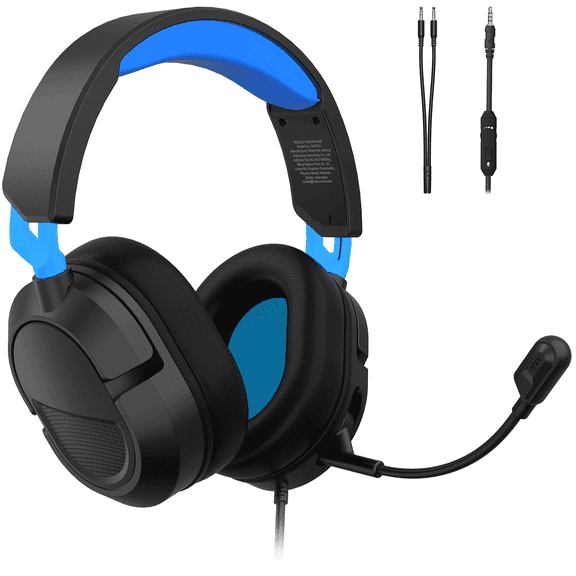


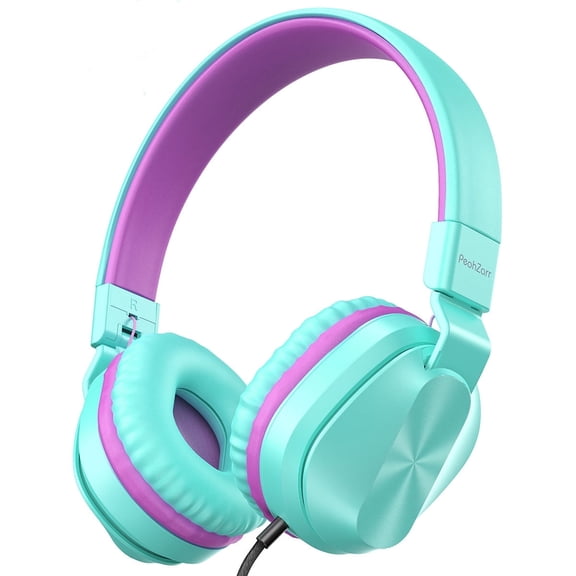


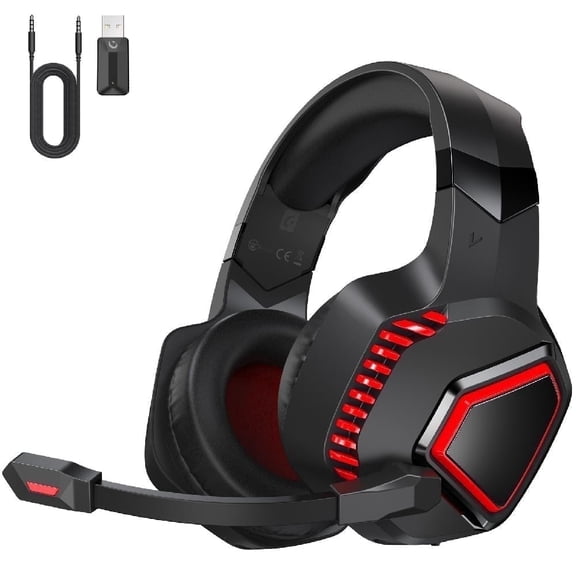










About PC Headsets in Microphones & Headsets - Walmart.com
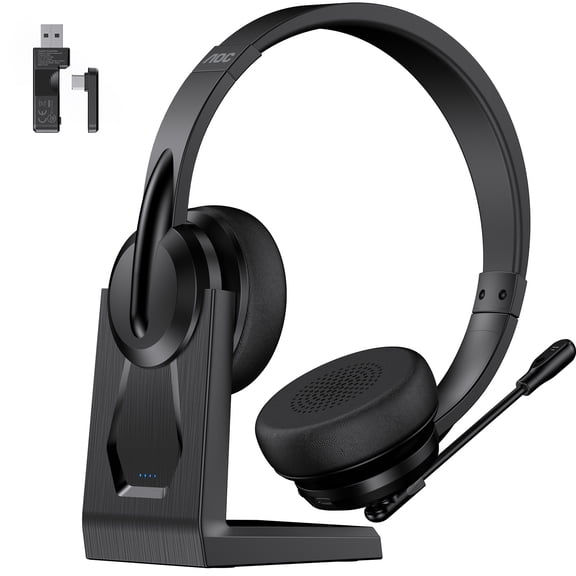
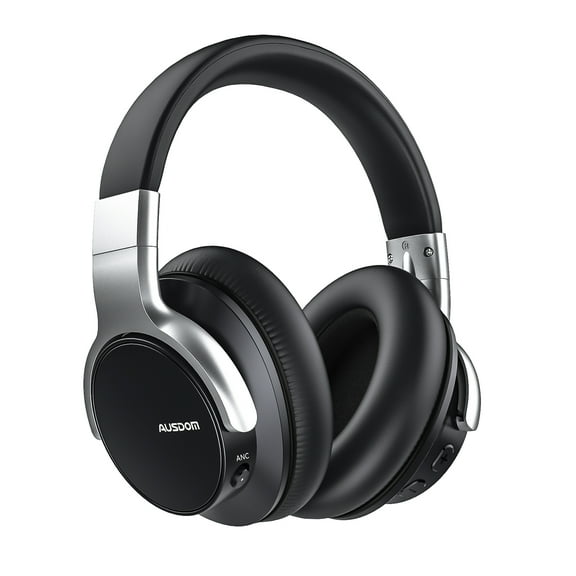
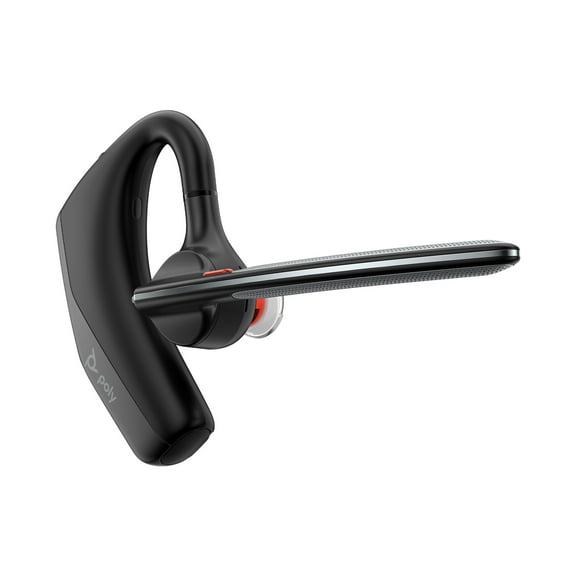
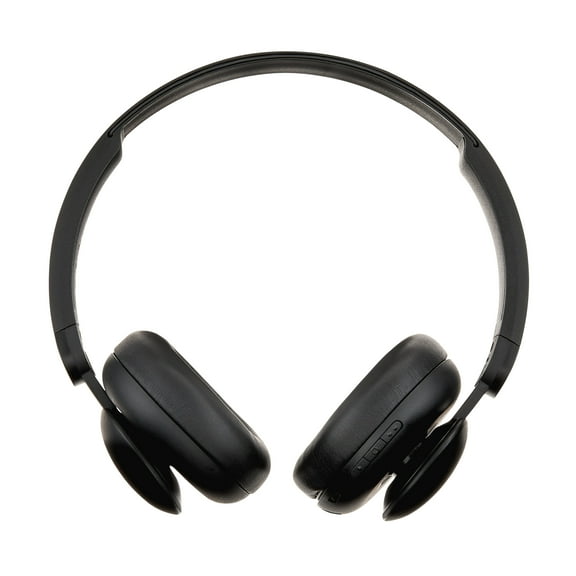
A headset for desktop computer setups helps keep calls clear, game audio focused, and desk sessions comfortable. This category highlights PC-ready designs with mics, practical connectors, and fit options built for desks, towers, and everyday communication.
Why choose a headset for desktop computer use
Desktop listening needs differ from phone audio and living room gear. PC headsets are built for steady wear, close-range microphones, and reliable connection with computer ports.
You get focused sound during meetings, voice chat, and online classes. A dedicated boom mic also helps keep your voice placement consistent as you type, speak, and switch windows.
- Closed-back ear cups help keep keyboard noise and room distractions from taking over your session.
- Adjustable headbands and padded cushions support extended wear at a desk or gaming station.
- Inline controls and on-ear buttons let you manage volume and mute without leaving your screen.
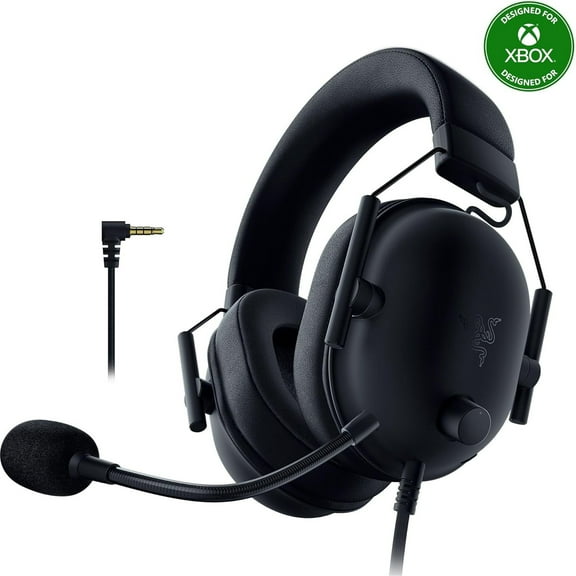
- Built-in microphones make a pc headset with mic practical for calls, chat, streaming, and schoolwork.
Many shoppers also want a single headset that works across work and play. That makes microphone placement, comfort, and connector type especially important on a desktop computer.
PC headset with mic features that matter
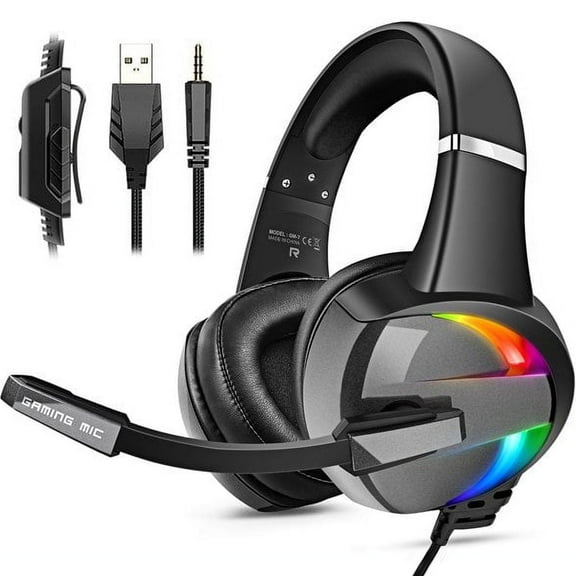
Connection type is one of the first details to check. USB models work well for straightforward computer setup, while 3.5mm options suit devices with standard audio jacks.
A wired headset with mic for pc use can be a strong fit when you want a constant connection. Wired designs also help simplify setup around a fixed desk station.
Microphone style matters too. Boom mics sit closer to your mouth, which makes them useful for game chat, video calls, and clear voice pickup.
Ear cup design can change how the headset feels through the day. Over-ear styles offer broad coverage, while on-ear options can feel lightweight during shorter sessions.
Look at cable length before you choose. Desktop towers often sit below or beside the desk, so extra reach can make everyday placement easier.
Control placement also affects convenience. Quick access to mute and volume is useful when you move between meetings, classes, recordings, and multiplayer sessions.
Wired PC headsets with mic and desktop compatibility
Compatibility goes beyond the product name. A headset with microphone for pc use should match the ports on your desktop, monitor, docking station, or sound card.
Some computers support separate microphone and headphone jacks. Others use one combo port, and many support USB audio through front or rear panel connections.
That’s why connector details matter on this page. Find pc mic headset options for office desktops, workstations, and gaming setups with dedicated accessories.
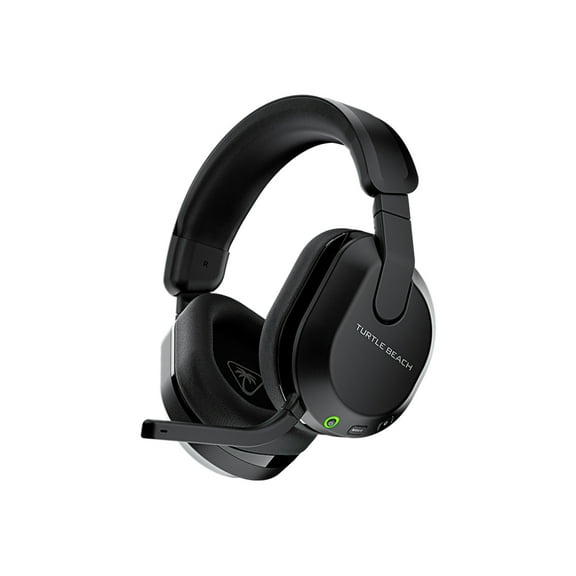
Wireless models can suit clutter-free desks and more movement between screens. Wired choices remain popular for desktop stations where you want plug-in simplicity and fewer charging steps.
Comfort features also support daily use. Breathable ear pads, swivel cups, and adjustable frames help a headset stay practical through repeated calls and long listening blocks.
How shoppers use headphones and microphone for computer setups
Work-from-home users often need steady voice pickup for meetings and client calls. Students use headsets for class lectures, language learning, and shared study spaces.
Gamers often want directional sound and a microphone that stays in place. A pc headset with mic can support team chat, lobby communication, and single-screen focus.
Content creators may prefer headphones and microphone for computer tasks like editing, streaming, and recording voiceovers. Clear monitoring helps when you need to hear details without switching devices.
Households with shared spaces often choose headsets instead of open speakers. That setup helps keep audio personal and helps maintain a quiet room around the desk.
Desktop users also compare fit by routine. Lightweight frames can suit office check-ins, while larger ear cups may feel right for evening gaming or longer study sessions.
If you switch between a work PC and a personal setup, connector flexibility can help. USB and 3.5mm choices make it easier to match your desktop habits.
Choosing the right headset for desktop computer setups
Start with your main use and your computer’s ports. Then compare microphone style, comfort details, and whether a wired or wireless design fits your desk routine.
A headset for desktop computer use should match how you actually listen and speak each day. The right pick supports simple setup, clear voice chat, and comfortable desk time.