

Sticker Label Sheets for Printer & Printer Labels | Walmart







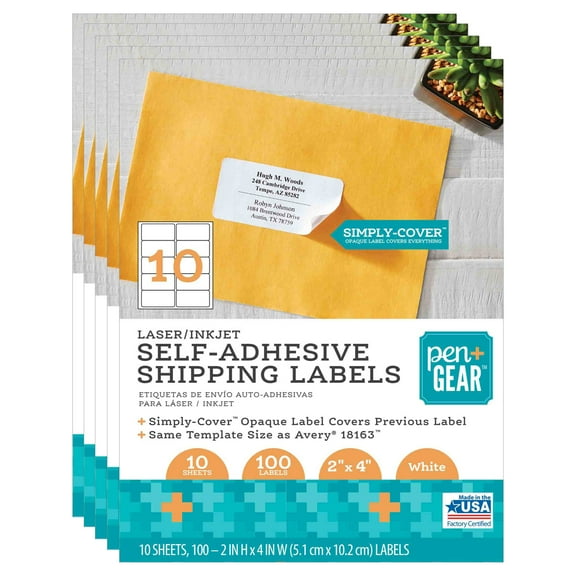

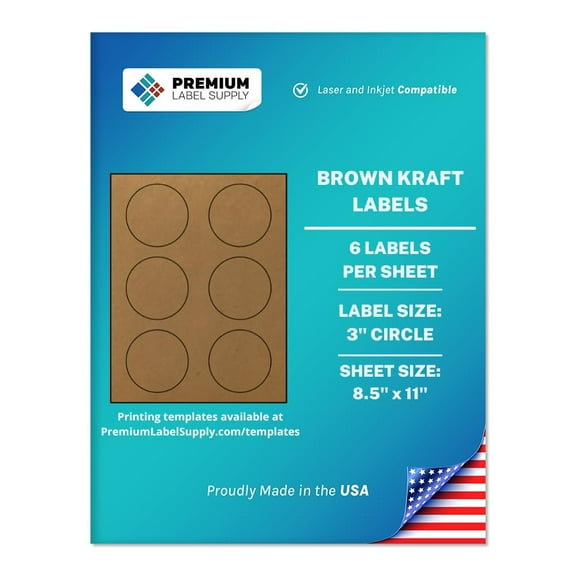
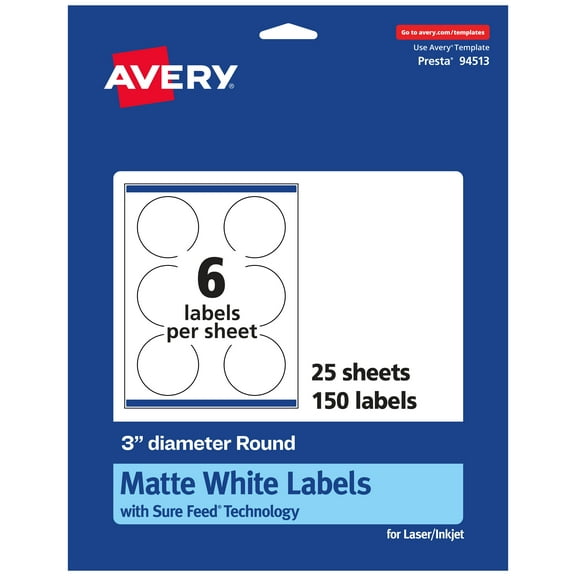


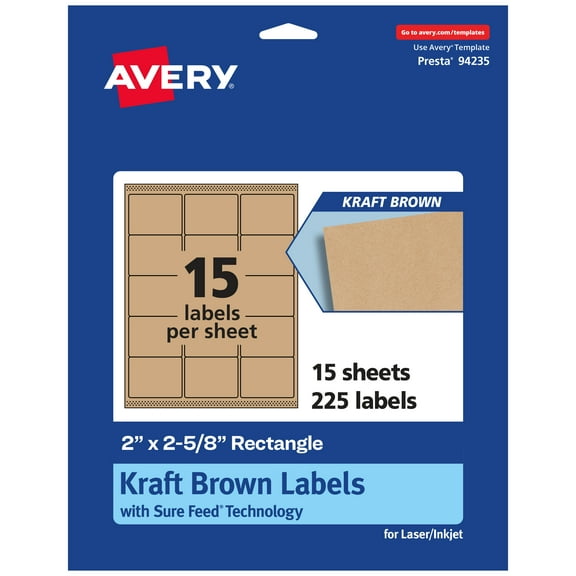



About Sticker Label Sheets for Printer & Printer Labels | Walmart - Walmart.com
With sticker label sheets for printer options, you can create clean address labels, file labels, product stickers, and shipping tags from your desk. You can compare printer compatibility, adhesive type, finish, and sheet layout before you print your first page.
If you print at home, at school, or at work, you need labels that feed smoothly and line up with your template. You may also want sizes like standard address labels, letter size sheets, and 1x1 stickers for small containers or inventory bins.
How to choose sticker label sheets for printer use
When you compare label sheets for printer tasks, you should start with your printer type and your label purpose. You can get a smoother experience when your sheets match your printer settings and your intended surface.
For mailing projects, you may want standard address layouts that keep rows straight across full sheets. For crafts, classroom bins, or pantry jars, you may prefer 1x1 stickers or other small formats.
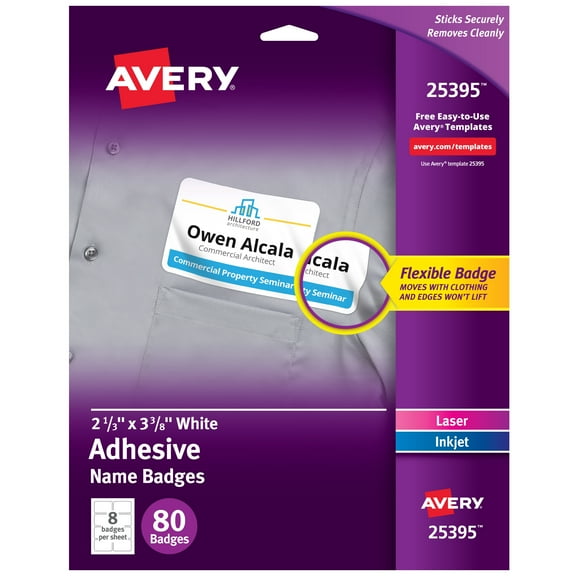
- You can print mailing labels, return labels, and folder labels on one organized sheet format.
- You can choose removable or repositionable adhesives when you want temporary labeling.
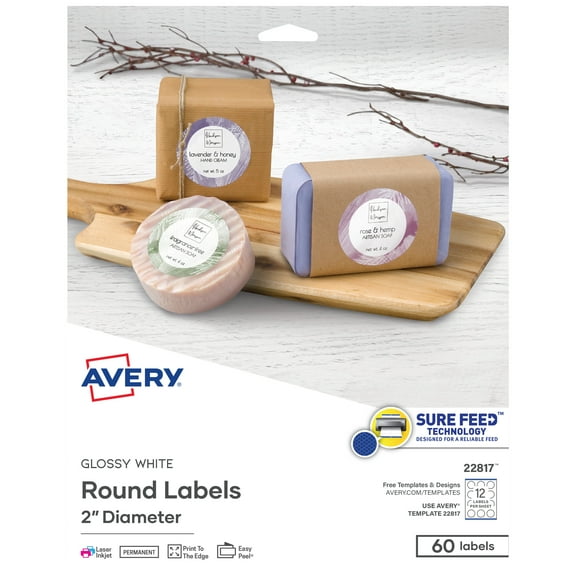
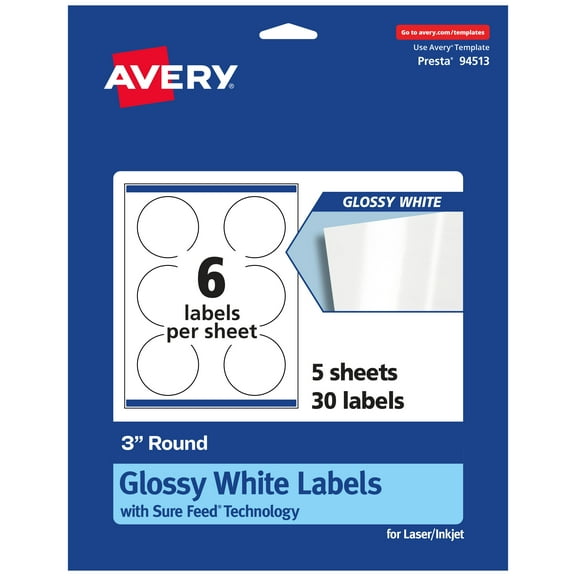
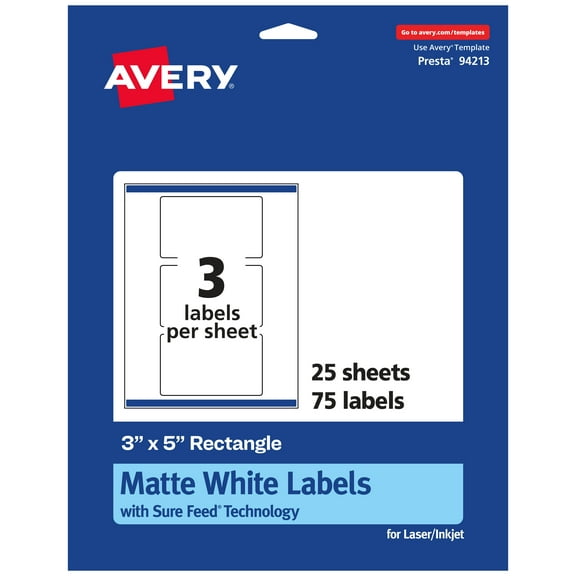
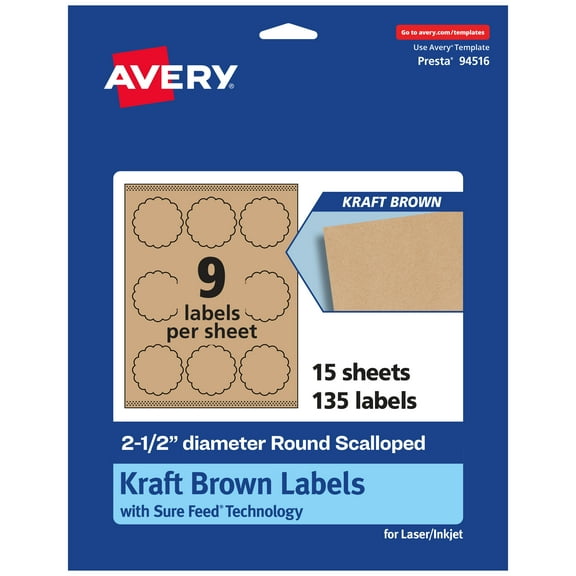
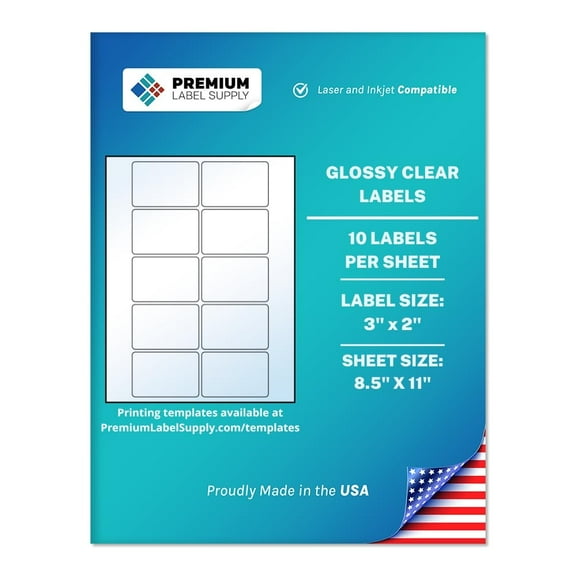
- You can pick clear, matte white, glossy, or kraft paper finishes to match your project style.
- You can use template-friendly layouts that help your text and graphics align with each label.
Another key benefit is control over small details that matter during busy print jobs. You can choose finishes that support handwriting, typed text, logos, or simple color coding.
You may also want sheet designs that feed reliably through your machine during larger batches. That matters when you’re printing invitations, classroom name labels, or shipping label runs.
Choosing printer label compatibility
You should check whether your printer label sheets work with inkjet, laser, or inkjet and laser use. You can avoid smearing, curling, or feed issues when you match the sheet to your printer technology.
With inkjet printing labels, you should look for surfaces that absorb ink quickly and keep text sharp. You may notice cleaner barcodes, addresses, and small text when the coating suits inkjet output.
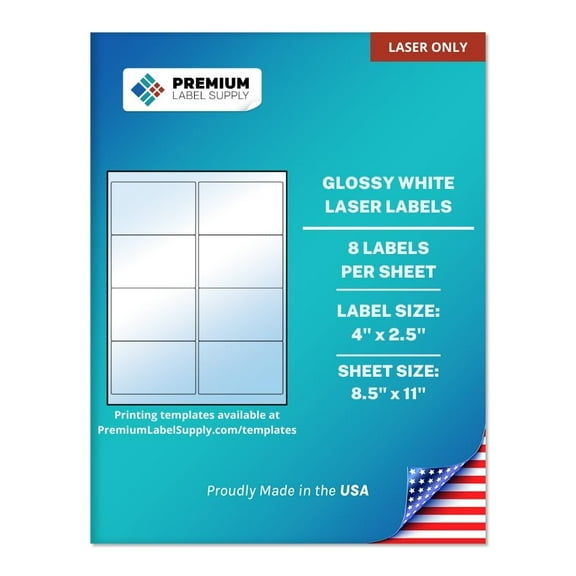
For laser printing, you should look for sheets built to handle toner and higher heat during printing. This helps provide more dependable feeding and cleaner adhesion when the label face and backing suit laser conditions.
If you use different machines, you may prefer dual-compatible computer printer labels for shared spaces. You can keep one label type on hand for home offices, classrooms, and front-desk tasks.
Comparing size, templates, and 1x1 stickers
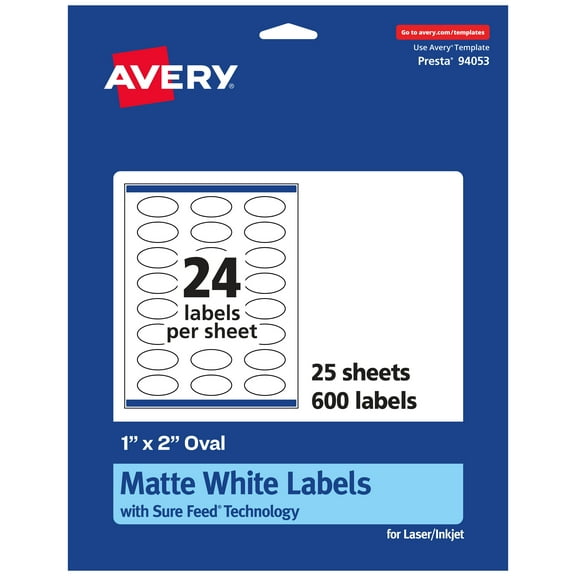
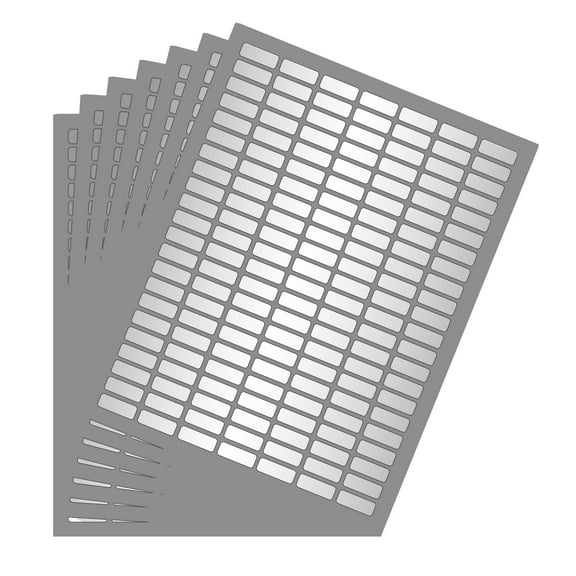
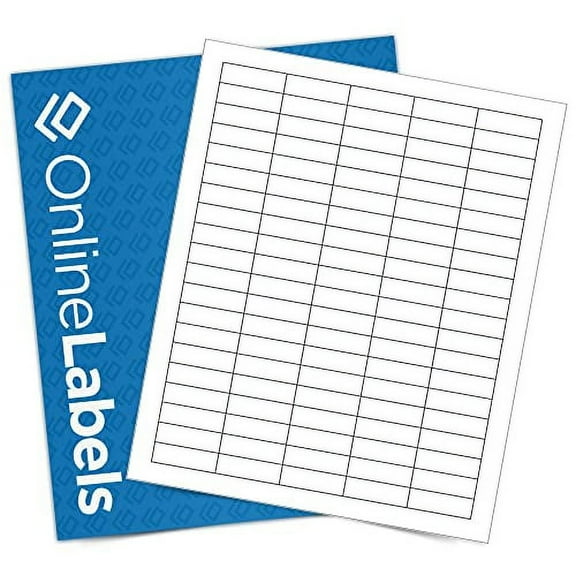
You should measure the label area you need before picking a sheet layout. You can make faster progress when your design matches the exact rows, columns, and margins on the page.
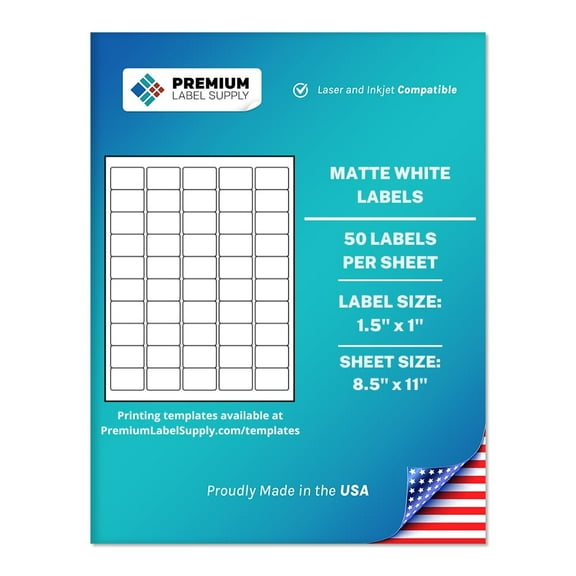
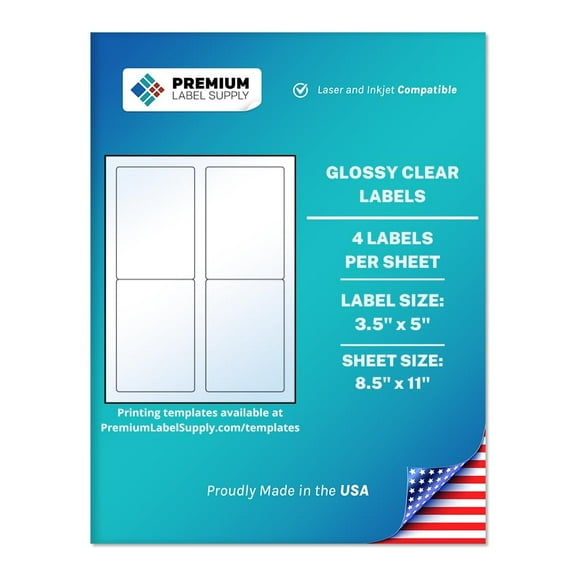
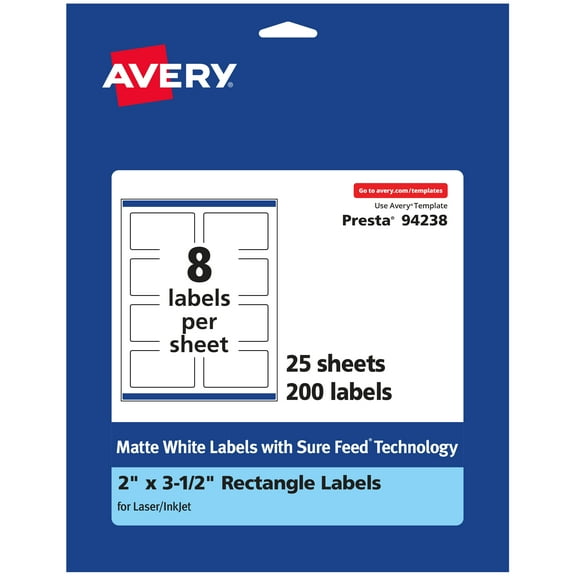
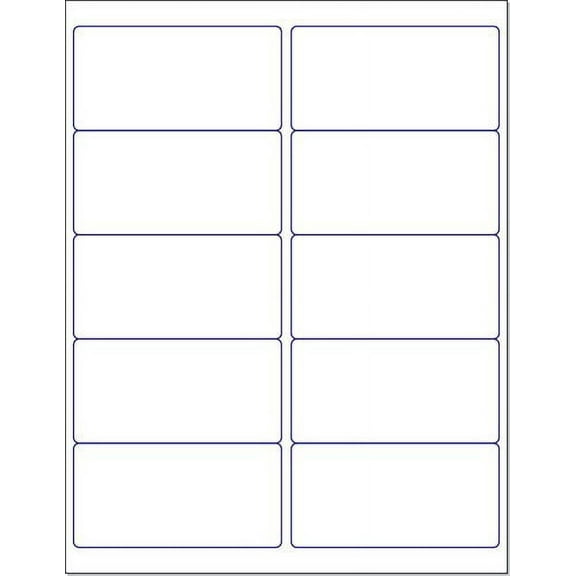
Standard address formats work well when you print mailing lists, return addresses, or contact labels. Letter size sticker sheets give you more room for custom graphics, signs, or larger product labels.
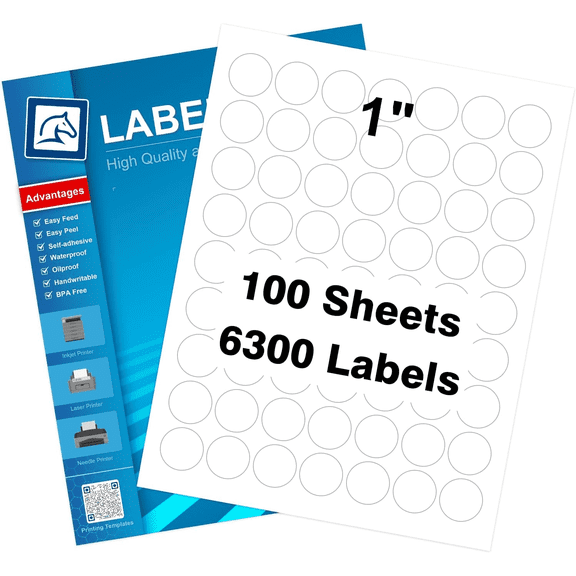
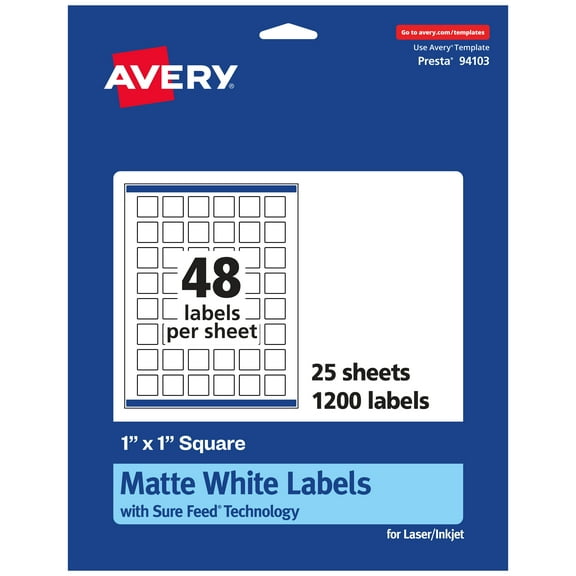
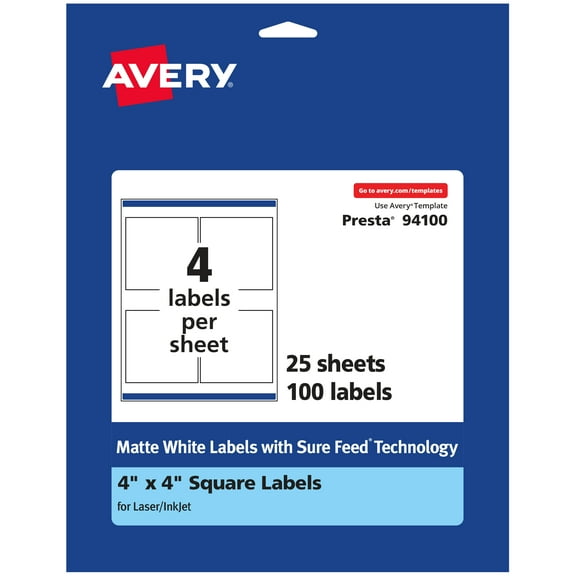
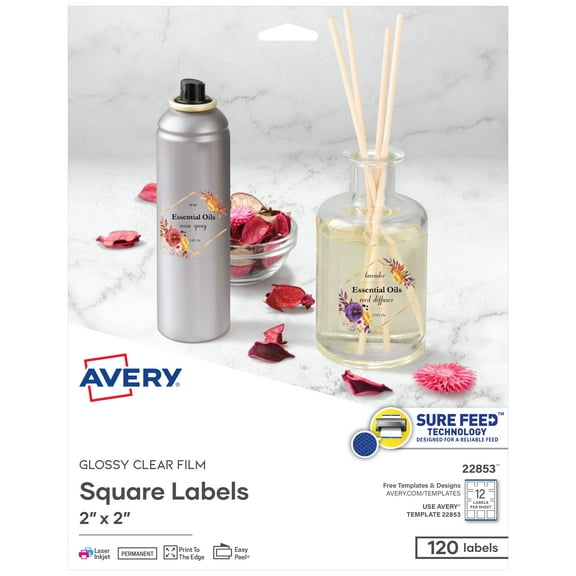
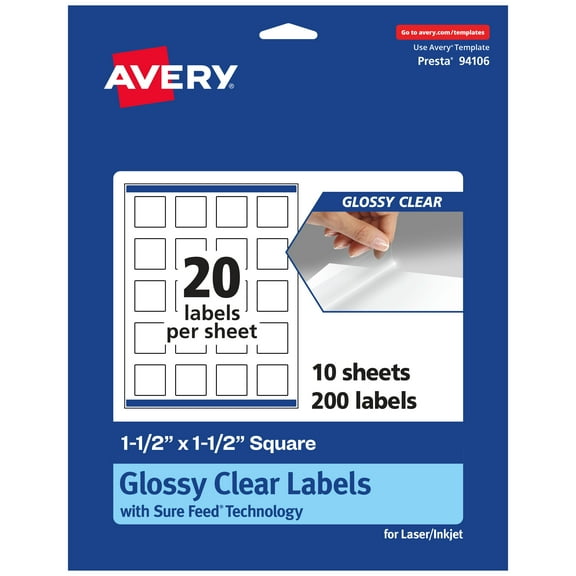
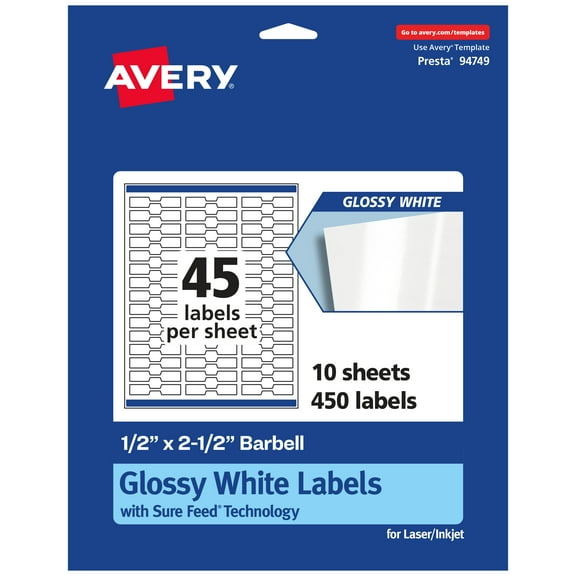
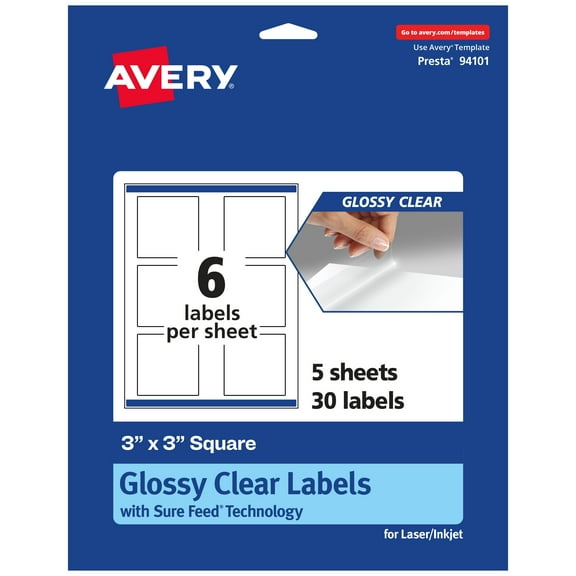
If you need compact markers, 1x1 stickers can fit bins, spice jars, classroom supplies, and price tags. You can use small square labels when you want neat placement on tight surfaces.
You should also compare your sheet layout with common digital templates before you print a full batch. This helps reduce alignment issues when your software template matches the exact label configuration.
Template compatibility matters because small spacing differences can shift every label on the sheet. You can avoid wasted pages by checking the product layout, printer settings, and page scaling first.
Choosing adhesive type and finish
You should pick adhesive strength based on how long your label needs to stay in place. You may want permanent adhesive for shipping boxes and storage labels that need a steady hold.
If you label seasonal bins, classroom stations, or event materials, removable labels may fit your task. You can peel them away more easily when your setup changes over time.
Repositionable options can help when you want to adjust placement during setup. You may appreciate that flexibility when you line up labels on favors, folders, or display items.
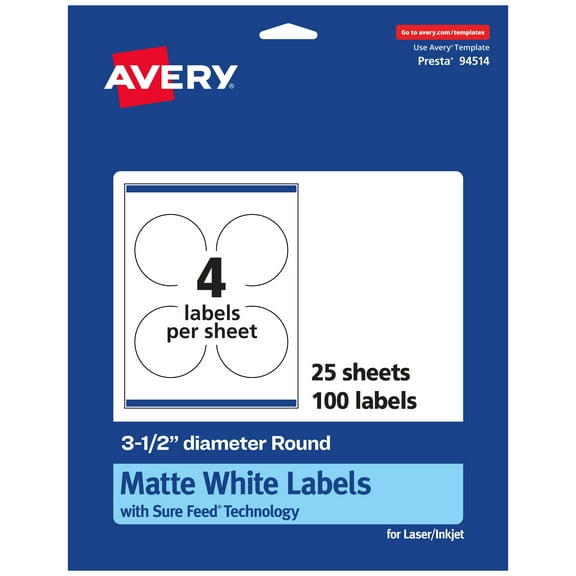
Finish also affects how your project looks and how your writing appears on the page. Matte white sheets usually support crisp text, while glossy sheets can make colors stand out more.
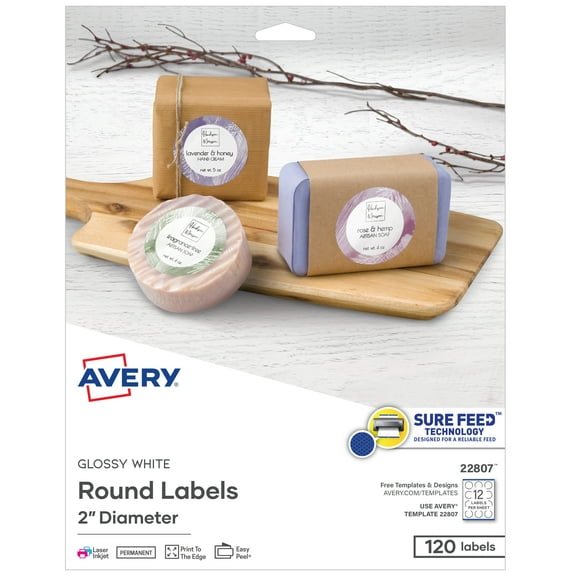
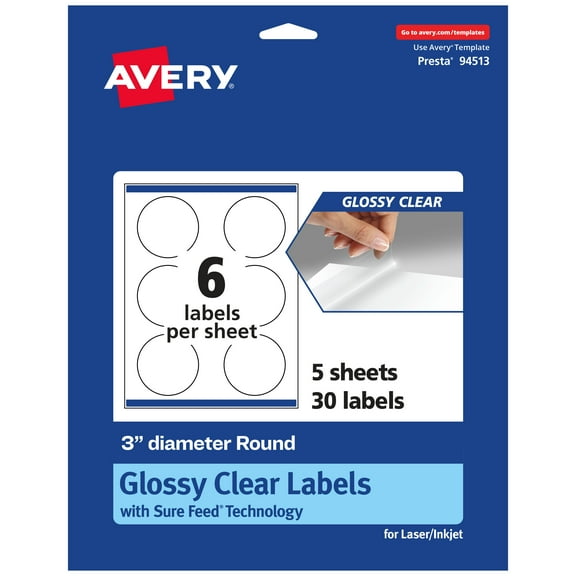
Clear labels can help your printed design blend into jars, bottles, or smooth packaging. Kraft paper finishes give your project a paper-texture look that suits handmade tags and rustic packaging.
What to look for in feed reliability and everyday use
You should check sheet stiffness, backing design, and printer guidance when smooth feeding matters. You may want printer labels stickers that move through multi-sheet jobs with fewer interruptions.
Feed reliability matters when you print many pages for offices, classrooms, or order fulfillment tables. You can keep your labeling process moving when sheets separate cleanly and track evenly.
For home organization, you might use sticker printer labels on pantry containers, storage totes, and file drawers. You can create a consistent system that’s easier to read during busy routines.
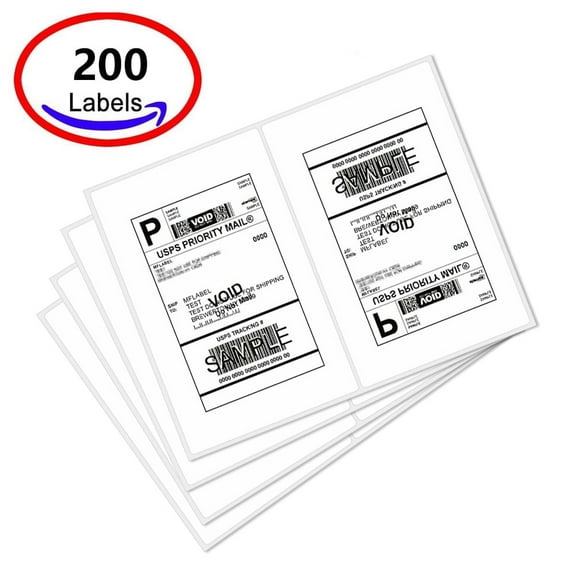
At work, you may use computer printer labels for envelopes, folders, product packaging, and shipping prep. You can also assign different finishes or adhesive types to different departments and tasks.
For events or small businesses, you may want label sheets for printer projects that support logos and short product details. You can print polished stickers in batches without switching to separate specialty equipment.
When you compare these details carefully, you can narrow your options with more confidence. You can end up with sticker label sheets for printer projects that align cleanly, feed smoothly, and fit your exact labeling job.