

Computer Routers & Wireless Internet Routers - Walmart


![Straight Talk BLU M100 Hotspot, 5G, 8GB, Black. Prepaid Hotspot [Locked to Straight Talk]](https://i5.walmartimages.com/seo/Straight-Talk-BLU-M100-Hotspot-5G-8GB-Black-Prepaid-Hotspot-Locked-to-Straight-Talk_d973ee60-f96a-4e50-afa5-1955435e11d1.d42e7307c7213f0c3669ebe5bd7dabe5.jpeg?odnHeight=576&odnWidth=576&odnBg=FFFFFF)




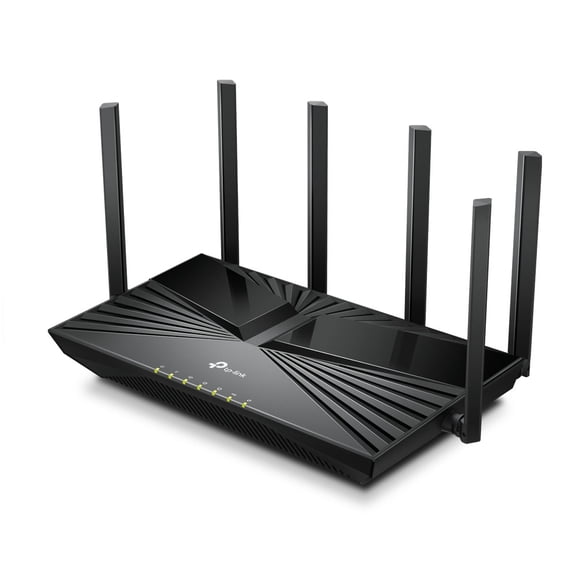
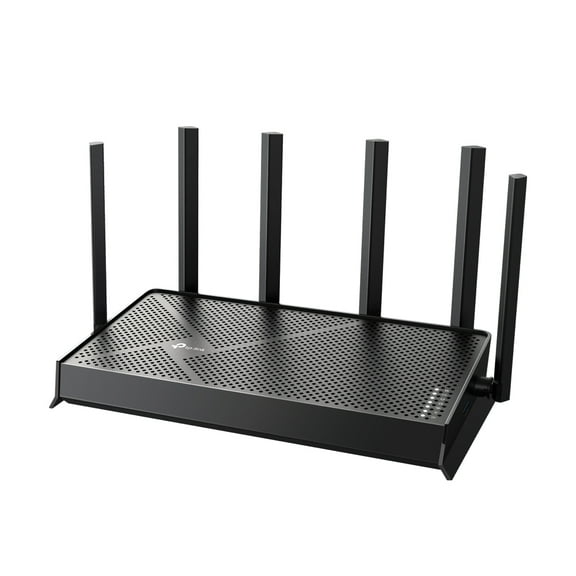
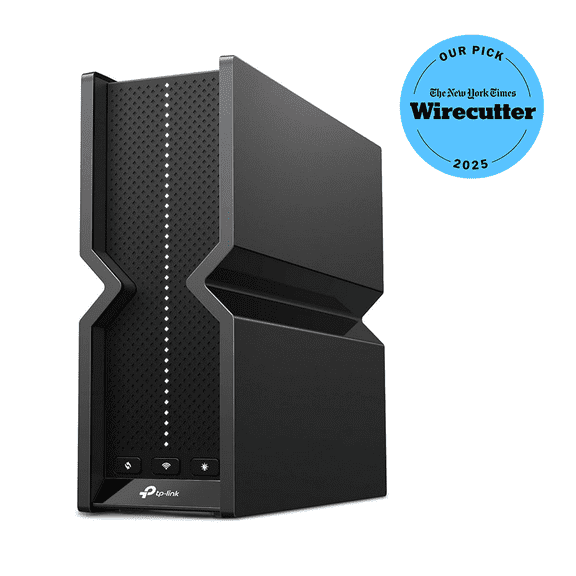
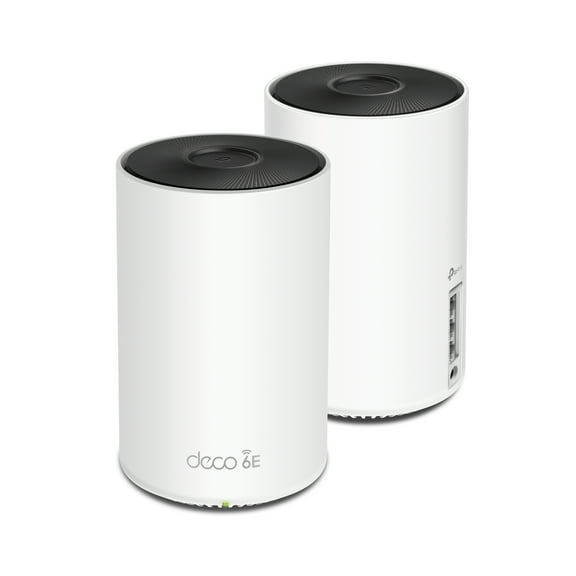








About Computer Routers & Wireless Internet Routers - Walmart - Walmart.com
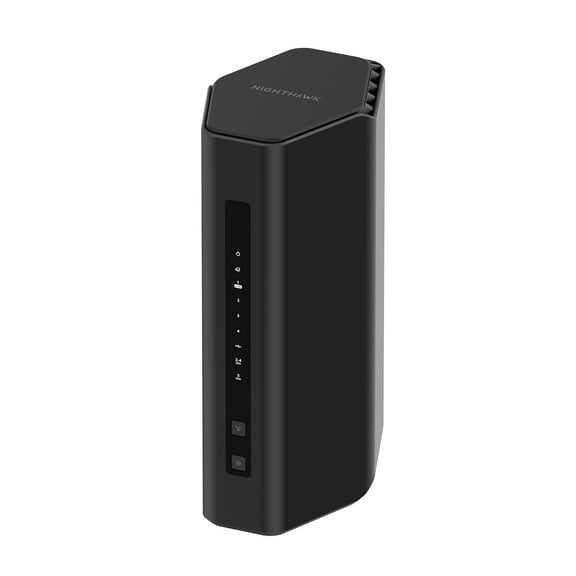
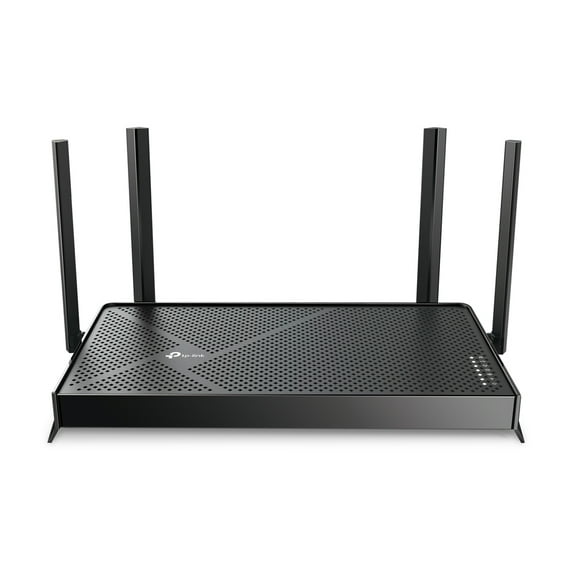
Routers help you build a faster, steadier home network for streaming, gaming, and work. You can compare wifi routers by coverage, speed standards, and device support to match your space.
If you need reliable connections in several rooms, your router choice matters more than you might expect. You can narrow wireless routers faster when you understand band type, coverage range, and setup options.
Choosing routers by Wi-Fi standard
When you compare routers, start with the Wi-Fi standard because it shapes your everyday speed and device handling. You can choose Wi-Fi 5 for basic browsing, while newer standards support heavier home traffic.
If you stream in 4K, join video calls, and connect smart devices, you may prefer Wi-Fi 6 or Wi-Fi 6E. You can also consider Wi-Fi 7 when your home uses many newer devices and faster internet plans.
Look for a standard that matches the devices you already use every day. You won't gain much from advanced speed potential if your phones and laptops can't use it.
How to compare wifi routers by band type
Band type helps you decide how your router manages traffic from phones, TVs, consoles, and laptops. You can often choose single-band, dual-band routers, or tri-band models depending on your household size.
Single-band options can fit light browsing in smaller spaces with fewer connected devices. Dual-band routers give you two lanes for traffic, so you can separate everyday browsing from heavier streaming or gaming.
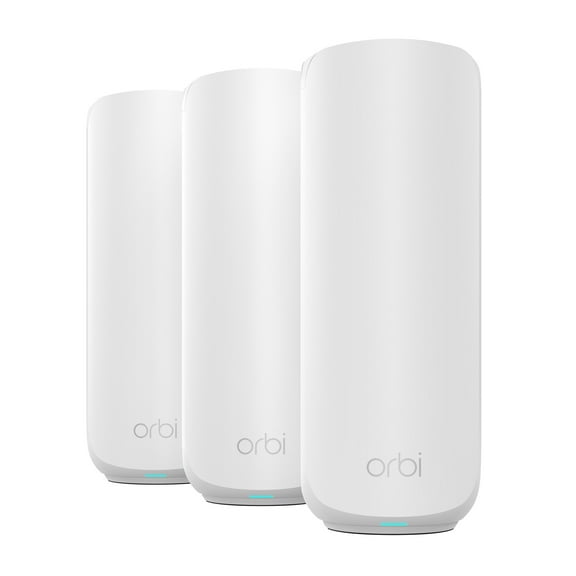
Tri-band models add another lane, which can help when your home has many active users at once. You may notice smoother performance when several people stream, game, and work online together.
- You can use dual-band models for balanced everyday home use.
- You can choose tri-band options when your network handles many devices at once.
- You can keep basic needs simple with single-band choices in smaller spaces.
- You can look for MU-MIMO support when you want steadier performance across multiple active devices.
Choosing home wifi routers by coverage area
Coverage area should match your home's layout, not just its square footage on paper. You should consider walls, floors, and room spacing because they affect how far your signal can travel.
If your space is up to 1500 square feet, you may only need a router for a smaller footprint. If your home spans 1500 to 3000 square feet, you may want stronger reach for bedrooms, offices, and living areas.
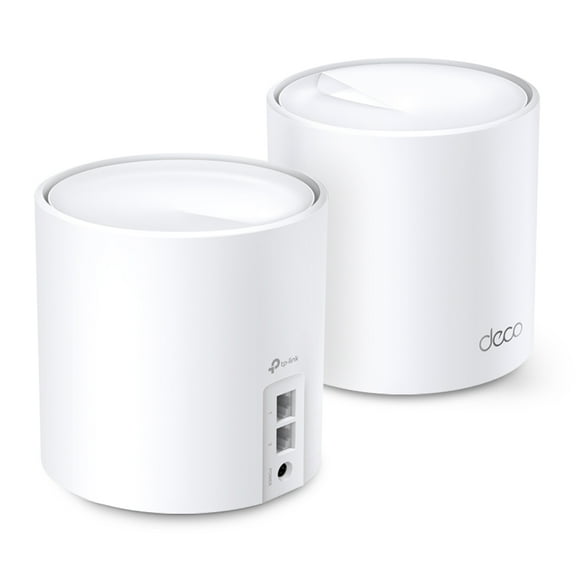
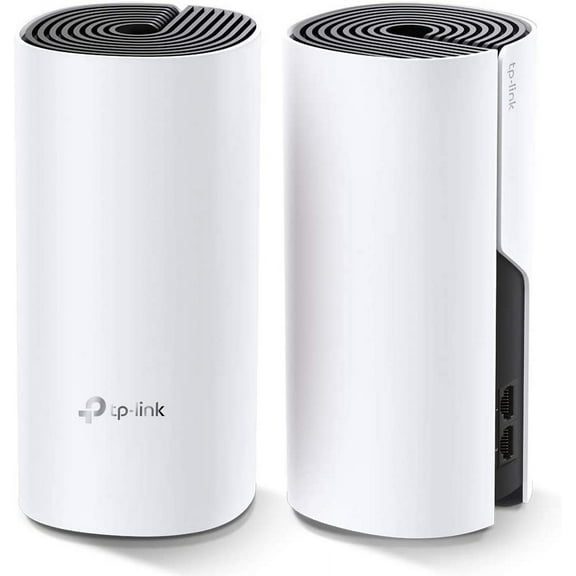
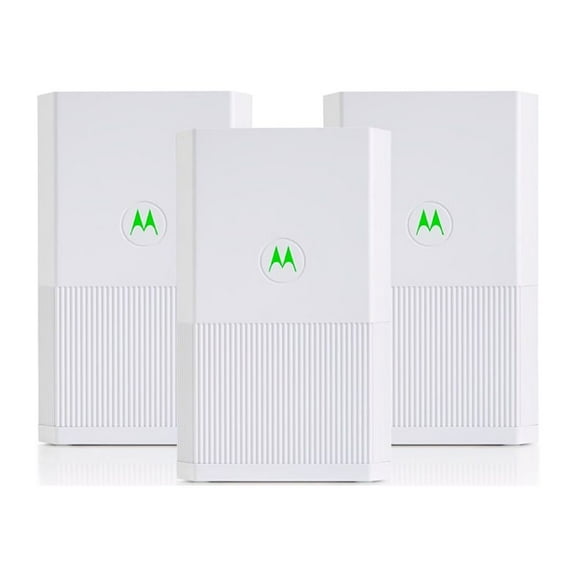
For homes above 3000 square feet, you should think carefully about dead zones and distant rooms. You may also want to compare router options with mesh-friendly setups for broader whole-home coverage.
Check where you'll place your router before you choose a model. You can often improve your connection by placing it closer to the center of your home.
Matching internet routers to your speed plan
Your router should fit the speed you pay for from your internet provider. You can miss out on available performance if your router can't keep up with your plan.
At the same time, you don't need extra speed capacity that your plan can't deliver. You can compare router speed ratings with your provider's plan to make a more practical choice.
If you work from home, stream shows, and join frequent video calls, your needs may be higher. If you mainly browse, check email, and watch occasional videos, your setup can stay simpler.
Wireless routers for gaming, streaming, and smart homes
Your use case can quickly point you toward the right router category. You can choose internet routers for gaming when you want responsive connections for consoles and PCs.
If your home centers on streaming, you may want stronger support for multiple TVs and tablets at once. If your setup includes smart speakers, cameras, and lights, you should check how many devices your router can manage smoothly.
For home office use, you may care most about stable video meetings and consistent upload performance. You can also look for guest network options when you want separate access for visitors or work equipment.
Security tools and parental controls can make daily network management easier. You can set up guest access, manage device permissions, and create simple rules for different users.
What to look for before you choose
You should measure your space, count your connected devices, and compare your internet plan before choosing. You can make a clearer decision when you line up those three details first.
Ports, app-based setup, and modem compatibility also matter during setup day. You may want to explore related networking essentials like modems, mesh wifi systems, and ethernet cables for a complete connection.
With the right router match, you can keep streaming smooth, calls clear, and smart devices connected across your home. You get a network setup that fits your rooms, your devices, and your daily routine.