

Scanners for Computers & Document Scanners | Walmart










About Scanners for Computers & Document Scanners | Walmart - Walmart.com
Scanners help you turn paper records, photos, receipts, and cards into digital files that fit your routine. You can compare document, flatbed, portable, and handheld options by speed, setup, and everyday use.
If you shop this category, you should start with the jobs you handle most often. You can use this guide to compare scanner types, connectivity, duplex support, and software needs with less guesswork.
Choosing scanners by type
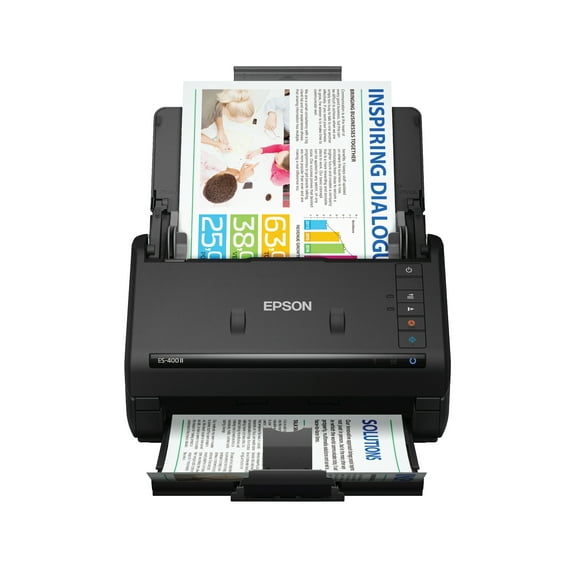
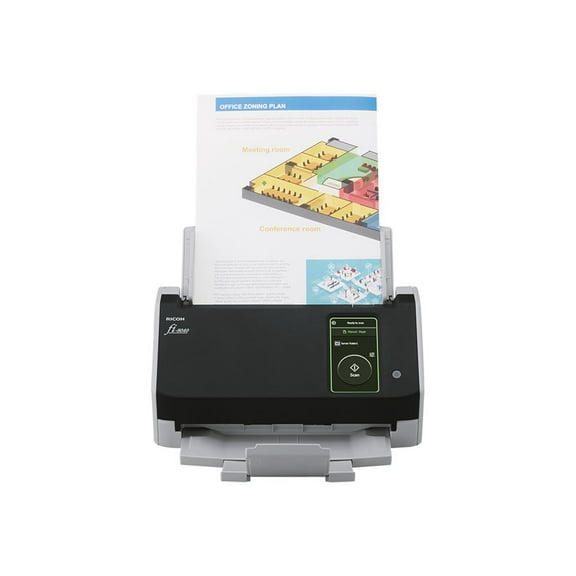
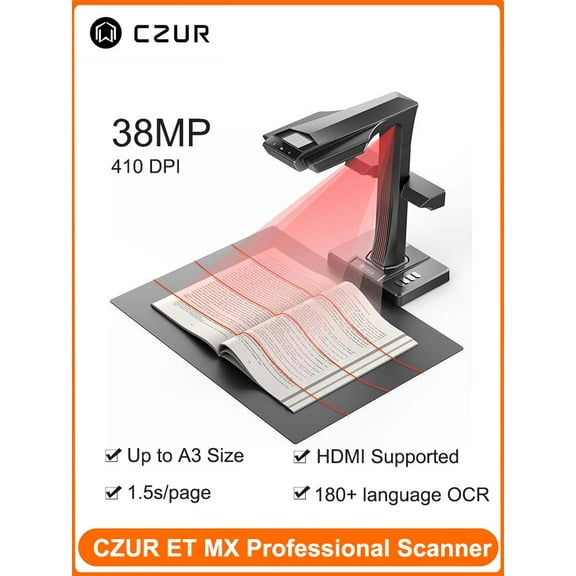
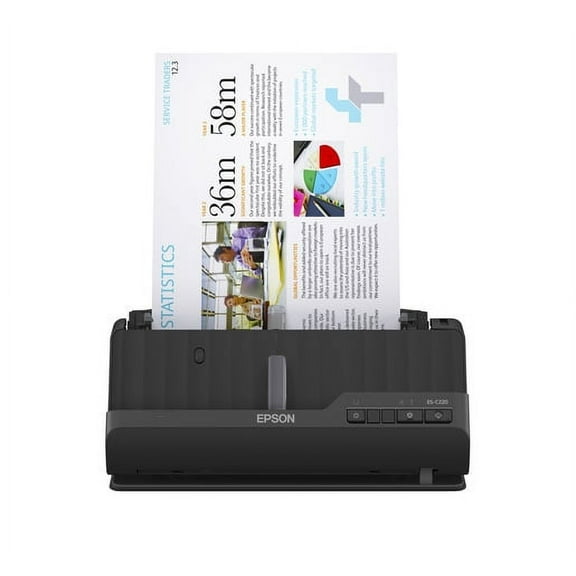
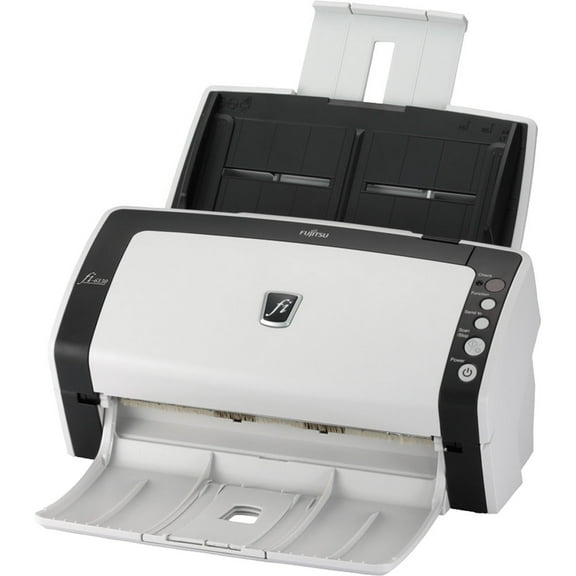
When you compare scanners, you should begin with scanner type because that choice shapes loading, placement, and daily workflow. You can use document scanners for stacked forms, while your flatbed option suits photos, books, and delicate originals.
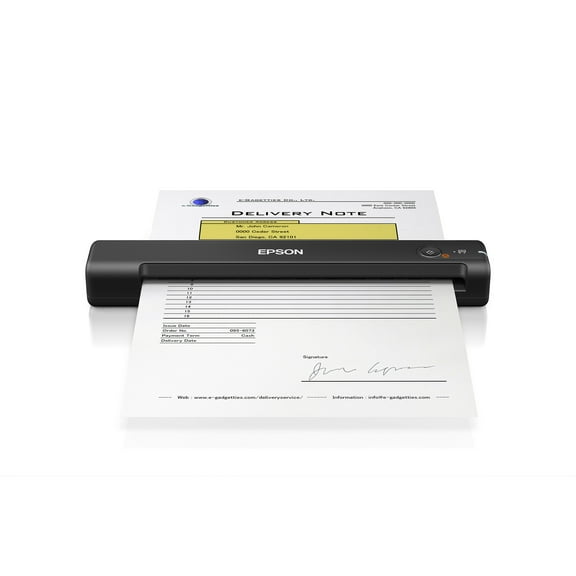
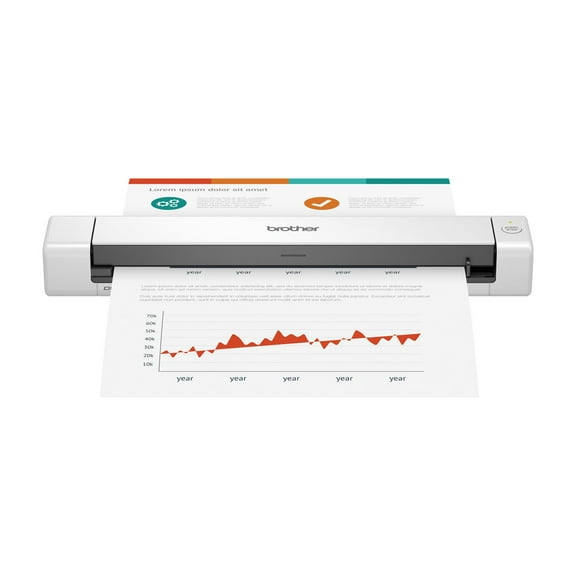
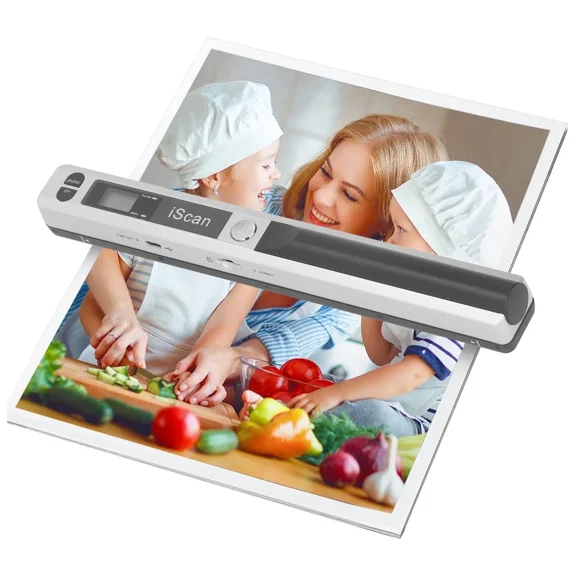
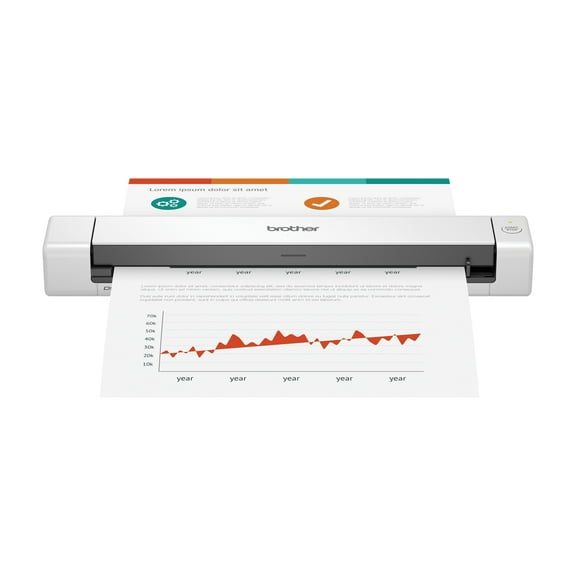
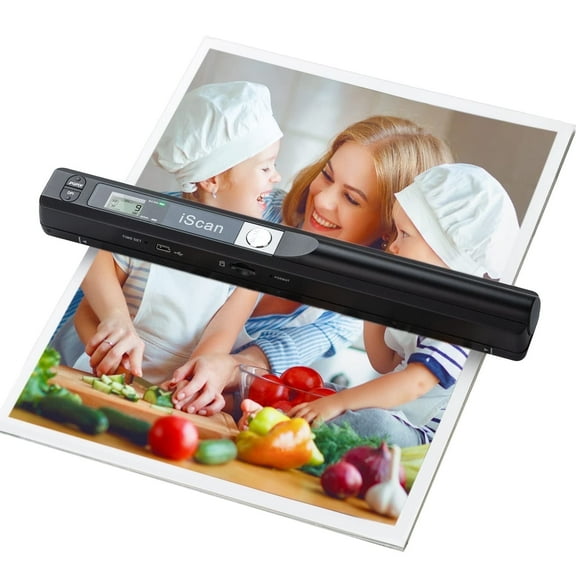
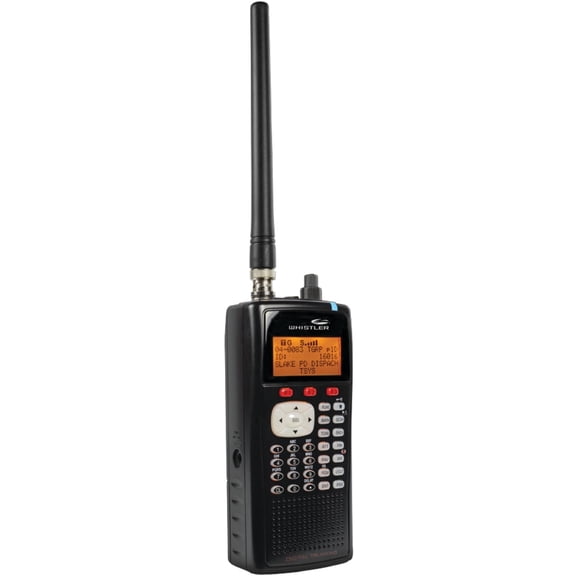
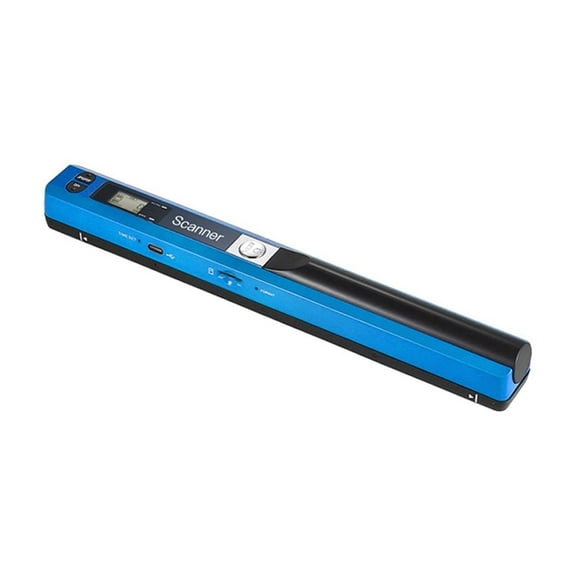
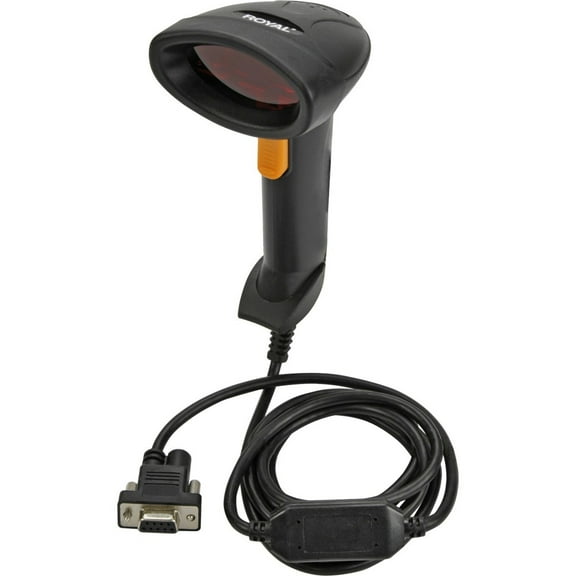
If you carry work between locations, you may prefer portable scanners that fit in a bag and support quick captures away from a desk. If you handle short tasks, your handheld option can help you scan labels, notes, or single pages.
You should also match scanner type to the originals already in your space. If you scan mostly paperwork, document scanners and receipt scanners can keep invoices, forms, and records easy to sort.
- You can digitize multi-page paperwork with sheet-fed and duplex scanners.
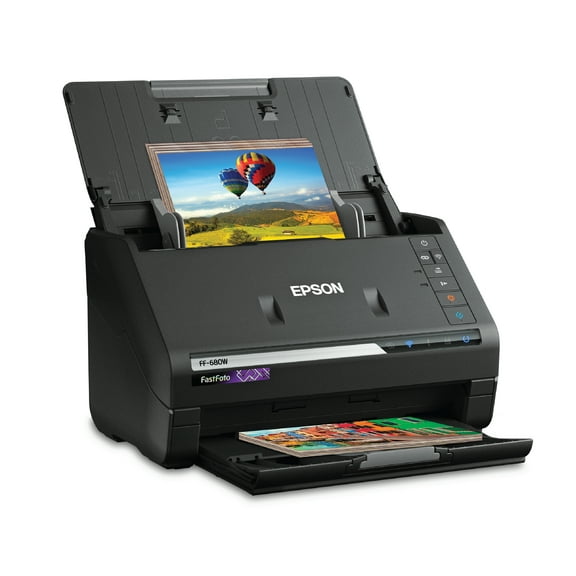
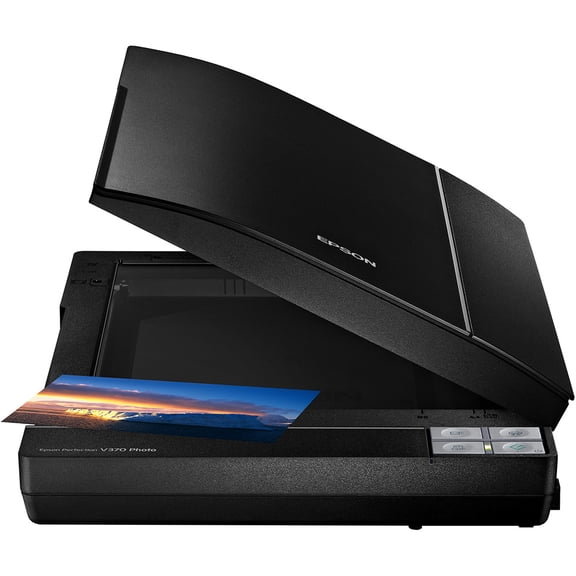
- You can preserve printed photos and album pages with flatbed scanners and photo scanners.
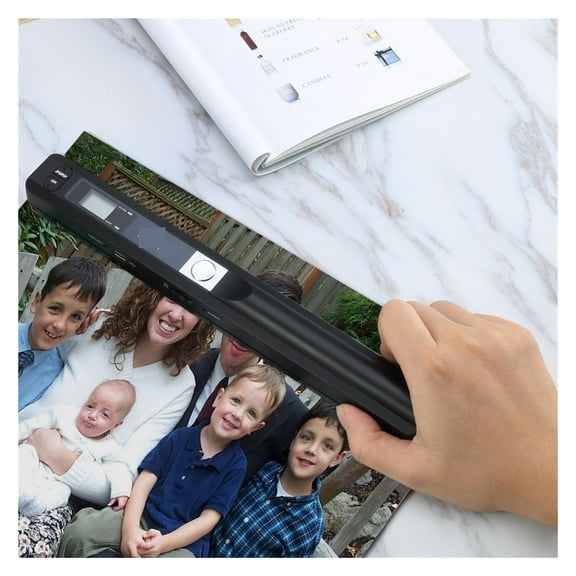
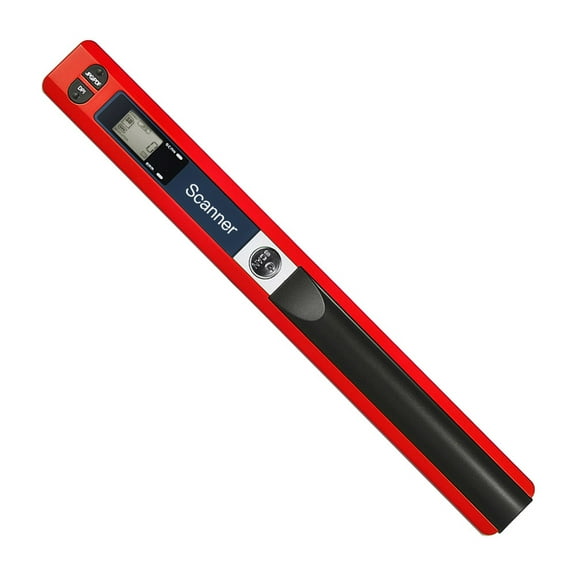
- You can capture receipts, business cards, and travel paperwork with portable scanners.
- You can keep color scans clear for schoolwork, records, and image archives with color scanners.
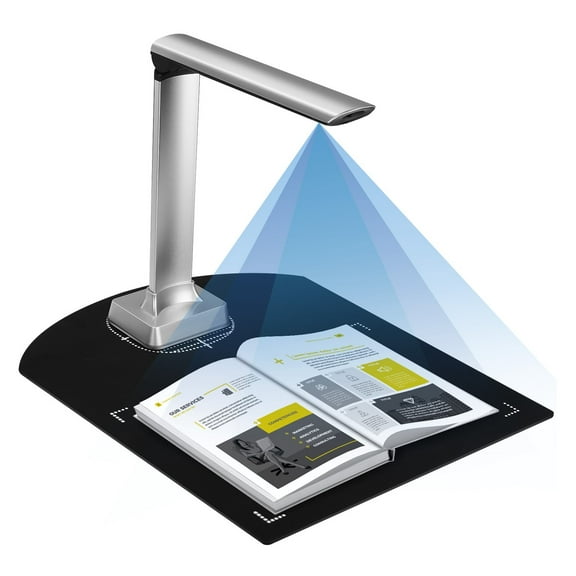
As you narrow your options, you should compare how each design handles the materials you scan every week. You’ll usually want a flat surface for bound pages, while a feeder suits regular document stacks.
Choosing document scanners, flatbed scanners, and speed
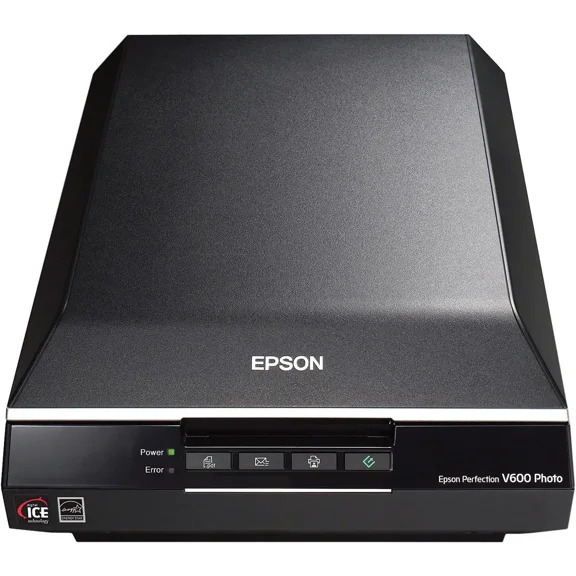
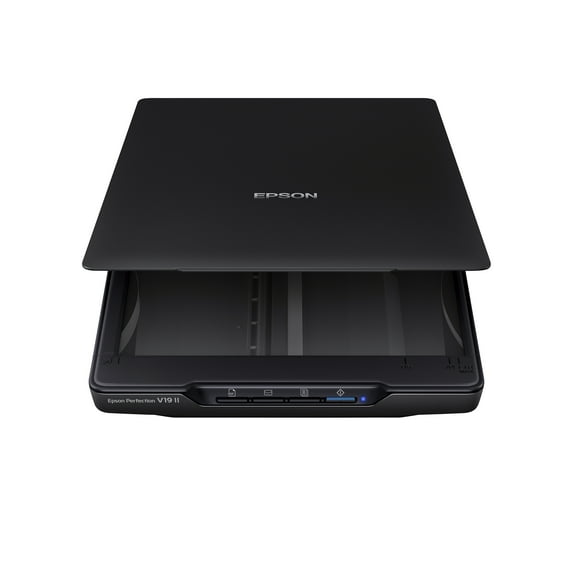
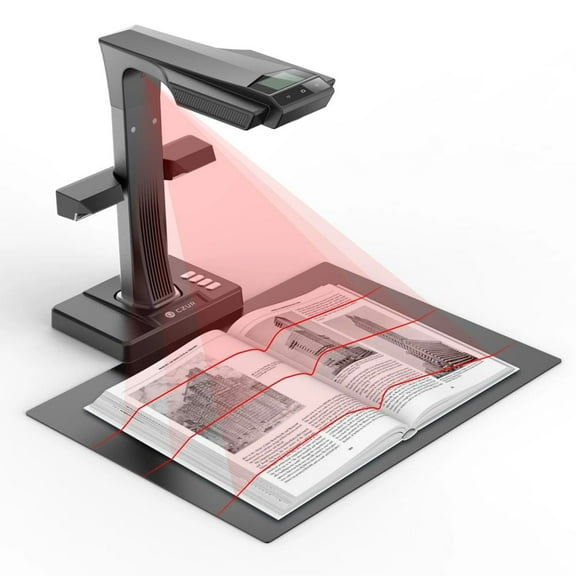
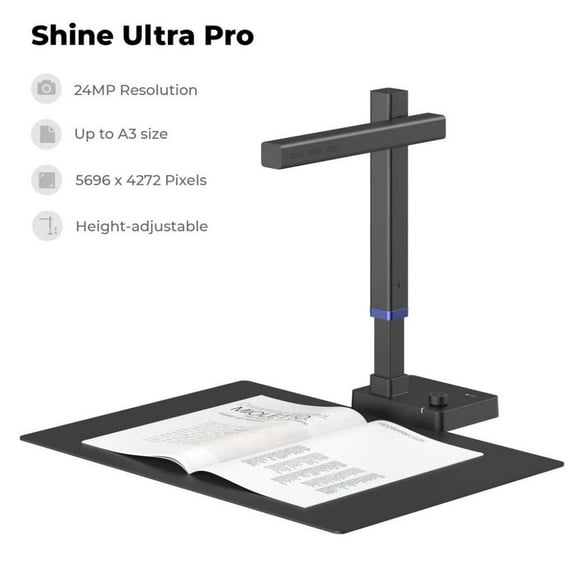
You should compare flatbed scanners and sheet-fed models based on the originals you handle each week. If you scan books, old prints, or certificates, your flatbed surface gives you more placement control.
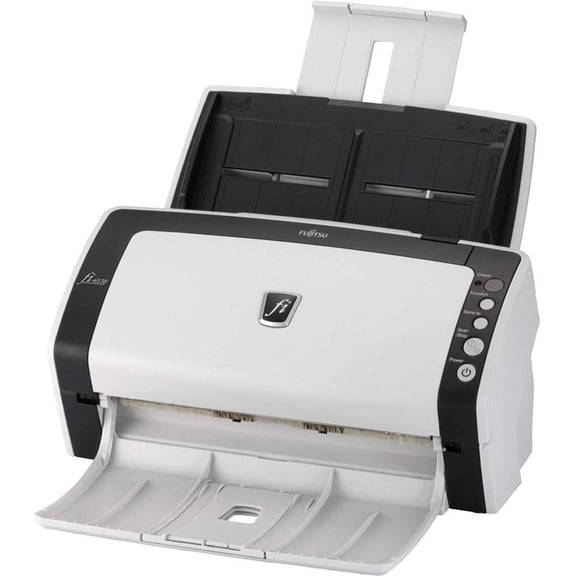
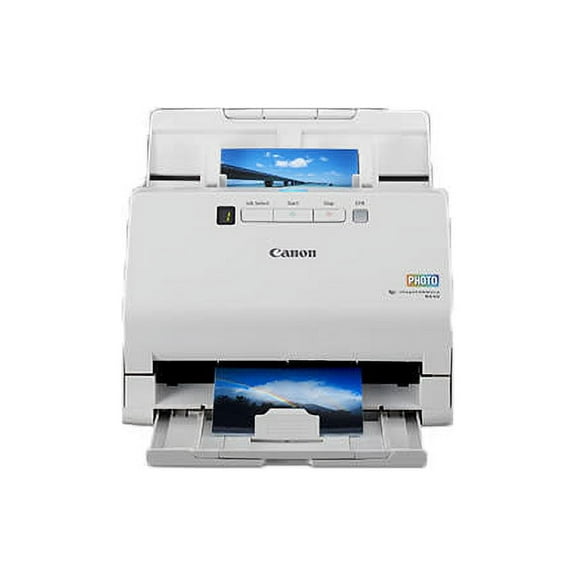
If you process forms every day, your sheet-fed design moves pages through quickly and reduces repeated handling. You can also look at pages per minute, because that number shows how your scanner fits a light or busy routine.
For casual use, you may only need standard speed for school papers, mail, or occasional forms. For office tasks, high speed scanners can support larger batches when your desk handles frequent paperwork.
You should check whether your scanner offers single-sided or duplex scanning before you choose. If you scan contracts or need a scanner for tax season, duplex support can capture both sides in one pass and keep filing simple.
Software matters when you want organized files and smooth setup across devices. You can look for TWAIN drivers for broad software compatibility and PDF OCR when you want printed text turned into searchable documents.
Choosing connectivity and setup for your space
You should decide how your scanner connects before you narrow your choices. If you want a direct desktop setup, your USB model can keep installation simple and stable.
If you share equipment across rooms, wireless scanners can give you more placement flexibility without keeping your scanner beside one computer. You may also like network options when your office needs shared access from several workstations.
Bluetooth can help when you pair your scanner with mobile devices for lighter tasks and quick transfers. You should still check your operating system and app support, because your daily routine depends on smooth file delivery.
Some shoppers prefer a compact unit that fits a small desk, dorm, or counter with less clutter. Others need a larger design because your flatbed lid, feeder capacity, or photo format supports broader projects.
Matching scanners to photos, receipts, and work documents
You can match document scanners to home office records, school forms, signed agreements, and routine mail. If your stack grows quickly, your high speed or duplex model can keep your workflow moving with fewer pauses.
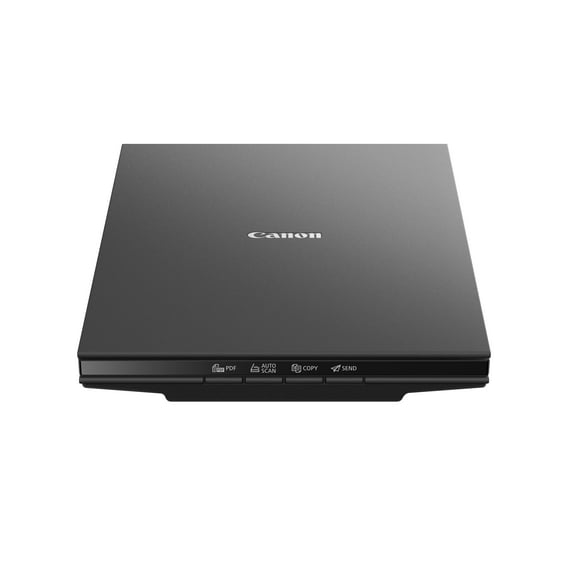
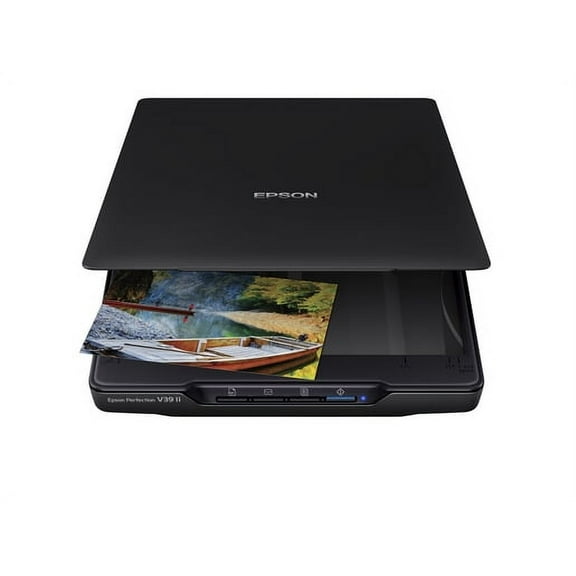
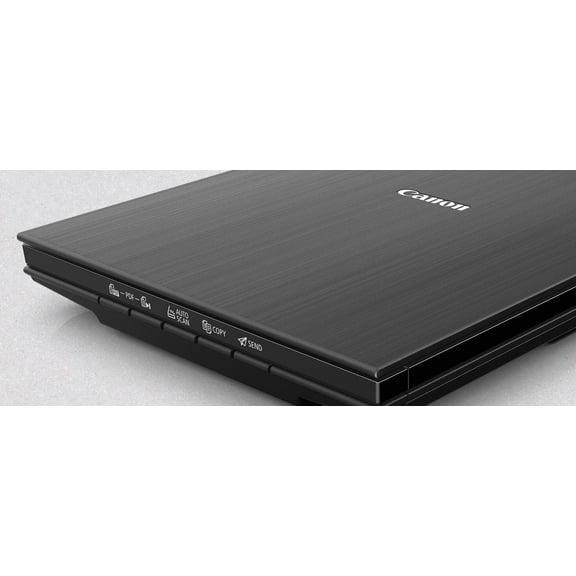
Flatbed scanners work well when you want careful placement for family photos, artwork, certificates, or scrapbook pages. You can scan fragile prints without feeding them through rollers, which suits keepsake projects and creative tasks.
Photo scanners make sense when your priority is image detail, color clarity, and archiving older prints. You may also use them for craft designs, holiday cards, or memory books that need clean digital copies.
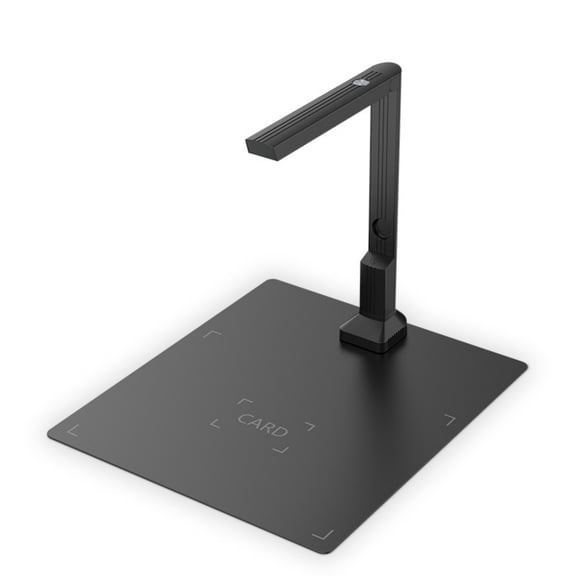
Receipt scanners fit everyday recordkeeping, expense logs, and tax season prep when you want smaller papers sorted quickly. You can also use business card scanning features when your contacts still arrive in paper form.
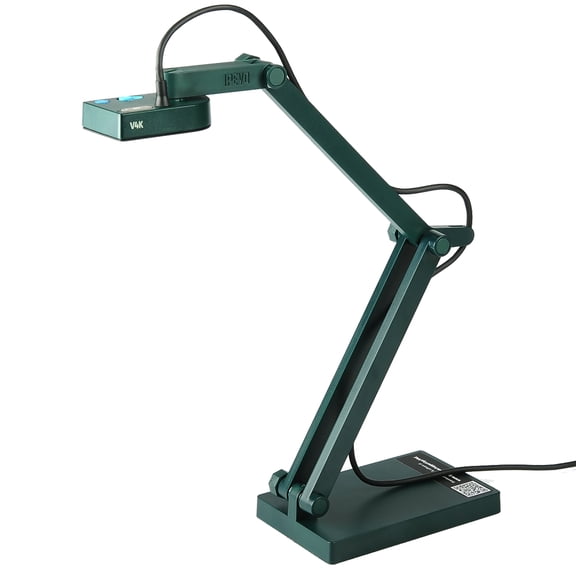
Portable scanners support travel, field work, temporary desks, and shared spaces where you need quick digital copies. If your job moves between locations, your lightweight setup can help you capture pages without carrying a full office unit.
You should also think about file output before you choose a model for daily use. If you need searchable archives, your scanner with PDF OCR can help you find invoices, forms, and notes quickly later.
When you compare scanners by type, connectivity, speed, duplex support, and software compatibility, you can narrow the field with less guesswork. You can find a setup that fits your papers, your space, and your digital filing routine.