

Tax Forms in Forms & Recordkeeping















About Tax Forms in Forms & Recordkeeping - Walmart.com
Tax forms help you prepare filing season with fewer surprises and clearer paperwork from the start. You can compare form types, printer compatibility, pack sizes, and kit options before you print or mail.
How to choose tax forms for your filing needs
You should start with the exact form type your business or household records require. You can narrow tax forms by W-2, 1099-NEC, 1099-MISC, or 1040 formats.
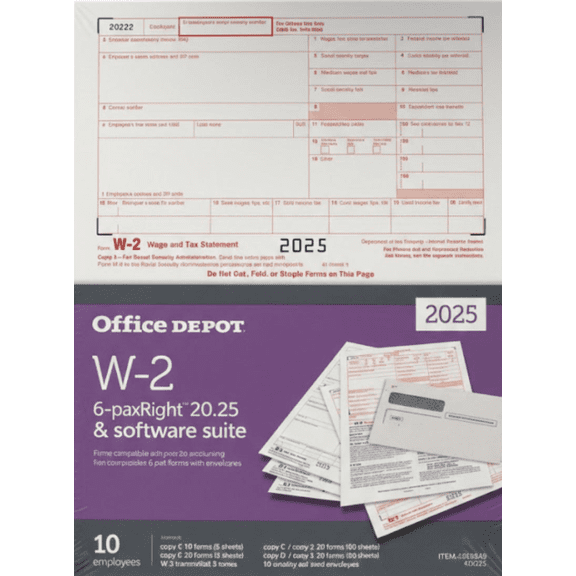
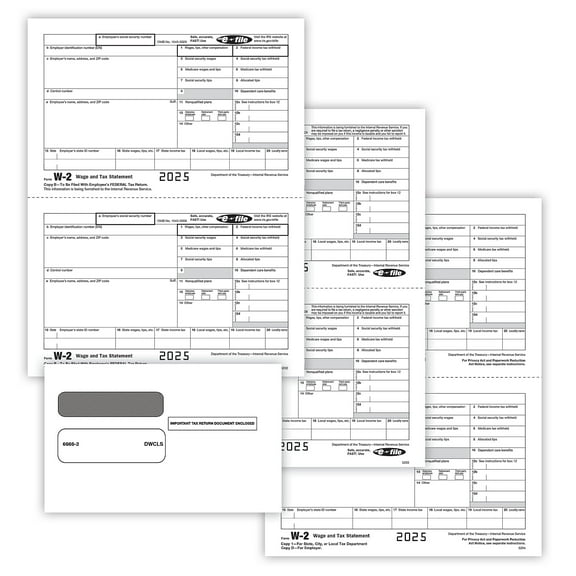
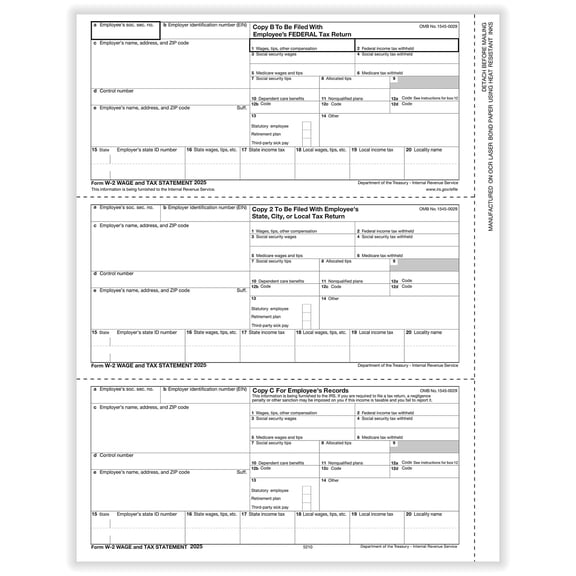
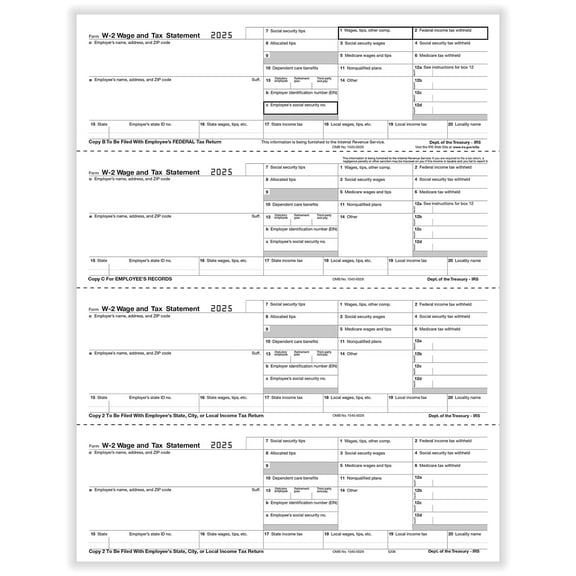
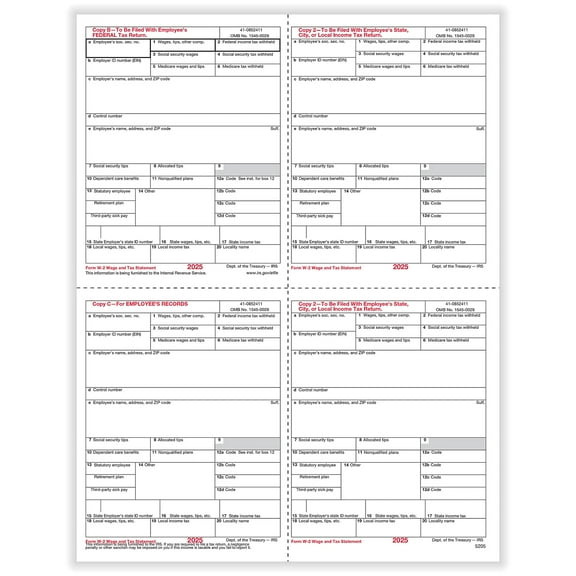
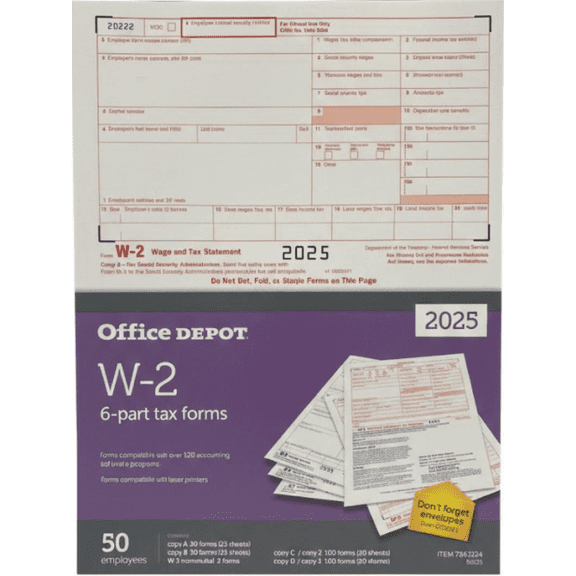
If you handle payroll, you may need w2 tax forms that match employer and employee copy requirements. If you pay contractors, you may need 1099 tax forms for nonemployee compensation or miscellaneous reporting.
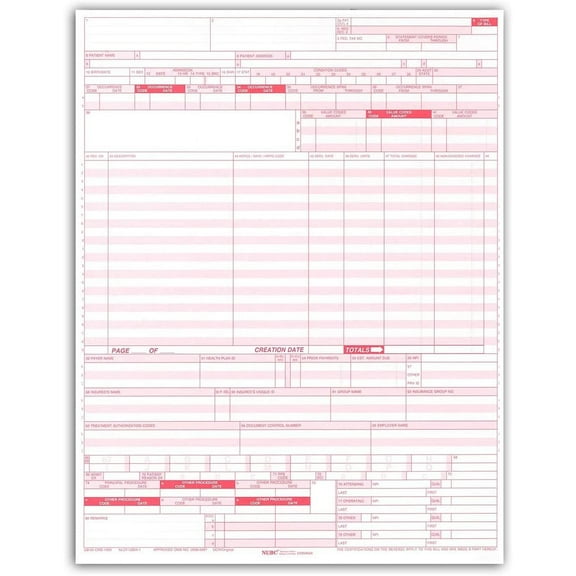
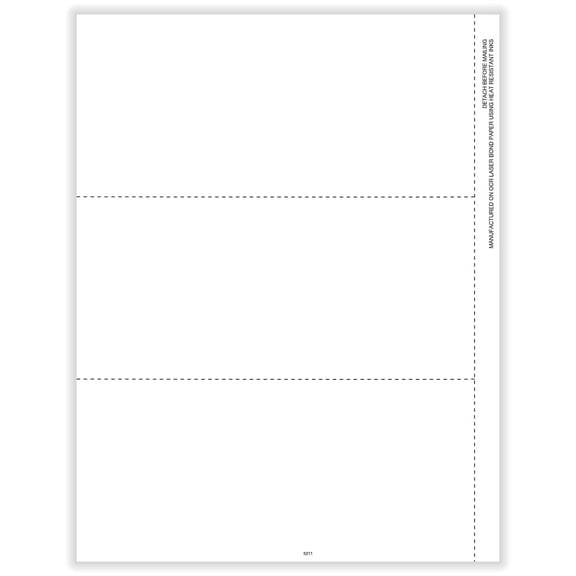
You can also compare printable tax forms when you want sheets designed for office printers. You’ll want layouts that match standard filing workflows and keep your records organized.
What to look for in w2 tax forms and 1099 tax forms
You can save time when you match each form set to the job you handle most often. Your choice matters because W-2, 1099-NEC, 1099-MISC, and 1040 documents serve different filing purposes.
- You can choose W-2 sets when your business reports wages and withholding details for employees.
- You can choose 1099-NEC forms when you report contractor payments during yearly tax preparation.
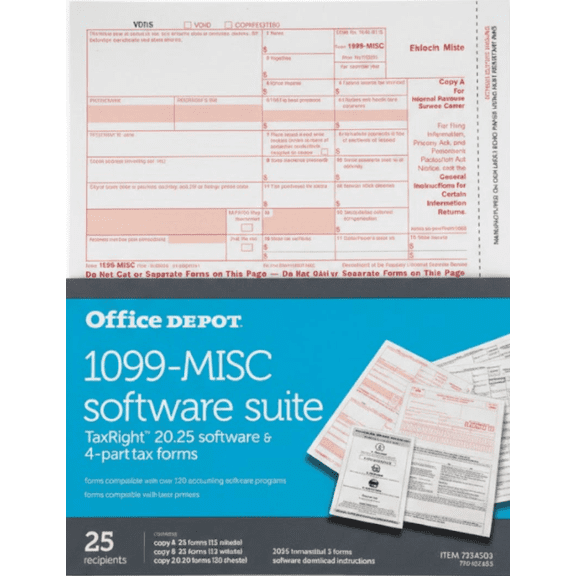
- You can choose 1099-MISC forms when your reporting needs call for that specific information return.
- You can choose 1040 options when your paperwork process includes individual filing documentation.
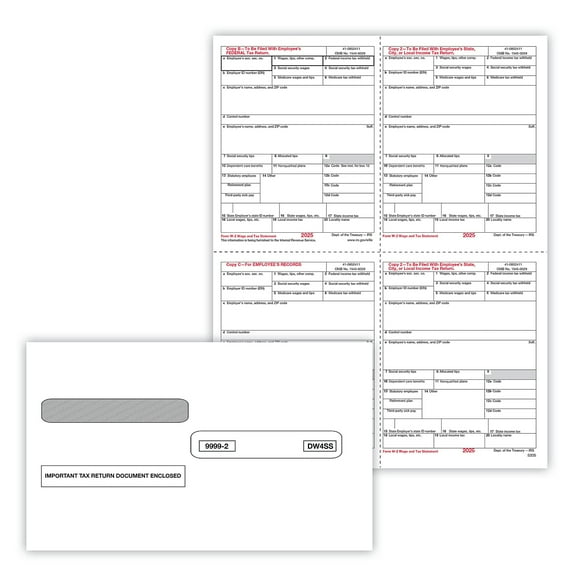
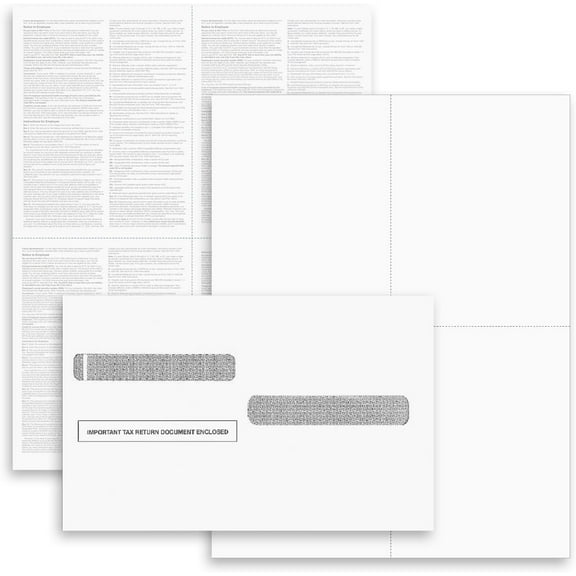
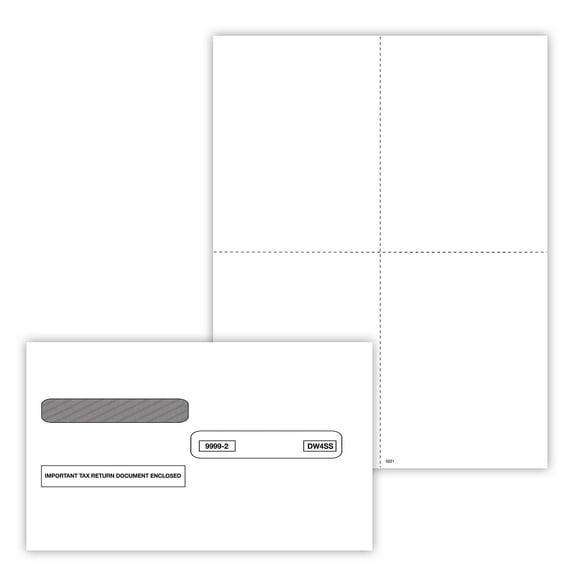
You may also prefer tax forms and envelopes kits when you want fewer separate supplies to track. Your mailing process feels simpler when matching envelopes arrive in the same package.
Some packs include software-compatible layouts that support common accounting workflows. You should check whether your forms align with programs like QuickBooks before you print larger batches.
Choosing printer compatibility and laser tax forms
You should compare printer compatibility before you order, especially if your office uses desktop equipment. Your forms need to match laser or inkjet output for cleaner alignment and easier processing.
Laser tax forms often suit higher-volume printing because you can run larger stacks with steady text placement. You should check product details for software and printer guidance before finalizing your choice.
Inkjet-compatible options can work well when your office prints smaller runs throughout the season. You’ll want to confirm sheet format, copy sequence, and printer support before you begin.
You may also look for perforation details and sheet counts that fit your filing pace. Your print jobs stay more manageable when the form format matches your printer tray and workflow.
Comparing pack sizes and kit components
You can avoid overordering when you match pack size to your team size and filing volume. Your options may include 10-pack, 24-pack, 50-pack, and 100-pack formats.
Smaller packs can help you handle limited annual reporting without extra leftover sheets. Larger packs can support recurring payroll cycles or multiple contractor records across one season.
You should also compare forms-only packs with forms and envelopes kits. Your choice depends on whether you already stock mailing supplies in your office.
Some kits include software support or filing components that simplify setup for busy offices. You can reduce prep steps when your package includes the pieces you use most.
Using tax forms for payroll, contractor, and recordkeeping tasks
You can use tax forms across payroll, contractor reporting, and annual recordkeeping routines. Your business may need separate formats for employees, freelancers, and archived filing copies.
If you manage year-end payroll, you’ll likely focus on w2 tax forms with matching employer records. If you track contractor payments, you may prefer 1099 tax forms in practical multi-pack counts.
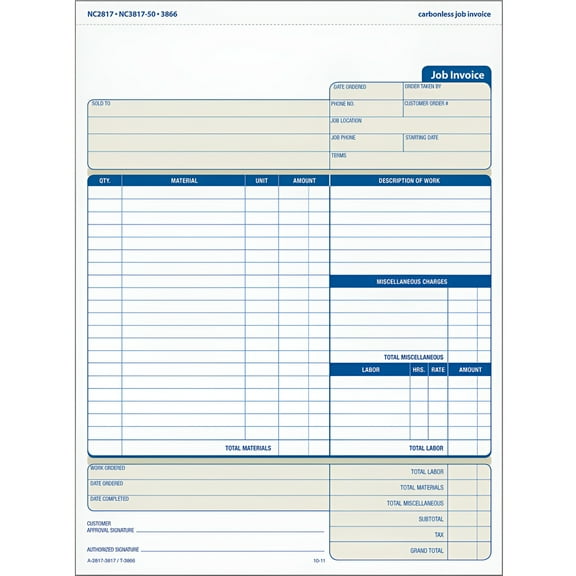
You can choose tax recordkeeping forms that support organized filing cabinets, office folders, and audit-ready paperwork systems. Your records stay easier to sort when copy types and pack sizes match your workflow.
When you print in-house, you should compare printable tax forms with your current software setup. Your office can work more smoothly when forms align with QuickBooks-style workflows and standard printers.
You may also need tax forms and envelopes for mailing deadlines and employee distribution. Your process feels more streamlined when forms, envelopes, and compatible layouts arrive together.
How to make a confident tax forms decision
You can make a cleaner choice when you compare form type, printer compatibility, pack size, and kit contents together. Your filing season gets easier when the paperwork matches your software, printer, and mailing routine.
You’ll get more organized results when your tax forms fit the exact records you need to print, file, and send. Your paperwork process stays clearer from setup through final mailing.