


























Computer Laptops and Tablets
Headphones by Brand
- Apple Airpods
- Beats by Dr. Dre
- Sony Headphones
- JLab Headphones
- onn. Headphones
- JBL Headphones
- Skullcandy Headphones
- JVC Headphones
- Samsung Headphones
- Senheiser Headphones
- Soundcore by Anker Headphones
- LG Headphones
- Panasonic Headphones
- Jabra Headphones
- Shokz Headphones
- Bose Headphones
- Sonos Headphones

Ready for what’s next?
Say hello to your new tech upgrade
Get the latest top-brand devices, smartgear & more.
Shop nowShop by category
Savings in computing
Don't miss these
Brands you love















HPHillside PlanterLenovoAuroraxDellPapolorASUSSkytech GamingMSIAcerLGSamsungiBUYPOWERUnbrandedonnMageGeeNOBRANDLiquipelAppleLogitechDHJPSTUYWHukaiCOSTOMEvounicTYPPKMMGaming-ProRazerAnkerGJXGO360BOOTHBufoCyberPowerPCDeco GearDoogeeEpicDealzGIGABYTEINPPYTONNEWTAKACeneporGenericHyperXJGJJUGNJOMAALogitech GLopunnyMacallyMatxabrSiivtonTecknetUNVOVBODNXYZ SalesYunuuuoaAUSIOBALoFIBelkinCOSTOMSCRANE HOMEChheartDONGNIElowenEmpowered PCFITIFUNGTSOHNGaming proGloriousIijsdKEEPTIMEKODASWKTCLeeQinerswMINISFORUMMacaGonMayunaMemorexMiniXPAPAUTOPPolycomRedragonSNGMNSTGAubronSanDiskSonyTOUMENYTSBIFVTTECHThermaltakeToemaagicZZAdongjingerfcxsACASISACEMAGICAOCAULAAdvanced BattlestationsAlienwareAorlymAresgameBenQCOLORROOMCUSELEDAHONGYUNDarkBeaconEDDBNiEOSPURELYElnoneFIELUXFIRZEROGMKtecGeekriaGeneralGqohrtGravaStarHIFYSCHoengagerHuiHuangJBLKITPIPIKeychronLaikoutdLemoreleLexarLian-LiLujingZLunxisenMYRAHMarvoNSKBBMNimoODEAOKGONIKUMAOyzzrazePLGEBRPhanteksPhilipsQUINTEXCORIGELGRIBROFAYRatfeitSENFANSZORZYShimmosaicT-WOLFTITAN ARMYTSVTancolaTedupeeVeidooVerbatimVisit the Rexchip StoreVisual LandWUIUHOUWerleoXiaomiYAWYOREYYUUZzCityTKaccessorychoicej5createoefntaczdtodz2TB usb-0226AEEZOAGM MobileAIGAMEPCANZERAll Access TradingAlphawolfAnvominAochakimgAooowerAudezeBESTSKIBEYIMENBQIAIBetelivaBetrusamiBfairyBfantianBiTECOOLBlackviewBorcorzCHENRUIDACLXCOM1950sCOTECRAMCRANEHOMECUGUNUCharloreCihysulColour TalkCorsairCreative LabsCsxezovCyberGeekDUTEVOLNSDZQMTKXDevineresse
New arrivals
Uses external data. Price when purchased online
























FAQ
About Computer Laptops and Tablets - Walmart.com
Computadoras laptop options at Walmart help you compare operating systems, screen sizes, and RAM without guesswork. You can narrow your choice quickly when you match your laptop to school, work, gaming, or everyday tasks.
If you want a device for classes, travel, or a home desk, you need clear decision points. You can use this guide to compare Windows, ChromeOS, and macOS, plus pickup and delivery options.
How to choose computadoras laptop for your routine
You should start with your main use case, because that choice shapes performance, battery expectations, and portability. If your day includes documents, browsing, and streaming, you can focus on everyday or student models.
When your work includes spreadsheets, video meetings, or multitasking, you should compare business-ready laptops with extra memory. If you play modern games or create visual content, you should look for dedicated graphics hardware.
- You can choose student laptops when you want light designs, simple setup, and reliable battery life for class days.
- You can choose business laptops when your work needs smooth multitasking, clear webcams, and practical ports.
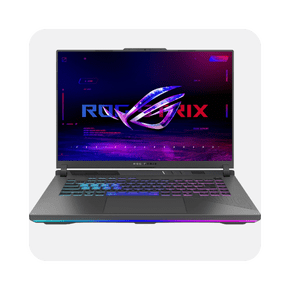
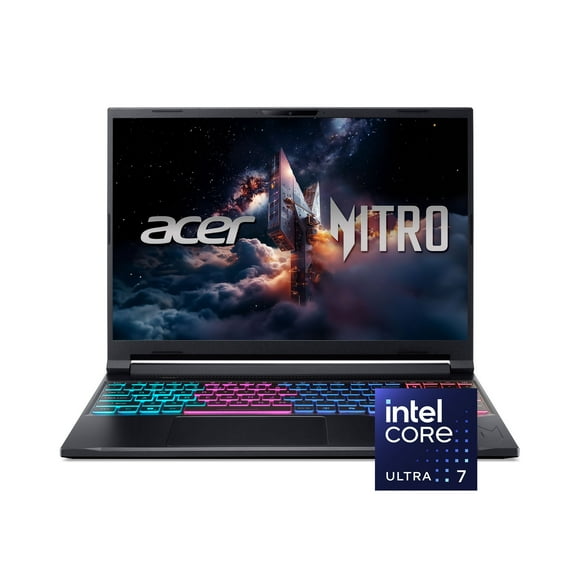
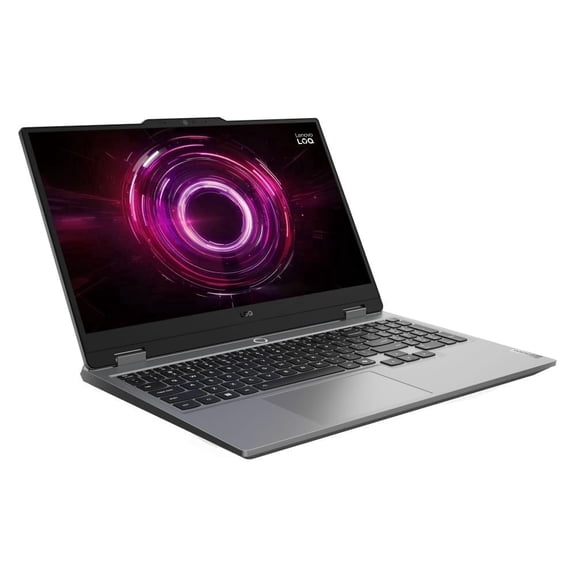
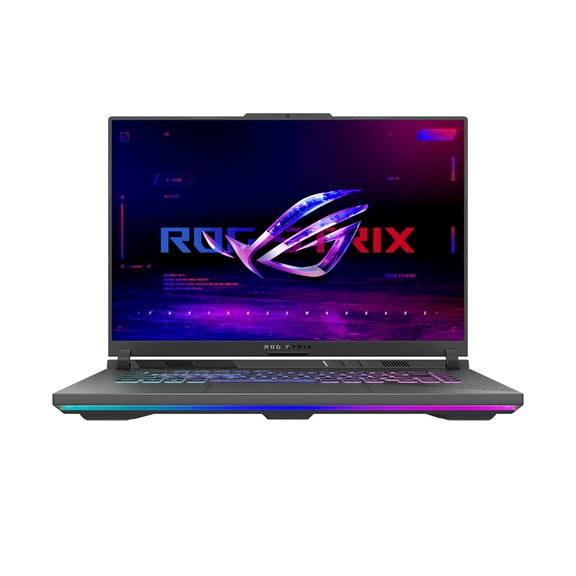
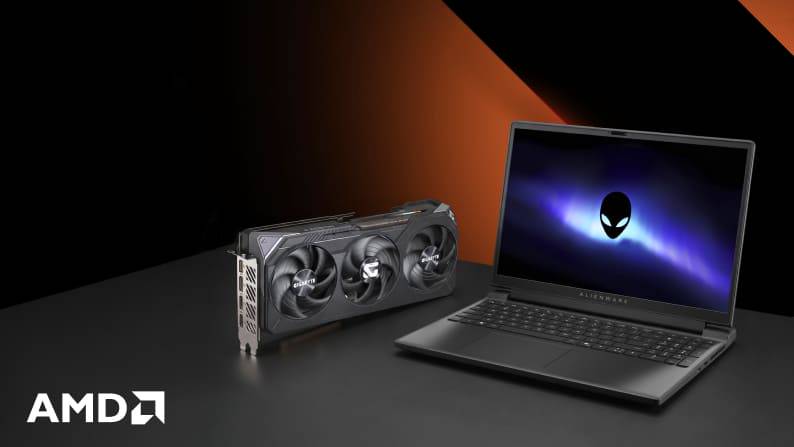
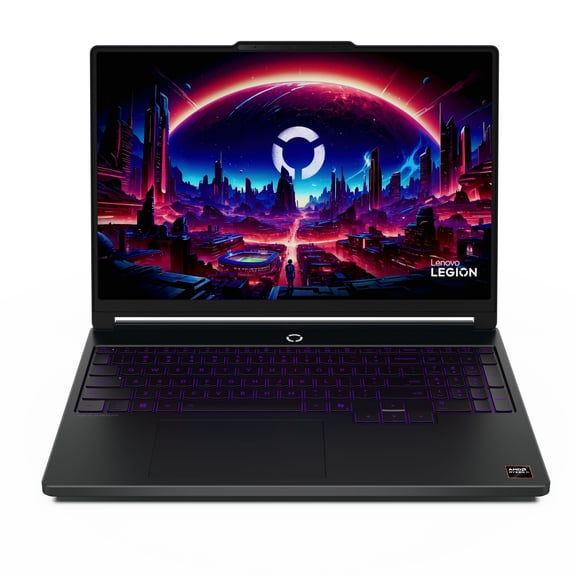
- You can choose gaming laptops when you want faster processors, dedicated graphics, and cooling built for longer sessions.
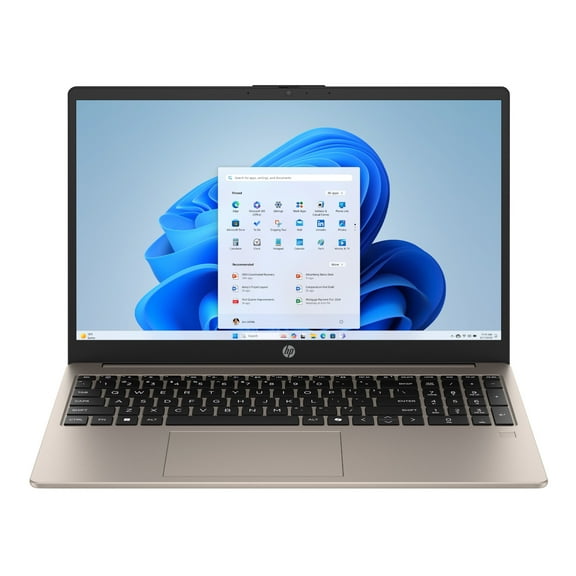
- You can choose everyday laptops when you want email, streaming, shopping, and homework in one device.
You also get convenience when you check local availability for laptop pickup today. If you need a laptop nearby, you can compare fulfillment options before you finish your order.
Choosing the right operating system for computadoras laptop
You should compare operating systems first, because your apps, file habits, and setup preferences often depend on that choice. Windows gives you broad software compatibility, while ChromeOS keeps things simple for web-first routines.
If you already use Apple devices, you may prefer macOS for a familiar layout and easy syncing. If you mostly use browser tools, you may find ChromeOS fits schoolwork, email, and streaming smoothly.
You should think about what programs you use every week before you decide. If your work depends on specific desktop software, you may need to check system requirements before you choose.
Comparing screen size and portability
You can use screen size to balance comfort and mobility. If you carry your laptop daily, 11- to 13-inch models feel easier to pack and move.
When you want a middle ground, 14- to 15-inch laptops give you room for documents and videos without feeling bulky. If you want a larger view for spreadsheets, games, or creative work, 17-inch and larger screens can feel more comfortable.
You should also consider where you use your computer laptop frequently. If you move between class, work, and home, your bag space and desk space both matter.
Understanding RAM, storage, and graphics
You should match RAM to how many tasks you handle at once. Four gigabytes can cover basic browsing, while 8GB gives you smoother multitasking for school and everyday use.
If you keep many tabs open or use heavier programs, 16GB can feel more responsive. When you edit large files, game often, or handle demanding workloads, 32GB gives you more room to work.
You should compare storage type as well as storage size. SSD storage helps your laptop start faster and load apps quickly, while larger capacities give your files more space.
For graphics, you should decide whether integrated or dedicated hardware fits your routine. Integrated graphics handle browsing and office work, while dedicated graphics support gaming and design tasks more comfortably.
Matching laptops to real-life use cases
If you’re buying for school, you should look for light designs, practical battery life, and enough memory for browser tabs and assignments. A Chromebook or entry Windows model often fits simple class needs well.
When your job includes video calls, spreadsheets, and presentations, you should look for 8GB or 16GB RAM and a comfortable keyboard. A 14- or 15-inch screen often gives you a useful balance for business tasks.
If you want a gaming setup, you should compare dedicated graphics, high-performance processors, and larger displays. You may also need to check cooling design and memory headroom for longer play sessions.
For shared family use, you may want a laptop that handles homework, streaming, shopping, and light productivity. In that case, you can focus on everyday models with practical storage and easy setup.
If you’re comparing lapto precios, you should focus on what your routine actually requires. You can avoid overbuying when you measure software needs, screen preference, and memory against daily use.
Finding a laptop nearby with flexible fulfillment
You may want fast access when your old device stops fitting your routine or your school term starts soon. In that case, you can check for a laptop nearby and compare shipping, delivery, or store pickup.
If convenience is your priority, you can use laptop pickup today options where available. You get a direct path to a ready-to-use device when timing matters for class, work, or travel.
You can feel more confident when your choice matches your operating system, RAM, screen size, and graphics needs. That means your next laptop fits the way you actually study, work, play, and stay connected.