Order Groceries Online for Delivery or Pickup
Shop by category
Save on food Rollbacks
Check out what's new & trending in food
Subscribe to your faves
Terms & Conditions
FAQ
About Order Groceries Online for Delivery or Pickup - Walmart.com
Groceries at Walmart help you fill your cart faster and choose pickup, delivery, or shipping for the items you need. You can plan weekly meals, restock staples, and check fresh departments in one place.
If you want a grocery hub that covers produce, pantry goods, dairy, and household basics, this page gives you a practical starting point. You can compare fulfillment methods, dietary filters, and department options without jumping between separate pages.
How to choose groceries for your routine
When you shop groceries online, you can match your order to your schedule instead of rearranging your day. You can choose morning, afternoon, or evening timing based on local availability.
For weekly restocks, you may prefer pickup when you want your order ready at a selected store. For doorstep convenience, you can choose grocery delivery when you want bags brought to your home.
If your cart includes shelf-stable items, you can also compare shipping for pantry goods and household staples. You can mix fulfillment methods depending on what your basket includes.
- You can get fresh produce, dairy, and frozen items through pickup or grocery delivery in many areas.
- You can use shipping for pantry staples, snacks, beverages, and household essentials that travel well.
- You can filter for organic, gluten-free, vegan, or sugar-free items when your household follows specific preferences.
- You can shop departments like meat and seafood, dairy and eggs, fresh produce, and pantry staples from one page.
Choosing a grocery fulfillment method
Pickup works well when you want control over timing and a simple handoff at your selected store. You can review available windows before checkout and choose a slot that fits your day.
Grocery delivery works well when you want fresh food and everyday essentials brought to your door. You can check service availability by setting your address and preferred store first.
Shipping fits orders with canned goods, dry pasta, cereal, paper goods, and other shelf-stable items. You can use it when you don’t need refrigerated departments in the same order.
To order groceries online smoothly, you should set your local store early in the process. You can then see assortment, timing, and availability that reflect your area.
If an item sells through quickly, you can often review substitutions or similar options before you finish checkout. You can keep your cart flexible by choosing backup items for popular staples.
What to look for in a grocery selection
Department choice matters because you may shop for tonight’s dinner, tomorrow’s lunches, or a full week of meals. You can narrow your cart by starting with fresh produce, pantry staples, meat and seafood, or dairy and eggs.
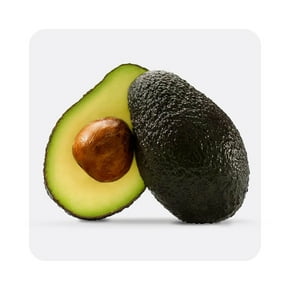
Fresh produce helps you build salads, sides, smoothies, and meal-prep containers with fewer separate trips. You can compare fruits, vegetables, packaged salads, and herb options based on your menu.
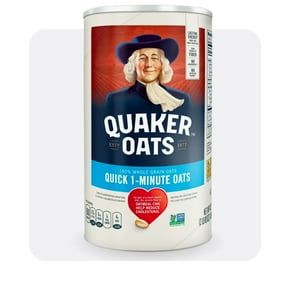
Pantry staples support quick planning because you can stock rice, pasta, sauces, baking items, and canned goods at once. You can also add coffee, cereal, snacks, and beverages in the same order.
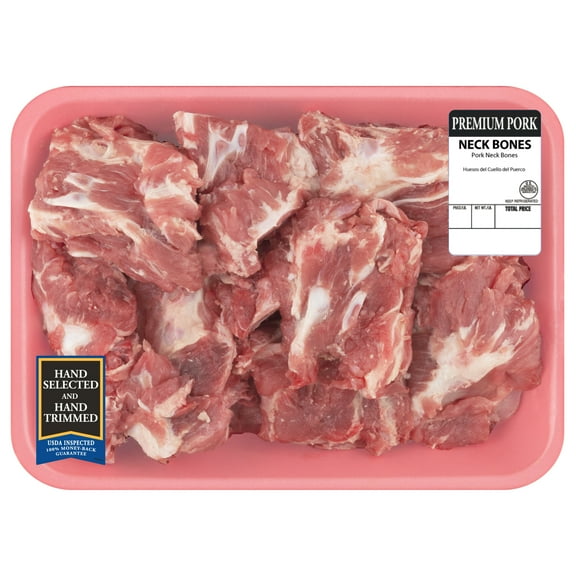
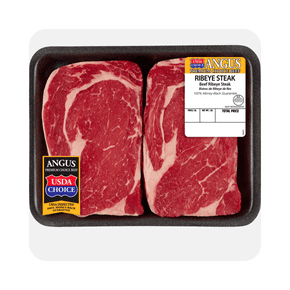
Meat and seafood choices help you plan proteins for grilling, roasting, skillet meals, or freezer prep. You can pair those items with vegetables, grains, and seasonings without leaving the grocery page.
Dairy and eggs support breakfast, baking, lunch prep, and family dinners throughout the week. You can compare milk, yogurt, butter, cheese, and egg counts based on your household size.
How to filter groceries by dietary preference
Dietary filters help you sort faster when your household follows specific eating preferences. You can look for organic, gluten-free, vegan, or sugar-free options with fewer extra searches.
Organic choices may matter when you want specific produce, pantry items, or snack formats in one cart. You can compare department results and keep your order aligned with your usual routine.
Gluten-free filters can help you focus on breads, pasta alternatives, snacks, and baking items that match your pantry plan. You can review labels and package details before checkout.
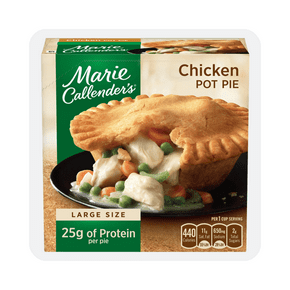
Vegan sorting can help you find plant-based staples, refrigerated items, frozen meals, and snack choices more quickly. You can build breakfast, lunch, and dinner options from one grocery trip.
Sugar-free filtering can simplify beverage, snack, and pantry searches when you want specific formats on hand. You can use these tools to reduce scrolling and make repeat orders easier.
How to order groceries online with confidence
When you order groceries online, you should start with your store location and fulfillment preference. You can then see available departments, delivery windows, and item stock that match your area.
For fresh items, you may want to review the page details, package sizes, and department labels before checkout. You can use that information to build balanced meals and avoid duplicate purchases.
If freshness matters most, you can look for clear item descriptions and choose pickup or grocery delivery for refrigerated needs. You can also review the freshness guarantee details during the shopping process.
For repeat household orders, you can keep a steady mix of produce, proteins, breakfast items, and pantry refills. You can restock lunchbox snacks, paper goods, and cleaning basics in the same trip.
When you need the convenience behind a grocery store near me search, this page helps you set a local store and view local options. You can move from store selection to checkout with fewer extra steps.
Walmart groceries give you a flexible way to handle fresh food, pantry planning, and household restocks from one category page. You can choose the fulfillment method, filters, and departments that keep your week running smoothly.