












Lowrance Fish Finders & Marine GPS | Walmart









About Lowrance Fish Finders & Marine GPS | Walmart - Walmart.com
When you choose a lowrance fish finder, you can compare sonar, mapping, and screen options that fit your boat and fishing style. You can narrow the lineup faster when you understand product series, display size, and transducer choices before you mount a unit.
If you fish from a kayak, aluminum boat, or console rig, you’ll want electronics that match your space and your wiring. You’ll also want clear guidance on CHIRP, chart compatibility, and bundled transducers before you choose.
How to choose a lowrance fish finder
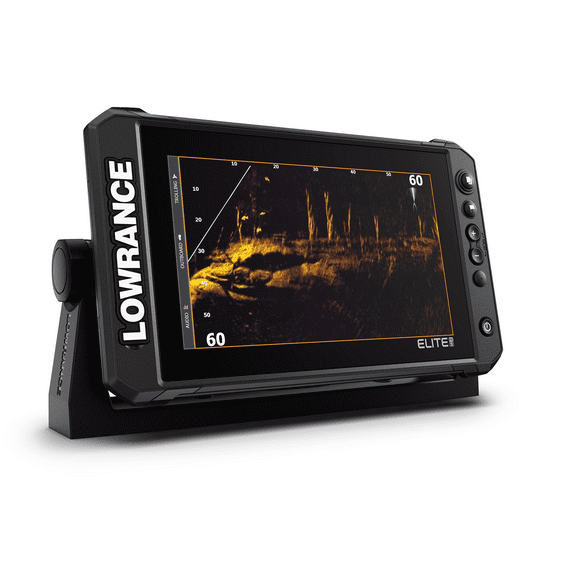
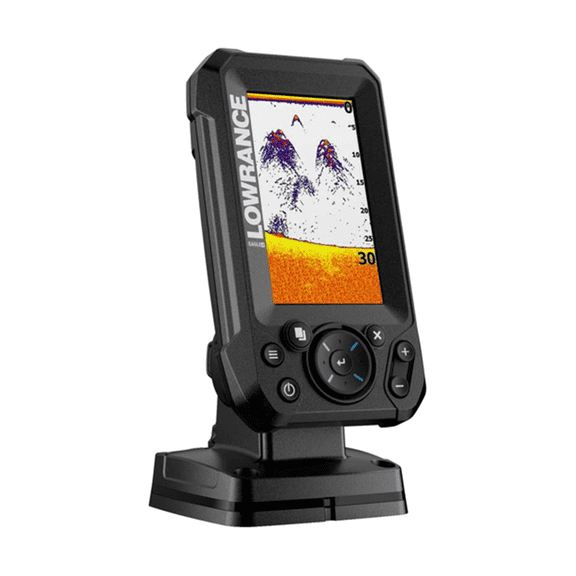
You can start with product series because each lineup supports a different level of sonar detail and networking. You’ll usually compare Eagle, Hook, Elite FS, and HDS Live by interface, expansion needs, and screen layout.
If you want a simpler setup, you may focus on compact units with direct menus and clear sonar views. If you run connected marine electronics, you may prefer broader networking and chart control.
- You can use CHIRP sonar when you want clearer separation between fish, bait, and cover.
- You can use DownScan and SideScan views when you want to identify brush, docks, ledges, and breaklines.
- You can choose GPS mapping when you want to mark waypoints and return to productive water.
- You can pick a bundled transducer when you want a more straightforward installation path.
You’ll find these benefits are particularly helpful when you fish changing depths or revisit exact spots. You can also compare included accessories when you want fewer compatibility questions during setup.
Choosing product series and screen size
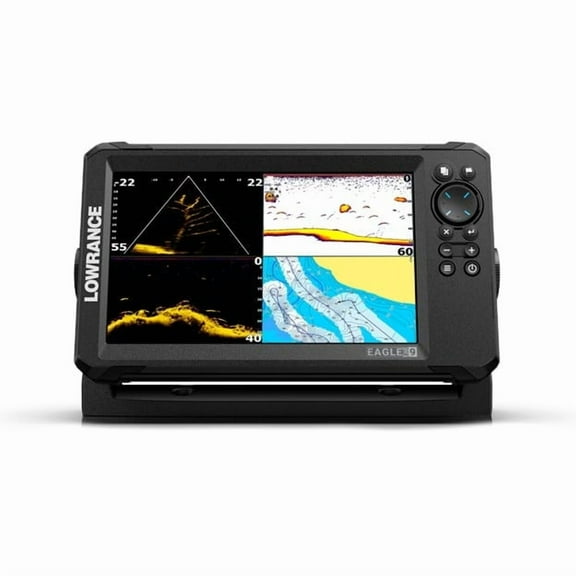
You should compare product series first because each one fits a different type of fishing plan. You may look at a lowrance eagle fish finder when you want modern basics and an easy-to-read interface.
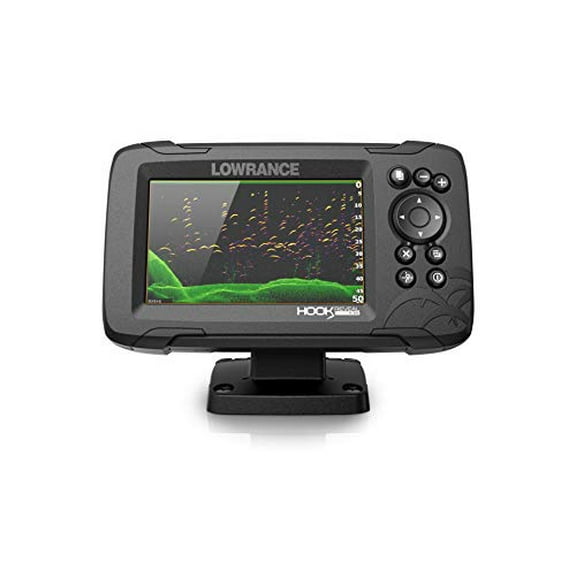
You might compare Hook models when you want familiar controls and dependable sonar for routine trips. You may move to Elite FS or HDS Live when you want expanded charting and live-view support.
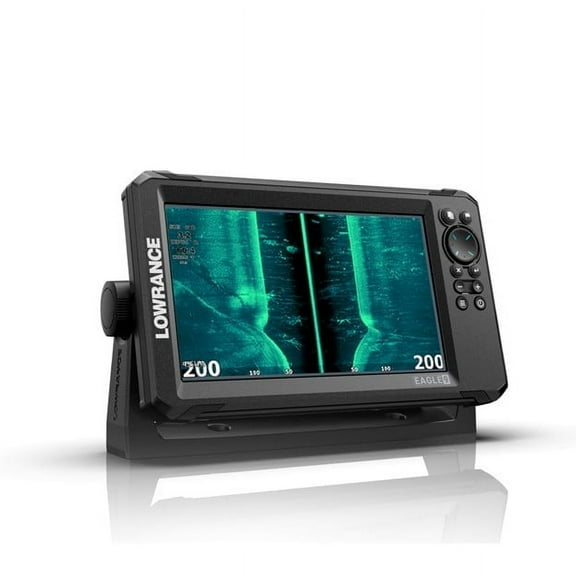
You should measure your console, bow panel, or bracket space before you choose a display size. A lowrance 9 inch screen gives you more room for split views, while smaller sizes fit tighter layouts.
If you fish from a compact setup, you may prefer a five-inch or seven-inch unit for cleaner mounting. If you run a larger boat, you may want a nine-inch or 12-inch display for charts and sonar together.
Comparing transducer and sonar options
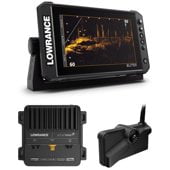
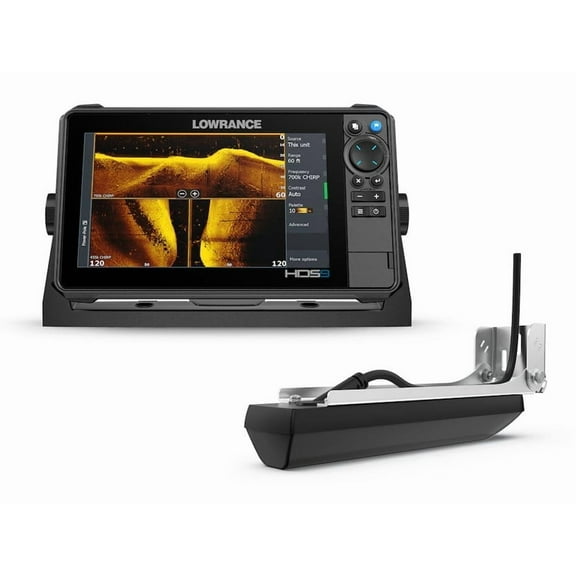
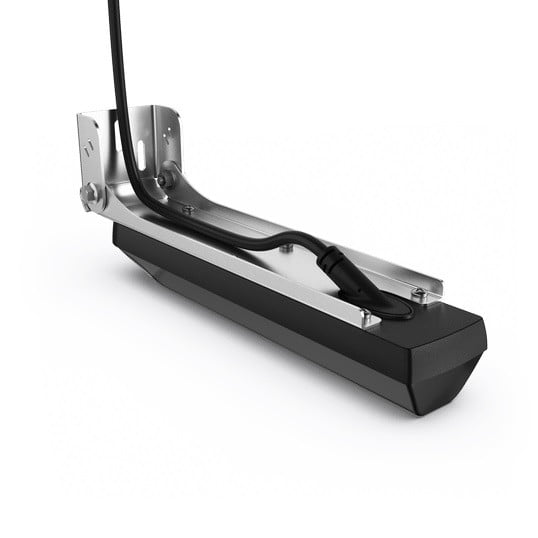
You should check whether you want a lowrance fish finder with transducer or a head unit only package. A bundled transducer can simplify setup, while a head unit may work with your current hardware.
You’ll want to compare pin connectors, CHIRP frequency support, and mount style before you choose. You can decide between transom and trolling motor options based on how you rig your boat.
If you want broad structure coverage, you may compare SplitShot and TripleShot transducers. SplitShot combines CHIRP and DownScan, while TripleShot adds SideScan for wider searches along both sides.
You’ll also want plain guidance on sonar terms before you buy. CHIRP helps you read fish separation, DownScan helps you inspect structure shape, and SideScan helps you scan more water quickly.
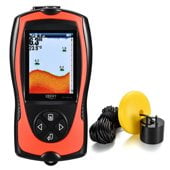
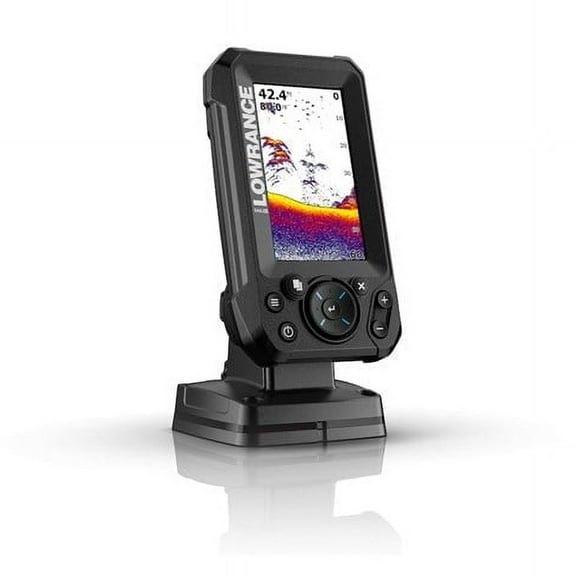
If you’re comparing a lowrance x4 fishfinder, you may be looking for straightforward fish and depth tracking. You can compare newer sonar platforms when you want sharper views and more viewing modes.
Choosing mapping and GPS features
You should look at mapping support if you fish unfamiliar water, follow contours, or mark productive structure. You can compare C-MAP, Navionics compatibility, and preloaded basemaps by how much chart detail you want.
You’ll use GPS features to mark brush piles, channel edges, humps, and launch routes with less guesswork. You can return to saved coordinates more easily when your route and sonar stay on one screen.
If you fish small lakes, you may want simple waypoint tools and clear contour views. If you cover larger reservoirs or coastal water, you may want broader chart options and more screen space.
Matching features to real fishing conditions
You should match your electronics to your target species, water depth, and boat layout before you decide. You may want quicker structure reads in shallow water, while deeper water may call for stronger sonar detail.
If you chase bass around docks, points, and brush, you may focus on SideScan and waypoint control. If you troll open water, you may focus on chart visibility, screen clarity, and steady depth tracking.
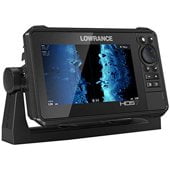
If you’re considering hds 9 live, you may want a larger display for split sonar and chart views. You’ll appreciate the extra room when you track mapping, sonar returns, and position at once.
You can make a more informed choice when you compare series, screen size, transducer type, and mapping support together. Your next trip feels more organized when your electronics fit your boat, your water, and your fishing pattern.